Better Days Played Texture Pack (26.x) – Move Coordinates And Days
Bedrock texture pack listed for Minecraft 1.21. File opened and checked on 20 Sep 2026; installs from the MC Bedrock Mods app on Android.
⬇ Download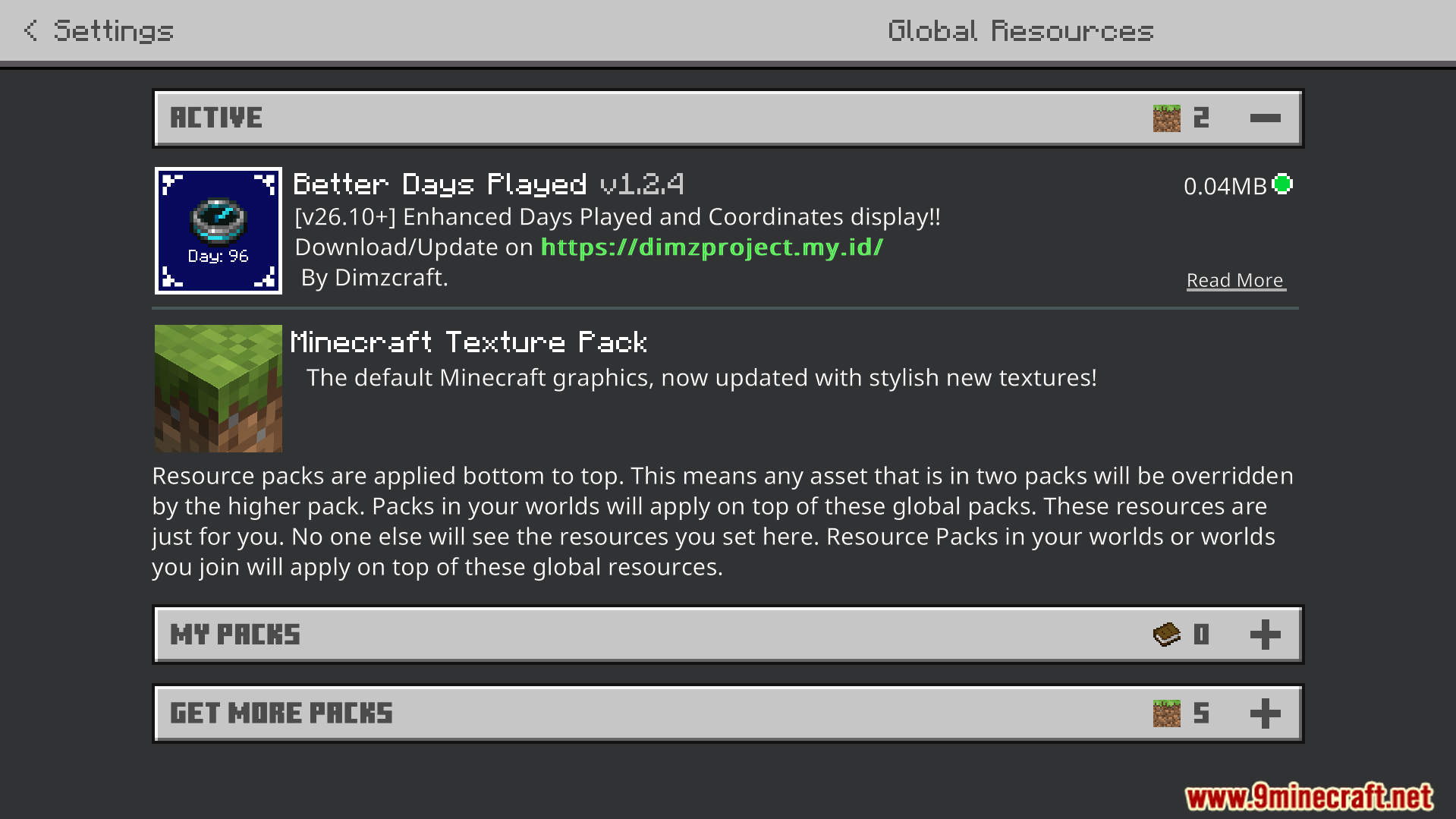
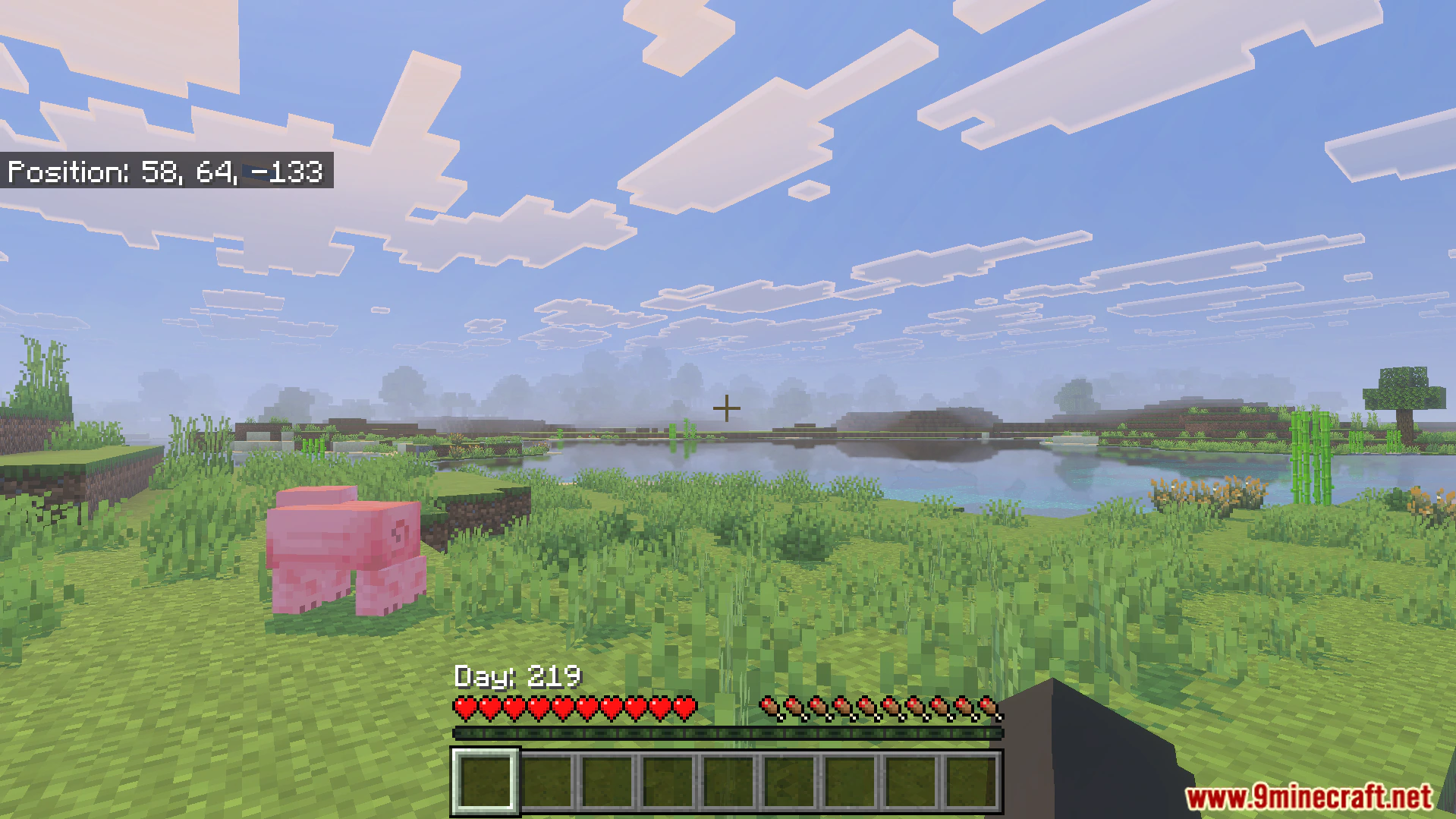
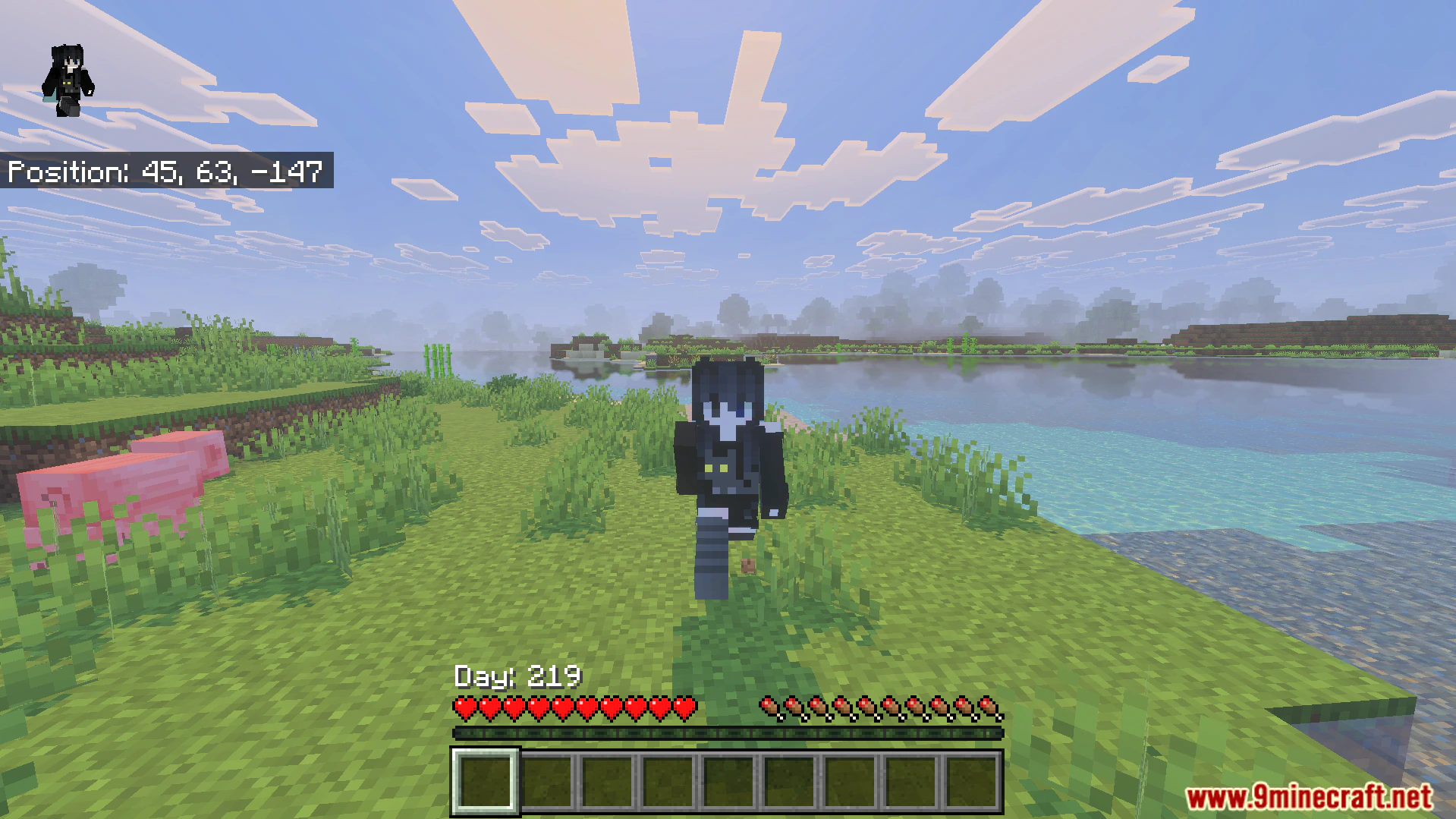
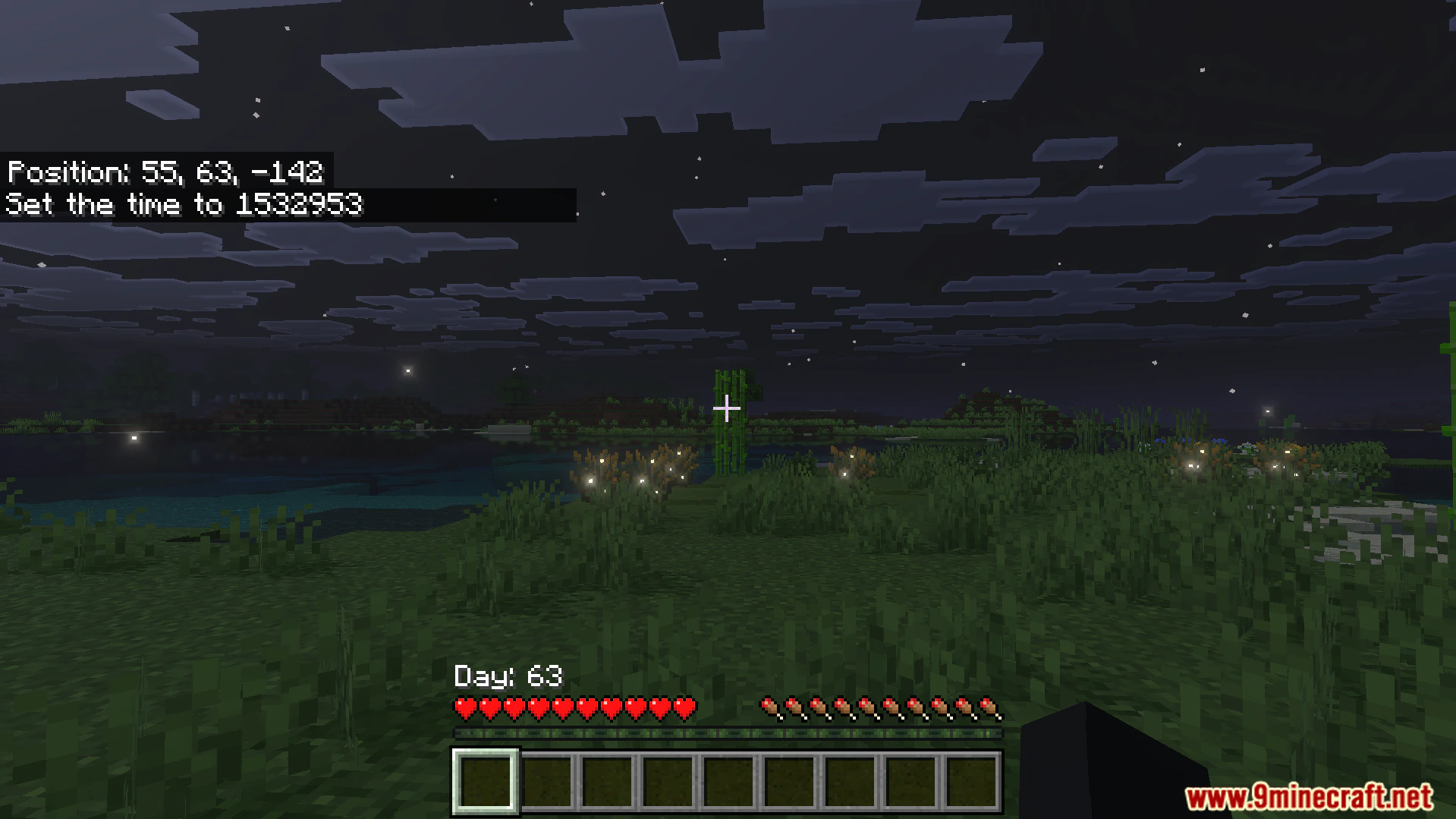
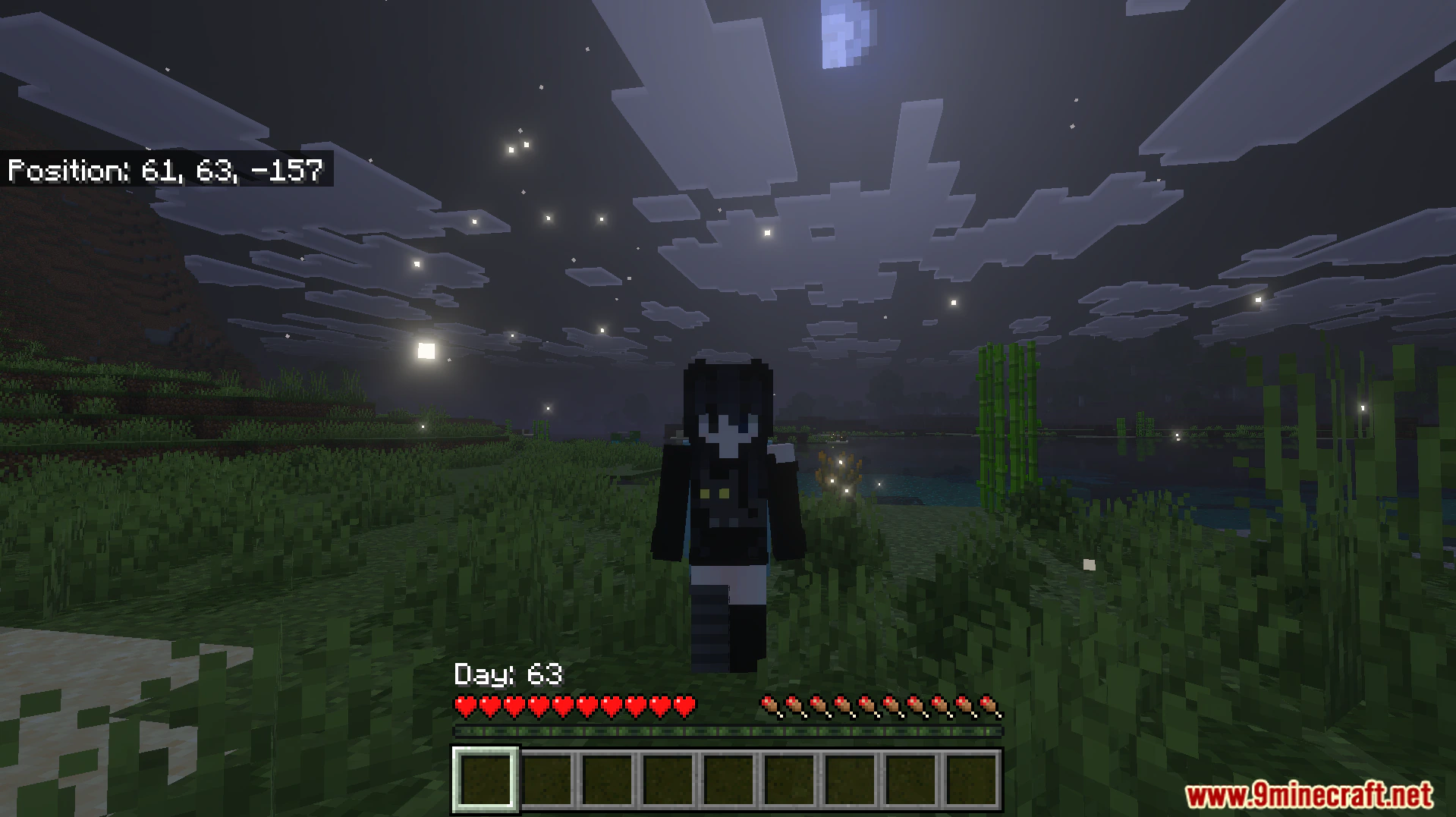
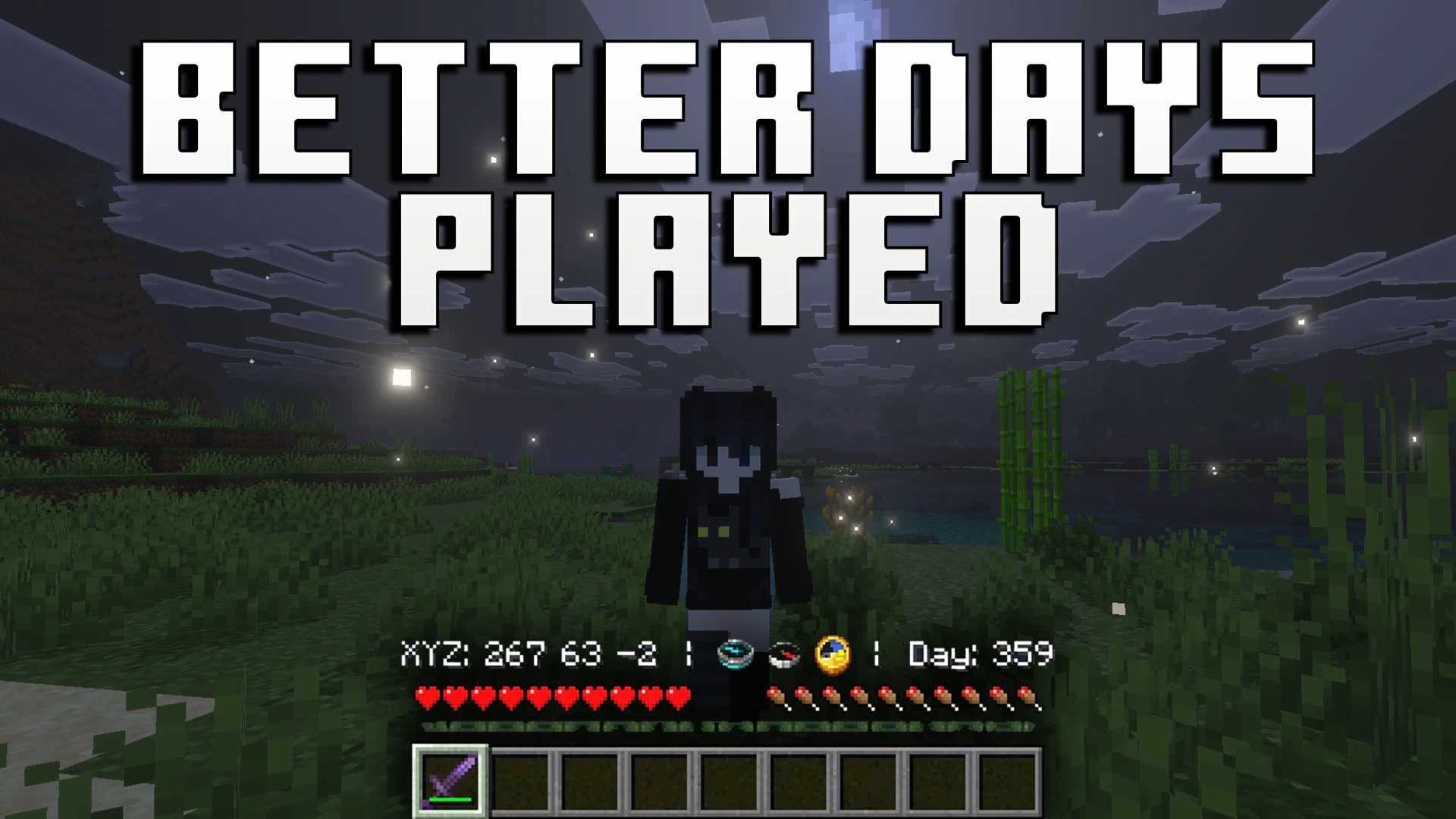
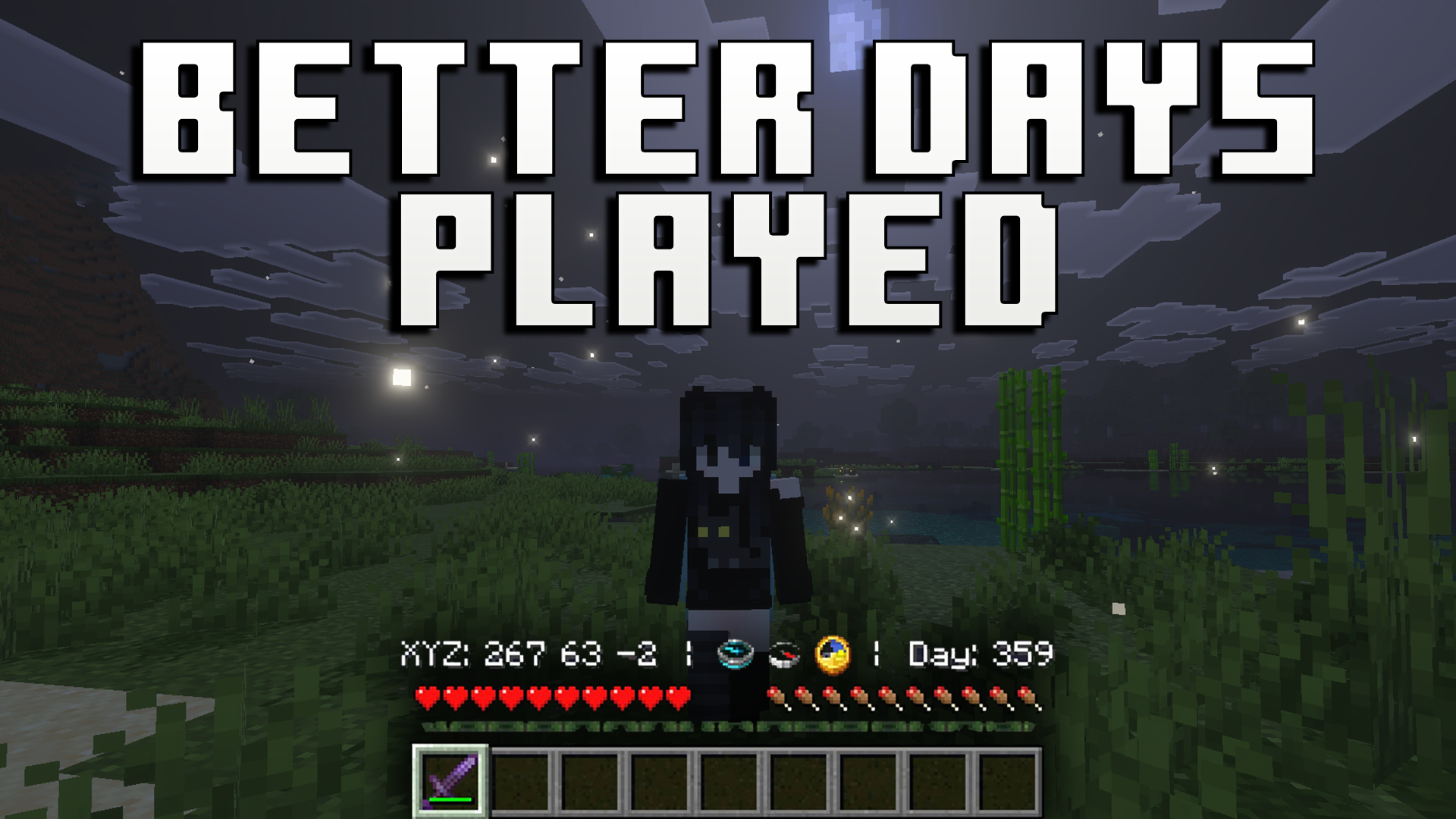
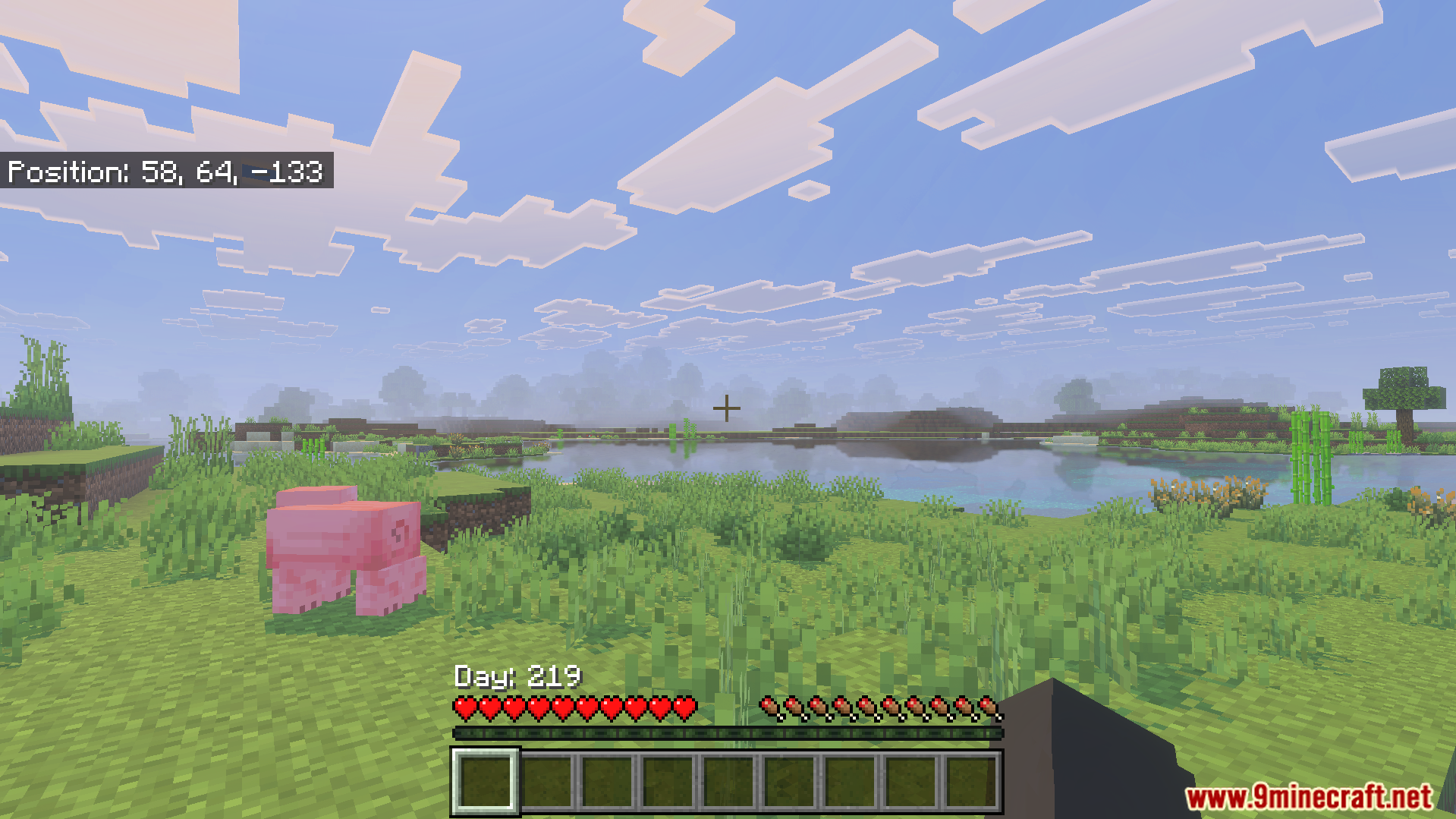
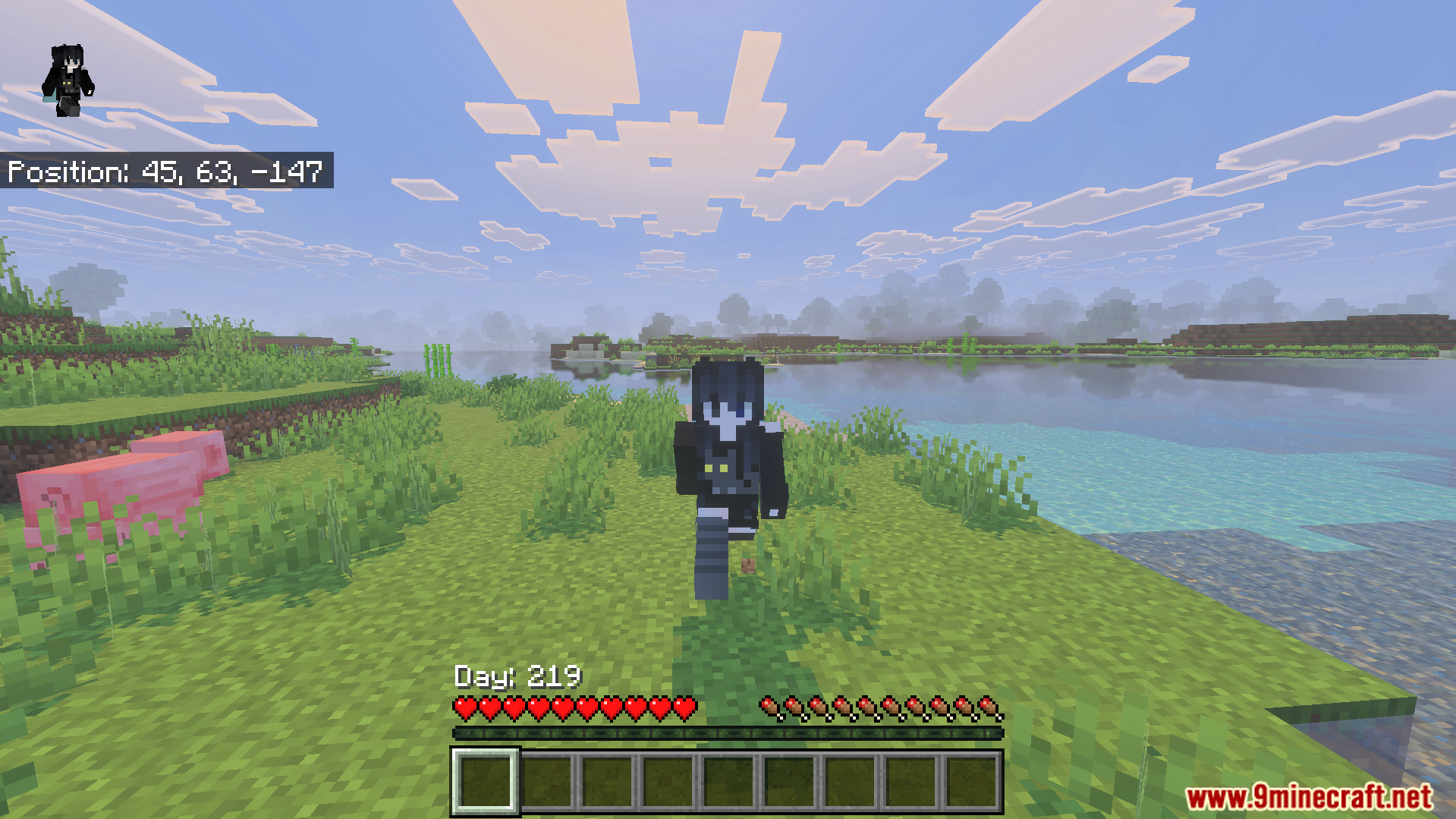
Better Days Played Texture Pack moves your coordinates and days played counter to a better spot on your screen. This pack lets you see this important information right above your hotbar instead of the top left corner. It allows you to keep your eyes on the action while tracking your survival progress.
Features:
- Moves your coordinates right above the hotbar.
- Displays your total days played clearly.
- Includes different subpacks to change the layout.
- Cleans up the top left corner of your screen.
- Helps you track your survival progress easily.
Configuration:
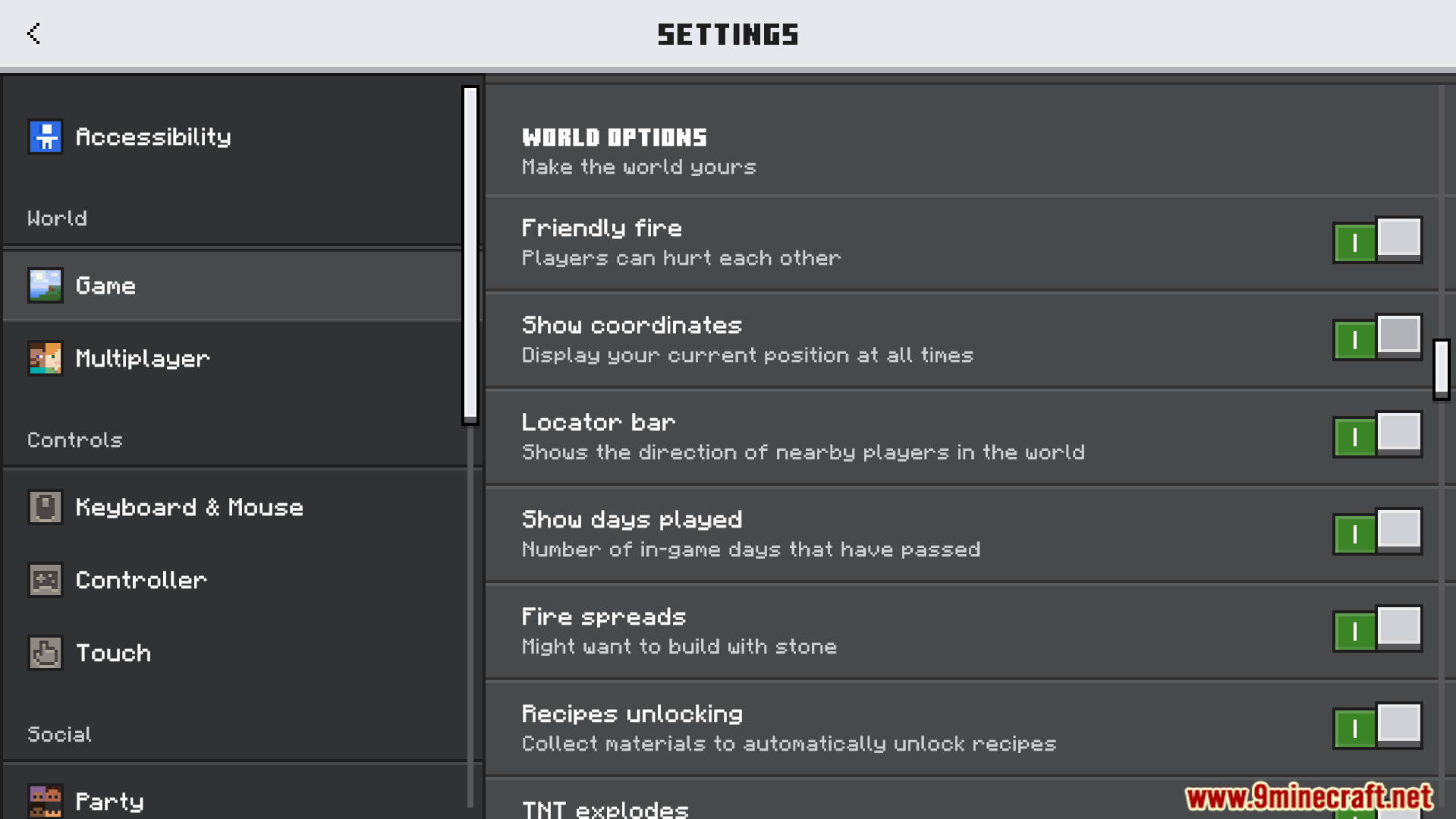
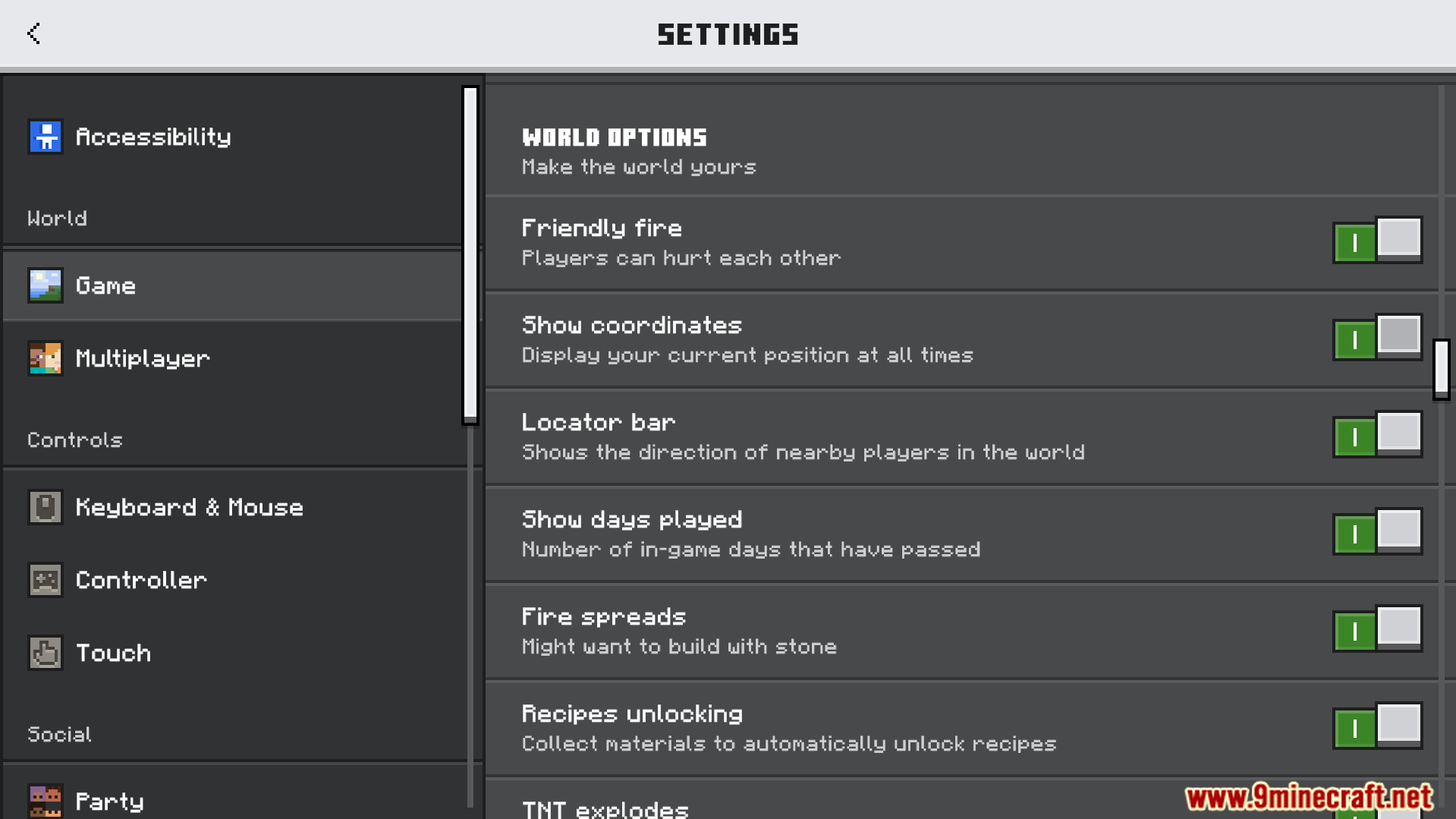
You must turn on the Show Days Played and Show Coordinates options in your game settings.
You can choose different screen layouts by selecting different subpacks in the pack settings.
Players who know how to code can change the compass ID if custom items cause errors.
Screenshots:
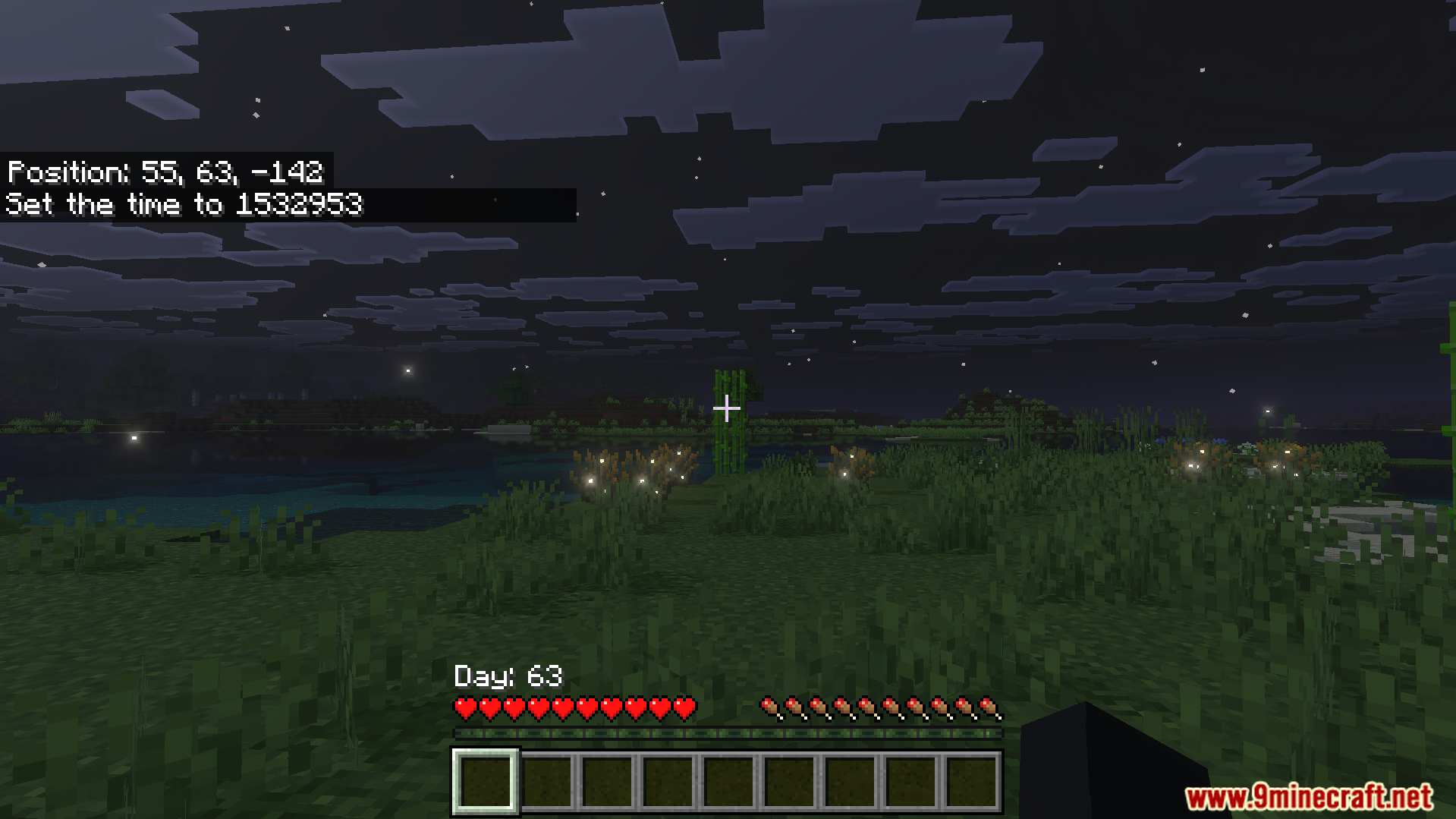
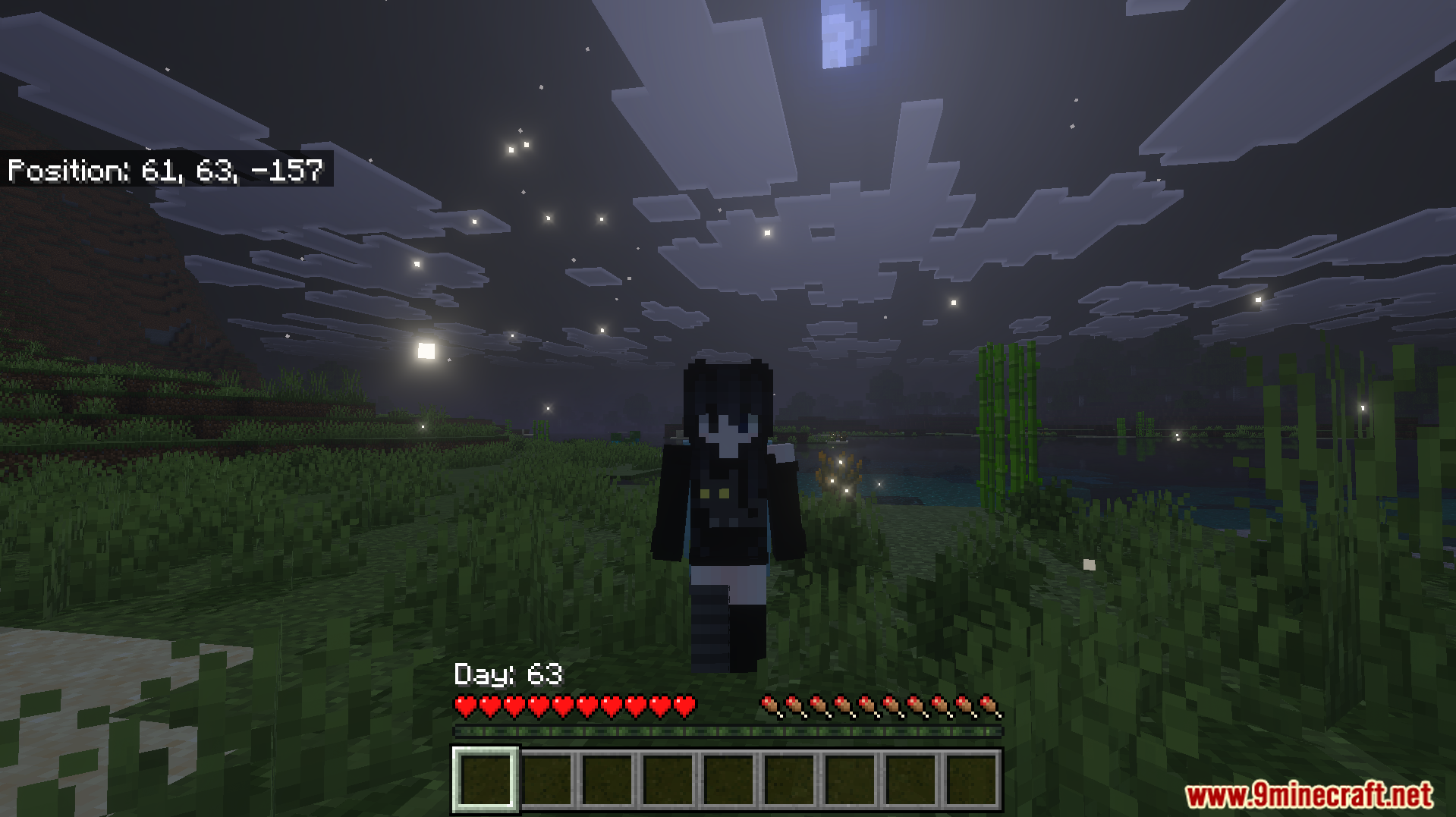
Better Days Played Texture Pack Download Links
- Edition: Minecraft Bedrock
- File type: .mcpack
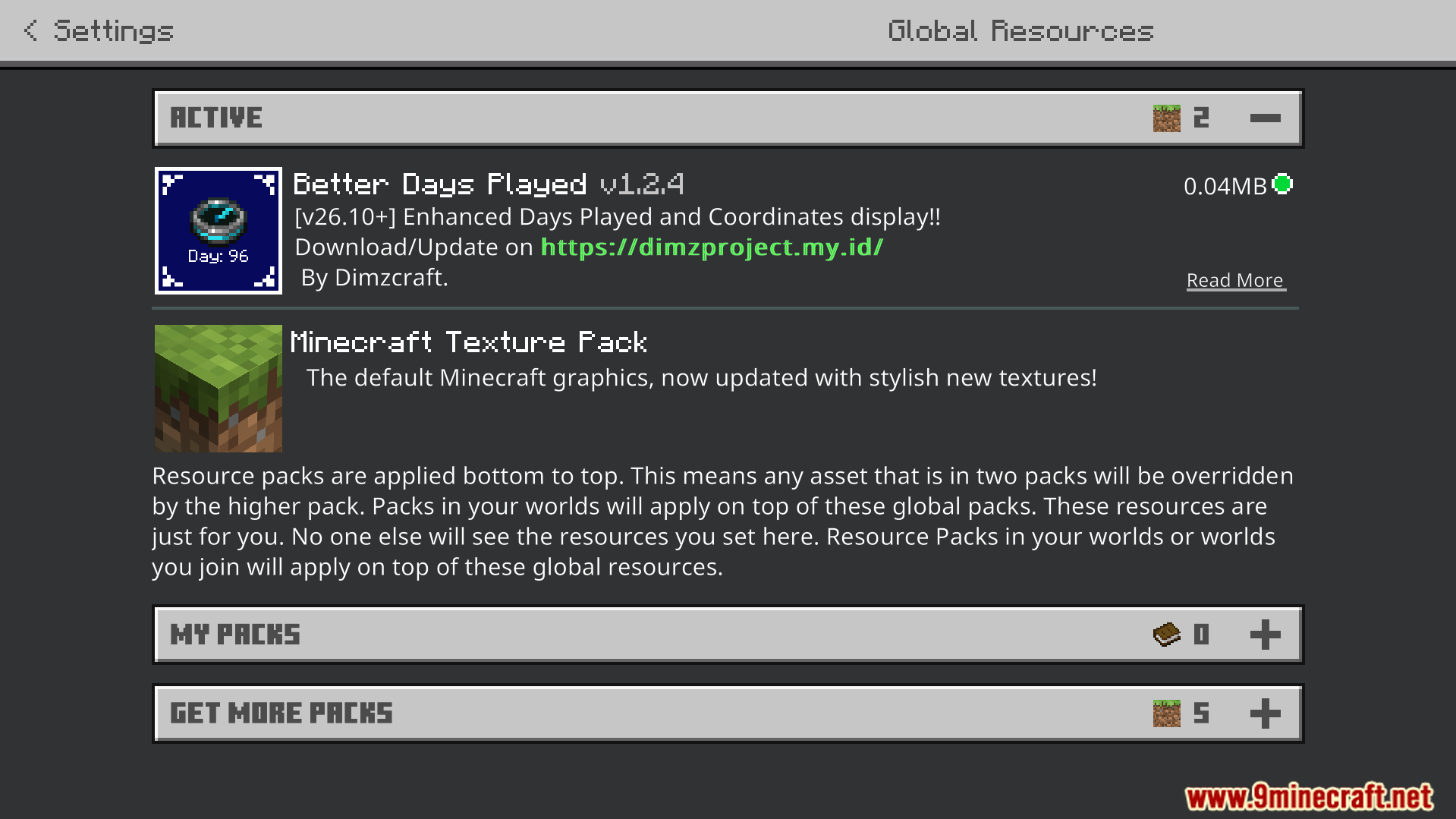
- How to install: Download the .mcpack. → Open it — Minecraft imports it under Resource Packs. → Activate it in Global Resources, or for one world under Resource Packs → Available.
- Where to get it: In MCModsHub, or directly above on this page.
Install steps are the general flow for this file type — How to install Minecraft Bedrock texture packs walks through it step by step.
- Pack type: .mcaddon — behaviour and resource pack in one file
- Manifest requires Minecraft 1.21.130 or newer
- Complete pack — everything it depends on is inside the file
- Download size: 40 KB
- Download link checked 22 Jul 2026 — working
- Mirrored on our own servers — the download does not depend on the original host
These come from our own check of the pack file, not from the source page.