Home›Bedrock›Texture packs›Survival Overhaul Texture Pack (26.x, 1.21) – Improve Your Survival Interface
Texture packsBedrock
Survival Overhaul Texture Pack (26.x, 1.21) – Improve Your Survival Interface
Bedrock texture pack listed for Minecraft 1.21. File opened and checked on 19 Oct 2026; installs from the MC Bedrock Mods app on Android.
⬇ Download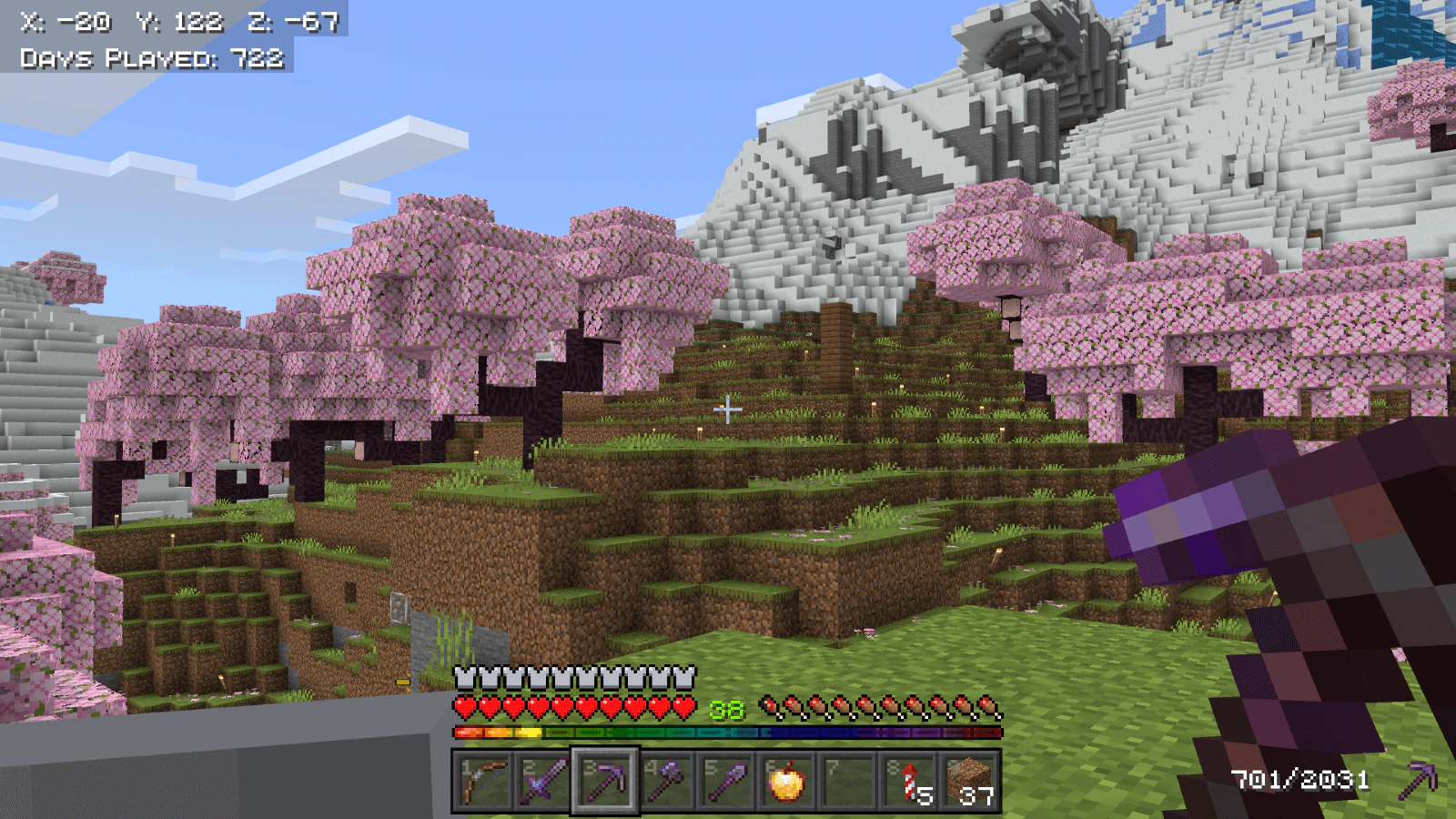
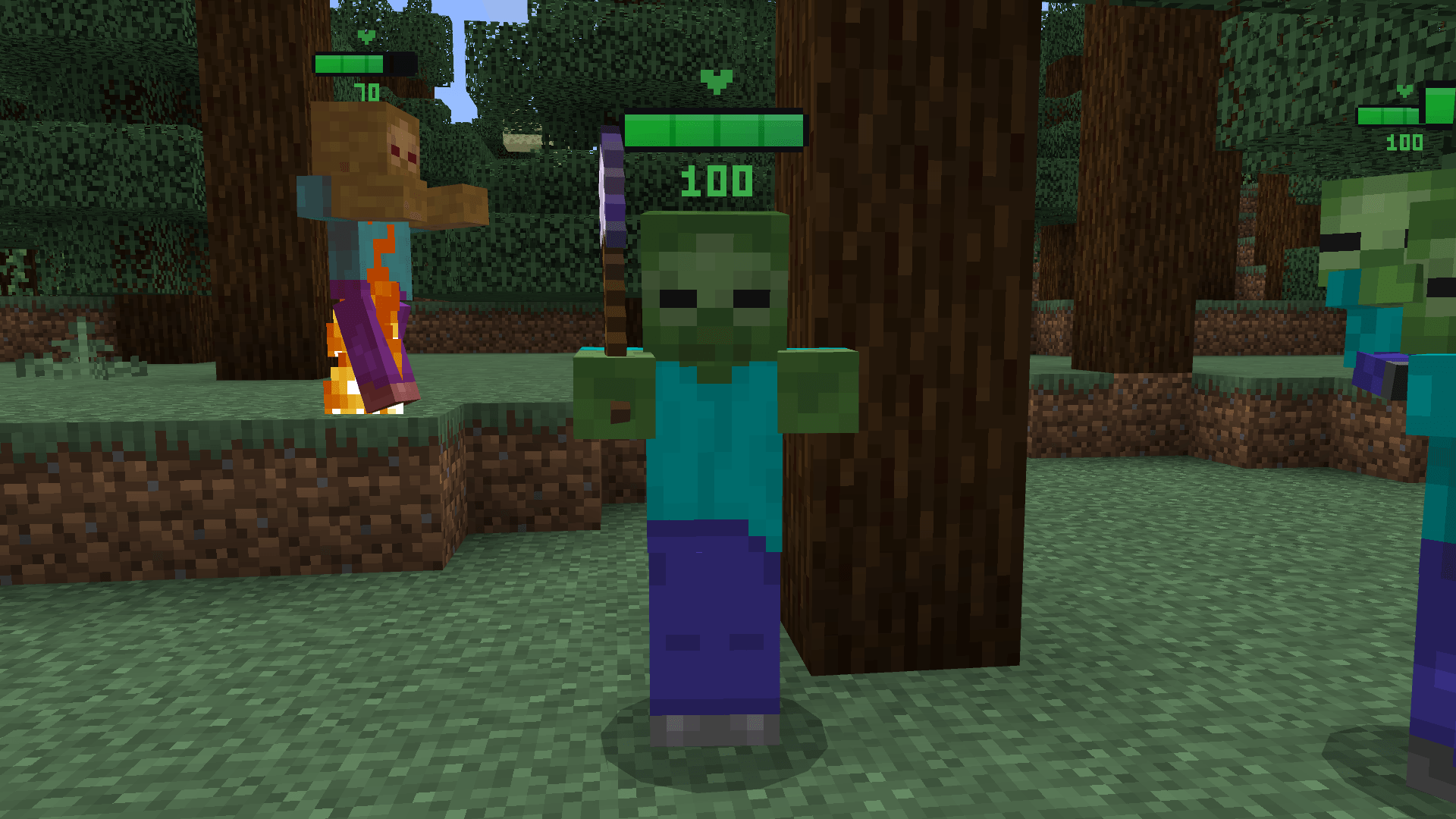
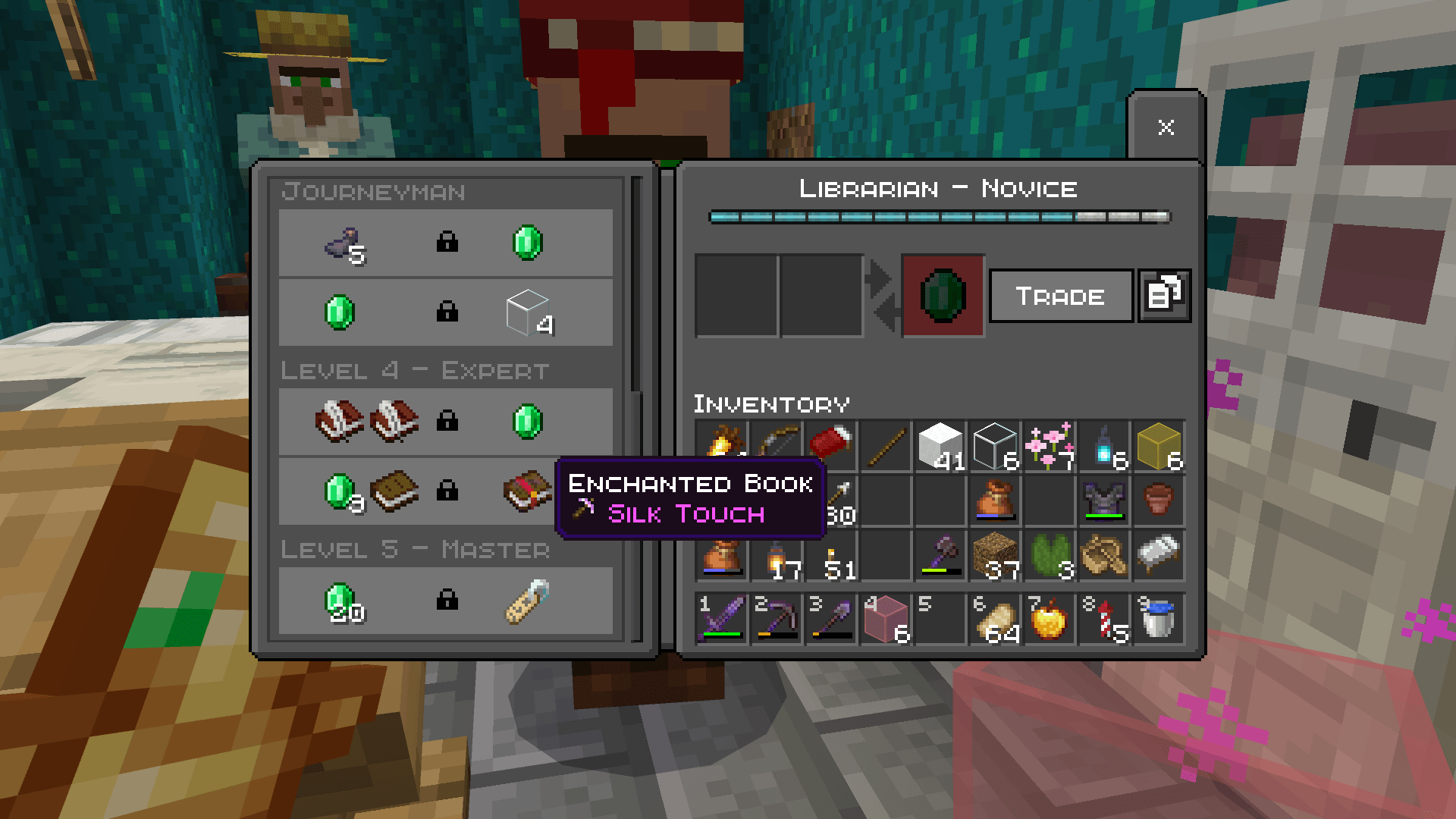
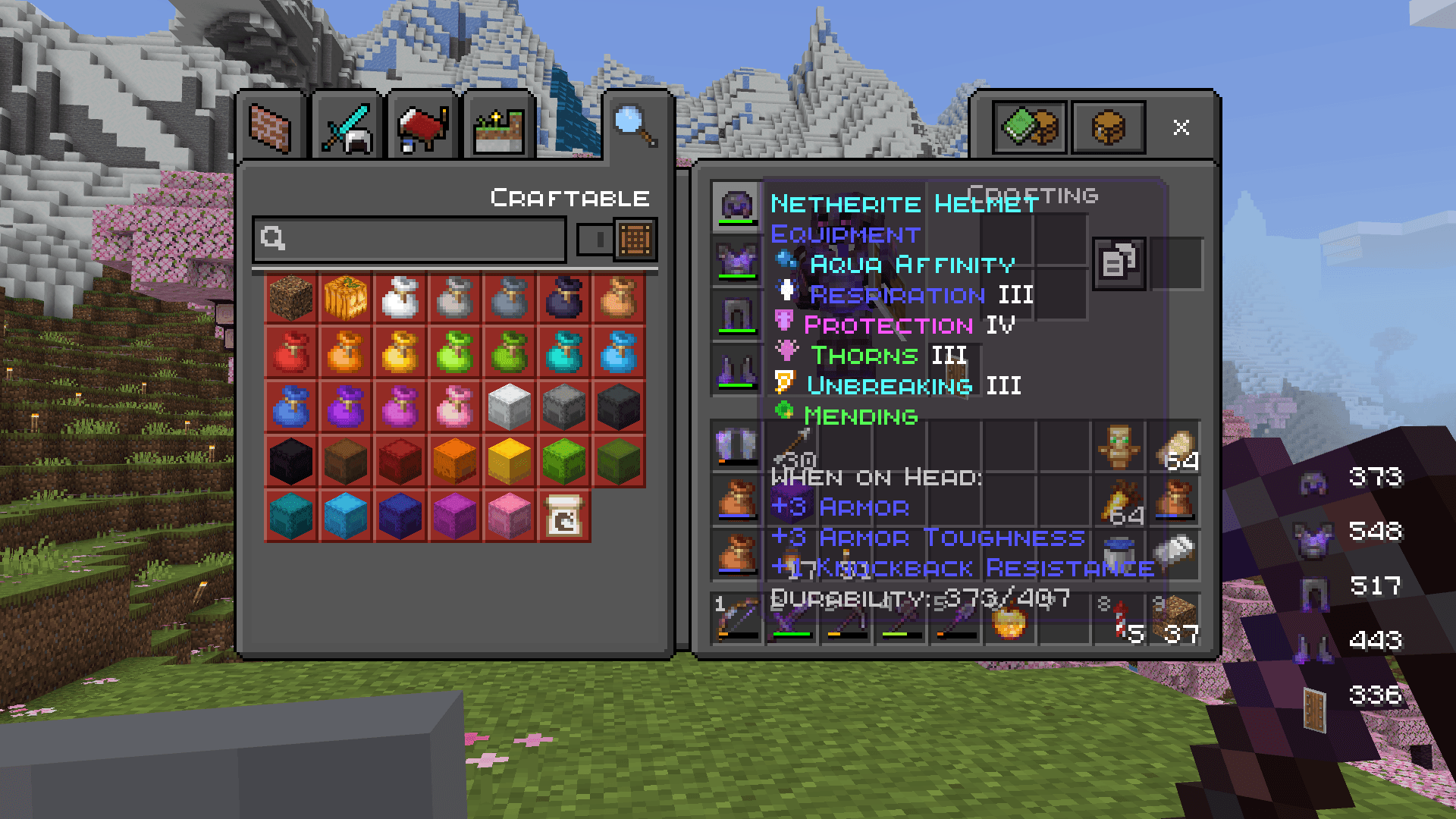
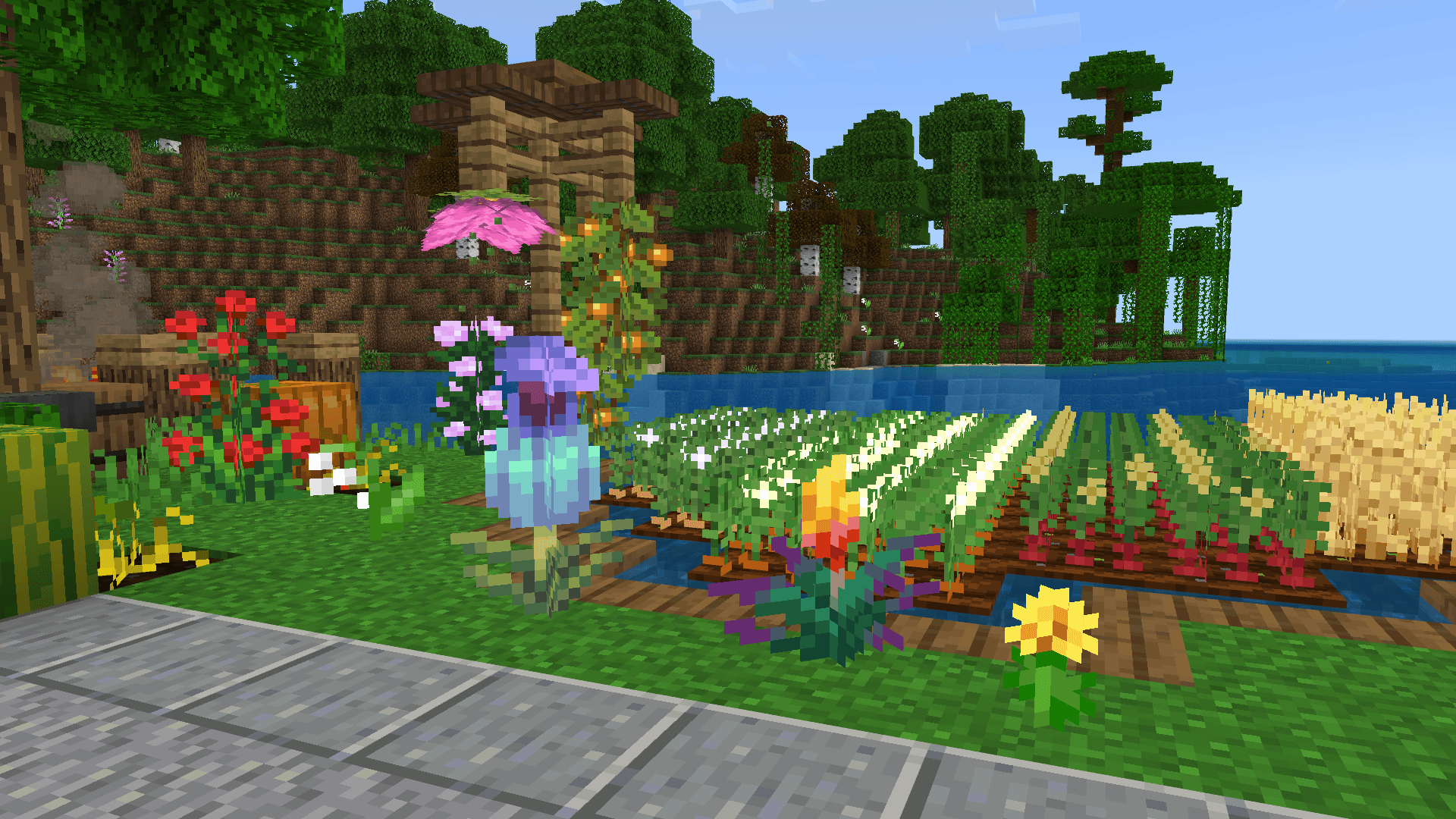
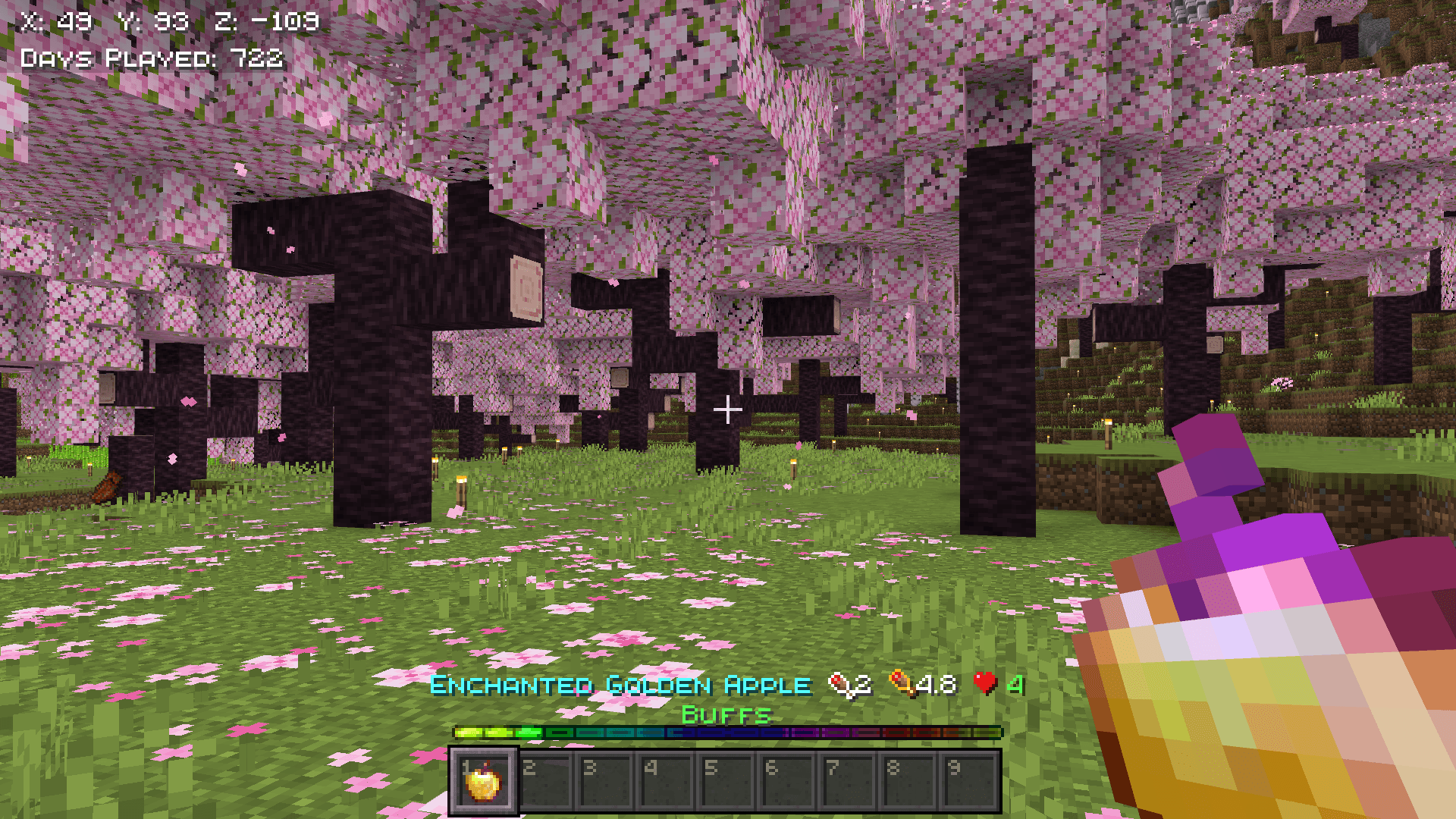
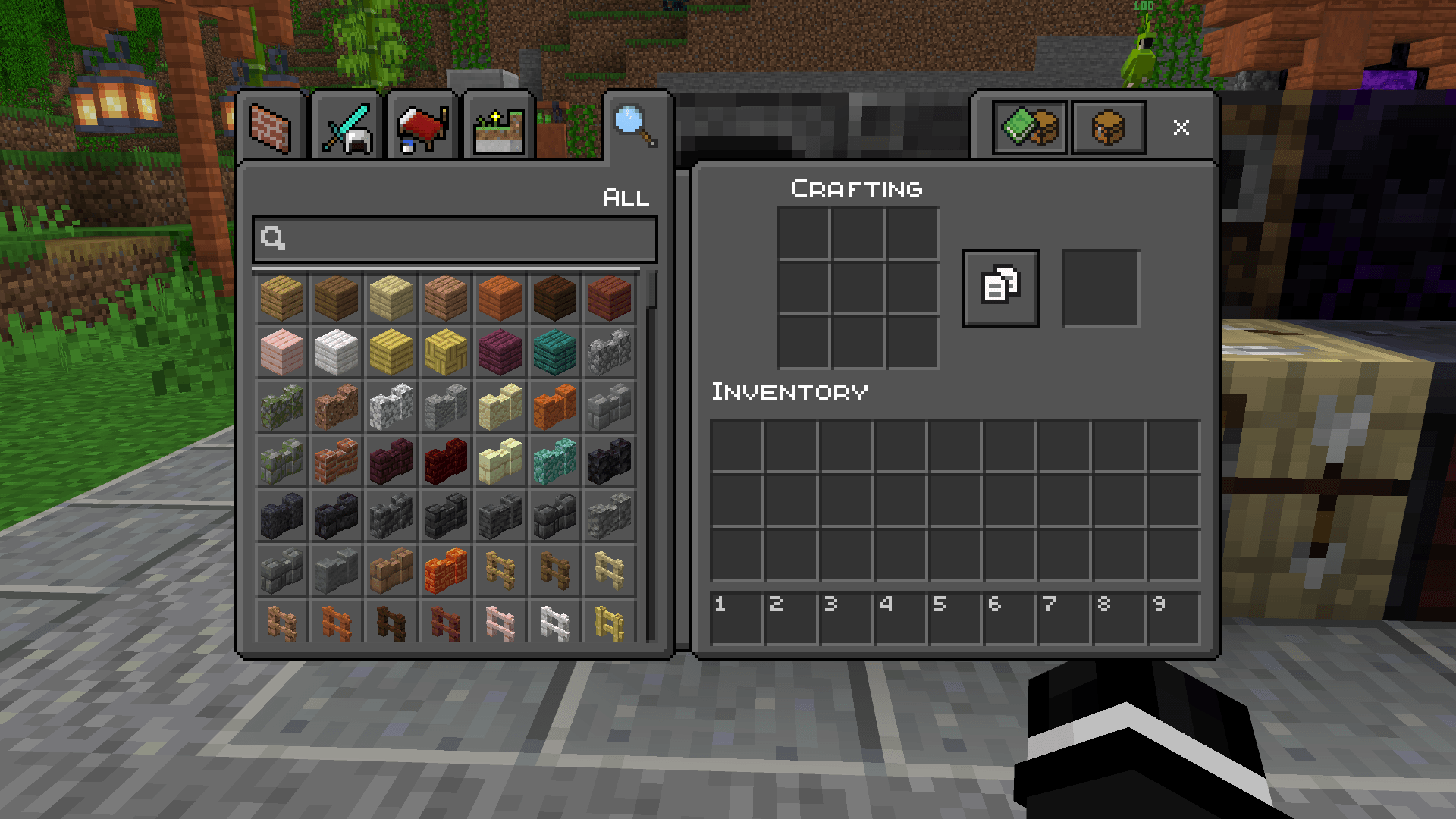
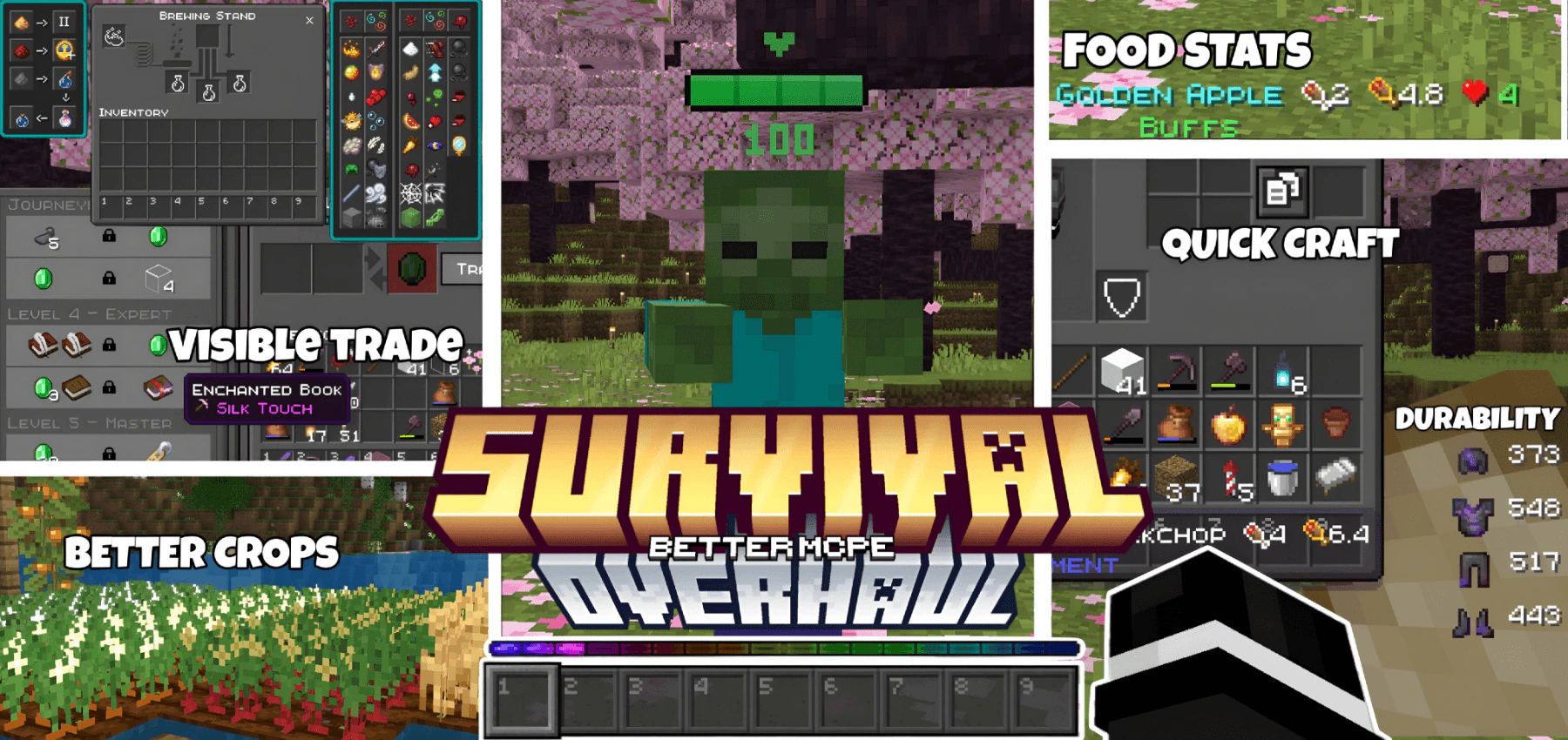
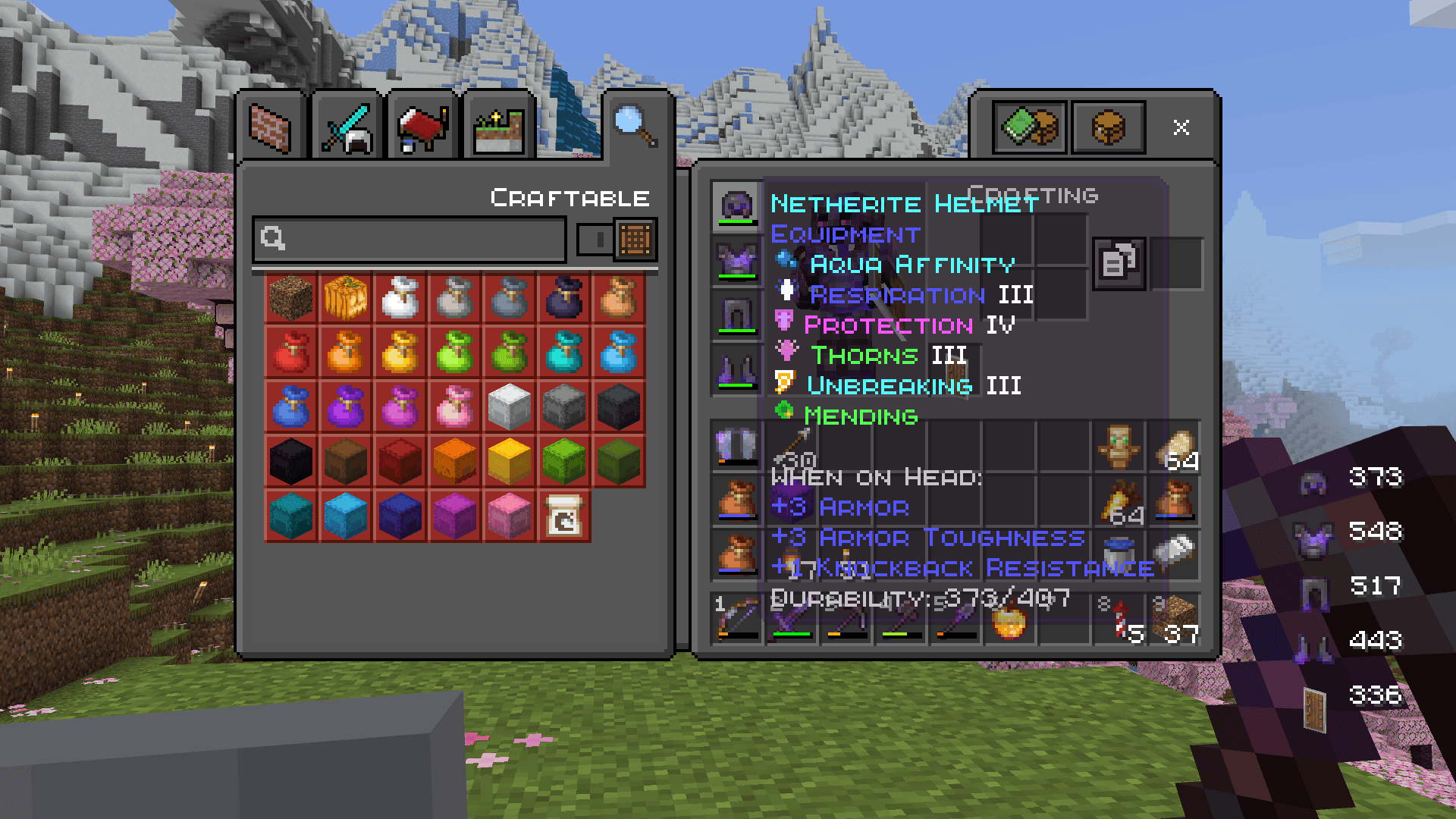
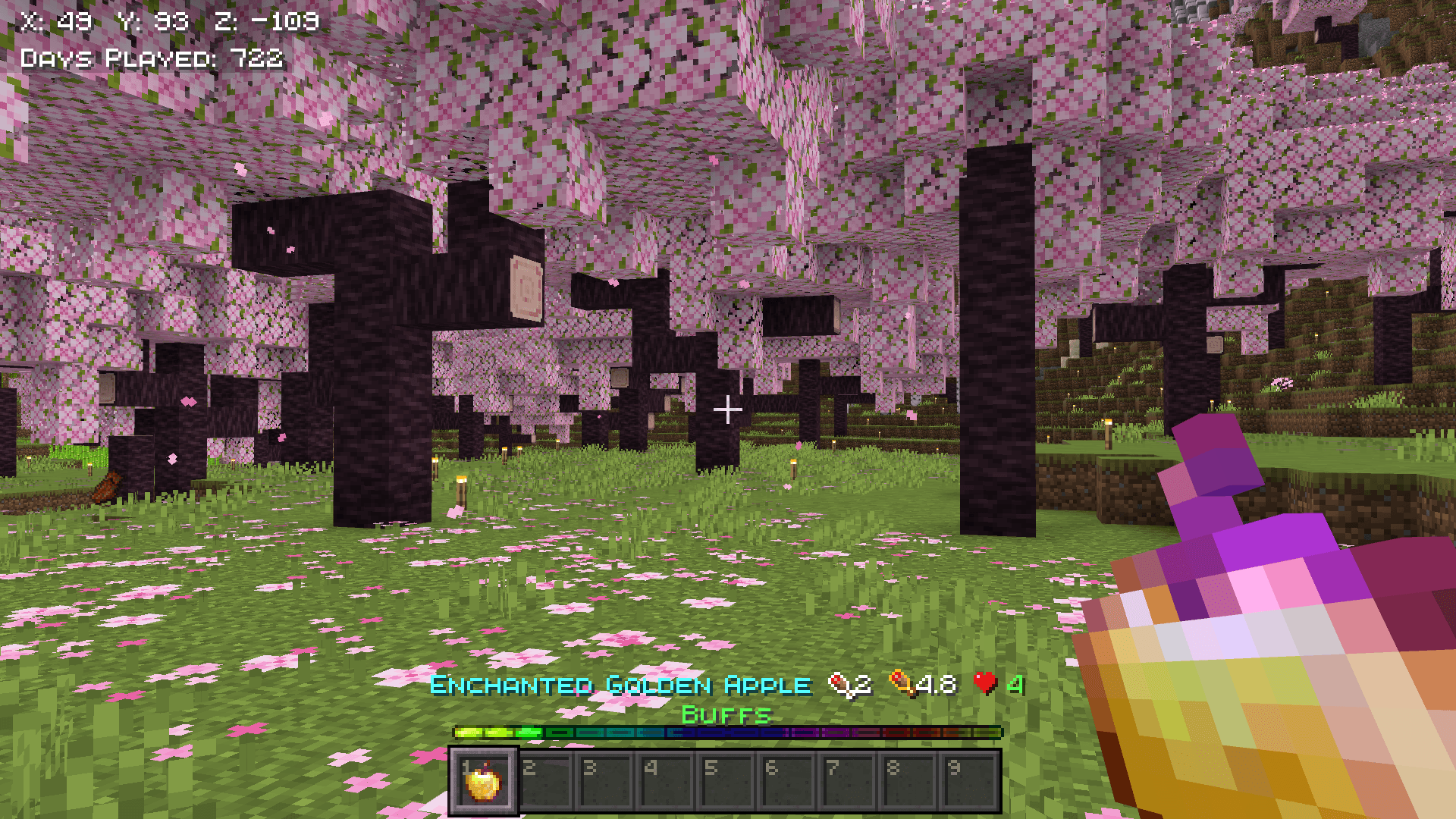
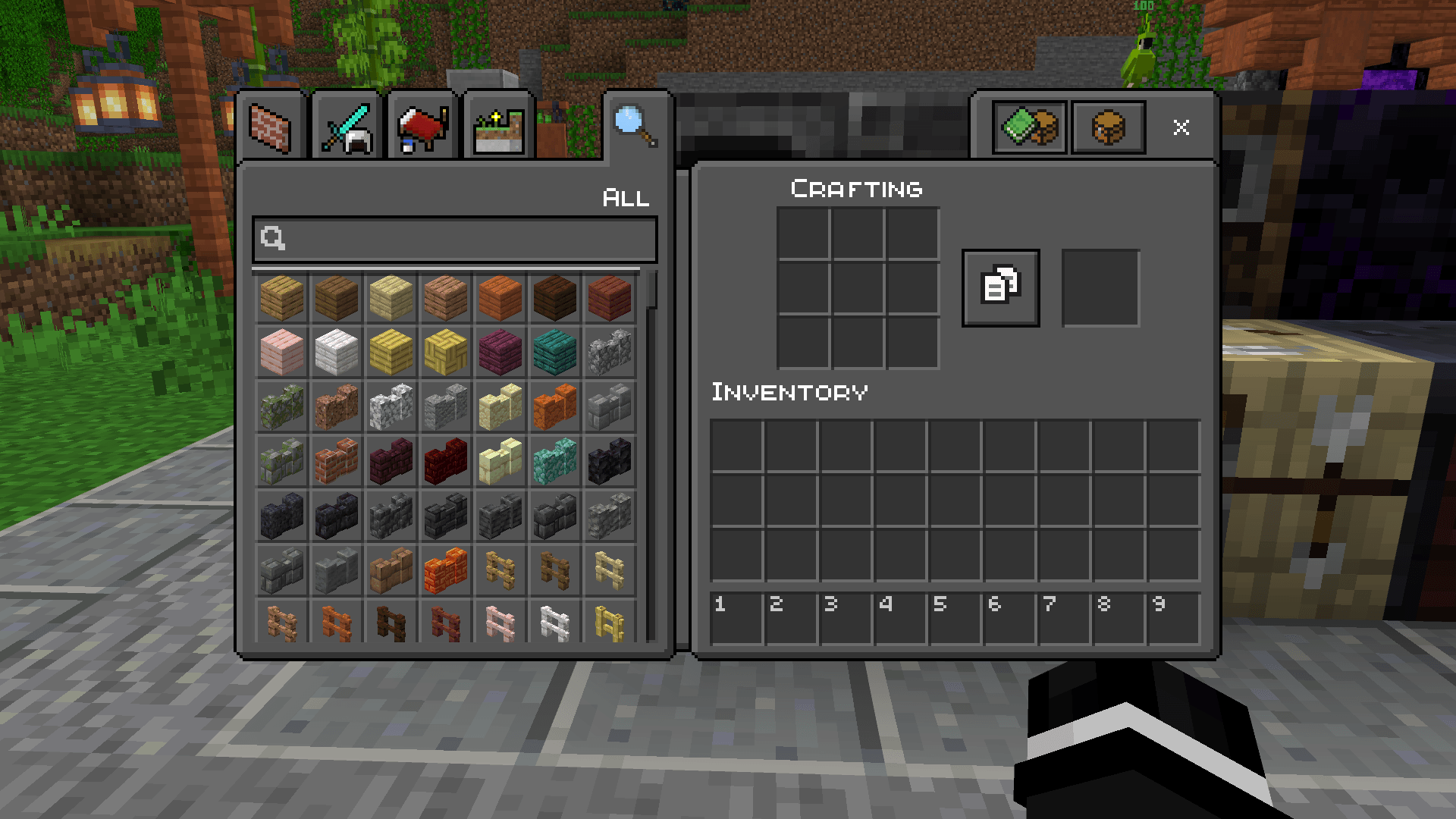
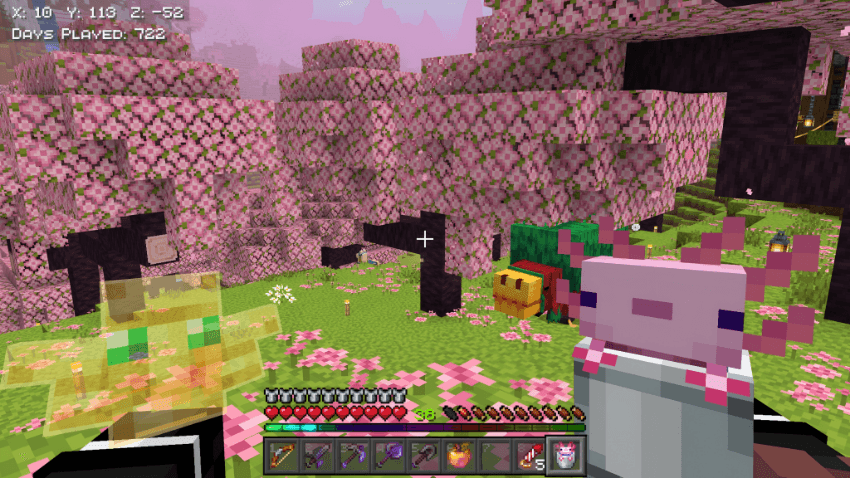
Survival Overhaul Texture Pack updates your game interface with a dark theme and helpful new displays. This pack adds an animated rainbow experience bar and shows numbers on your hotbar slots. It also lets you see exact durability numbers on your tools and floating health bars above mobs.
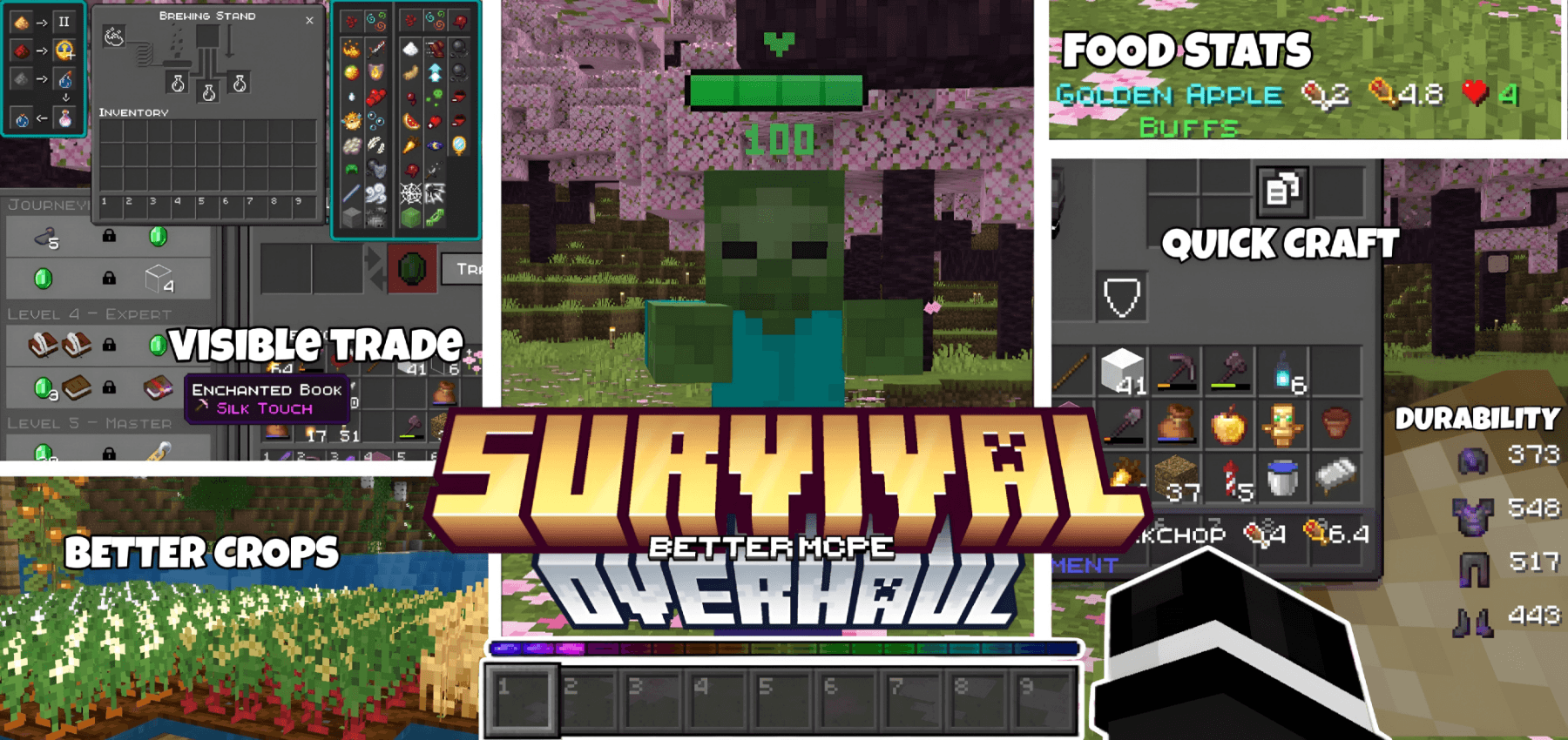
Features:
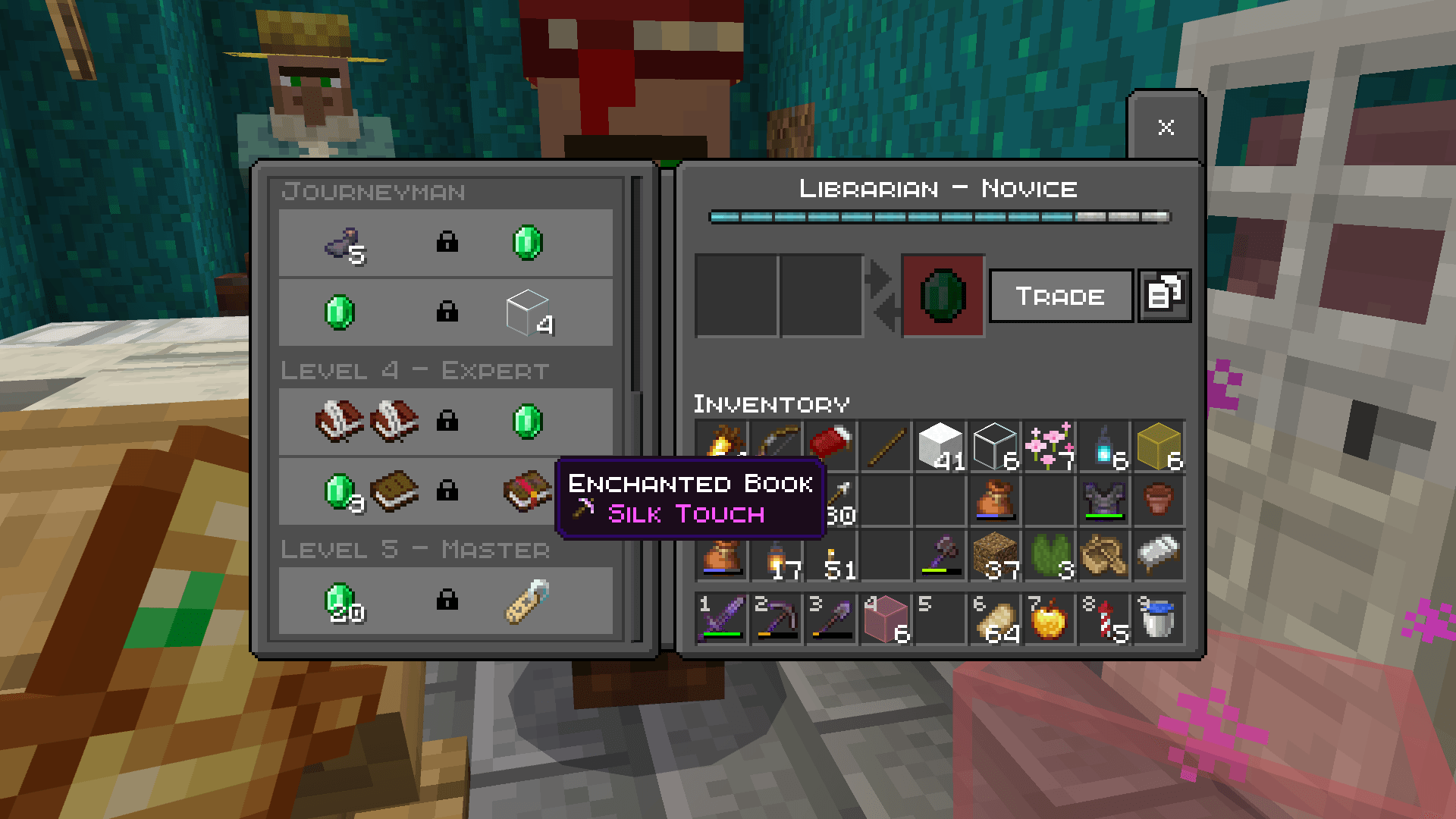
- Changes all menu screens to a clean dark theme.
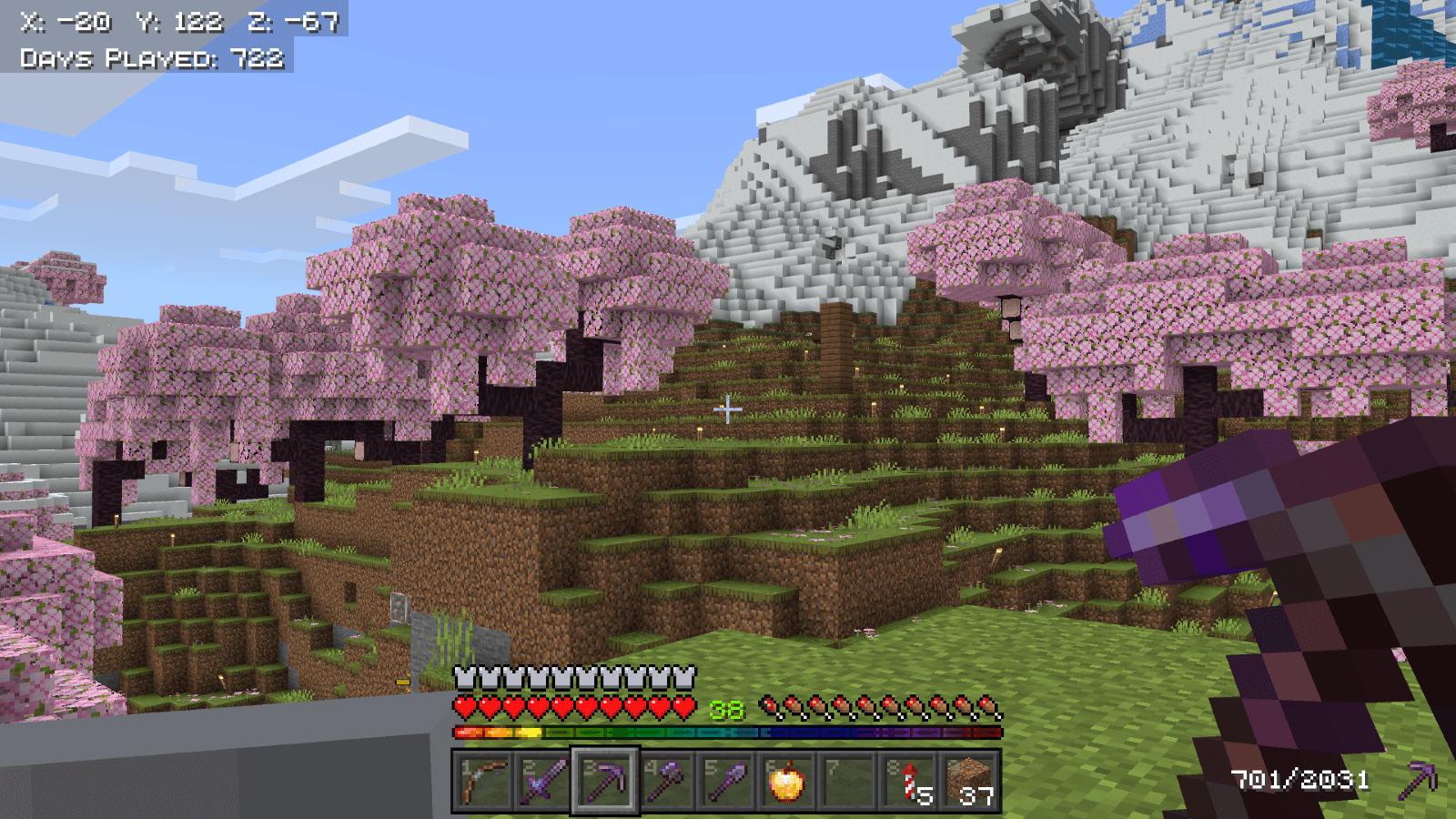
- Adds a colorful animated rainbow experience bar.
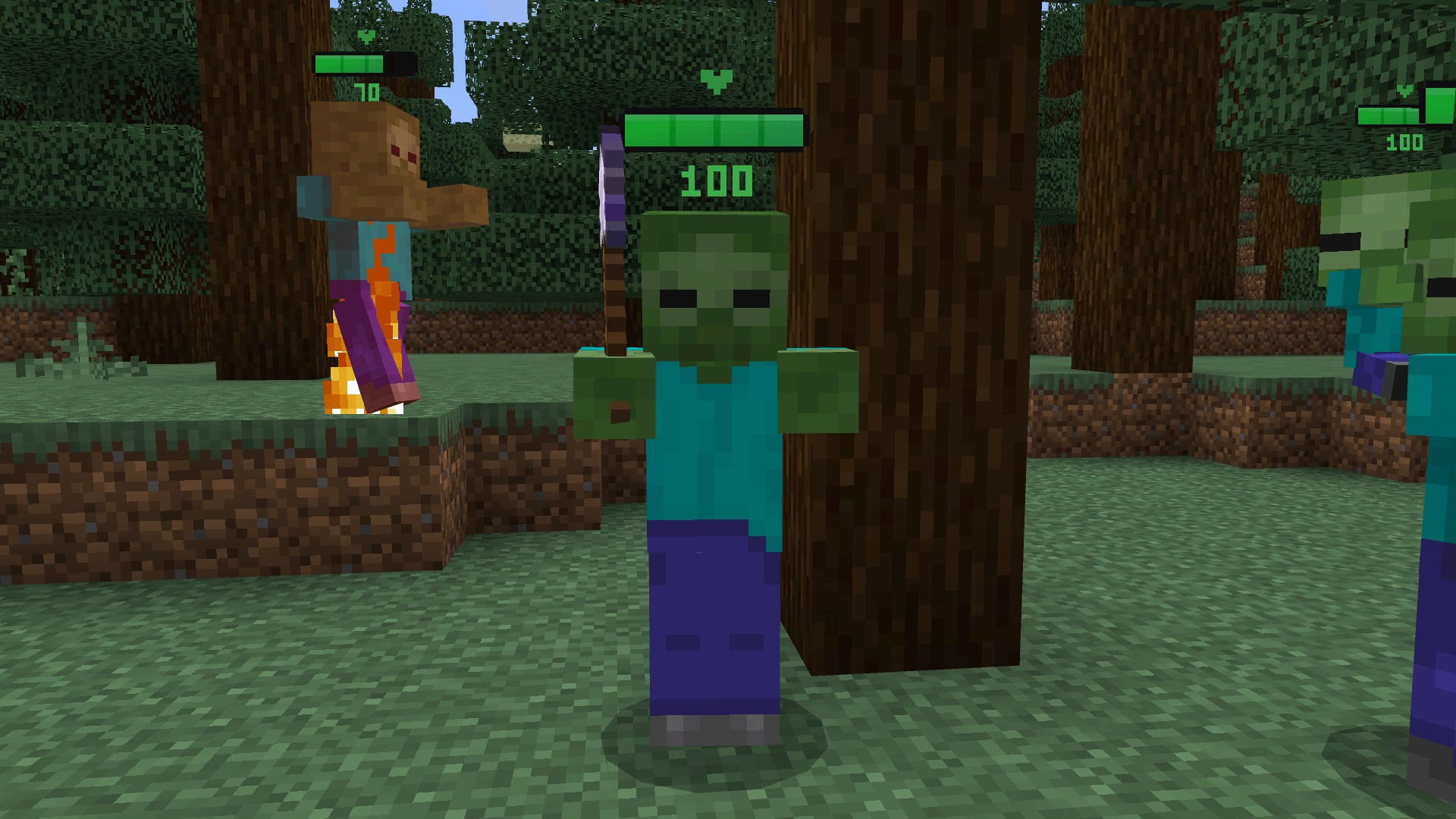
- Shows exact health percentages above monsters and animals.
- Displays hunger and saturation values on food items.
- Puts helpful visual icons next to enchantment names.
Configuration:
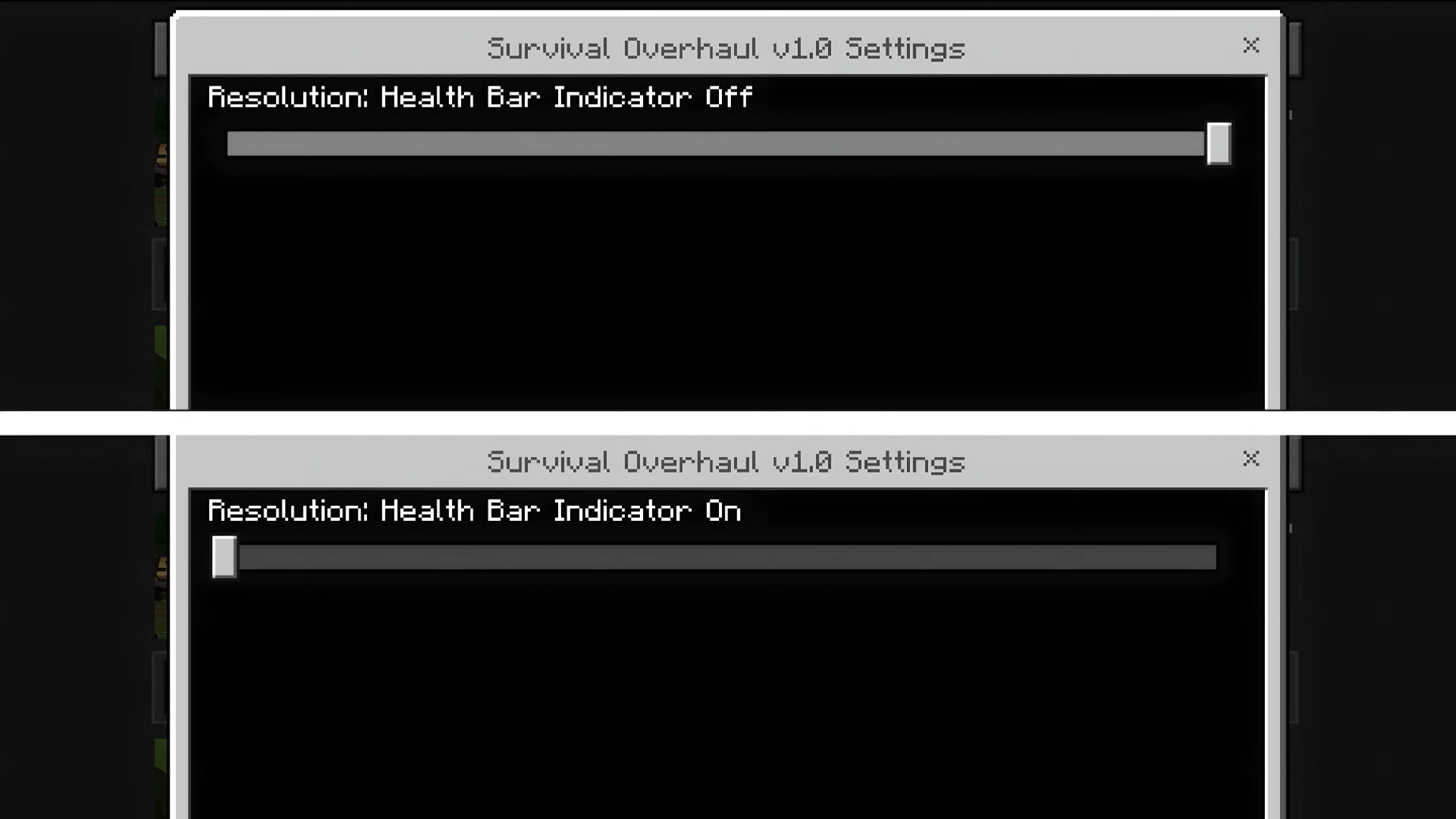
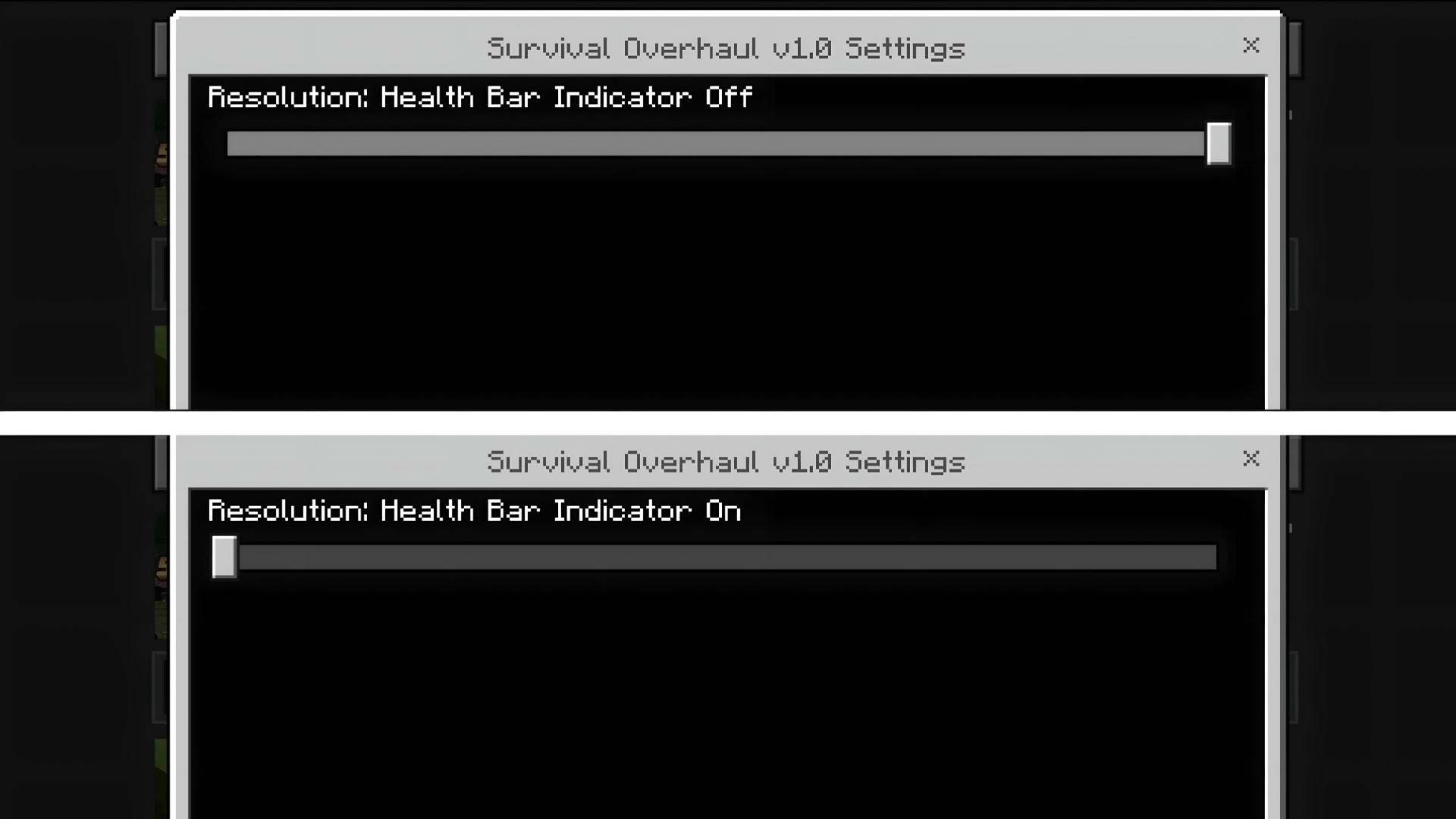
You can adjust settings before playing using the subpack options.
- Turn the floating mob health bar indicator on.
- Turn the floating mob health bar indicator off.
Screenshots:
Survival Overhaul Texture Pack Download Links
Quick facts
- Edition: Minecraft Bedrock
- File type: .mcpack
- Minecraft version listed: 1.21
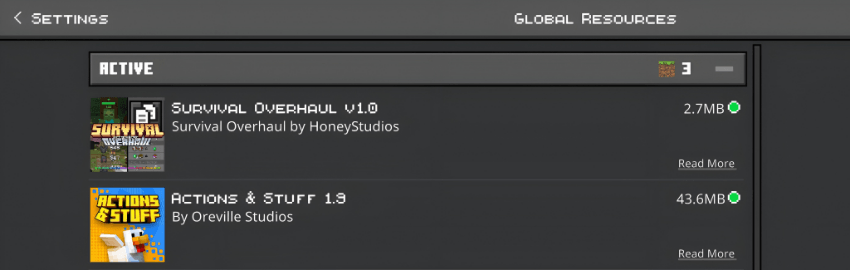
- How to install: Download the .mcpack. → Open it — Minecraft imports it under Resource Packs. → Activate it in Global Resources, or for one world under Resource Packs → Available.
- Where to get it: In MCModsHub, or directly above on this page.
Install steps are the general flow for this file type — How to install Minecraft Bedrock texture packs walks through it step by step.
File checked by MCModsHub
- Pack type: .mcpack — a single pack
- Manifest requires Minecraft 1.21.0 or newer
- Complete pack — everything it depends on is inside the file
- Download size: 1.8 MB
- Download link checked 22 Jul 2026 — working
- Mirrored on our own servers — the download does not depend on the original host
These come from our own check of the pack file, not from the source page.