Home›Bedrock›Texture packs›XiaoBoost Ultimate Texture Pack (26.x, 1.21) – Boosts Game Speed and Removes Laggy Particles
Texture packsBedrock
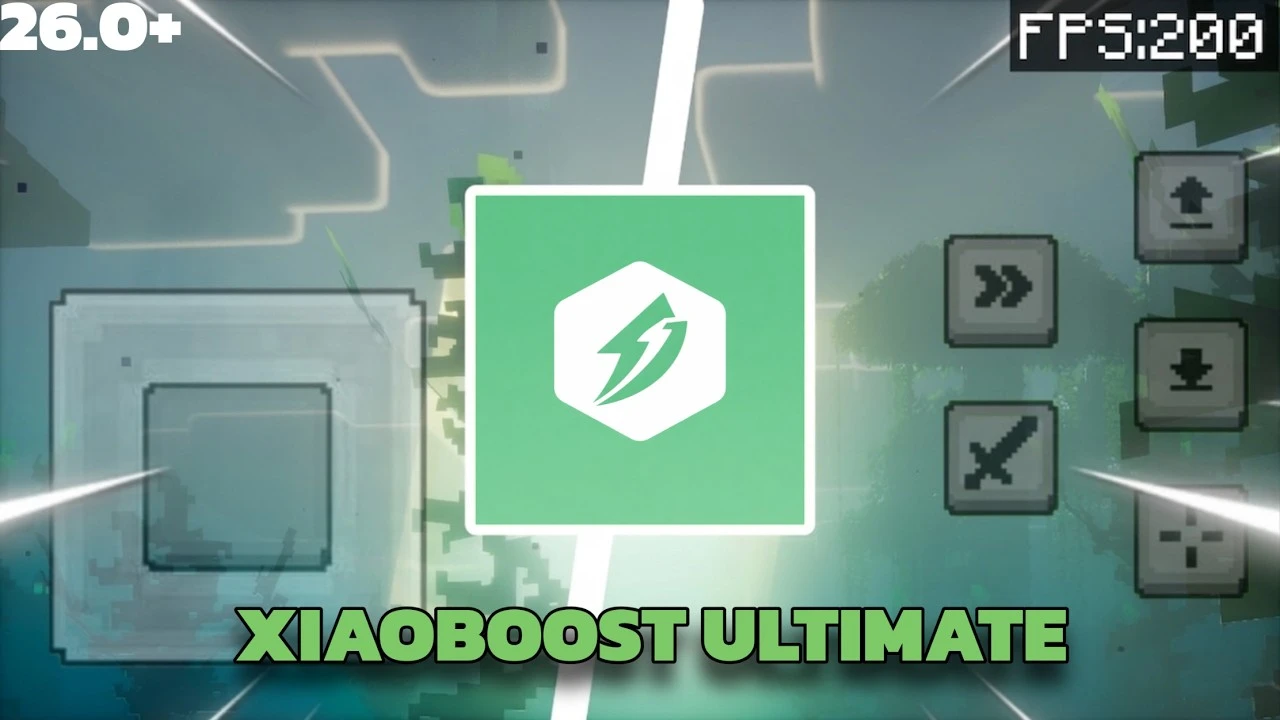
XiaoBoost Ultimate Texture Pack (26.x, 1.21) – Boosts Game Speed and Removes Laggy Particles
Bedrock texture pack listed for Minecraft 1.21. File opened and checked on 20 Sep 2026; installs from the MC Bedrock Mods app on Android.
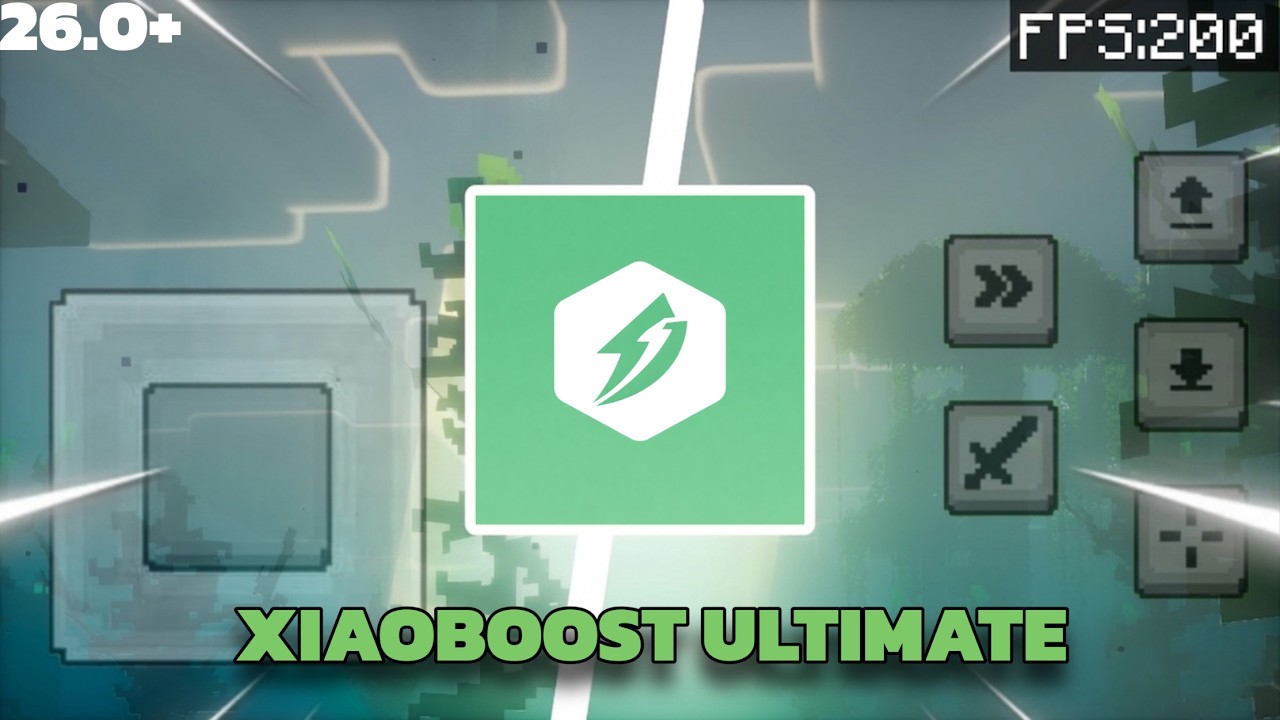
⬇ DownloadXiaoBoost Ultimate Texture Pack merges four performance boosters into one file to speed up your game. It lets you remove heavy particles and clear away thick fog for better visibility. The pack allows you to enjoy smooth gameplay without changing any block textures.
Features:
- Merges four different performance packs into one single file.
- Clears fog across all biomes for much better visibility.
- Removes heavy particles that cause lag on older devices.
- Reduces laggy audio sounds like repeating minecart noises.
- Keeps all normal block and item textures exactly the same.
Configuration Options:
You can choose between two performance tiers in the pack settings.
- The default setting removes forty five heavy particles for balanced speed.
- The max setting removes all particles completely for extreme speed.
XiaoBoost Ultimate Texture Pack Download Links
Quick facts
- Edition: Minecraft Bedrock
- File type: .mcpack
- Minecraft version listed: 1.21
- How to install: Download the .mcpack. → Open it — Minecraft imports it under Resource Packs. → Activate it in Global Resources, or for one world under Resource Packs → Available.
- Where to get it: In MCModsHub, or directly above on this page.
Install steps are the general flow for this file type — How to install Minecraft Bedrock texture packs walks through it step by step.
File checked by MCModsHub
- Pack type: .mcpack — a single pack
- Manifest requires Minecraft 1.21.0 or newer
- Complete pack — everything it depends on is inside the file
- Download size: 1.0 MB
- Download link checked 22 Jul 2026 — working
- Mirrored on our own servers — the download does not depend on the original host
These come from our own check of the pack file, not from the source page.