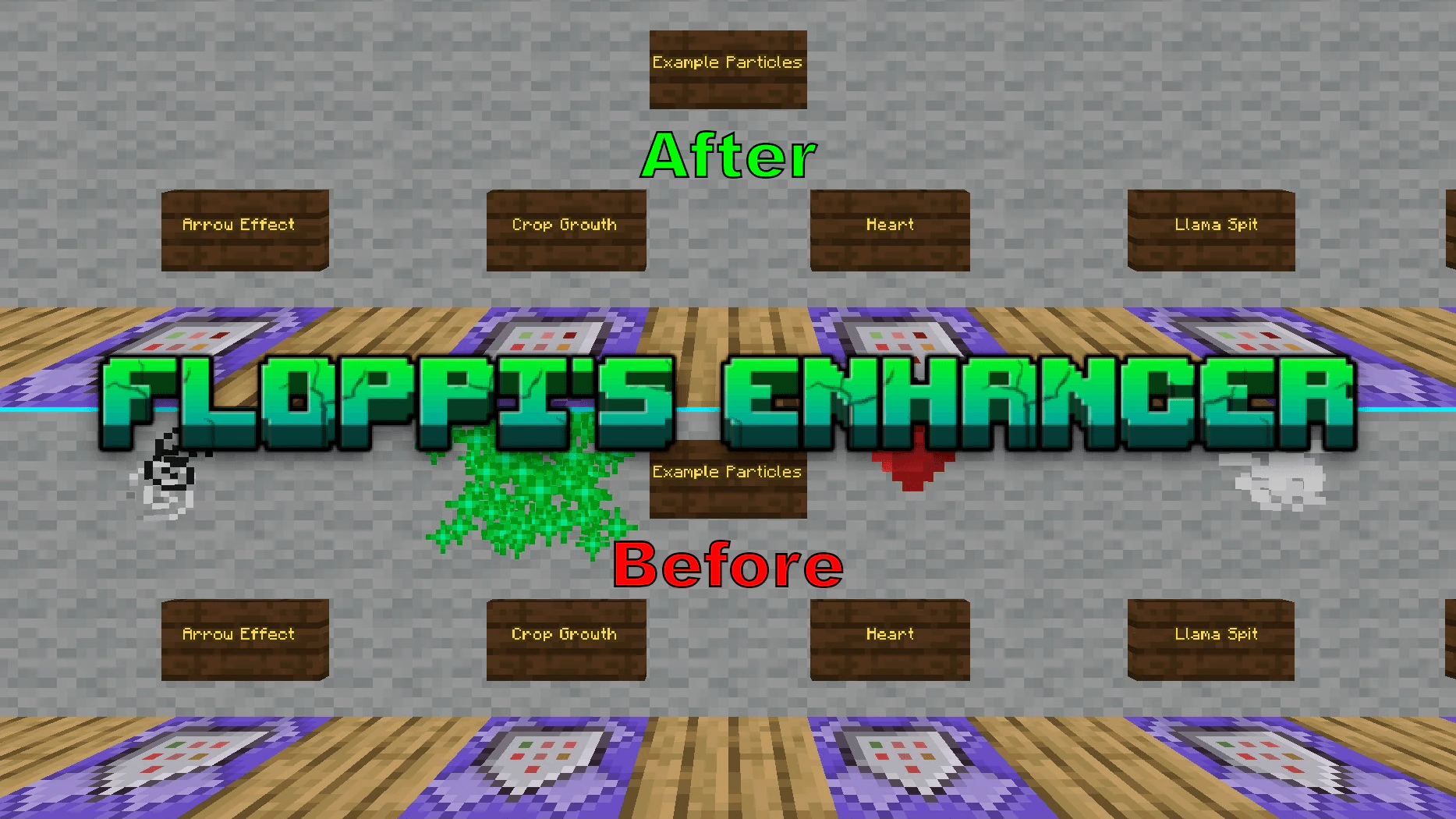
Floppi's Enhancer Pack (26.x, 1.21) – MCPE/Bedrock
Bedrock texture pack listed for Minecraft 1.21. File opened and checked on 9 Oct 2026; installs from the MC Bedrock Mods app on Android.
Floppi's Enhancer Pack improves performance and interface without lag. This pack tweaks many elements such as interface display, transparency, visual…
⬇ Download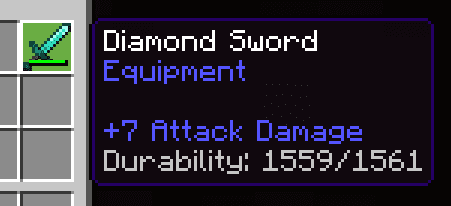
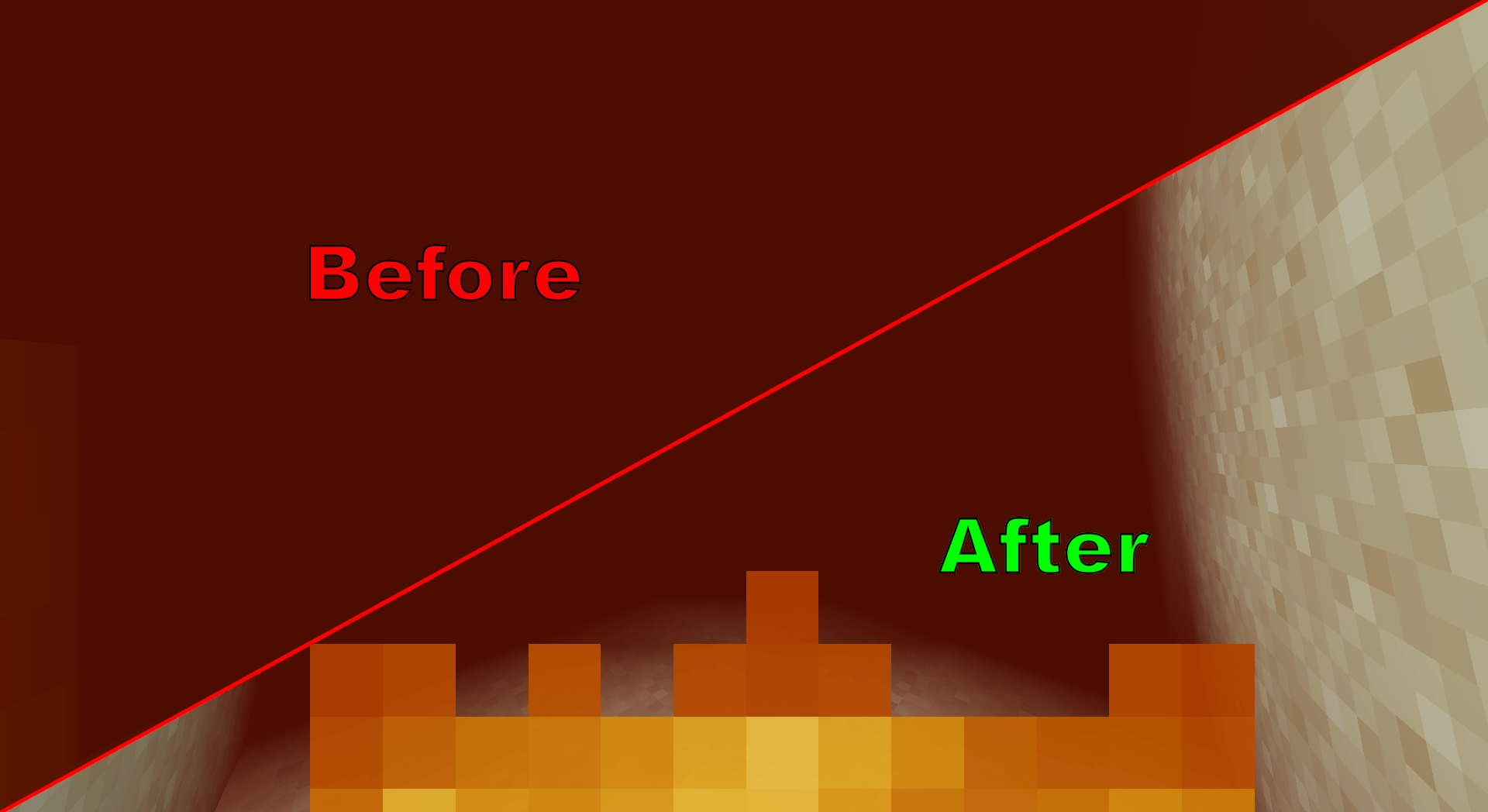
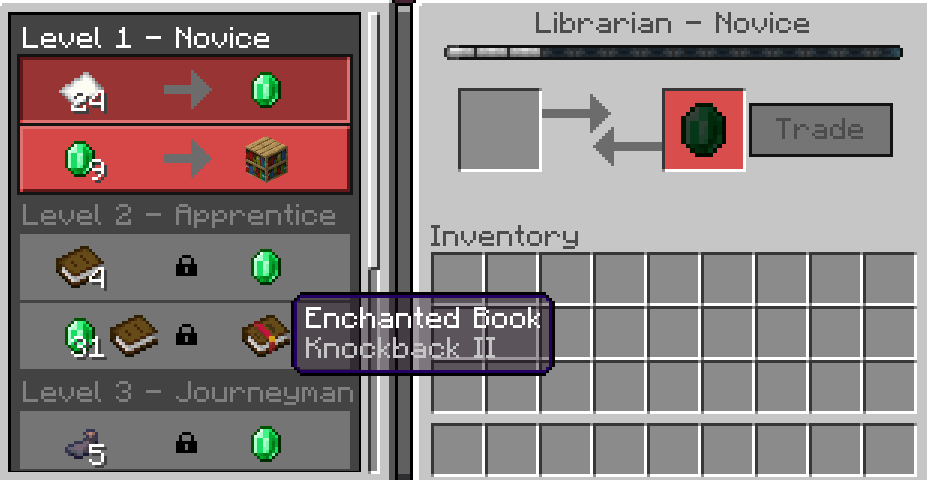
Floppi’s Enhancer Pack improves performance and interface without lag. This pack tweaks many elements such as interface display, transparency, visual effects and particles, making the game run smoothly.
Features:
- Allows you to export the world while in it.
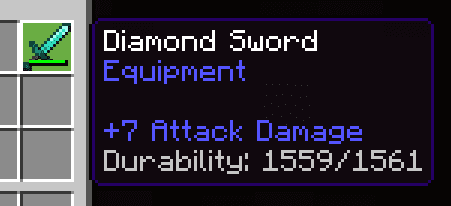
- Shows armor and tool durability.
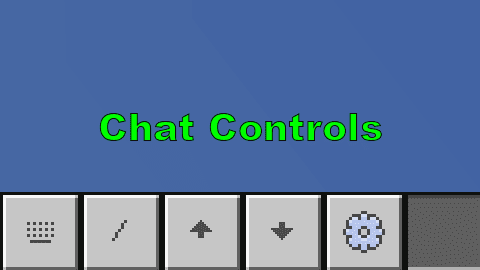
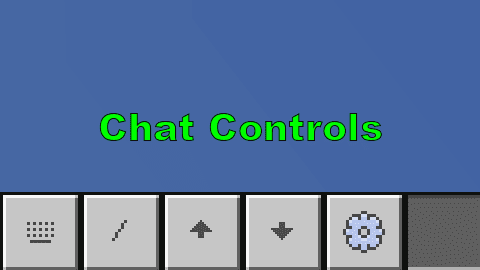
- Chat window background is transparent and has a button to toggle messages forward or backward.
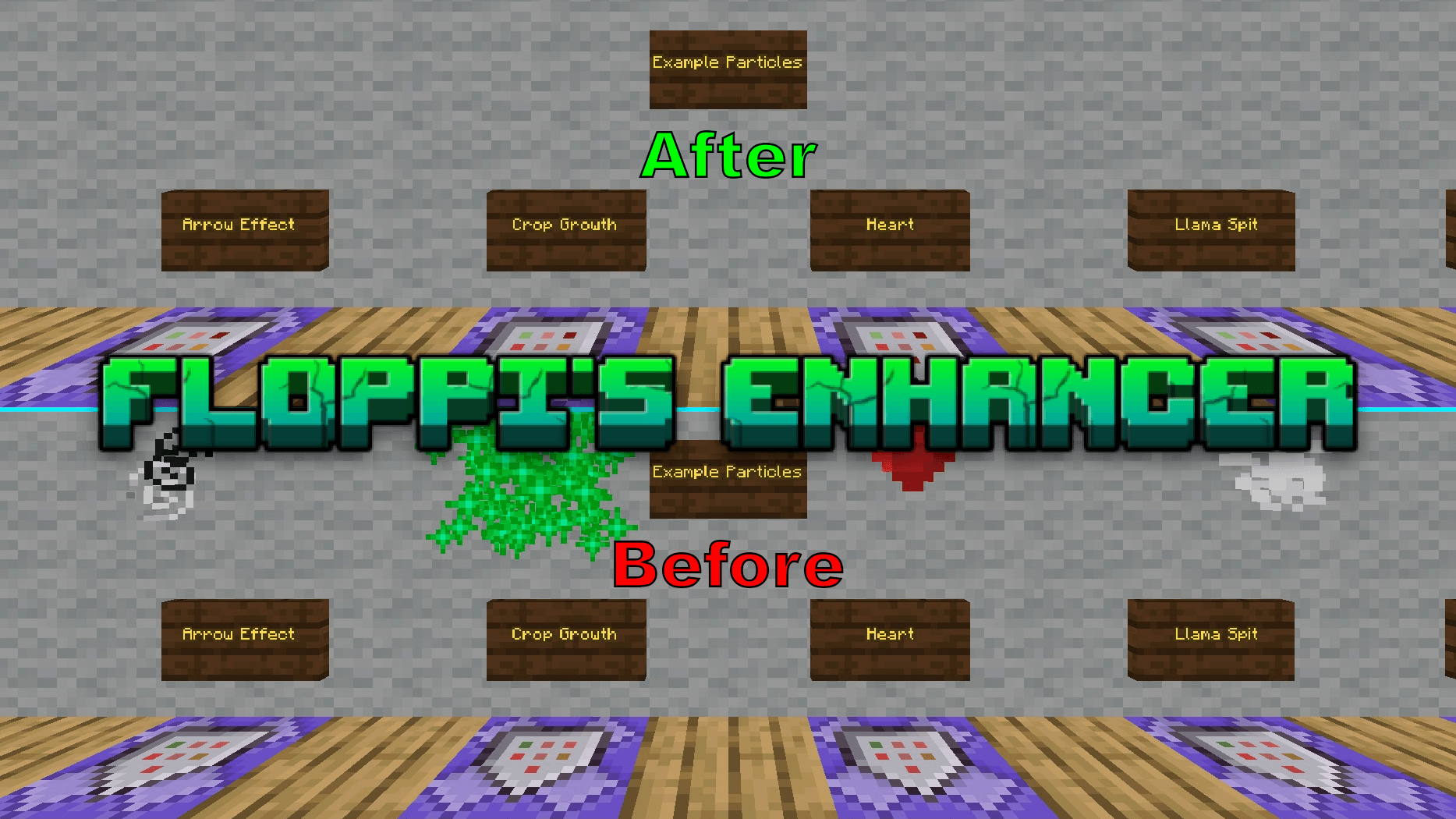
- Disables all particle effects except dragon and Warden effects.
- Disables animations of all blocks.
- Disables rain and snow effects.
- Removes random text on the main screen.
- Keeps vision stable when there is fog in all dimensions.
- Increases visibility when in lava.
- Makes water transparent to make it easier to see objects below.
- Lowers the shield position in first-person view for a wider view.
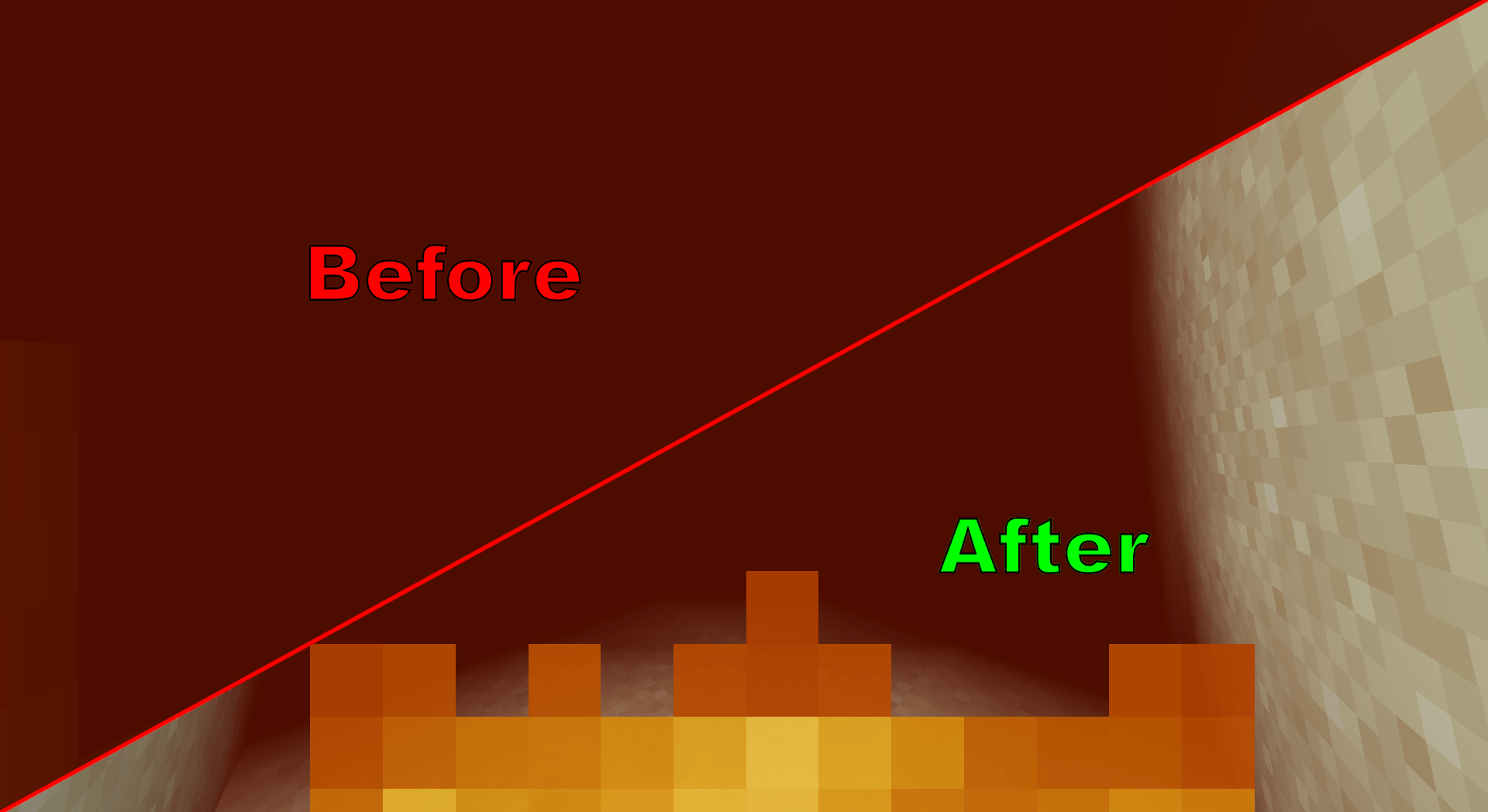
- Reduces the height of the fire effect to make it easier to see when on fire.
- Optimized the layout of the location bar and the date counter to be cleaner.
- Removed extra space between buttons and tabs in the settings.
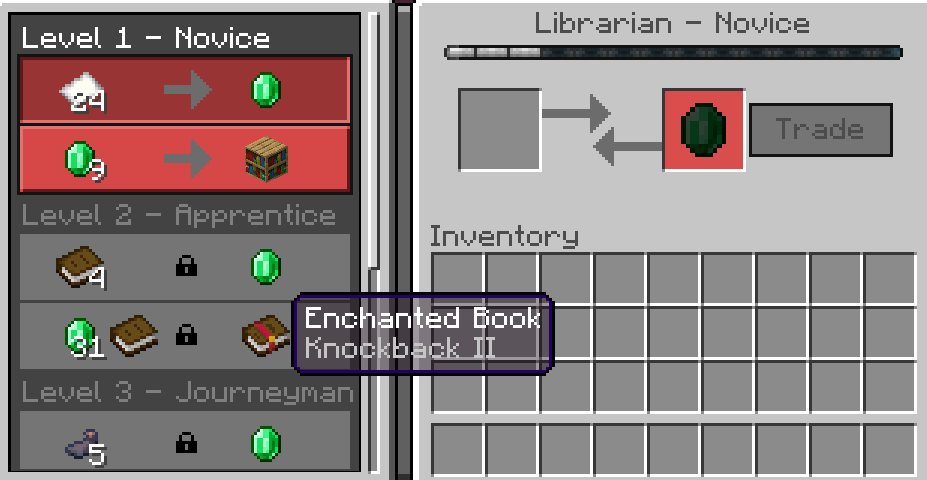
- Made the item tooltip transparent to see the object behind it.
- Added a frame sync option in the video settings.
- Moved the video settings button to the top of the settings interface.
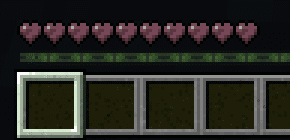
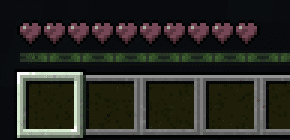
- Made the heart icon clearer when wither effect is applied.
Screenshots:
Floppi’s Enhancer Pack Download Links
For Minecraft PE/Bedrock 1.21
mcpack: Download from Server 1 – Download from Server 2
For Minecraft PE/Bedrock 26.x, 1.21
mcpack: Download from Server 1 – Download from Server 2
- Edition: Minecraft Bedrock
- File type: .mcpack
- Minecraft version listed: 1.21
- How to install: Download the .mcpack. → Open it — Minecraft imports it under Resource Packs. → Activate it in Global Resources, or for one world under Resource Packs → Available.
- Where to get it: In MCModsHub, or directly above on this page.
Install steps are the general flow for this file type — How to install Minecraft Bedrock texture packs walks through it step by step.
- Pack type: .mcpack — a single pack
- Manifest requires Minecraft 1.21.120 or newer
- Complete pack — everything it depends on is inside the file
- Download size: 209 KB
- Download link checked 17 Jun 2026 — working
- Mirrored on our own servers — the download does not depend on the original host
These come from our own check of the pack file, not from the source page.