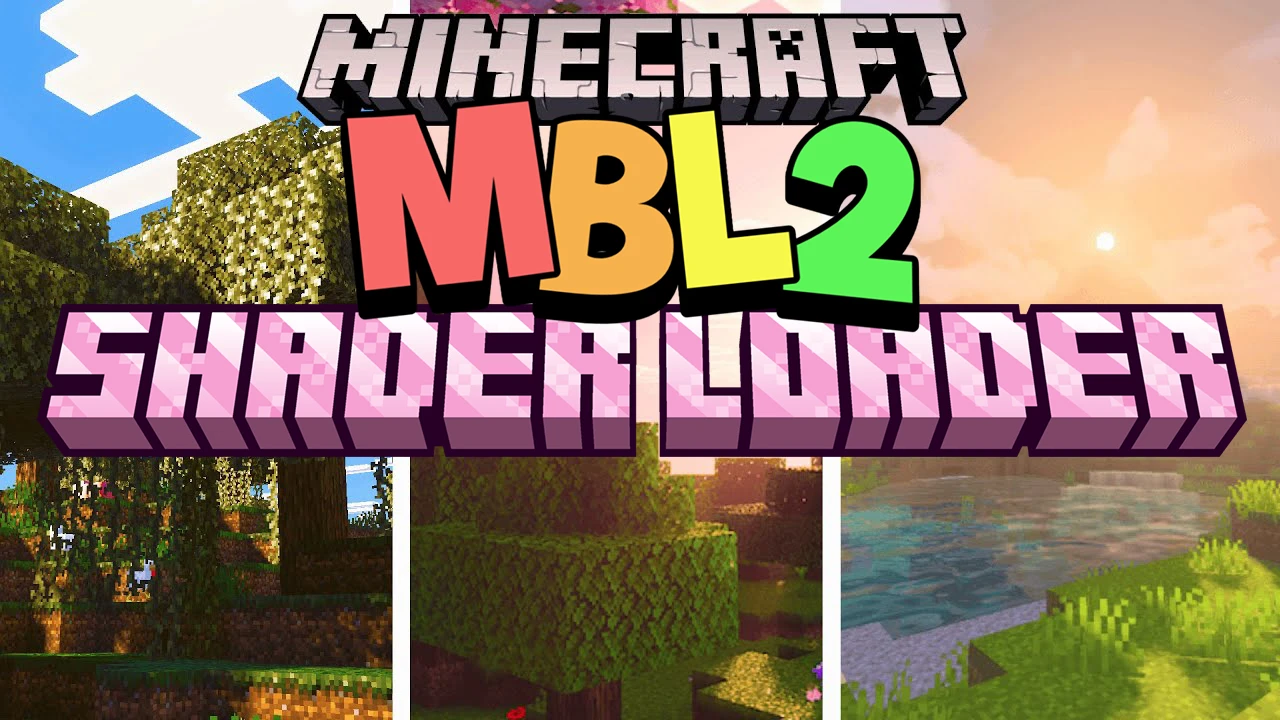
MBL2 Shader Loader (1.21) – Minecraft Bedrock Loader 2
Bedrock texture pack listed for Minecraft 1.16–1.21. File opened and checked on 21 Sep 2026; installs from the MC Bedrock Mods app on Android.
⬇ DownloadMBL2 Shader Loader is an intermediate pack that allows players to install advanced shaders or textures on Minecraft PE/Bedrock (Windows 10 / Android), which the base game does not natively support. It works by modifying the behavior pack so that the game is forced to load additional .hlsl, .json, or .material shader files from specified directories.
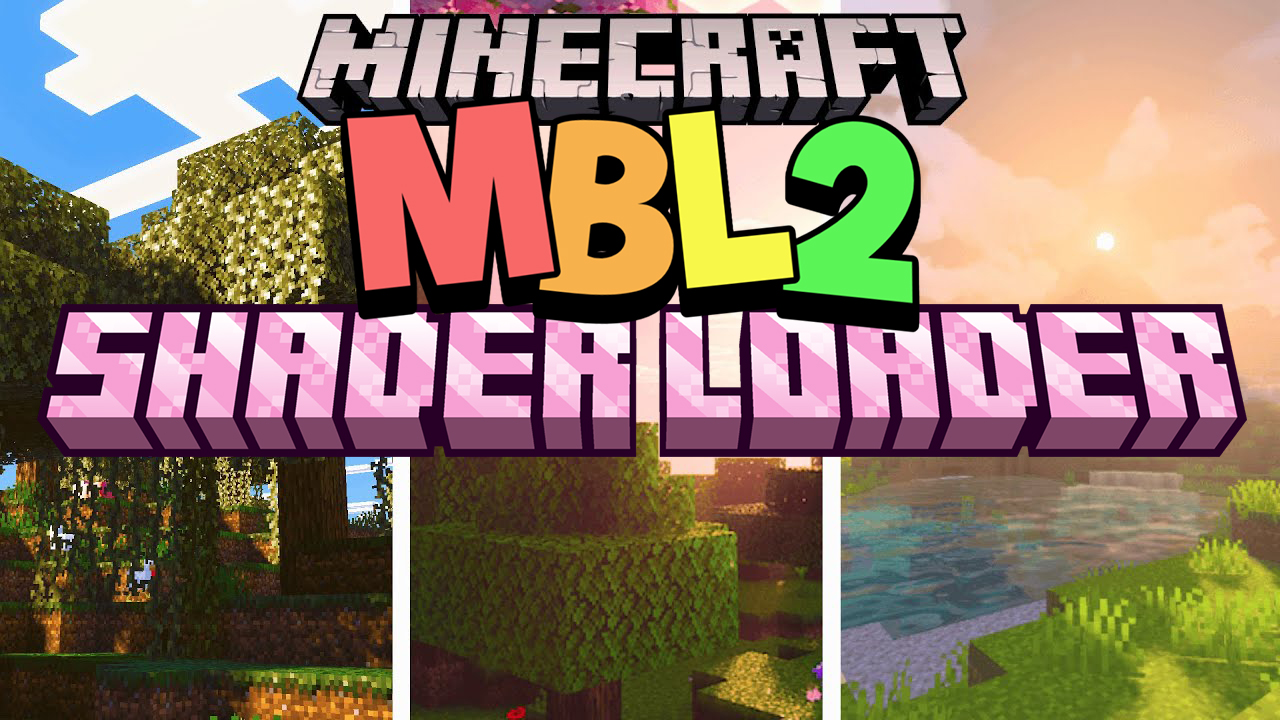
How it works
The basic working mechanism of the MBL2 Shader Loader is as follows:
- When you install the
.mcpack, it is added as a behavior pack. - The ShaderLoader will:
- Call the configuration file
manifest.json→ defining the entry scripts and components. - Through the Scripting API (Bedrock Script Engine), it points Minecraft to the folder containing the shader (for example:
/resource_packs/YourShaderName/).
- Call the configuration file
- As a result, when you open a world, the shader is injected into the rendering process (lighting, shadows, water, fog, etc.).
- Some versions even support automatic shader selection if you have multiple shader packs installed.
Method 1:
- Download the
.mcpackfile below. - Double-click it to import the pack into Minecraft.
- Once imported:
- Go to Settings → Storage → Behavior Packs to check if the pack has been added.
- Open World Settings → Behavior Packs → My Packs → Activate to enable MBL2_ShaderLoader.
- Then, install the separate shader you want (if MBL2 doesn’t include one).
- Place the shader folder in:
/games/com.mojang/resource_packs/
- Place the shader folder in:
- Restart Minecraft → open the world with the activated pack.
Method 2: (Manual installation)
- Rename the
.mcpackfile to.zip. - Extract it and copy the entire folder to:
Android: /games/com.mojang/behavior_packs/ Windows: C:\Users\\AppData\Local\Packages\Microsoft.MinecraftUWP_8wekyb3d8bbwe\LocalState\games\com.mojang\behavior_packs\ - Then activate it in-game as in Step 4 above.
MBL2 Shader Loader Download Links
For Minecraft PE/Bedrock 1.21.x
- Edition: Minecraft Bedrock
- File type: .mcpack
- Minecraft version listed: 1.21
- How to install: Download the .mcpack. → Open it — Minecraft imports it under Resource Packs. → Activate it in Global Resources, or for one world under Resource Packs → Available.
- Where to get it: In MCModsHub, or directly above on this page.
Install steps are the general flow for this file type — How to install Minecraft Bedrock texture packs walks through it step by step.
- Pack type: .mcaddon — behaviour and resource pack in one file
- Manifest requires Minecraft 1.16.0 or newer
- Complete pack — everything it depends on is inside the file
- Download size: 106 KB
- Download link checked 17 Jun 2026 — working
- Mirrored on our own servers — the download does not depend on the original host
These come from our own check of the pack file, not from the source page.