Texture packsBedrock
Utility Dark Texture Pack (1.21, 1.20) – MCPE/Bedrock
Bedrock texture pack listed for Minecraft 1.20–1.21. File opened and checked on 23 Sep 2026; installs from the MC Bedrock Mods app on Android.
⬇ Download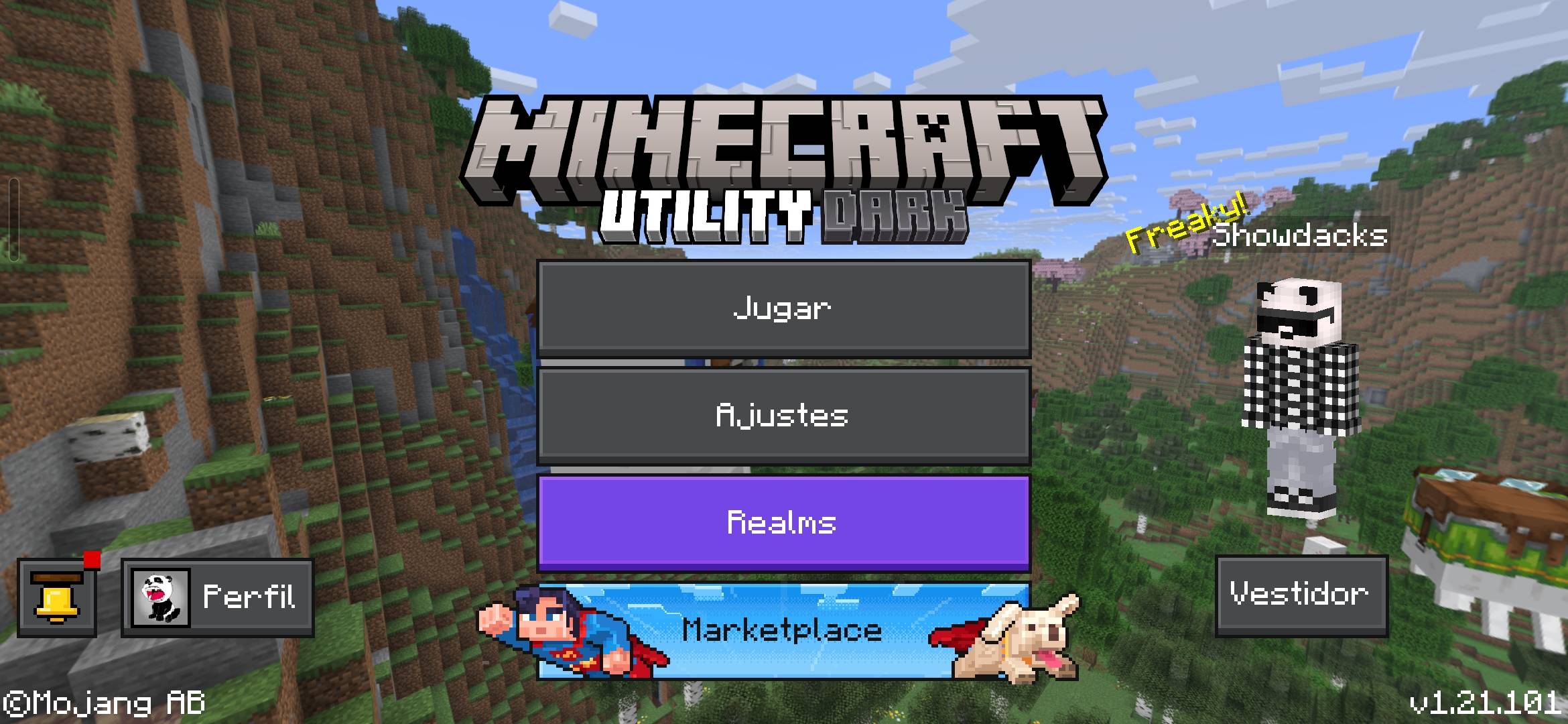
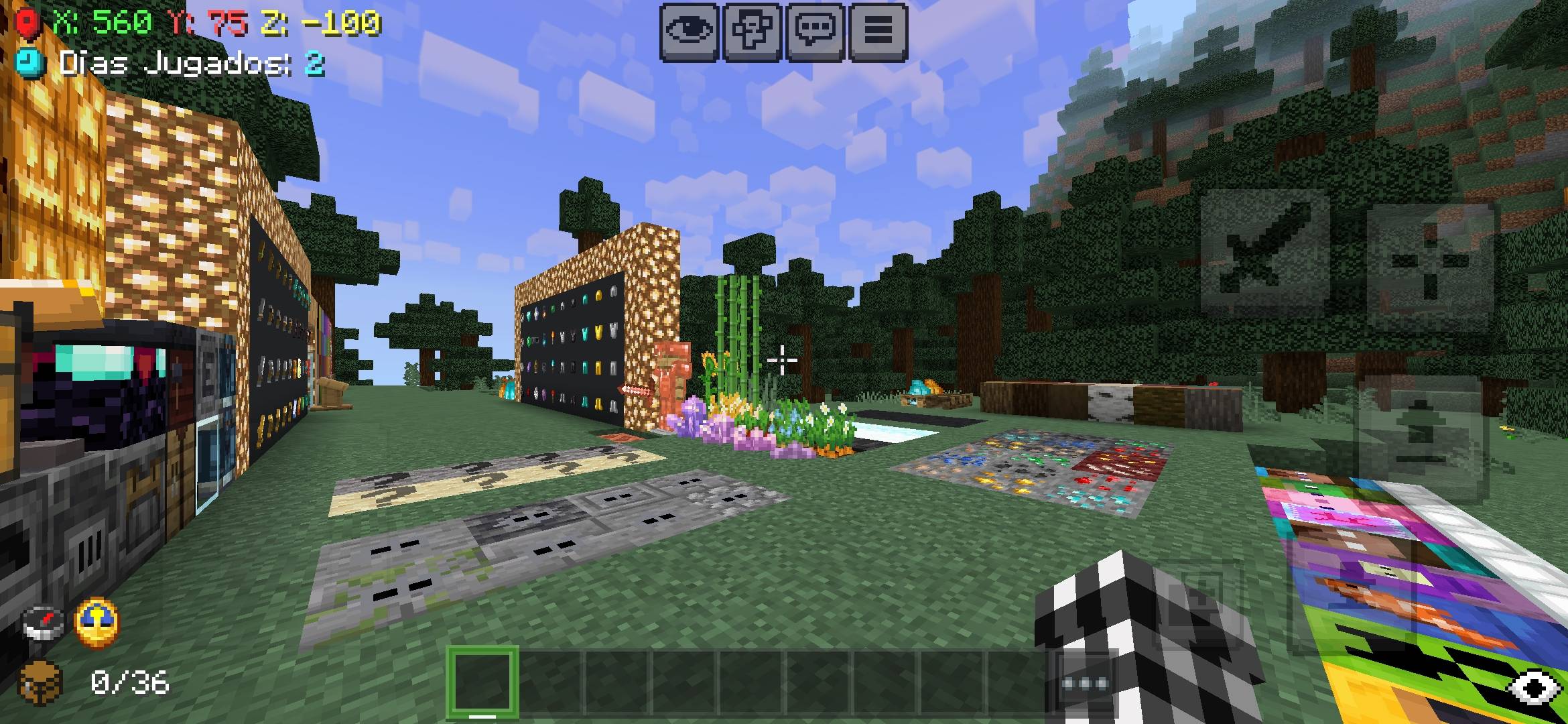
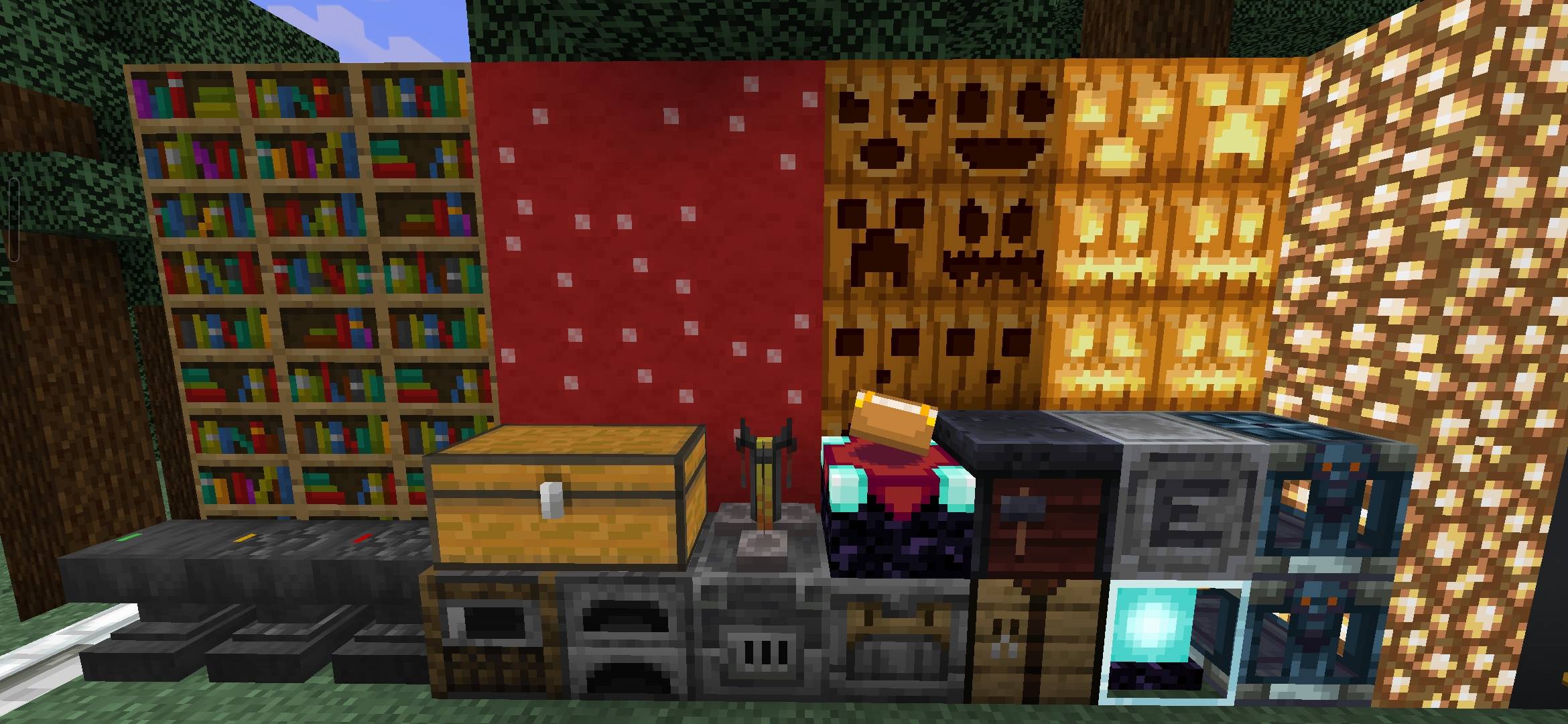
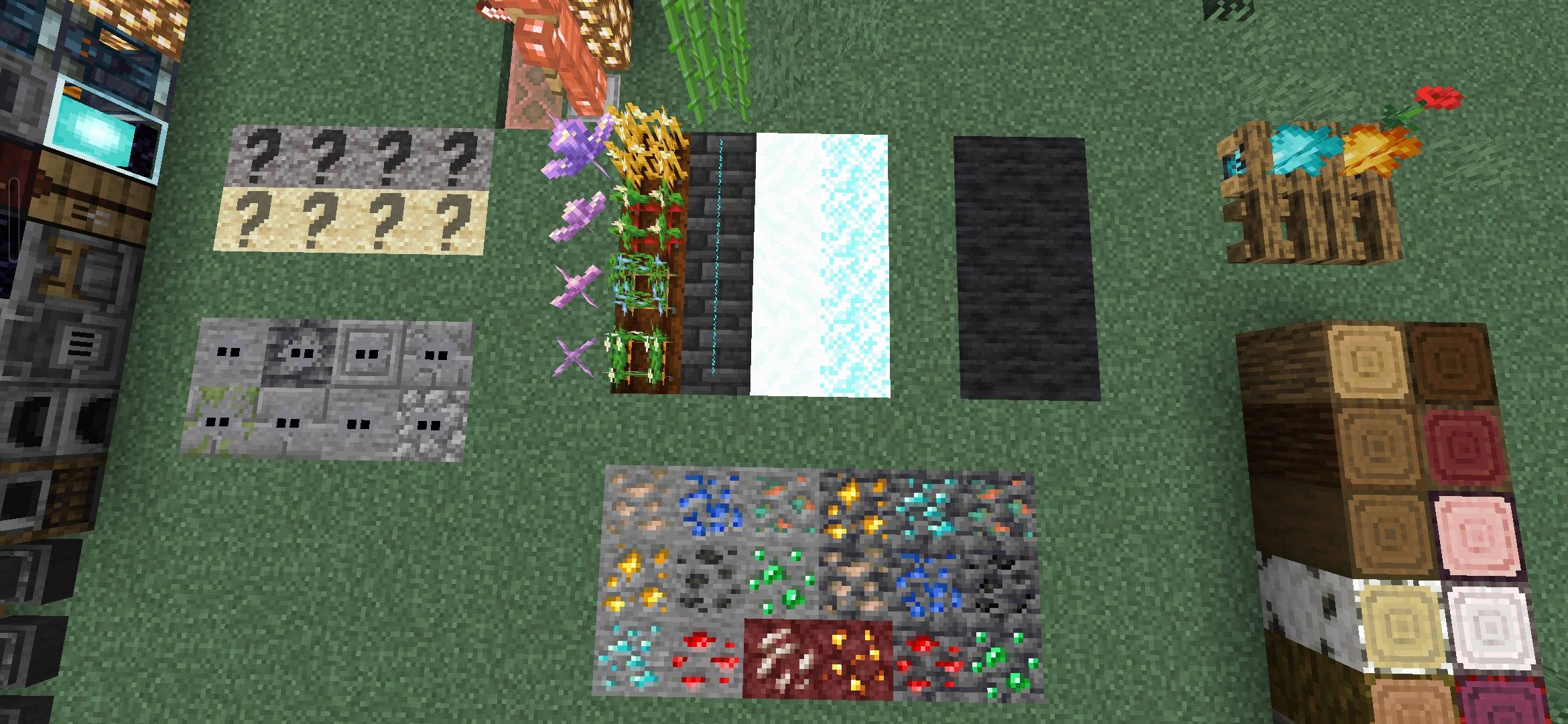
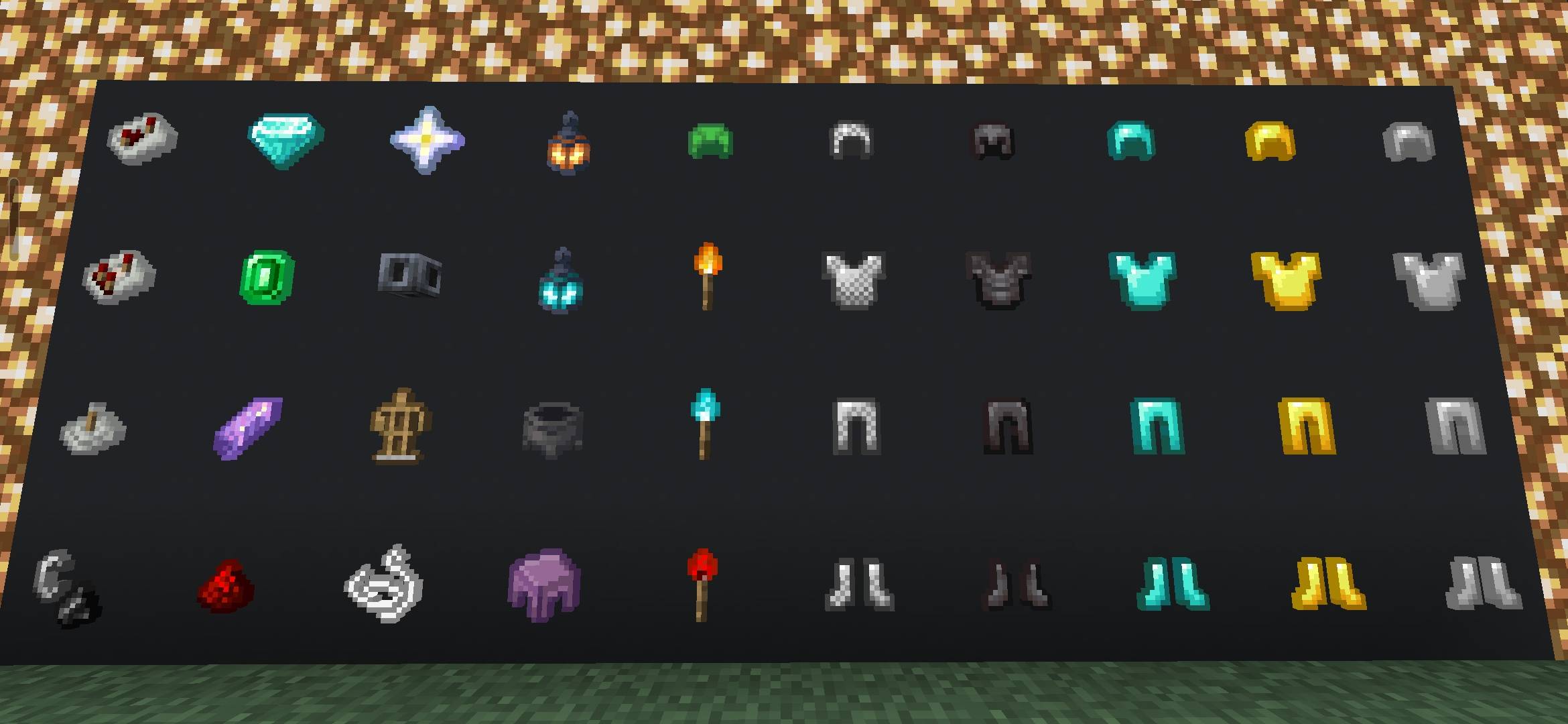
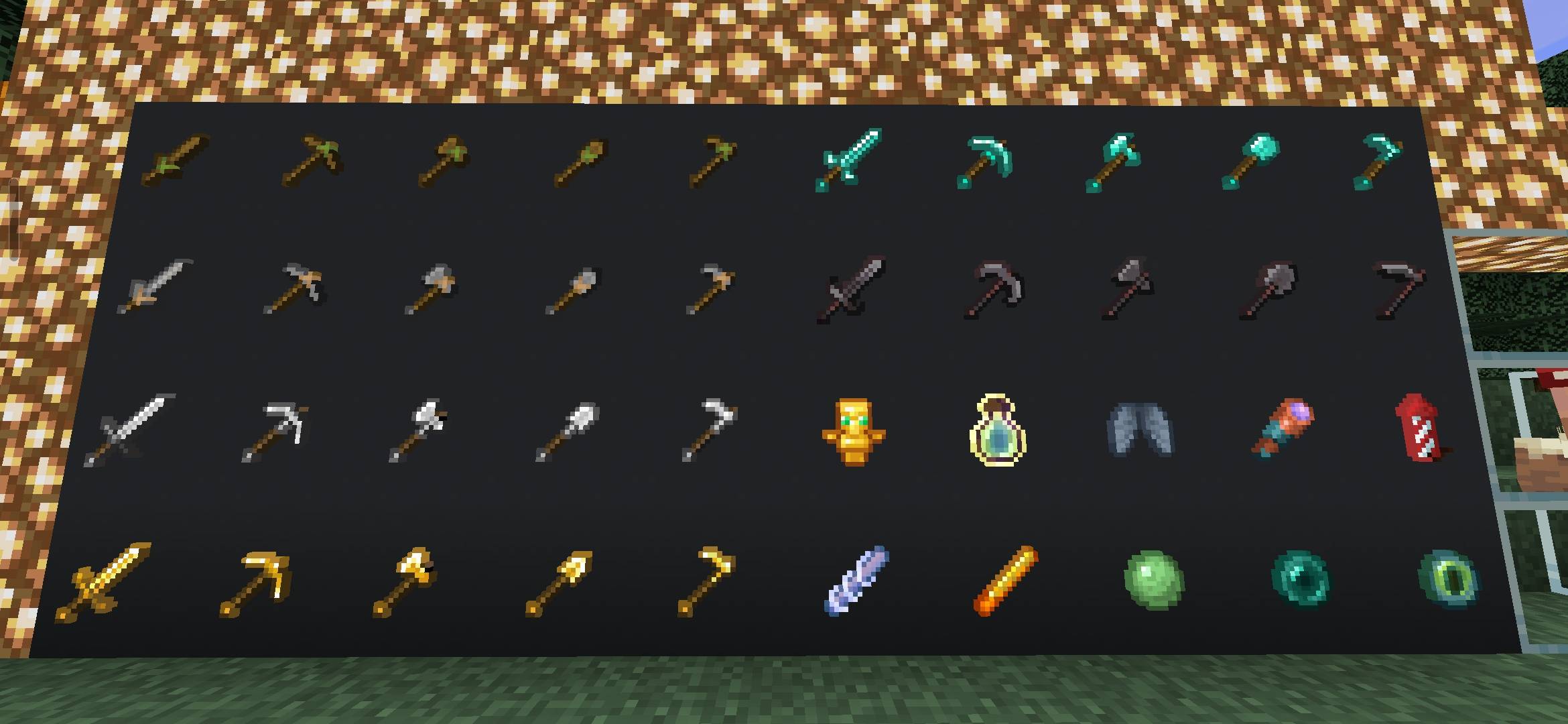
Utility Dark Texture Pack adds a Dark Mode interface, while adding many new details and features. The pack changes the interface color to a dark tone, improves many visual elements, and supports tracking information in the game. In addition, minor edits such as tool display, environment, visual effects, and sound are also upgraded.
Features:
- Comfortable Dark Mode interface.
- Quick chat, Quick craft, potion brewing guide.
- Remove cluttered backgrounds in HUD.
- Compass and clock displayed directly on HUD, full function.
- F1 button on the right side of the screen.
- Clearer display of coordinates and number of days played.
- Added inventory viewer and item durability.
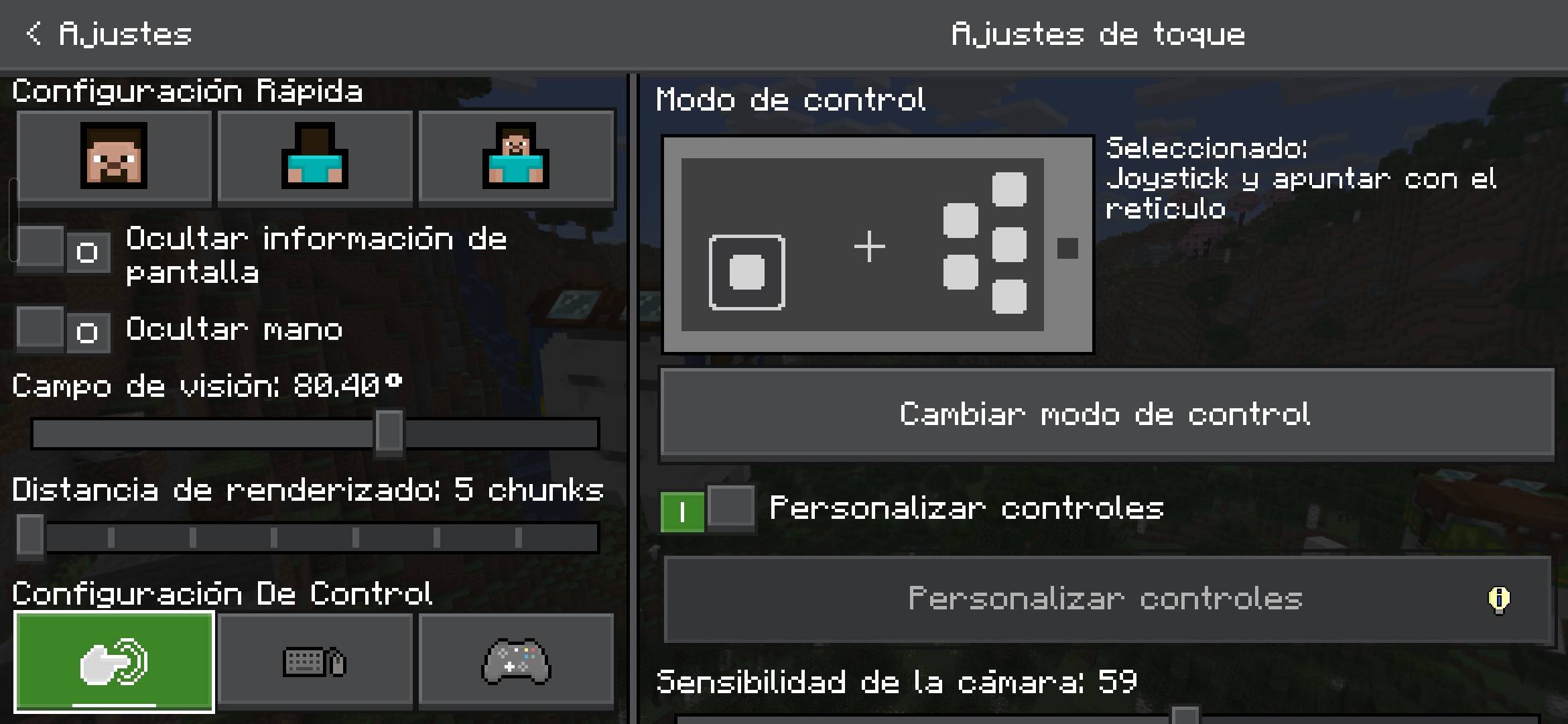
- Invisible touch button, Paper doll always displayed in the bottom corner.
- Luminous decorative frame, map with guide.
- Clearer water, less rain and snow.
- Fast grass, low grass and low high grass.
- Low shield, low and transparent fire, invisible glossy frame.
- White color selection border, enchantment book with hint icon.
- Enchantment level displayed with separate icon.
- New menu sound, clearer chest reward display.
- Suspicious sand, gravel, infected stone displayed easily see.
- Amethyst, anvil, crop more clearly mature, added decorative flowers.
- Many new textures for armor, tools, minerals…
- Sun, moon and clouds are more square.
- Potion, arrow with guide icon.
- Trap chest, thread display more recognizable.
Screenshots:
Utility Dark Texture Pack Download Links
For Minecraft PE/Bedrock 1.21, 1.20
mcpack: Download from Server 1 – Download from Server 2
Quick facts
- Edition: Minecraft Bedrock
- File type: .mcpack
- Minecraft versions listed: 1.21, 1.20
- How to install: Download the .mcpack. → Open it — Minecraft imports it under Resource Packs. → Activate it in Global Resources, or for one world under Resource Packs → Available.
- Where to get it: In MCModsHub, or directly above on this page.
Install steps are the general flow for this file type — How to install Minecraft Bedrock texture packs walks through it step by step.
File checked by MCModsHub
- Pack type: .mcpack — a single pack
- Manifest requires Minecraft 1.21.50 or newer
- Complete pack — everything it depends on is inside the file
- Download size: 2.4 MB
- Download link checked 17 Jun 2026 — working
- Mirrored on our own servers — the download does not depend on the original host
These come from our own check of the pack file, not from the source page.