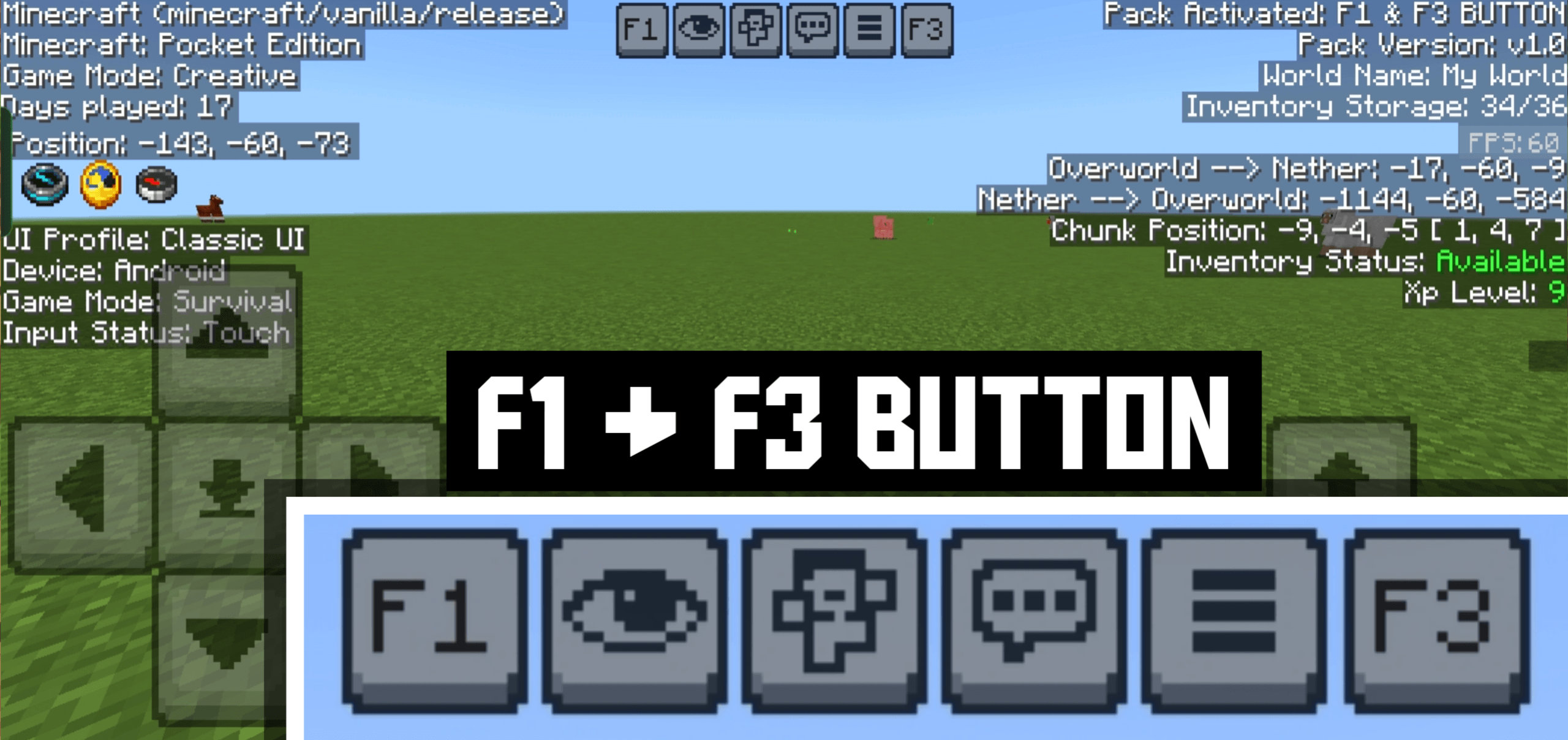
F1 & F3 Button Resource Pack (26.x, 1.21) – MCPE/Bedrock
Bedrock texture pack listed for Minecraft 1.18–1.21. File opened and checked on 19 Sep 2026; installs from the MC Bedrock Mods app on Android.
F1 & F3 Button Resource Pack adds F1 & F3 Button to Minecraft Bedrock / Pocket Edition. F3 shows a Java-like debug screen with coords, FPS, chunks, and…
⬇ Download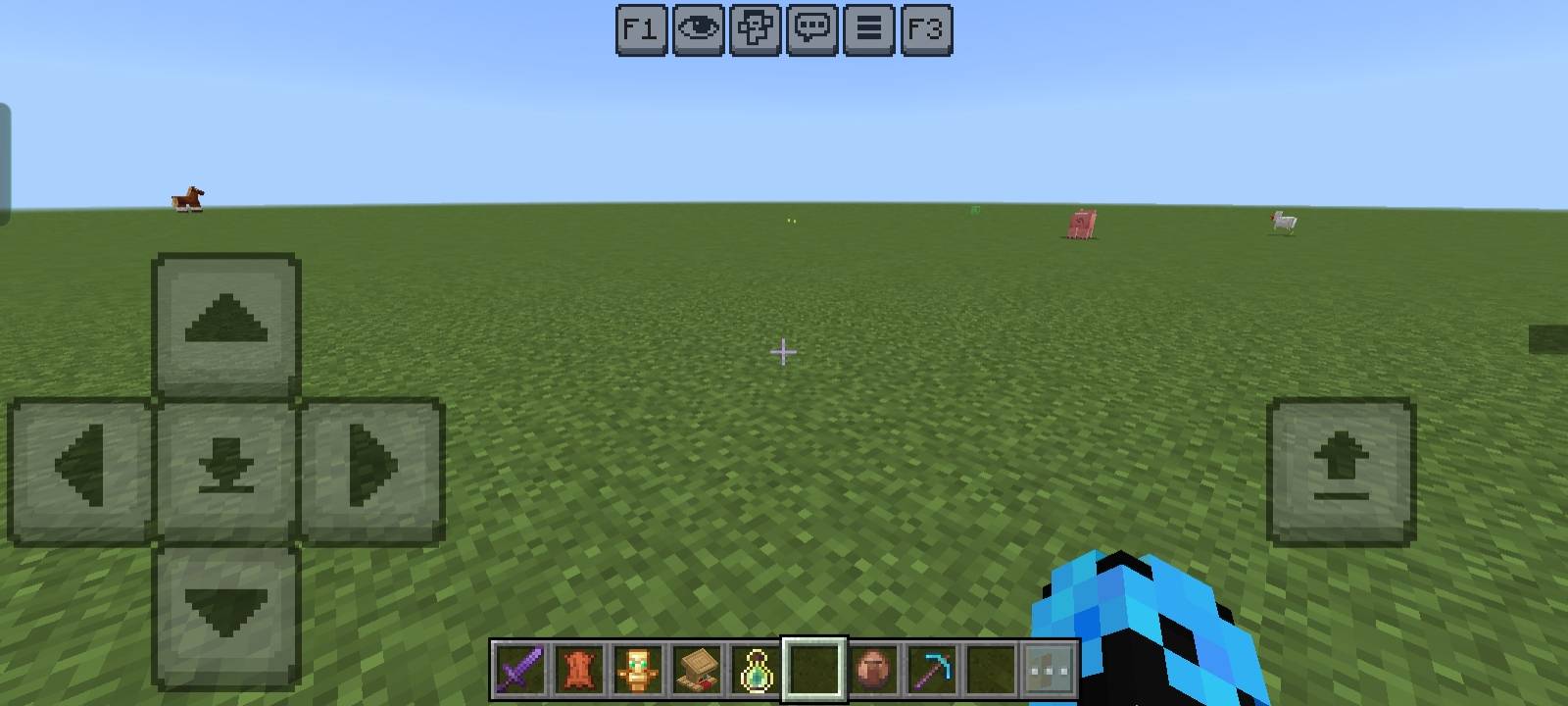
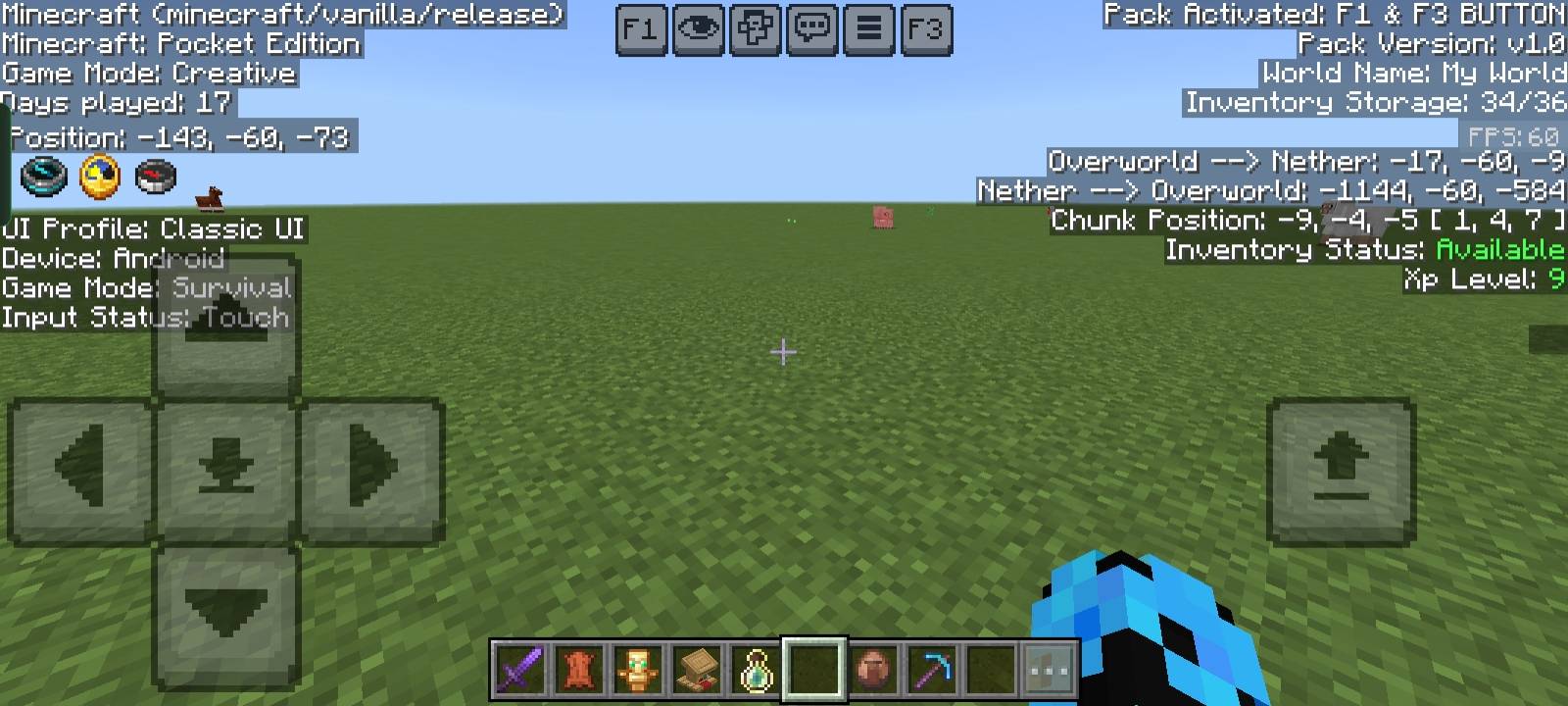
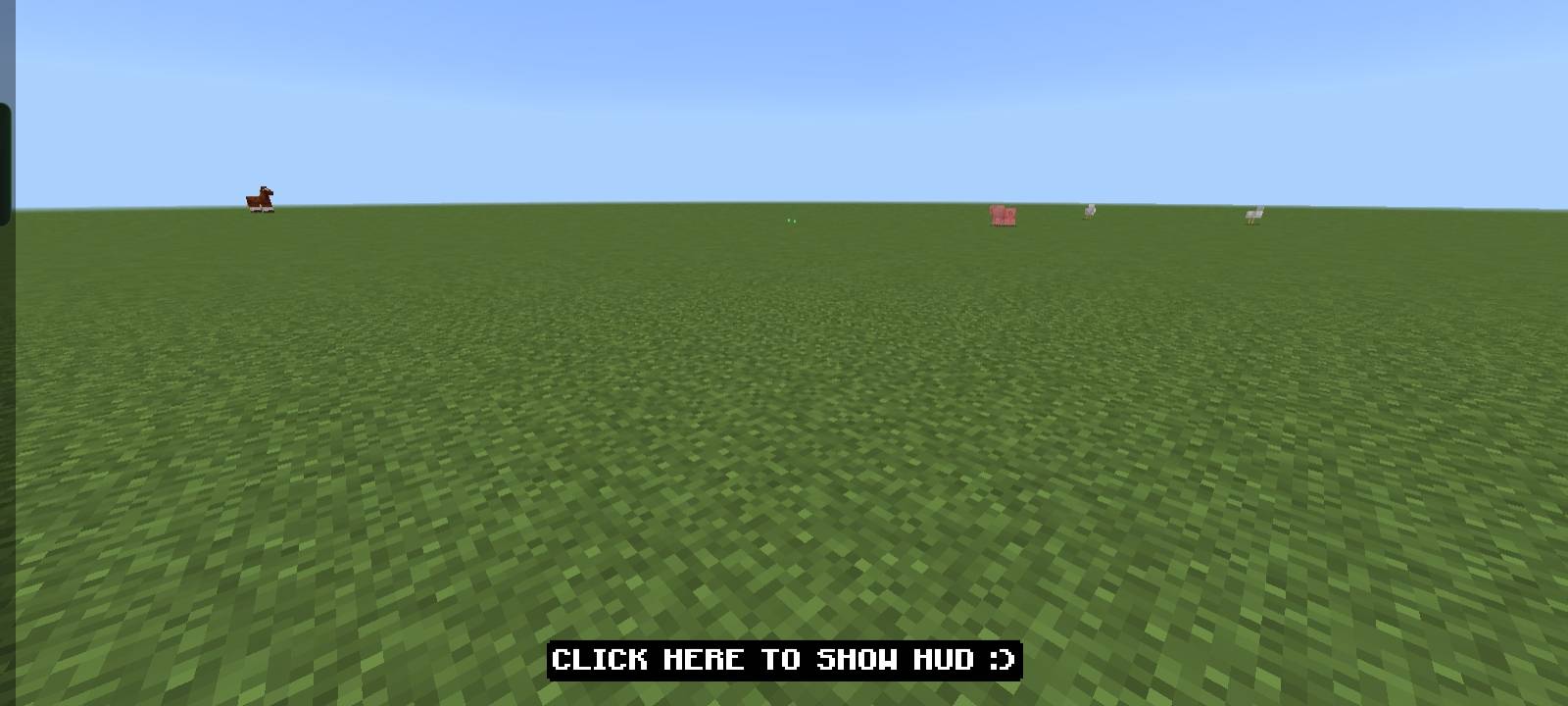
F1 & F3 Button Resource Pack adds F1 & F3 Button to Minecraft Bedrock / Pocket Edition. F3 shows a Java-like debug screen with coords, FPS, chunks, and more, while F1 hides the HUD for clean screenshots or cinematic play.
Features:
- Position (XYZ Coordinates)
- Days Played
- Inventory Counter (used/total slots)
- Inventory Status (Available / Full)
- Game Mode Info
- Device & Input Status
- UI Profile (Classic / Pocket)
- Dimension Info (Overworld ↔ Nether conversion)
- Chunk Position
- XP Level Display
- FPS Counter
- Pack Information (Pack version, world details)
- Toggle HUD (F1 Button) – hide/show HUD instantly
Screenshots:
F1 & F3 Button Resource Pack Download Links
For Minecraft PE/Bedrock 1.21
mcpack: Download from server 1 – Download from server 2
- Edition: Minecraft Bedrock
- File type: .mcpack
- Minecraft version listed: 1.21
- How to install: Download the .mcpack. → Open it — Minecraft imports it under Resource Packs. → Activate it in Global Resources, or for one world under Resource Packs → Available.
- Where to get it: In MCModsHub, or directly above on this page.
Install steps are the general flow for this file type — How to install Minecraft Bedrock texture packs walks through it step by step.
- Pack type: .mcpack — a single pack
- Manifest requires Minecraft 1.18.0 or newer
- Complete pack — everything it depends on is inside the file
- Download size: 322 KB
- Download link checked 17 Jun 2026 — working
- Mirrored on our own servers — the download does not depend on the original host
These come from our own check of the pack file, not from the source page.