ShadersBedrock
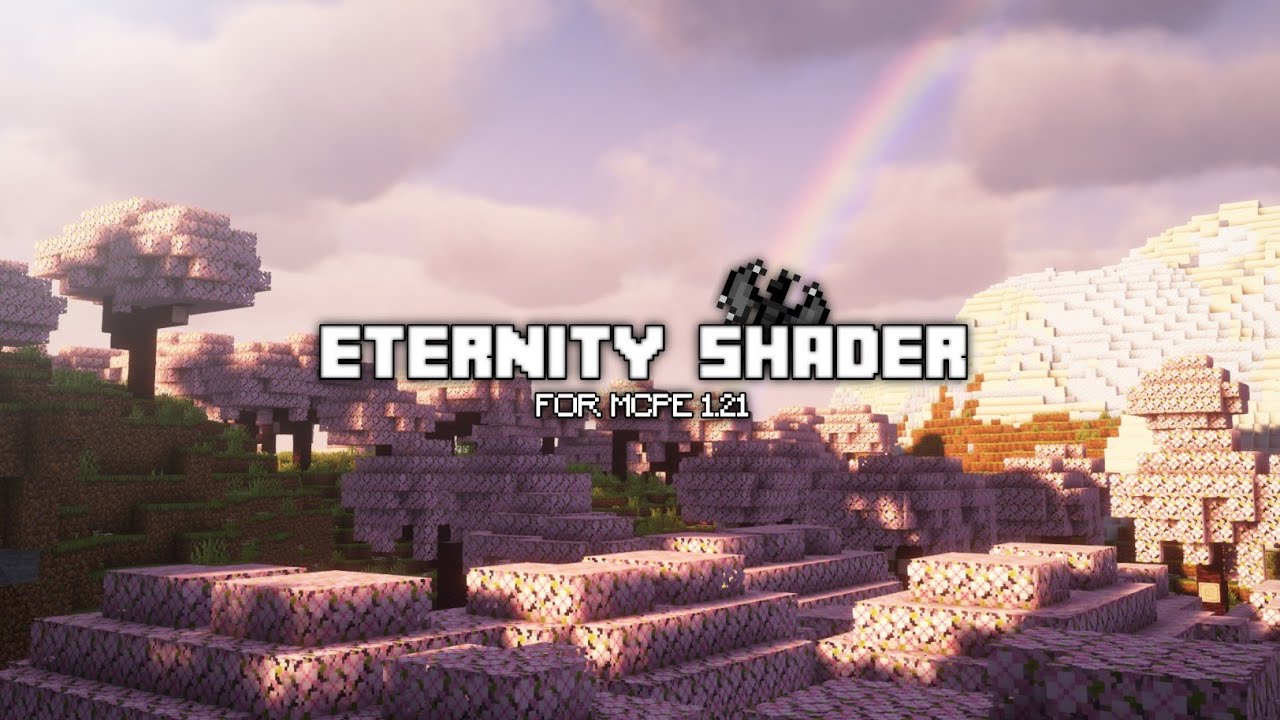
Eternity Shader (1.21, 1.20) – RenderDragon, All Devices
Bedrock RenderDragon shader pack listed for Minecraft 1.20–1.21. Installs from the MC Bedrock Mods app on Android.
⬇ Download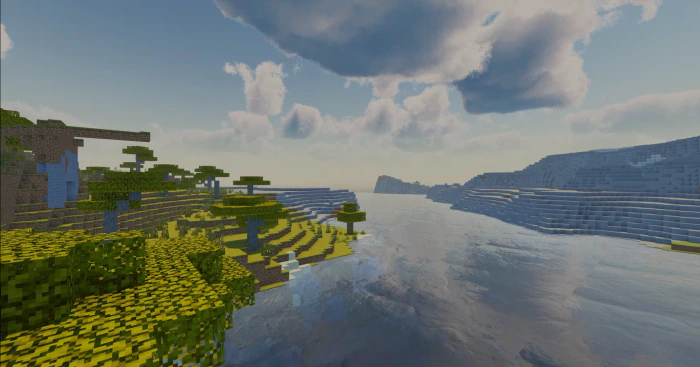
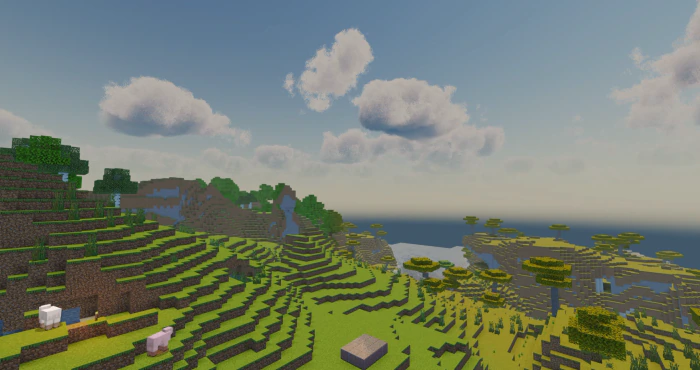
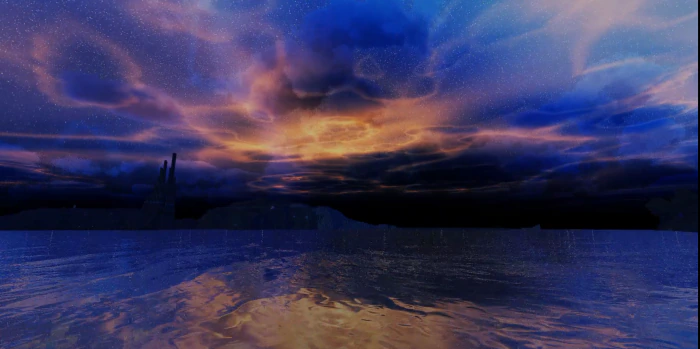
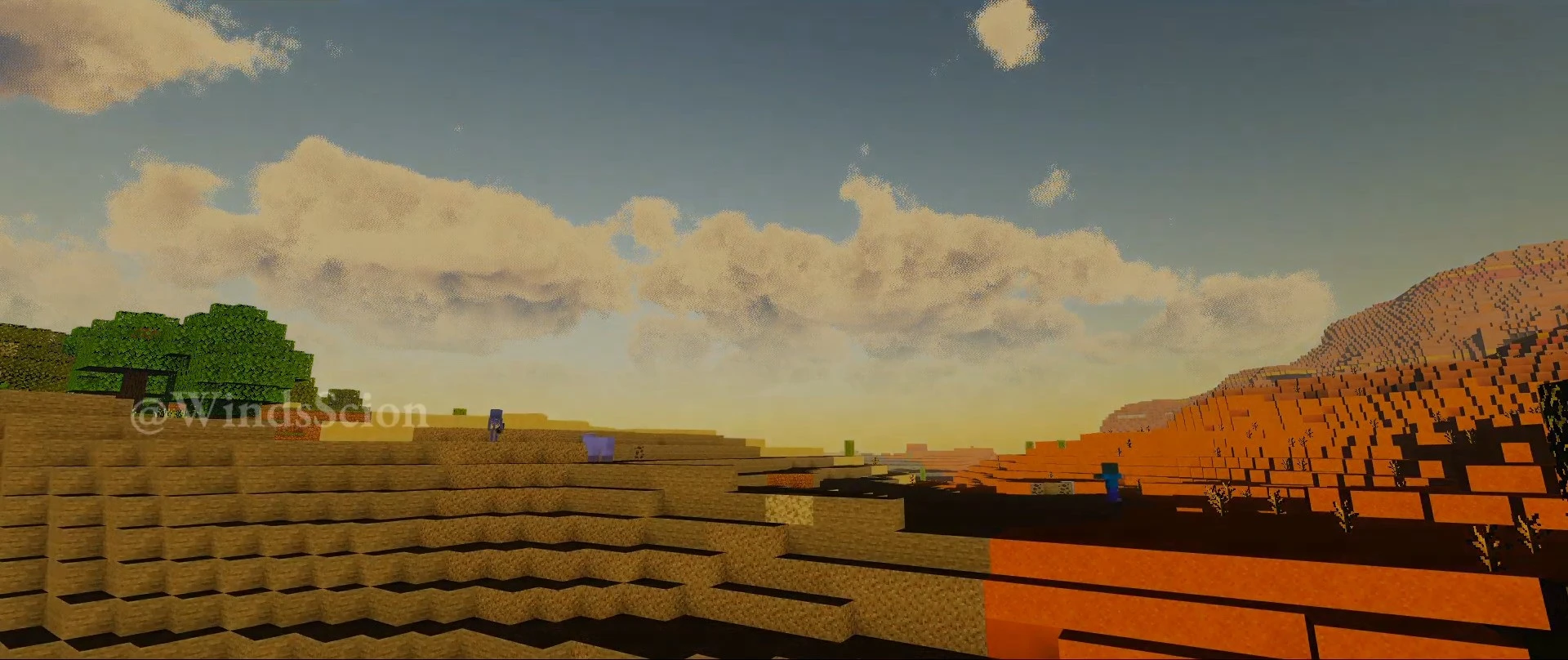
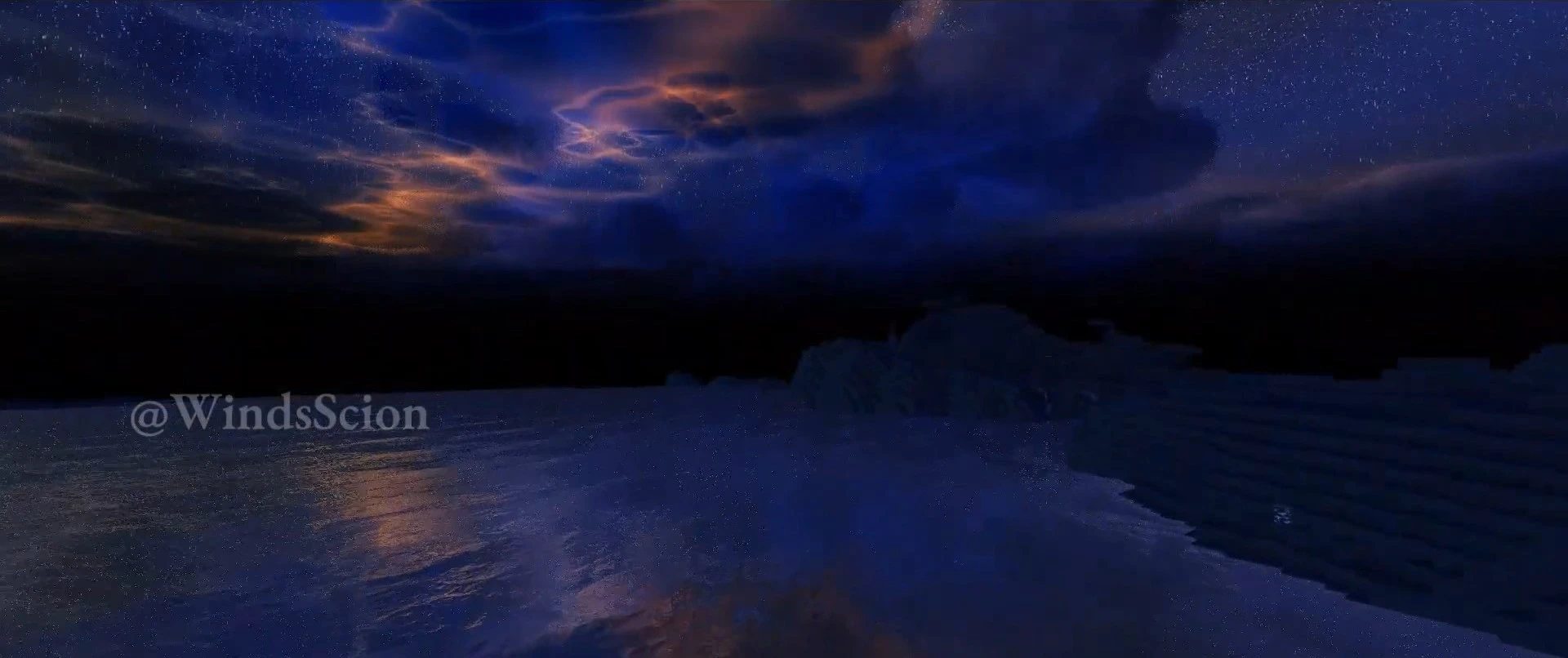
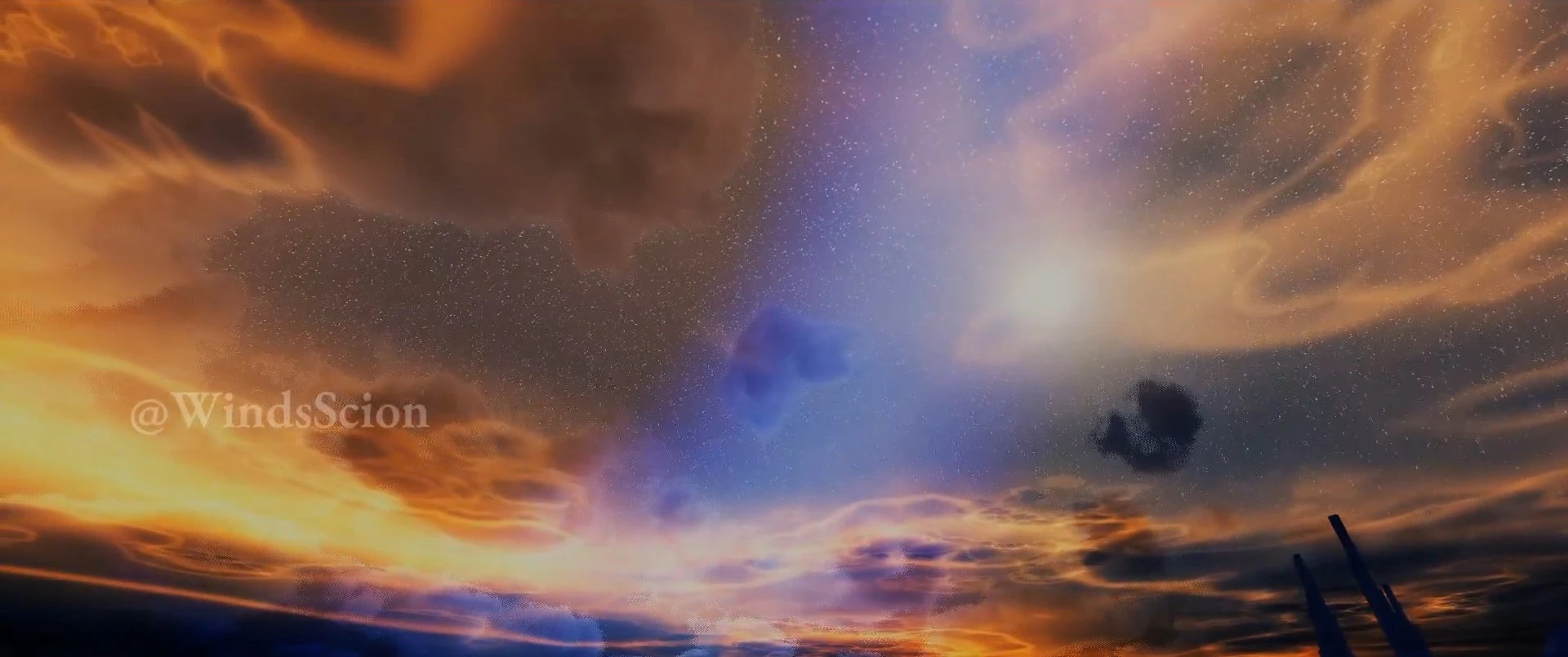
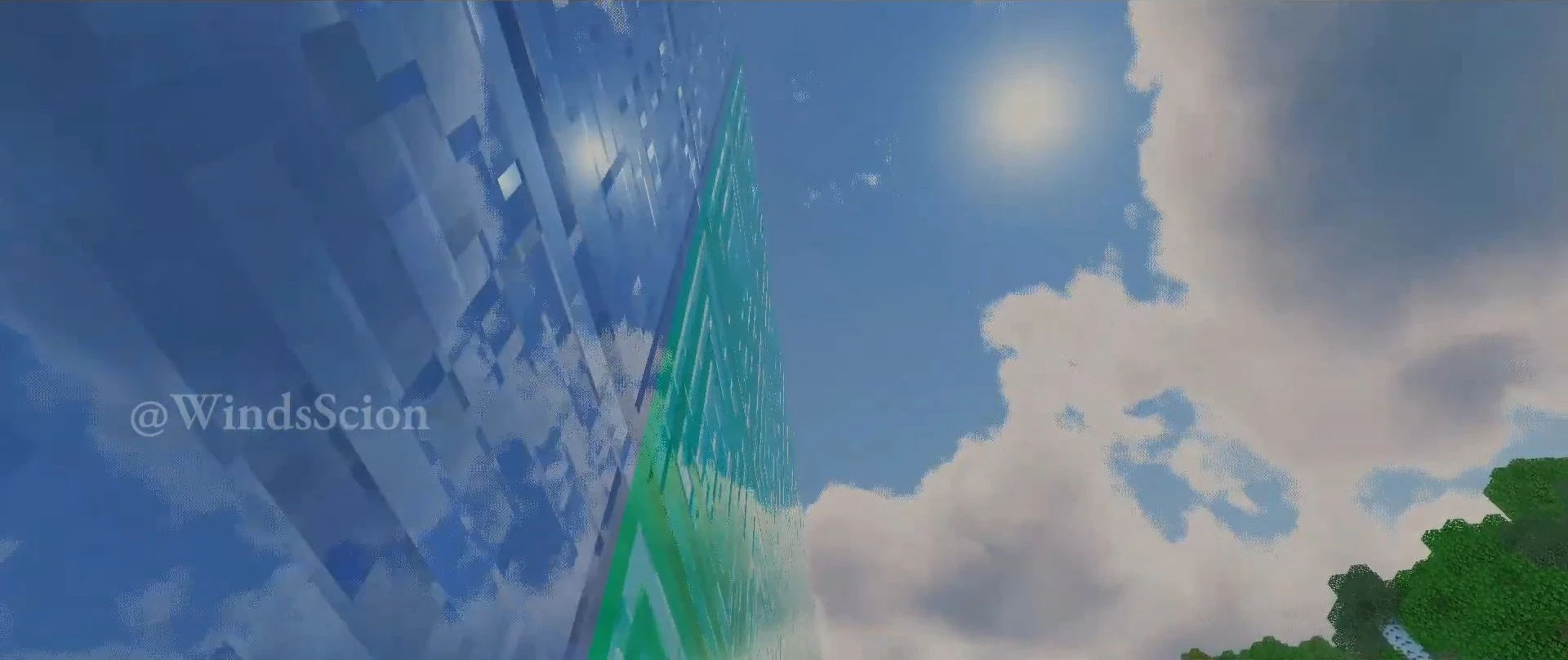
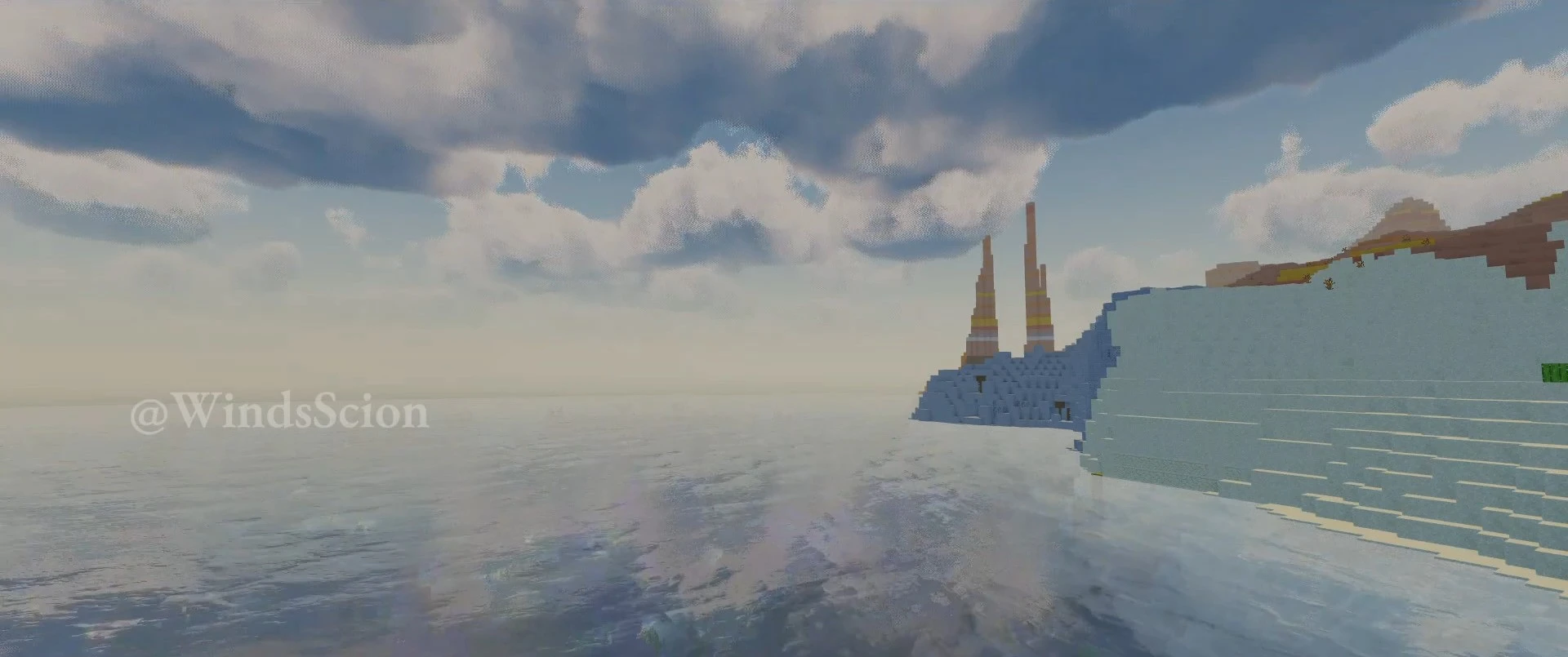
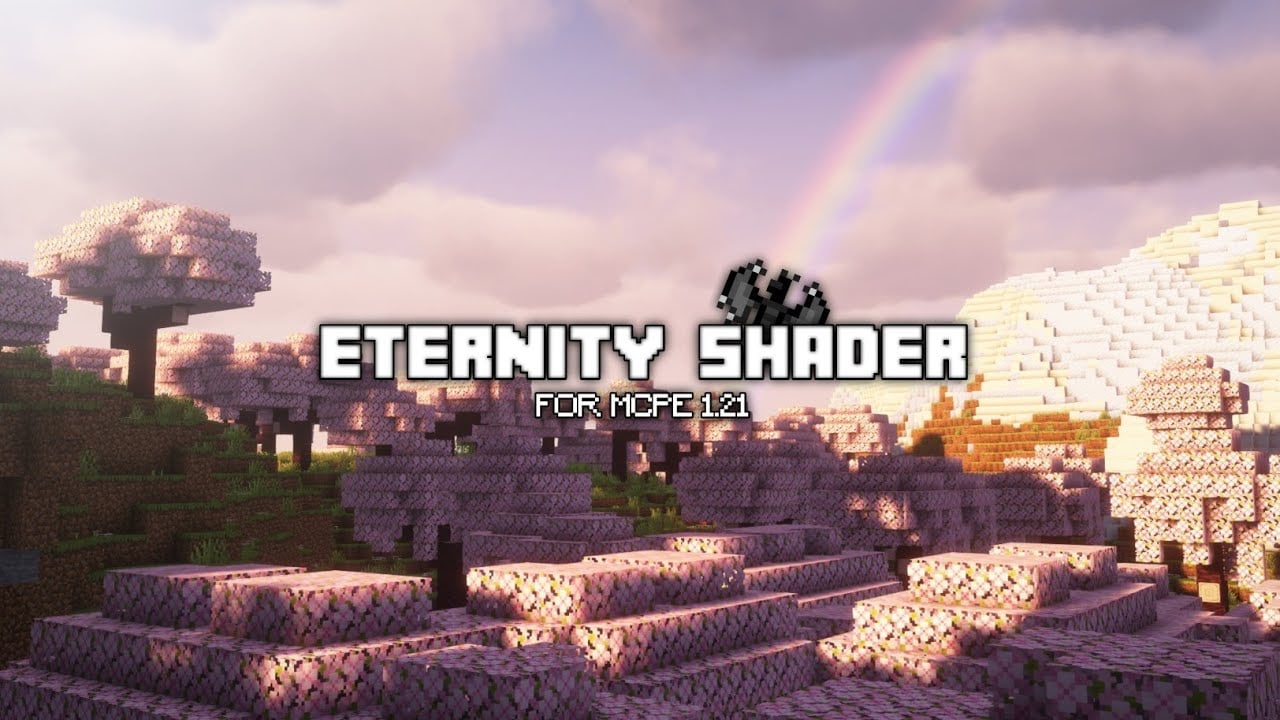
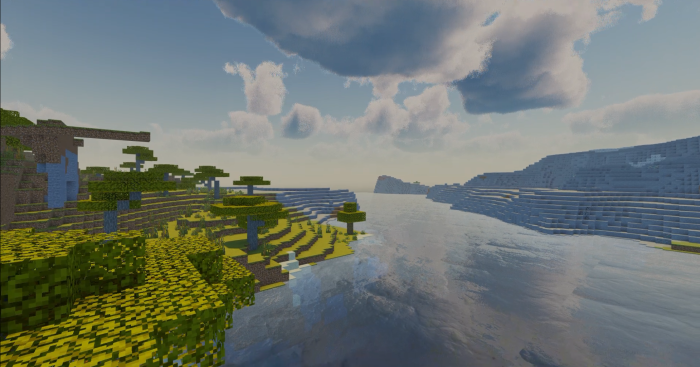
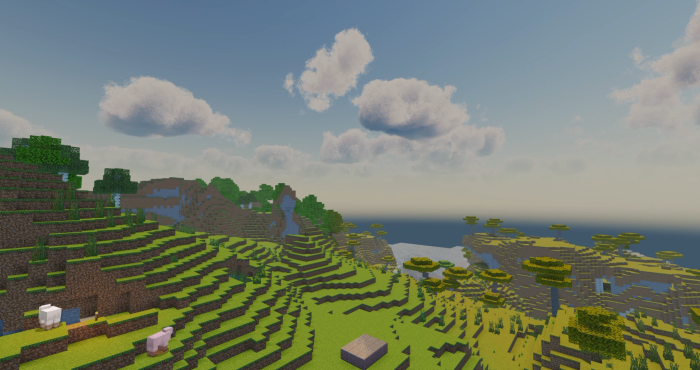
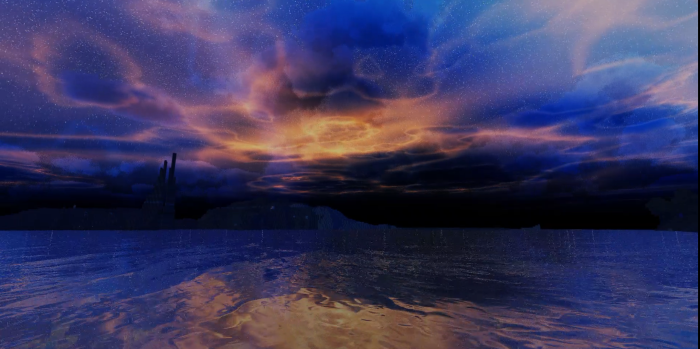
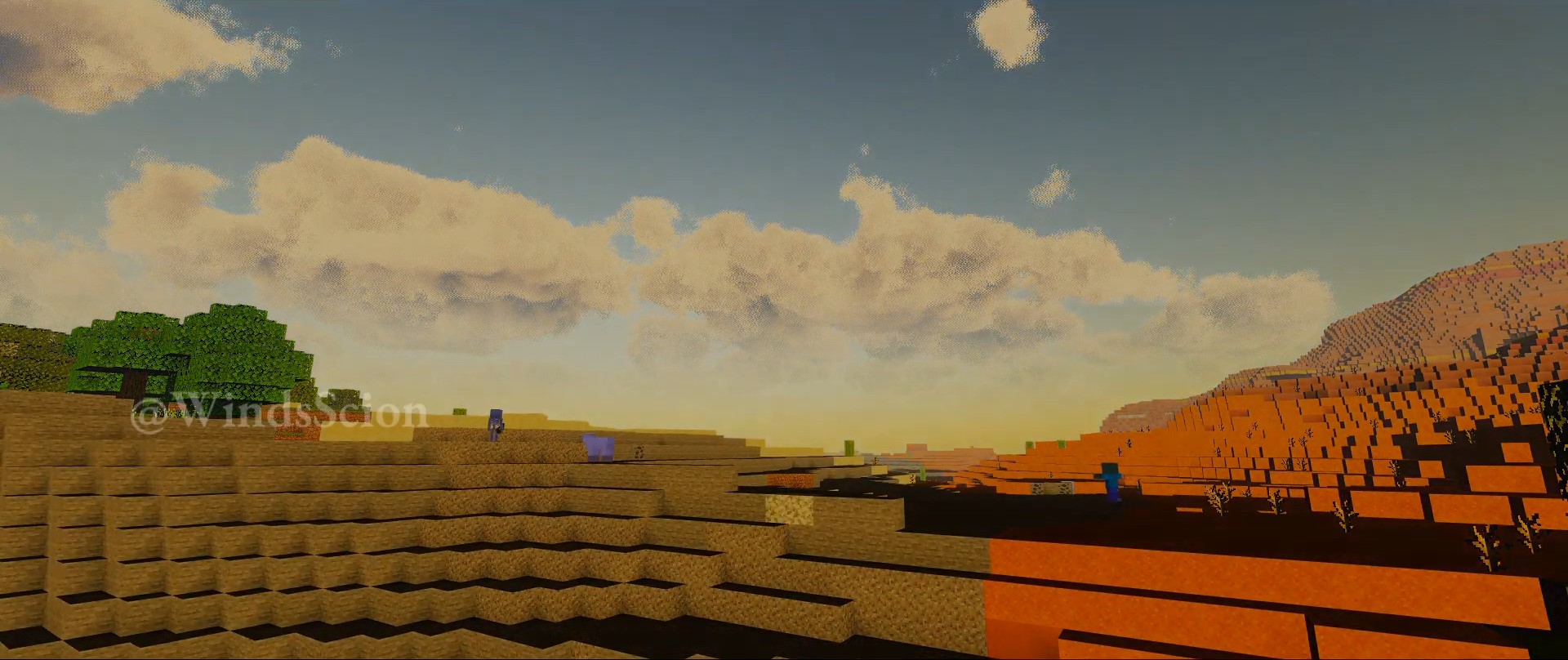
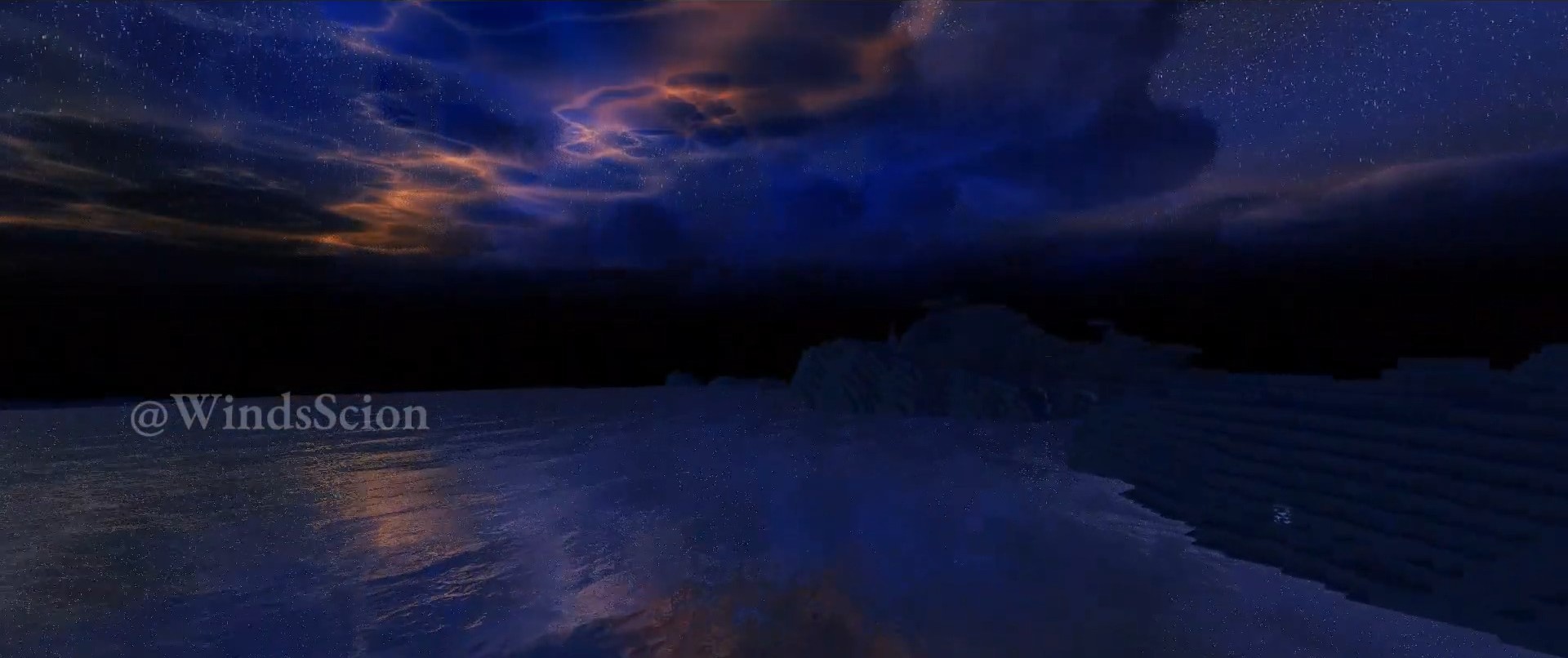
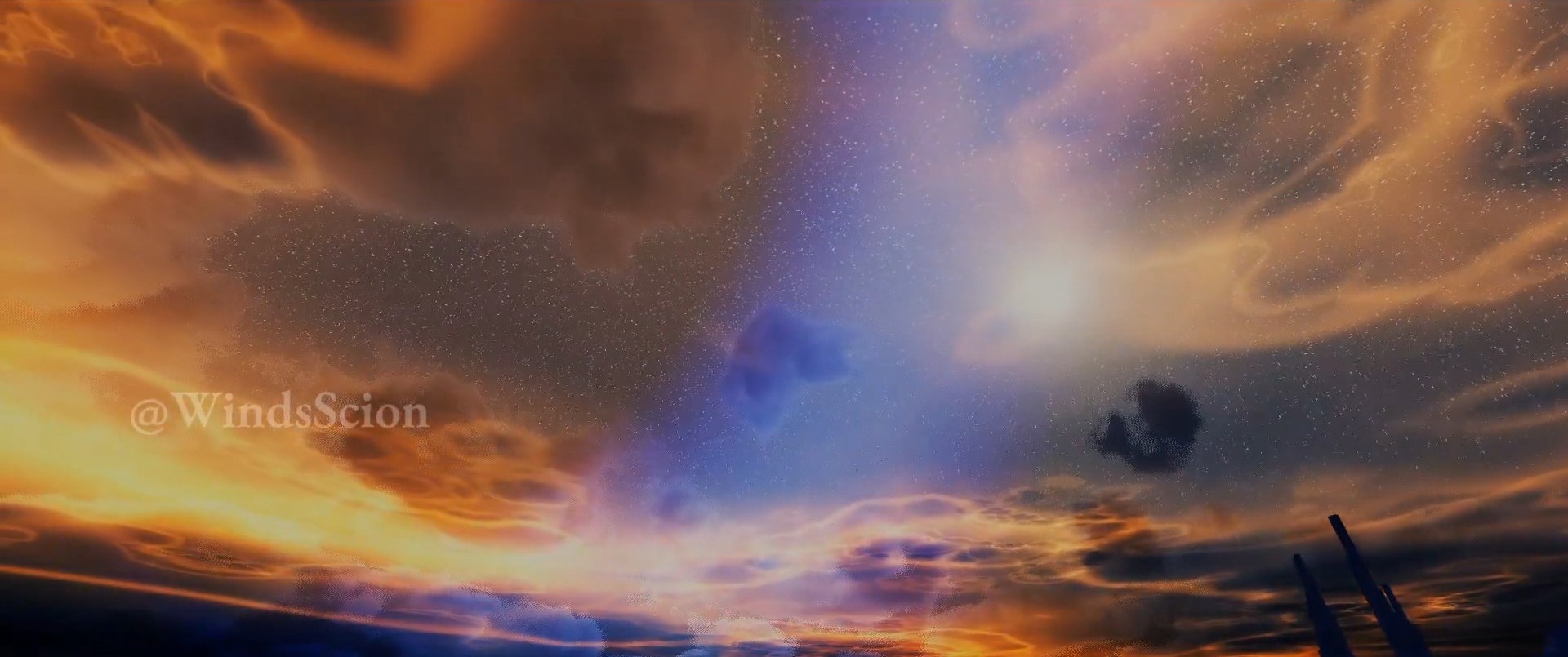
Eternity Shader aims for realism, offering stunning graphics enhancements like realistic lighting effects, dynamic shadows, reflections, and even animated leaves and foliage. It’s like giving your game a lifelike makeover.
Screenshots:
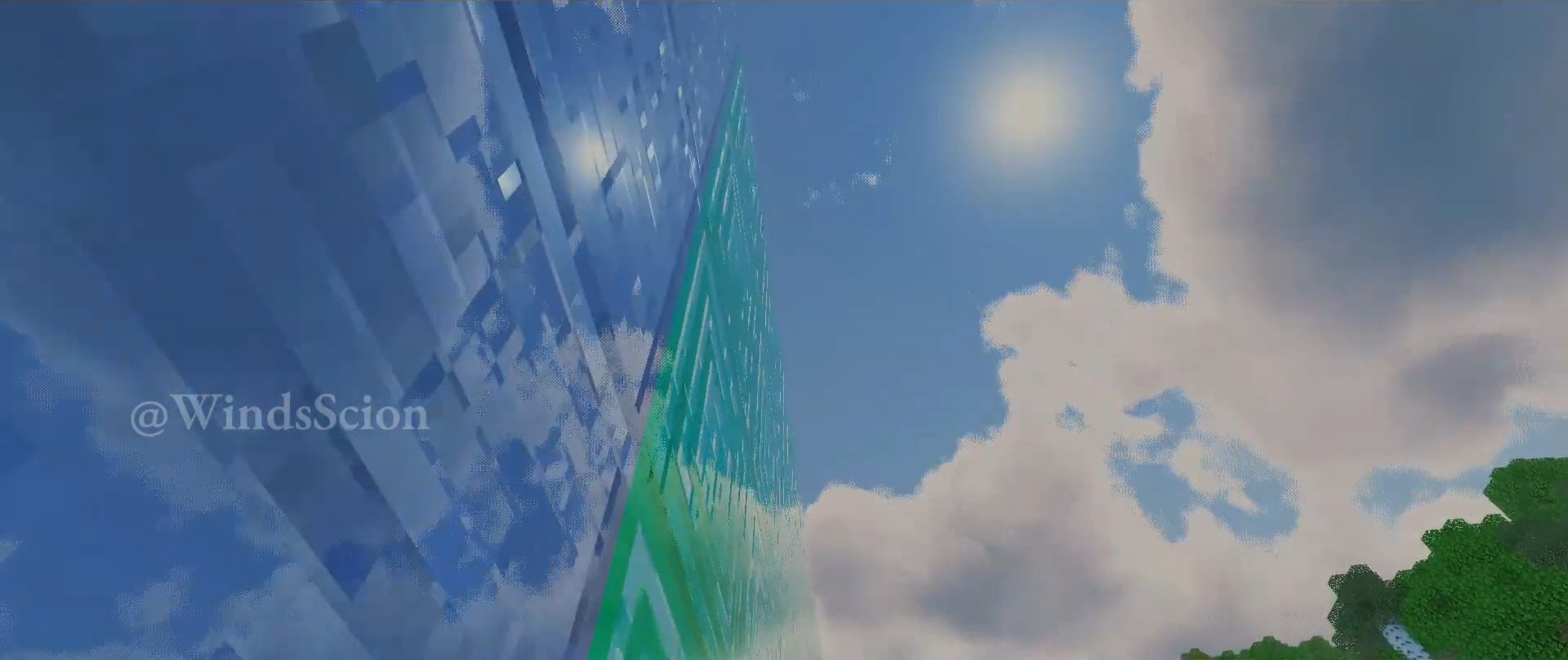
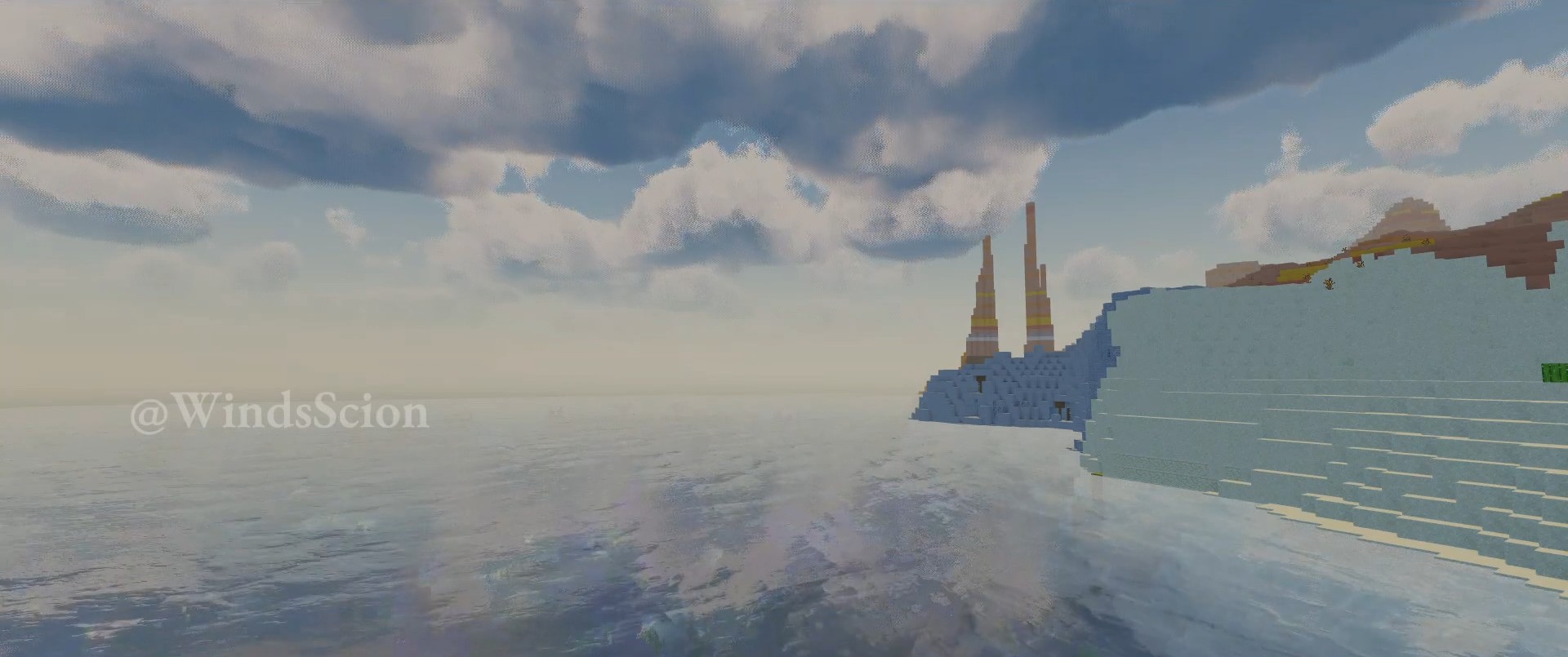
Installation Note:
- You need to download Minecraft PATCH APK for Android and Better RenderDragon for Windows.
Eternity Shader Download Links
You may also like
For Minecraft PE/Bedrock 1.21, 1.20
iOS + Android + Windows: Download from server 1 – Download from server 2
Quick facts
- Edition: Minecraft Bedrock
- File type: .mcpack
- Minecraft versions listed: 1.21, 1.20
- How to install: Download the .mcpack. → Open it — Minecraft imports it under Resource Packs. → Activate it in Global Resources, or for one world under Resource Packs → Available.
- Where to get it: In MCModsHub, or directly above on this page.
Install steps are the general flow for this file type — How to install Minecraft Bedrock texture packs walks through it step by step.
Eternity Shader (1.21, 1.20) – RenderDragon, All Devices is a free Minecraft Bedrock shader. Compatible with Minecraft 1.21, 1.20. Download it and open it directly in the game.