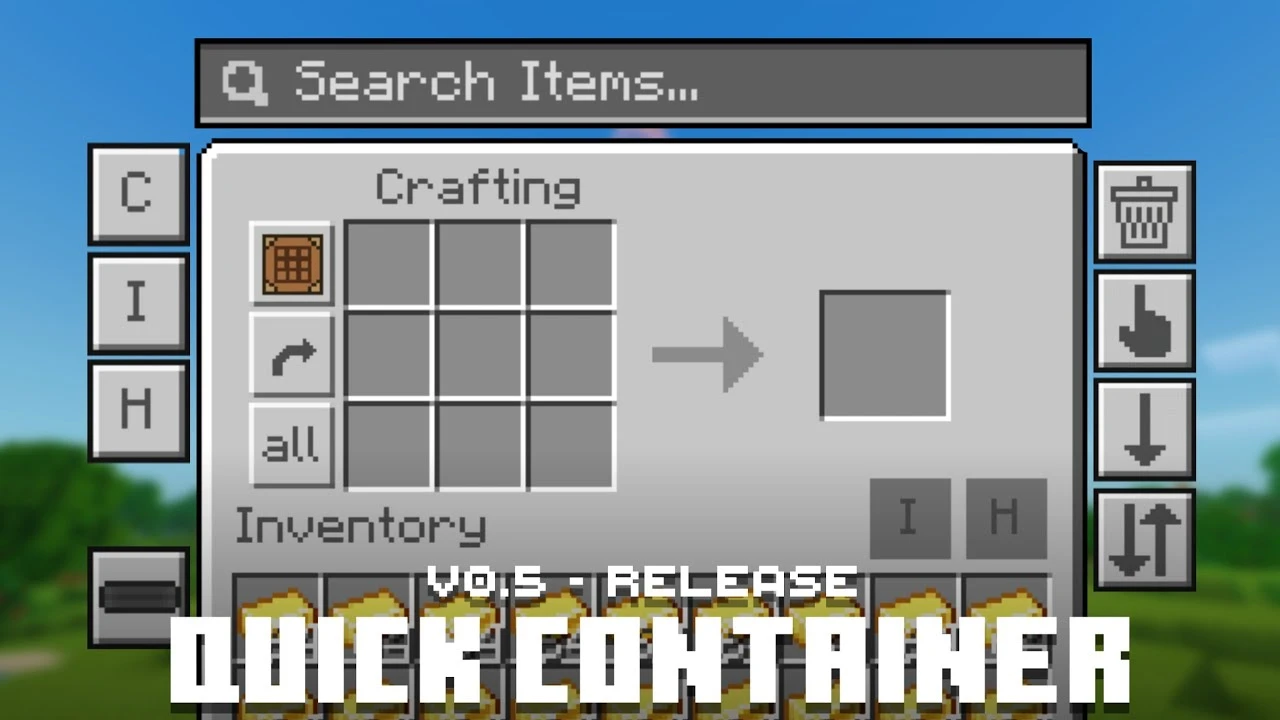
Quick Container Texture Pack (26.x, 1.21) – MCPE/Bedrock
Bedrock texture pack listed for Minecraft 1.16–1.21. File opened and checked on 22 Sep 2026; installs from the MC Bedrock Mods app on Android.
⬇ Download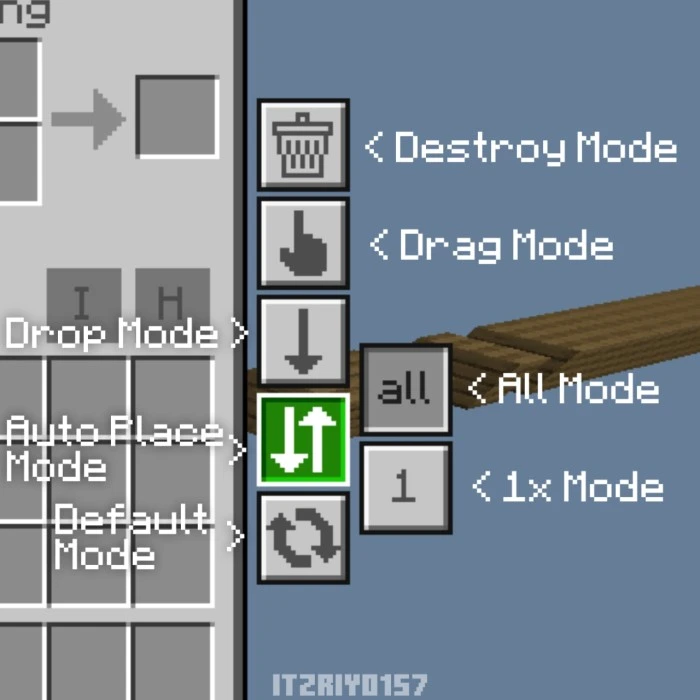
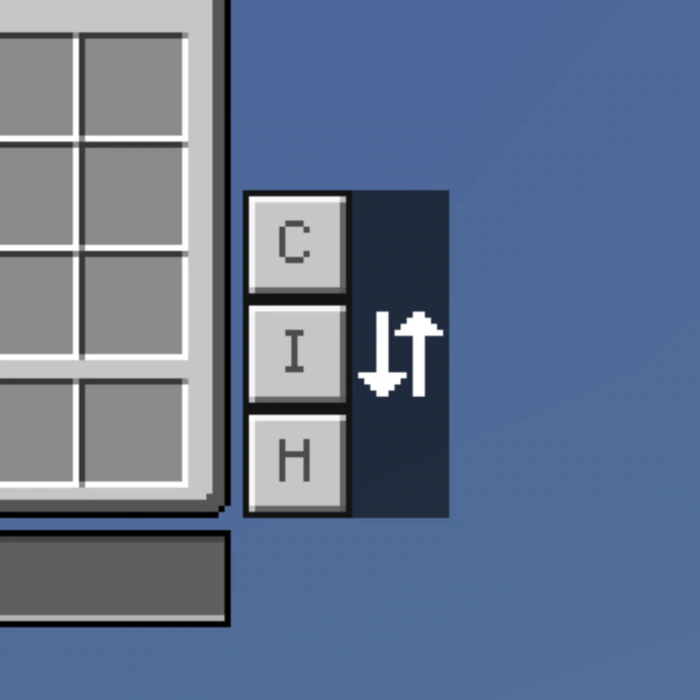
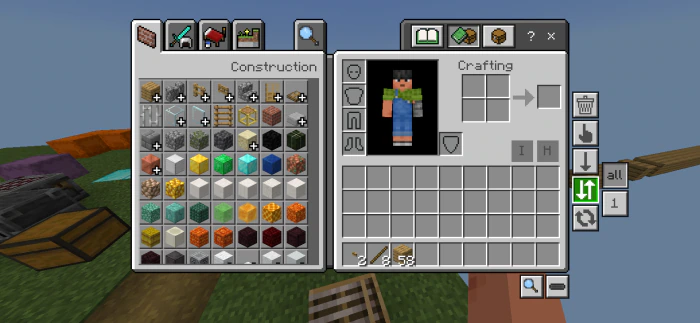
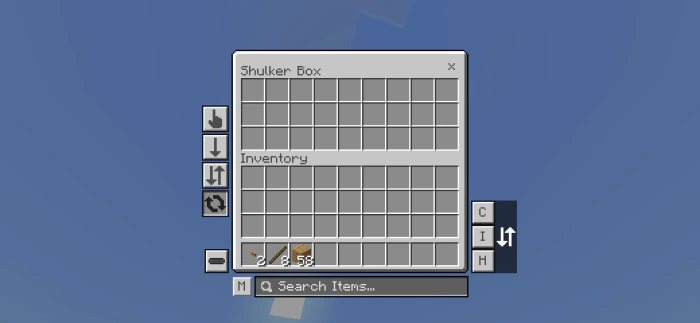
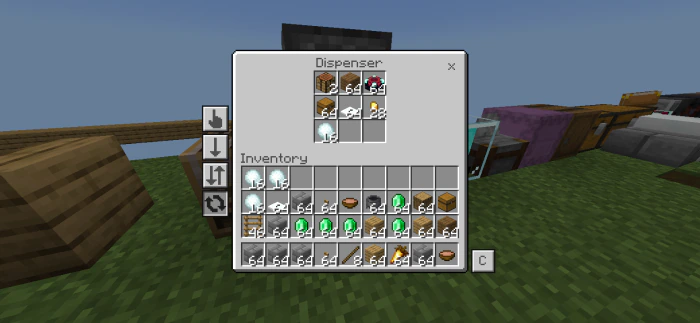
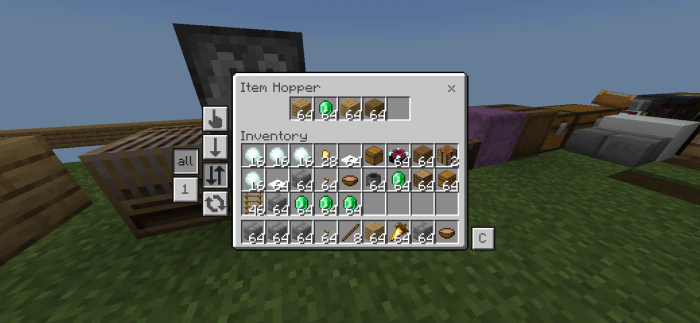
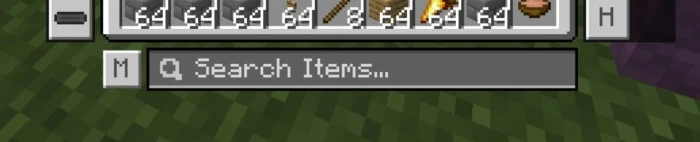
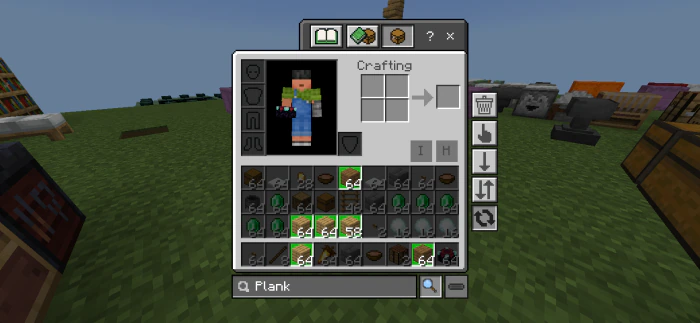
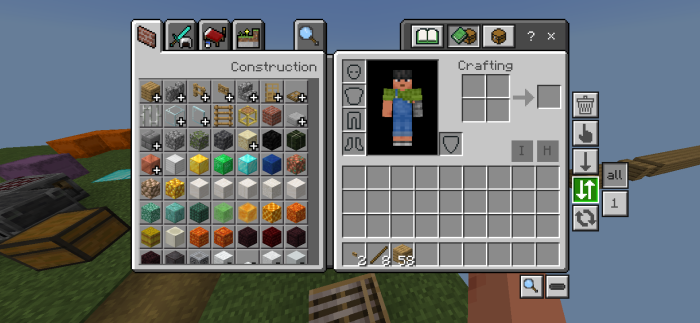
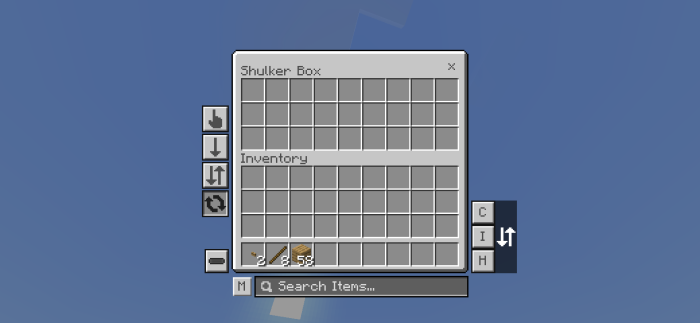
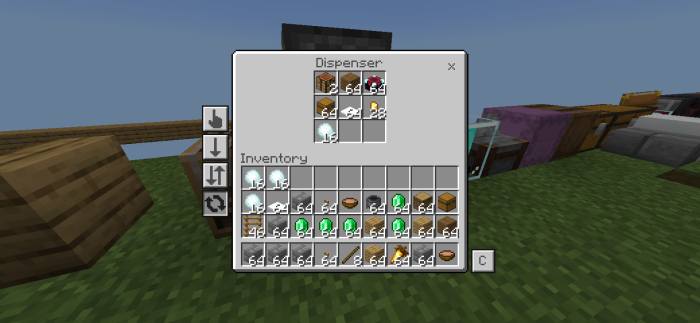
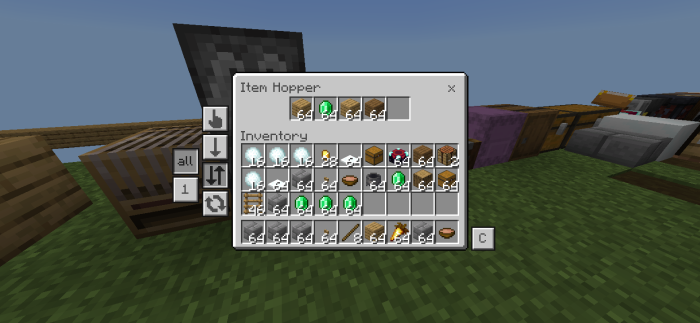
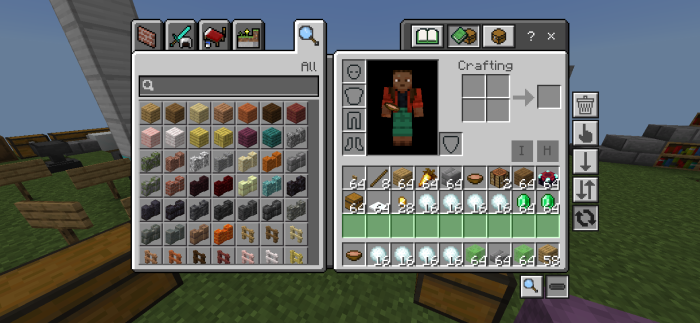
Quick Container Texture Pack enhances the user interface by adding practical features to streamline gameplay. With this pack, players can sort, loot, or discard items from chests or inventories with a single click, search for specific items in cluttered storage using a convenient Search Bar, and access numerous other time-saving functionalities. Designed for ease of use, it simplifies inventory management while maintaining compatibility with MCPE/MCBE, making it an essential tool for a more efficient gaming experience.
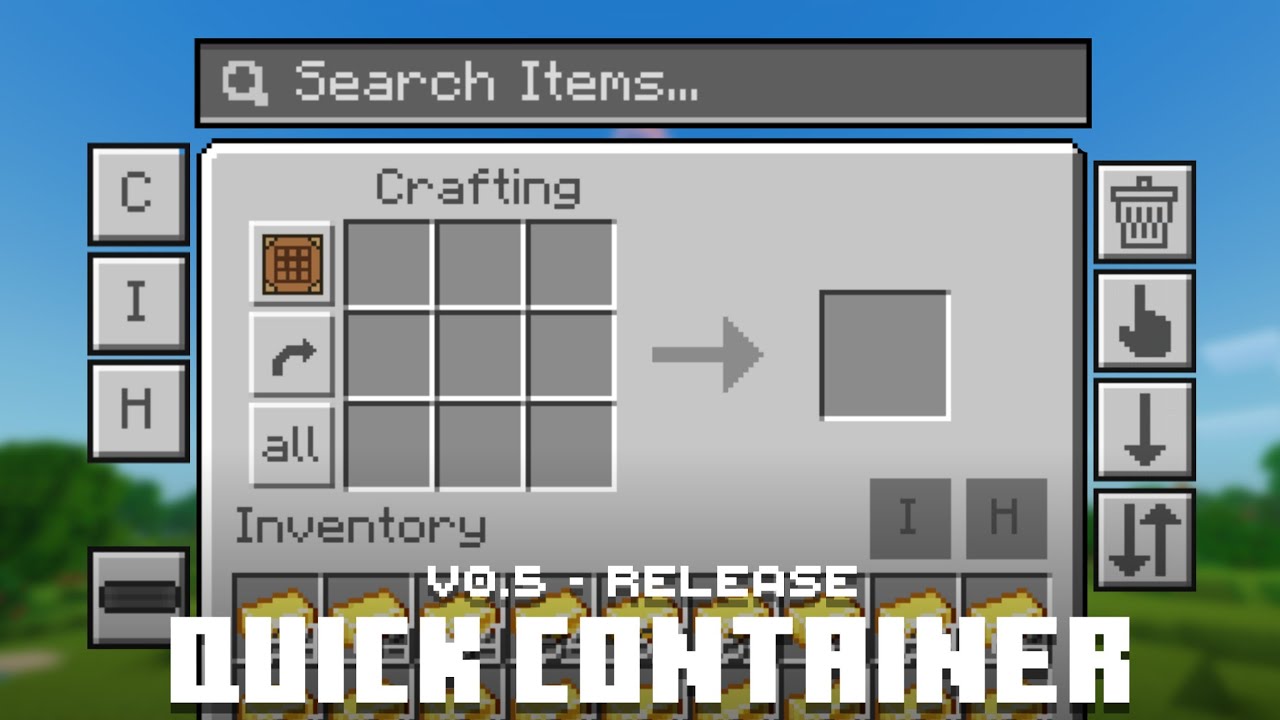
Features:
- Quick Move Items
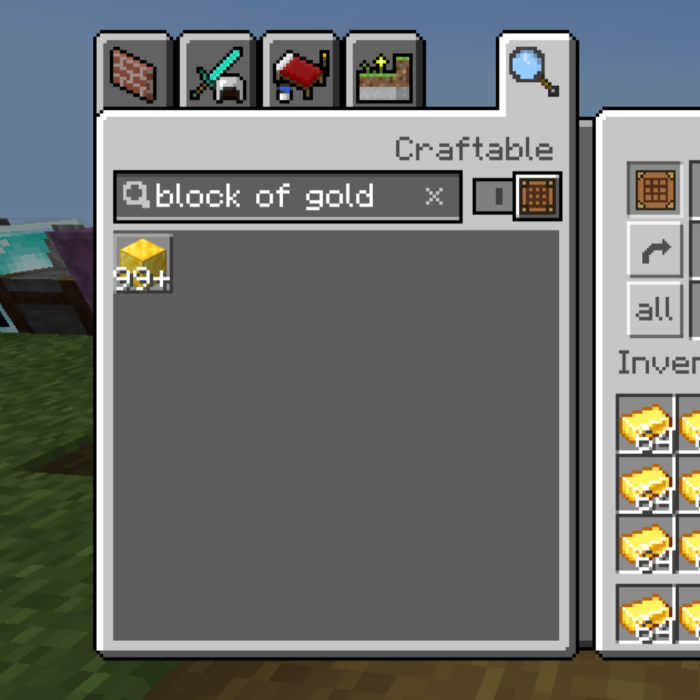
- Search Item
- Bulk Item Transferring
- Bulk Item Throw
- Move Matching Item
- Move Item per Column
- Quick Craft & Trade
- Mass Craft
Screenshots:
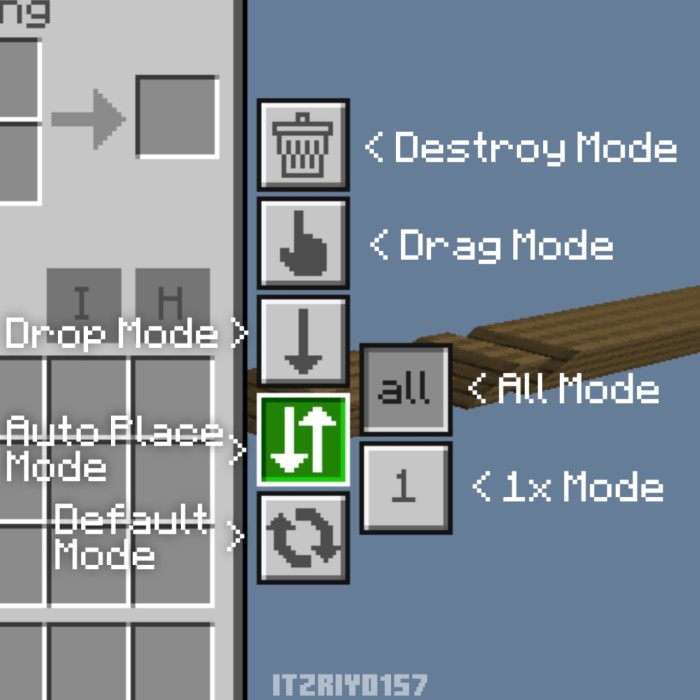
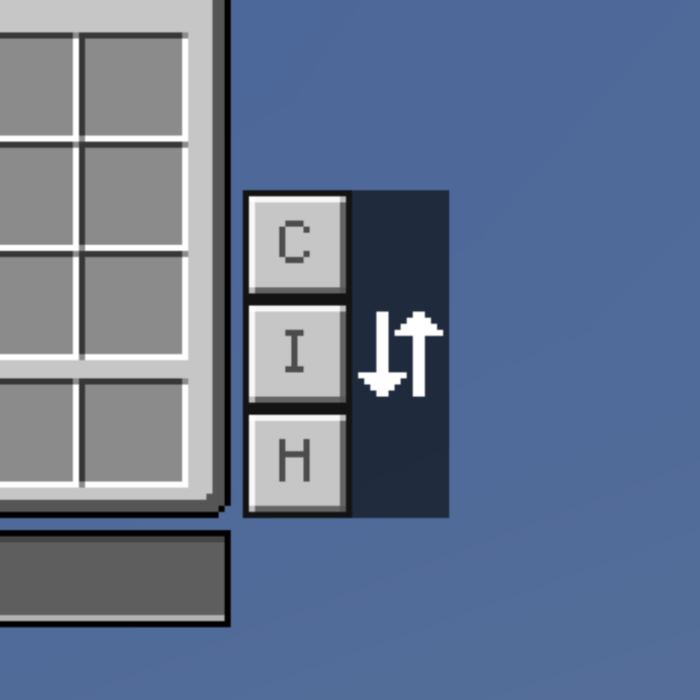
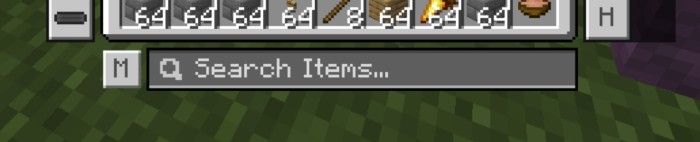
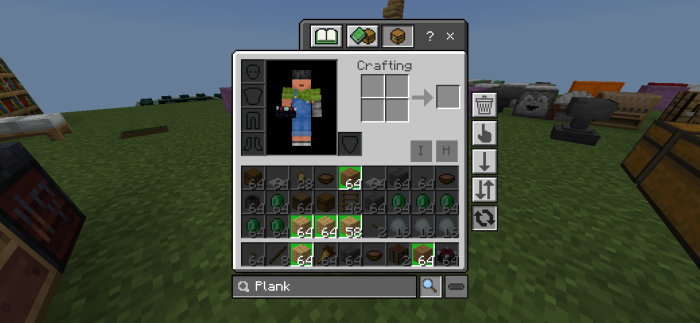
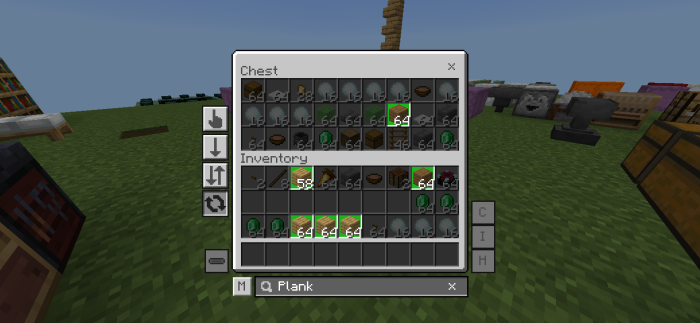
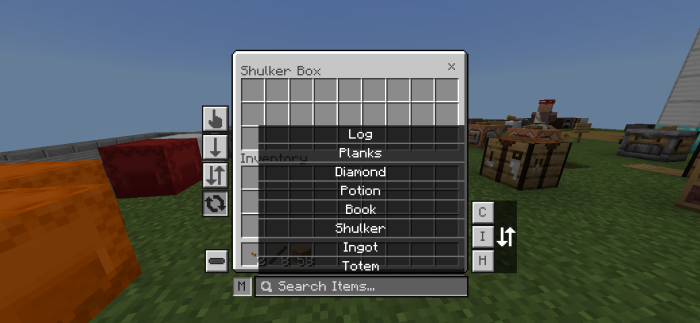
Quick Container Texture Pack Download Links
For Minecraft PE/Bedrock 1.21, 1.20
mcpack: Download from server 1 – Download from server 2
- Edition: Minecraft Bedrock
- File type: .mcpack
- Minecraft version listed: 1.21
- How to install: Download the .mcpack. → Open it — Minecraft imports it under Resource Packs. → Activate it in Global Resources, or for one world under Resource Packs → Available.
- Where to get it: In MCModsHub, or directly above on this page.
Install steps are the general flow for this file type — How to install Minecraft Bedrock texture packs walks through it step by step.
- Pack type: .mcpack — a single pack
- Manifest requires Minecraft 1.16.40 or newer
- Complete pack — everything it depends on is inside the file
- Download size: 73 KB
- Download link checked 17 Jun 2026 — working
- Mirrored on our own servers — the download does not depend on the original host
These come from our own check of the pack file, not from the source page.