Emerald UI Pack (1.21, 1.20) – MCPE/Bedrock
Bedrock texture pack listed for Minecraft 1.16–1.21. File opened and checked on 9 Oct 2026; installs from the MC Bedrock Mods app on Android.
⬇ Download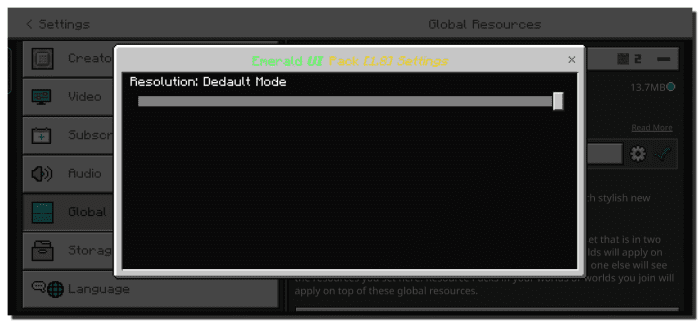
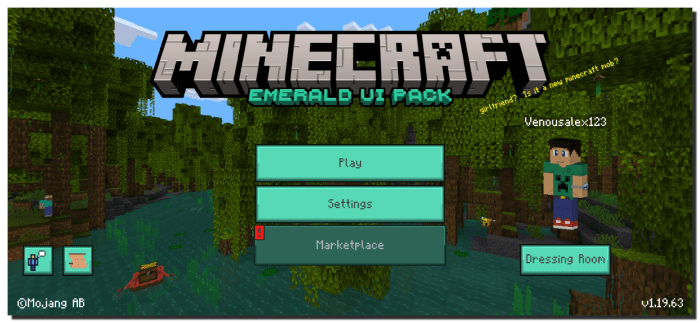
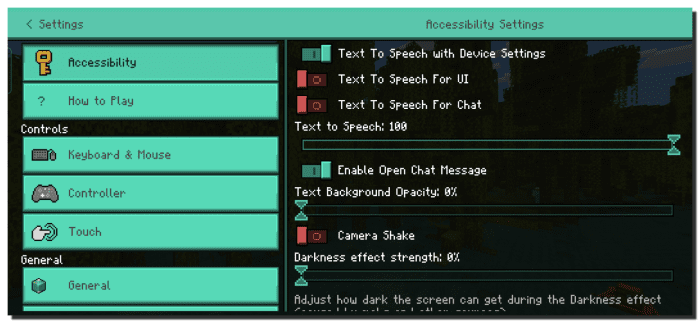
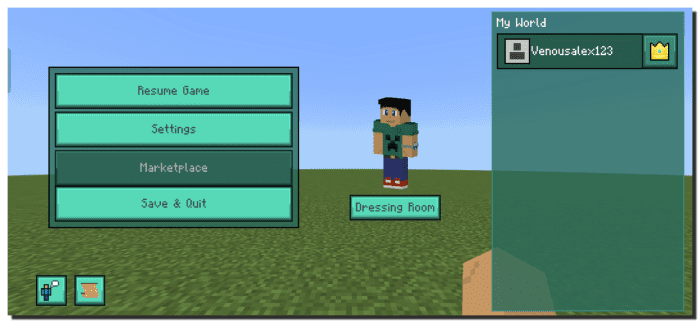
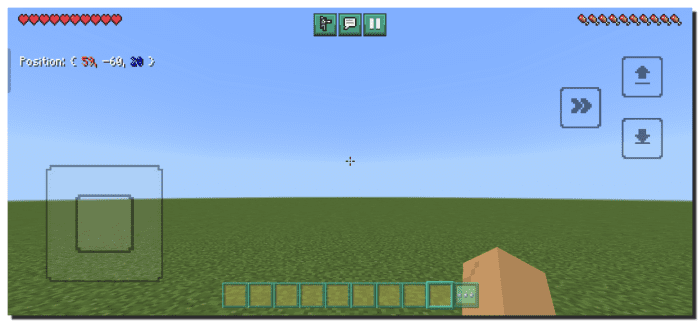
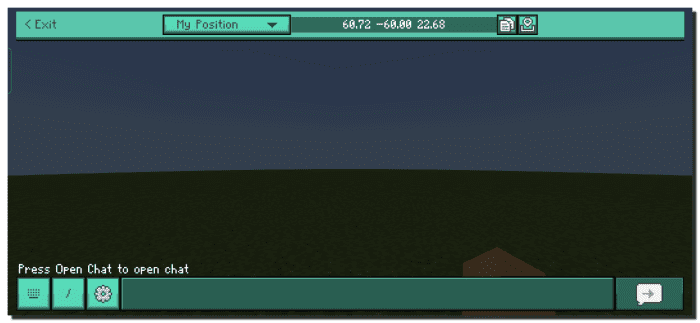
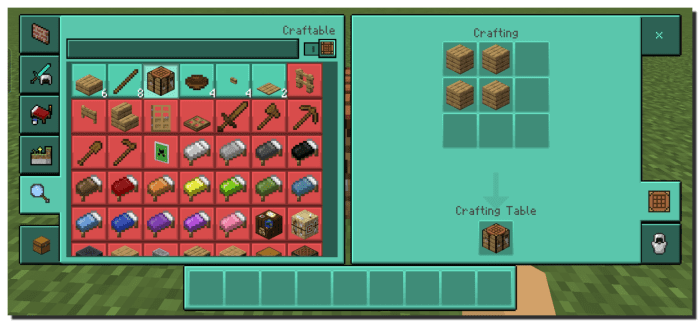
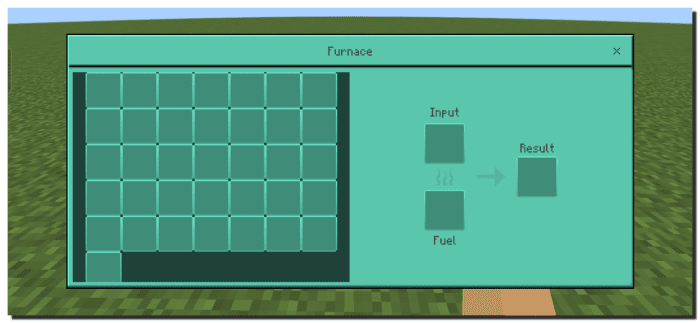
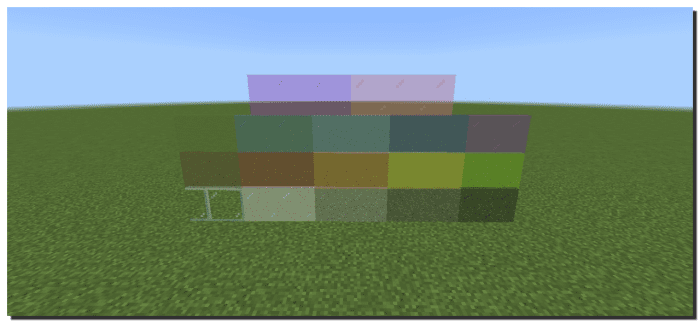
Tired of the same old gray interface color in Minecraft? Looking to switch things up? Look no further! We’ve got a package that enhances the aesthetics of Minecraft’s interfaces. Emerald UI Pack infuses a more vibrant and welcoming greenish hue to your Minecraft interface, replacing the drab gray color. With this package, you’ll experience greater comfort and a refreshed sensation while playing in a survival, creative, server world, and beyond. It even modifies certain aspects of Minecraft’s artboard menus. But that’s not all! The pack also changes the color of survival hearts, introduces a new background color for interface outlines, and adds other captivating details that will make your Minecraft experience unforgettable [compatible with 1.19+].
Features:
The latest version of the resource pack boasts several new features compared to its predecessors. After a year of inactivity, the author finally presents this wonderful update, featuring a remastered texture for enhanced comfort when playing Minecraft Bedrock.
The pack aims for basic optimization and includes additional plugins that will enhance your survival world. But let’s not get ahead of ourselves.
Warning: The pack contains new textures and functions, which may result in visual errors. If you encounter any texture changes that are not reflected, please restart Minecraft and try again.
Screenshots:
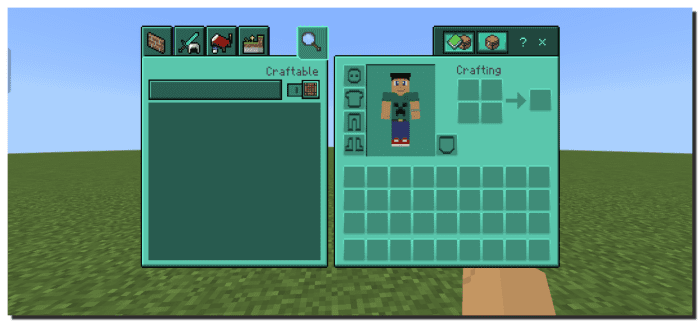
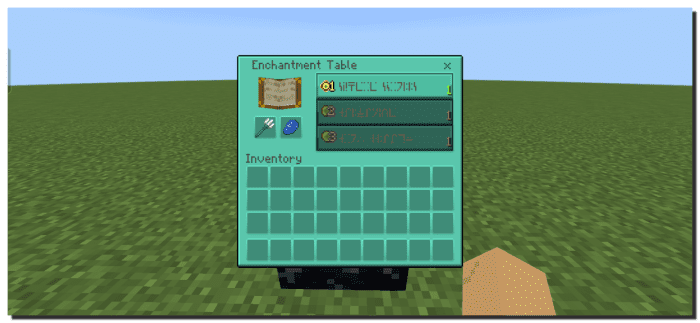
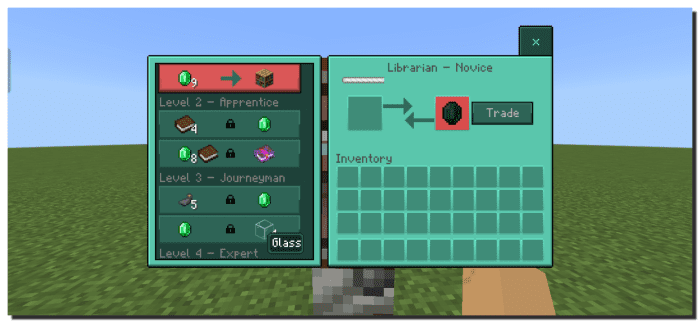
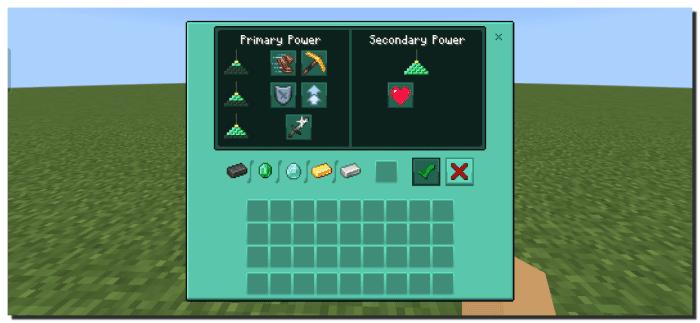
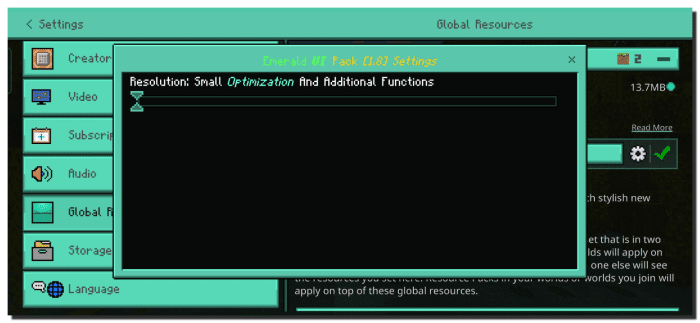
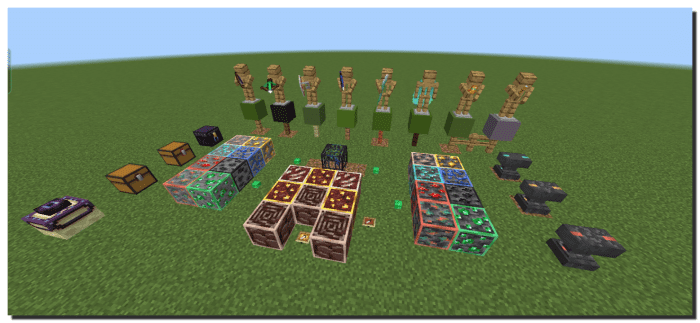
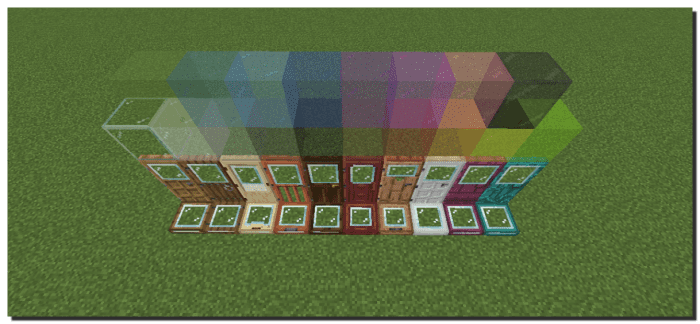
Emerald UI Pack Download Links
For Minecraft PE/Bedrock 1.21
mcpack: Download from server 1 – Download from server 2
For Minecraft PE/Bedrock 1.20
mcpack: Download from server 1 – Download from server 2
For Minecraft PE/Bedrock 1.19
mcpack: Download from server 1 – Download from server 2
- Edition: Minecraft Bedrock
- File type: .mcpack
- Minecraft versions listed: 1.21, 1.20
- How to install: Download the .mcpack. → Open it — Minecraft imports it under Resource Packs. → Activate it in Global Resources, or for one world under Resource Packs → Available.
- Where to get it: In MCModsHub, or directly above on this page.
Install steps are the general flow for this file type — How to install Minecraft Bedrock texture packs walks through it step by step.
- Pack type: .mcpack — a single pack
- Manifest requires Minecraft 1.16.0 or newer
- Complete pack — everything it depends on is inside the file
- Download size: 7.6 MB
- Download link checked 17 Jun 2026 — working
- Mirrored on our own servers — the download does not depend on the original host
These come from our own check of the pack file, not from the source page.