Texture packsBedrock
Outlined Ore Texture Pack (26.x, 1.21) – MCPE/Bedrock
Bedrock texture pack listed for Minecraft 1.16–1.21. File opened and checked on 27 Sep 2026; installs from the MC Bedrock Mods app on Android.
⬇ Download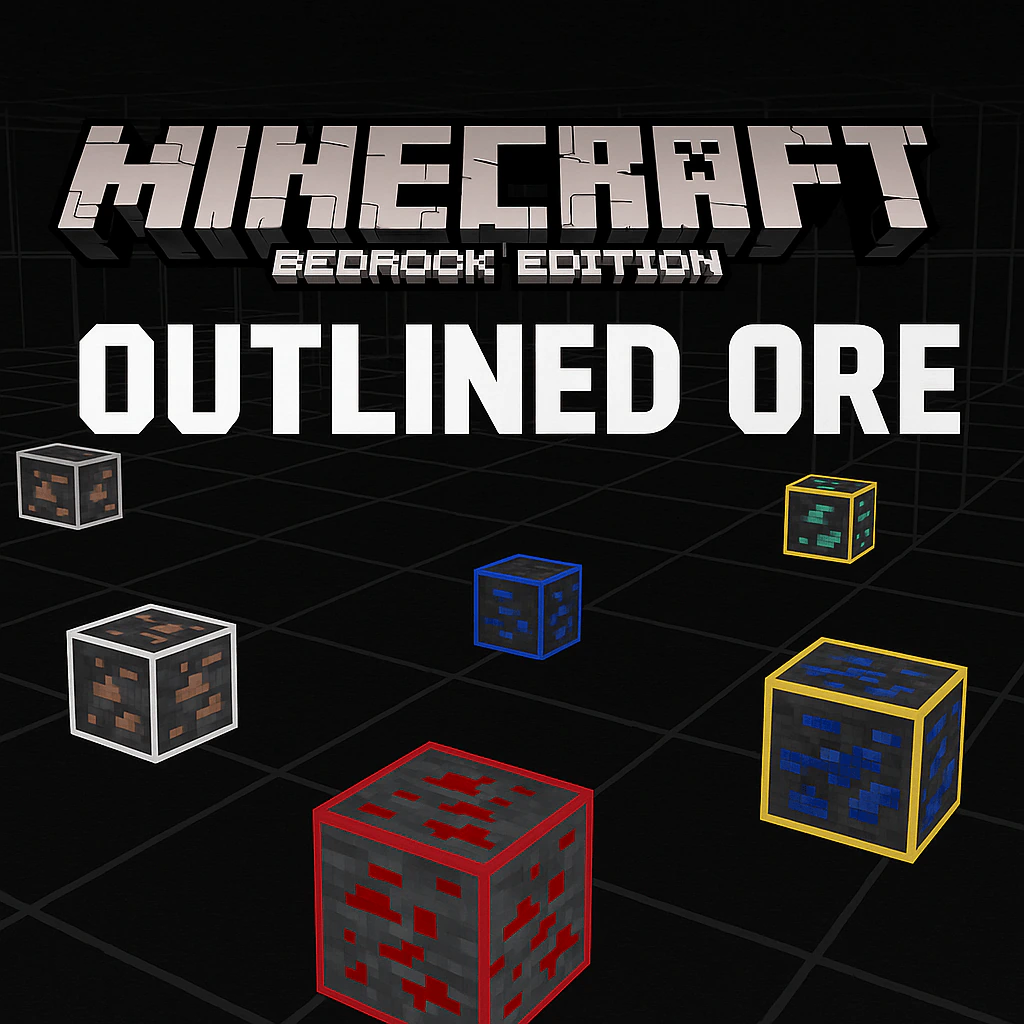
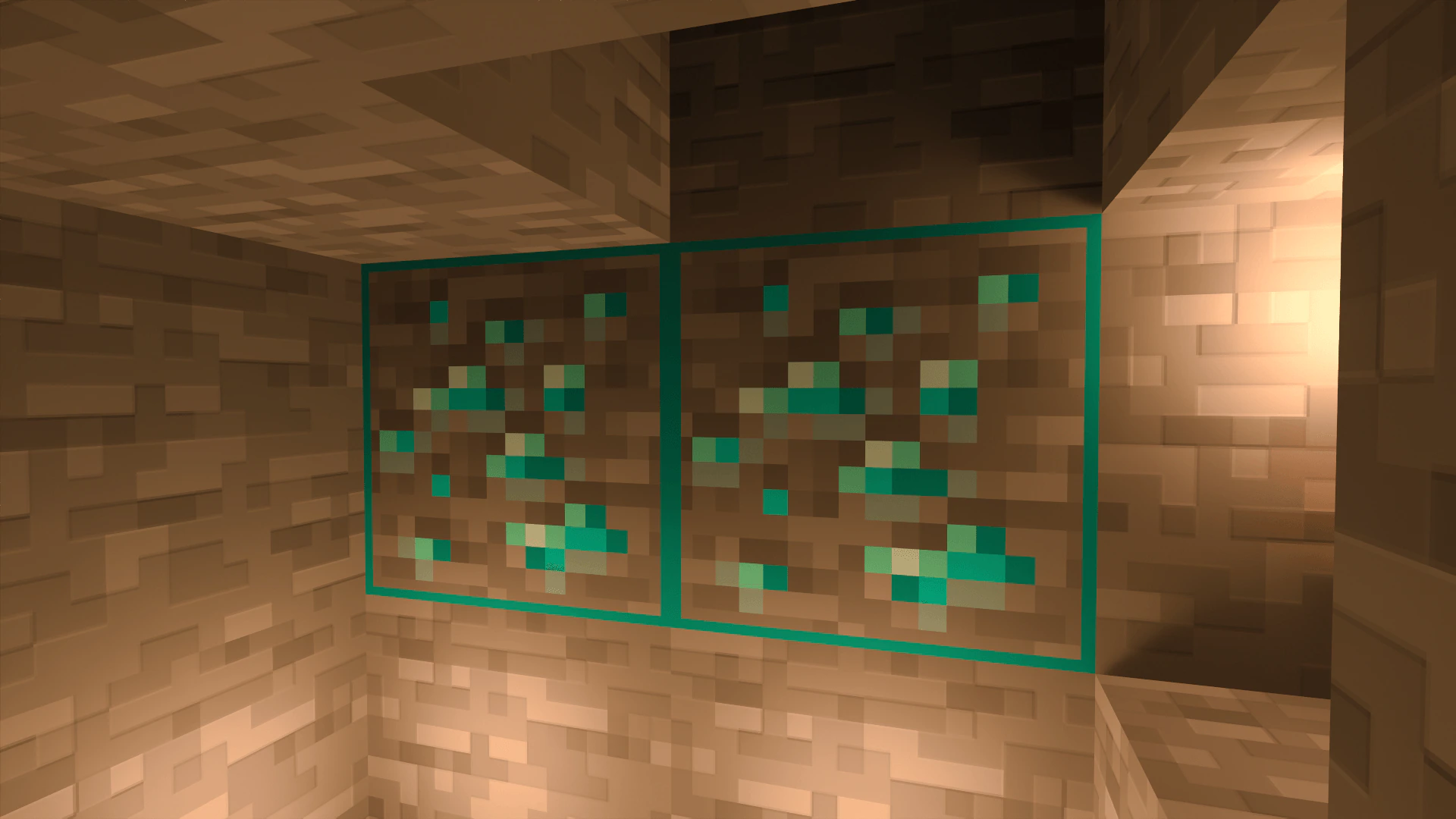
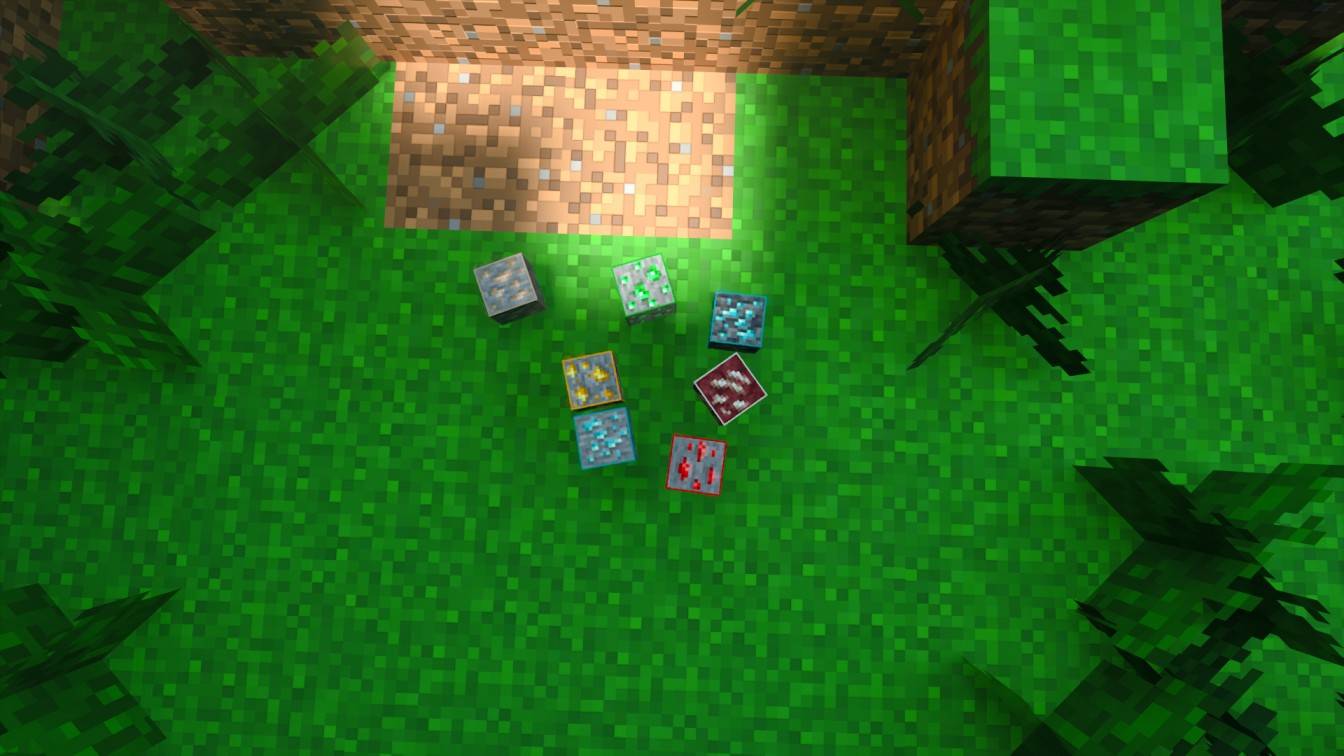
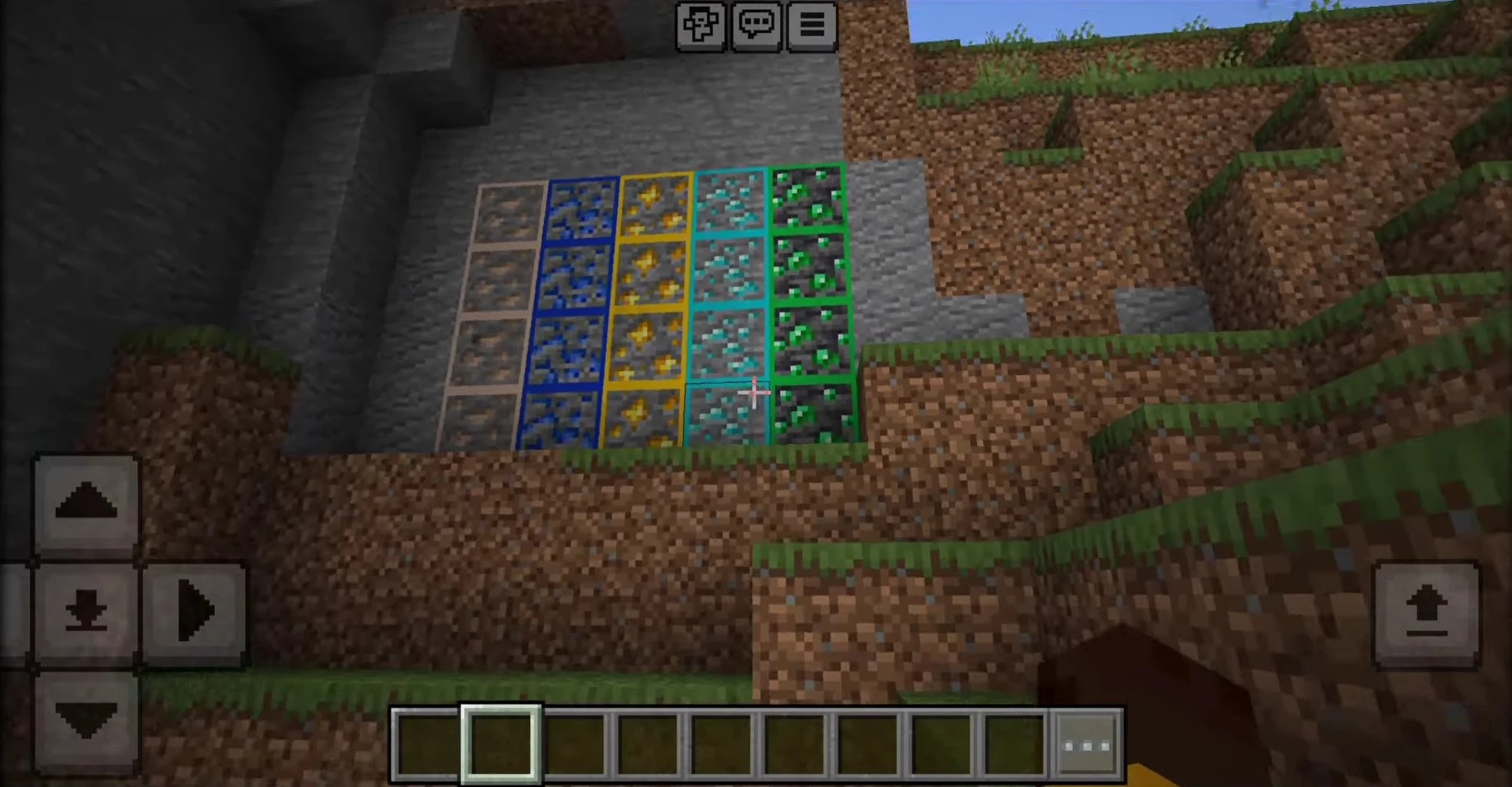
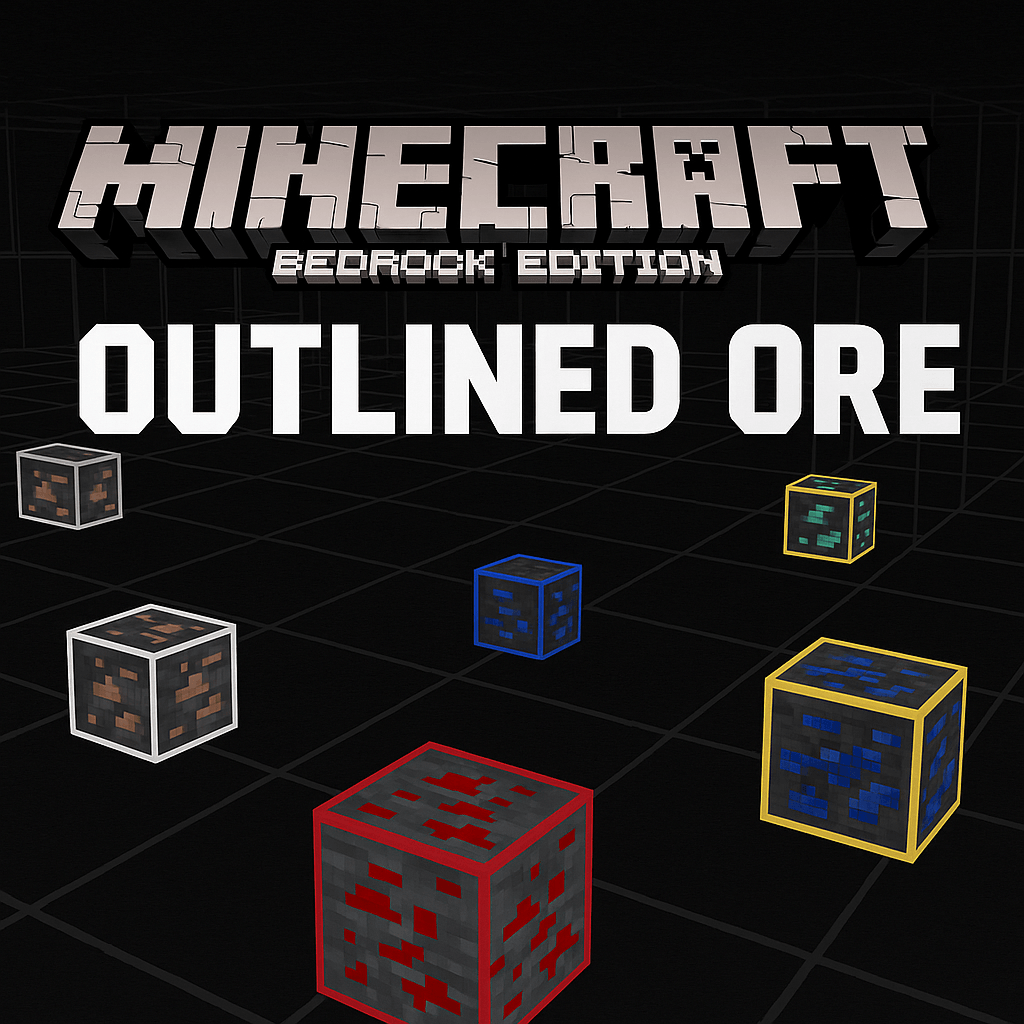
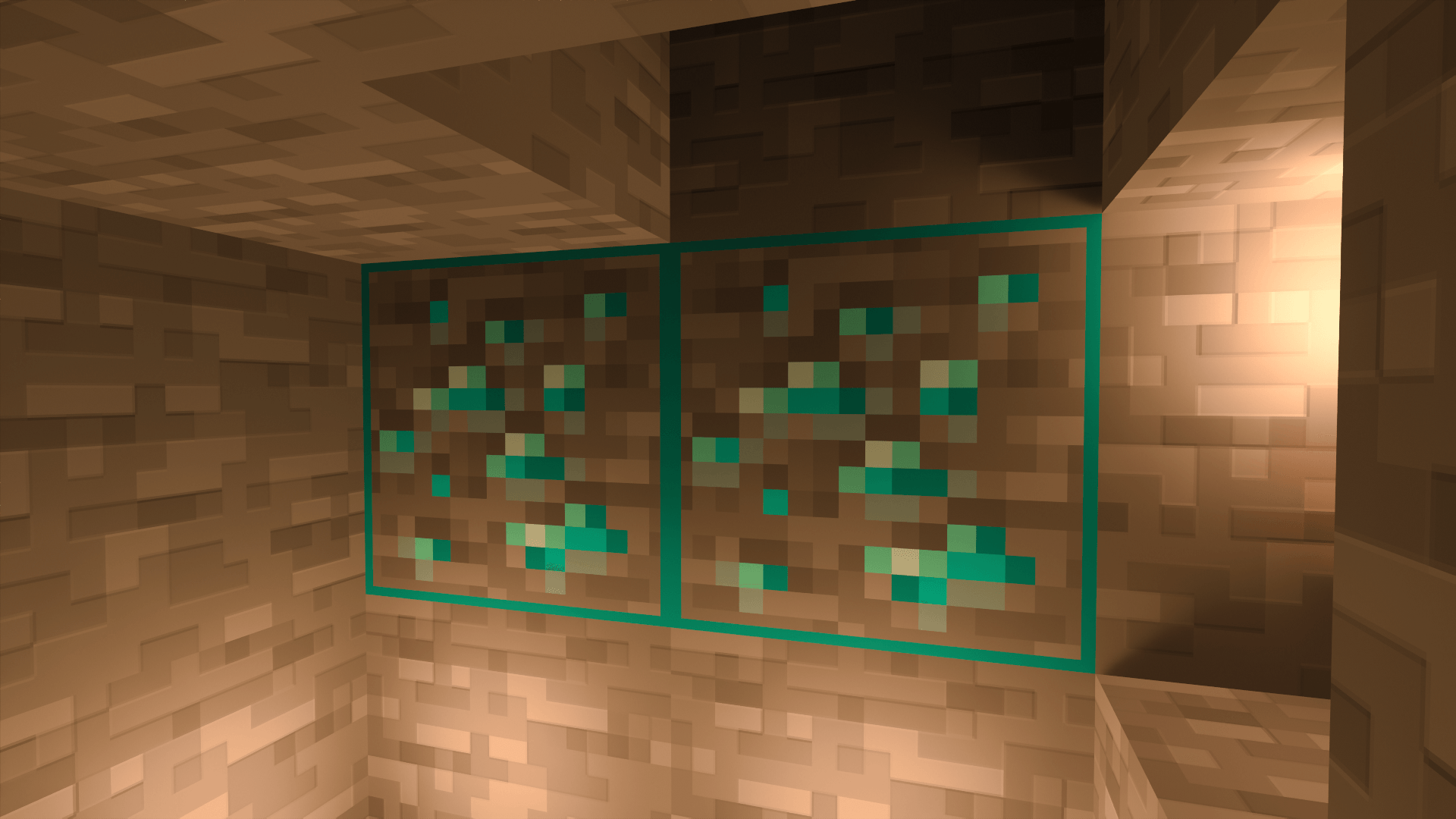
Outlined Ore Texture Pack makes valuable resources, such as diamonds, Iron, Gold, redstone, and more, stand out with bold outlines and high contrast, allowing you to spot them instantly while exploring underground. Whether you’re casually digging or on a serious resource hunt, this pack brings clarity to every cavern.
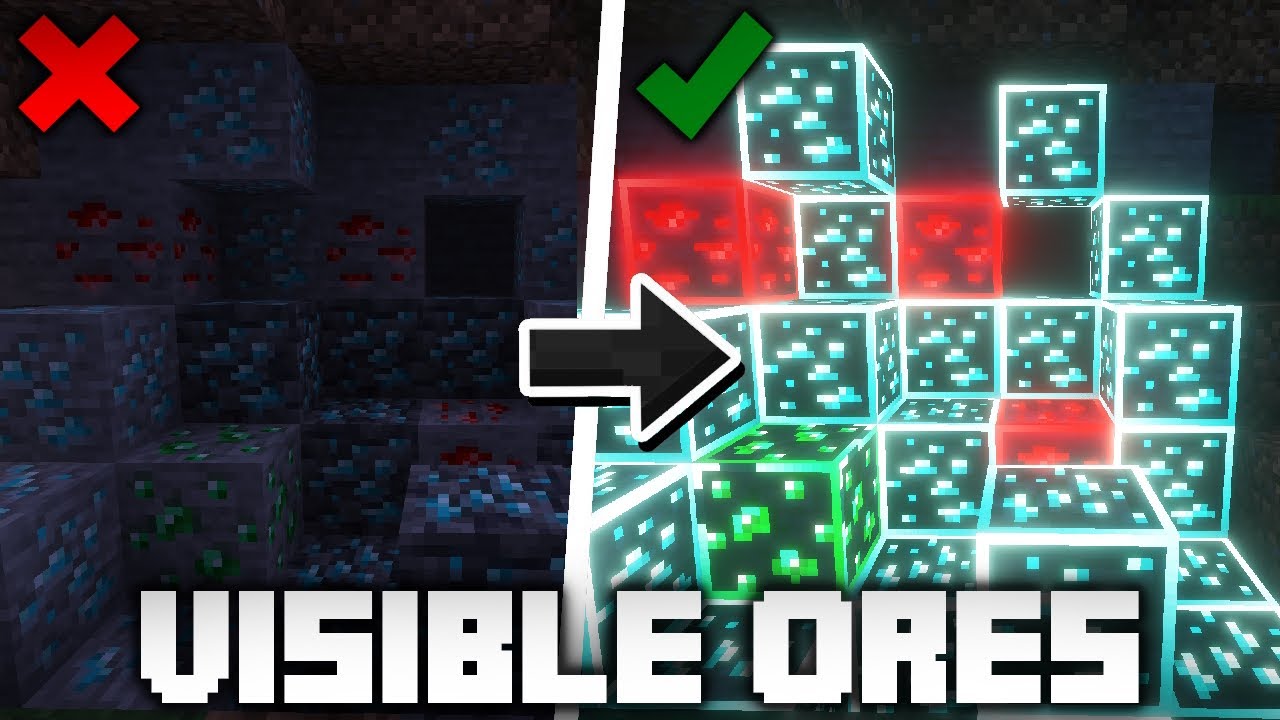
Features:
- Outlined textures for all major ores
- Fully compatible with Minecraft Bedrock / Pocket Edition
- Lightweight and optimized for performance
- No gameplay changes – purely visual
- Works in survival and creative modes
Screenshots:
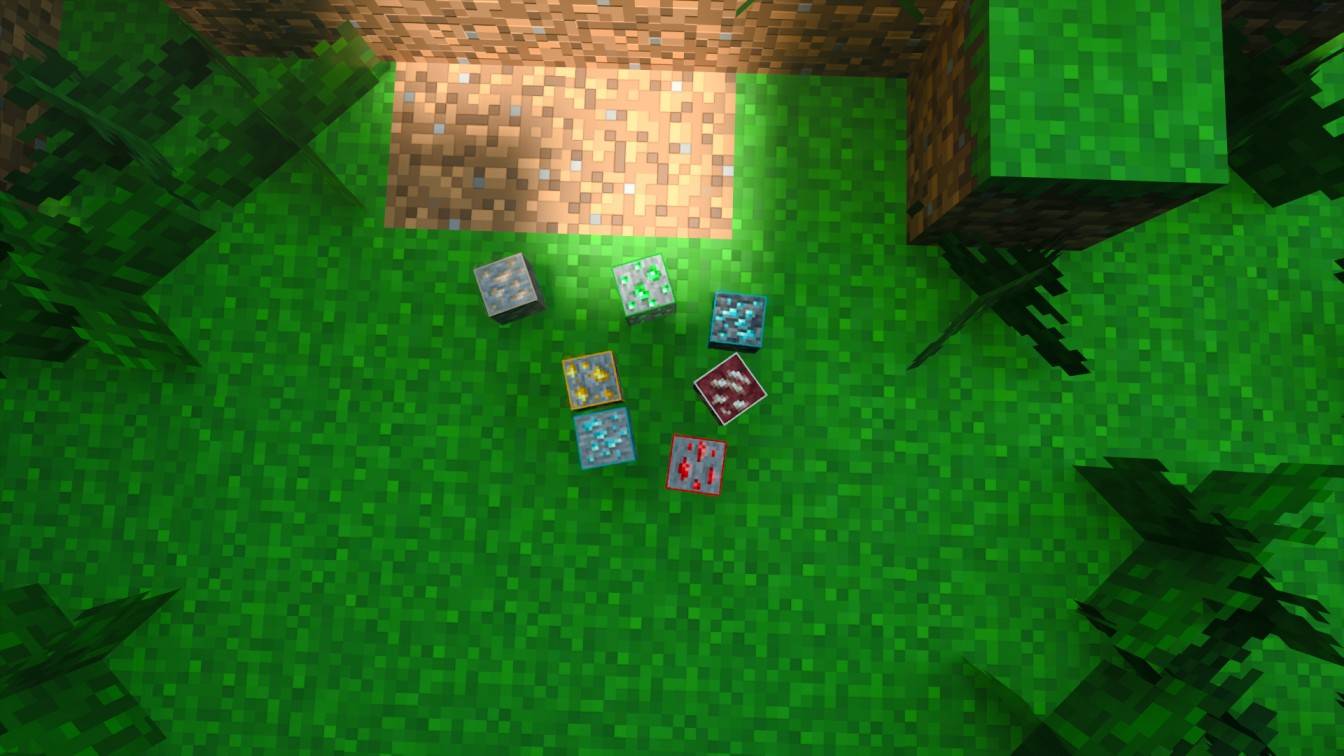
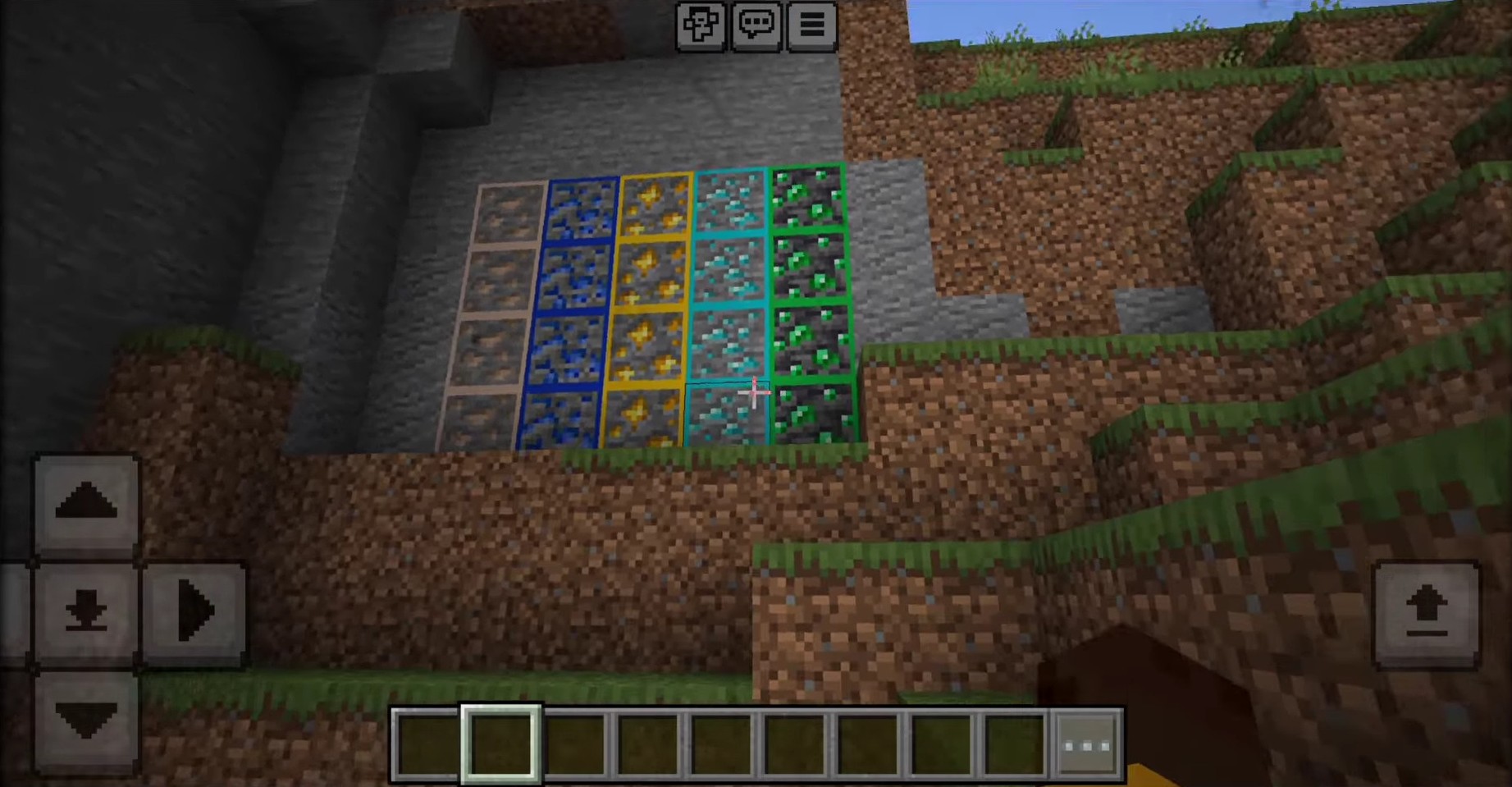
Outlined Ore Texture Pack Download Links
For Minecraft PE/Bedrock 1.21
mcpack: Download from server 1 – Download from server 2
Quick facts
- Edition: Minecraft Bedrock
- File type: .mcpack
- Minecraft version listed: 1.21
- How to install: Download the .mcpack. → Open it — Minecraft imports it under Resource Packs. → Activate it in Global Resources, or for one world under Resource Packs → Available.
- Where to get it: In MCModsHub, or directly above on this page.
Install steps are the general flow for this file type — How to install Minecraft Bedrock texture packs walks through it step by step.
File checked by MCModsHub
- Pack type: .mcpack — a single pack
- Manifest requires Minecraft 1.16.200 or newer
- Complete pack — everything it depends on is inside the file
- Download size: 50 KB
- Download link checked 17 Jun 2026 — working
- Mirrored on our own servers — the download does not depend on the original host
These come from our own check of the pack file, not from the source page.