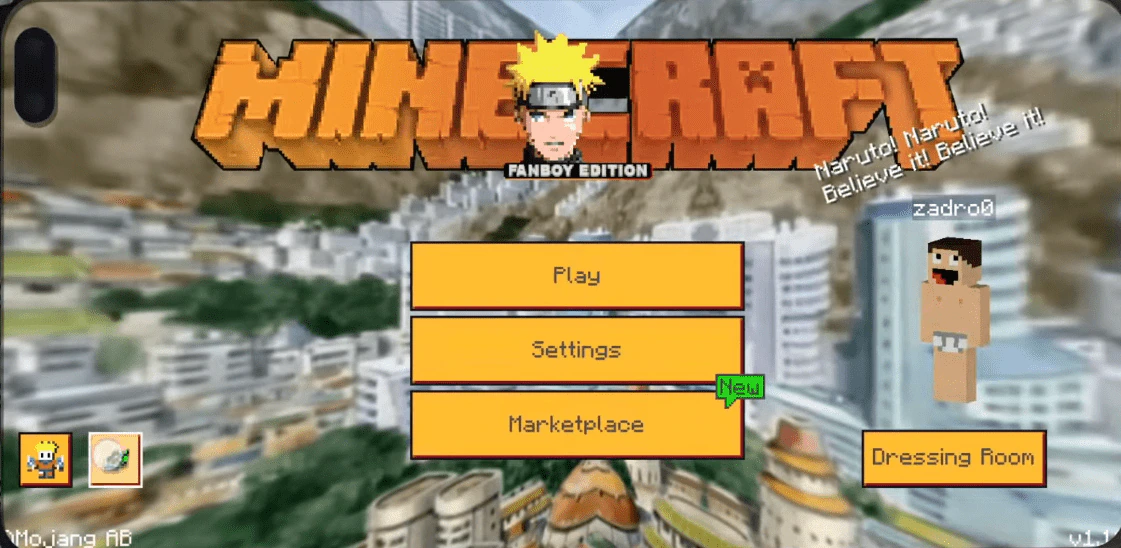
Naruto Fanboy Edition Texture Pack (1.21, 1.20) – MCPE/Bedrock
Bedrock texture pack listed for Minecraft 1.20–1.21. File opened and checked on 31 Aug 2026; installs from the MC Bedrock Mods app on Android.
⬇ Download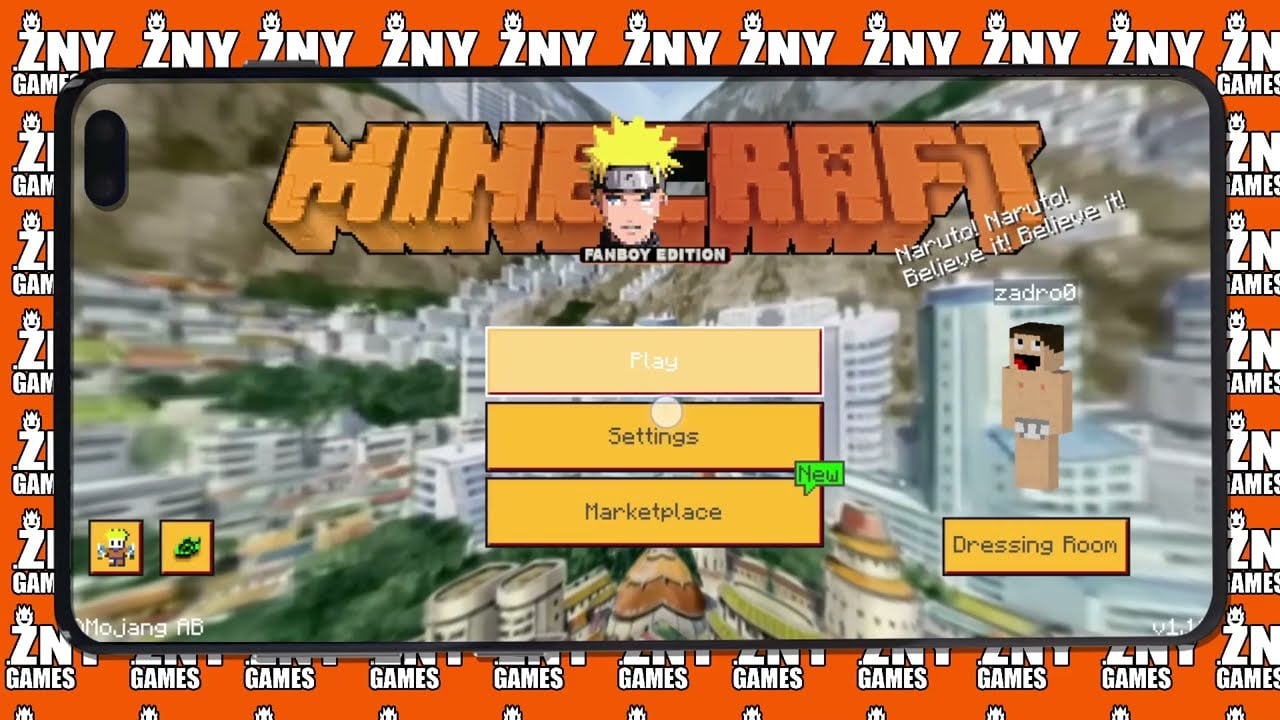
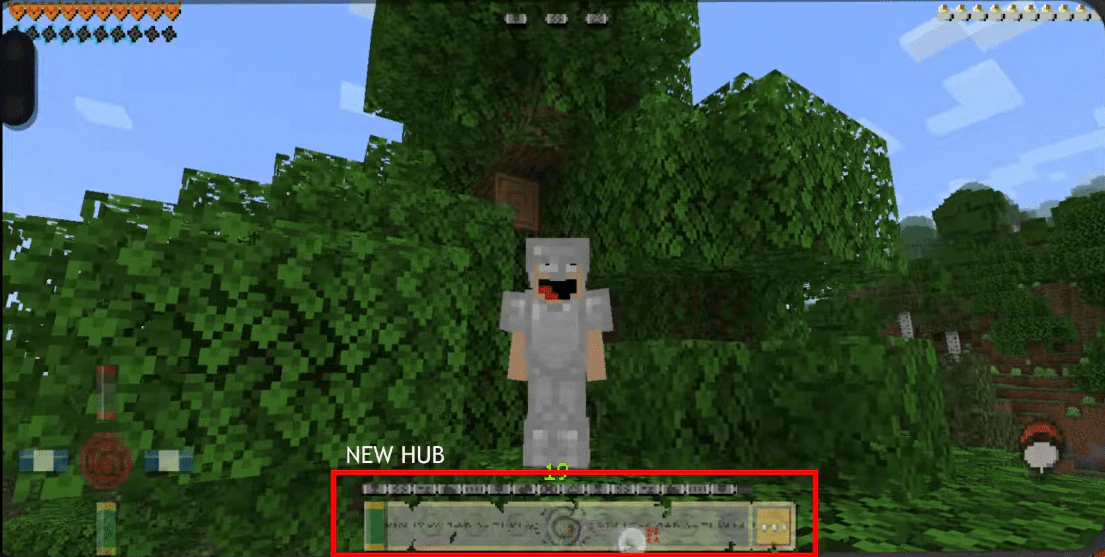
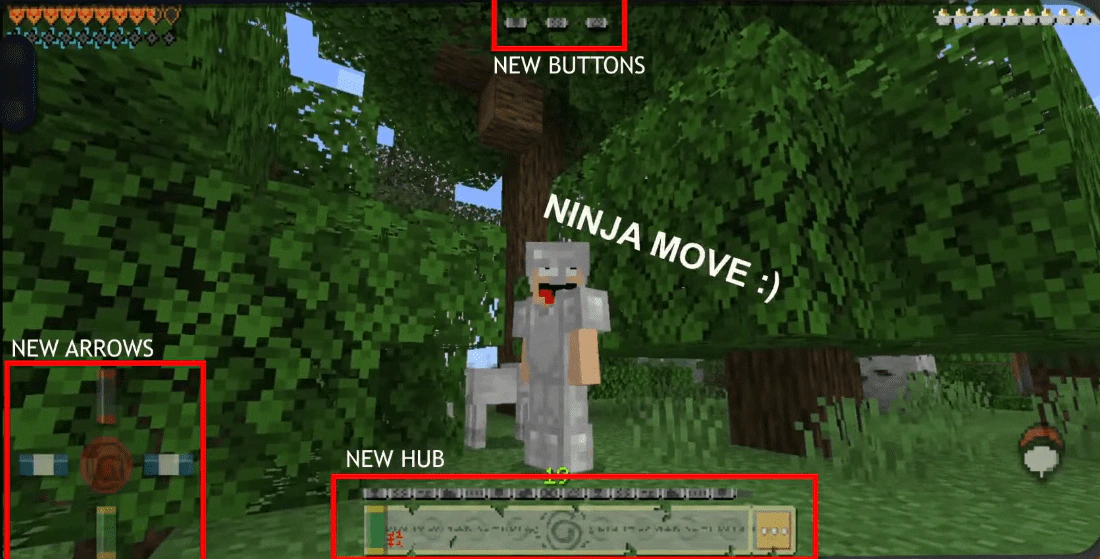
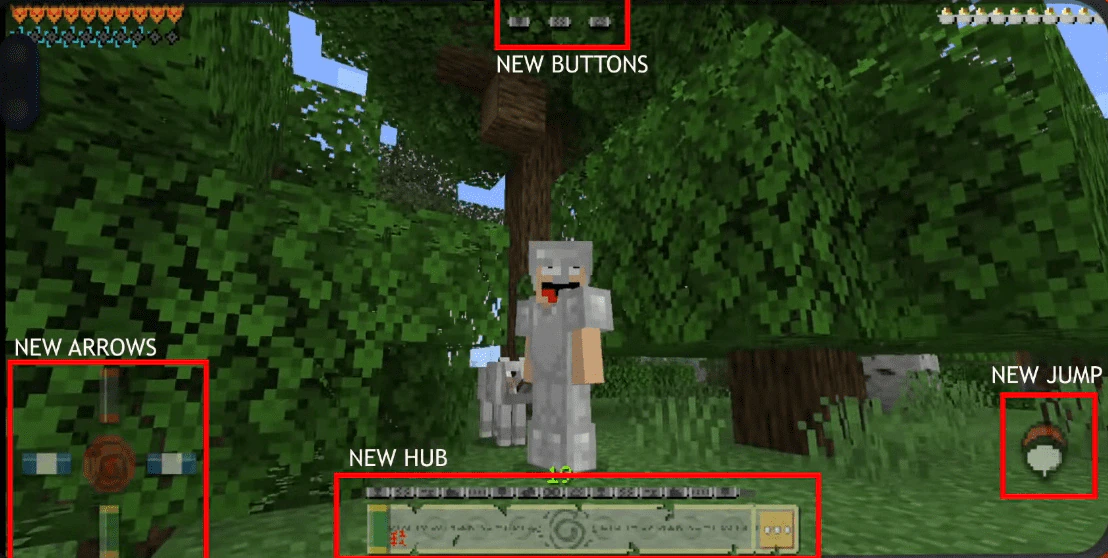
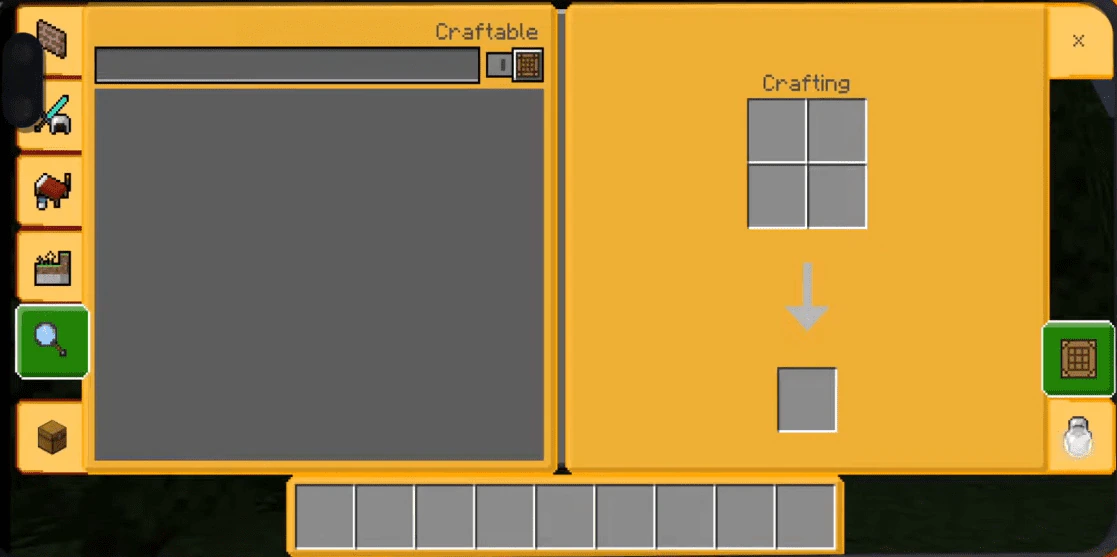
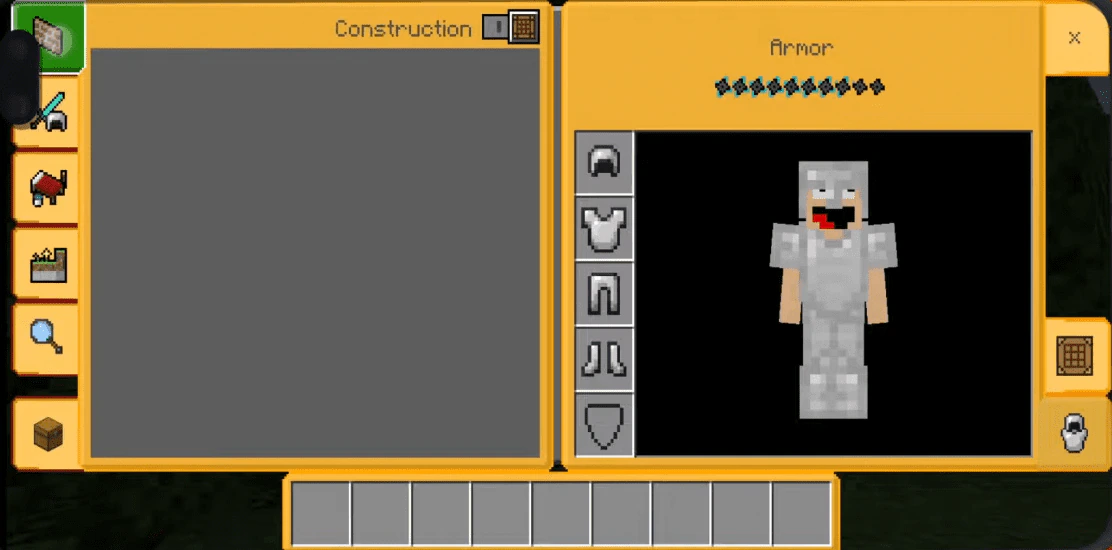
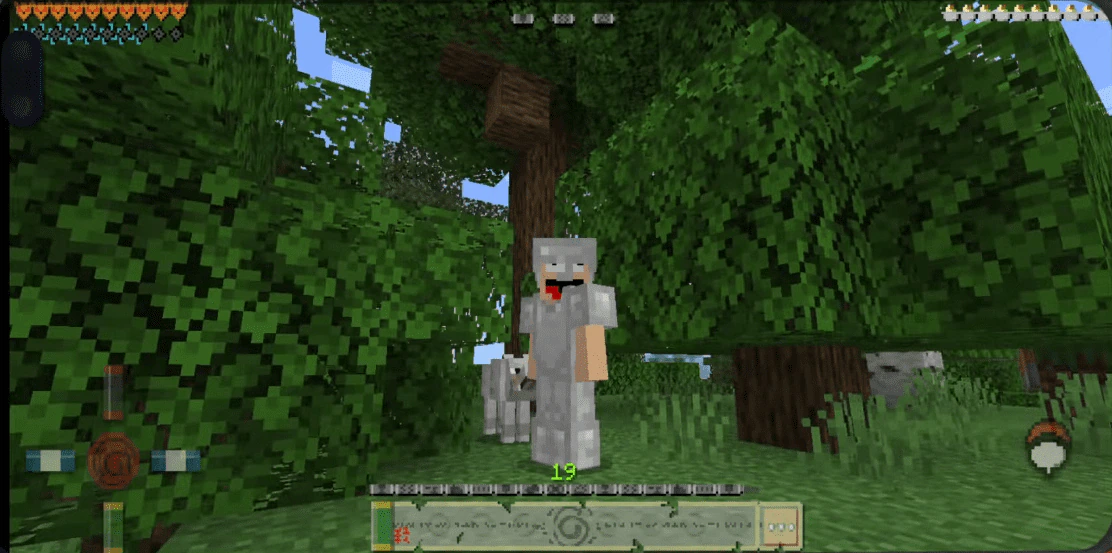
The next FANBOY Edition is now available, and this time it’s NARUTO! Naruto is one of the best anime shows out there, and the creator is excited to share with you the Naruto Fanboy Edition Texture Pack for Windows 10. Naruto Fanboy Edition Texture Pack will change the GUI and start screen of Minecraft, giving you a new overlay that changes the window, all bars, and effects of the hub. The start screen also gets a new background and buttons.
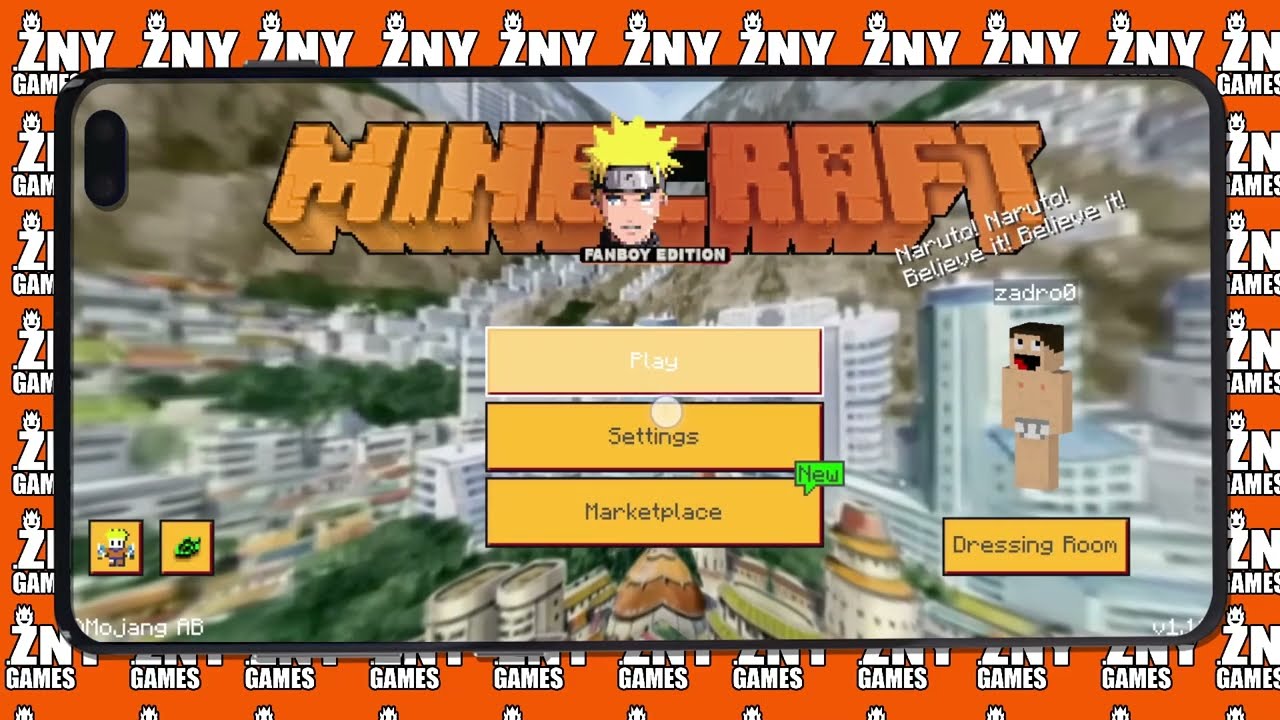
Screenshots:
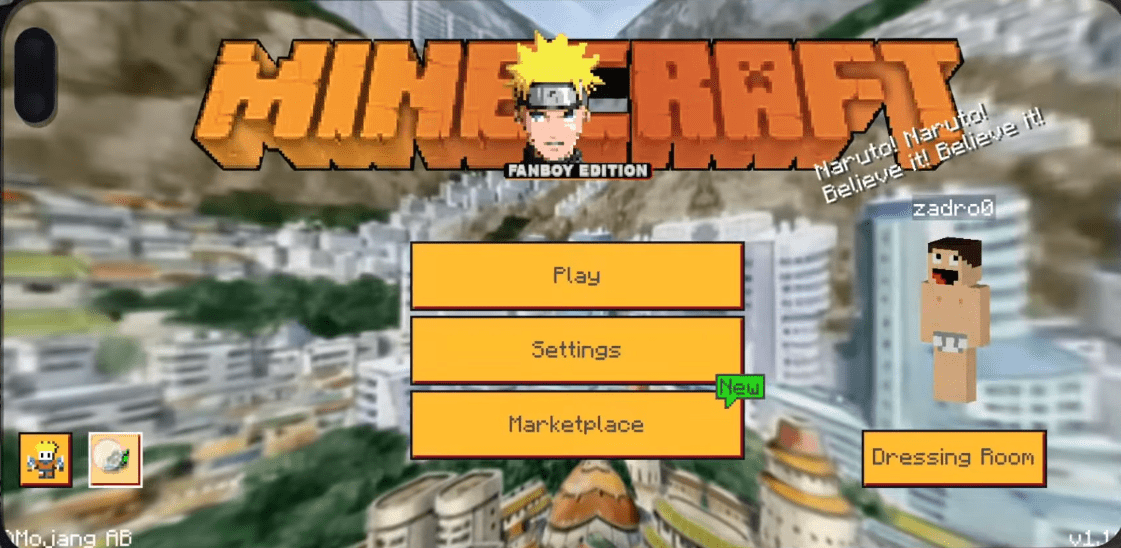
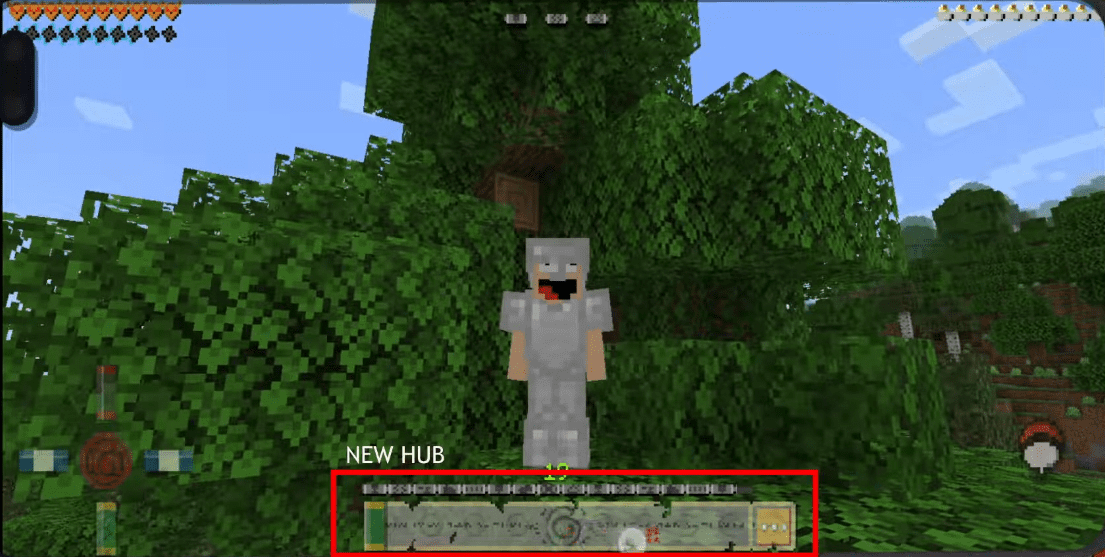
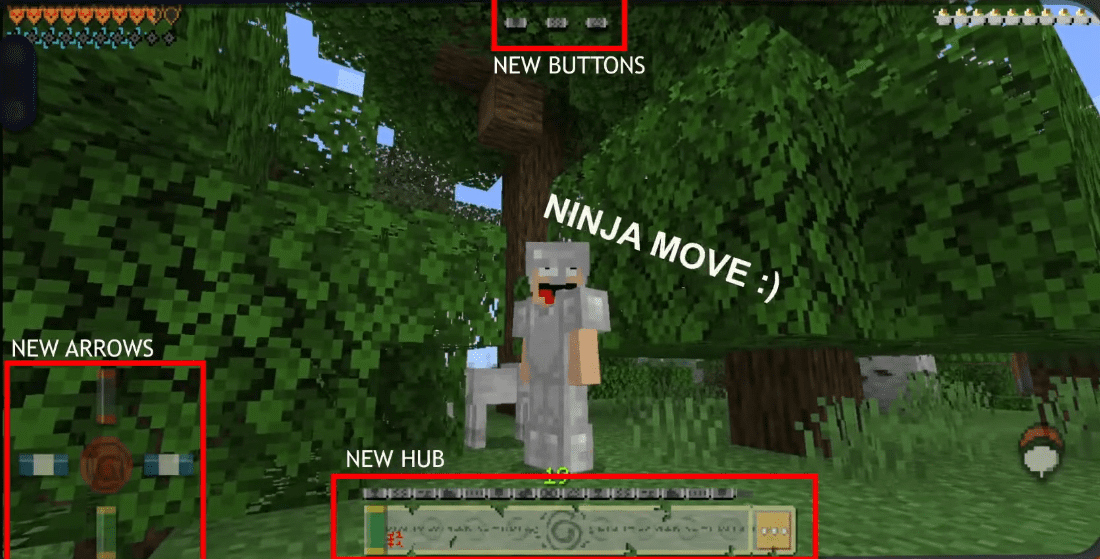
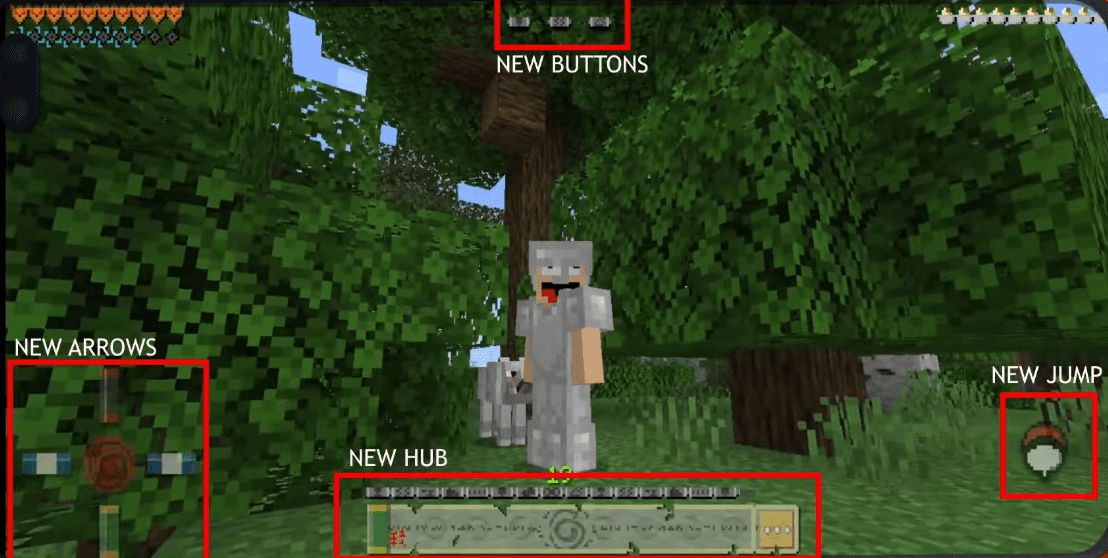
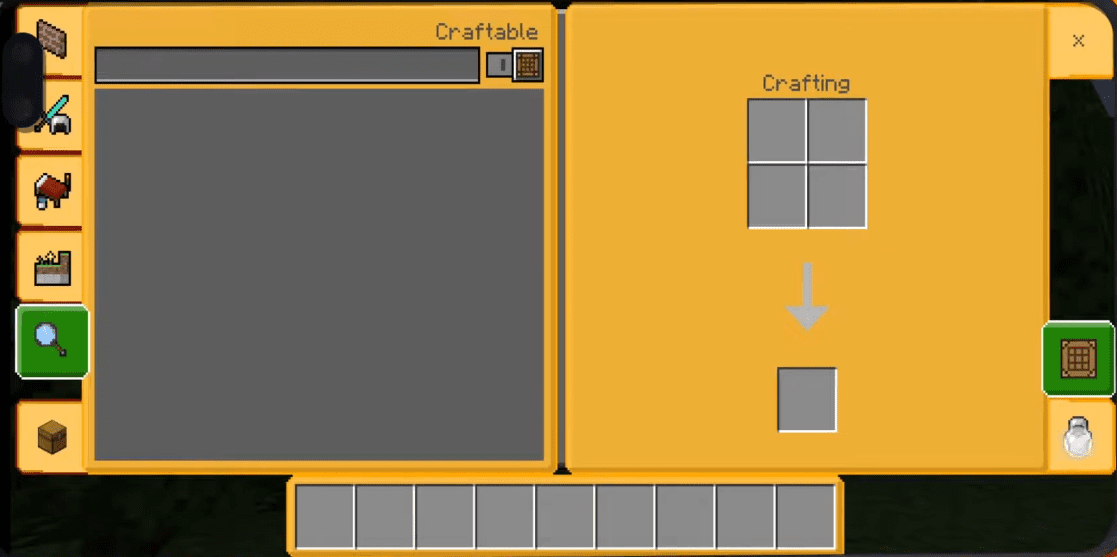
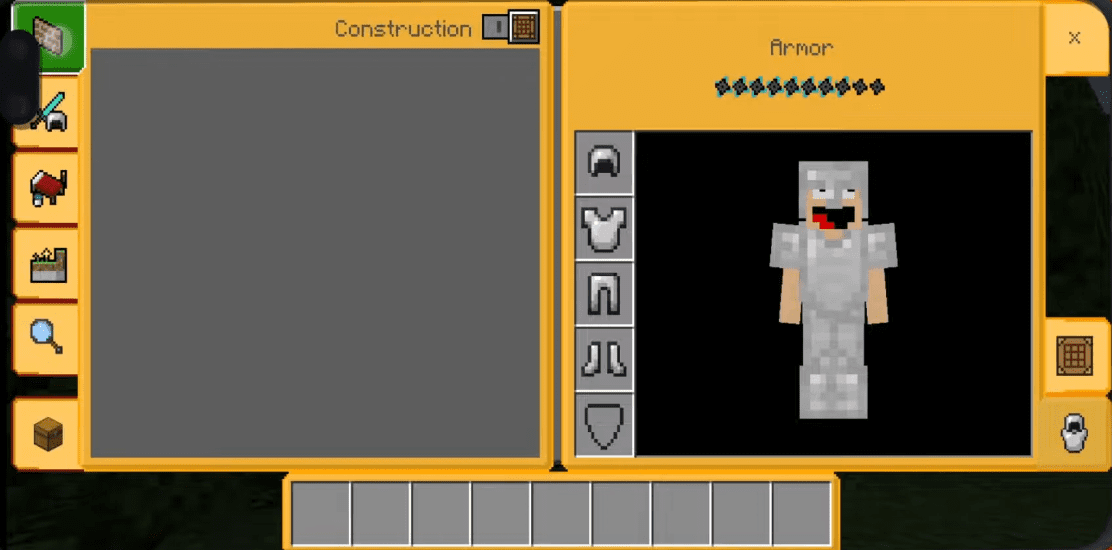
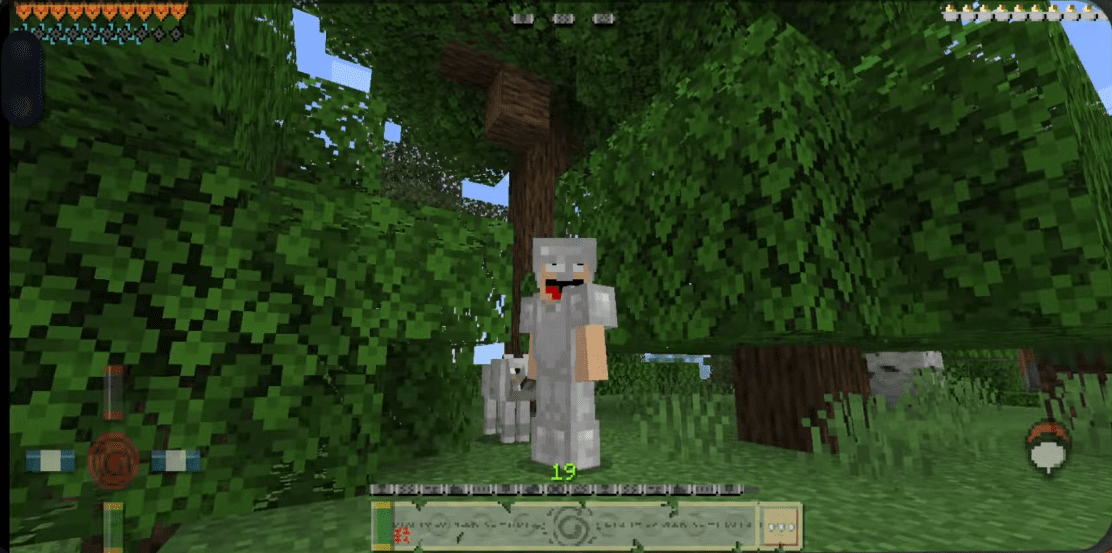
Naruto Fanboy Edition Texture Pack Download Links
For Minecraft 1.21
mcpack: Download from Server 1 – Download from Server 2
For Minecraft 1.20
mcpack: Download from server 1 – Download from server 2
- Edition: Minecraft Bedrock
- File type: .mcpack
- Minecraft versions listed: 1.21, 1.20
- How to install: Download the .mcpack. → Open it — Minecraft imports it under Resource Packs. → Activate it in Global Resources, or for one world under Resource Packs → Available.
- Where to get it: In MCModsHub, or directly above on this page.
Install steps are the general flow for this file type — How to install Minecraft Bedrock texture packs walks through it step by step.
- Pack type: .mcpack — a single pack
- Manifest requires Minecraft 1.21.0 or newer
- Complete pack — everything it depends on is inside the file
- Download size: 2.0 MB
- Download link checked 12 Jul 2026 — working
- Mirrored on our own servers — the download does not depend on the original host
These come from our own check of the pack file, not from the source page.