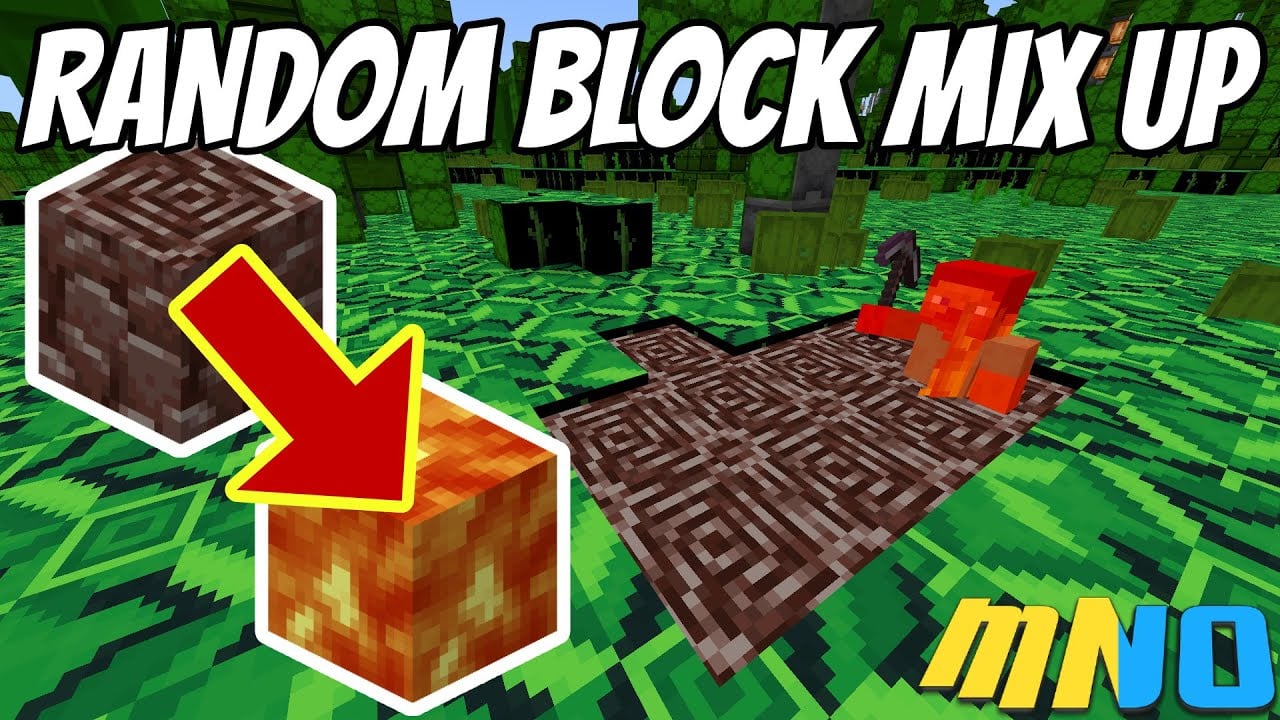
Block Texture Random Mix-Up Addon (1.19) – MCPE/Bedrock Mod
Bedrock texture pack listed for Minecraft 1.19. File opened and checked on 26 Sep 2026; installs from the MC Bedrock Mods app on Android.
⬇ Download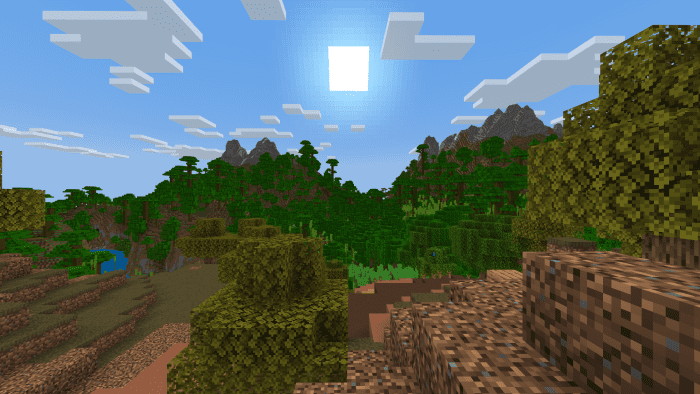
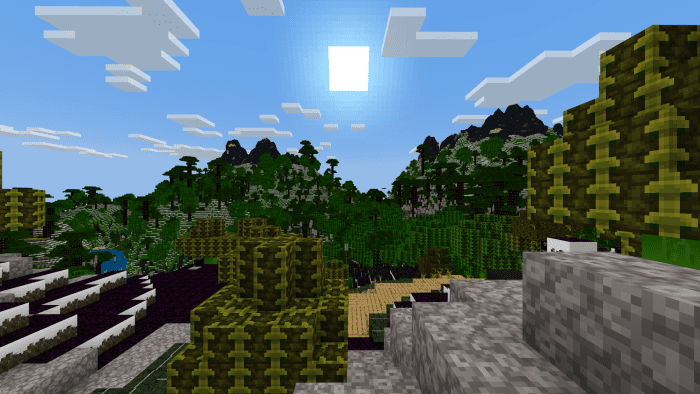
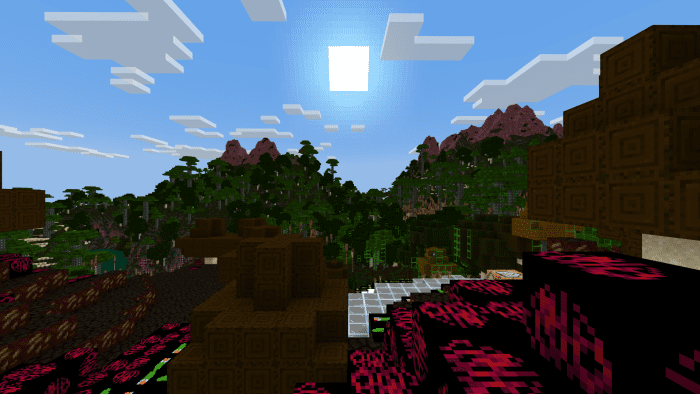
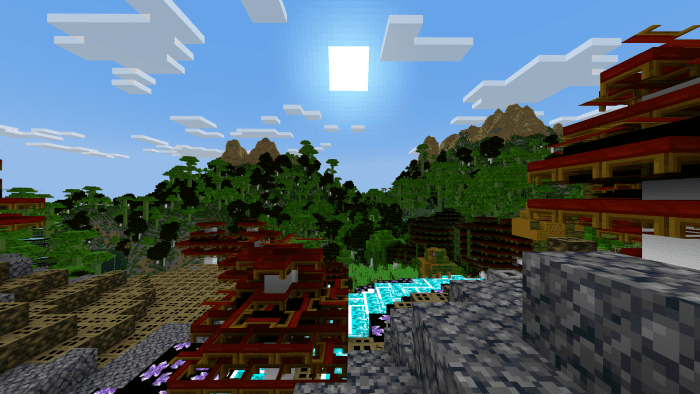
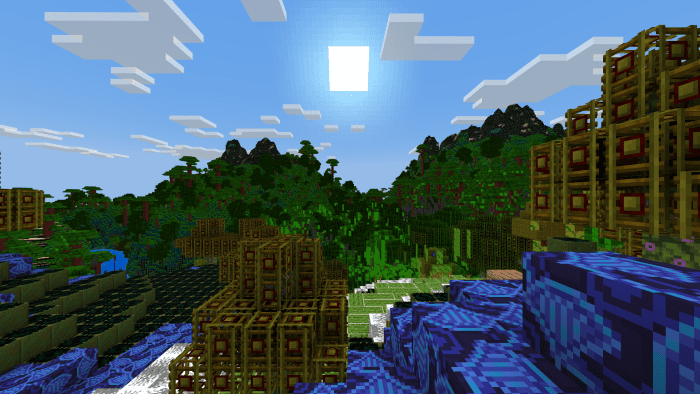
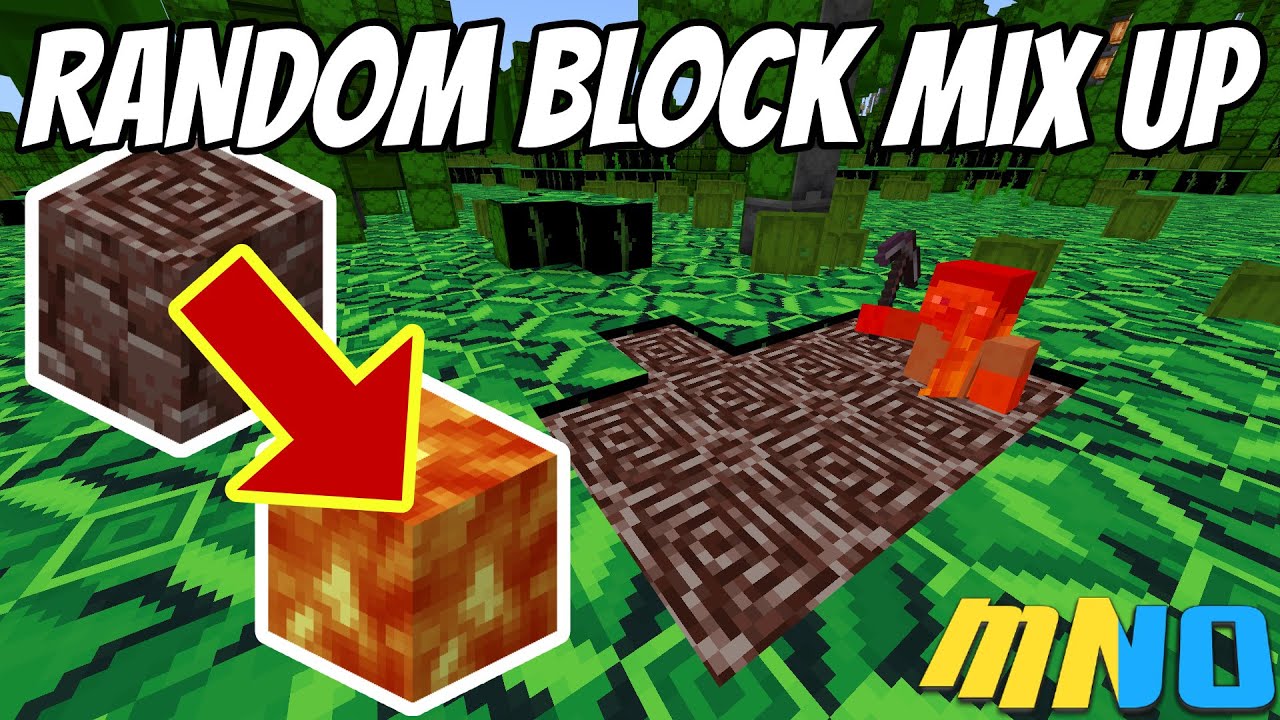
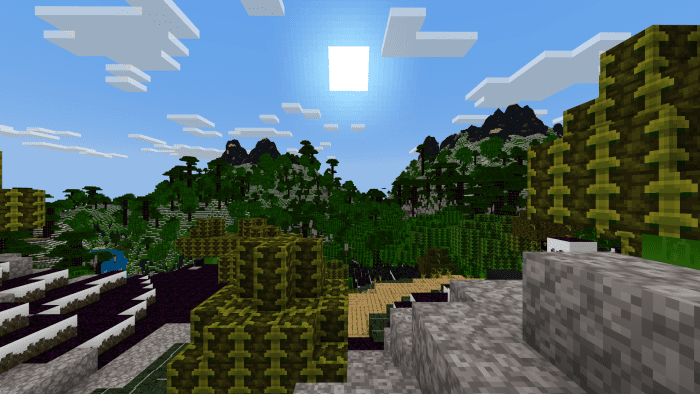
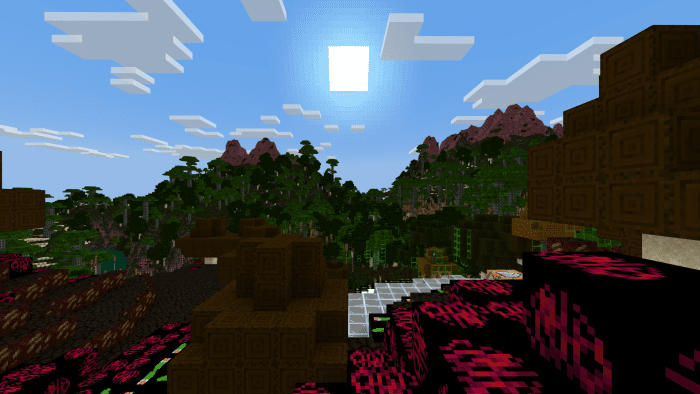
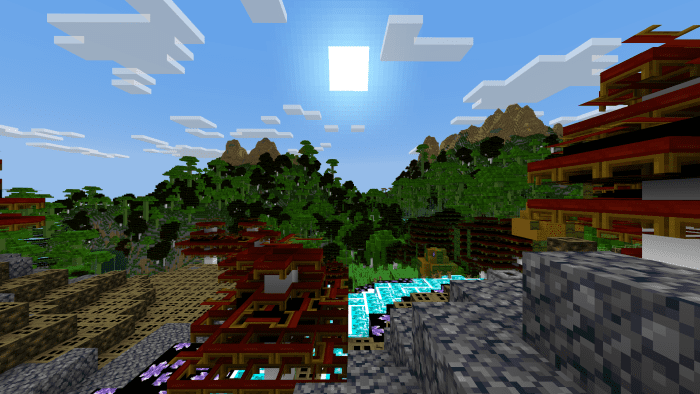
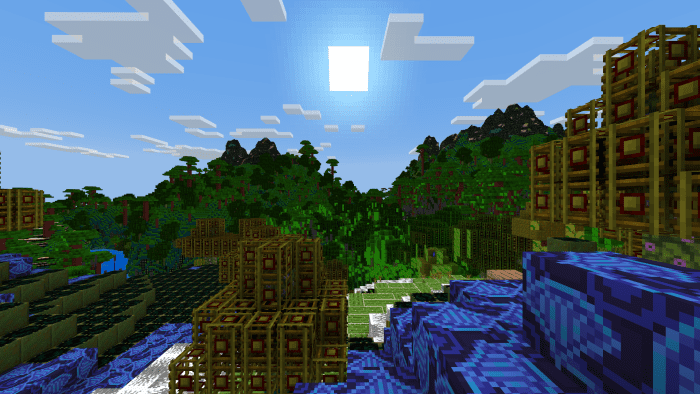
When you randomly replace each Minecraft block texture with another, the result is a peculiar version of Minecraft. In this case, Block Texture Random Mix-Up Addon provides four texture sets where each block has been swapped in every biome and dimension. Get ready to be astonished (and perhaps a bit perplexed).
Features:
- This affects resources only. No behavior files were harmed in the making of this addon, this plays exactly like Vanilla Minecraft. It looks somewhat different though.
Samples:
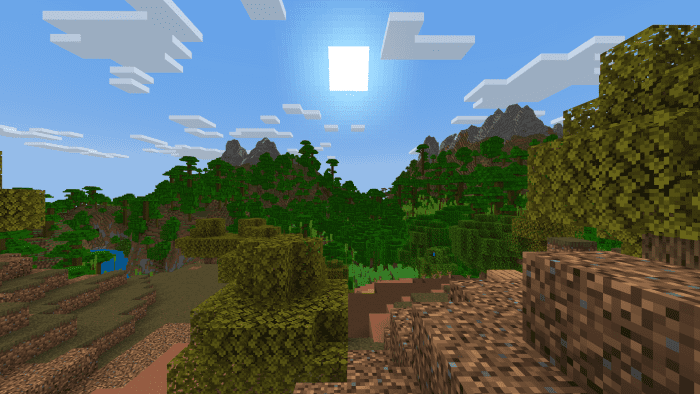
Here’s a sample of the four different sets for your viewing pleasure.
Vanilla:
Set 1:
Set 2:
Set 3:
Set 4:
Block Texture Random Mix-Up Addon Download Links
For Minecraft PE/Bedrock 1.19
Set 1: Download from server 1 – Download from server 2
Set 2: Download from server 1 – Download from server 2
- Edition: Minecraft Bedrock
- File type: .mcpack
- Minecraft version listed: 1.19
- How to install: Download the .mcpack. → Open it — Minecraft imports it under Resource Packs. → Activate it in Global Resources, or for one world under Resource Packs → Available.
- Where to get it: In MCModsHub, or directly above on this page.
Install steps are the general flow for this file type — How to install Minecraft Bedrock texture packs walks through it step by step.
- Save it as 62469.mcpack before opening — it downloads as .mcaddon, but it is a .mcpack pack
- Complete pack — everything it depends on is inside the file
- Download size: 555 KB
- Download link checked 17 Jun 2026 — working
- Mirrored on our own servers — the download does not depend on the original host
These come from our own check of the pack file, not from the source page.