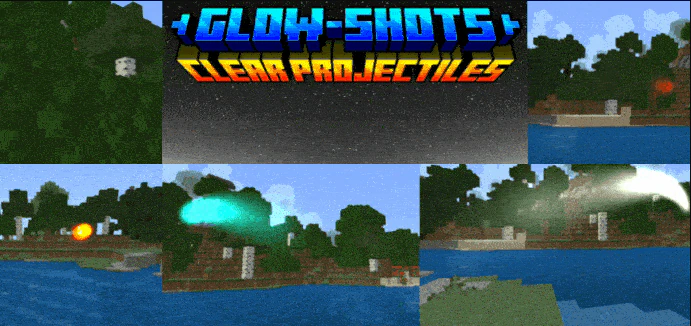
Glow-Shot Projectile Trails Texture Pack (26.x, 1.21) – MCPE/Bedrock
Bedrock texture pack listed for Minecraft 1.16–1.21. File opened and checked on 28 Sep 2026; installs from the MC Bedrock Mods app on Android.
⬇ Download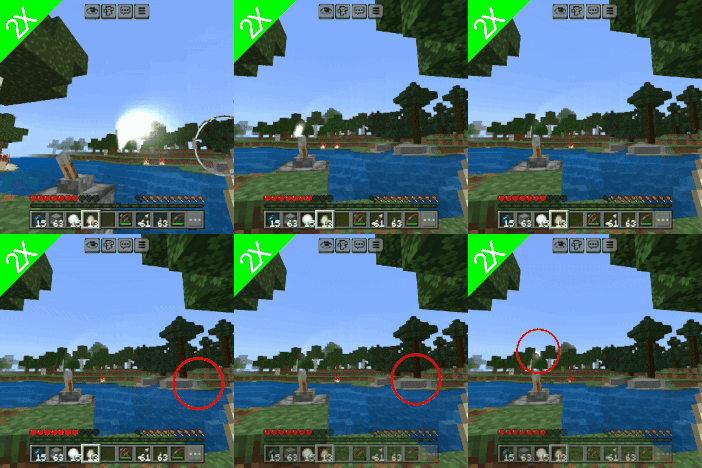
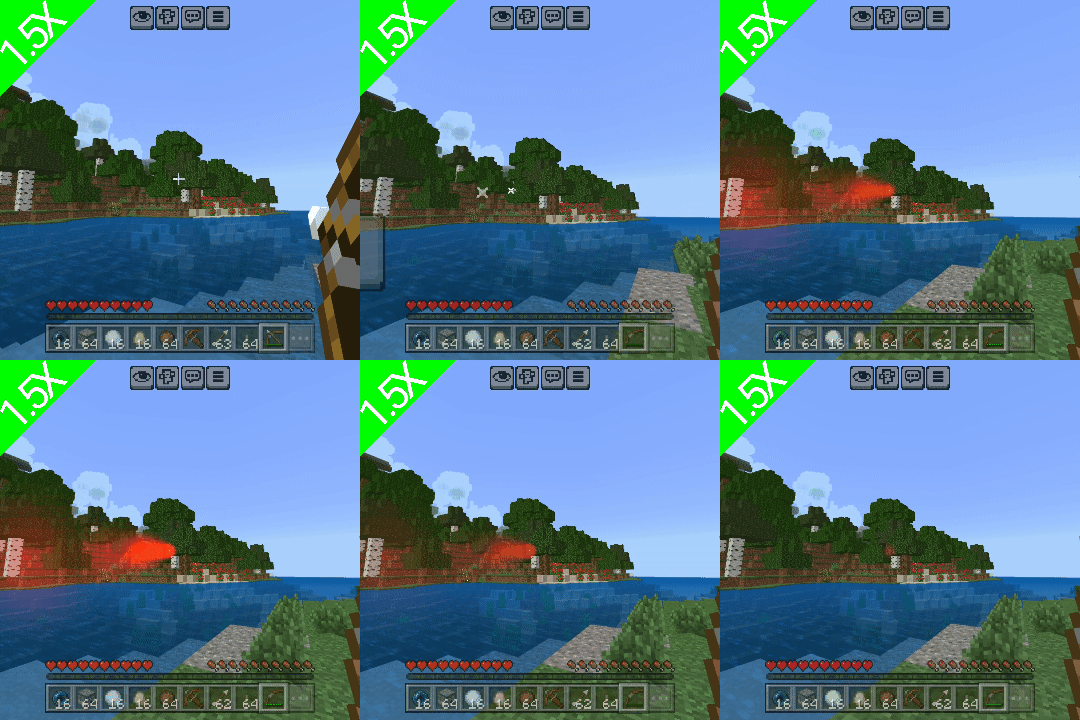
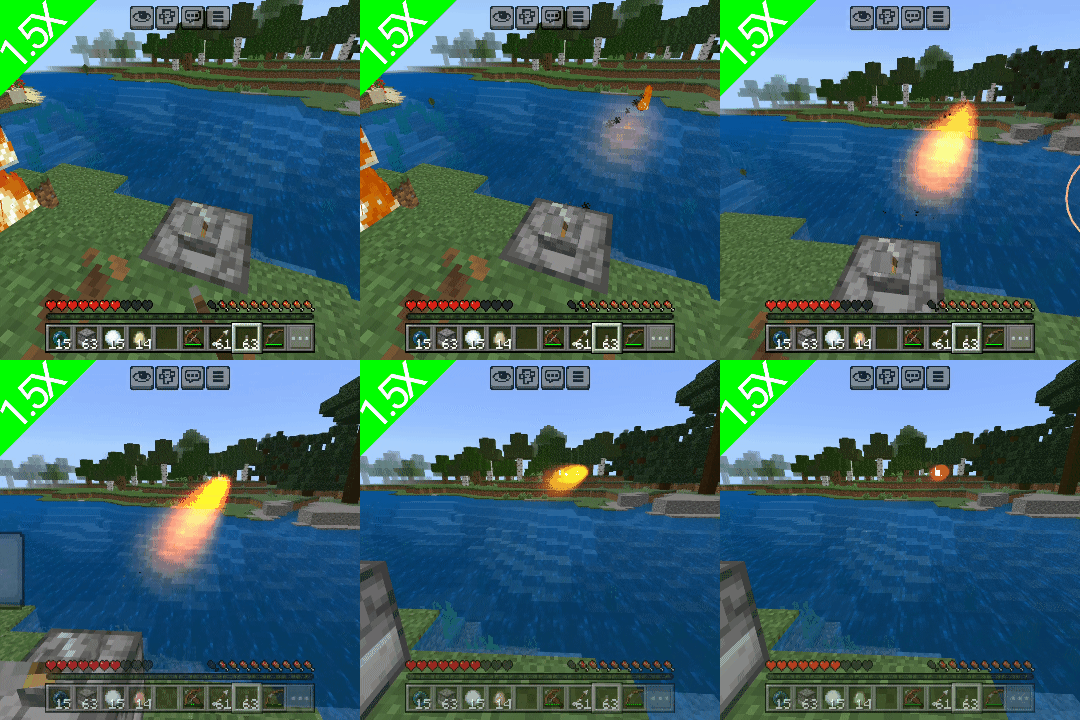
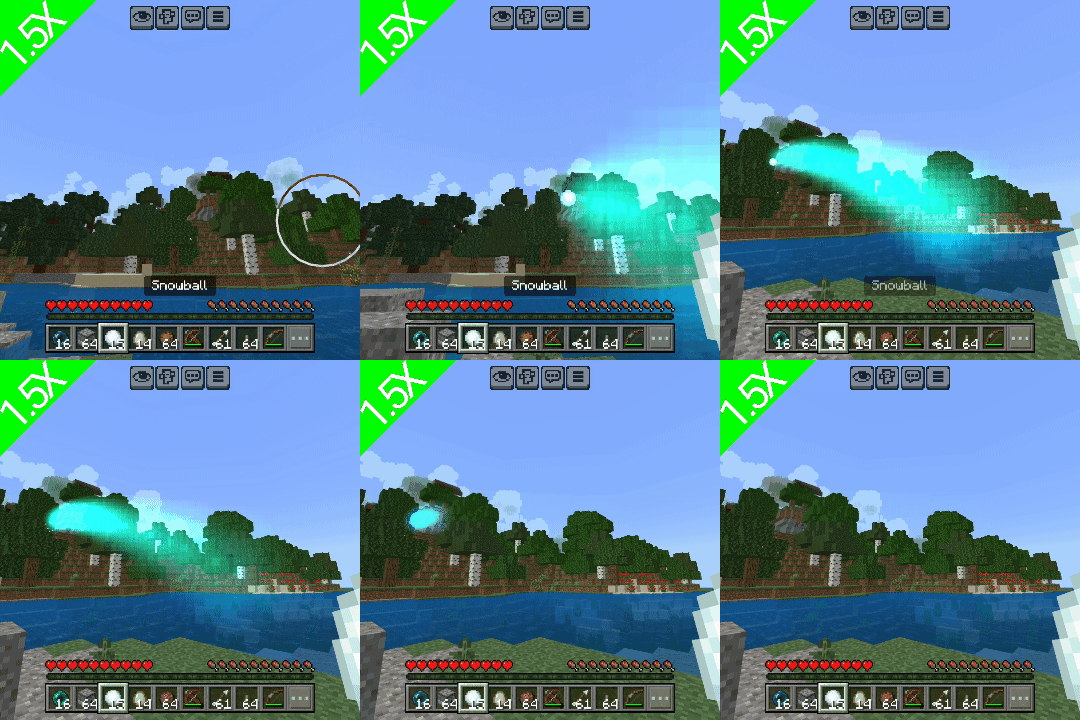
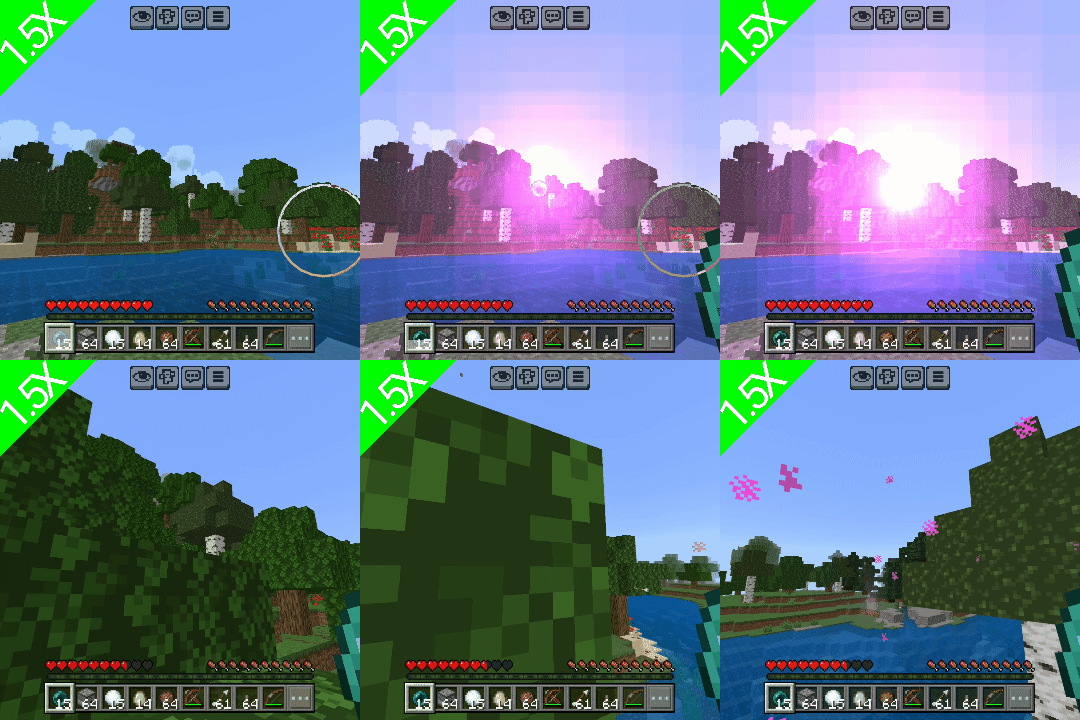
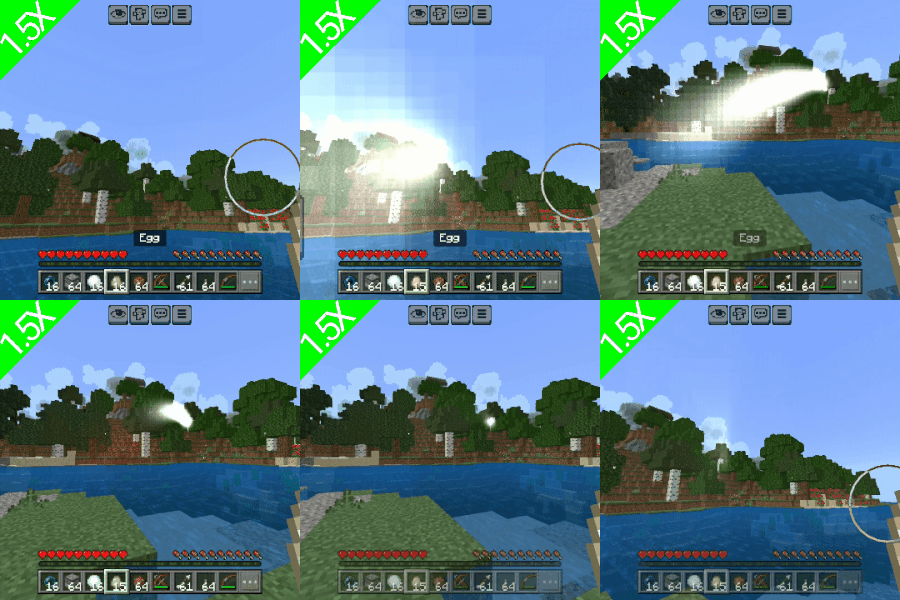
Glow-Shot Projectile Trails Texture Pack adds stunning, luminous trails to arrows, snowballs, fireballs, ender pearls, and eggs-bringing clarity and style to every shot. Whether you’re locked in fierce PvP combat or navigating PvE challenges, the glowing trails offer a clear tactical edge by making each projectile easy to follow. With a distinctive 5-second linger, you can pinpoint every throw and trace its origin with precision. It’s not just functional-it’s visually spectacular.
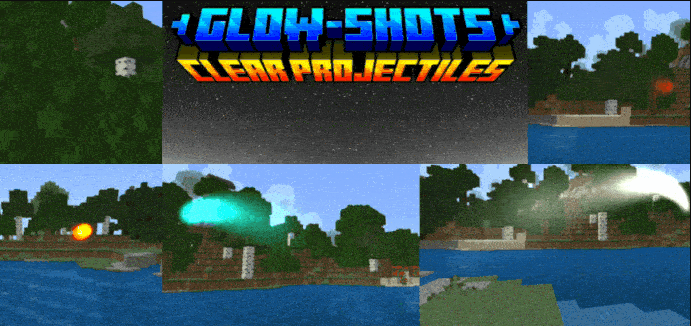
Features:
Once a projectile travels, it leaves a glow behind it (which is usually not too bright but visible), which is then removed 5 seconds after, starting from the point where it was thrown, and thus, the nearest player to the starting point is most likely to be the one who threw.
Screenshots:
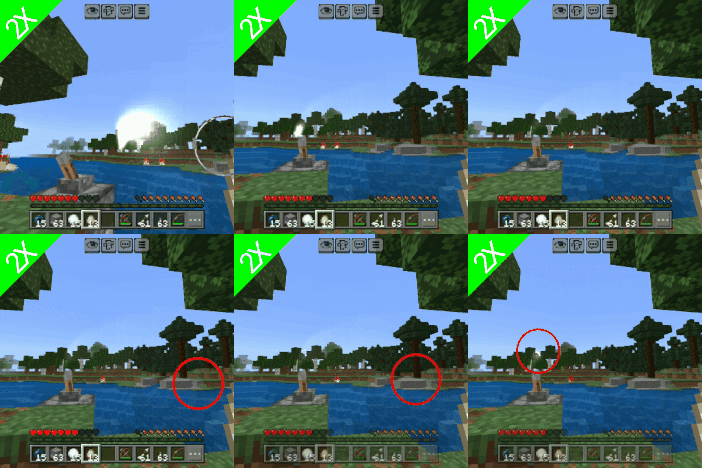
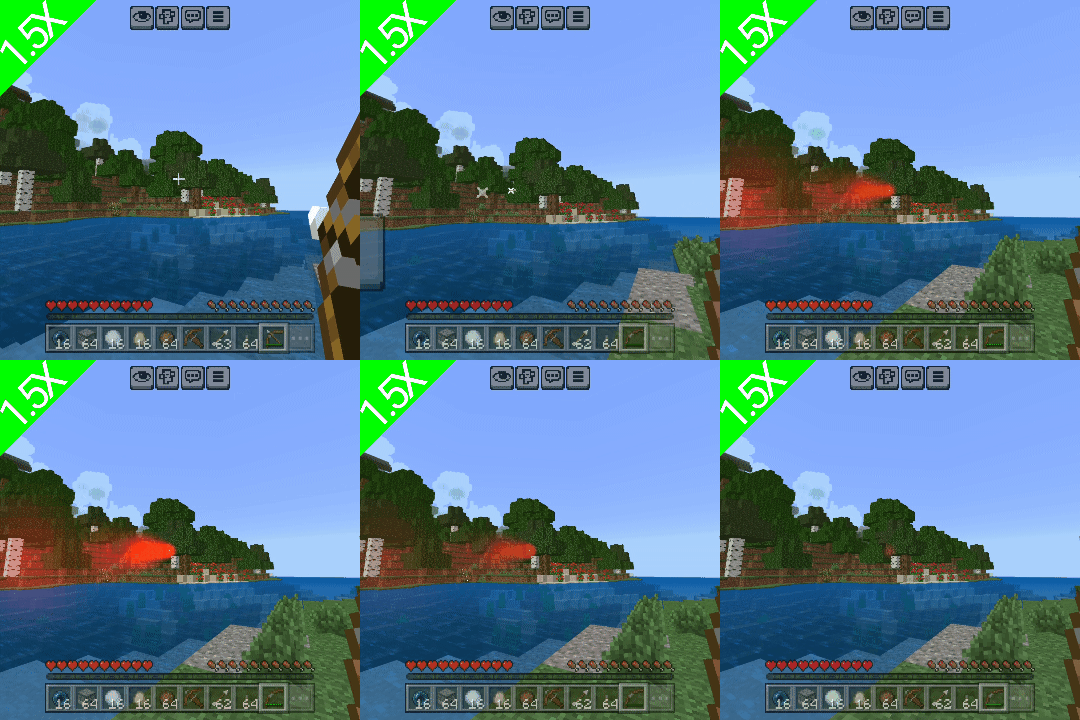
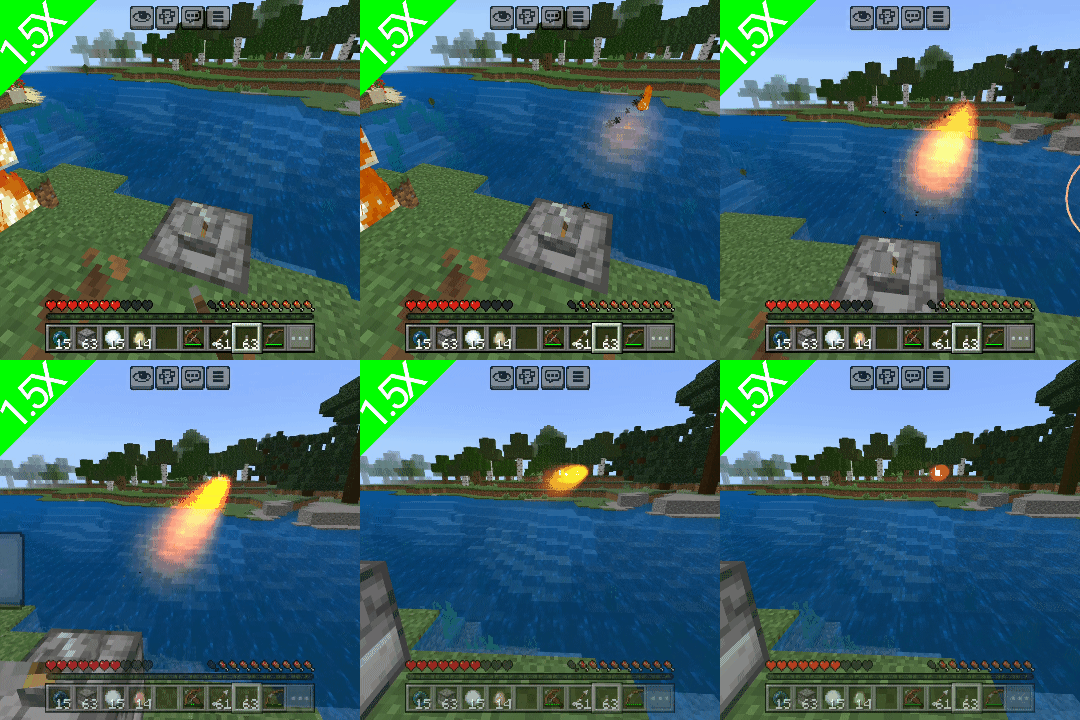
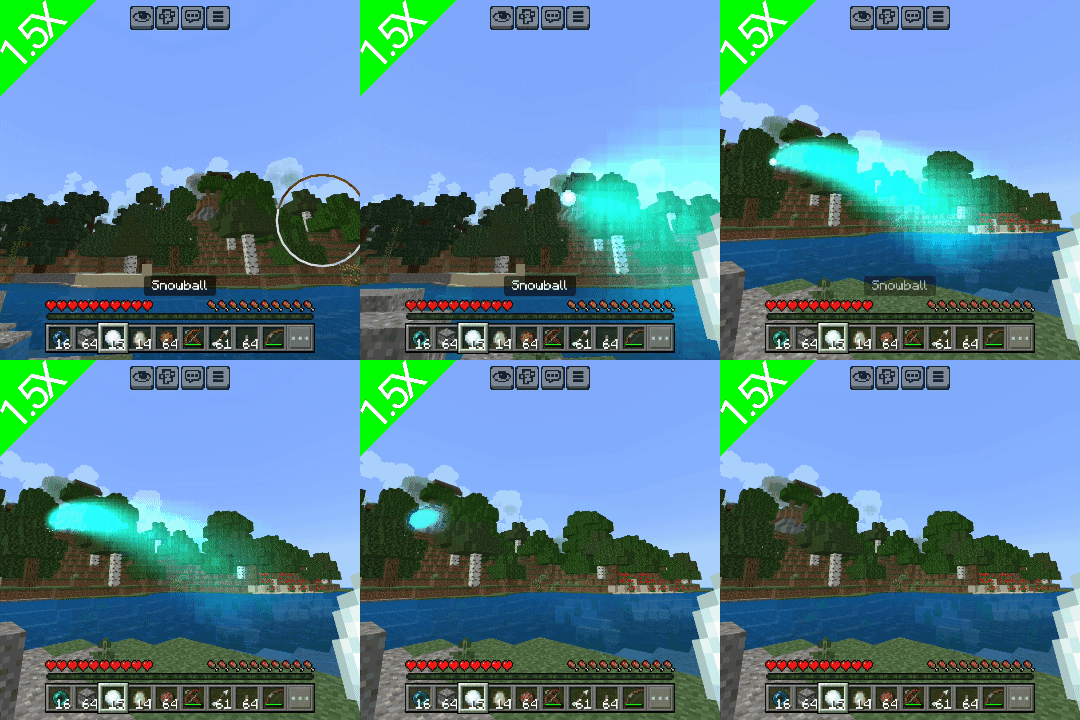
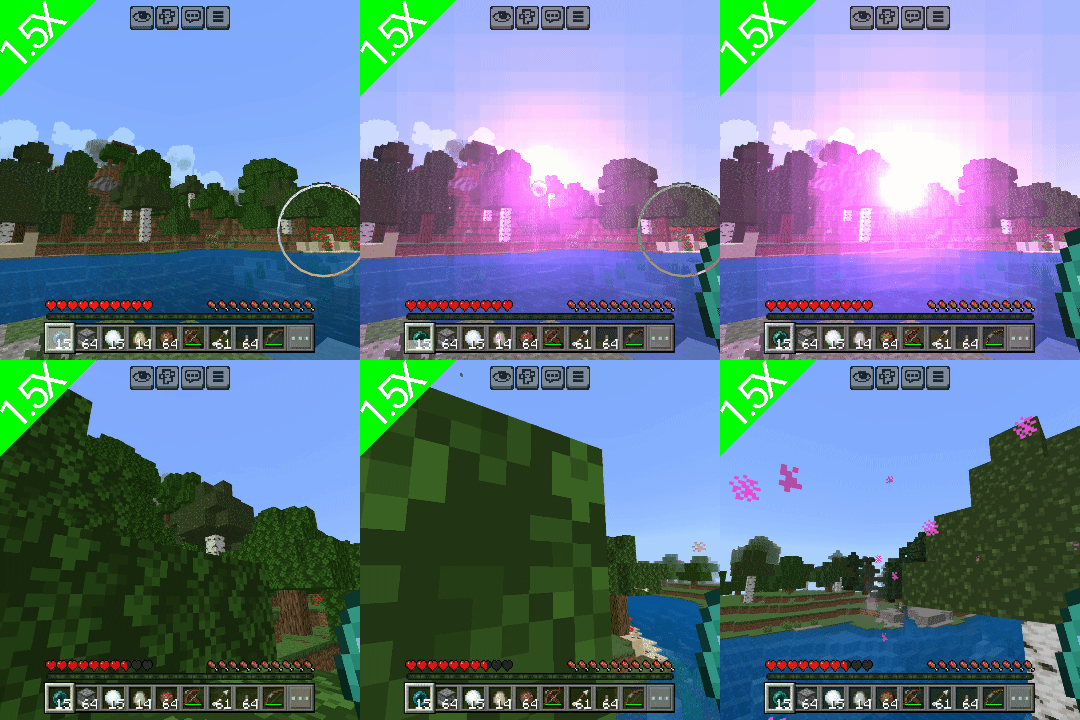
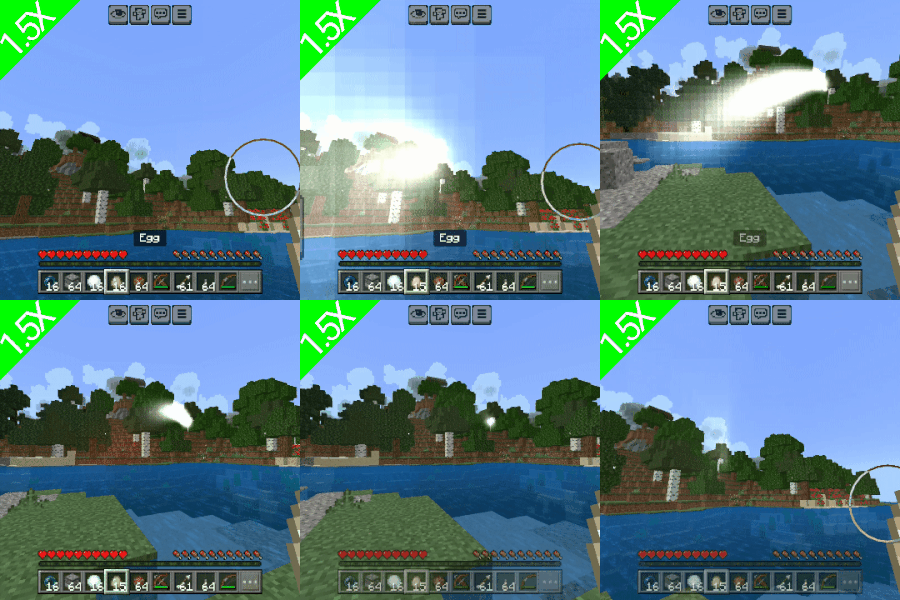
Glow-Shot Projectile Trails Texture Pack Download Links
For Minecraft PE/Bedrock 1.21
mcpack: Download from server 1 – Download from server 2
- Edition: Minecraft Bedrock
- File type: .mcpack
- Minecraft version listed: 1.21
- How to install: Download the .mcpack. → Open it — Minecraft imports it under Resource Packs. → Activate it in Global Resources, or for one world under Resource Packs → Available.
- Where to get it: In MCModsHub, or directly above on this page.
Install steps are the general flow for this file type — How to install Minecraft Bedrock texture packs walks through it step by step.
- Pack type: .mcpack — a single pack
- Manifest requires Minecraft 1.16.0 or newer
- Complete pack — everything it depends on is inside the file
- Download size: 22 KB
- Download link checked 17 Jun 2026 — working
- Mirrored on our own servers — the download does not depend on the original host
These come from our own check of the pack file, not from the source page.