Vibrant Visuals Shader (1.26+) – MCPE/Bedrock
Bedrock texture pack listed for Minecraft 1.16–26.x. File opened and checked on 12 Oct 2026; installs from the MC Bedrock Mods app on Android.
⬇ Download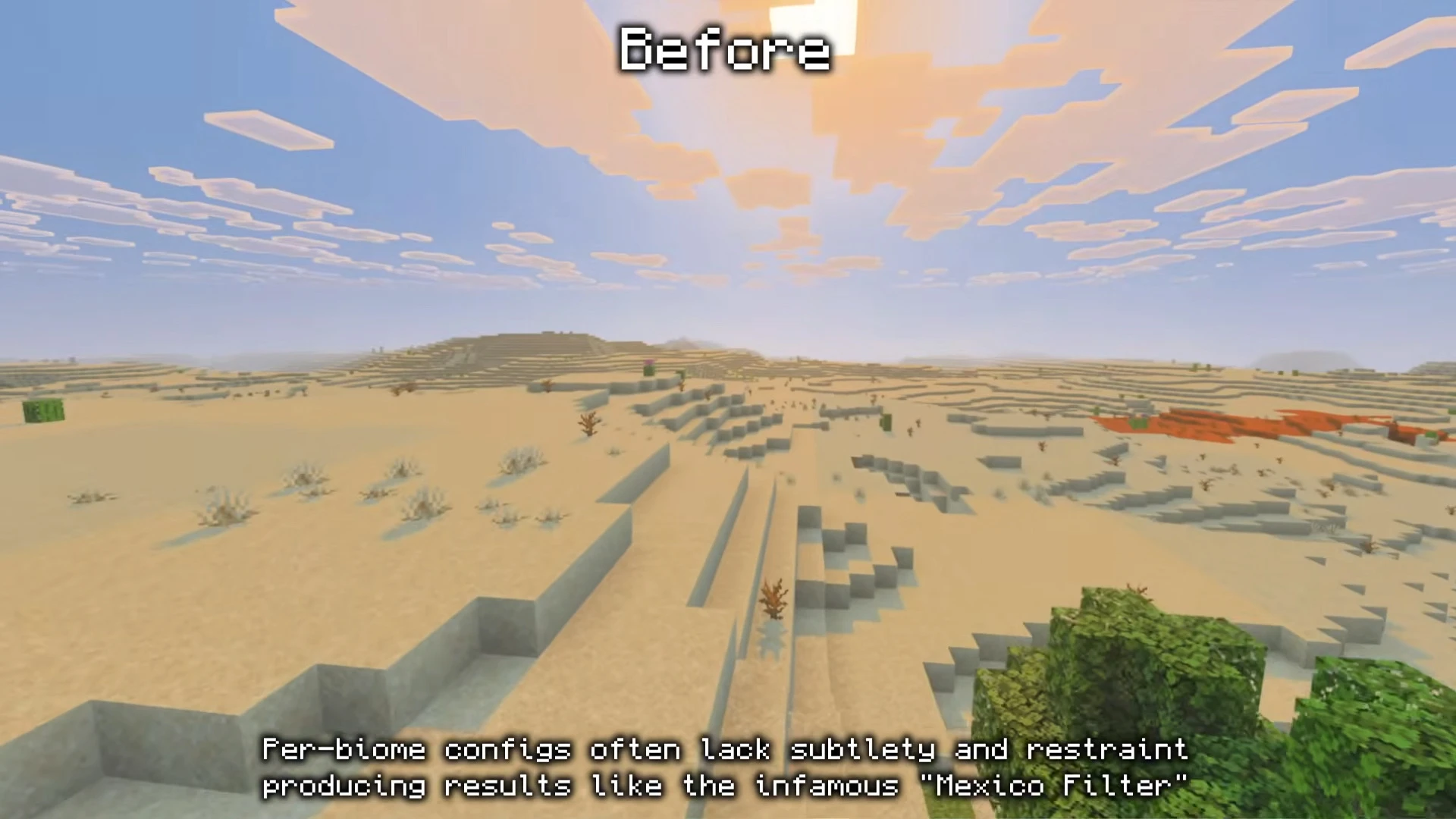
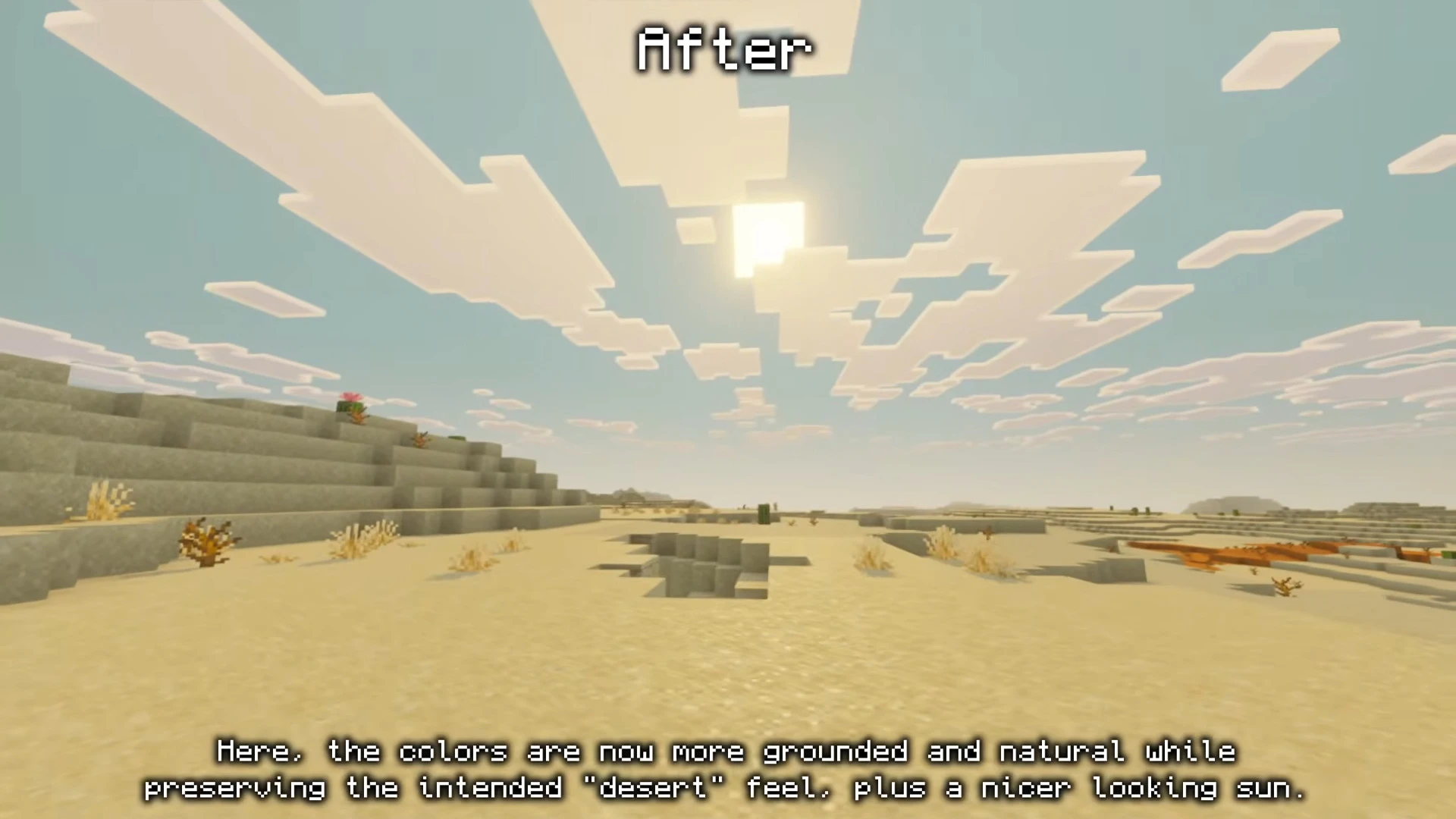
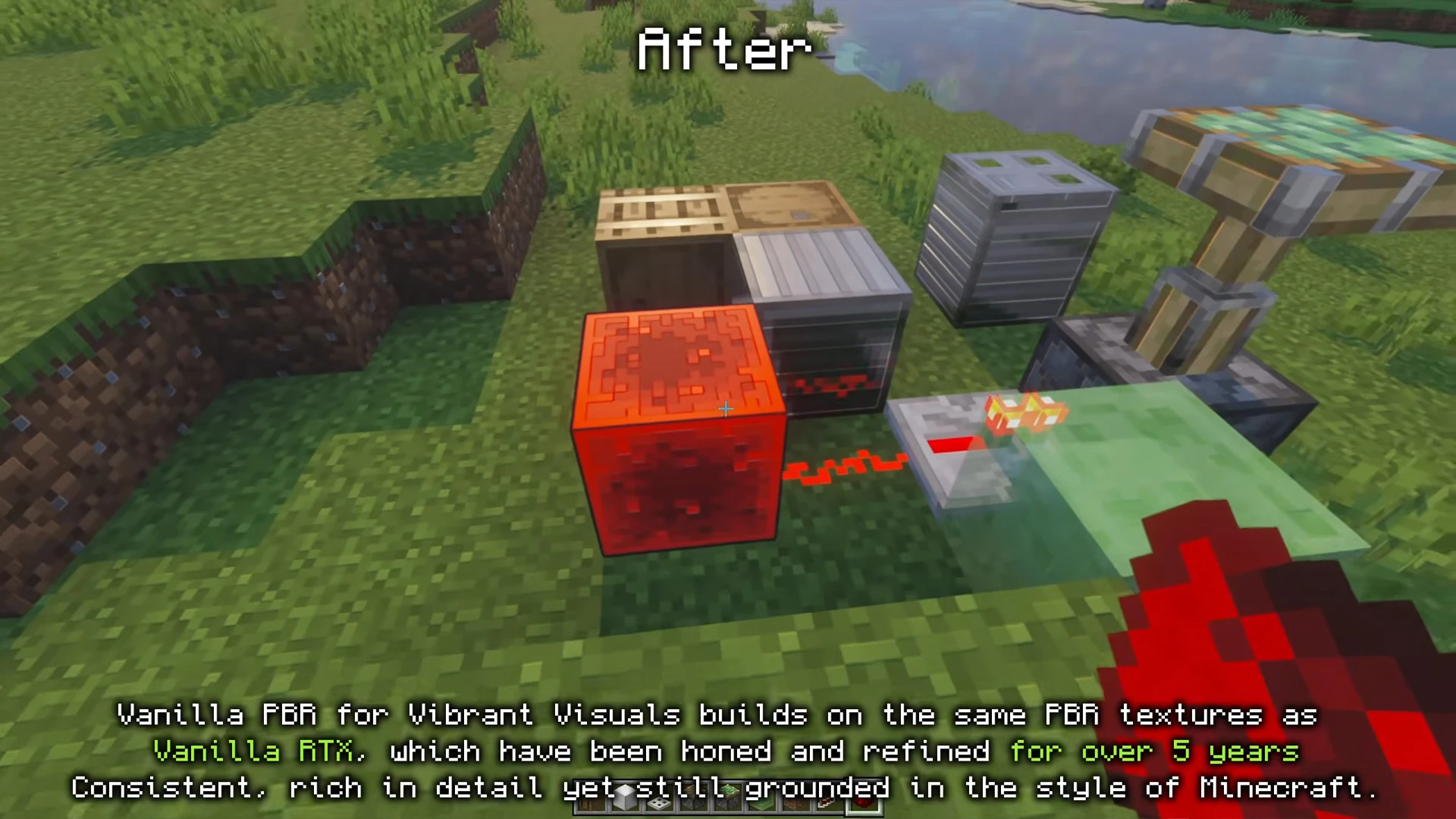
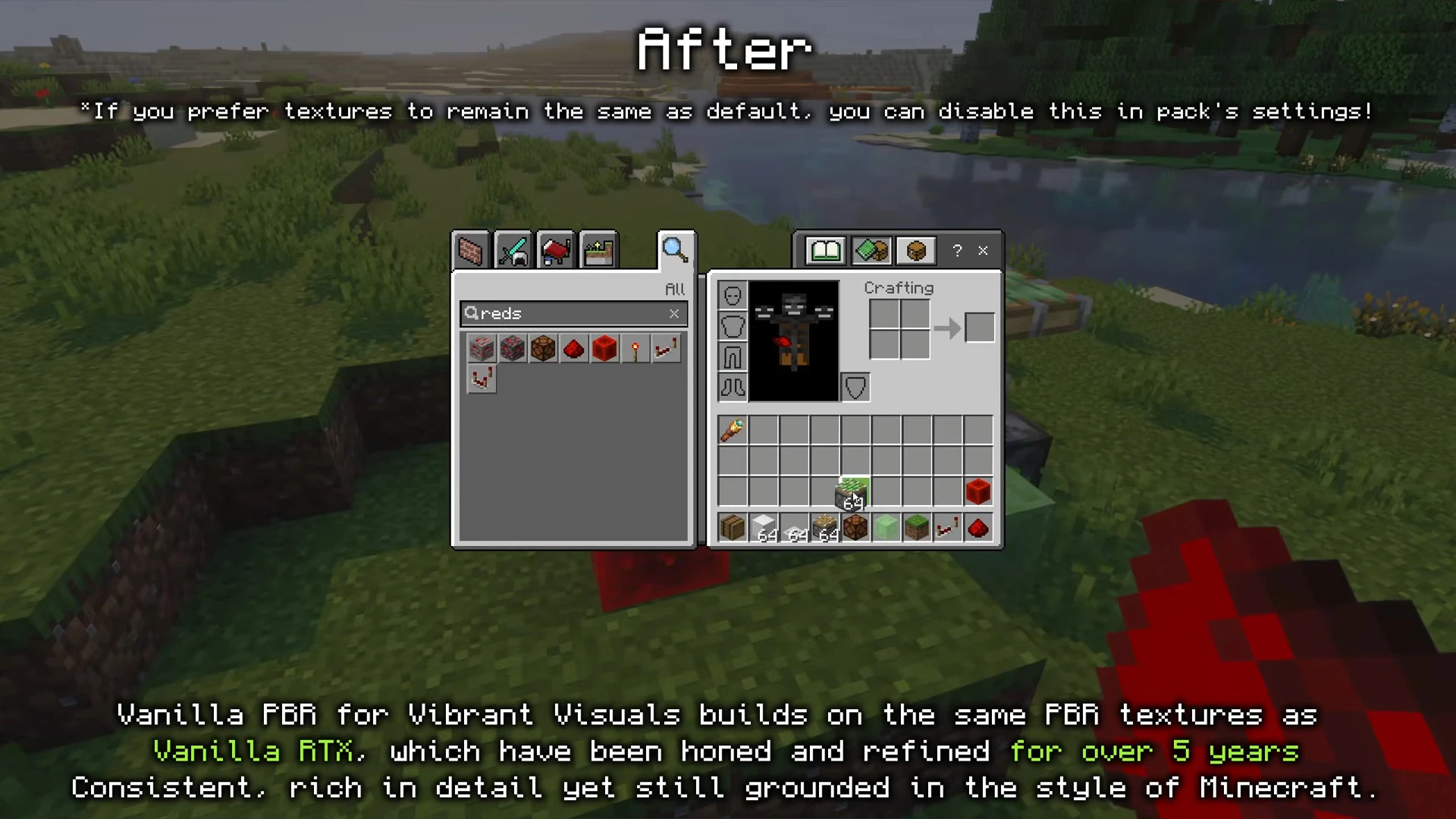
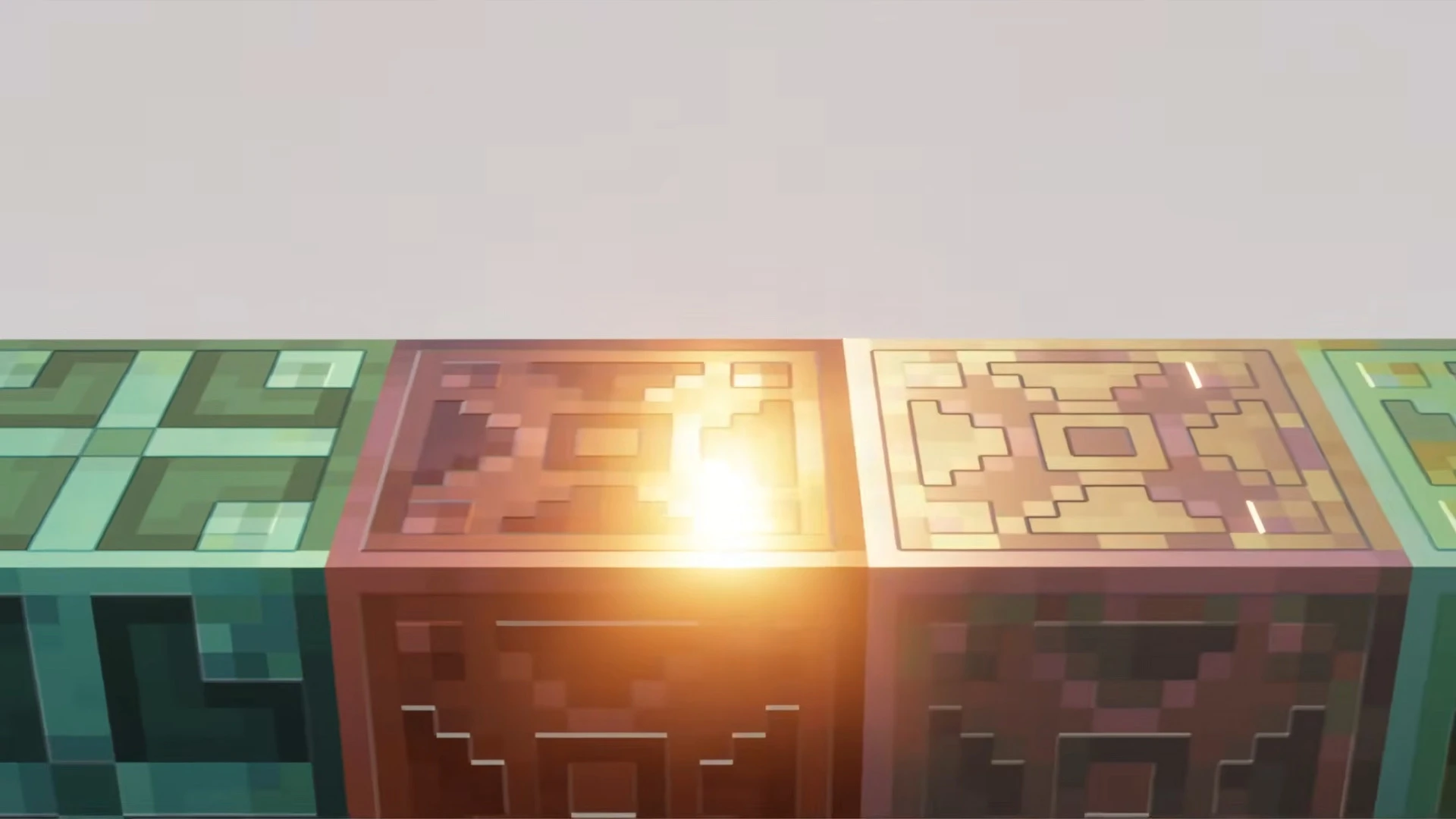
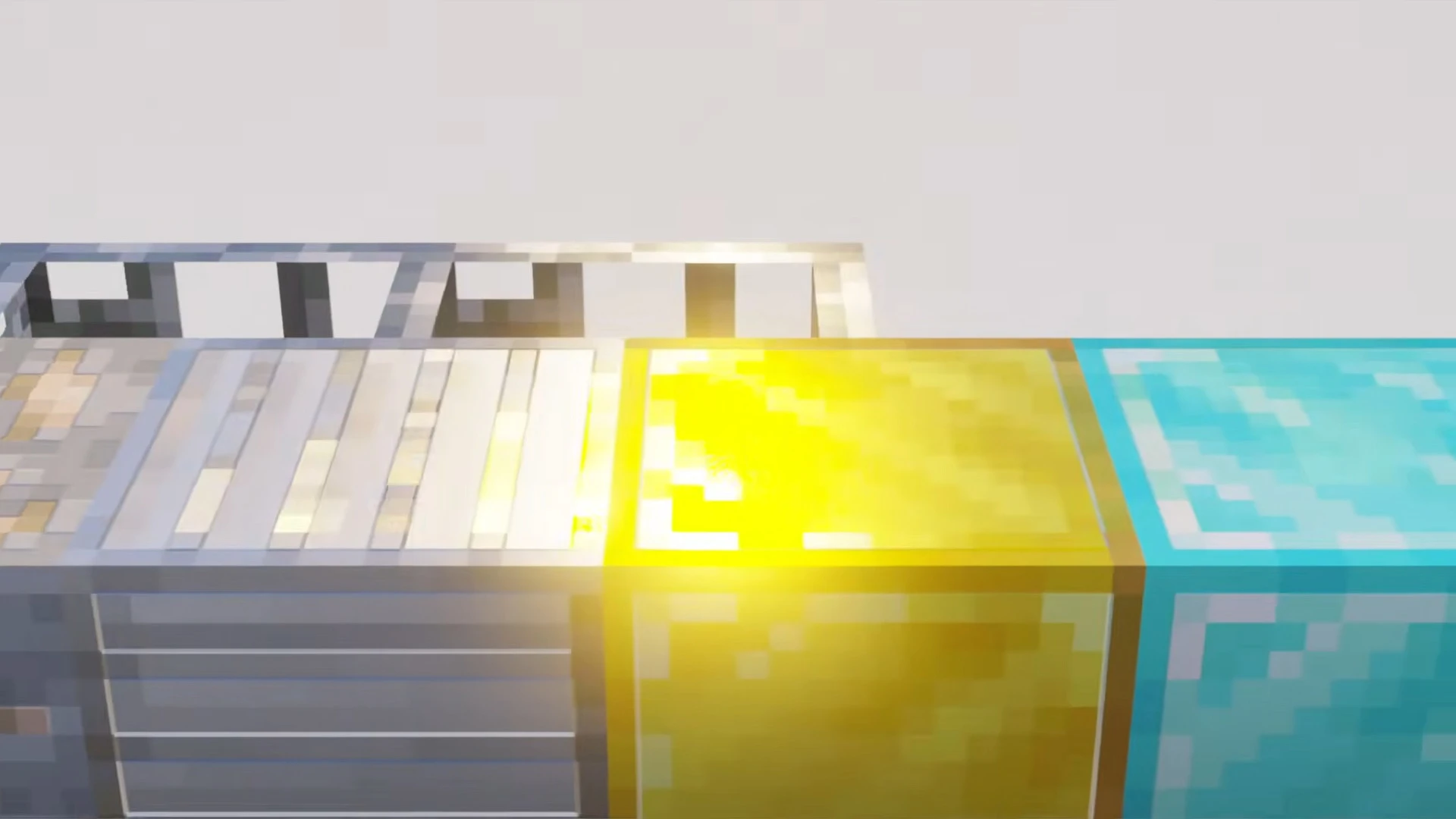
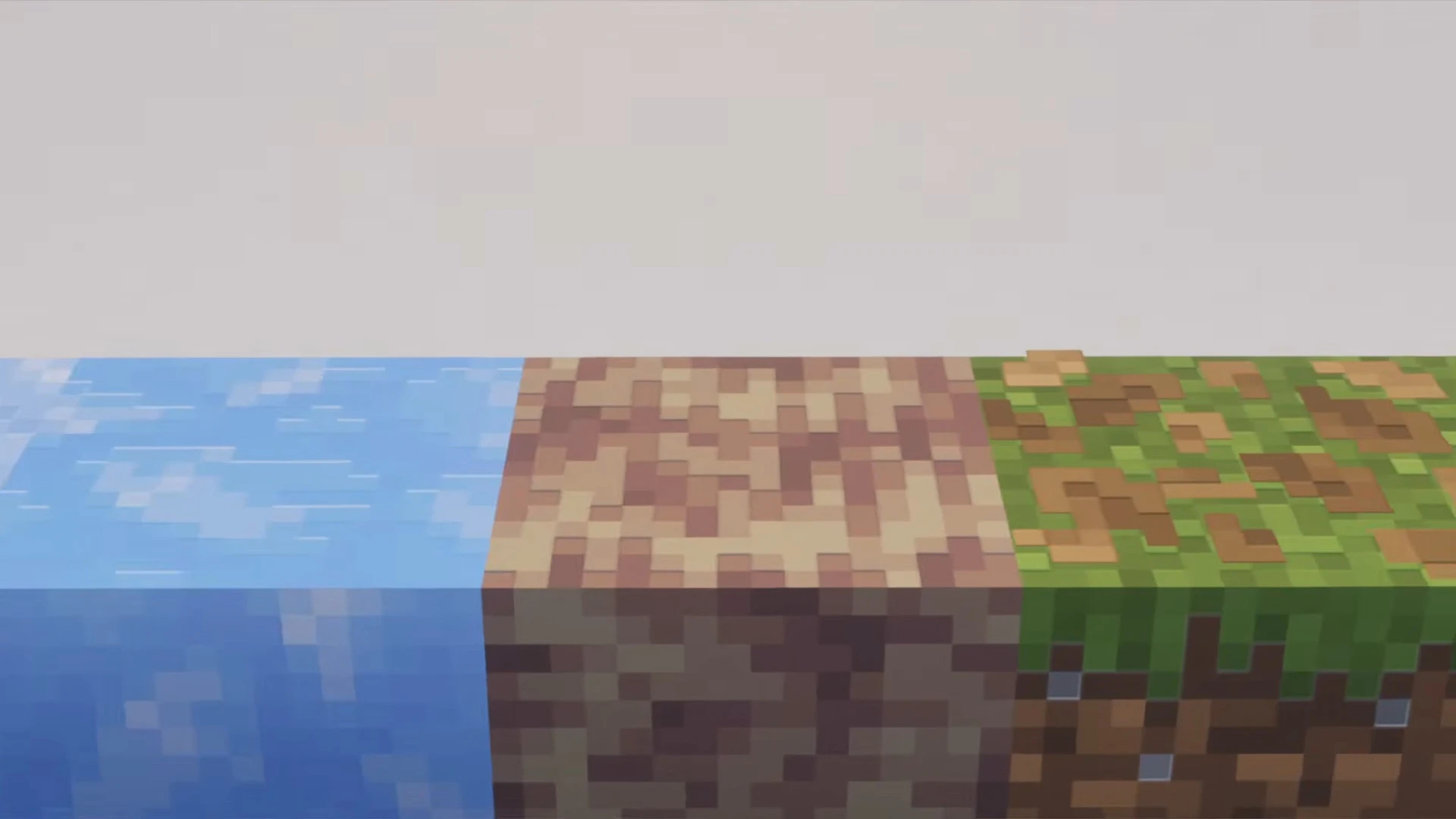
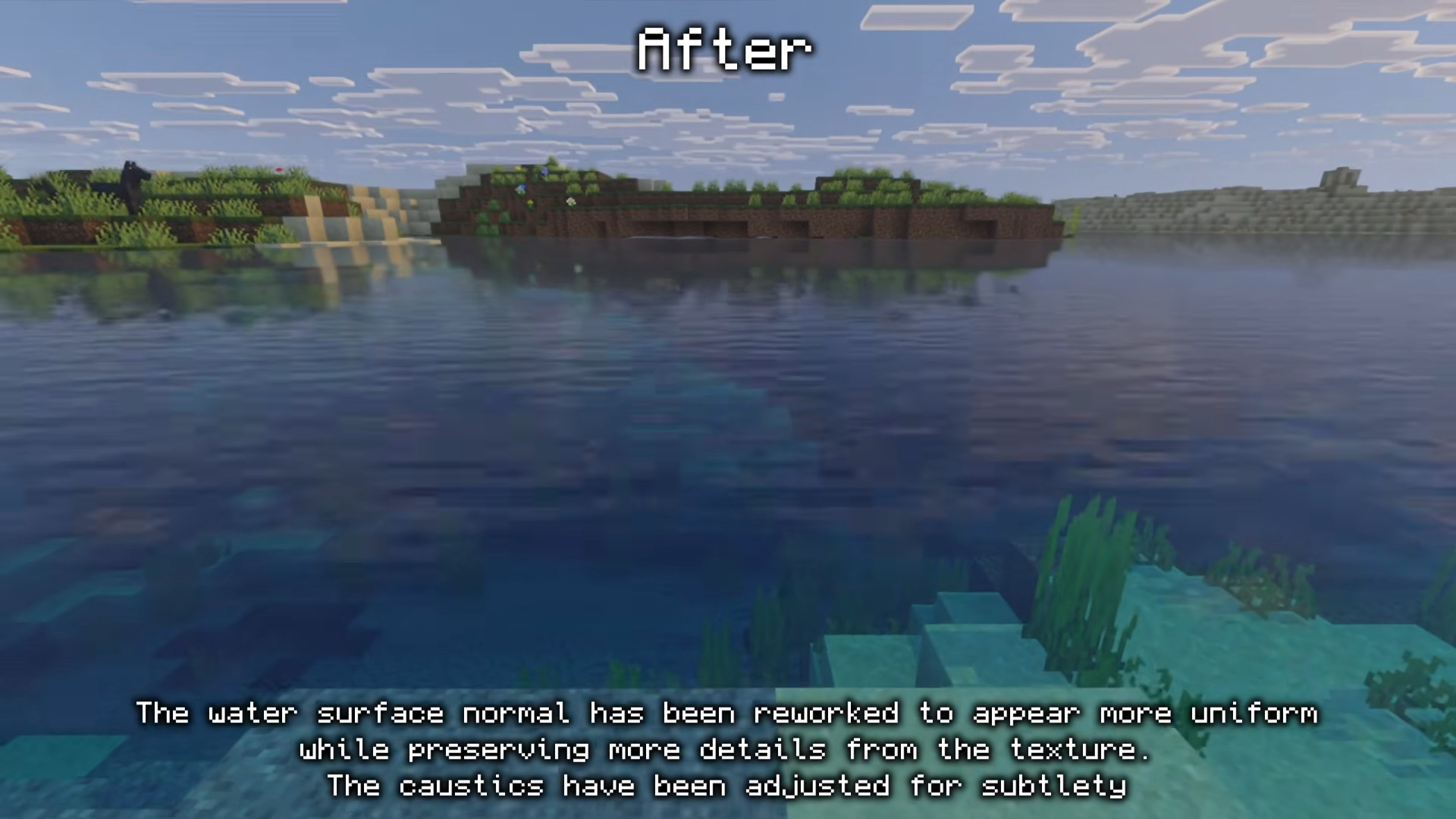
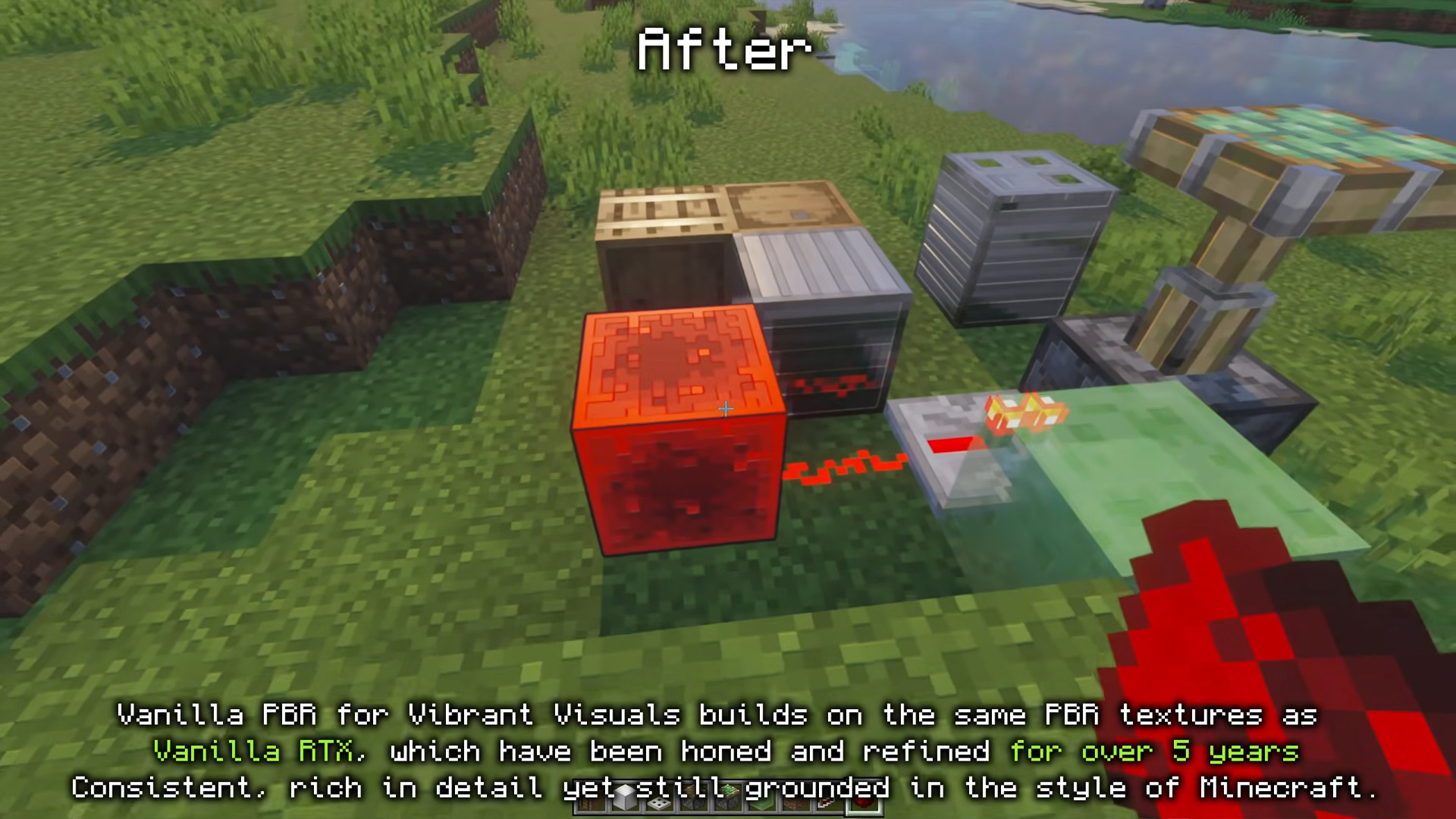
Vibrant Visuals Shader is a PBR resource pack tuned specifically for Minecraft’s native Vibrant Visuals graphics mode – not a traditional ray-traced shader, and it doesn’t need RTX-class hardware to work. Built on years of material work carried over from the Vanilla RTX project, it retunes the stock Vibrant Visuals look into something steadier and truer to vanilla Minecraft’s own art style, while still reaching a much wider range of devices than a full ray-tracing pack ever could.
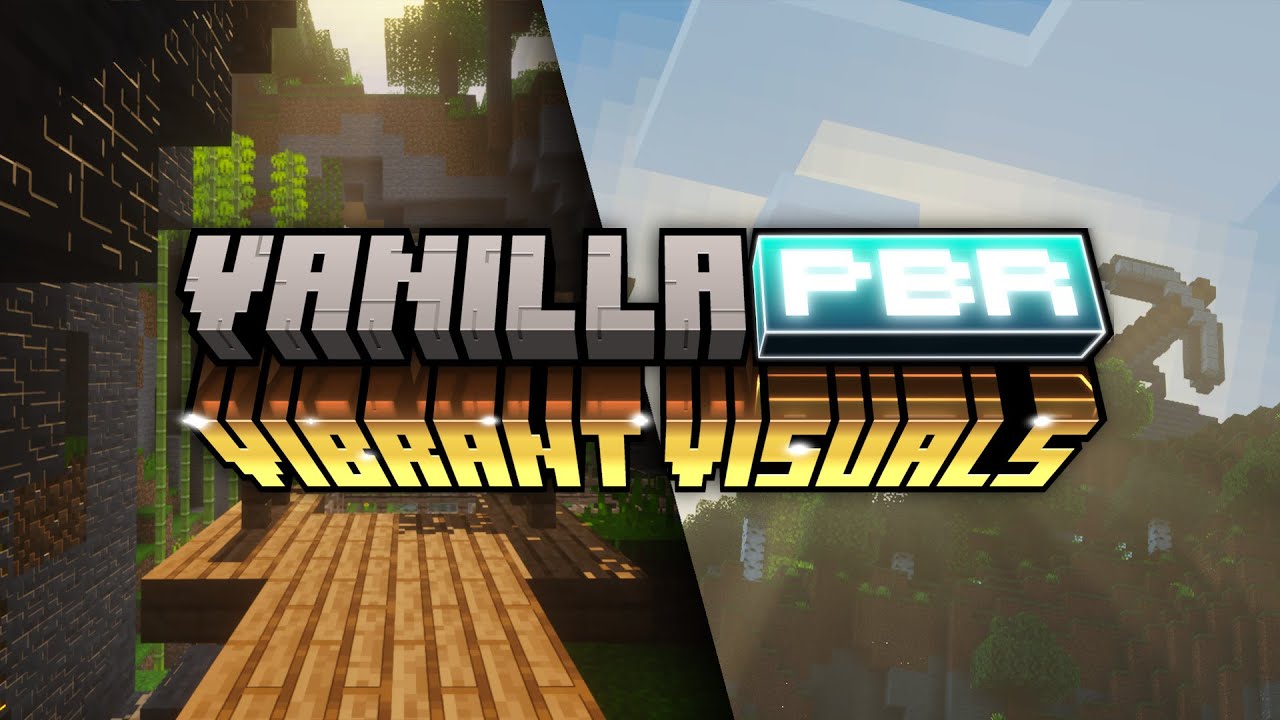
Features:
- Runs on Vibrant Visuals, Minecraft’s own built-in Deferred Lighting pipeline – reaches far more devices than a true ray-traced pack, no dedicated RTX-class GPU required.
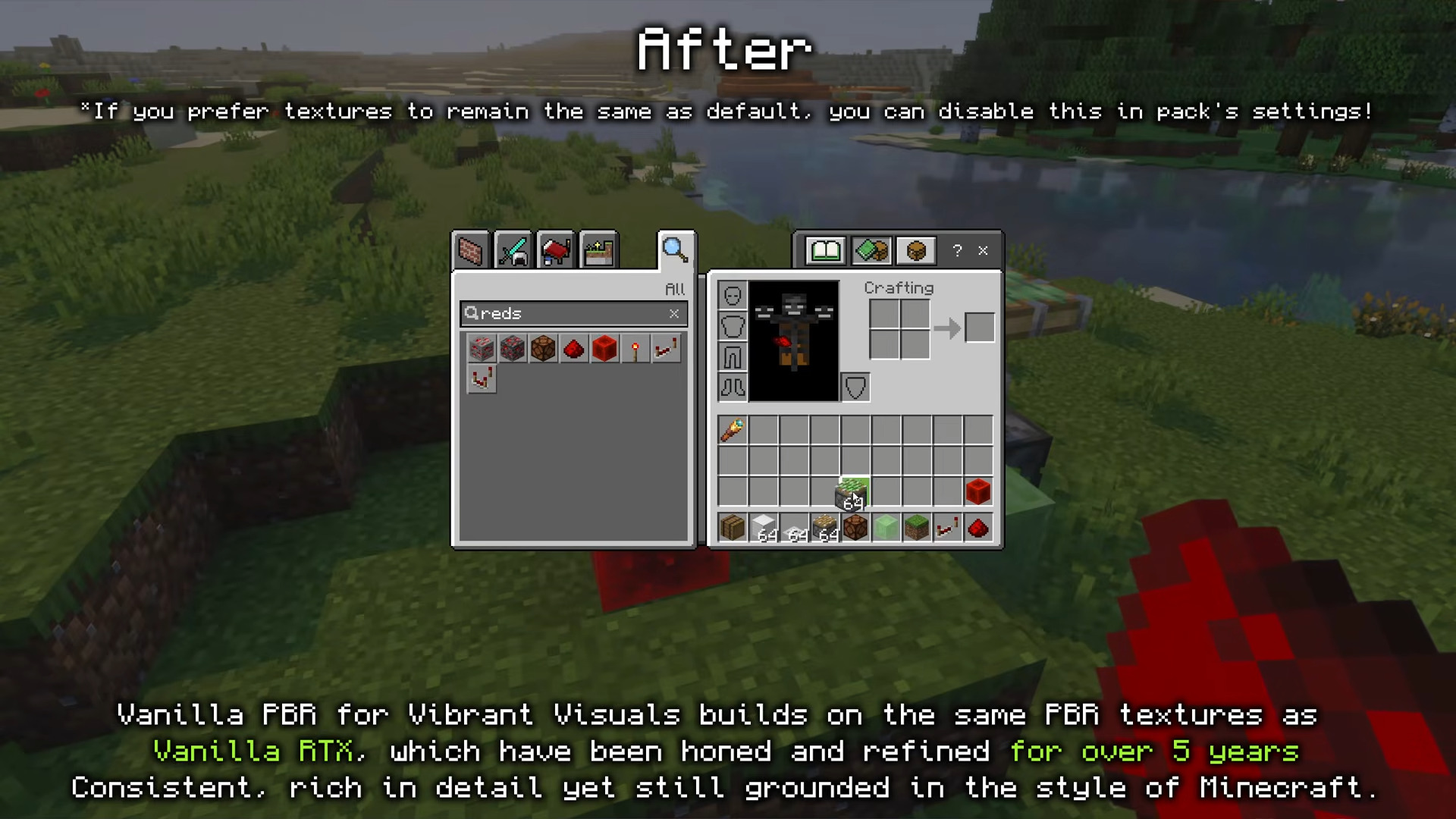
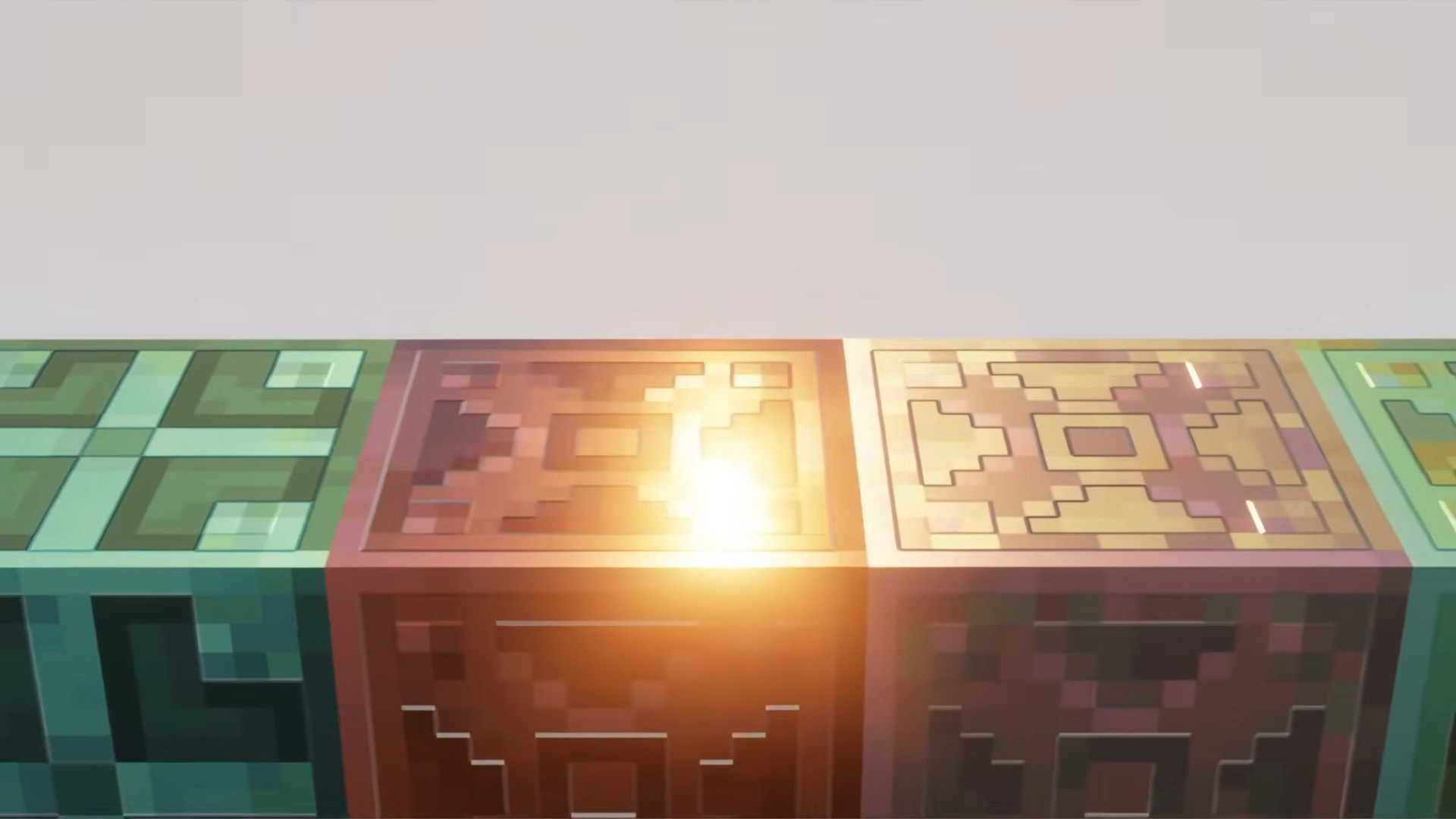
- Full PBR material set per vanilla block (color, normal, and roughness/metalness data), carried over from years of iteration on the wider Vanilla RTX project rather than built from scratch.
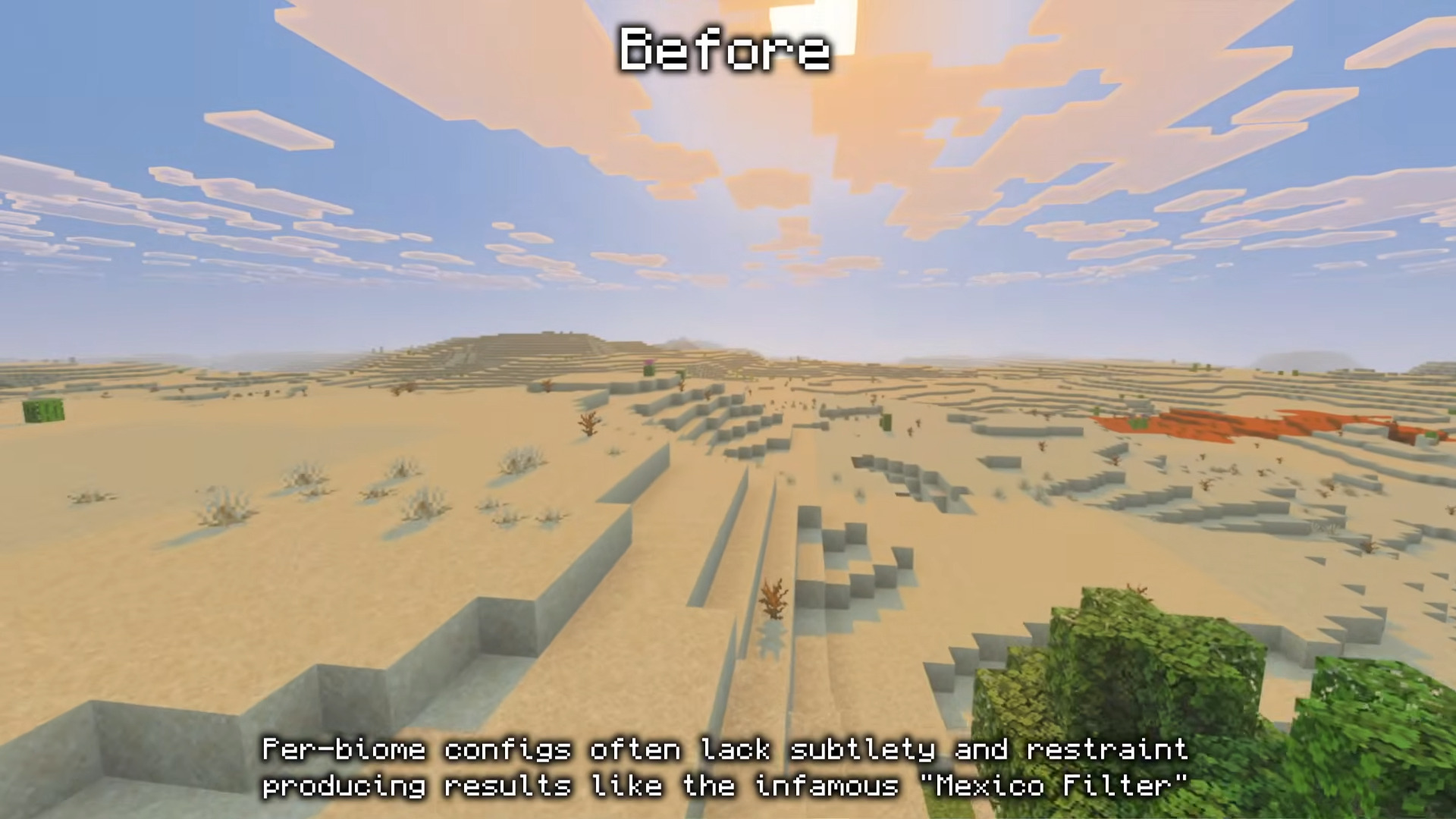
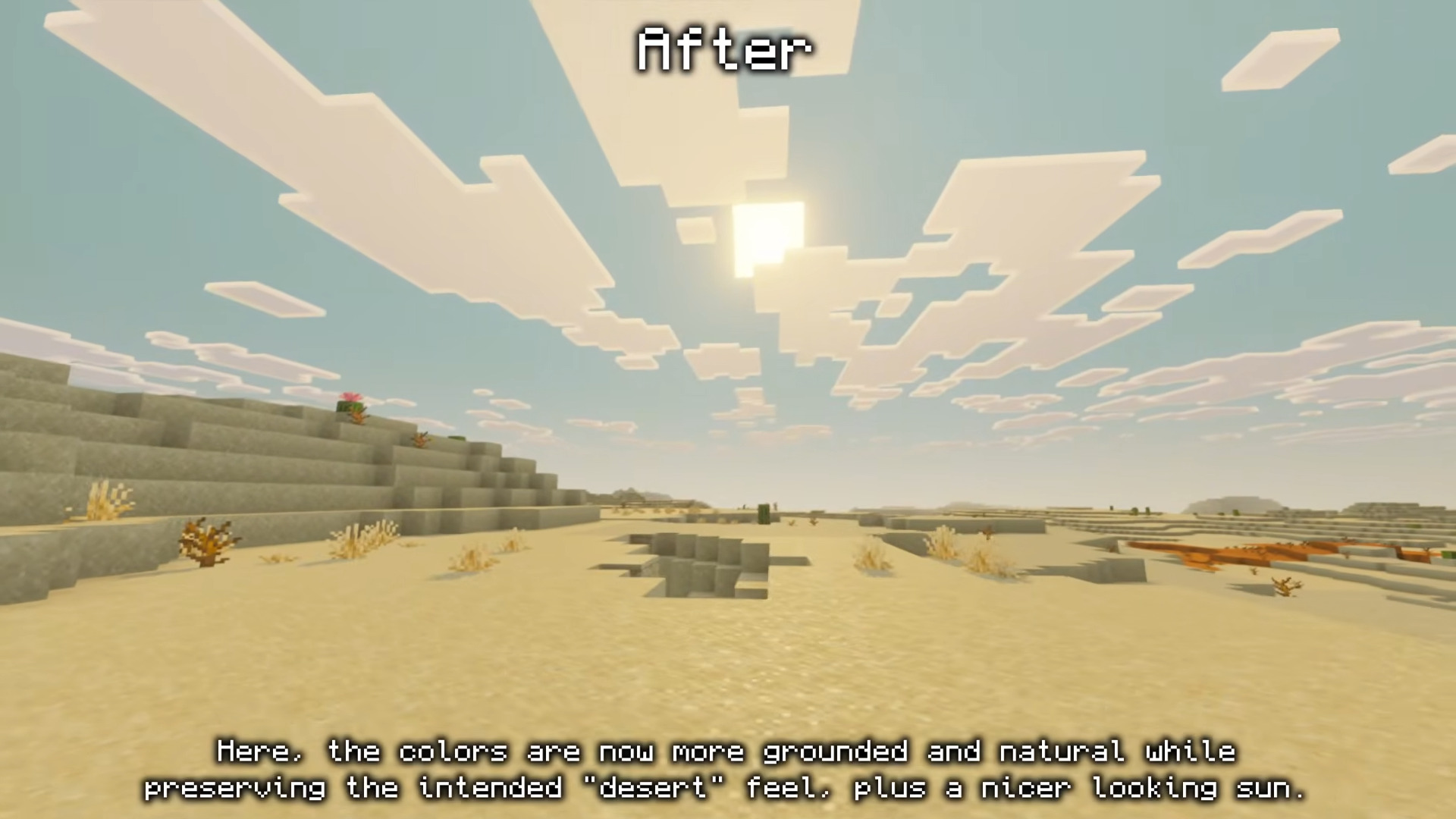
- Retunes the default Vibrant Visuals preset’s color grading and lighting response into something steadier and more restrained than Mojang’s stock look.
- Keeps vanilla Minecraft’s original art direction intact – a refinement of the base game’s look, not a re-skin.
- Companion “Vibrant Normals” pack available separately, bringing the hand-drawn normal-map detail from Vanilla RTX Normals to Vibrant Visuals users.
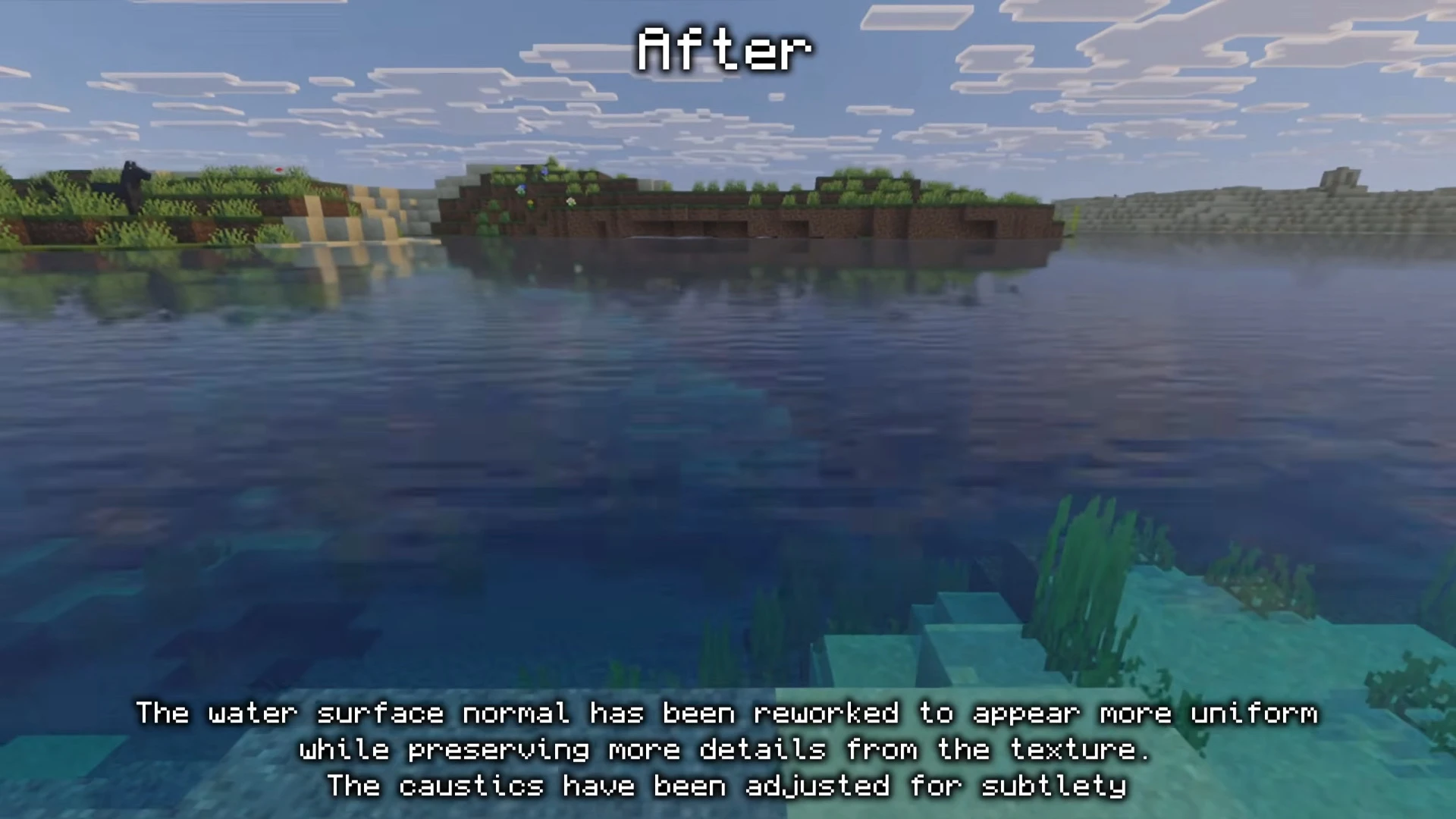
- Optional high-resolution lighting add-on layers on sharper water caustics, wave detail, and sun positioning for anyone who wants to push past the base pack.
- Targets current Bedrock releases (1.21.90 and newer) – the same floor Vibrant Visuals itself needs, so there’s no separate compatibility gap to track.
🎛️ Compare Bedrock Shaders Side by Side →
Drag across real in-game scenes — find YOUR perfect MCPE shader.
Screenshots:
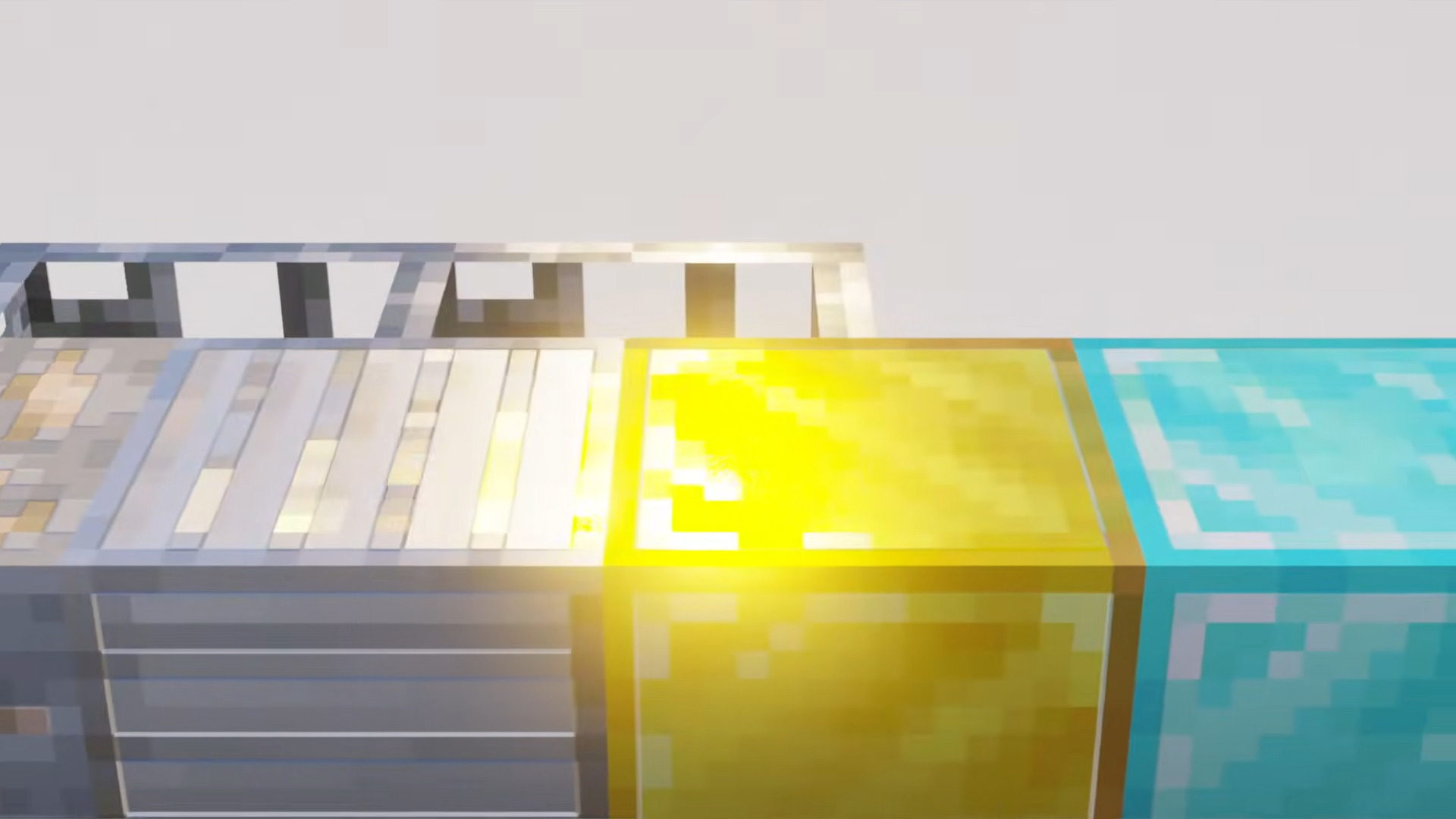
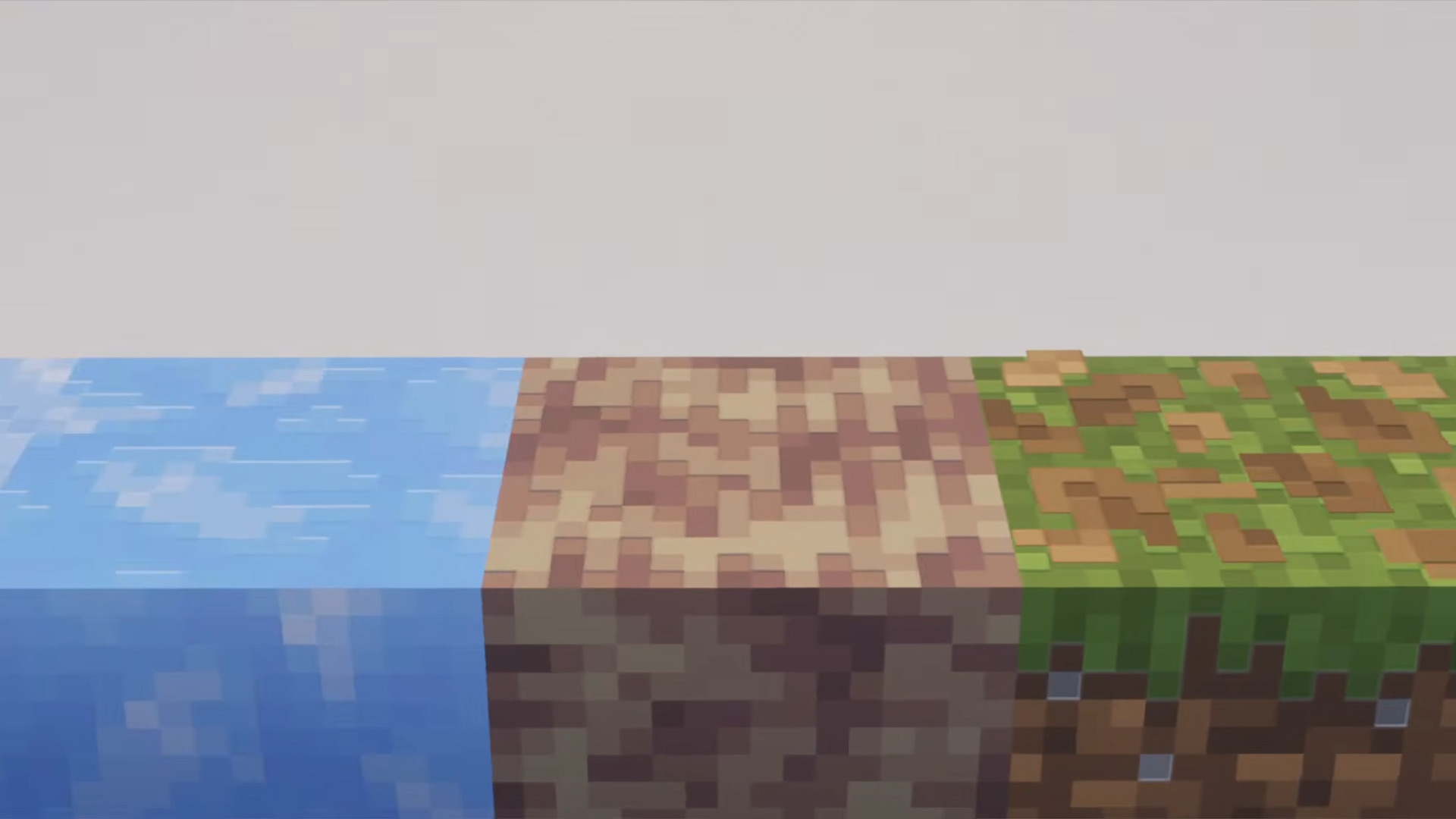
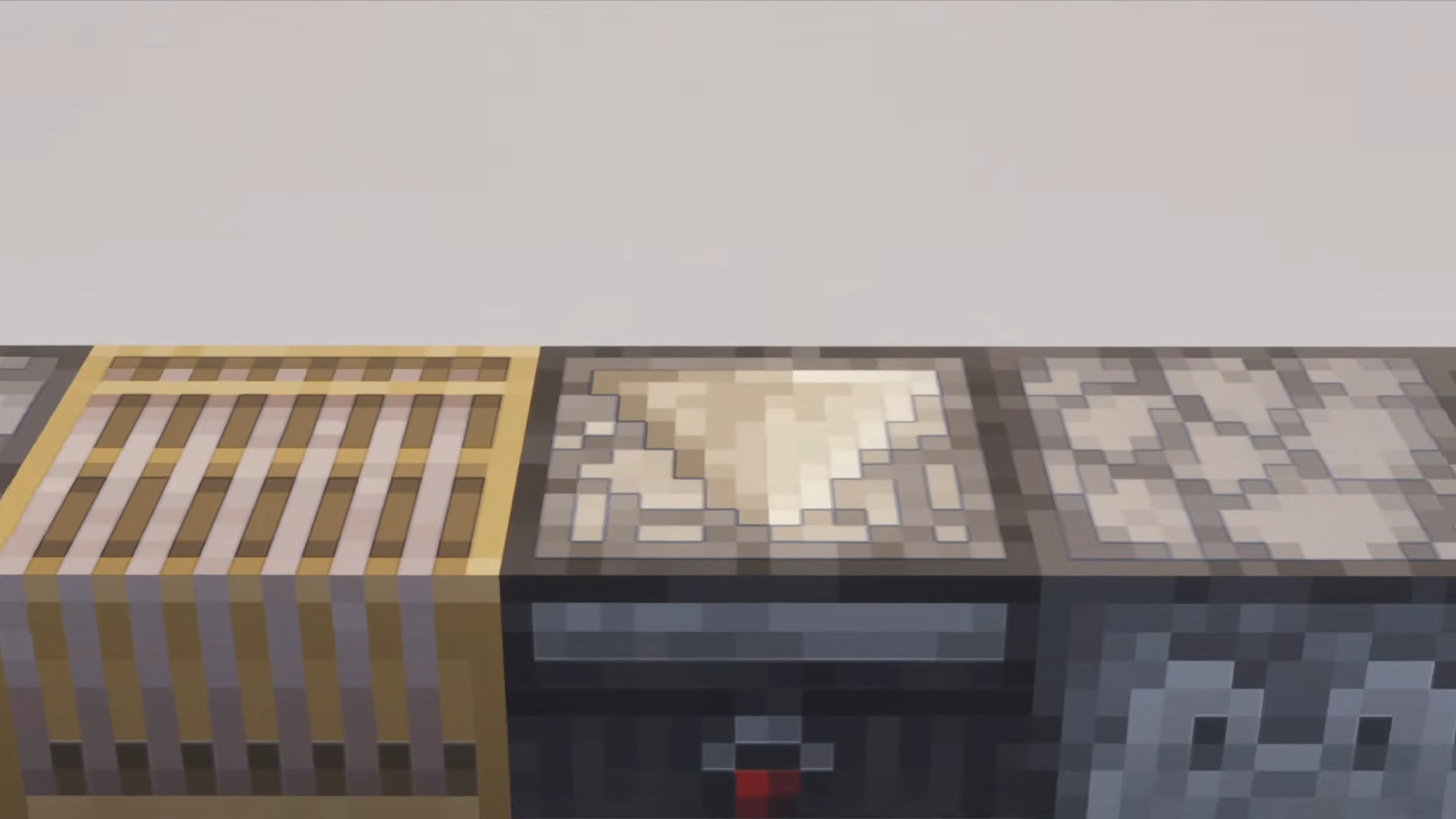
Vibrant Visuals Shader Download Links
- Edition: Minecraft Bedrock
- File type: .mcpack
- Minecraft version listed: 1.26
- How to install: Download the .mcpack. → Open it — Minecraft imports it under Resource Packs. → Activate it in Global Resources, or for one world under Resource Packs → Available.
- Where to get it: In MCModsHub, or directly above on this page.
Install steps are the general flow for this file type — How to install Minecraft Bedrock texture packs walks through it step by step.
- Pack type: .mcpack — a single pack
- Manifest requires Minecraft 1.16.2 or newer
- Complete pack — everything it depends on is inside the file
- Download link checked 17 Jun 2026 — working
- Mirrored on our own servers — the download does not depend on the original host
These come from our own check of the pack file, not from the source page.