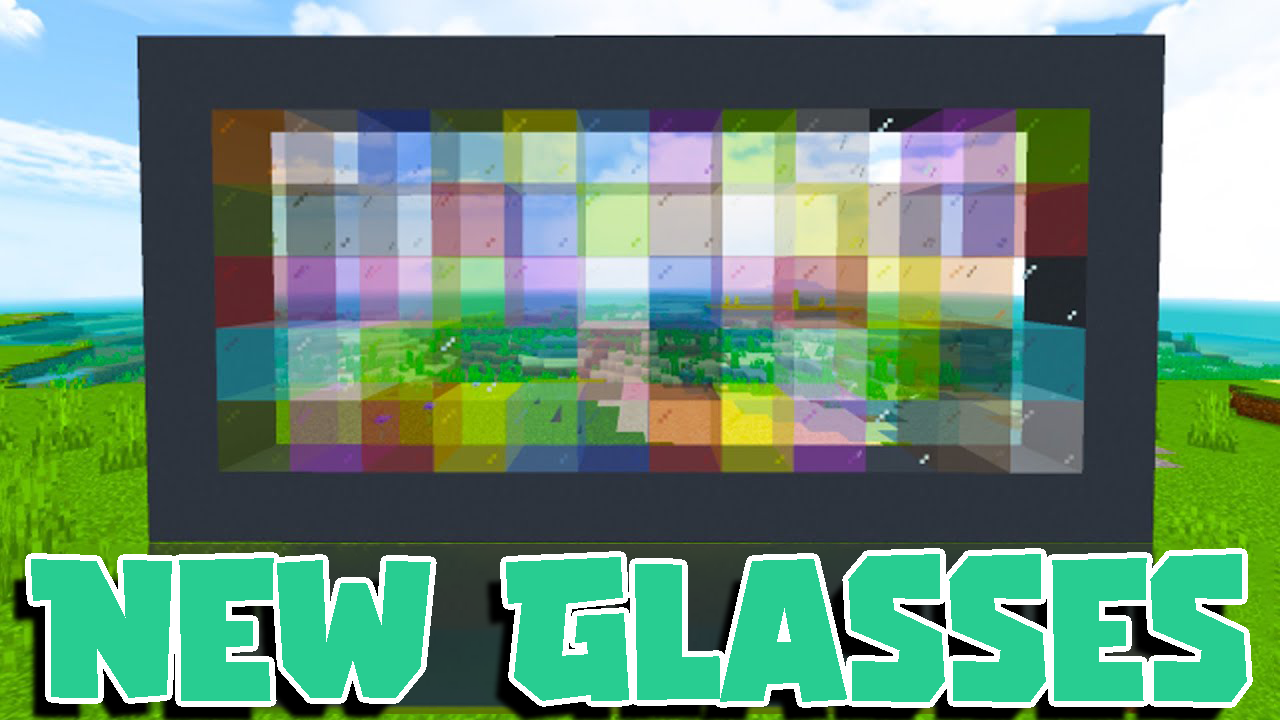
New Glasses Texture Pack (1.21, 1.20) – MCPE/Bedrock
Bedrock texture pack listed for Minecraft 1.17–1.21. File opened and checked on 8 Oct 2026; installs from the MC Bedrock Mods app on Android.
⬇ Download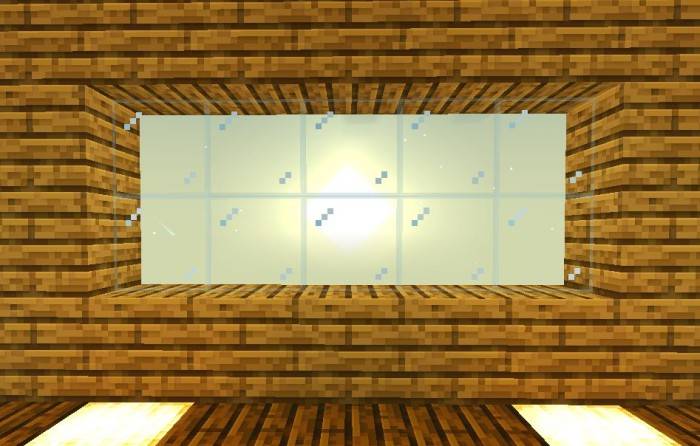
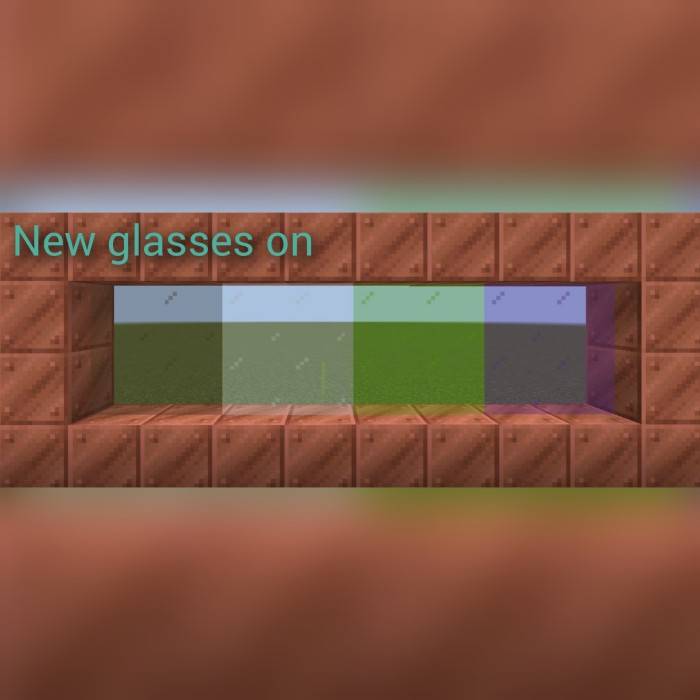
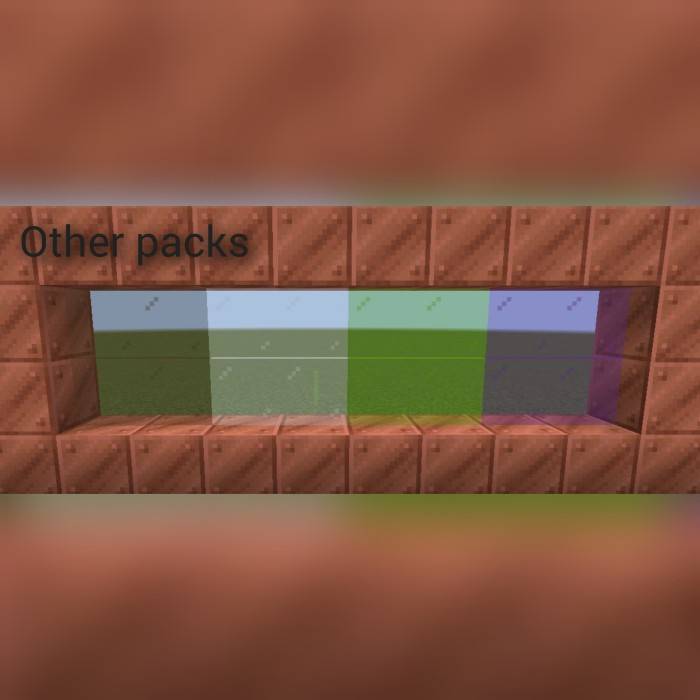
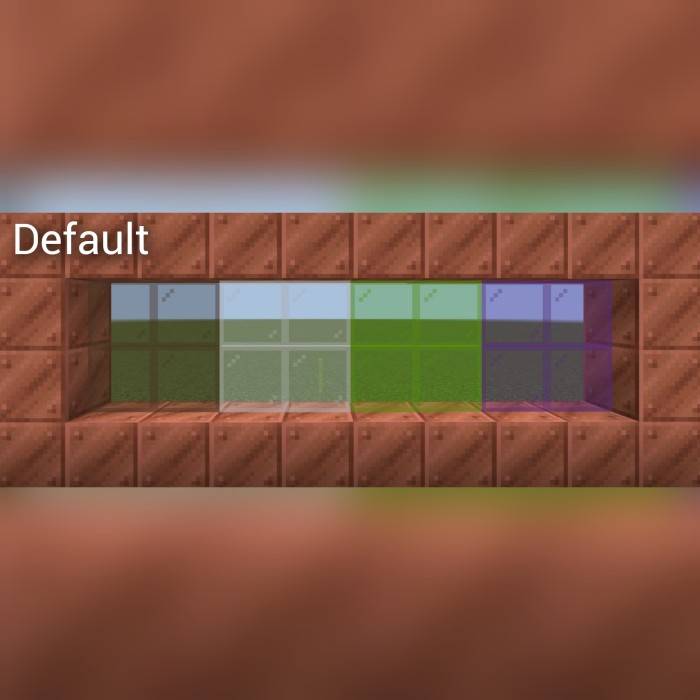
New Glasses Texture Pack simplifies a small yet impactful change: it alters glass edges to be more transparent and thinner. Unlike other textures that completely remove the border, making glass hard to see, this pack maintains visibility. The stained glass edges have also been removed. Additionally, the irritating “pane top” that creates an unsightly line between glass panels has been eliminated. Enjoy a clearer and cleaner view through your glass!
Screenshots:
New Glasses Texture Pack Download Links
For Minecraft PE/Bedrock 1.21, 1.20
mcpack: Download from server 1 – Download from server 2
- Edition: Minecraft Bedrock
- File type: .mcpack
- Minecraft versions listed: 1.21, 1.20
- How to install: Download the .mcpack. → Open it — Minecraft imports it under Resource Packs. → Activate it in Global Resources, or for one world under Resource Packs → Available.
- Where to get it: In MCModsHub, or directly above on this page.
Install steps are the general flow for this file type — How to install Minecraft Bedrock texture packs walks through it step by step.
- Pack type: .mcpack — a single pack
- Manifest requires Minecraft 1.17.0 or newer
- Complete pack — everything it depends on is inside the file
- Download size: 86 KB
- Download link checked 17 Jun 2026 — working
- Mirrored on our own servers — the download does not depend on the original host
These come from our own check of the pack file, not from the source page.