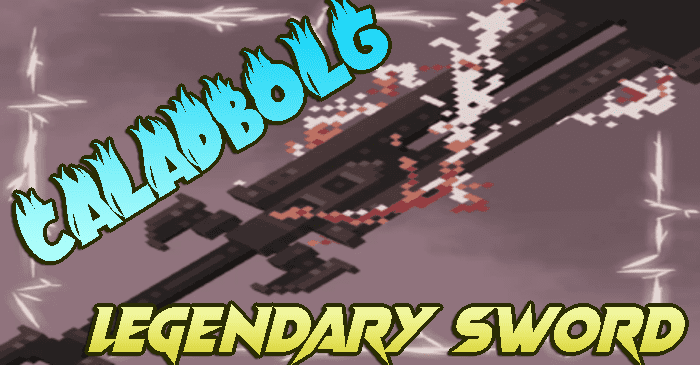
Caladbolg Texture Pack (1.19) – MCPE/Bedrock Mod
Bedrock texture pack listed for Minecraft 1.19. File opened and checked on 26 Sep 2026; installs from the MC Bedrock Mods app on Android.
⬇ Download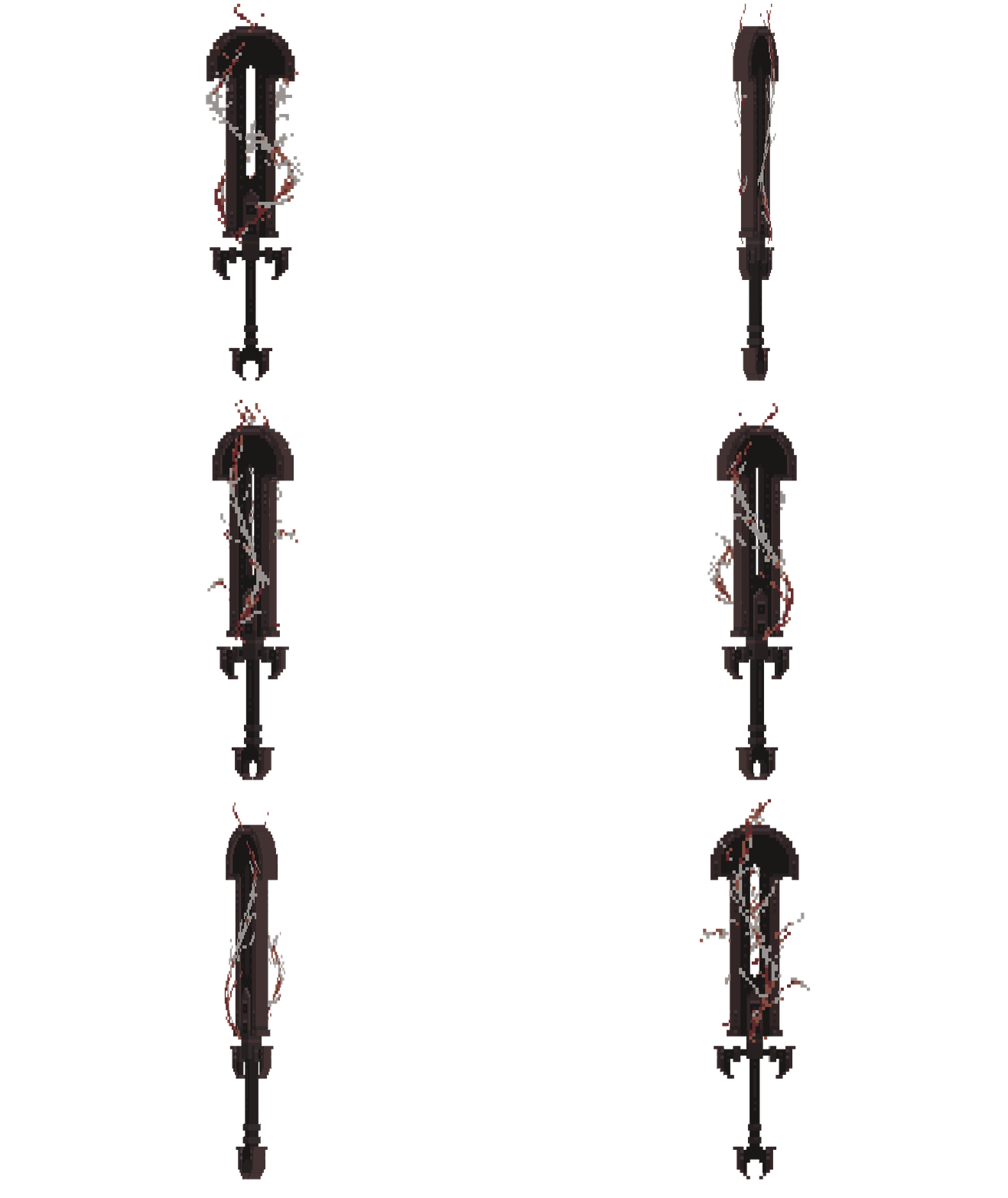
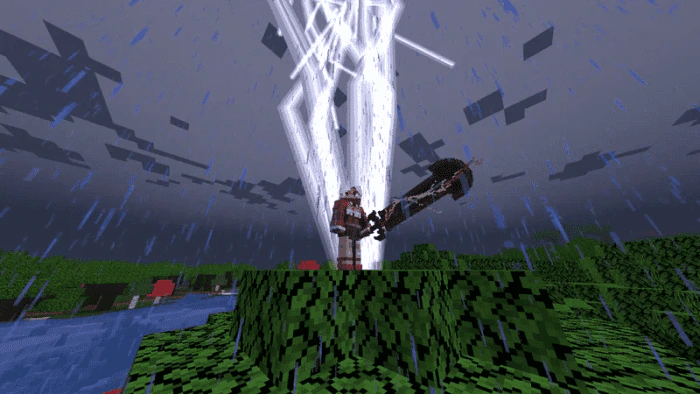
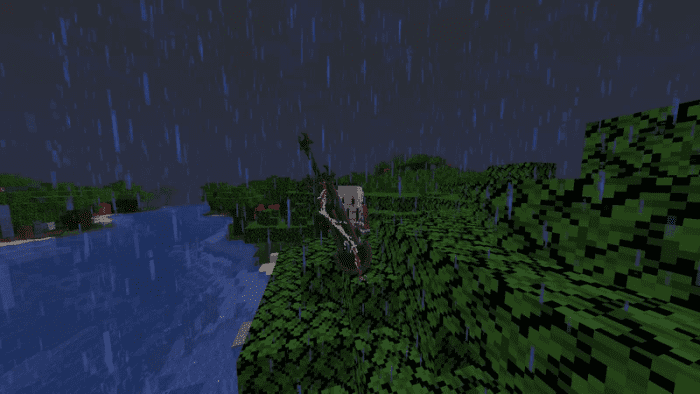
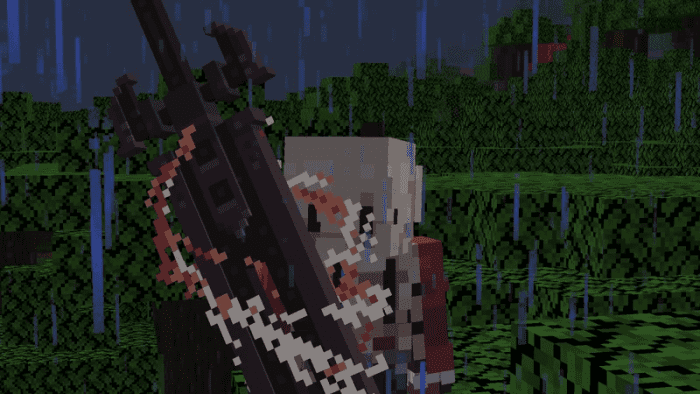
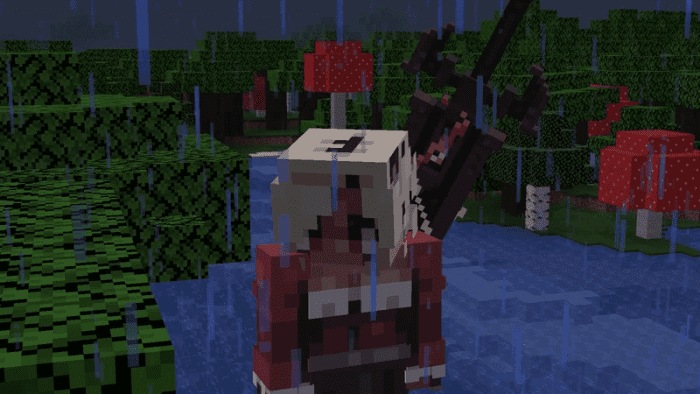
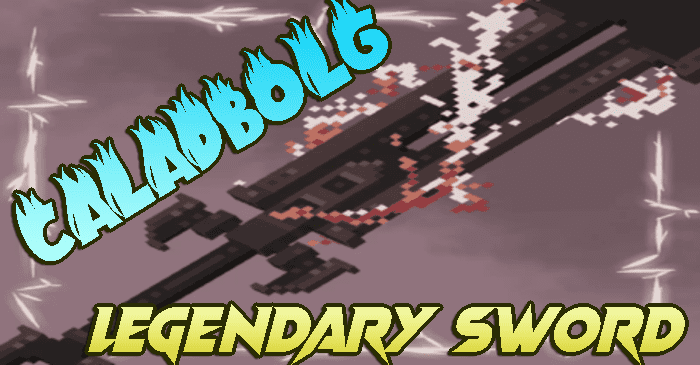
Caladbolg Texture Pack replaces the Netherite sword with the legendary sword of Irish mythology, Caladbolg. This mythical weapon is known for its incredible strength and sharpness and is brought to life with an animated texture that glows with powerful energy.
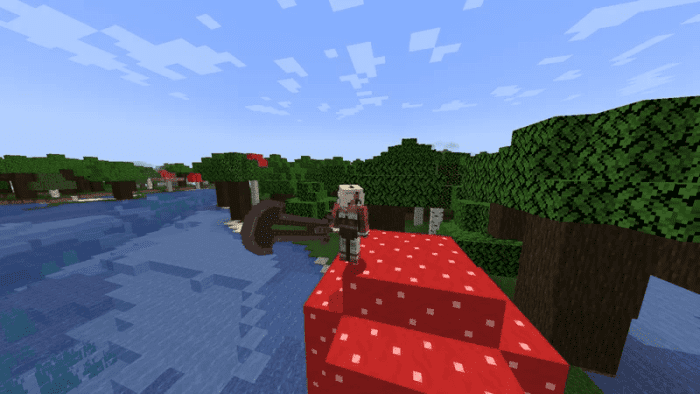
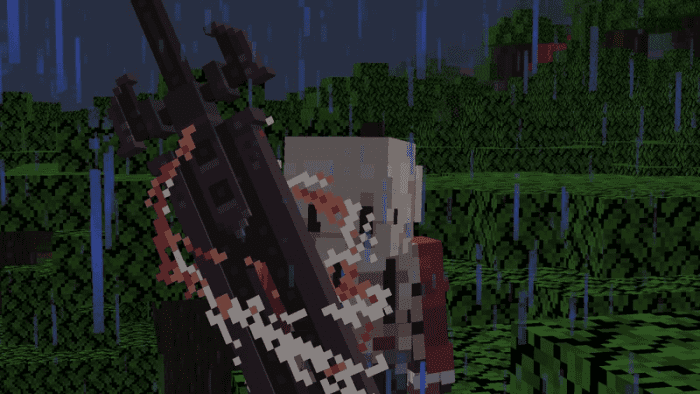
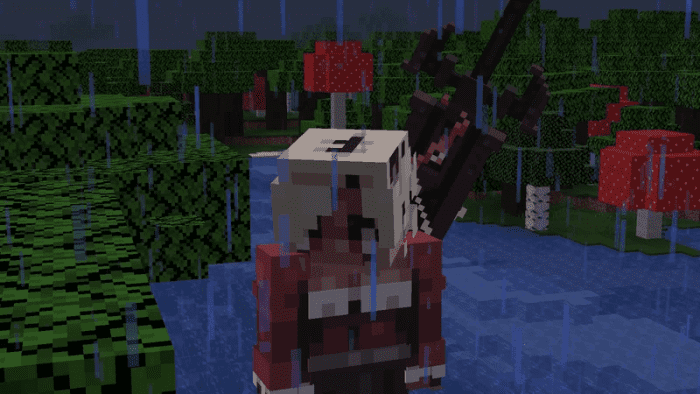
One of the exciting features of this texture pack is the ability to place the Caladbolg on the player’s back, just like in many fantasy games and movies, giving players a chance to show off their powerful weapon even when they’re not holding it. This adds a new level of immersion to the game and makes players feel like they’re truly living in a fantasy world.
If you love mythology and fantasy games, the Caladbolg texture pack is a must-have for your Minecraft: Bedrock Edition experience. It’s sure to bring a new level of excitement to your gameplay with its stunning graphics and unique features.
Screenshots:
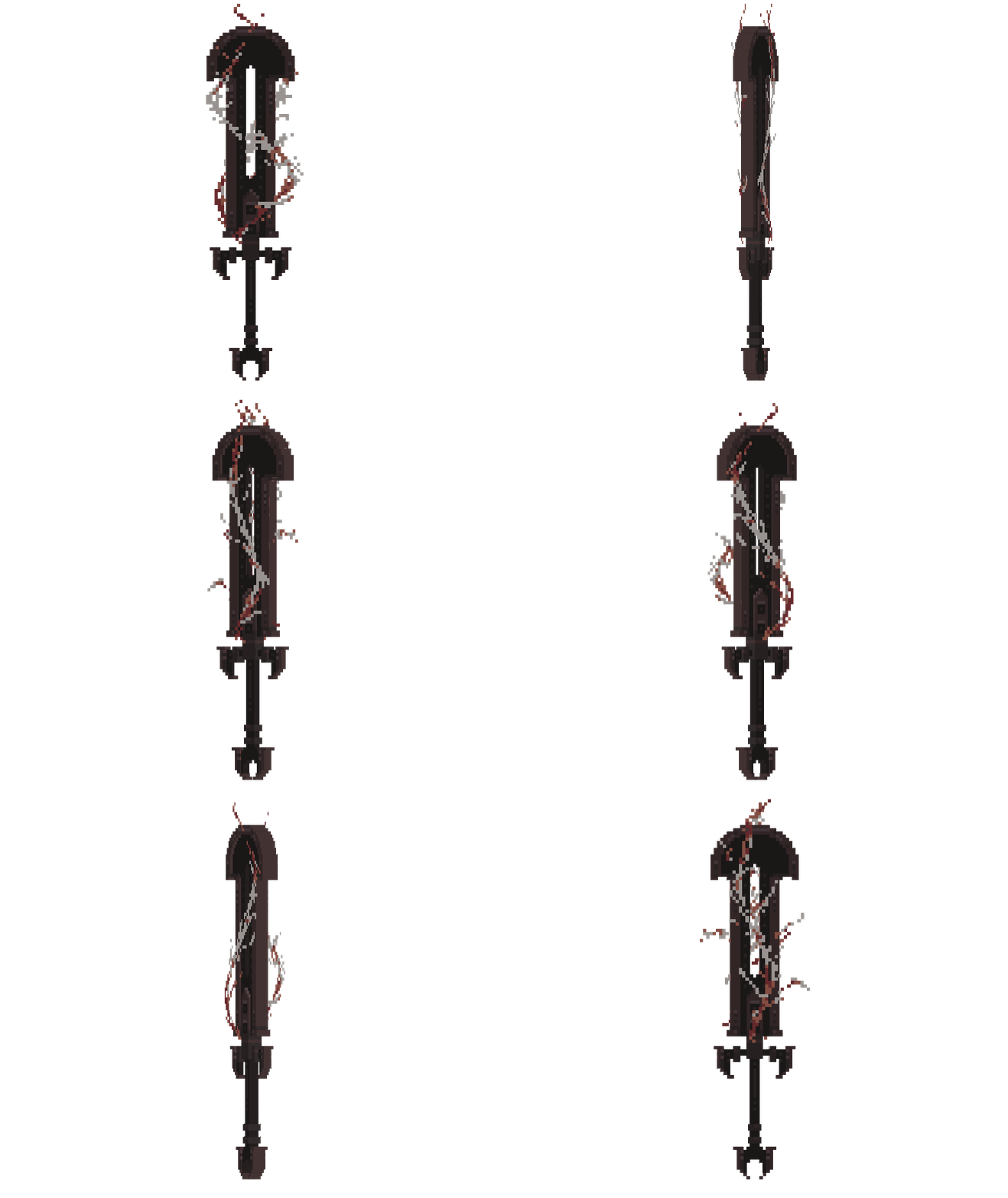
Caladbolg In-game:
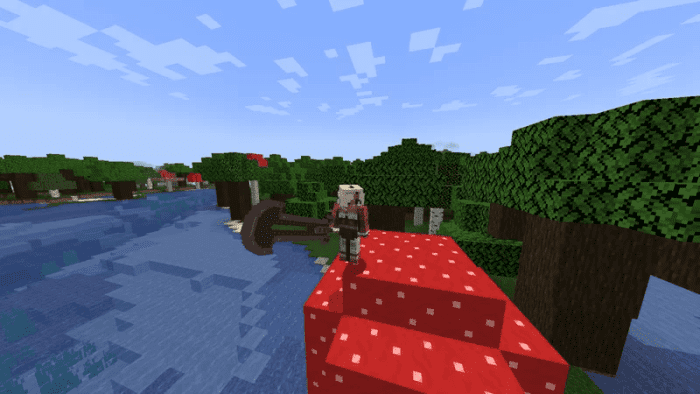
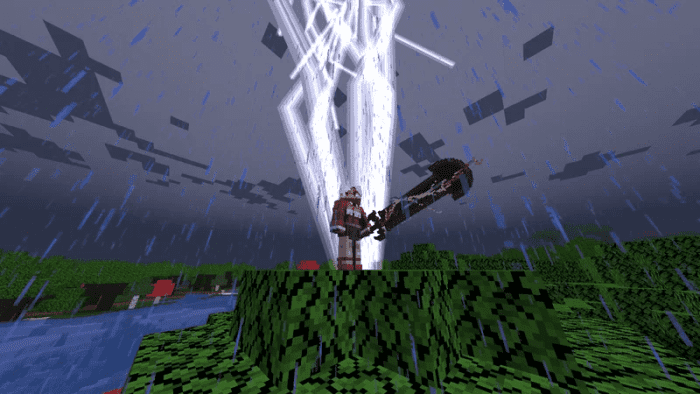
Caladbolg on back:
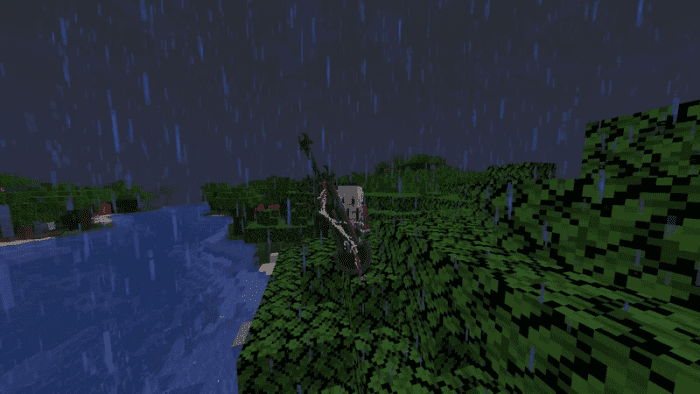
Caladbolg on back close-up:
Caladbolg on back close-up front:
Caladbolg Texture Pack Download Links
For Minecraft PE/Bedrock 1.19
mcpack: Download from server 1 – Download from server 2
- Edition: Minecraft Bedrock
- File type: .mcpack
- Minecraft version listed: 1.19
- How to install: Download the .mcpack. → Open it — Minecraft imports it under Resource Packs. → Activate it in Global Resources, or for one world under Resource Packs → Available.
- Where to get it: In MCModsHub, or directly above on this page.
Install steps are the general flow for this file type — How to install Minecraft Bedrock texture packs walks through it step by step.
- Pack type: .mcaddon — behaviour and resource pack in one file
- Manifest requires Minecraft 1.19.60 or newer
- Complete pack — everything it depends on is inside the file
- Download size: 158 KB
- Download link checked 17 Jun 2026 — working
- Mirrored on our own servers — the download does not depend on the original host
These come from our own check of the pack file, not from the source page.