Stardew Valley GUI Texture Pack (26.x, 1.21) – MCPE/Bedrock
Bedrock texture pack listed for Minecraft 1.21. File opened and checked on 25 Sep 2026; installs from the MC Bedrock Mods app on Android.
⬇ Download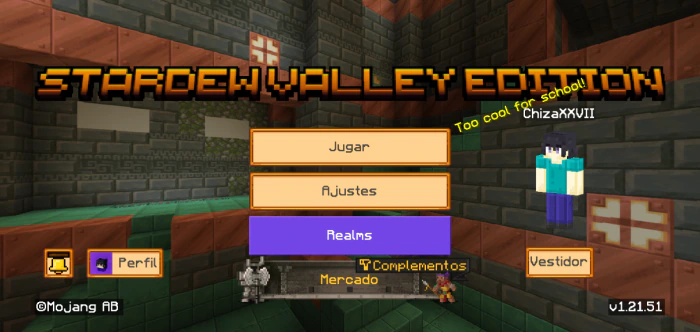
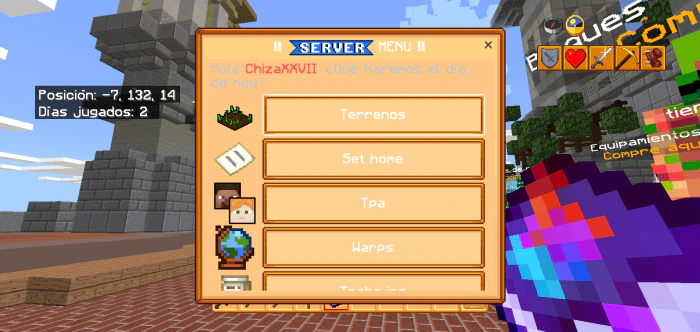
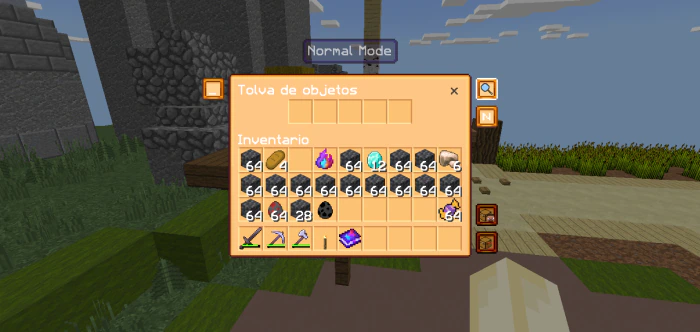
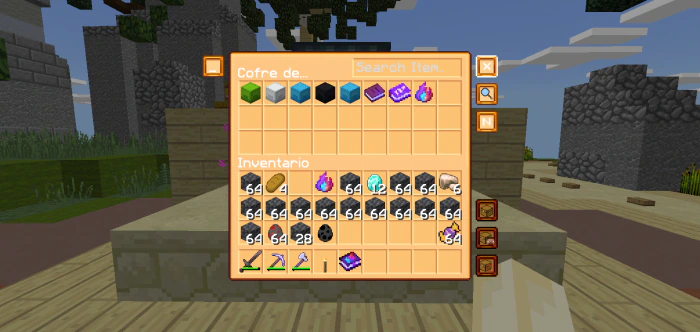
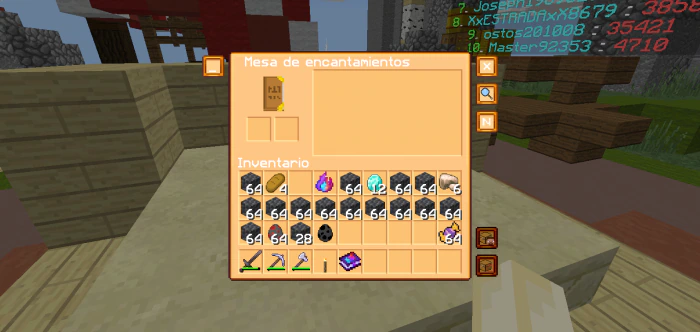
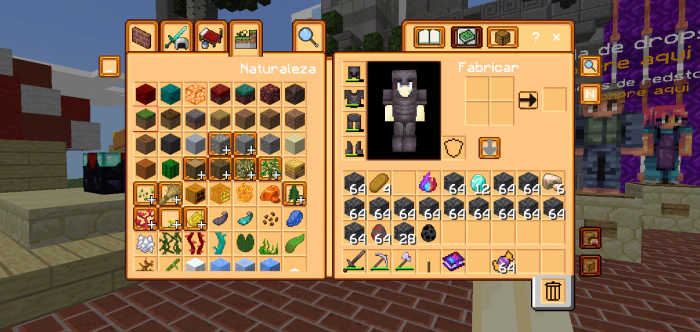
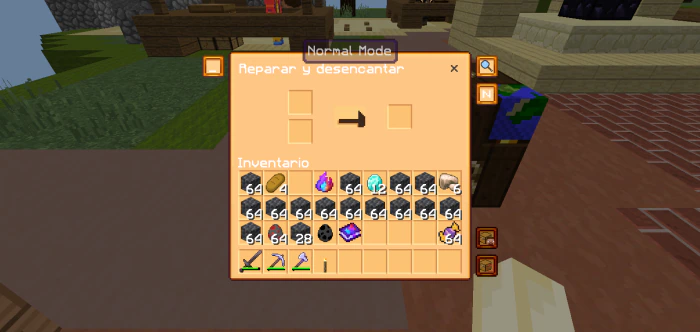
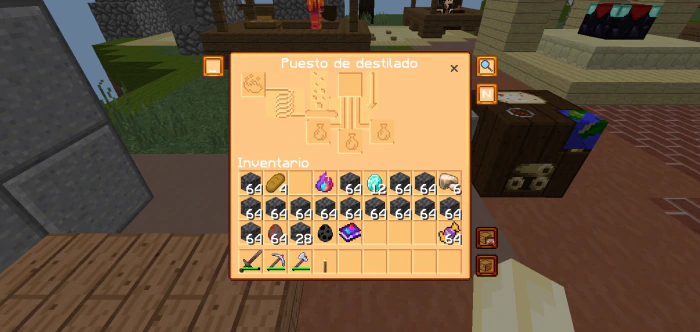
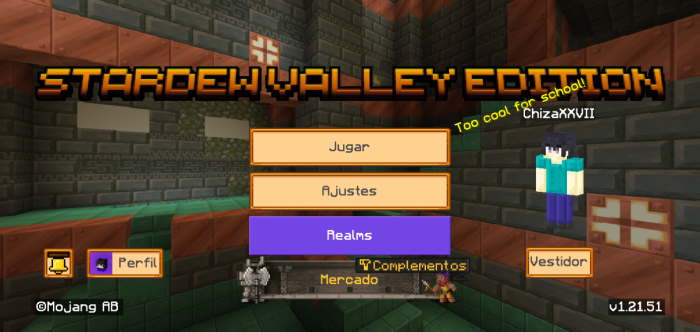
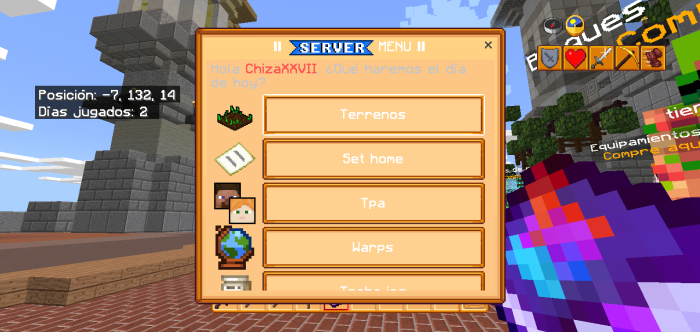
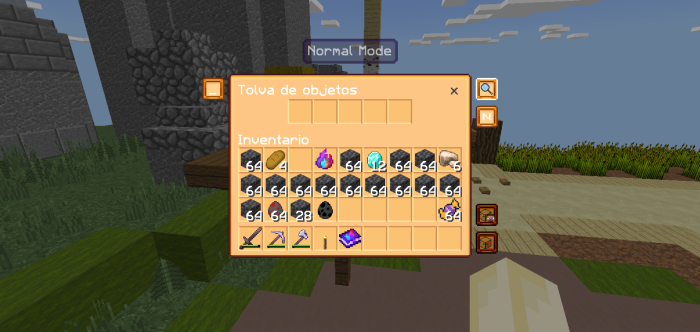
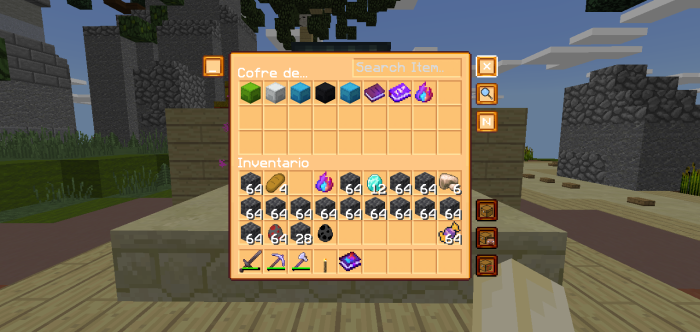
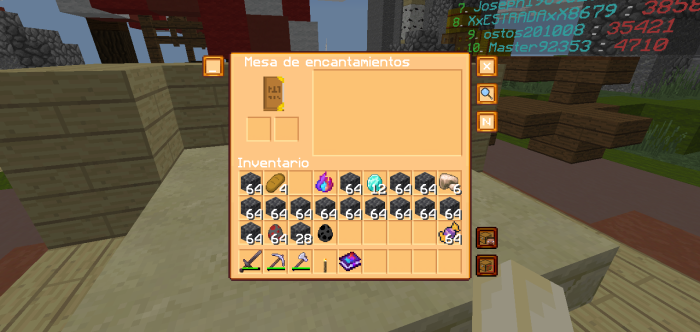
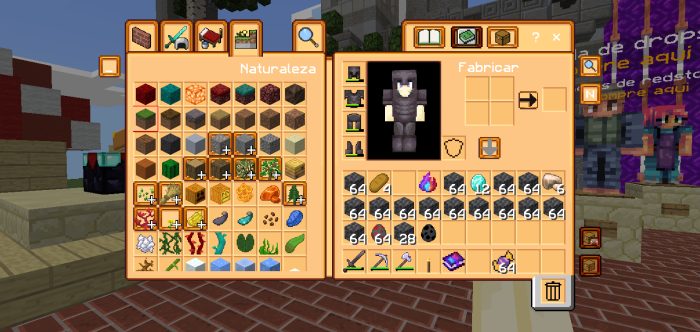
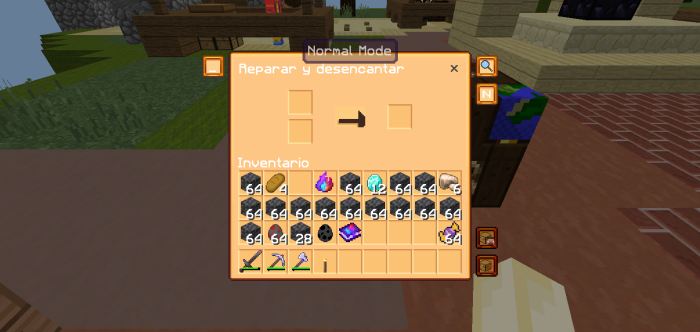
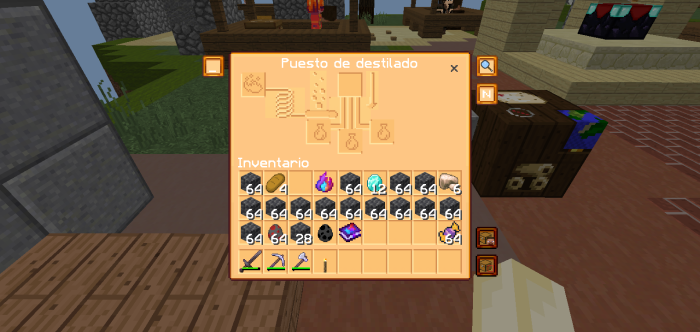
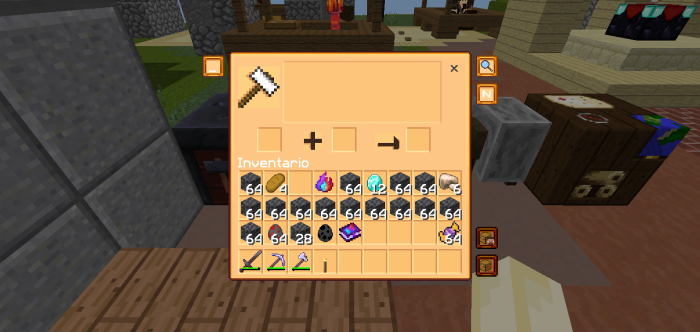
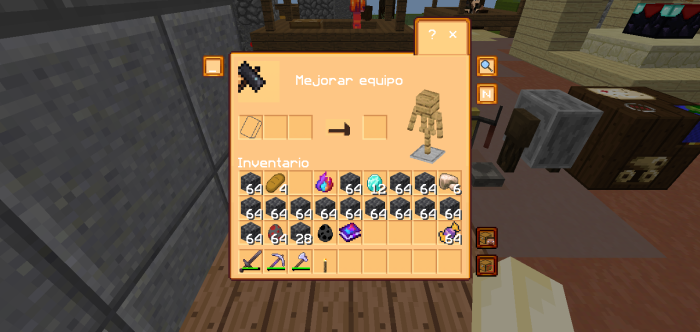
Stardew Valley GUI Texture Pack transforms Minecraft’s user interface (UI) to emulate the charming, pixel-art aesthetic of Stardew Valley, a popular farming simulation game by ConcernedApe. It revamps Minecraft’s menus, inventory, crafting screens, and other UI elements to mirror the cozy, nostalgic look of Stardew Valley. For example, the interface adopts the game’s signature pixel-art style, with earthy tones and a rural charm that evokes the feel of Pelican Town.
Screenshots:
Stardew Valley GUI Texture Pack Download Links
For Minecraft PE/Bedrock 1.21, 1.20
mcpack: Download from server 1 – Download from server 2
- Edition: Minecraft Bedrock
- File type: .mcpack
- Minecraft version listed: 1.21
- How to install: Download the .mcpack. → Open it — Minecraft imports it under Resource Packs. → Activate it in Global Resources, or for one world under Resource Packs → Available.
- Where to get it: In MCModsHub, or directly above on this page.
Install steps are the general flow for this file type — How to install Minecraft Bedrock texture packs walks through it step by step.
- Pack type: .mcpack — a single pack
- Complete pack — everything it depends on is inside the file
- Download size: 911 KB
- Download link checked 17 Jun 2026 — working
- Mirrored on our own servers — the download does not depend on the original host
These come from our own check of the pack file, not from the source page.