Clear & Borderless Glass Texture Pack (1.21, 1.20) – MCPE/Bedrock
With Clear & Borderless Glass Texture Pack, you can enjoy clear and borderless glass and glass panes that enhance the beauty of your game. This simple but…
⬇ Download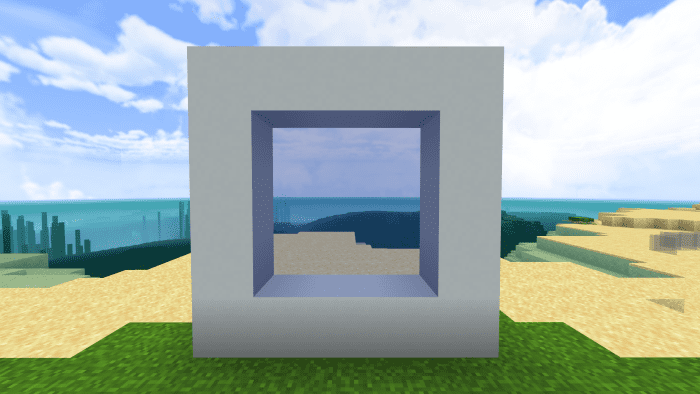
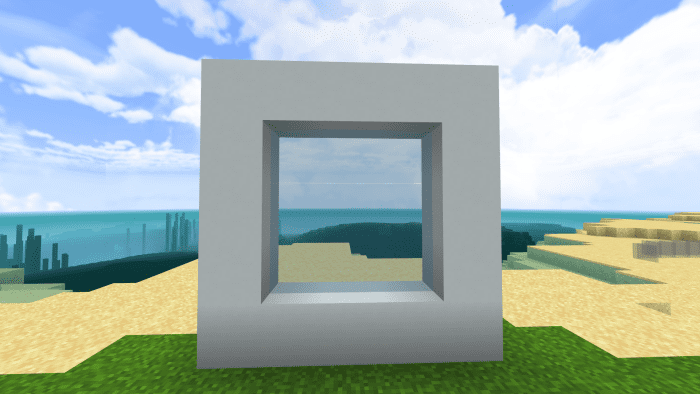
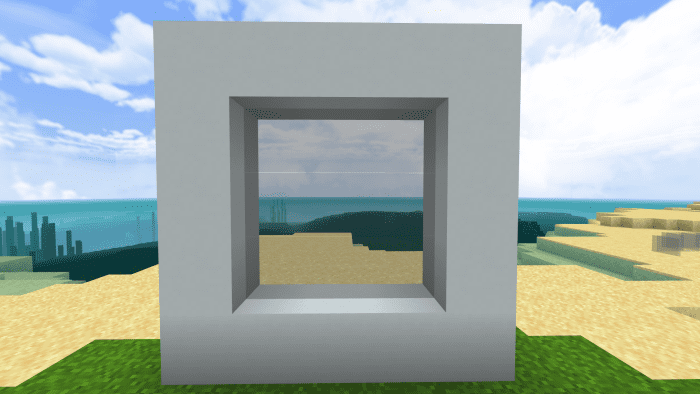
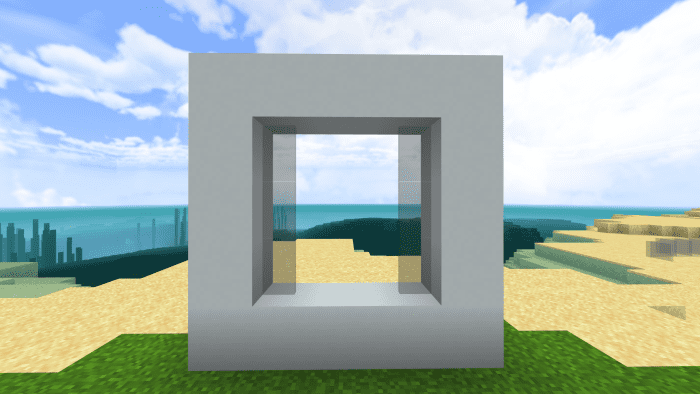
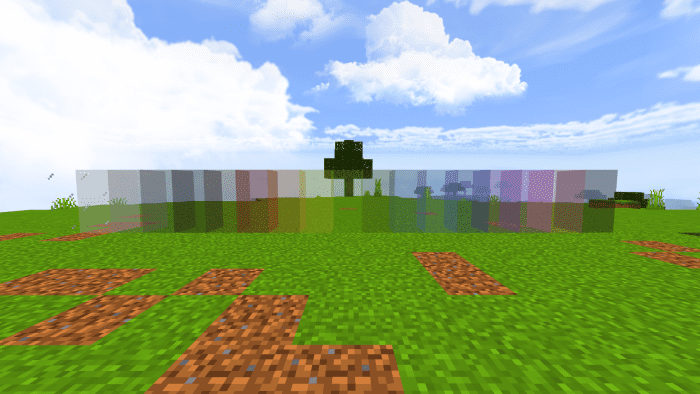
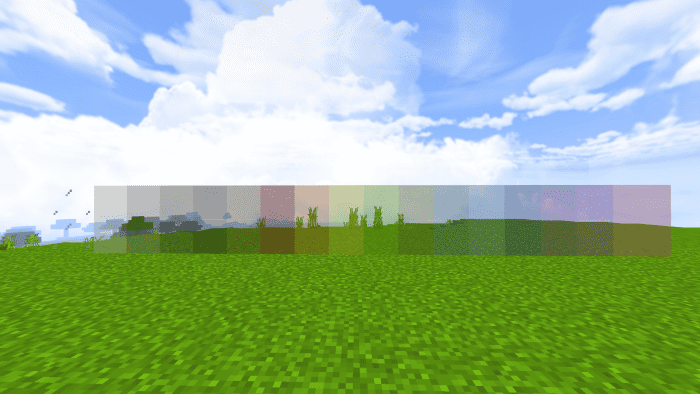
With Clear & Borderless Glass Texture Pack, you can enjoy clear and borderless glass and glass panes that enhance the beauty of your game. This simple but powerful add-on transforms your Minecraft experience by removing all the pixels and outlines from the glass blocks and panes. It makes them crystal clear and smooth, allowing you to see everything through them without any distortion or distraction. You can enjoy the beauty of your surroundings, spot enemies from afar, and admire your creations.
Credit: Mod MCPE Official Page
Features:
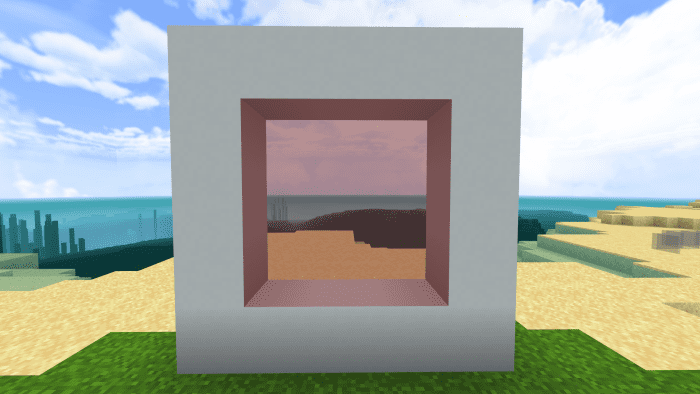
- The Clear Glass texture pack also connects all the glass blocks and removes the borders. This makes your glass structures look seamless and elegant. You can use any glass color and it will work perfectly.
- The Clear Glass texture pack also has a bonus feature. It makes all the ice textures transparent too. This is also known as the Clear Ice texture pack. It adds a touch of realism and beauty to your frozen landscapes.
- Installing and using the Clear Glass texture pack is easy. It’s compatible with other texture packs so you can use it as an add-on and activate other packs at the same time.
Screenshots:
Clear Glass V2:
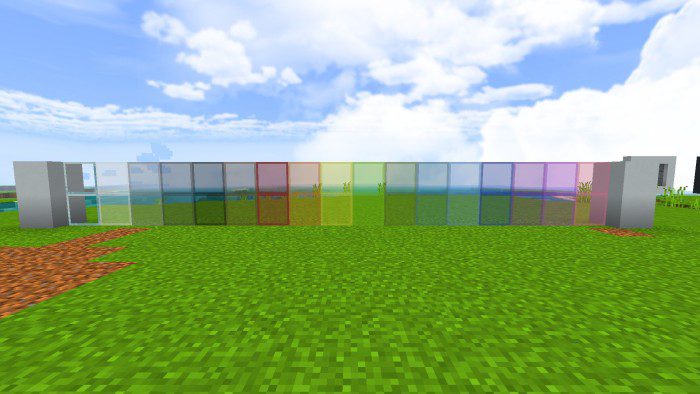
- Clear and borderless glass (default):
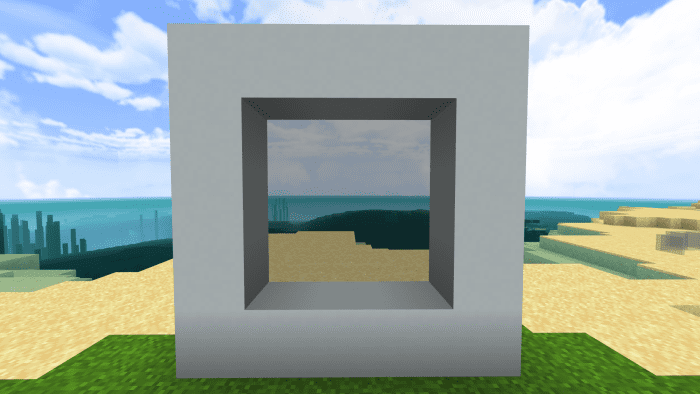
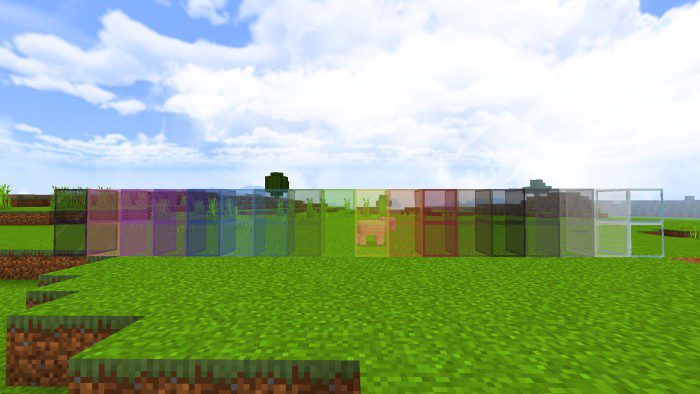
- Clear glass (with border):
Clear & Borderless Glass Texture Pack Download Links
For Minecraft PE/Bedrock Edition 1.21, 1.20
Clear Borderless Glass Texture Pack Download Links
- Edition: Minecraft Bedrock
- File type: .mcpack
- Minecraft versions listed: 1.21, 1.20
- How to install: Download the .mcpack. → Open it — Minecraft imports it under Resource Packs. → Activate it in Global Resources, or for one world under Resource Packs → Available.
- Where to get it: Opens on the file's original source — not every file is mirrored on our own servers.
Install steps are the general flow for this file type — How to install Minecraft Bedrock texture packs walks through it step by step.
Clear & Borderless Glass Texture Pack (1.21, 1.20) – MCPE/Bedrock is a free Minecraft Bedrock texture pack. Compatible with Minecraft 1.21, 1.20. Download it and open it directly in the game.