Vanilla RTX (1.26+, 1.21) – Most Popular PBR Resource Pack
Bedrock texture pack listed for Minecraft 1.16–26.x. File opened and checked on 21 Sep 2026; installs from the MC Bedrock Mods app on Android.
⬇ Download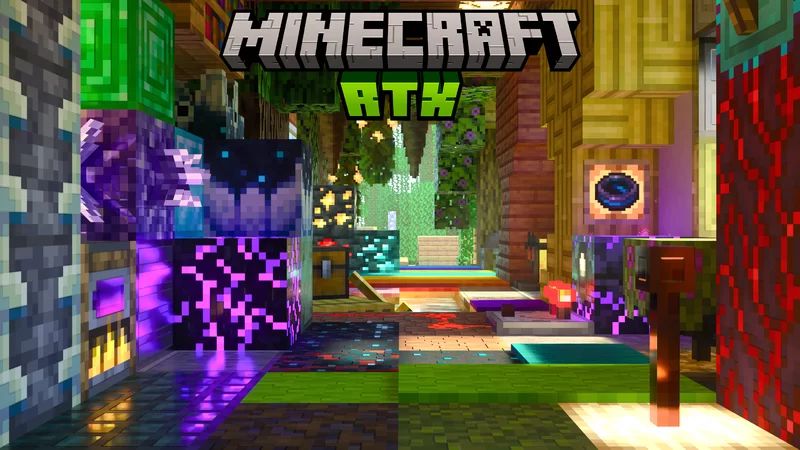
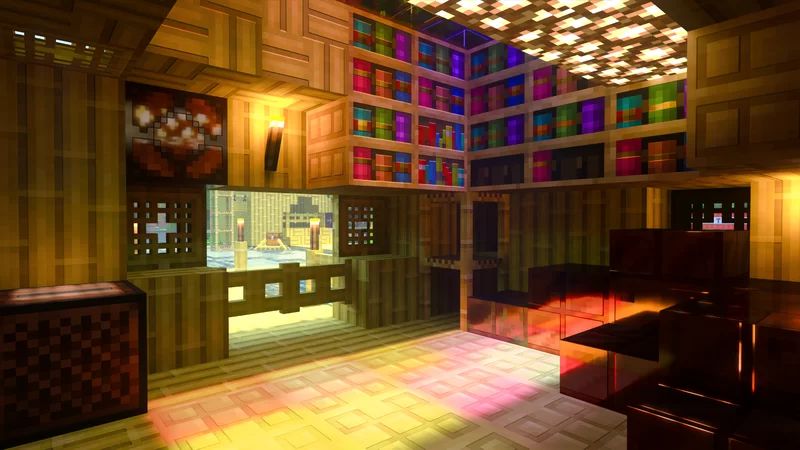
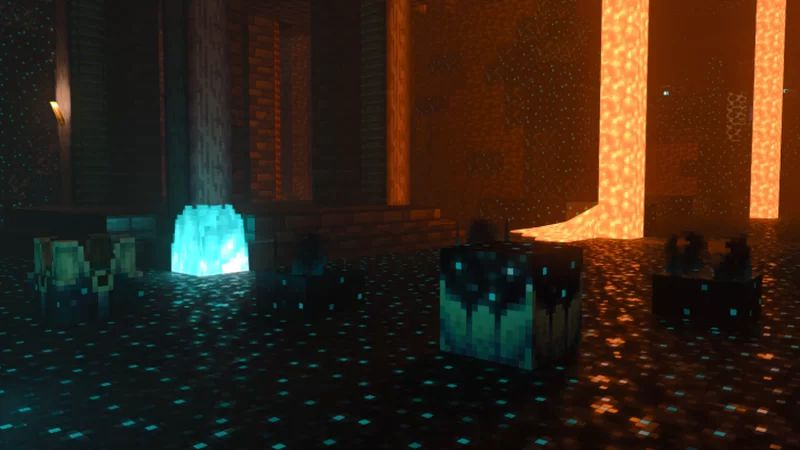
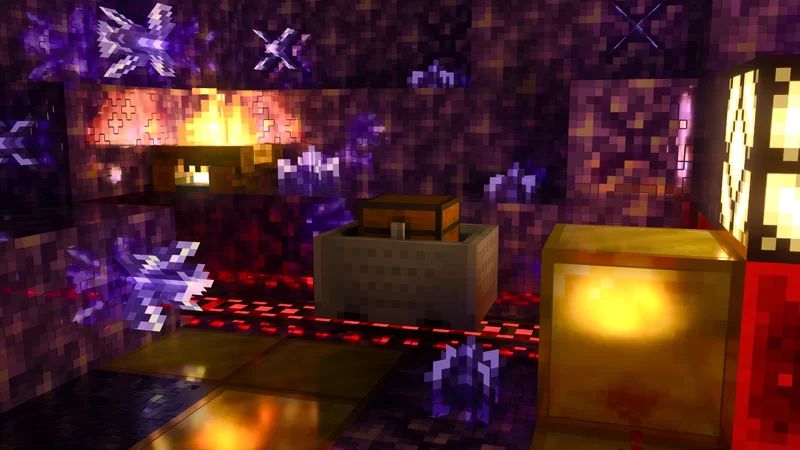
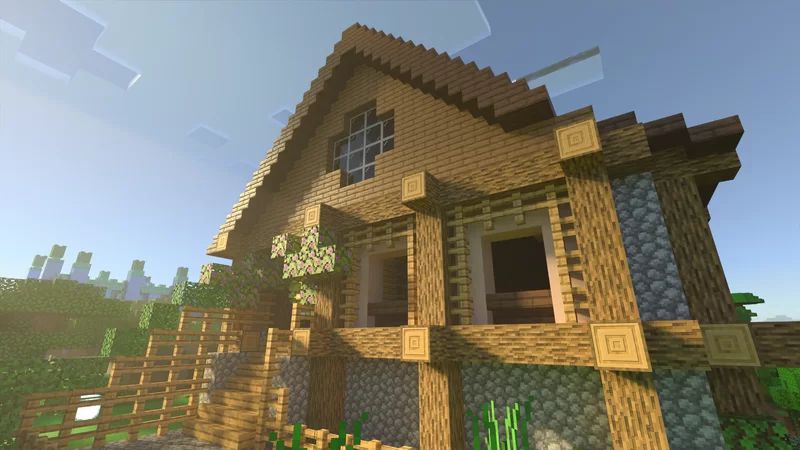
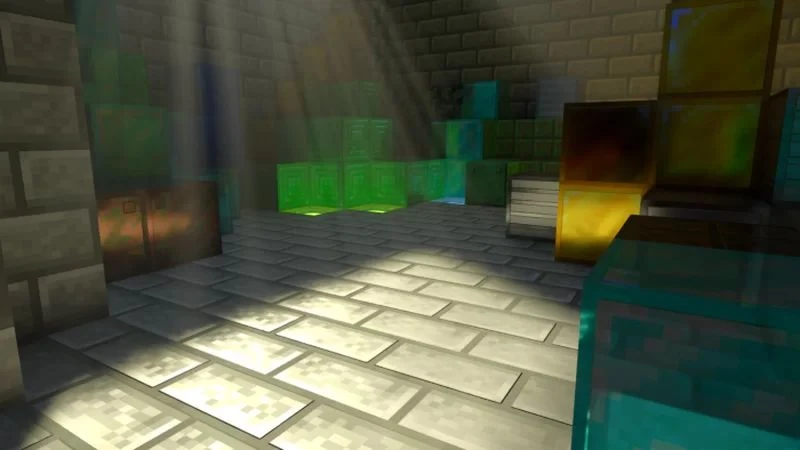
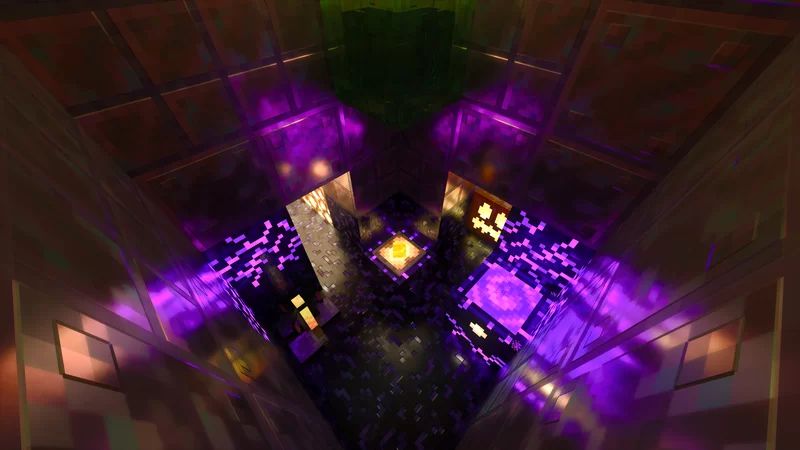
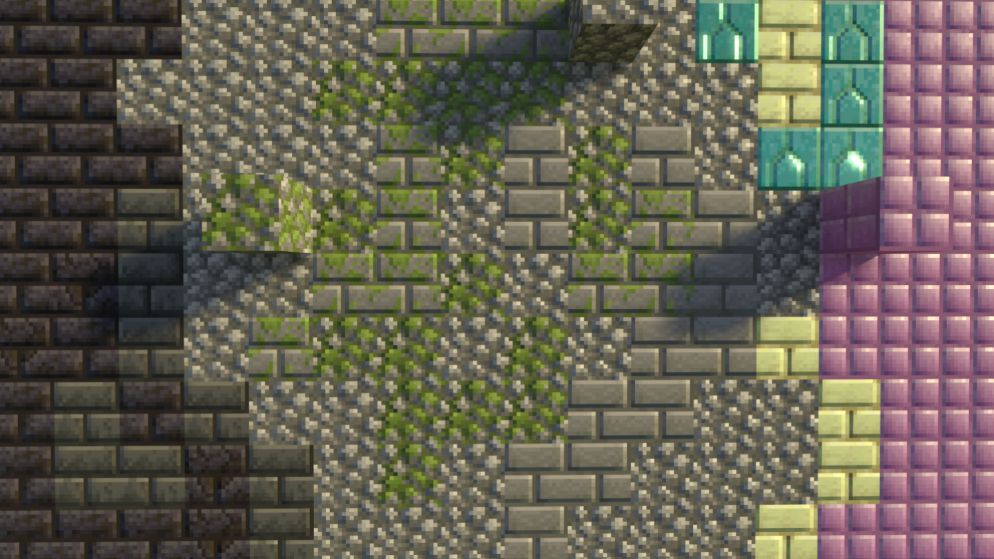
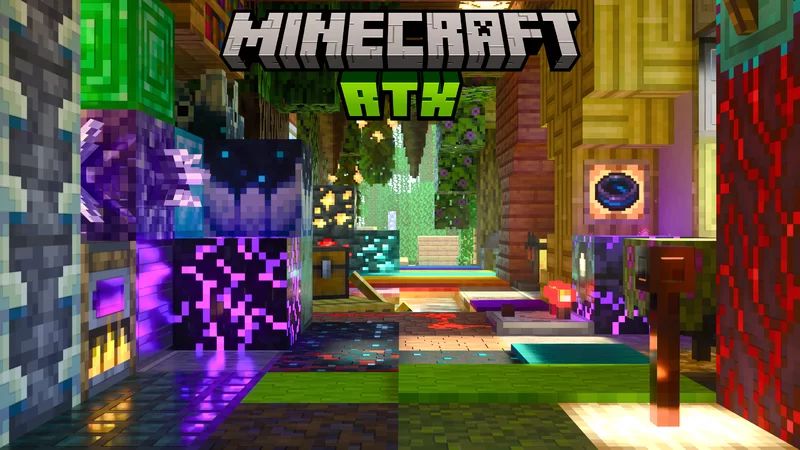
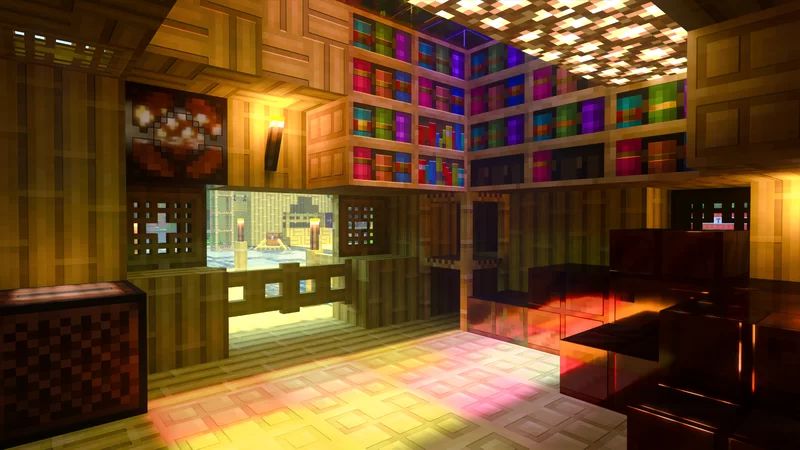
Vanilla RTX is a PBR resource pack for Minecraft: Bedrock Edition that allows you to use Minecraft’s ray tracing features (Minecraft RTX) by adding all of the additional texture maps and fog configurations uniquely adjusted for each biome on top of Vanilla game without altering Vanilla experience, bringing ray tracing support for Minecraft’s default resources in the purest possible form. Vanilla RTX uses 16x heightmaps with uniquely detailed MERs (Metallic/Emissivity/Roughness) for all blocks. Minecraft generates a higher resolution normal map based on height differences on 16x heightmaps to simulate depth on flat surfaces.
Supported Versions:
Minecraft Bedrock 1.26.30 and later. Resource pack only – no Experimental Features required.
Features:
- The primary difference between Vanilla RTX and Vanilla RTX Normals is Vanilla RTX Normals uses 16x normal maps instead of heightmaps.
- Every possible Vanilla Minecraft block is covered (Creative, Education Edition, secret blocks, etc…)
- All materials are consistent across different blocks.
- Everything has been fine-tuned for Minecraft RTX.
Screenshots:
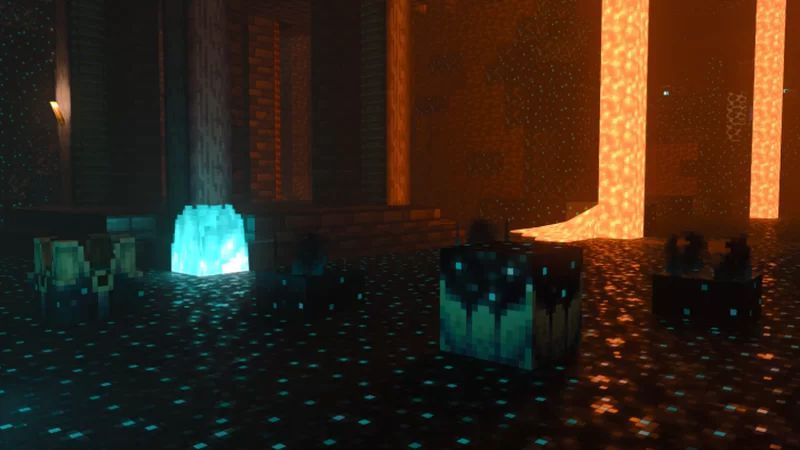
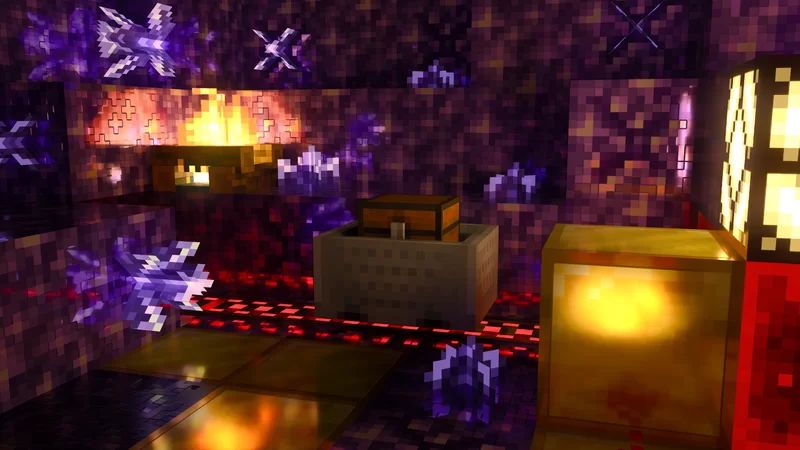
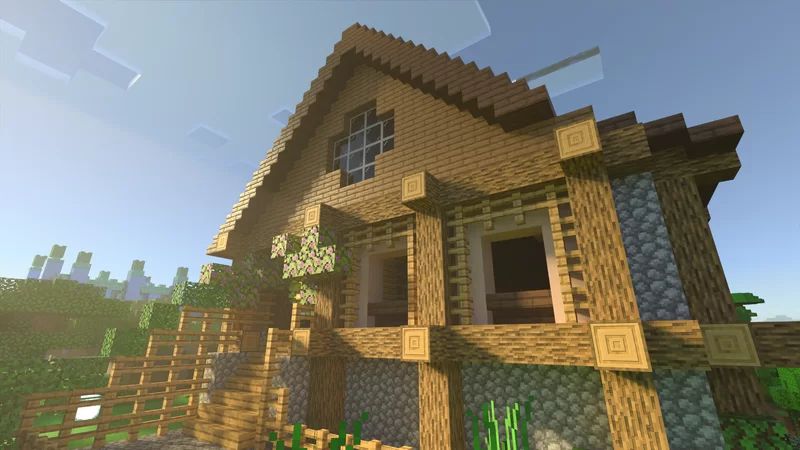
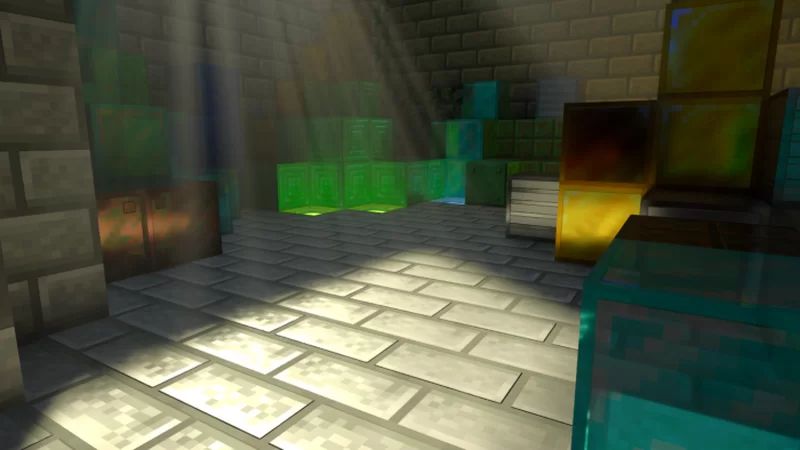
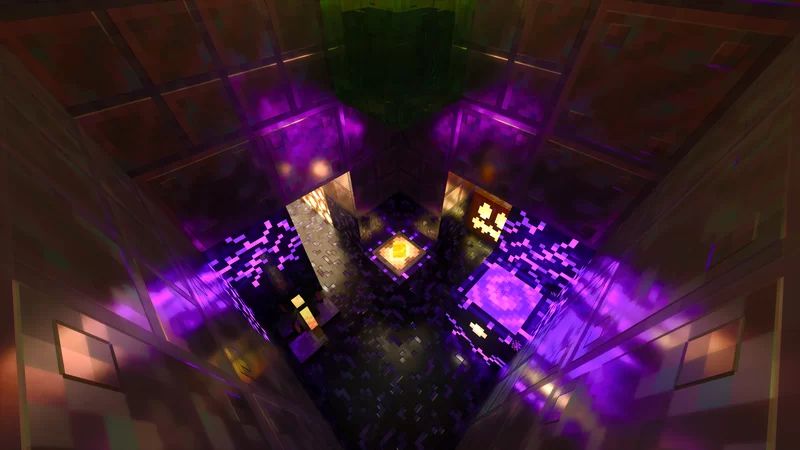
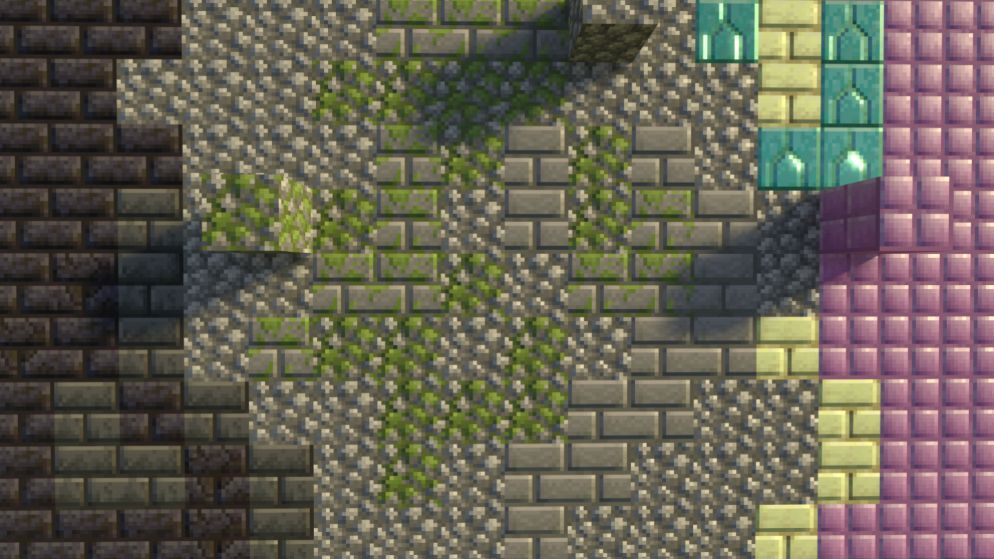
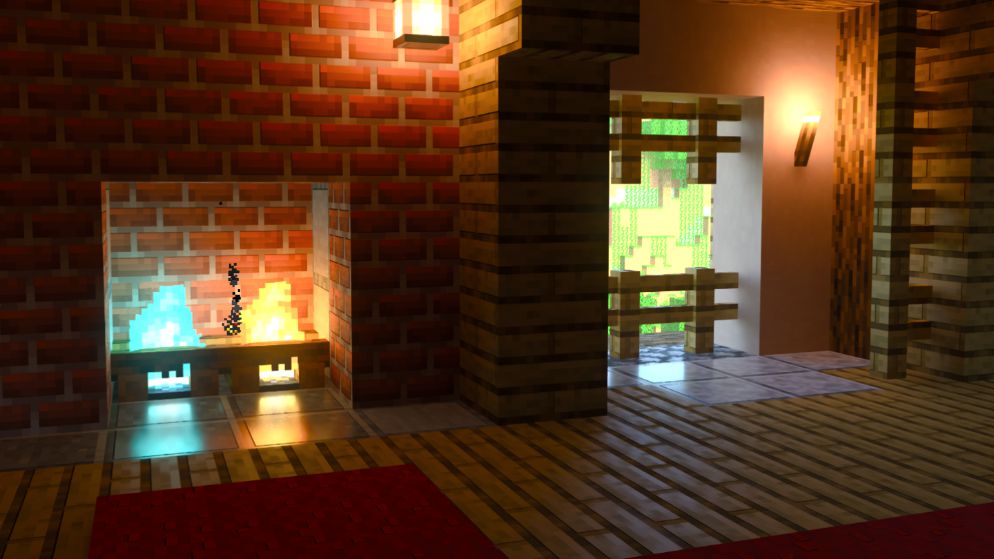
Installation Guide & Usage tips:
- Download the latest .zip file
- Change the file extension to .mcpack from .zip
- Double-click to import
- Activate in your World or Global resources
- Join World, Ray Tracing should be enabled by default, otherwise, you can enable it by pressing “;” or via in-game Video Settings
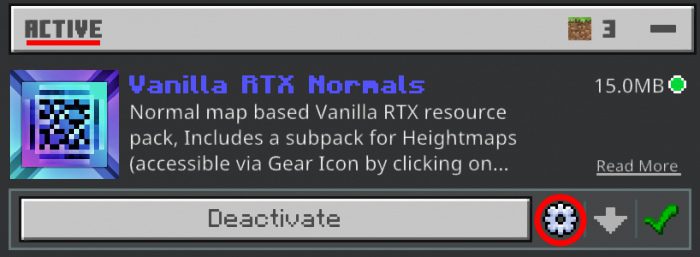
To switch to the Heightmaps sub pack (It’s on normals by default):
- After activating the pack, Click on it
- A gear icon appears, Click on it
- You see a slider that allows you to switch between subpacks
It’s highly recommended to activate the pack in Global settings to prevent some of the possible issues such as resources not loading. If you have trouble switching between subpacks, Deactivate the pack from global settings, Reactivate it & try switching subpacks again & restart the game.
Vanilla RTX Download Links
For Bedrock Edition 1.19, 1.18 (Windows 10 Devices, version 1.16.20+ only)
Vanilla RTX: Download from server 1 – Download from server 2
Vanilla RTX Normals: Download from server 1 – Download from server 2
Glowing Ores (patch): Download from server 1 – Download from server 2
Clear Glass (patch): Download from server 1 – Download from server 2
Glowing Terracotta (patch): Download from server 1 – Download from server 2
Clear Water (patch): Download from server 1 – Download from server 2
For Bedrock Edition 1.20, 1.19 (Windows 10 Devices only)
Vanilla RTX: Download from server 1 – Download from server 2
Vanilla RTX Normals: Download from server 1 – Download from server 2
Glowing Ores (patch): Download from server 1 – Download from server 2
Clear Glass (patch): Download from server 1 – Download from server 2
Glowing Terracotta (patch): Download from server 1 – Download from server 2
Clear Water (patch): Download from server 1 – Download from server 2
For Minecraft PE/Bedrock 1.21
Vanilla PBR Deferred Lighting: Download from server 1 – Download from server 2
Vanilla PBR Lite: Download from server 1 – Download from server 2
- Edition: Minecraft Bedrock
- File type: .mcpack
- Minecraft versions listed: 1.26, 1.21
- How to install: Download the .mcpack. → Open it — Minecraft imports it under Resource Packs. → Activate it in Global Resources, or for one world under Resource Packs → Available.
- Where to get it: In MCModsHub, or directly above on this page.
Install steps are the general flow for this file type — How to install Minecraft Bedrock texture packs walks through it step by step.
- Pack type: .mcaddon — behaviour and resource pack in one file
- Manifest requires Minecraft 1.16.200 or newer
- Complete pack — everything it depends on is inside the file
- Download link checked 17 Jun 2026 — working
- Mirrored on our own servers — the download does not depend on the original host
These come from our own check of the pack file, not from the source page.