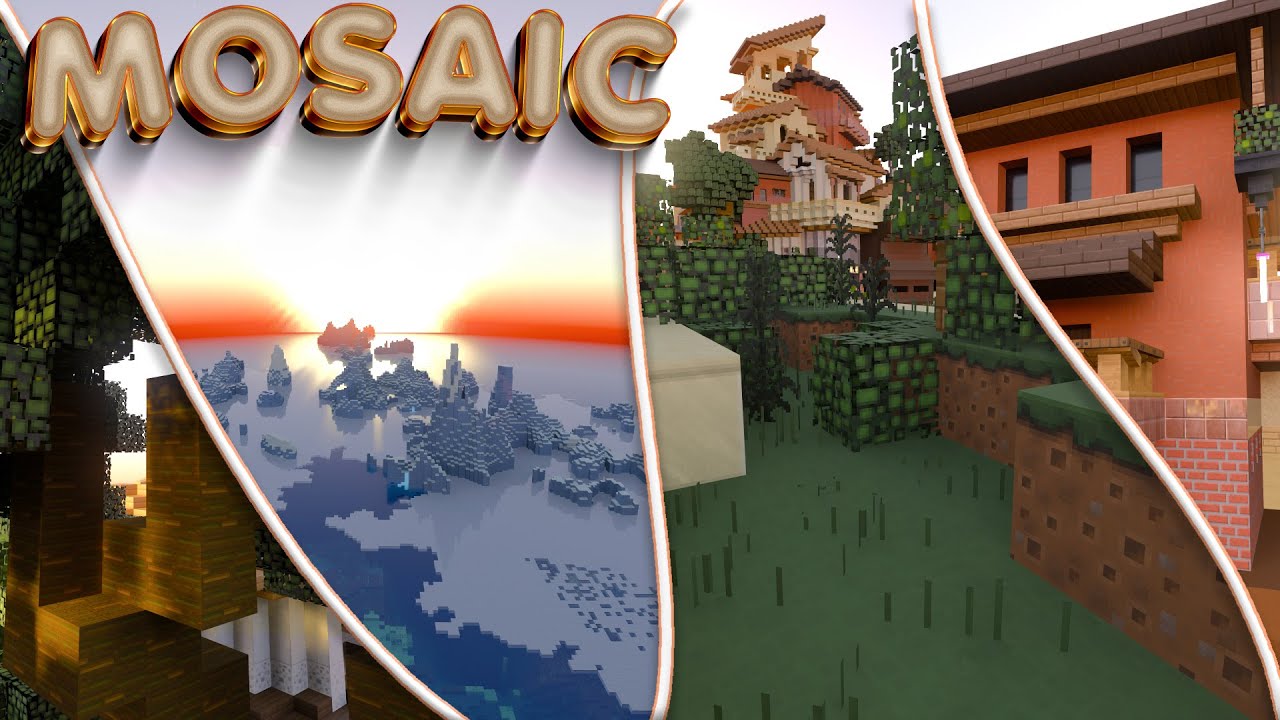
Mosaic RTX Texture Pack (1.21, 1.20) – MCPE/Bedrock
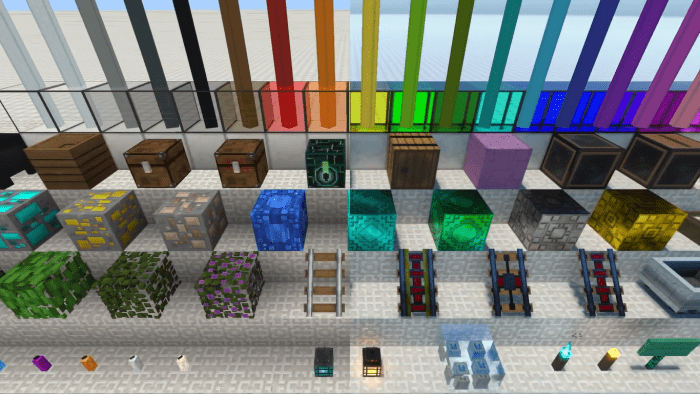
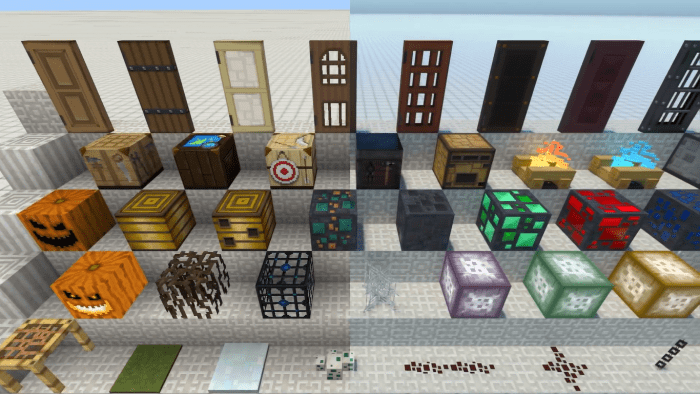
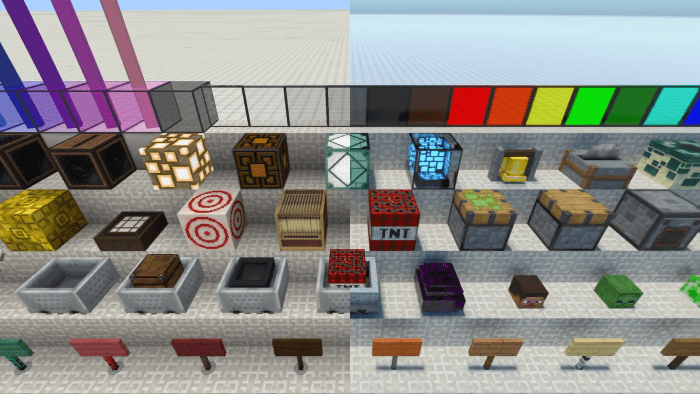
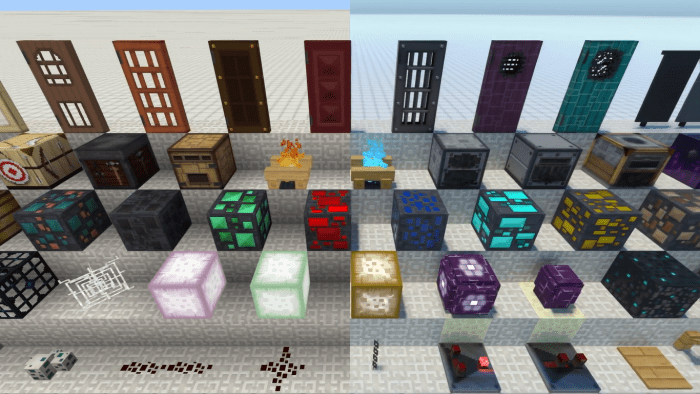
Mosaic RTX Texture Pack is a vibrant and colorful addition to the MCPE world that transforms the game's iconic blocky landscapes into a kaleidoscope of…
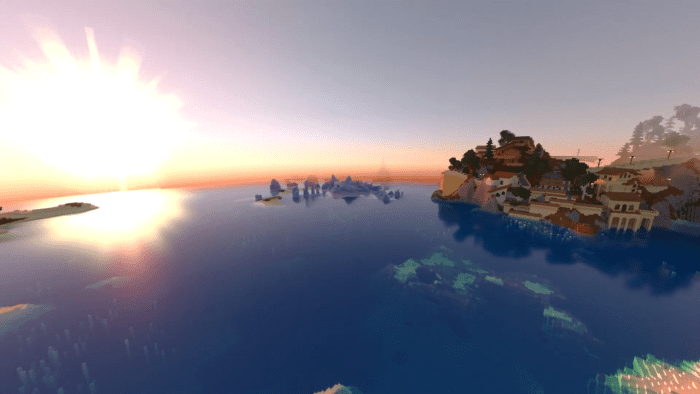
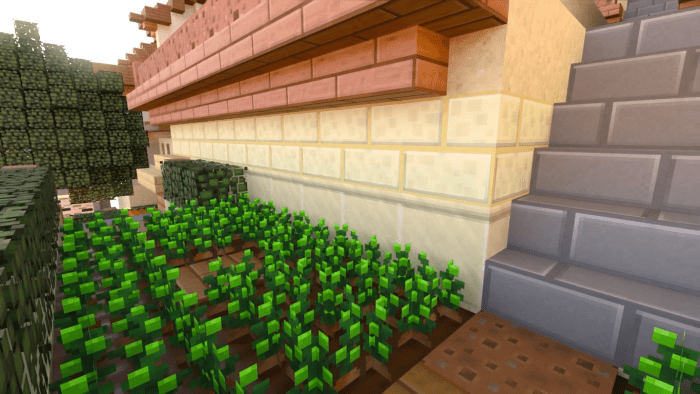
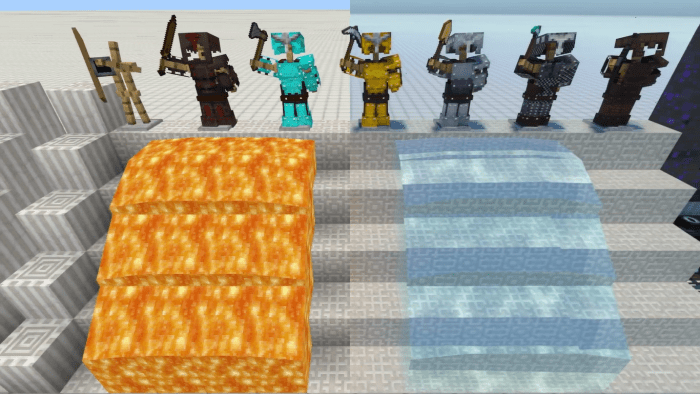
⬇ DownloadOpen in MCModsHubGet it on Google Play →Mosaic RTX Texture Pack is a vibrant and colorful addition to the MCPE world that transforms the game’s iconic blocky landscapes into a kaleidoscope of visual delights. Each block becomes a pixelated work of art, adorned with intricate designs and stunning hues. This texture pack turns the Minecraft experience into an artistic masterpiece, with every block serving as a brushstroke and every landscape a gallery waiting to be discovered.
The Mosaic Texture Pack is designed to ignite your senses and breathe new life into your Minecraft adventures. It invites players to unleash their inner artists and embark on a visual adventure that challenges the boundaries of Minecraft. From lush forests to towering mountains, each scene becomes a captivating canvas that inspires imagination and fuels the desire for self-expression.
Screenshots:
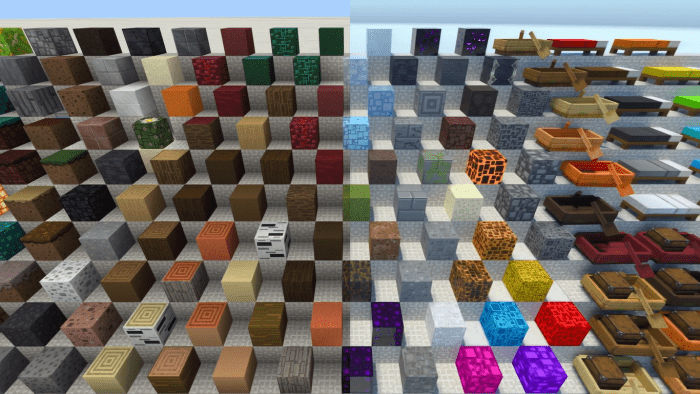
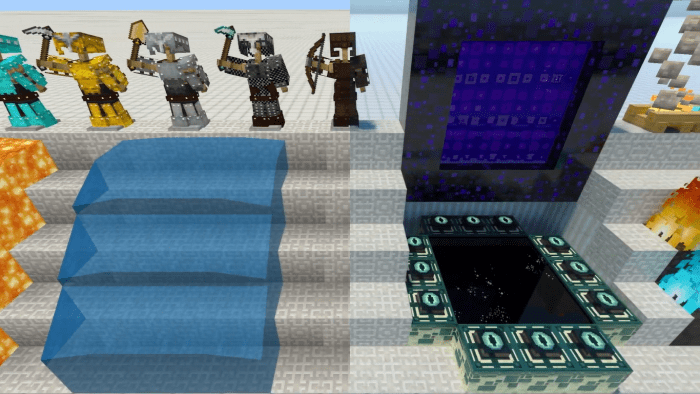
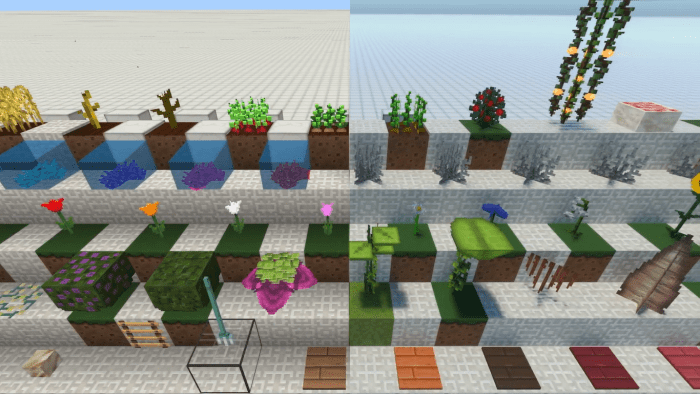
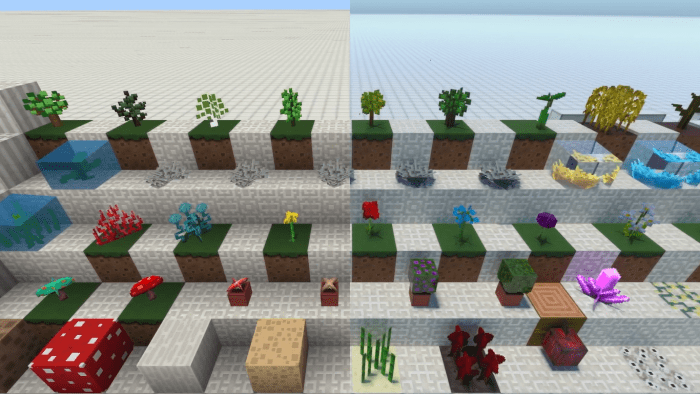
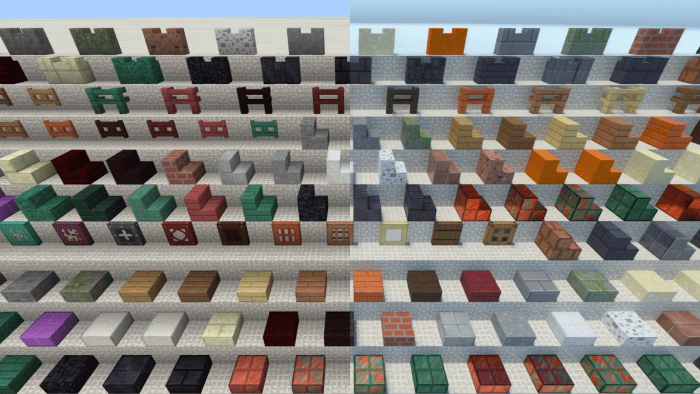
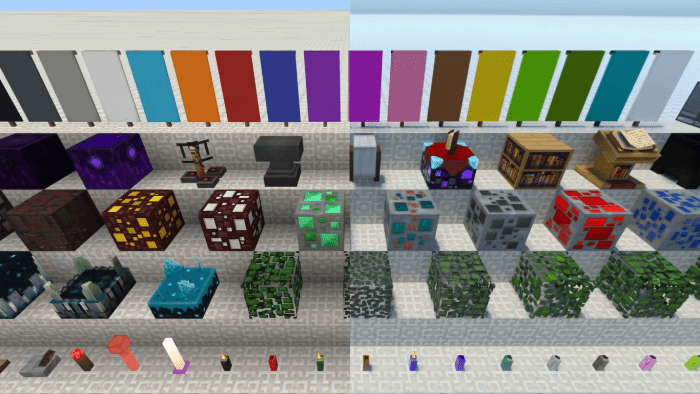
Mosaic RTX Texture Pack Download Links
For Minecraft PE/Bedrock 1.21
pack 1: Download from server 1 – Download from server 2
pack 2: Download from server 1 – Download from server 2 (Use this if pack 1 doesnot work)
For Minecraft PE/Bedrock 1.20, 1.19
mcpack: Download from server 1 – Download from server 2
- Pack type: .mcpack — a single pack
- Manifest requires Minecraft 1.15.0 or newer
- Complete pack — everything it depends on is inside the file
- Download link checked 17 Jun 2026 — working
- Mirrored on our own servers — the download does not depend on the original host
These come from our own check of the pack file, not from the source page.