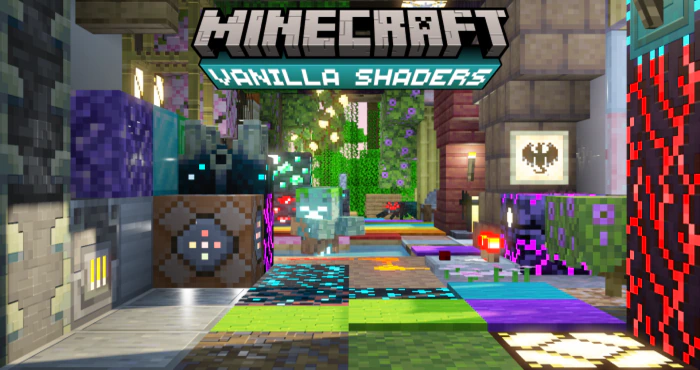
Vanilla PBR Shader (1.26+) – Deferred Lighting Rendering Pipeline Shaders
Bedrock shader pack for the Vibrant Visuals mode listed for Minecraft 1.21–26.x. File opened and checked on 16 Oct 2026; installs from the MC Bedrock Mods app on Android.
⬇ Download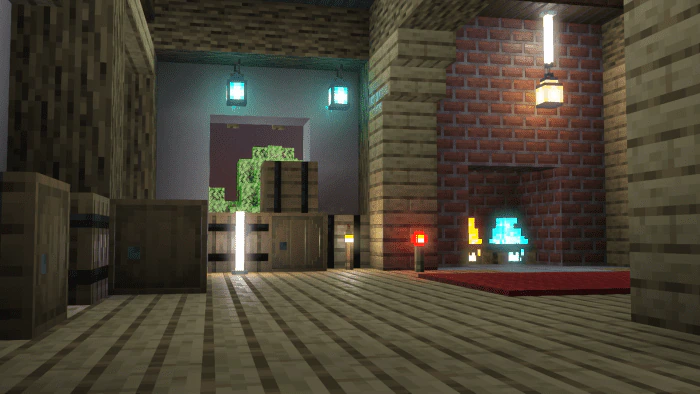
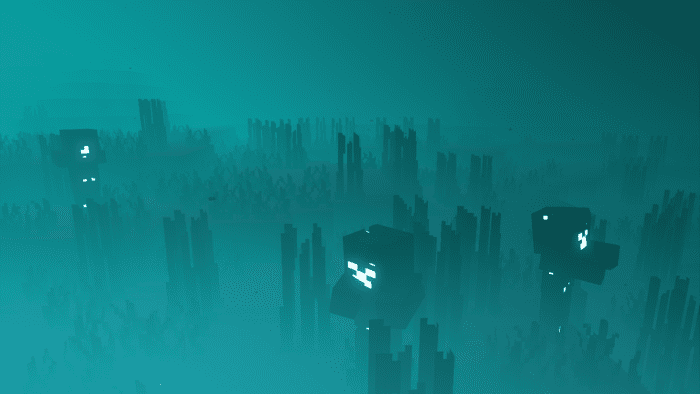
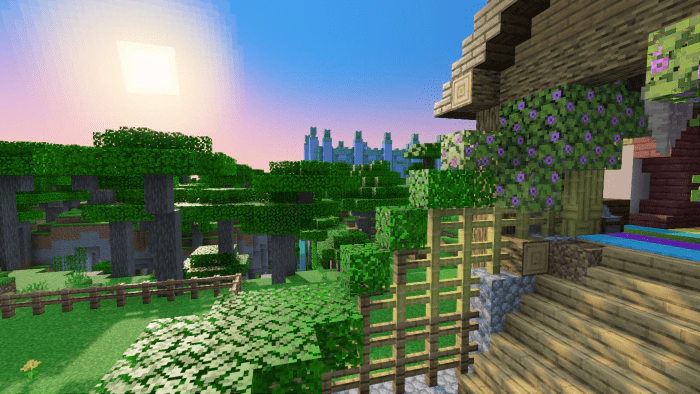
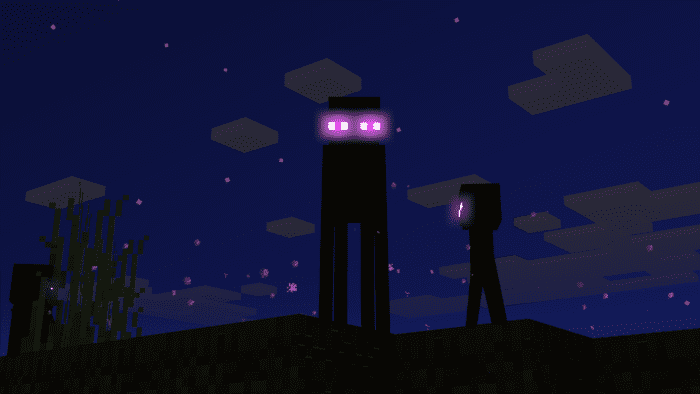
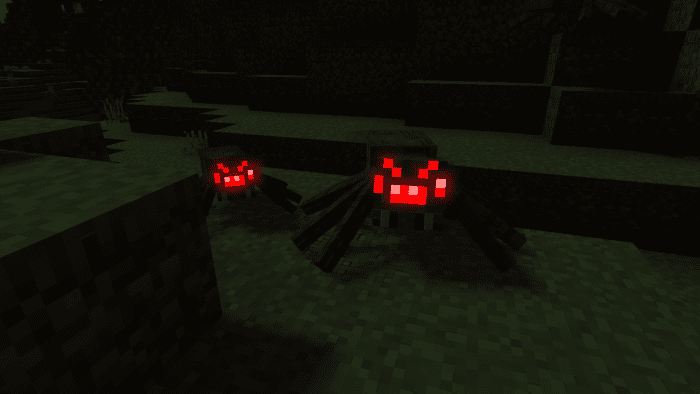
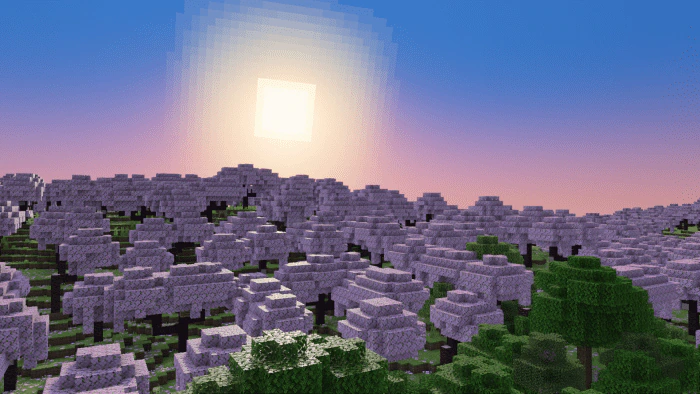
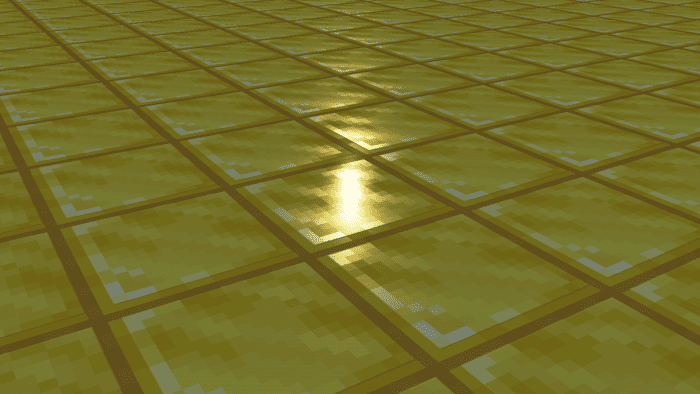
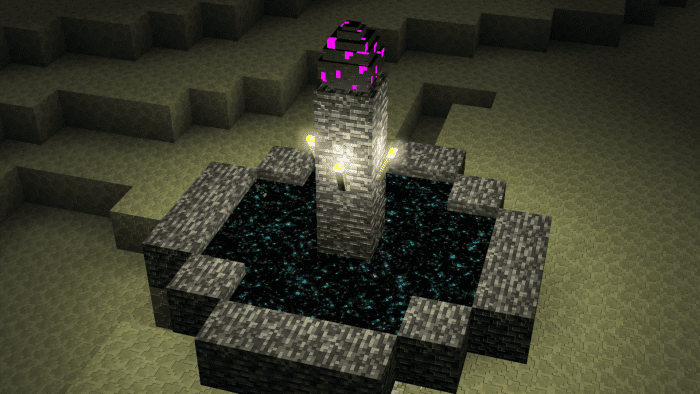
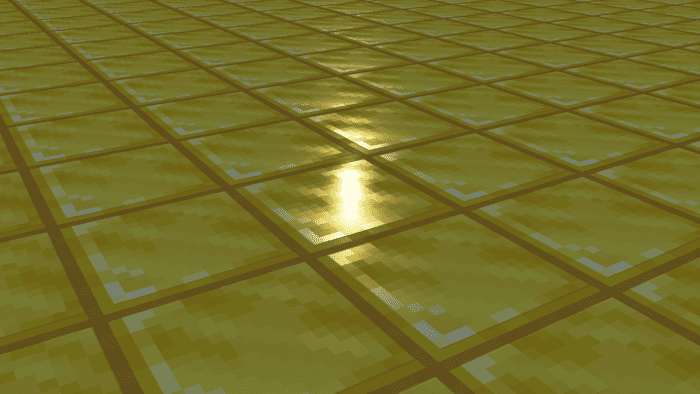
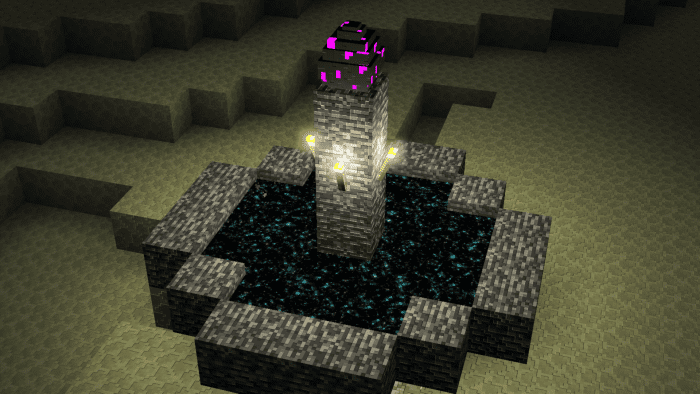
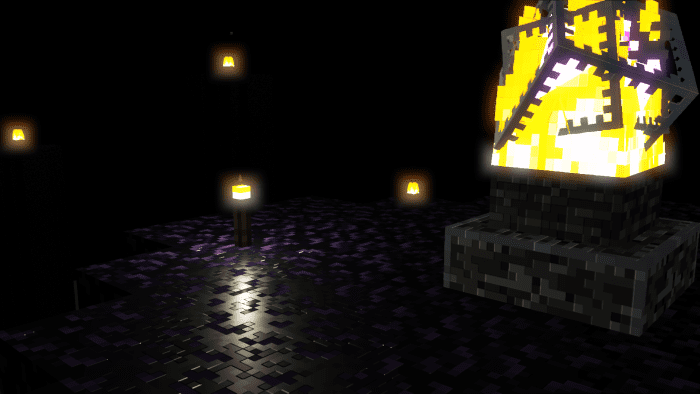
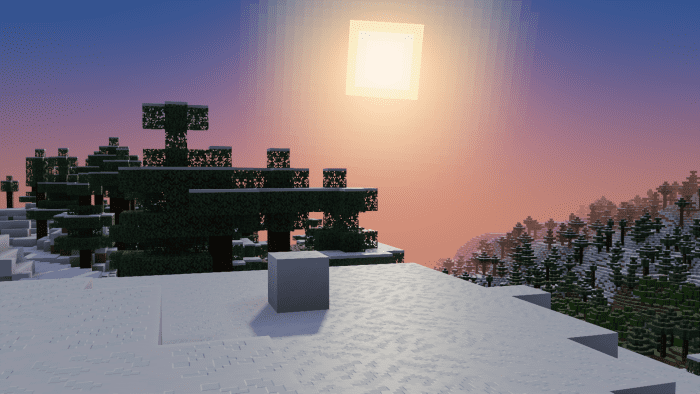
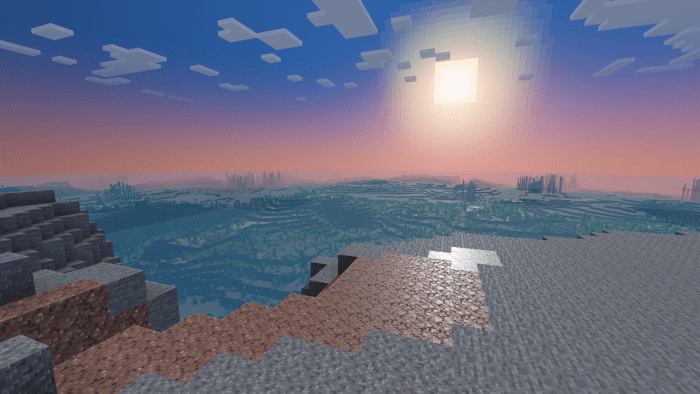
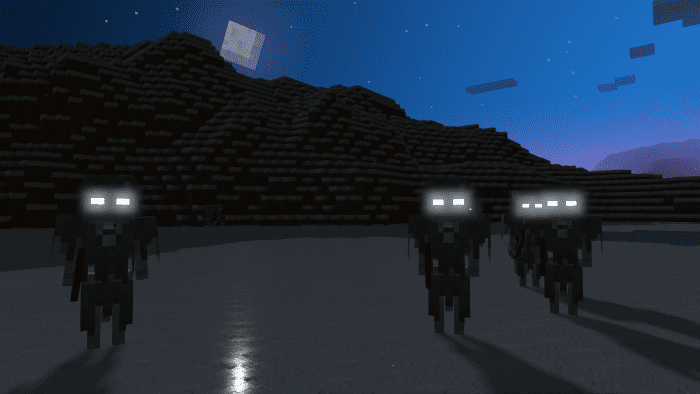
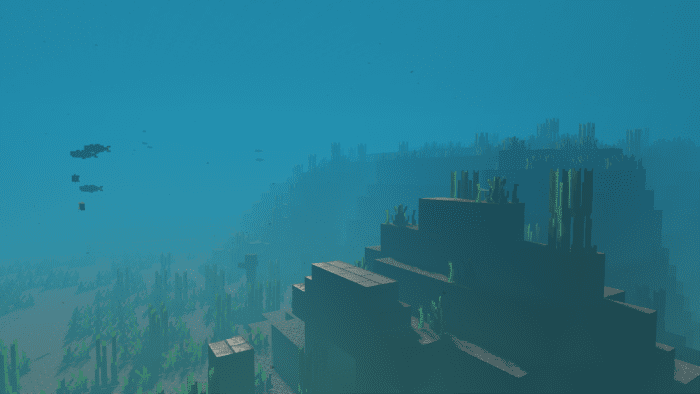
Vanilla PBR Shader is a new resource pack that covers every block with meticulous care and consistent details. It’s a derivative work and offshoot of Vanilla RTX, the most popular resource pack for Minecraft RTX. Vanilla PBR is created for the Deferred Rendering Pipeline and will work on all supported platforms (Android, Xbox & Windows PCs). It enables Minecraft players to take full advantage of the new Deferred Lighting Rendering Pipeline Shaders and features in Minecraft 1.20.30.20 Preview and above. Everything has been heavily adjusted where needed in order to ensure proper functioning and compatibility with the new Deferred Lighting Rendering Pipeline.
🎛️ Compare Bedrock Shaders Side by Side →
Drag across real in-game scenes — find YOUR perfect MCPE shader.
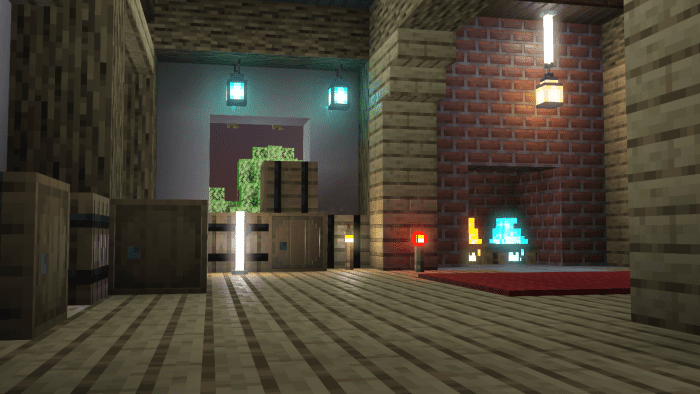
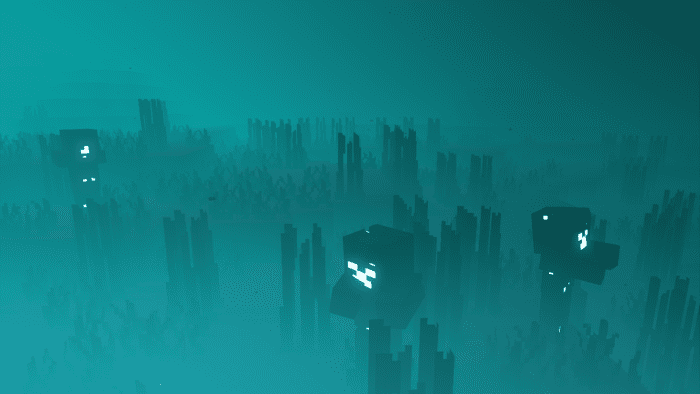
Screenshots:
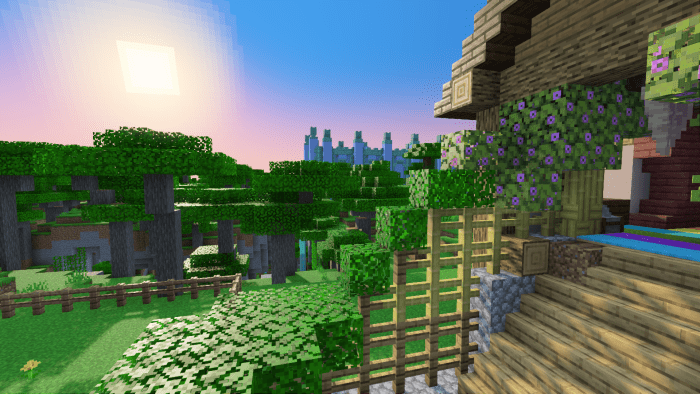
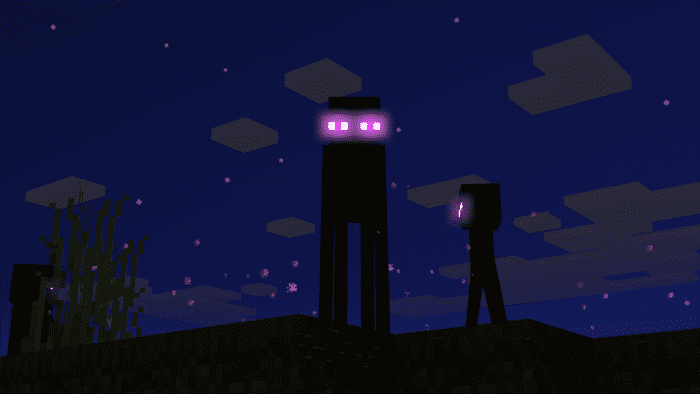
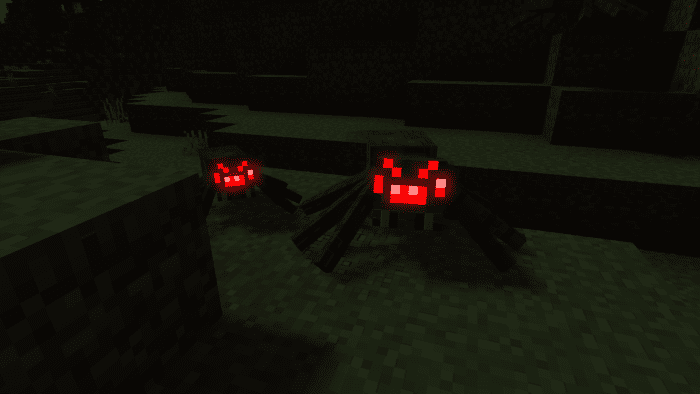
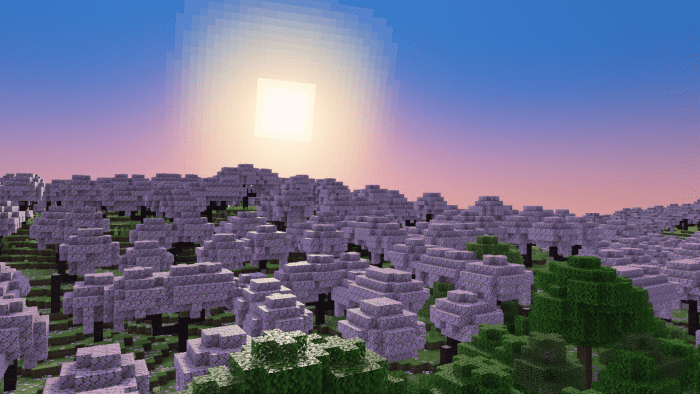
Installation Note:
Vanilla PBR can be used on Minecraft v1.20.30.20 Preview and above.
As of now, the following devices are supported by the deferred rendering pipeline:
- Windows PC
- Xbox
- Android (GLES 3 devices running Android OS 9 and above)
Installation Guide:
- Download the latest Vanilla PBR Release.
- Make sure you are using MCPE v1.20.30.20 Preview or higher.
- Before creating a world, head to Experimental Options in the world creation menu.
- Enable “Render Dragon Features for Creators” experimental option.
- Activate Vanilla PBR in your world or global resource packs.
- Join any world, check your video settings, scroll down, and look for “Graphics Mode”.
- Set Graphics Mode to “Deferred Technical Preview” from the menu and go back to your world, have fun!

Vanilla PBR Shader Download Links
You may also like
For Minecraft PE/Bedrock 1.21
Vanilla PBR Deferred Lighting: Download from server 1 – Download from server 2
Vanilla PBR Lite: Download from server 1 – Download from server 2
For Minecraft PE/Bedrock 1.20
Vanilla PBR: Download from server 1 – Download from server 2
Vanilla PBR Light: Download from server 1 – Download from server 2
- Edition: Minecraft Bedrock
- File type: .mcpack
- Minecraft version listed: 1.26
- How to install: Download the .mcpack. → Open it — Minecraft imports it under Resource Packs. → Activate it in Global Resources, or for one world under Resource Packs → Available.
- Where to get it: In MCModsHub, or directly above on this page.
Install steps are the general flow for this file type — How to install Minecraft Bedrock texture packs walks through it step by step.
- Pack type: .mcpack — a single pack
- Manifest requires Minecraft 1.21.50 or newer
- Complete pack — everything it depends on is inside the file
- Download link checked 17 Jun 2026 — working
- Mirrored on our own servers — the download does not depend on the original host
These come from our own check of the pack file, not from the source page.