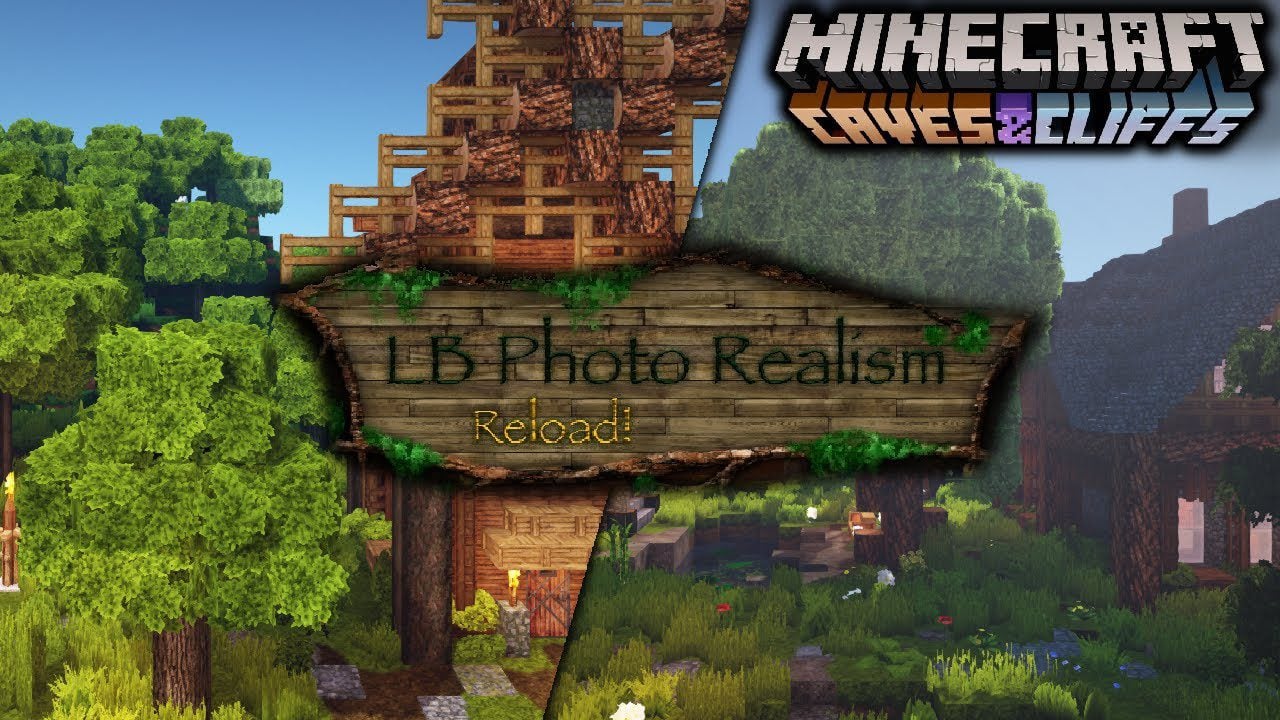
LB Photo Realism Reload Texture Pack (1.21, 1.20) – MCPE/Bedrock
Bedrock texture pack listed for Minecraft 1.20–1.21. Download on the author's site.
"LB Photo Realism Reload!" is a resource pack created by 1LotS that uses the original work of Scuttles (LB Photo Realism) to achieve a photo-realistic…
⬇ Download“LB Photo Realism Reload!” is a resource pack created by 1LotS that uses the original work of Scuttles (LB Photo Realism) to achieve a photo-realistic look in Minecraft. Unlike the original version, “Reloaded” utilizes LBPR’s older textures, resulting in a distinct visual appearance. LB Photo Realism Reload Texture Pack enhances Minecraft’s aesthetic appeal and makes it more attractive to new players while maintaining realism. LBPR Reload is quite similar to the default Minecraft textures, making it easy to start playing with. The pack contains a variety of 3D models, animations, and random textures to enhance the visual experience further.
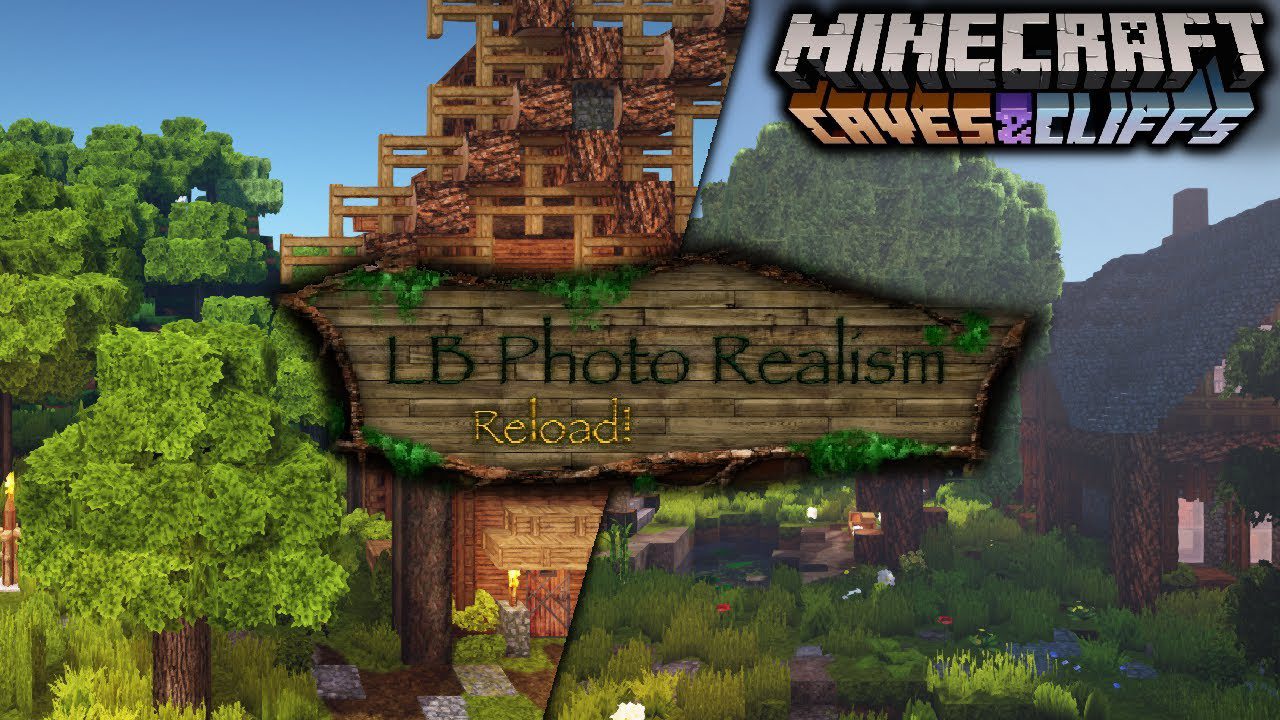
Screenshots:
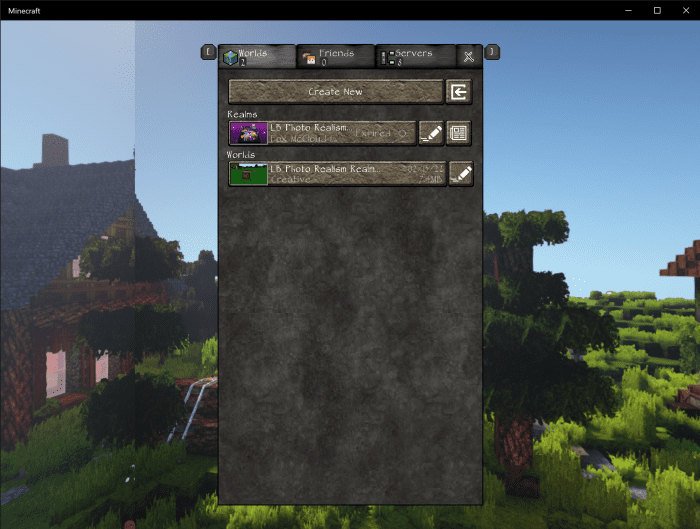
The Main Menu:
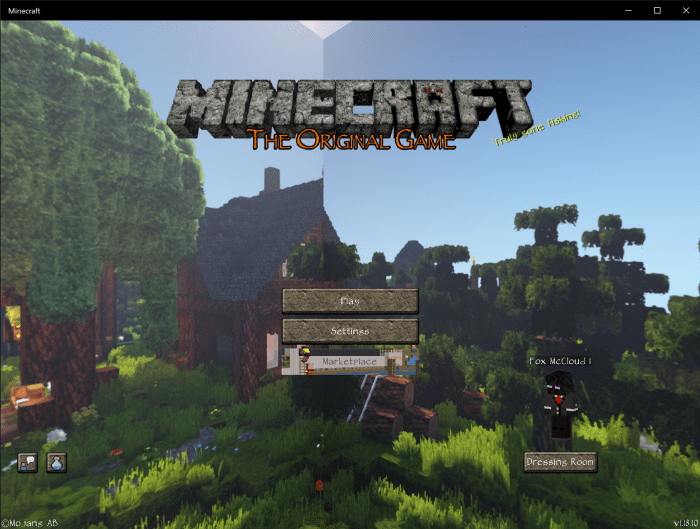
The World Selection Screen:
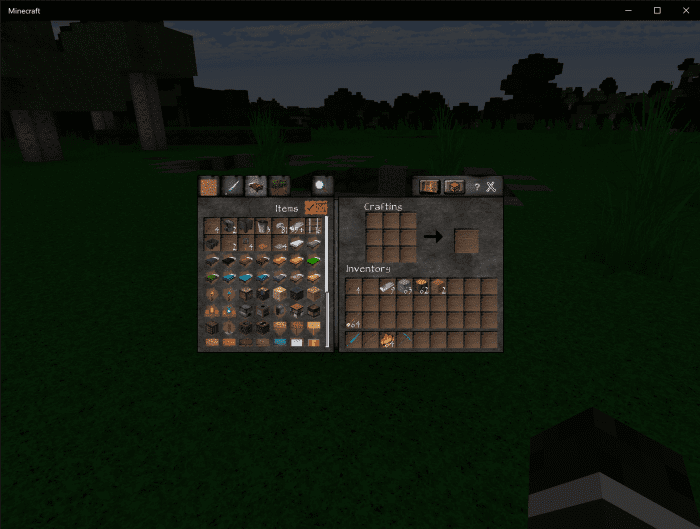
The Survival Inventory:
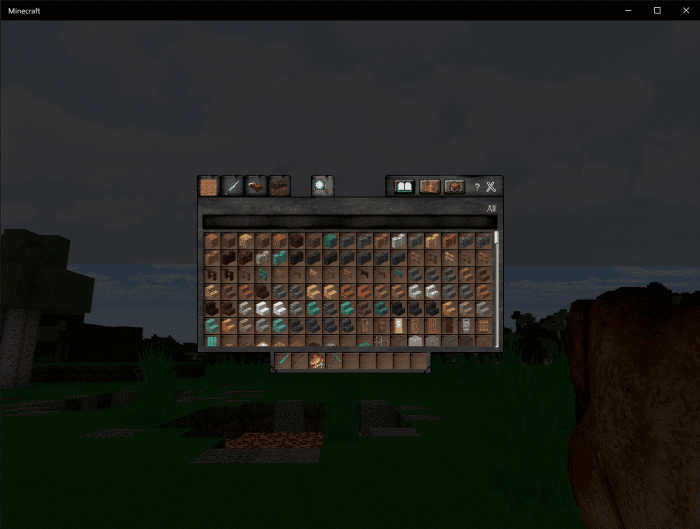
The Creative Inventory:
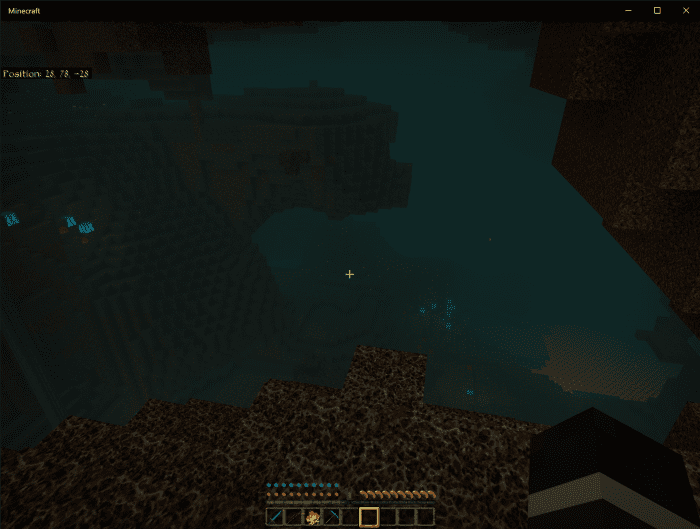
The Nether:
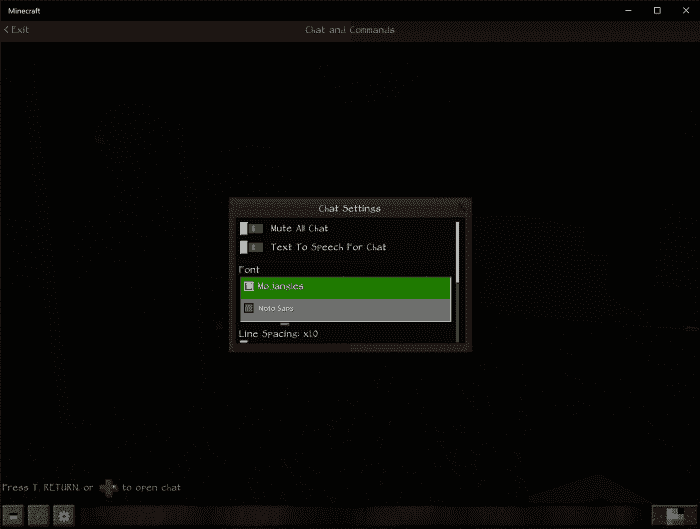
Note: Make sure to open the Chat, click the Gear, and set the font to Mojangles. If you do not the chat will appear as the default font, instead of Papyrus.
LB Photo Realism Reload Texture Pack Download Links
For Minecraft PE/Bedrock 1.21, 1.20
mcpack: Download from server 1
- Edition: Minecraft Bedrock
- File type: .mcpack
- Minecraft versions listed: 1.21, 1.20
- How to install: Download the .mcpack. → Open it — Minecraft imports it under Resource Packs. → Activate it in Global Resources, or for one world under Resource Packs → Available.
- Where to get it: Opens on the file's original source — not every file is mirrored on our own servers.
Install steps are the general flow for this file type — How to install Minecraft Bedrock texture packs walks through it step by step.
LB Photo Realism Reload Texture Pack (1.21, 1.20) – MCPE/Bedrock is a free Minecraft Bedrock texture pack. Compatible with Minecraft 1.21, 1.20. Download it and open it directly in the game.