Max Framerate Slider Resource Pack (26.x, 1.19) – FPS Boost Addon
Bedrock texture pack listed for Minecraft 1.19. File opened and checked on 19 Sep 2026; installs from the MC Bedrock Mods app on Android.
⬇ Download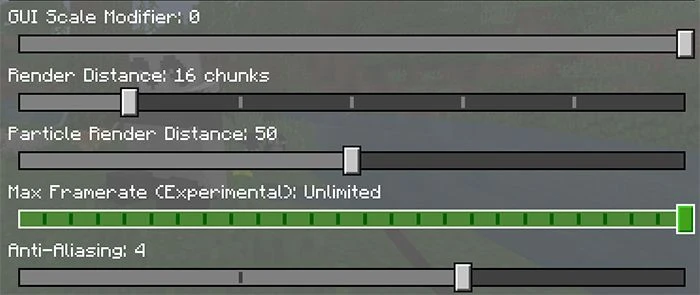
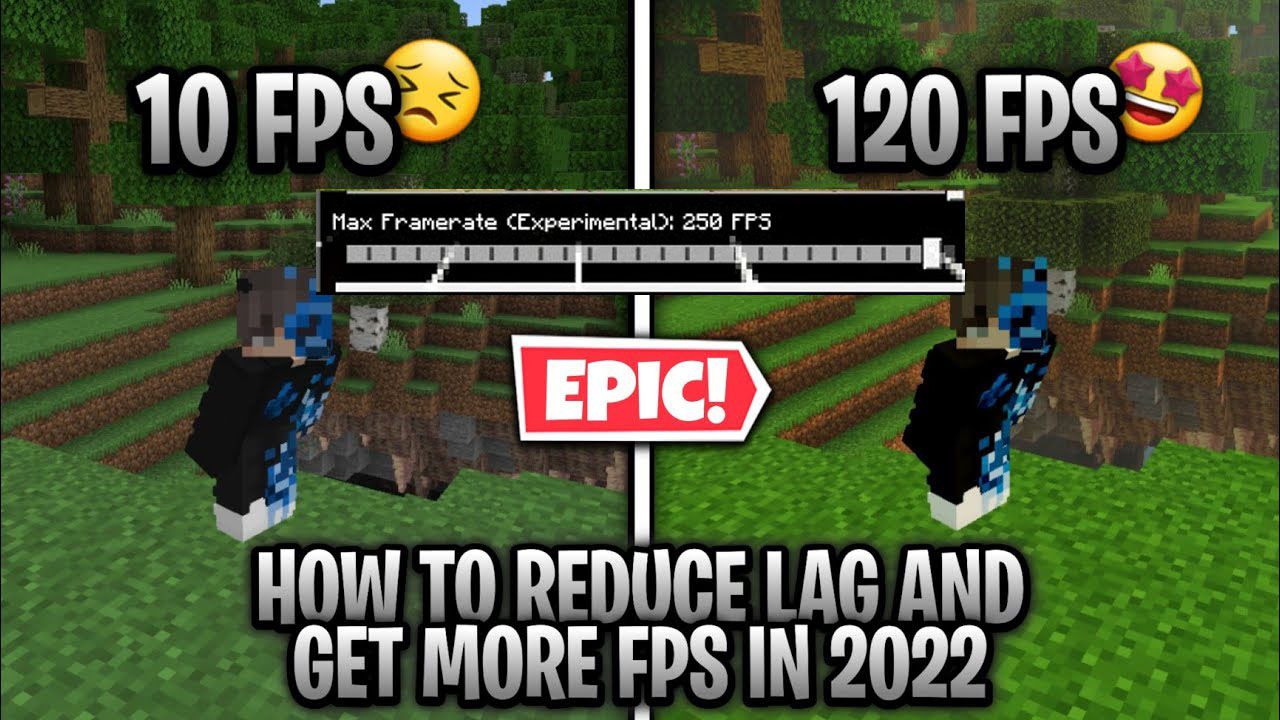
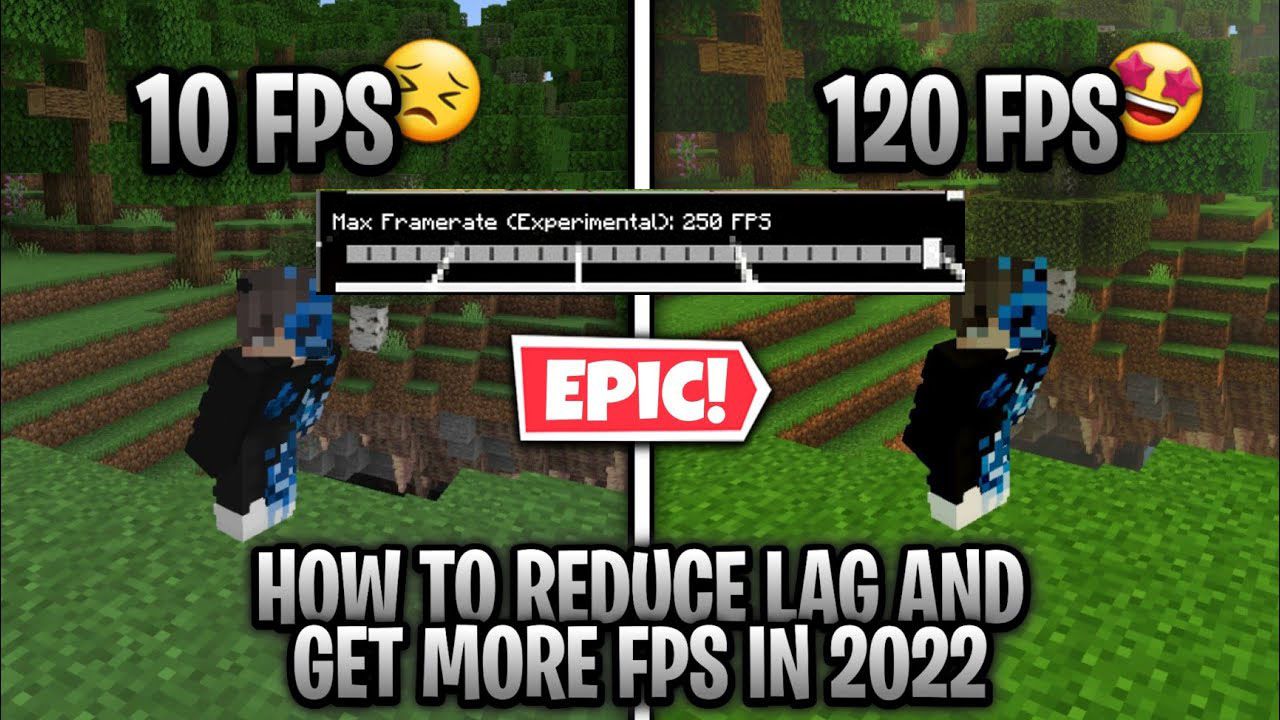
Max Framerate Slider Resource Pack (or FPS Boost Addon) adds a new slider in the Video Settings menu which allows the user to change the max framerate of the game from 10 to 250 fps or unlimited. Each slider step increases the number by 10. If you are using a 60hz monitor, you will still benefit from having higher fps than 60 because you will experience less screen tearing.
Features:
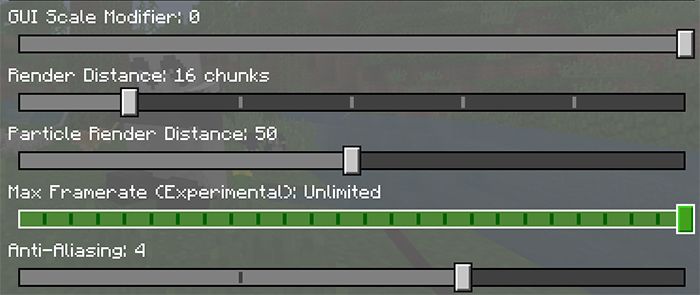
This resource pack / mod is made by copying “general_section.json” from ui/settings_sections folder and removing the line “ignored : ($is_publish)“.
"max_framerate_slider@settings_common.option_slider": {
"ignored": "($is_publish)",
"$option_label": "#max_framerate_slider_label",
If this mod becomes obsolete, you can update it by getting the newer version of the file “general_section.json” and doing the same process. Deleting the ignored line. We also tried to add more settings like MSAA, Bloom and Xbox live Sign-Out but it didn’t work. By the way, if you want to remove the vignette, you can disable fancy graphics (just so you know). This mod was made with Windows 10 support in mind and may not function on mobile versions of the game.
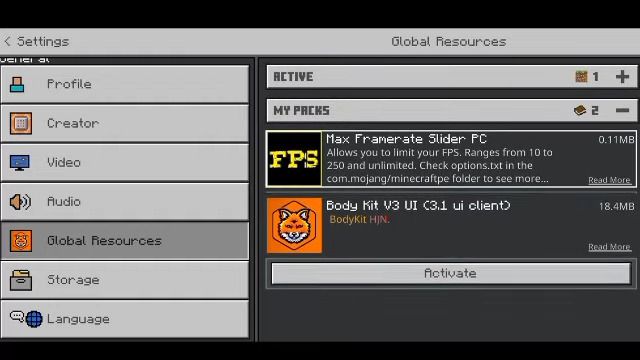
Installation Note:
- It’s working well with MCPE/Bedrock 1.19+. It’s better to use this on the server because if you place the block in the unplaceable area, it is able to place at 10fps! and you need to turn to higher when you play something.
- It is always good to set it to 10 fps if you run Minecraft in the background for your friends to play.
Full install guides:
How To Install Mod / Addon on Minecraft PE
How To Install Texture Packs on Minecraft PE
How To Install Map on Minecraft PE
Max Framerate Slider Resource Pack Download Links
For Minecraft PE/Bedrock 1.19
mcpack: Download from Server 1 – Download from Server 2
- Edition: Minecraft Bedrock
- File type: .mcpack
- Minecraft version listed: 1.19
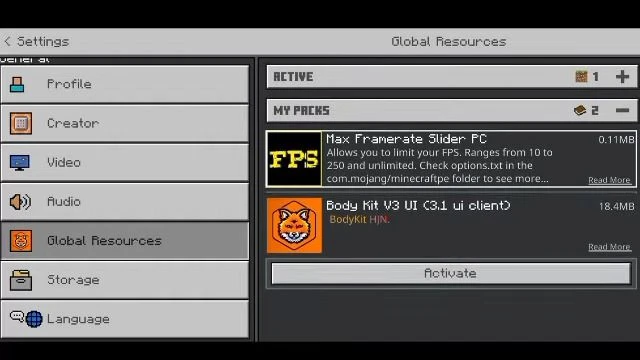
- How to install: Download the .mcpack. → Open it — Minecraft imports it under Resource Packs. → Activate it in Global Resources, or for one world under Resource Packs → Available.
- Where to get it: In MCModsHub, or directly above on this page.
Install steps are the general flow for this file type — How to install Minecraft Bedrock texture packs walks through it step by step.
- Pack type: .mcpack — a single pack
- Complete pack — everything it depends on is inside the file
- Download link checked 17 Jun 2026 — working
- Mirrored on our own servers — the download does not depend on the original host
These come from our own check of the pack file, not from the source page.