Classic Textures Fix Pack (1.26+) – MCPE/Bedrock
Bedrock texture pack listed for Minecraft 1.21–26.x. Installs from the MC Bedrock Mods app on Android.
⬇ Download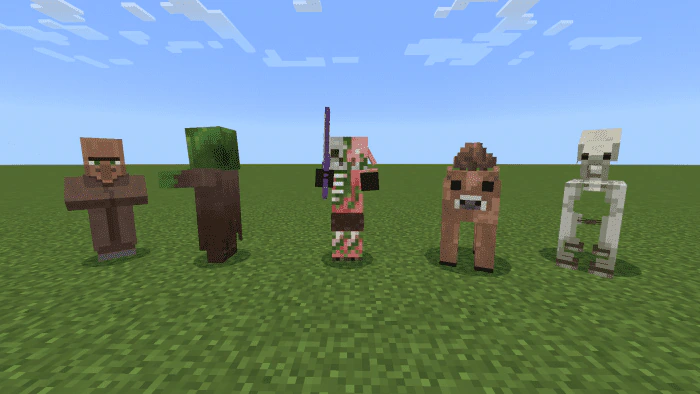
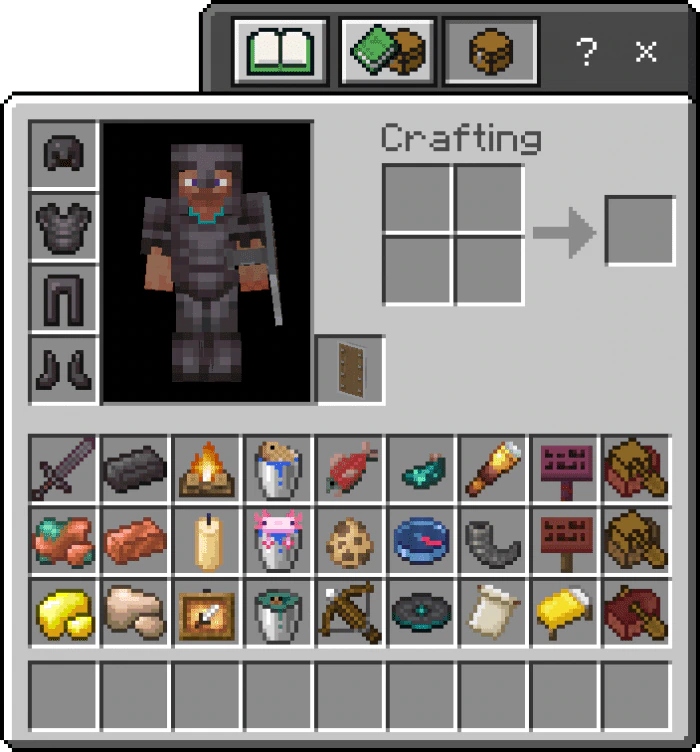
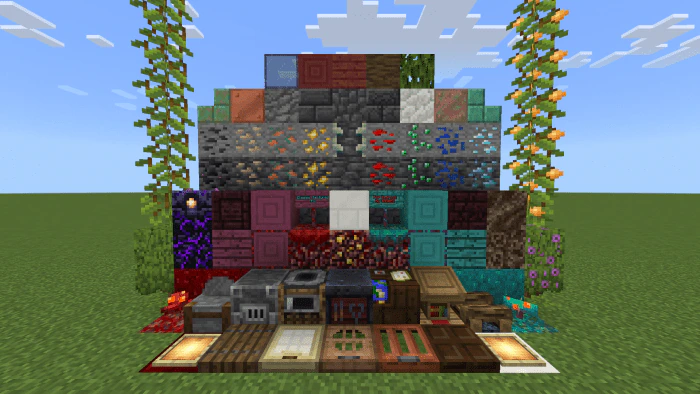
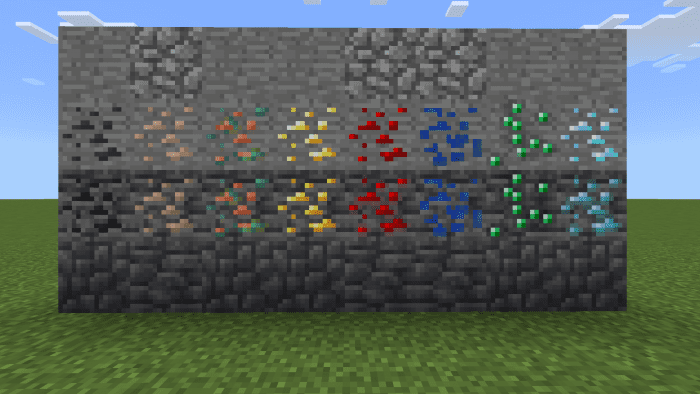
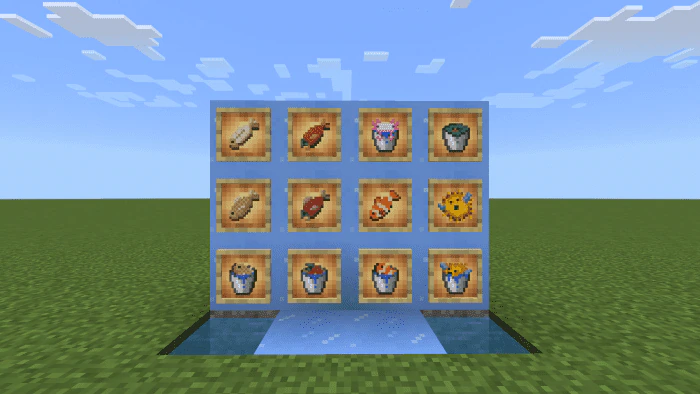
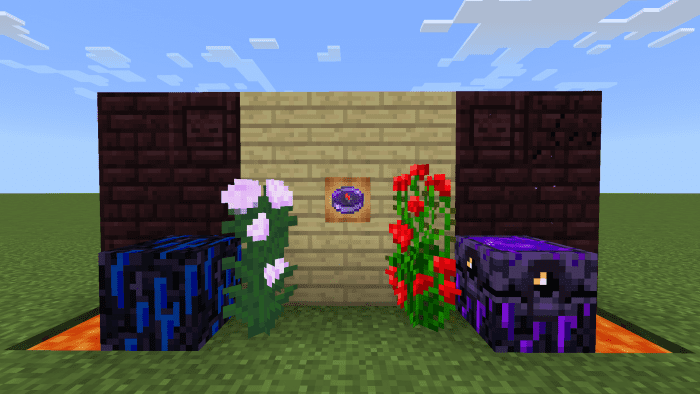
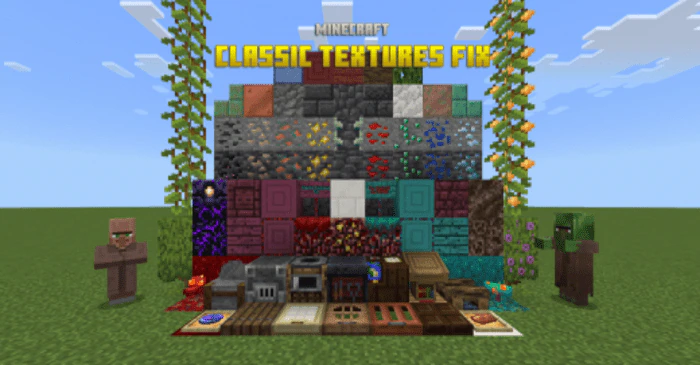
Despite Minecraft updating all of its textures in the Texture Update, certain players still favor the older versions. To accommodate this preference, Minecraft has officially provided the Minecraft Classic Texture Pack, which is now available on Bedrock Marketplace. However, this pack has some shortcomings, as it doesn’t include many textures for new blocks, items, and entities. Classic Textures Fix Pack resolves these issues in the Classic Texture Pack.
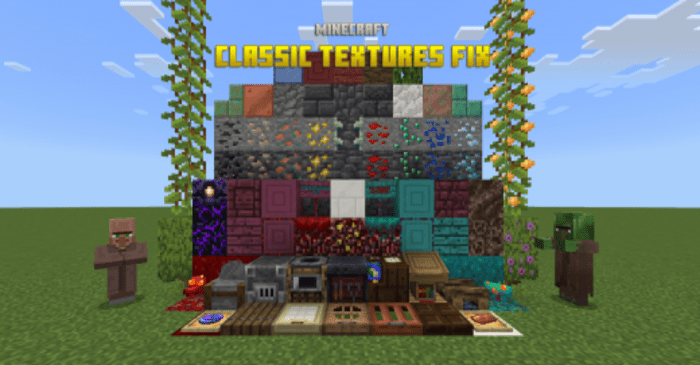
Features:
Default Addons
Mobs:
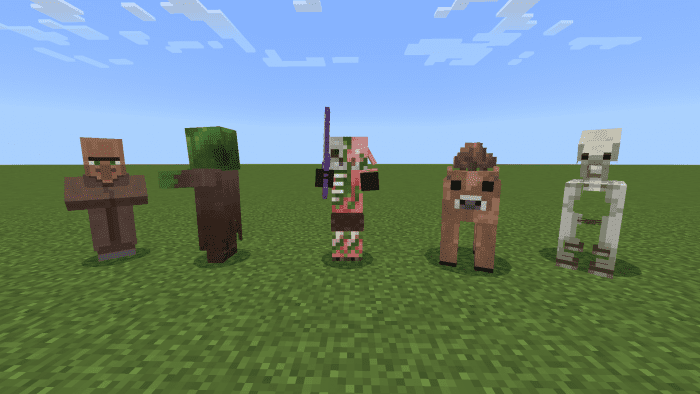
- Villager
- Zombie Villager
- Pillager
- Skeleton Horse
- Brown Mooshroom
- Zombified Piglin
- Hoglin & Zoglin
- Iron Golem
- Cat
- Glow Squid
- Vex (updated version, only for 1.19.50+)
Non-mob Entities:
- All the Horse Armor
- Saddle for Striders
- All Boats/Rafts with Chest
- Mangrove Boat
- Bamboo Raft
- Cherry Boat
Items:
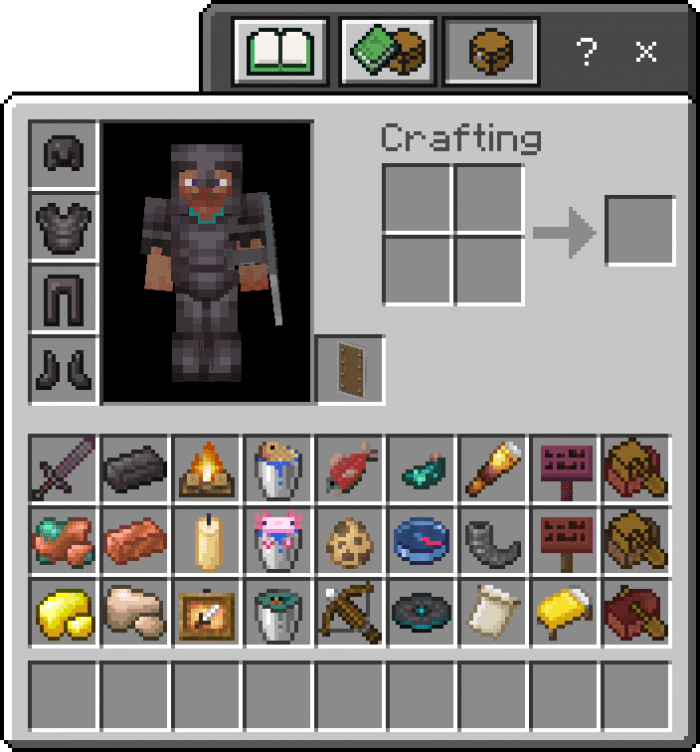
- Cat, Panda, and Wandering Trader Spawn Eggs
- All the fish & aquatic mob buckets
- Shield
- Phantom Membrane
- Campfires
- Crossbow
- Dark Oak Sign
- Honey Bottle
- Suspicious Stew
- New Dyes (black, brown, blue, and white)
- All the Banner Patterns
- All the Signs
- All the Netherite armors
- Netherite Ingot
- All the Netherite tools & Sword
- Warped Fungus on a Stick
- Copper Ingot
- Spyglass
- Raw Metals
- Amethyst Shard
- Candle
- Powder Snow Bucket
- Glow Ink Sac
- Glow Item Frame
- Goat Horn
- All Boats/Raft with Chest
- Mangrove Boat
- Music Disc 5
- Disc Fragment (5)
- Recovery Compass
- Hanging Signs
- Bamboo Raft
- Cherry Boat
Blocks:
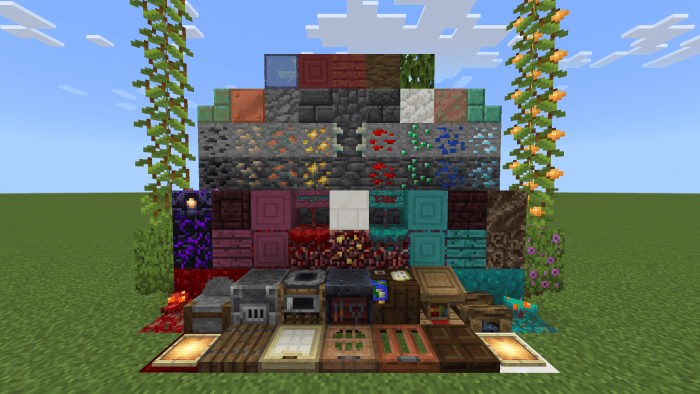
- Blast Furnace & Smoker
- Campfire logs
- Cartography Table
- Grindstone’s “round” sides
- Barrel bottom
- Composter (the compost part)
- Stonecutter
- Lectern
- Smooth Quartz
- Red Nether Bricks
- All the Overworld wooden Trapdoors, except oak trapdoor
- Crimson Nylium, Planks, Log tops, Sign and Door
- Warped Nylium, Planks, Log tops, Sign and Door
- Crying Obsidian
- Soul Soil
- Soul Torch
- Nether Wart Blocks (both)
- Chiseled & Cracked Nether Bricks
- Quartz Bricks
- Nether Gold & Quartz Ore
- Respawn Anchor
- Blocks of Copper
- Cut Coppers
- Copper Ore
- Tinted Glass
- Powder Snow
- Glow Item Frame
- Azalea
- Azalea Leaves
- Cave Vines
- Deepslate & Cobbled Deepslate
- Deepslate Bricks (normal and cracked), Deepslate Tiles & Chiseled Deepslate
- Reinforced Deepslate
- Coal, Iron, Gold and Redstone Ore (can be switched with Classic Ore Patterns add-on)
- All the Deepslate Ores
- Calcite & Tuff
- Mangrove Log, Leaves, Planks, and Sign
- Chiseled Bookshelf
- Cherry Log, Planks, and Sign
- Suspicious Sand
Effect Icons:
- Conduit Power
- Slow Falling
- Bad Omen
- Hero of the Village
- Darkness
GUI:
- Sign GUIs
- Saddle & Ingot slot
- Glass texture in Cartography Table GUI
Optional Addons
All of the add-ons below are built-in. That’s to say, you don’t have to download them separately – they can be switched in the Resource Pack Setting screen, and multiple addons can be applied at the same time.
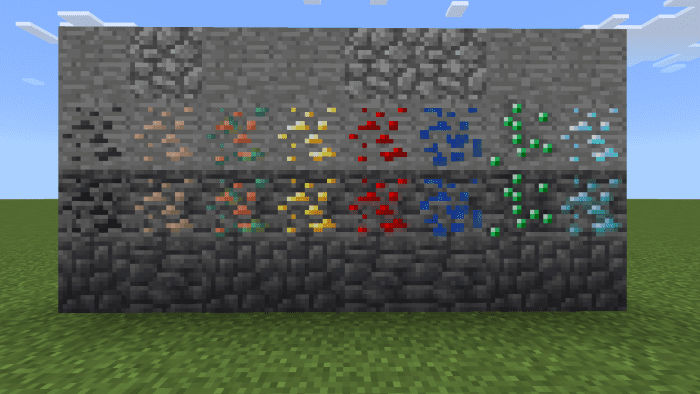
Classic Ore Patterns:
- Turning the ore patterns back to the old ones, including Copper Ore and Deepslate Ores!
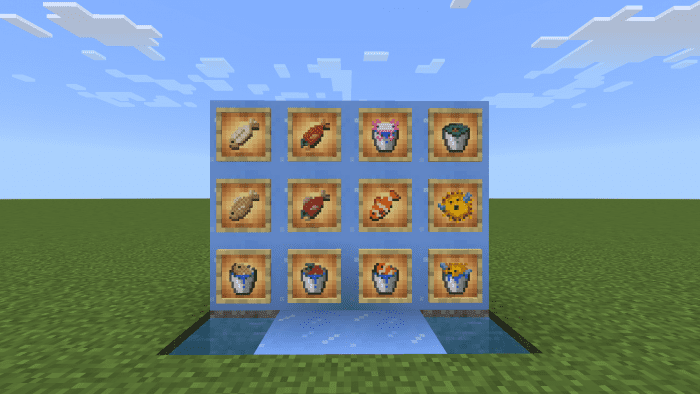
Aquatic Addon:
- Changing the textures of all kinds of fish & aquatic mob buckets, as well as the blue ice, to match the old style of Minecraft textures better.
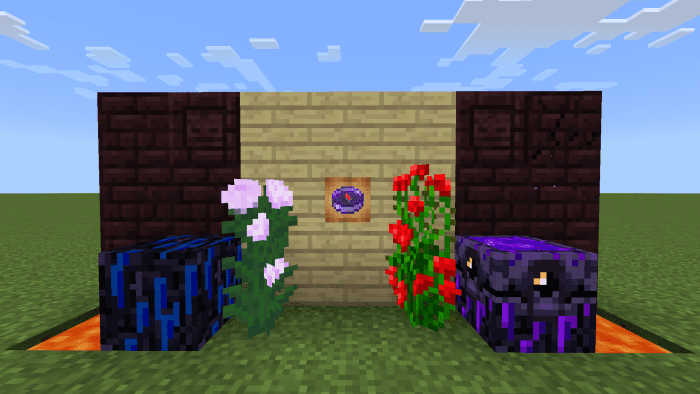
Java Parity:
- Making some old textures to be consistent with those in Java Edition, including Lava, Peony, Rose Bush, all Nether Bricks, Crying Obsidian, Respawn Anchor, and Lodestone Compass.
How to activate the addon:
- Make sure that you have activated this pack.
- Click or tap the Settings icon of this pack.
- Move the slider in the Settings screen to activate or change your addon(s).
Classic Textures Fix Pack Download Links
For Minecraft PE/Bedrock 1.21
mcpack: Download from server 1 – Download from server 2
For Minecraft PE/Bedrock 1.20
mcpack: Download from server 1 – Download from server 2
For Minecraft PE/Bedrock 1.19
Cave & Cliffs II Fix: Download from server 1 – Download from server 2
The Wild Update Fix: Download from server 1 – Download from server 2
- Edition: Minecraft Bedrock
- File type: .mcpack
- Minecraft version listed: 1.26
- How to install: Download the .mcpack. → Open it — Minecraft imports it under Resource Packs. → Activate it in Global Resources, or for one world under Resource Packs → Available.
- Where to get it: In MCModsHub, or directly above on this page.
Install steps are the general flow for this file type — How to install Minecraft Bedrock texture packs walks through it step by step.
- Pack type: .mcpack — a single pack
- Manifest requires Minecraft 1.21.0 or newer
- Ships one half — this pack asks for another pack that is not included
- Download size: 719 KB
- Download link checked 17 Jun 2026 — working
- Mirrored on our own servers — the download does not depend on the original host
These come from our own check of the pack file, not from the source page.