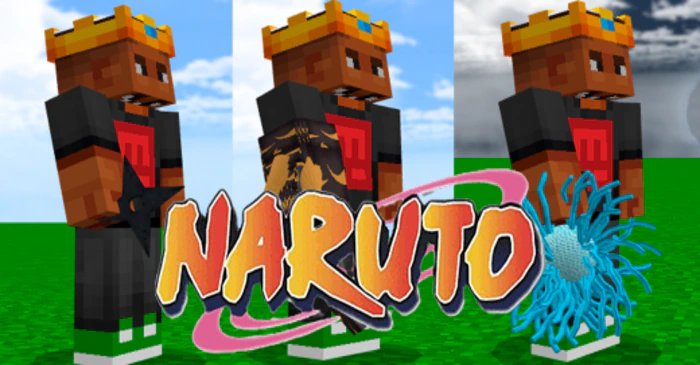
Naruto 3D Texture Pack (26.x, 1.21) – MCPE/Bedrock
Bedrock texture pack listed for Minecraft 1.14–1.21. File opened and checked on 19 Sep 2026; installs from the MC Bedrock Mods app on Android.
⬇ Download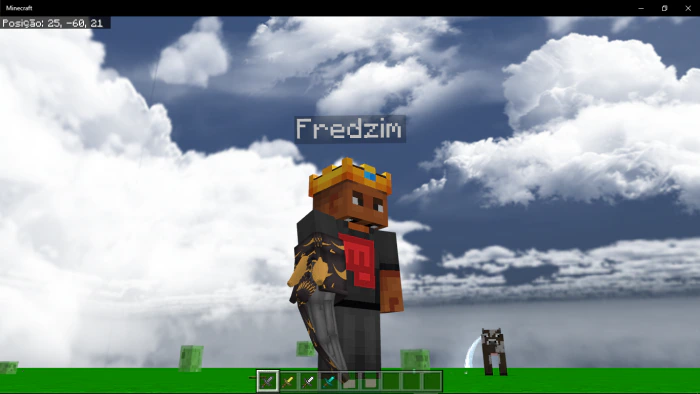
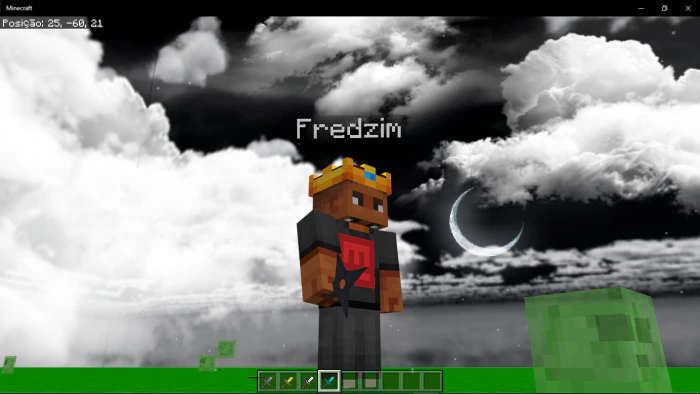
Dive into the thrilling world of Naruto Shippuden with this comprehensive Minecraft texture pack. Naruto 3D Texture Pack (1.21, 1.20 replaces all Minecraft swords with iconic equipment from the anime. You’ll find a brand-new start screen overlay, a revamped GUI with updated icons and buttons, and even 5 Naruto jutsus you can use on servers!
Supported Versions:
Minecraft Bedrock 1.26.30 and later. Resource pack only – no Experimental Features required.
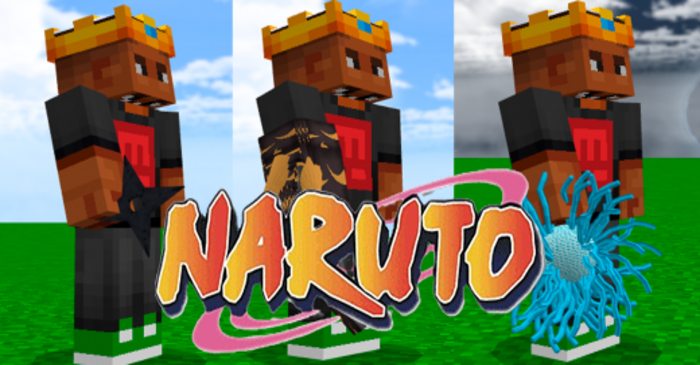
Screenshots:
- Stone sword (Kawaki Armo)
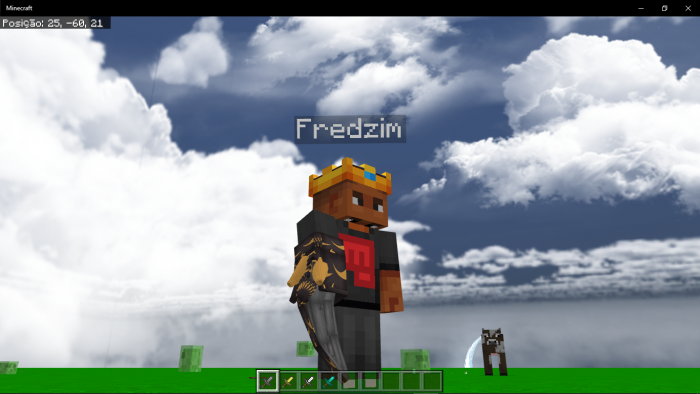
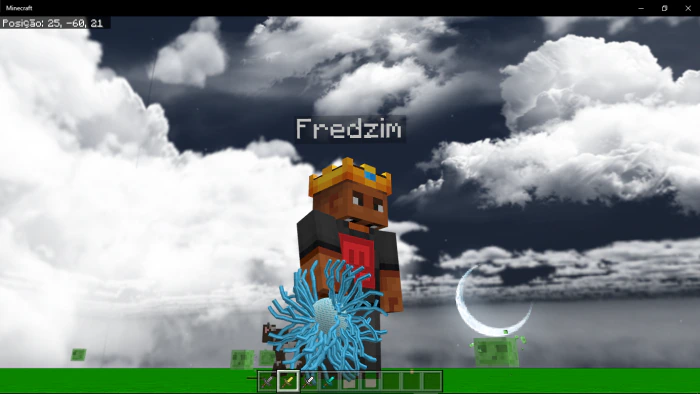
- Golden sword (Chidori Jutsu)
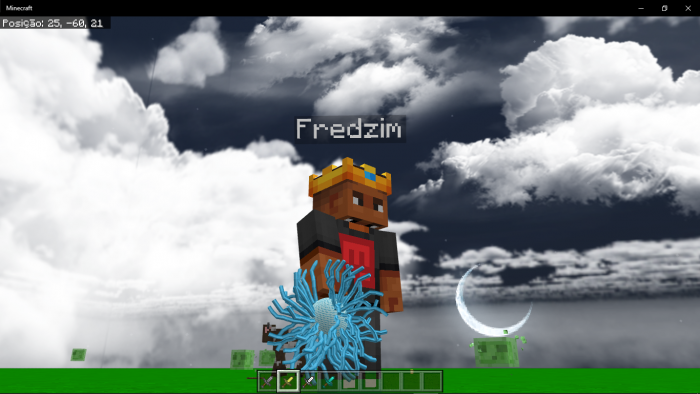
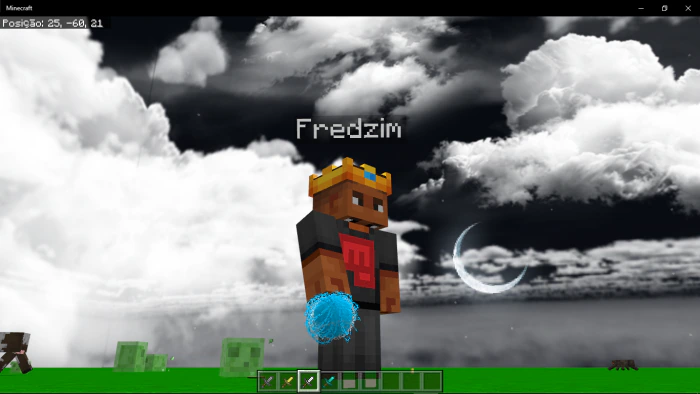
- Iron sword (Rasengan Jutsu)
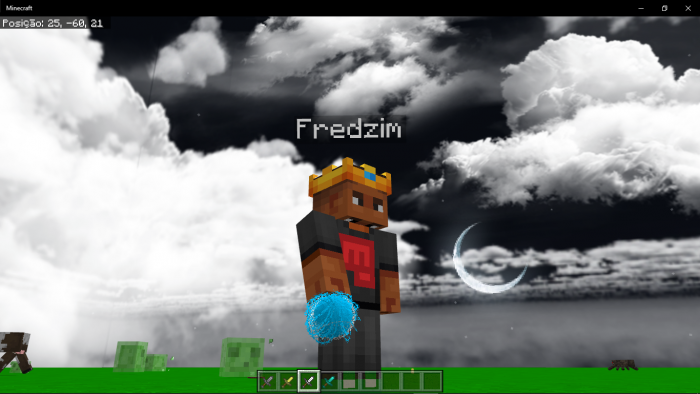
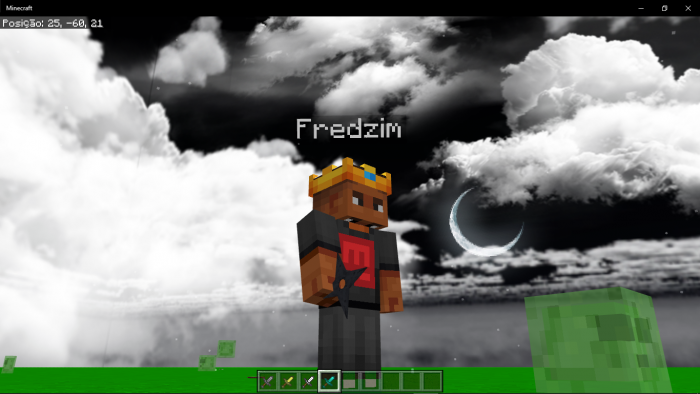
- Diamond sword (Churiken Armo)
Naruto 3D Texture Pack Download Links
For Minecraft PE/Bedrock 1.21, 1.20
- Edition: Minecraft Bedrock
- File type: .mcpack
- Minecraft versions listed: 1.21, 1.20
- How to install: Download the .mcpack. → Open it — Minecraft imports it under Resource Packs. → Activate it in Global Resources, or for one world under Resource Packs → Available.
- Where to get it: In MCModsHub, or directly above on this page.
Install steps are the general flow for this file type — How to install Minecraft Bedrock texture packs walks through it step by step.
- Pack type: .mcpack — a single pack
- Manifest requires Minecraft 1.14.0 or newer
- Complete pack — everything it depends on is inside the file
- Download size: 853 KB
- Download link checked 17 Jun 2026 — working
- Mirrored on our own servers — the download does not depend on the original host
These come from our own check of the pack file, not from the source page.