K's Red Dragon Optimizer (26.30+, 1.21) – OptiFine for RenderDragon
Bedrock texture pack listed for Minecraft 1.1–1.21. File opened and checked on 19 Sep 2026; installs from the MC Bedrock Mods app on Android.
K's Red Dragon Optimizer is an effective mod for Minecraft designed to enhance the game's performance on your device. Whether you're playing on a high-end…
⬇ Download
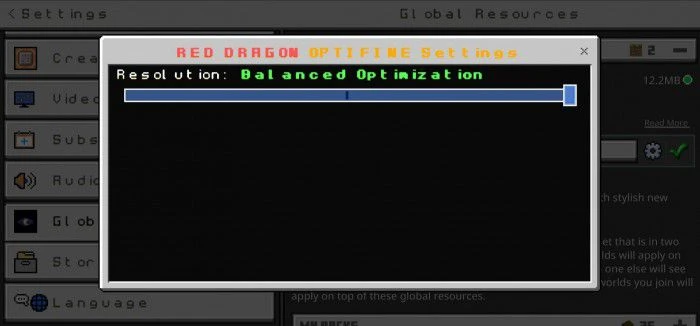
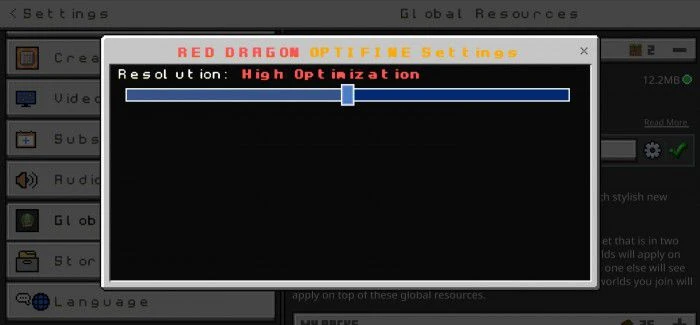
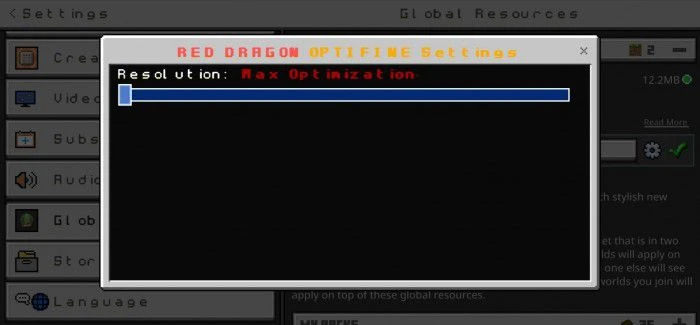

K’s Red Dragon Optimizer is an effective mod for Minecraft designed to enhance the game’s performance on your device. Whether you’re playing on a high-end gaming rig or a modest device, this add-on can make your gaming experience smoother and more enjoyable.
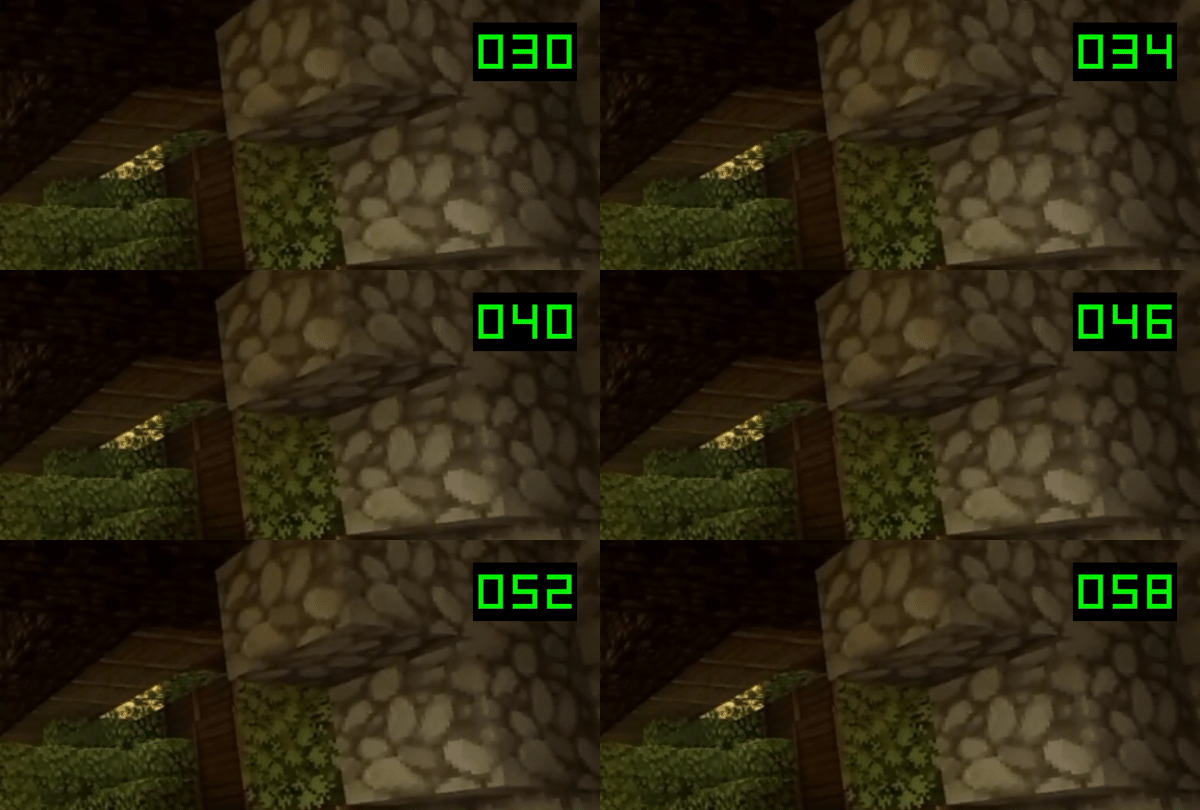
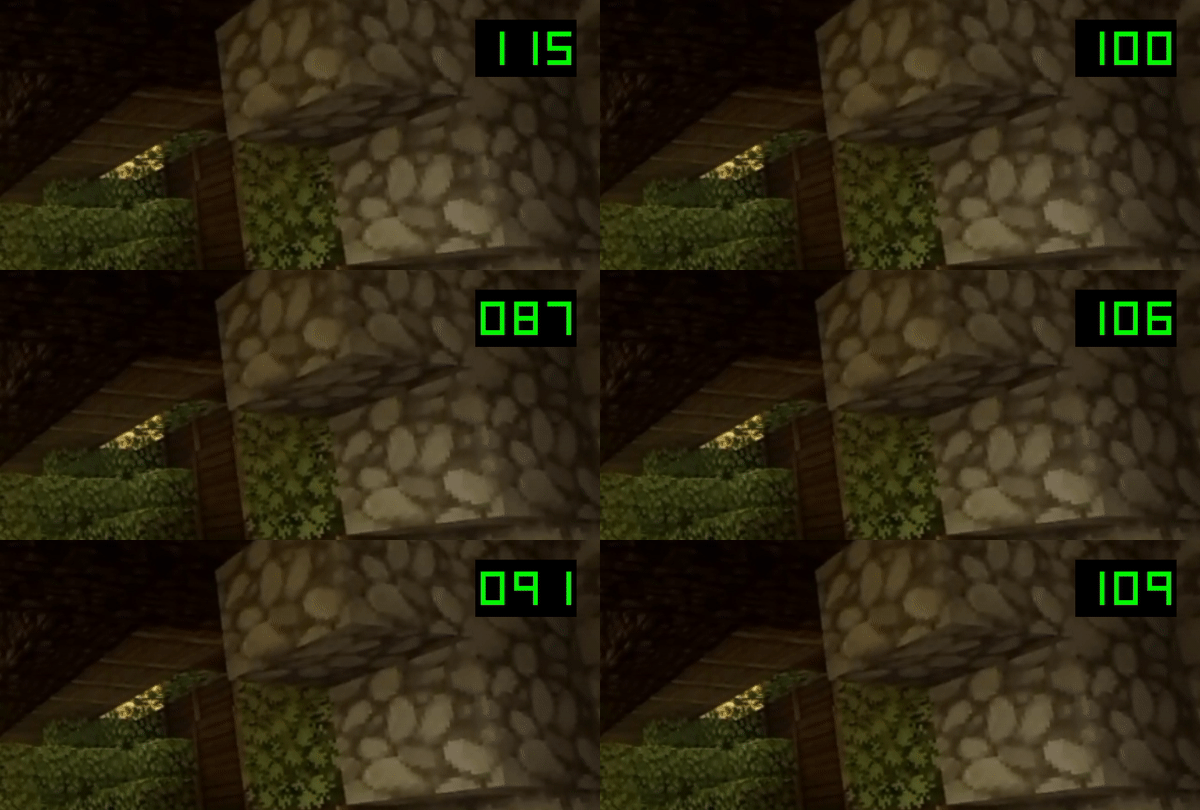
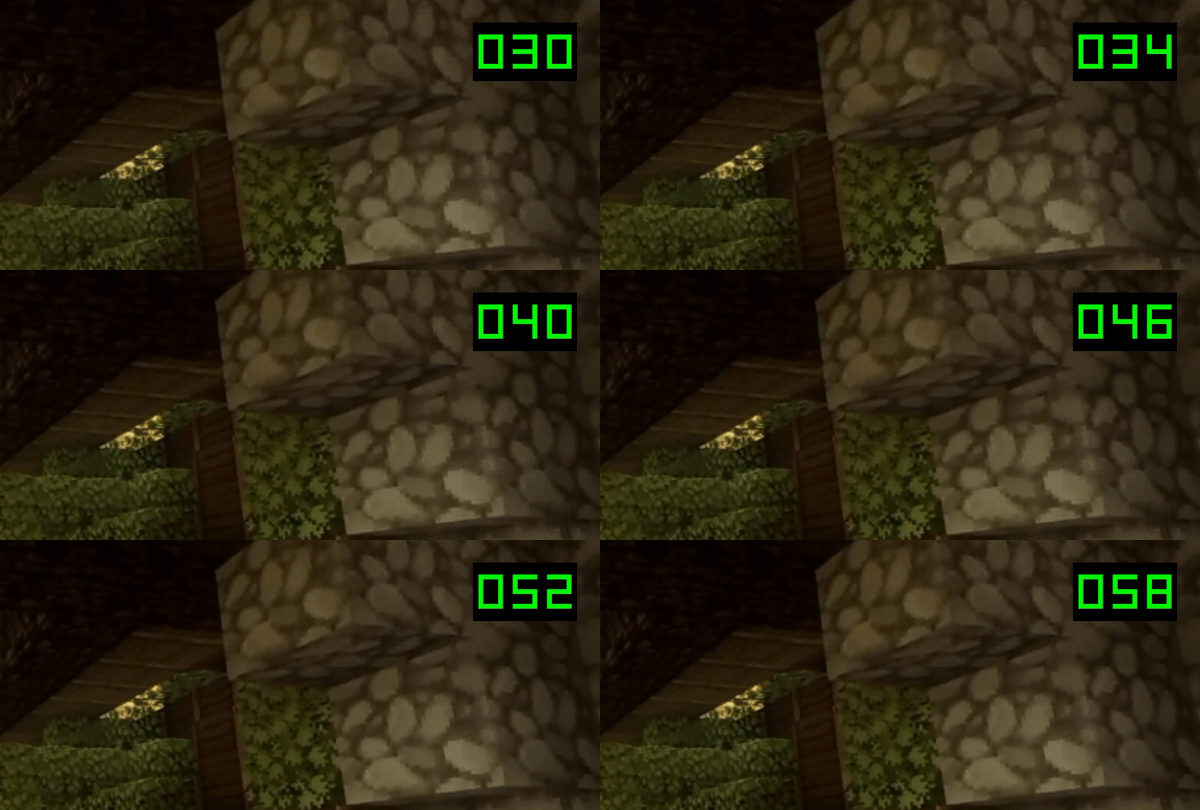
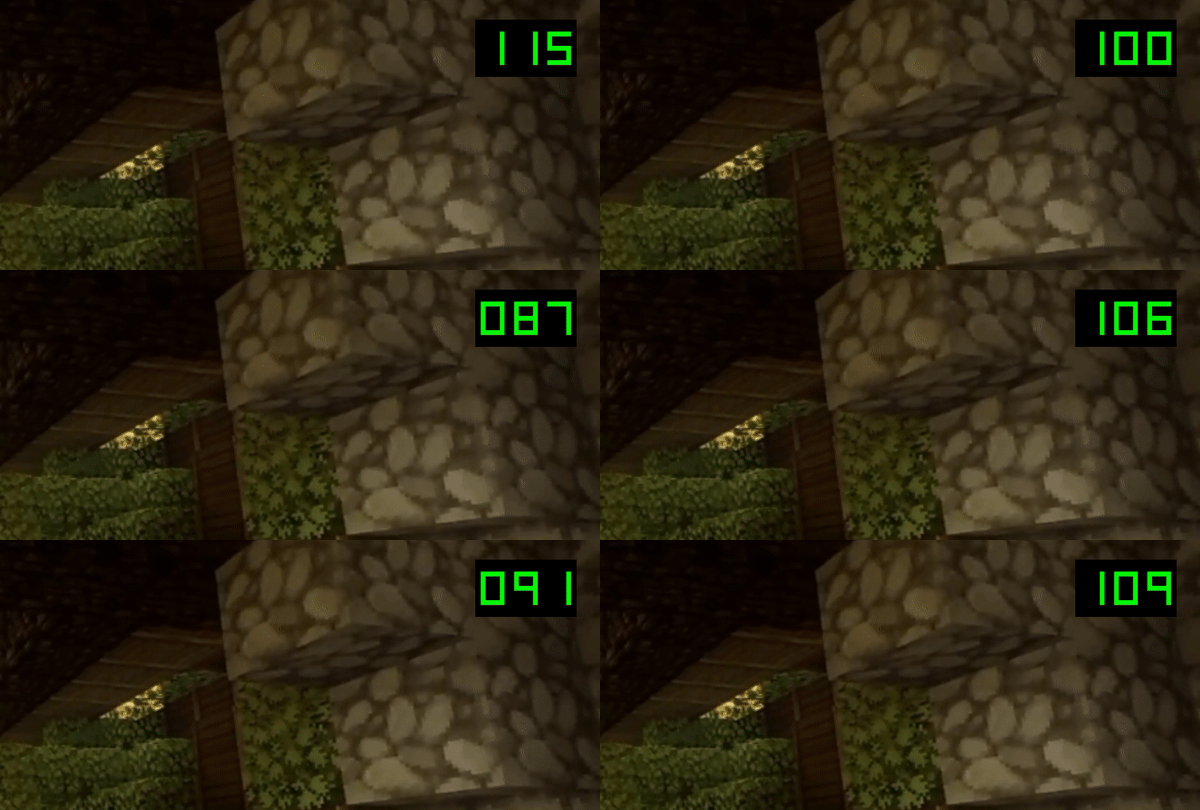
This optimizer works by fine-tuning the game’s settings and optimizing various aspects such as graphics and chunk loading. The result is a significant boost in frames per second (FPS), reducing lag and providing a more seamless gameplay experience. It’s particularly helpful for players with less powerful devices or those who like to play in large worlds with a high density of blocks and entities.
Features:
How does it work?
- This pack will reduce lags in the game due to available options
- Will increase your fps because this pack changes and adjusts Minecraft features
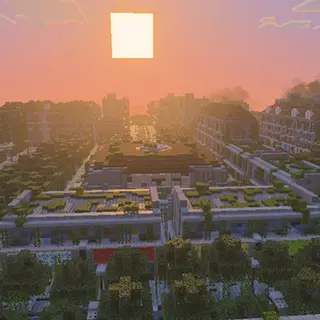
Before:
After:
Subpacks:
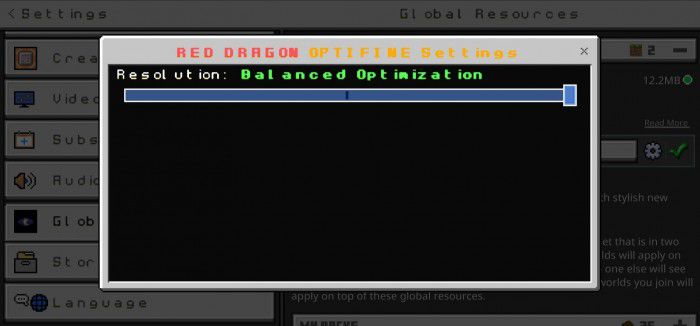
The Red Dragon Optimizer has 3 levels:
LEVEL 1: BALANCED OPTIMIZATION
- adjusted and changed textures
- boosts fps
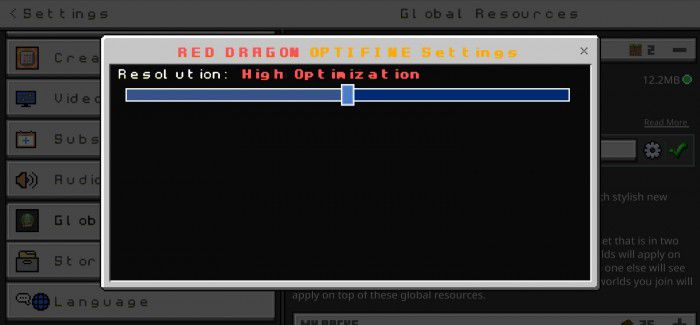
LEVEL 2: HIGH OPTIMIZATION
- adjusted and changed textures
- removed unnecessary things in Minecraft
- boosts fps
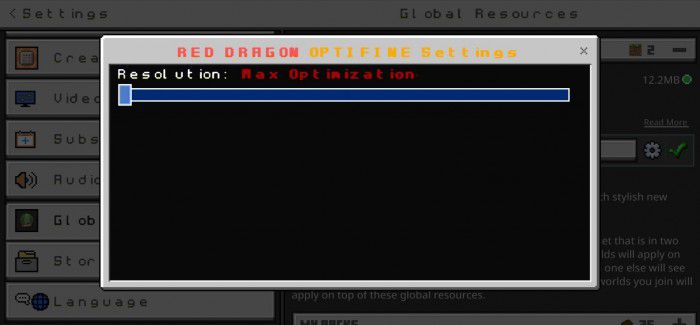
LEVEL 3: MAX OPTIMIZATION
- adjusted and changed textures
- removed unnecessary things
- quality-adjusted
- boosts fps
- and many more!
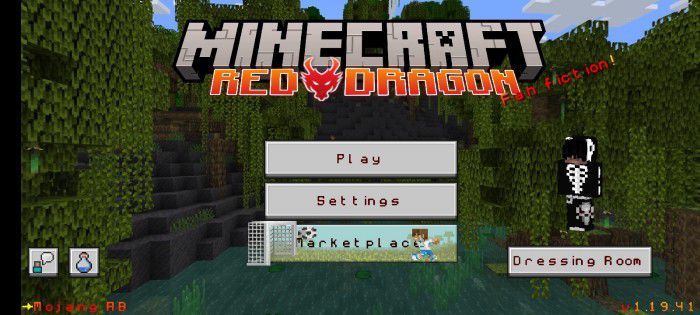
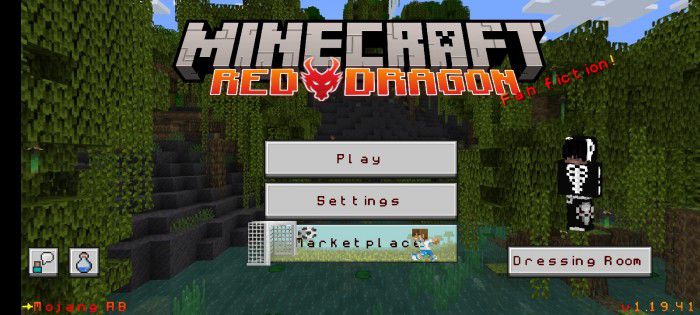
New Home Screen
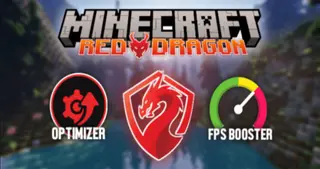
MINECRAFT RED DRAGON HOME SCREEN
- this pack will also change your home screen in Minecraft!
- changes Minecraft logo, font and text color!
Installation Note:
- After downloading, open the mcpack and it will automatically open to Minecraft. You can download the zip file if you want.
- If the first mcpack didn’t work try the Optifine pack (in the download section)!

K’s Red Dragon Optimizer Download Links
For Minecraft PE/Bedrock 1.21
mcpack: Download from server 1 – Download from server 2
For Minecraft PE/Bedrock 1.20
mcpack: Download from server 1 – Download from server 2
For Minecraft PE/Bedrock 1.19
Normal pack: Download from server 1 – Download from server 2
Optifine pack: Download from server 1 – Download from server 2
- Edition: Minecraft Bedrock
- File type: .mcpack
- Minecraft version listed: 1.21
- How to install: Download the .mcpack. → Open it — Minecraft imports it under Resource Packs. → Activate it in Global Resources, or for one world under Resource Packs → Available.
- Where to get it: In MCModsHub, or directly above on this page.
Install steps are the general flow for this file type — How to install Minecraft Bedrock texture packs walks through it step by step.
- Pack type: .mcaddon — behaviour and resource pack in one file
- Manifest requires Minecraft 1.1.0 or newer
- Complete pack — everything it depends on is inside the file
- Download size: 10.0 MB
- Download link checked 17 Jun 2026 — working
- Mirrored on our own servers — the download does not depend on the original host
These come from our own check of the pack file, not from the source page.