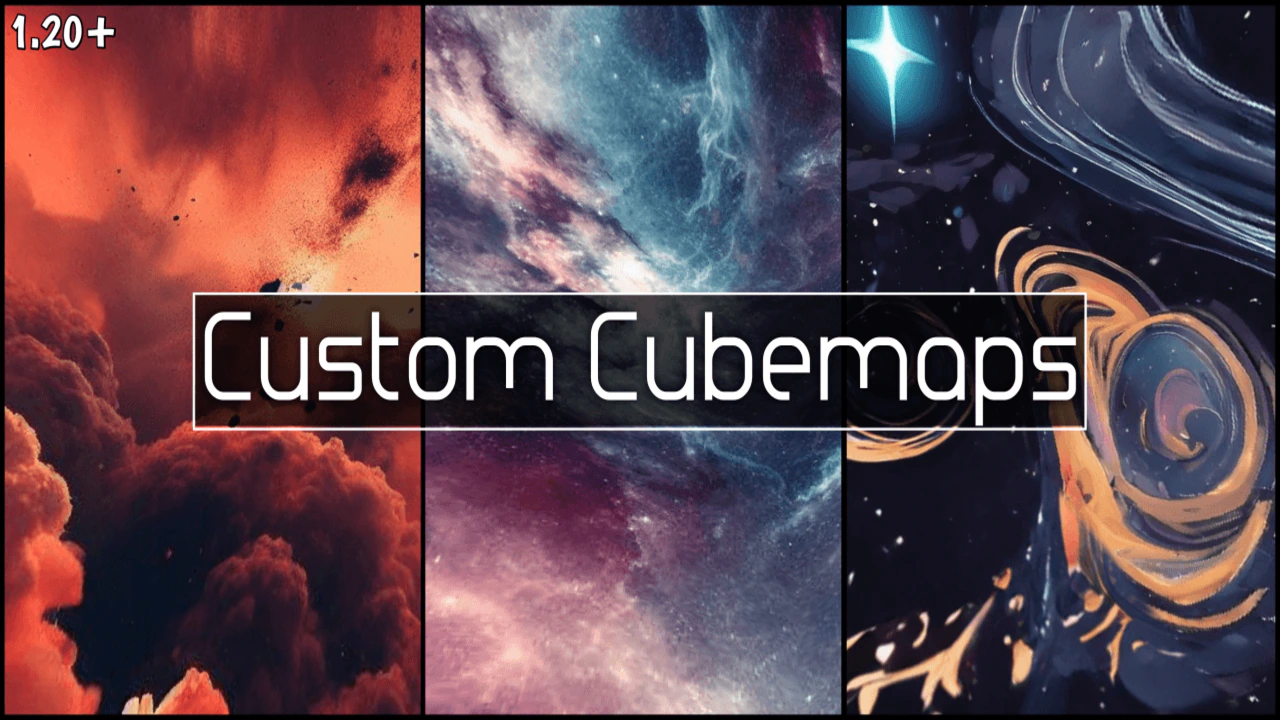
Custom Sky/Cubemaps Texture Pack (1.21, 1.20) – MCPE/Bedrock
Bedrock texture pack listed for Minecraft 1.20–1.21. Download on the author's site.
⬇ Download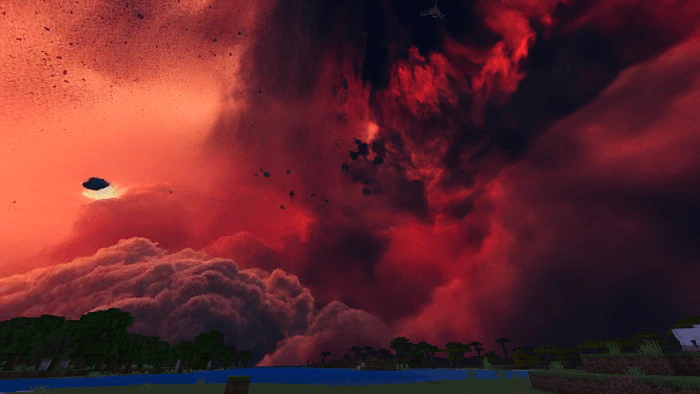
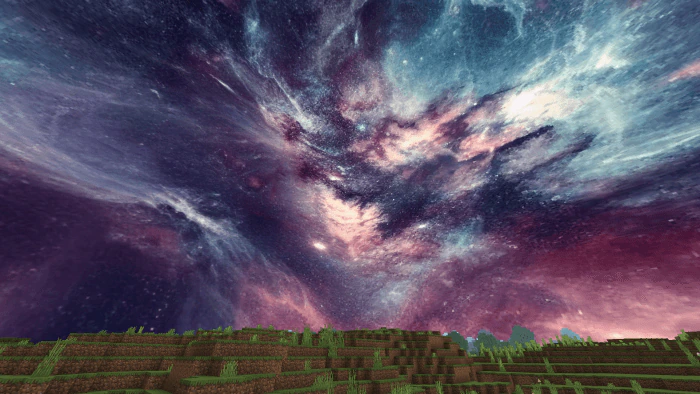
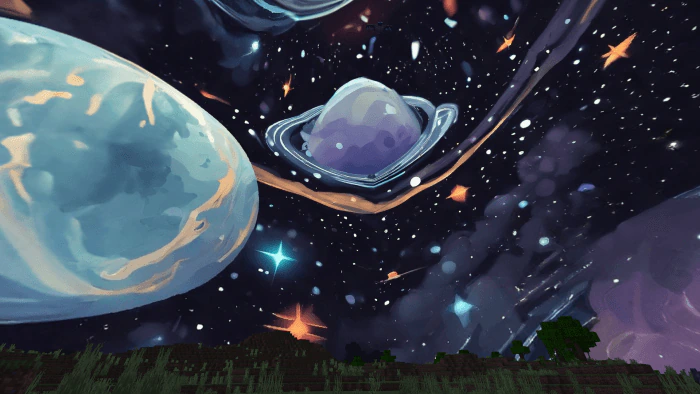
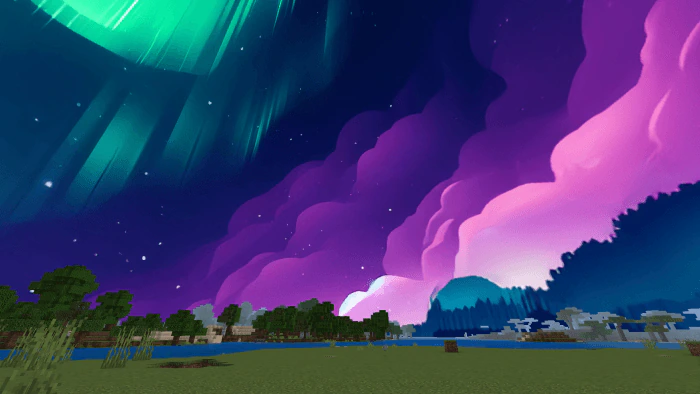
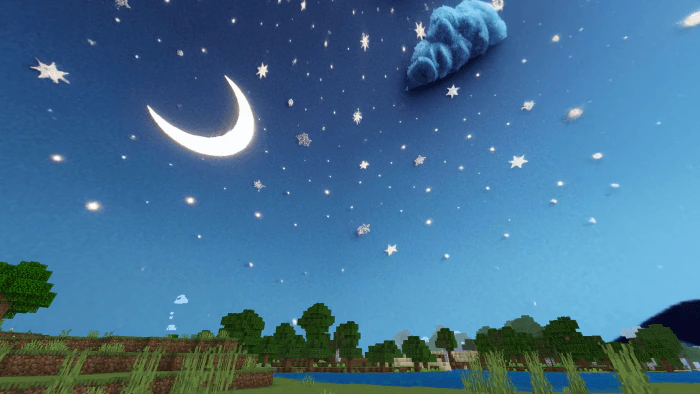
Custom Sky/Cubemaps Texture Pack includes five cubemap textures that you can switch between using the subpacks option. In case you’re unfamiliar, cubemaps refer to the sky in your Minecraft world. This pack completely overhauls the sky, replacing it with new, stunning visuals generated using Adobe Firefly. It’s compatible with any texture pack or PvP texture pack-just be sure to place it above any other packs that alter cubemaps. This way, you can enjoy your favorite PvP texture pack along with a breathtaking new sky!
Credit: Mod MCPE Official Page
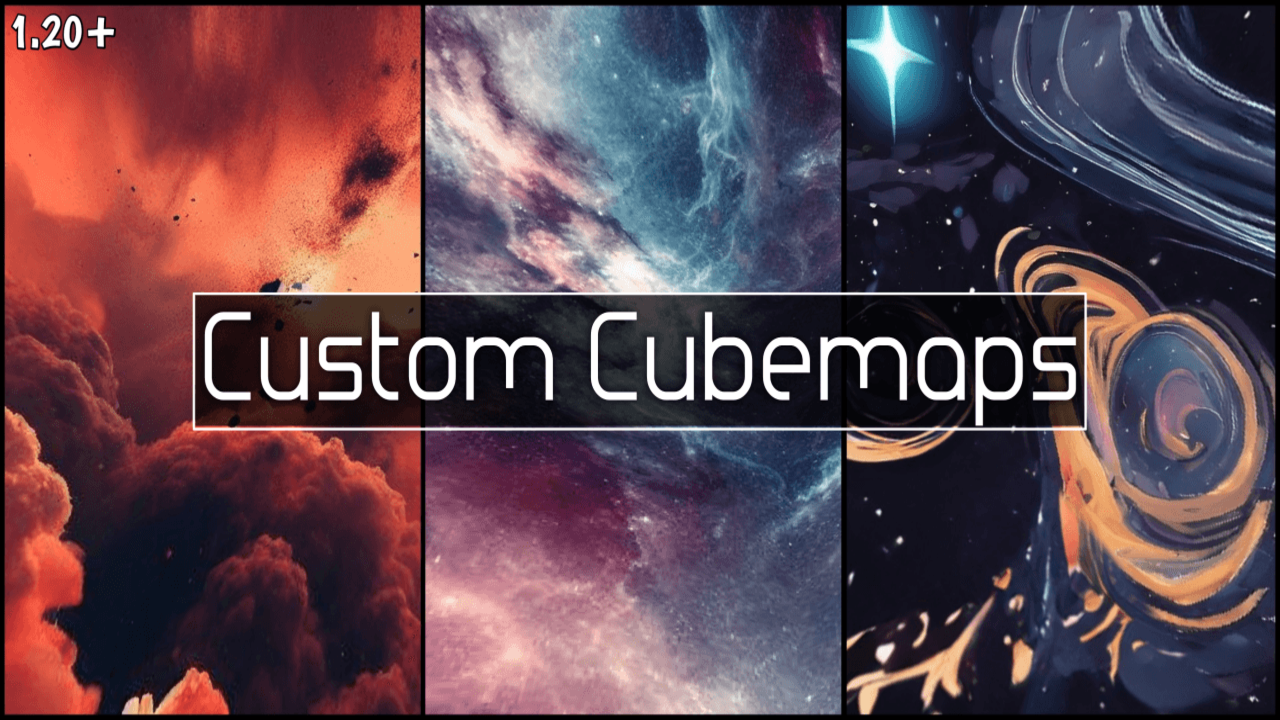
Screenshots:
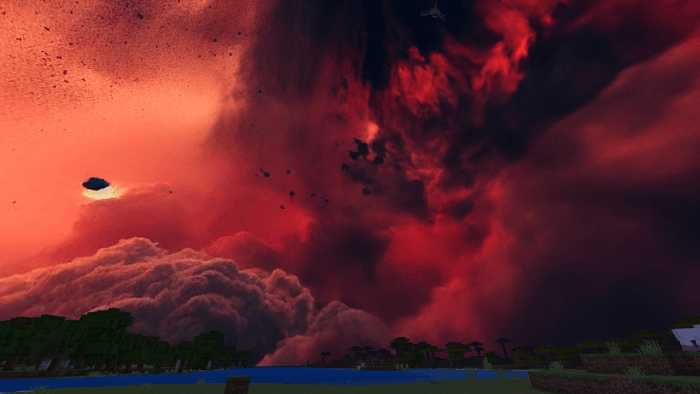
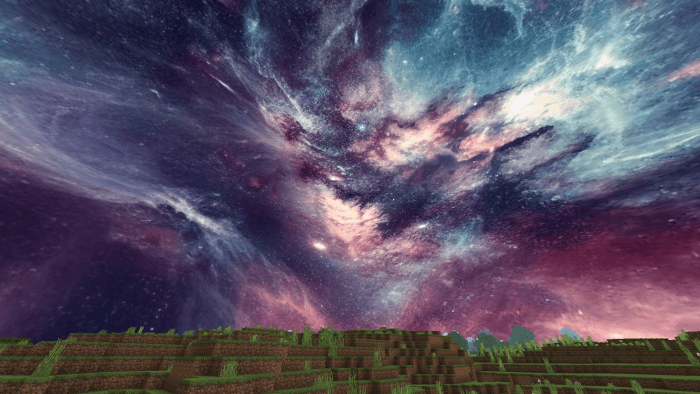
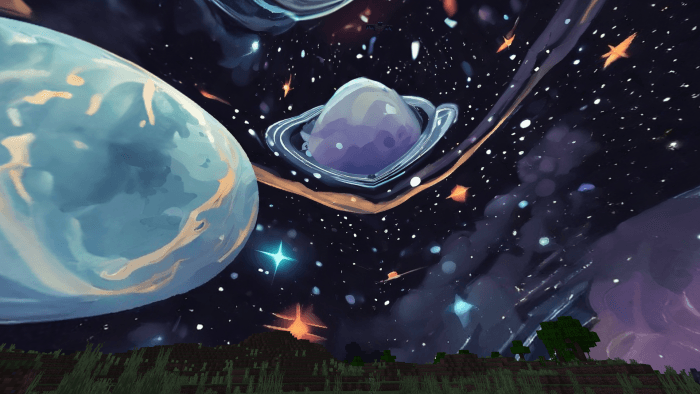
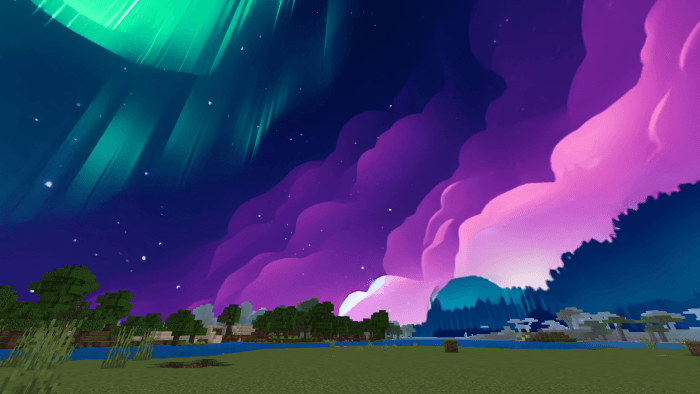
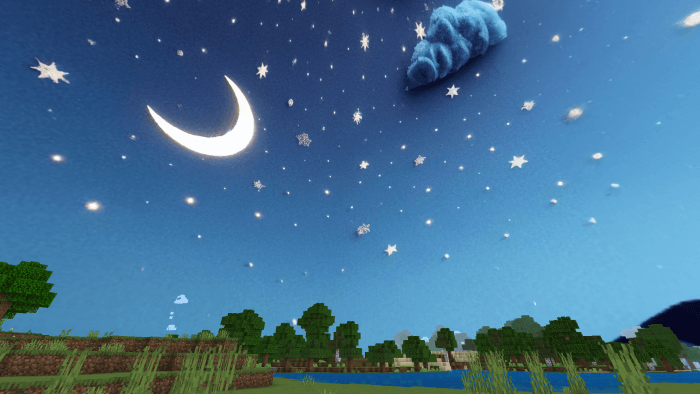
Installation Note:
- Turn Off “render clouds” in video settings.
Custom Sky/Cubemaps Texture Pack Download Links
For Minecraft PE/Bedrock 1.21, 1.20, 1.19
Custom Sky Cubemaps Texture Pack Download Links
- Edition: Minecraft Bedrock
- File type: .mcpack
- Minecraft versions listed: 1.21, 1.20
- How to install: Download the .mcpack. → Open it — Minecraft imports it under Resource Packs. → Activate it in Global Resources, or for one world under Resource Packs → Available.
- Where to get it: Opens on the file's original source — not every file is mirrored on our own servers.
Install steps are the general flow for this file type — How to install Minecraft Bedrock texture packs walks through it step by step.
Custom Sky/Cubemaps Texture Pack (1.21, 1.20) – MCPE/Bedrock is a free Minecraft Bedrock texture pack. Compatible with Minecraft 1.21, 1.20. Download it and open it directly in the game.