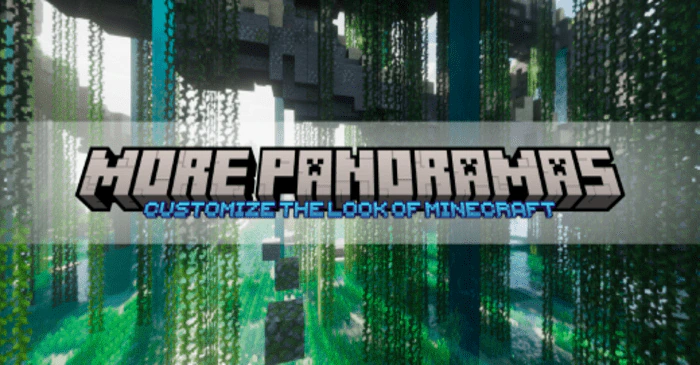
More Panoramas UI Pack (1.21, 1.20) – MCPE/Bedrock
Bedrock texture pack listed for Minecraft 1.20–1.21. Download on the author's site.
⬇ Download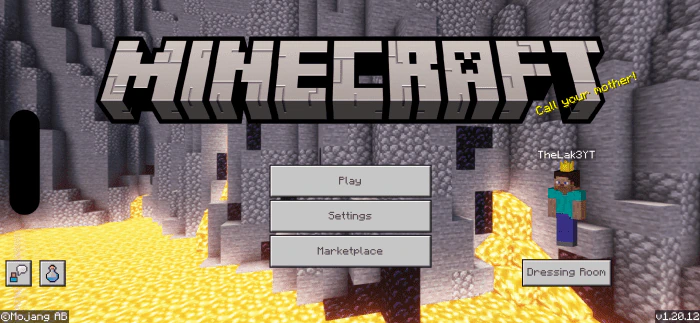
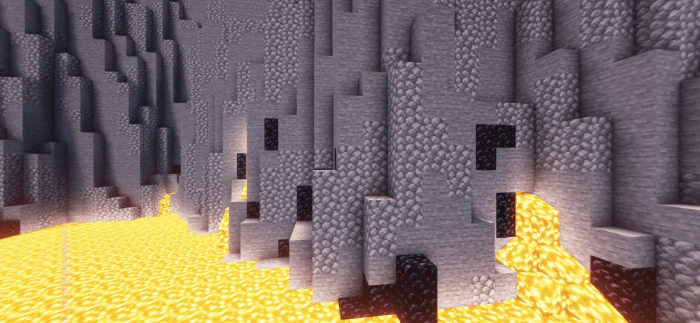
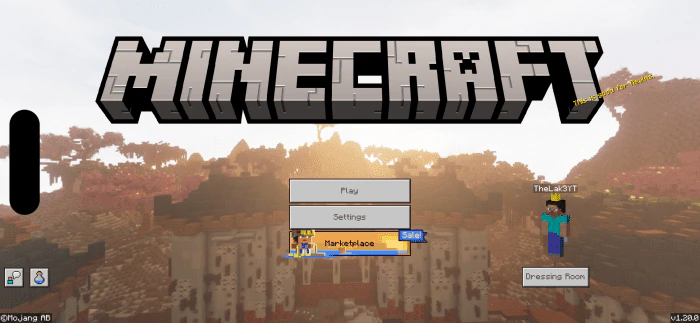
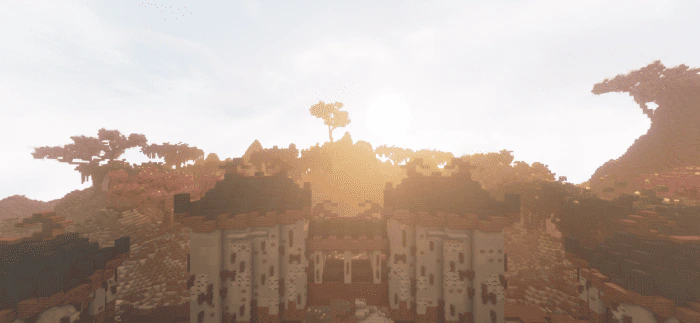
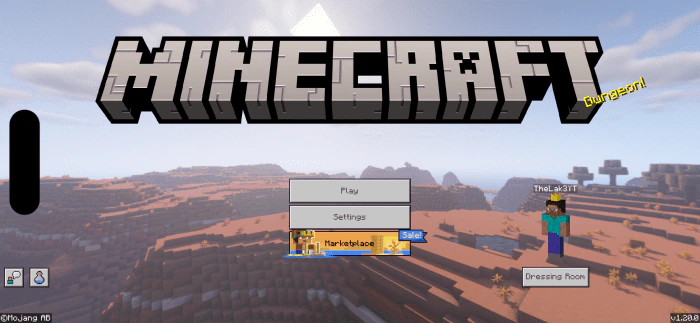
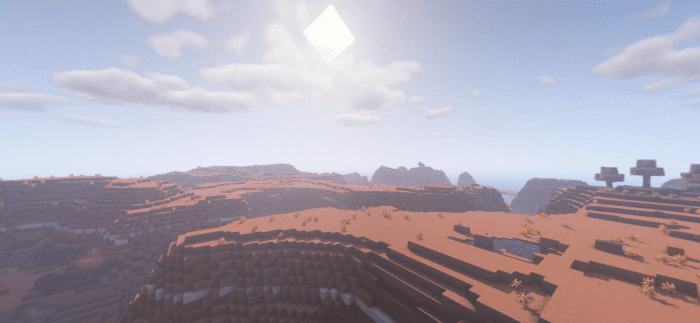
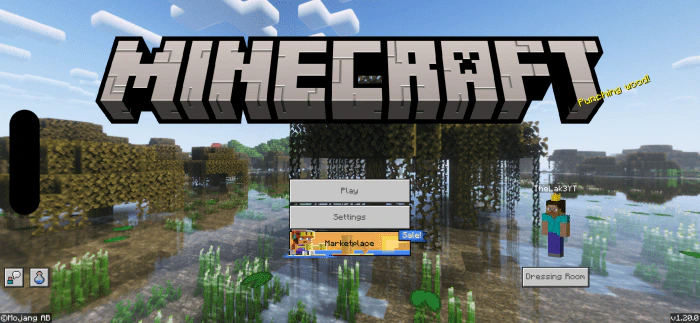
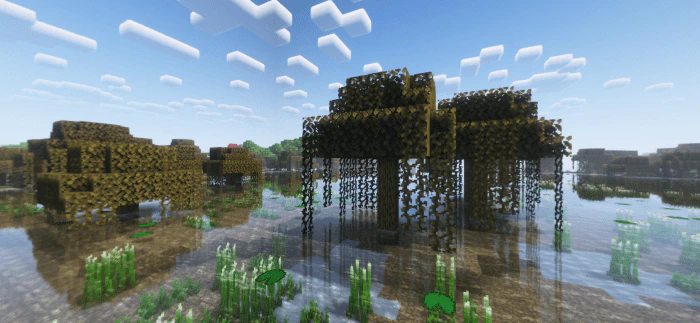
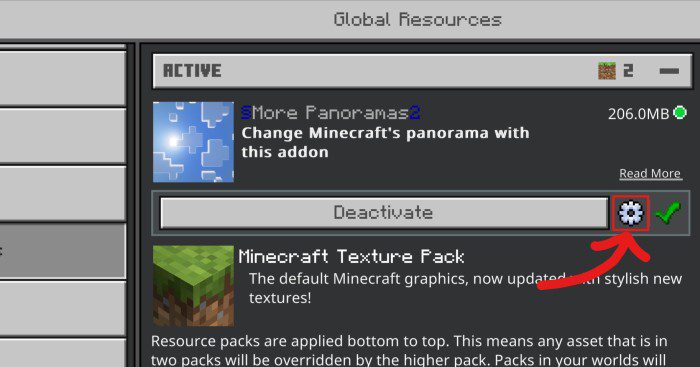
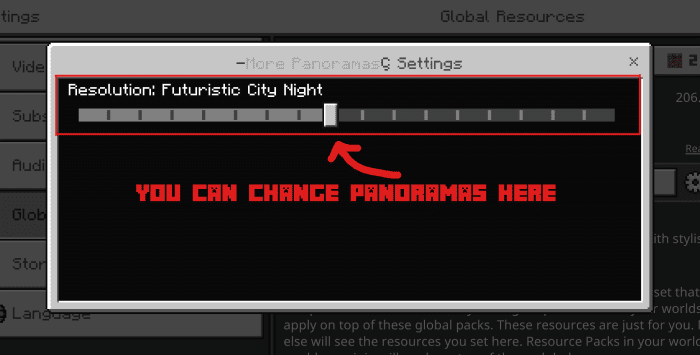
More Panoramas UI Pack currently offers 25 unique panoramas, featuring themes like lush forests, oceanic vistas, towering mountains, and even fantastical scenes such as a Blood Moon or an Enderman-themed backdrop. Players can select their preferred panorama through subpacks in the resource pack settings, allowing for easy customization.
Screenshots:
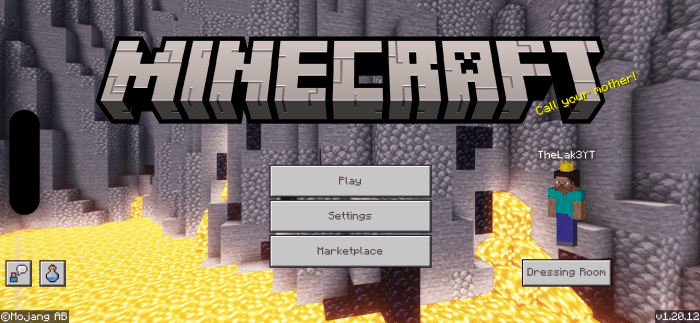
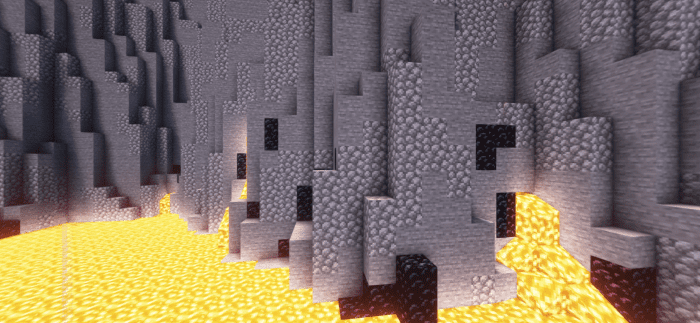
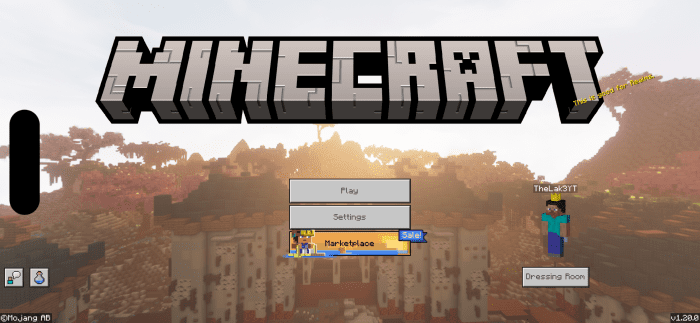
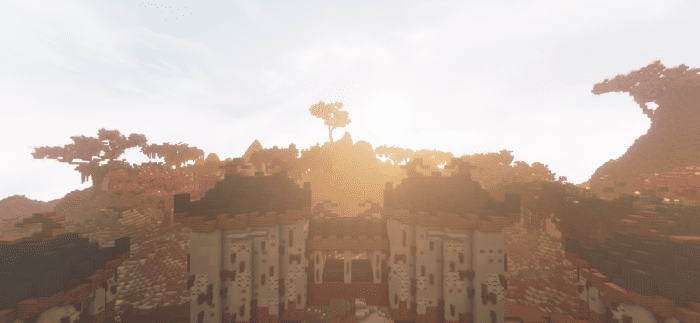
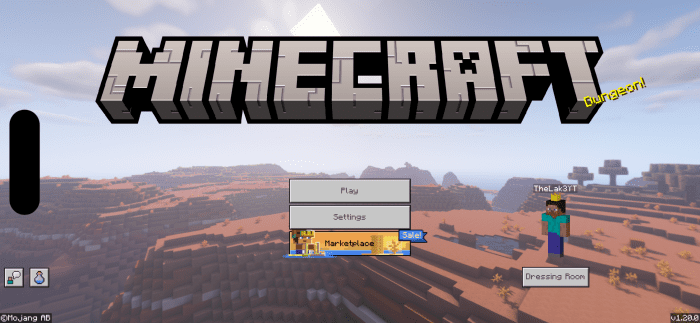
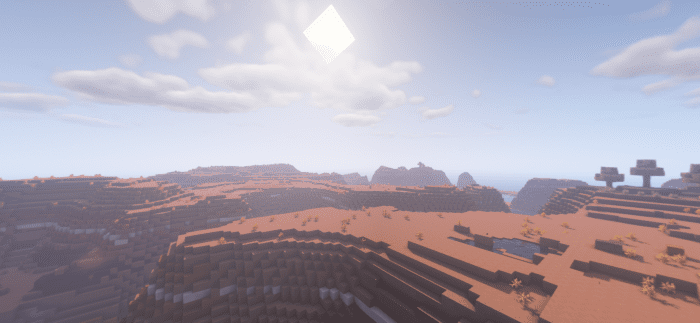
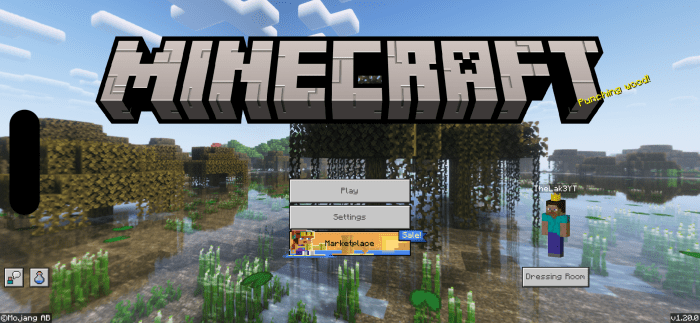
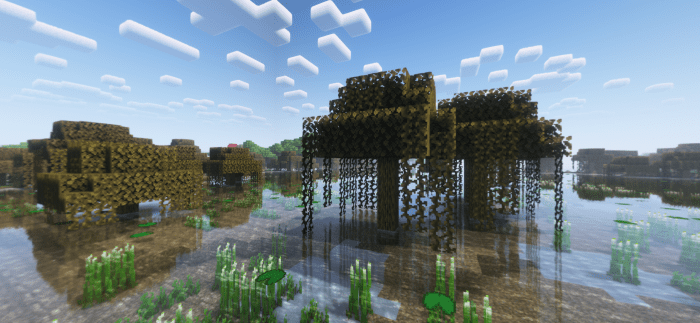
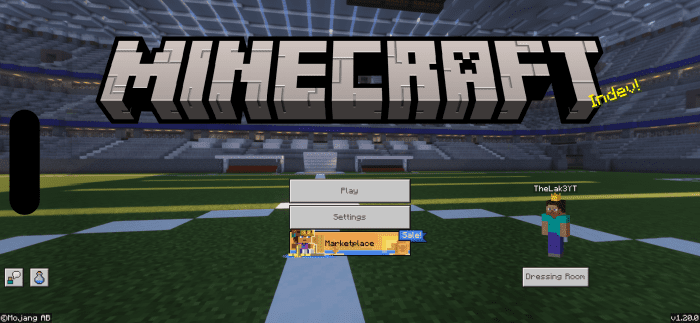
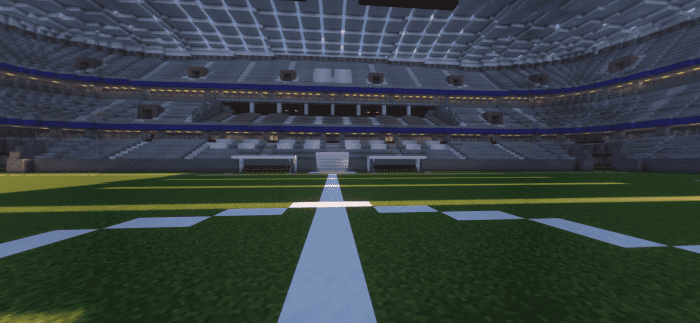
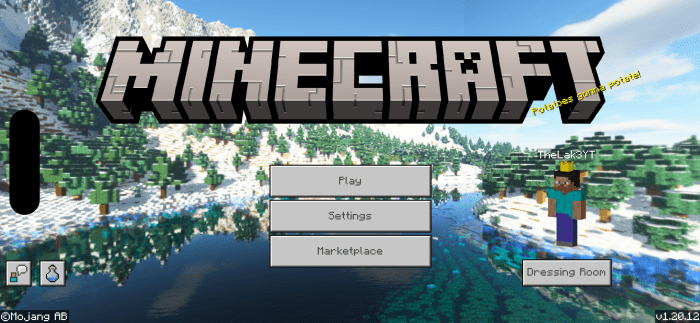
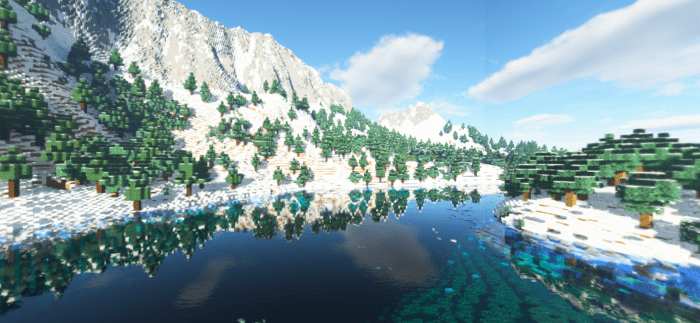
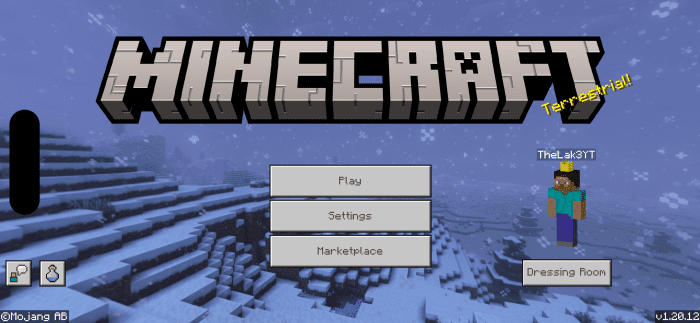
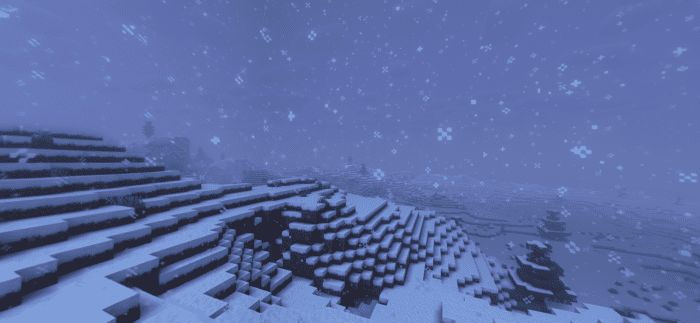
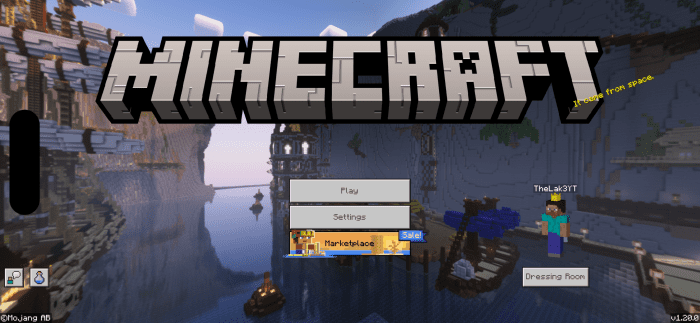
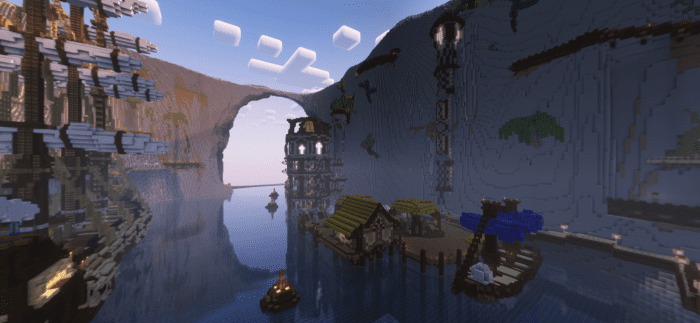
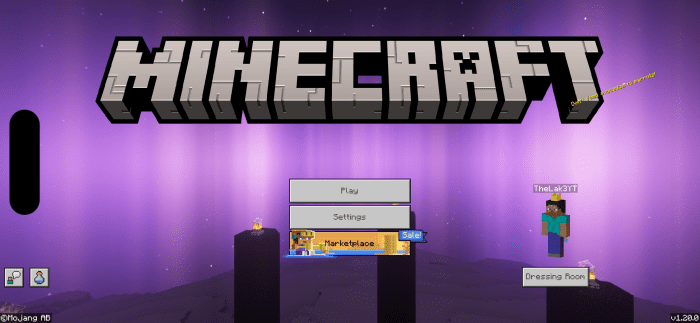
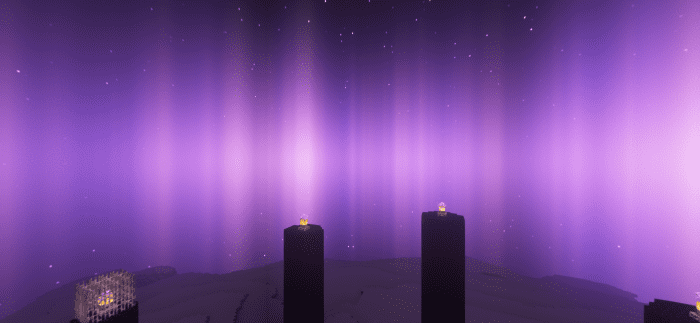
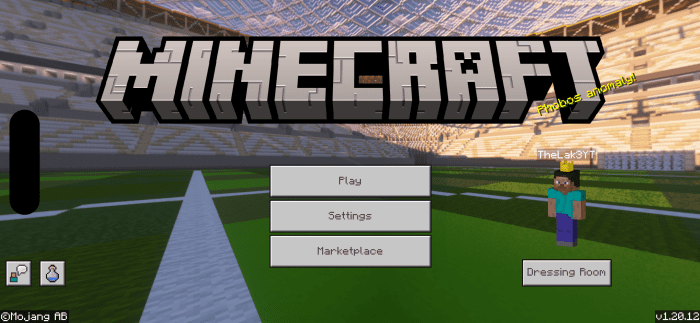
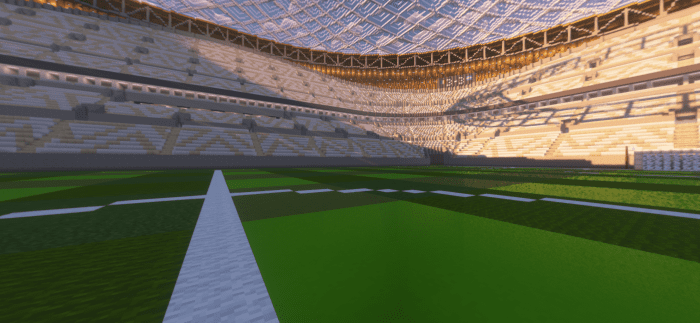
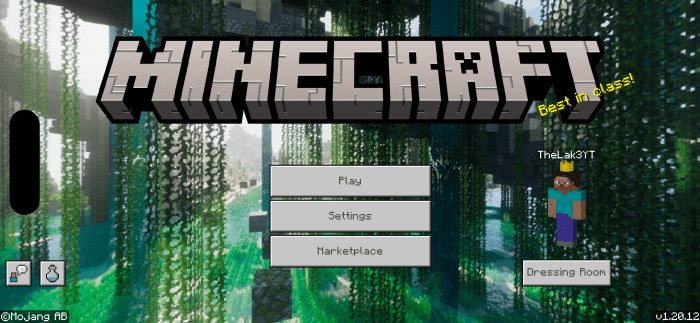
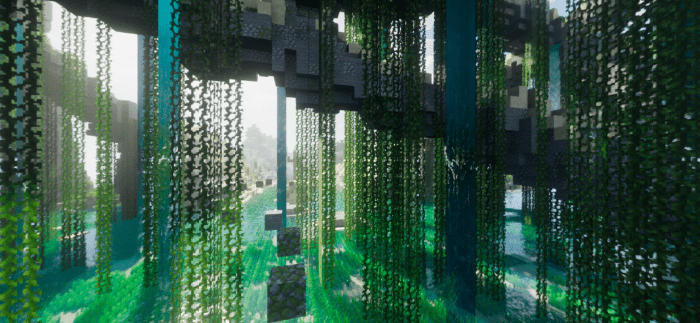
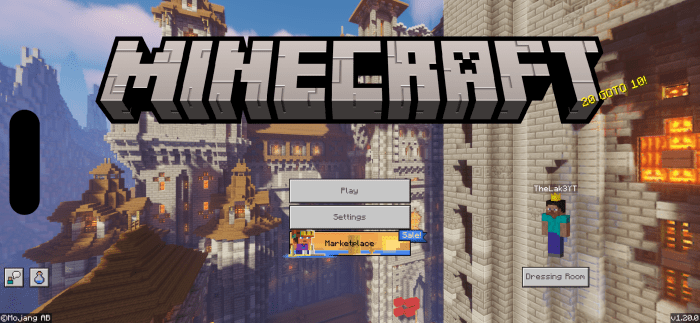
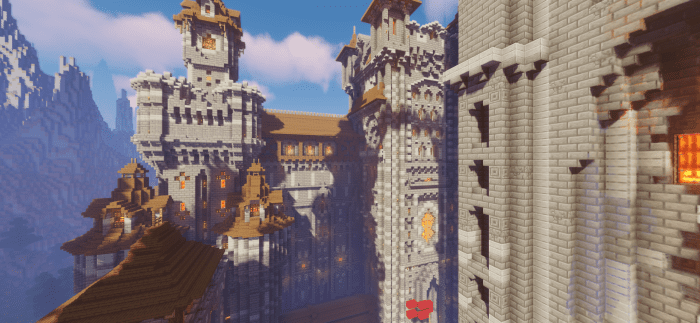
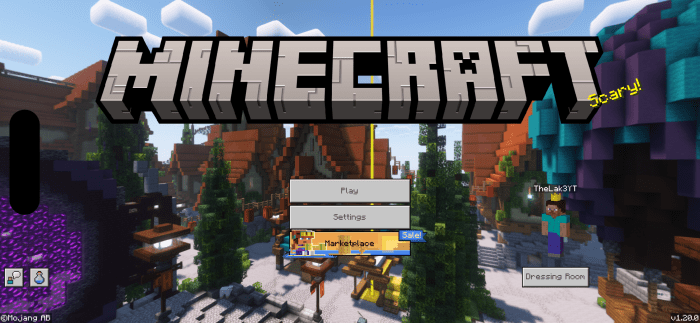
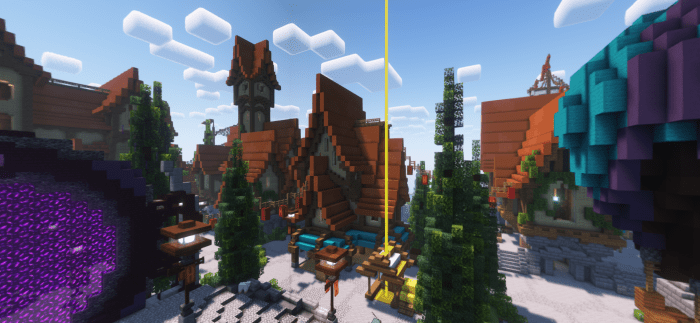
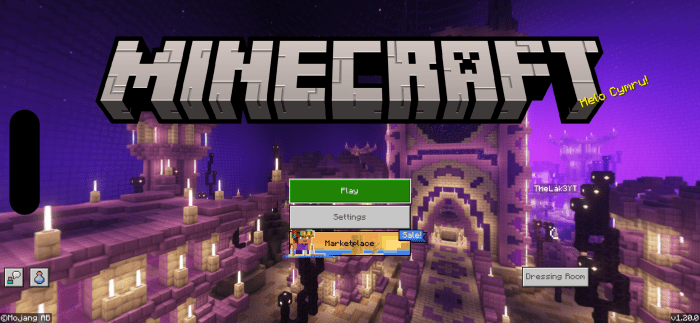
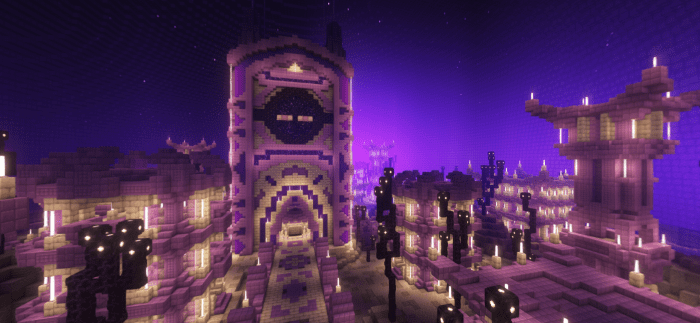
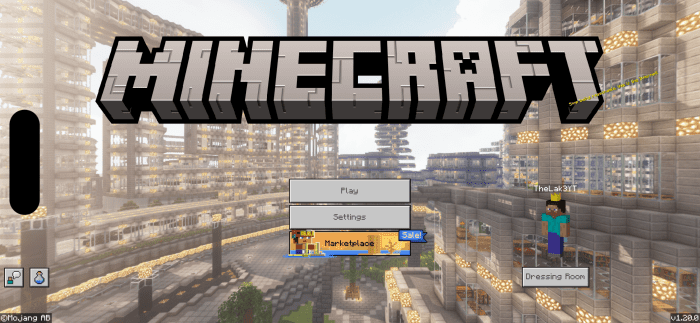
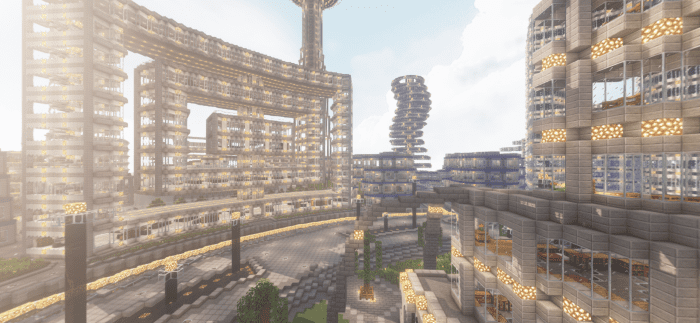
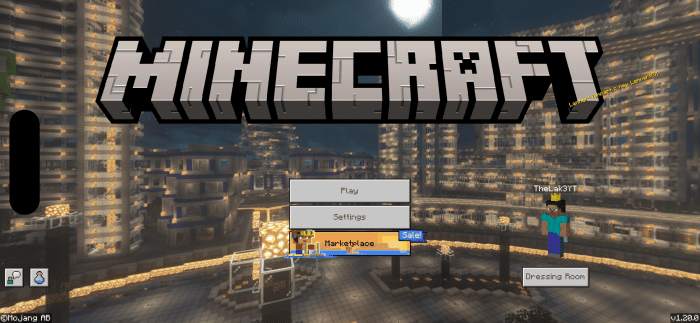
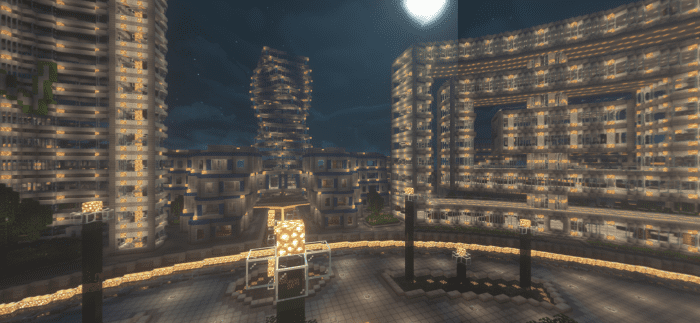
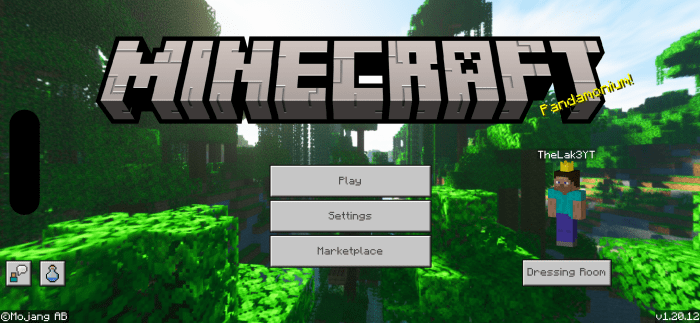
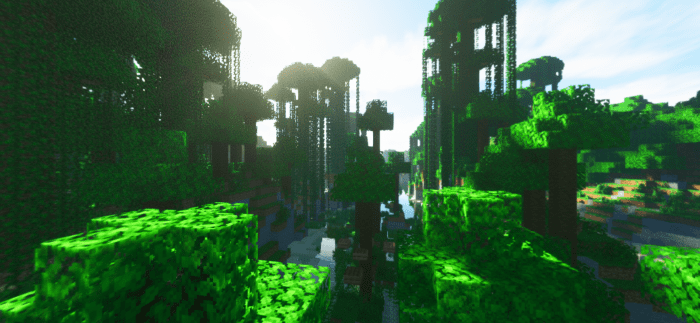
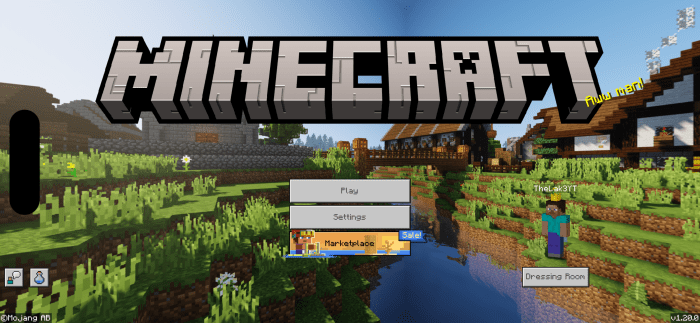
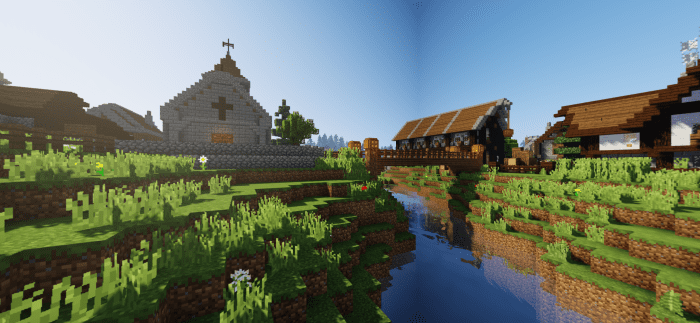
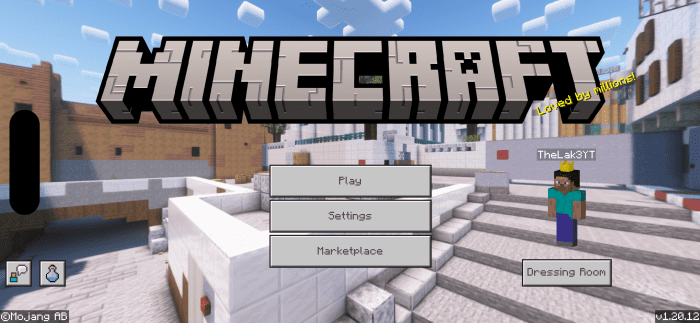
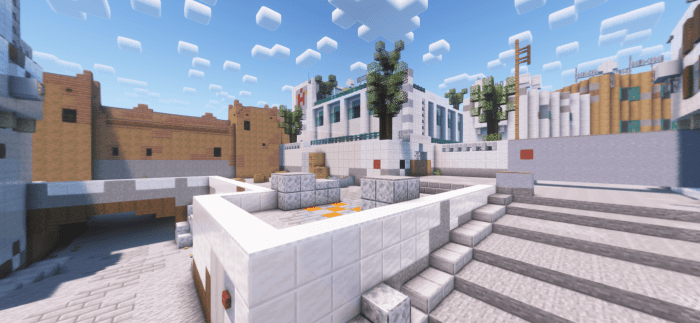
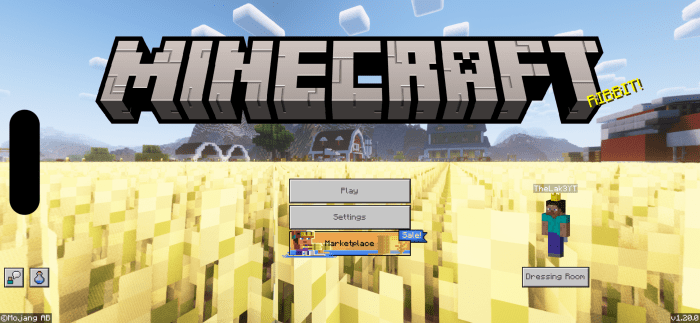
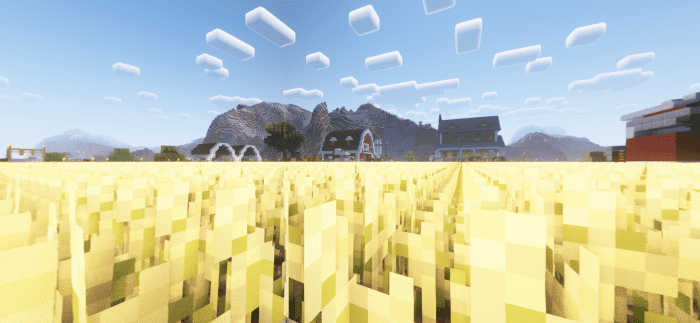
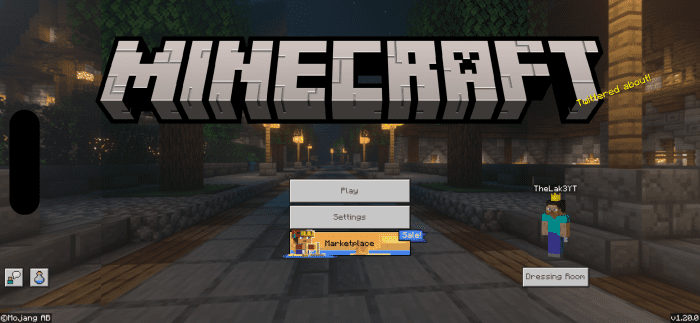
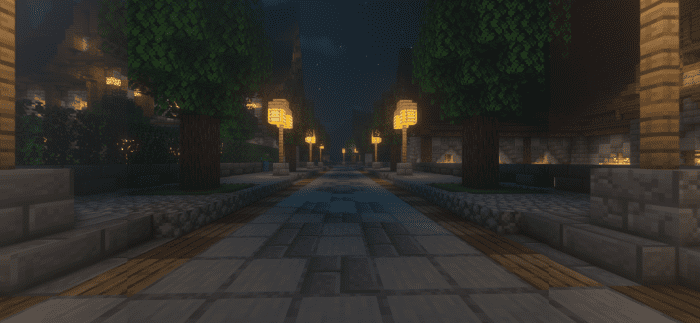
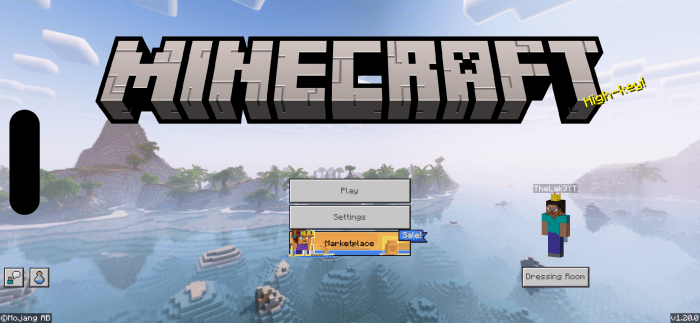
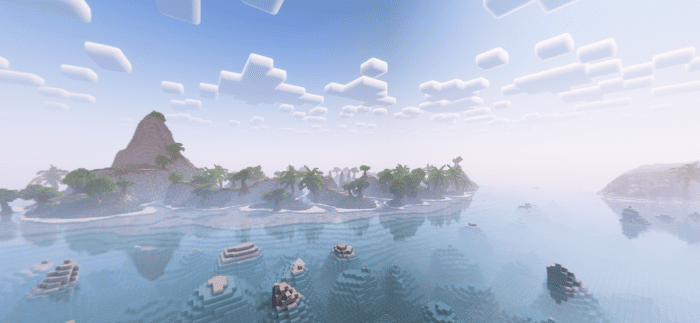
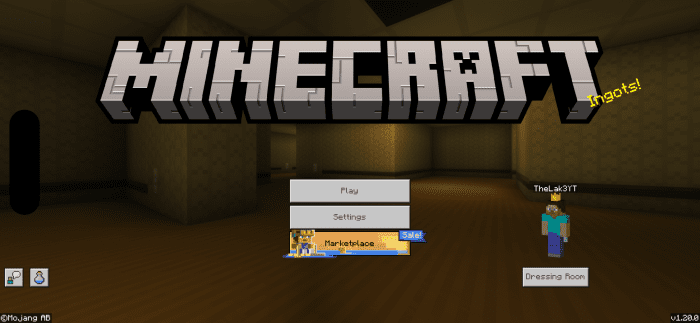
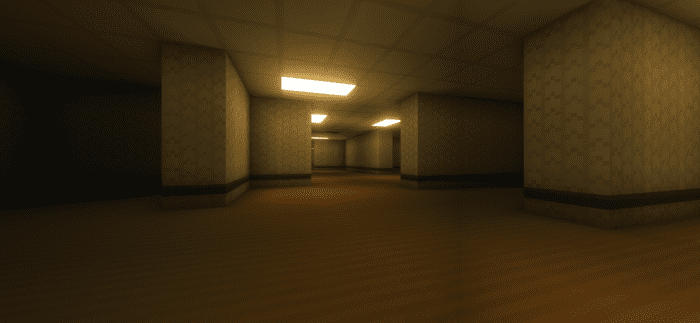
How To Change Panoramas?
- It’s very easy. Just take a look at the pictures below:
More Panoramas UI Pack Download Links
For Minecraft PE/Bedrock 1.21, 1.20
mcpack: Download from server 1
- Edition: Minecraft Bedrock
- File type: .mcpack
- Minecraft versions listed: 1.21, 1.20
- How to install: Download the .mcpack. → Open it — Minecraft imports it under Resource Packs. → Activate it in Global Resources, or for one world under Resource Packs → Available.
- Where to get it: Opens on the file's original source — not every file is mirrored on our own servers.
Install steps are the general flow for this file type — How to install Minecraft Bedrock texture packs walks through it step by step.
More Panoramas UI Pack (1.21, 1.20) – MCPE/Bedrock is a free Minecraft Bedrock texture pack. Compatible with Minecraft 1.21, 1.20. Download it and open it directly in the game.