Invisibility Hider Resource Pack (1.21, 1.20) – MCPE/Bedrock
Bedrock texture pack listed for Minecraft 1.20–1.21. Download on the author's site.
⬇ Download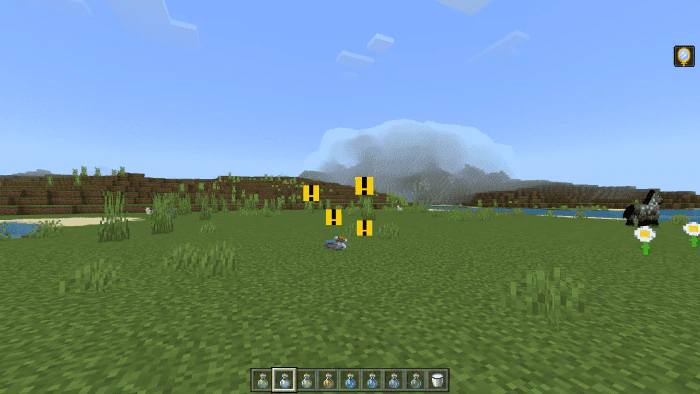
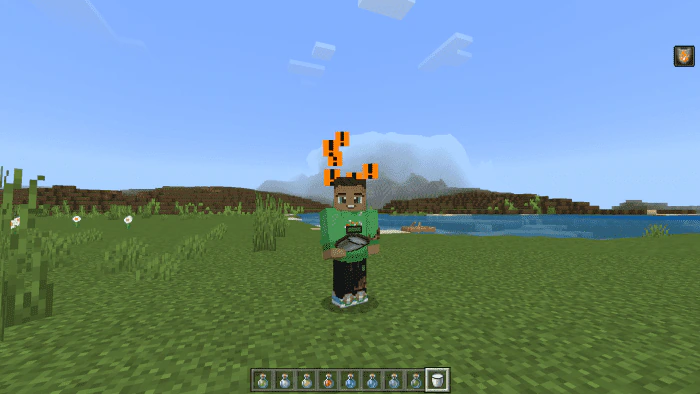
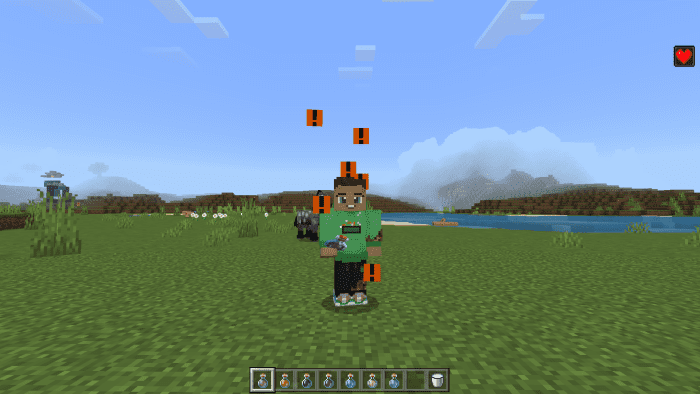
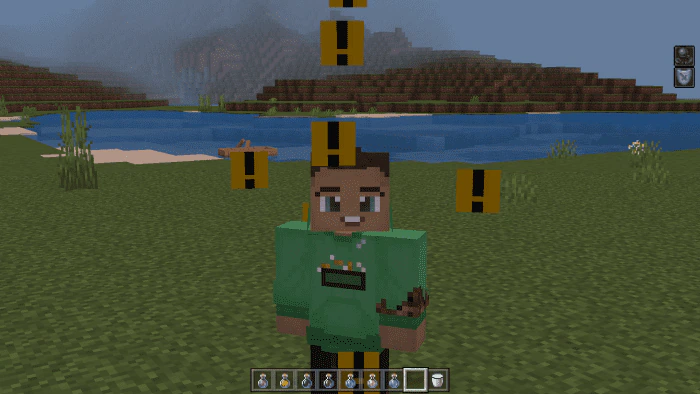
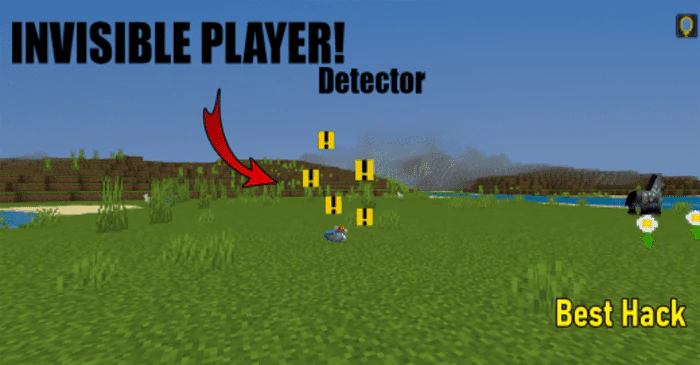
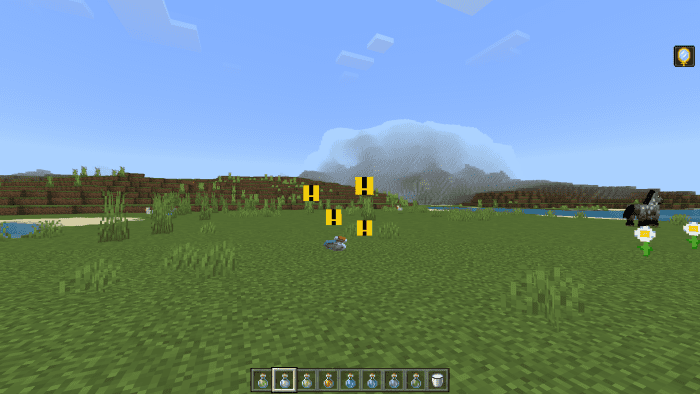
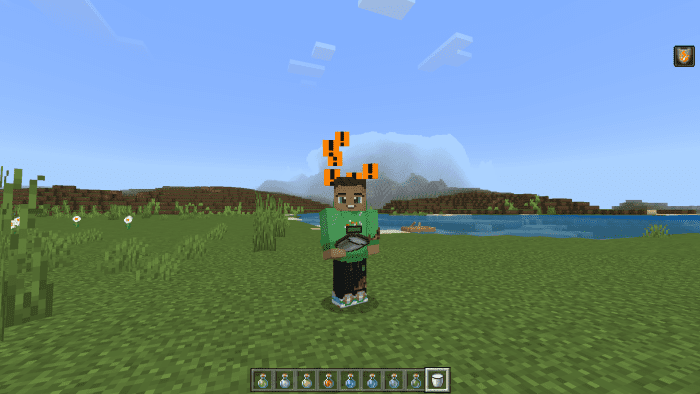
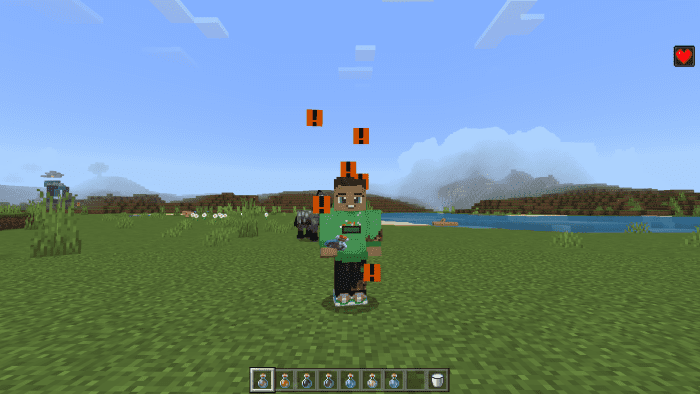
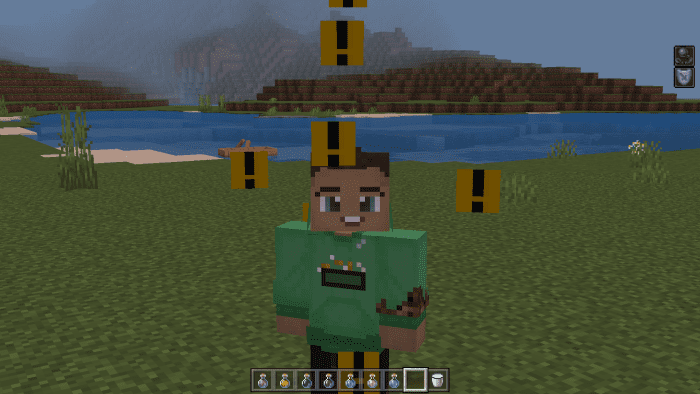
Invisibility Hider Resource Pack is a first-time invisibility hider for Minecraft Bedrock. It makes the invisible player visible by highlighting their potion particles. This feature makes it an excellent hack for Minecraft, especially for PvP and minigames. The particles of the potion become highly saturated and change color, making it easy to spot the player who has taken the invisibility potion and every other effect they have. You can use this resource pack on servers and play minigames with it, and every player using a potion will not give you any disadvantage. The particles of different potions/effects have different colors, and the invisibility potion has a yellow color. This way, you can also learn about all the effects the player has.
Credit: MOD MCPE Official Page
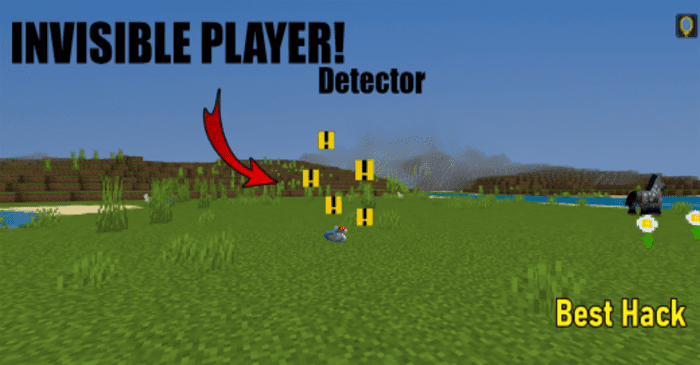
Screenshots:
Invisibility Hider Resource Pack Download Links
Credit: MOD MCPE Official Page
For Minecraft PE/Bedrock 1.21, 1.20
Invisibility Hider Resource Pack Download Links
- Edition: Minecraft Bedrock
- File type: .mcpack
- Minecraft versions listed: 1.21, 1.20
- How to install: Download the .mcpack. → Open it — Minecraft imports it under Resource Packs. → Activate it in Global Resources, or for one world under Resource Packs → Available.
- Where to get it: Opens on the file's original source — not every file is mirrored on our own servers.
Install steps are the general flow for this file type — How to install Minecraft Bedrock texture packs walks through it step by step.
Invisibility Hider Resource Pack (1.21, 1.20) – MCPE/Bedrock is a free Minecraft Bedrock texture pack. Compatible with Minecraft 1.21, 1.20. Download it and open it directly in the game.