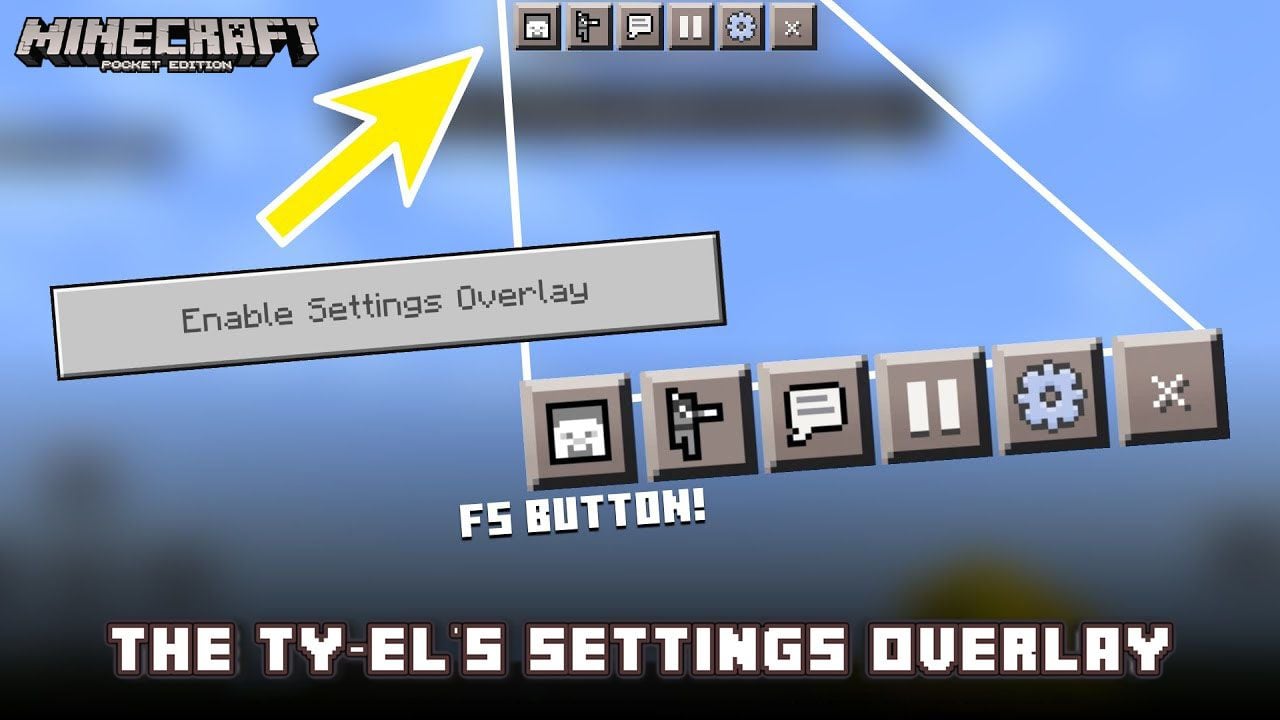
The Ty-el's Settings Overlay UI Pack (1.21, 1.20) – MCPE/Bedrock
Bedrock texture pack listed for Minecraft 1.18–1.21. File opened and checked on 18 Oct 2026; installs from the MC Bedrock Mods app on Android.
The Ty-el's Settings Overlay UI Pack is an UI treatment pack for Vanilla UI, unlike normal, this pack adds some magical screen properties to the in-game…
⬇ Download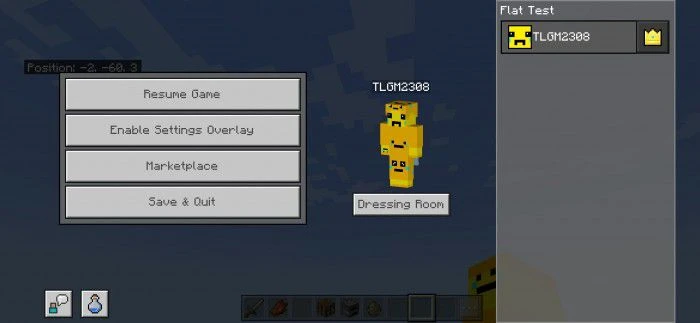


The Ty-el’s Settings Overlay UI Pack is an UI treatment pack for Vanilla UI, unlike normal, this pack adds some magical screen properties to the in-game Settings Screen to get Camera Perspective toggle on HUD (YES!) and instant Settings button! Pack only works for devices having Touch Capabilities, and is compatible with many other UI packs too!
Features:
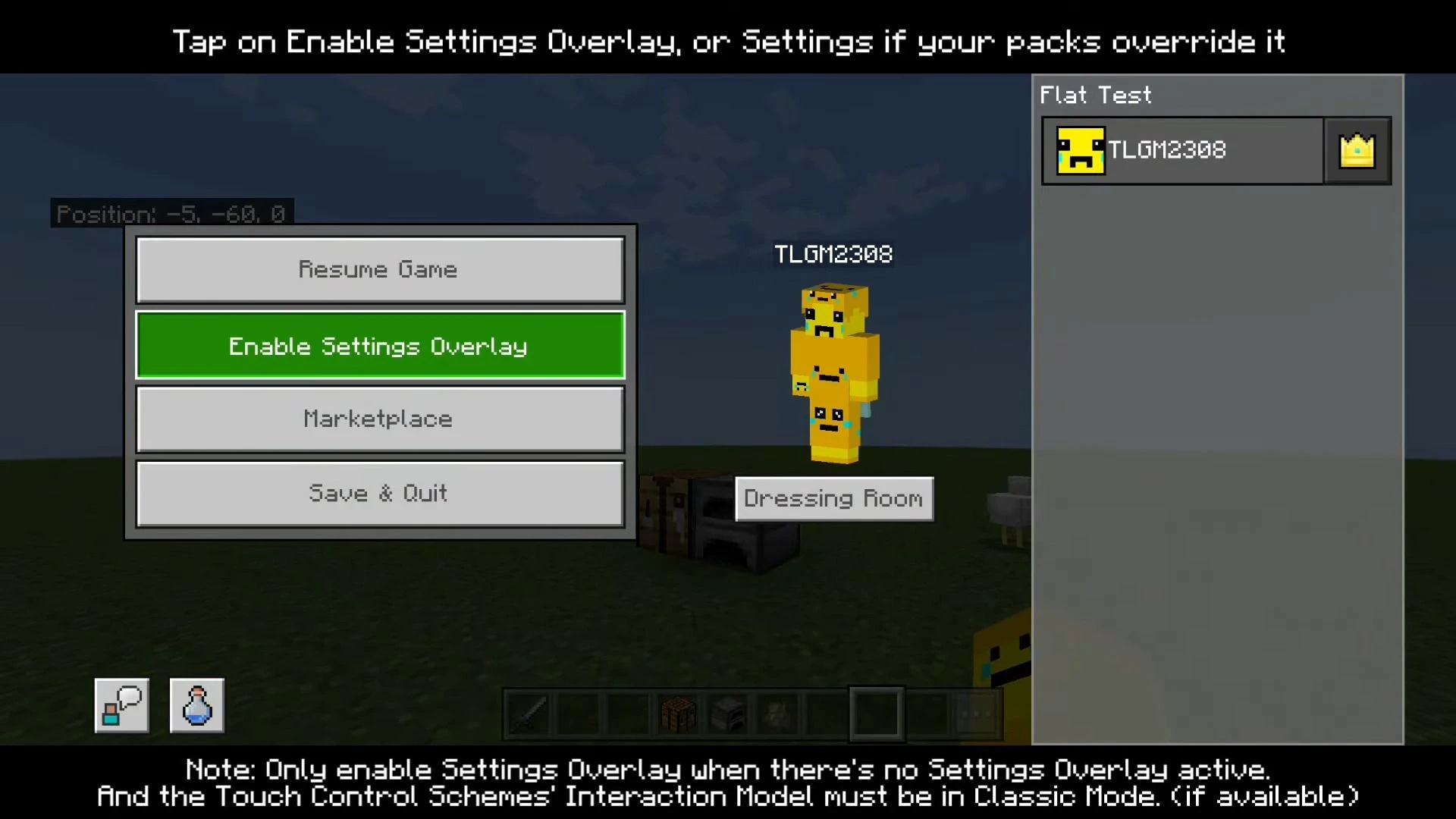
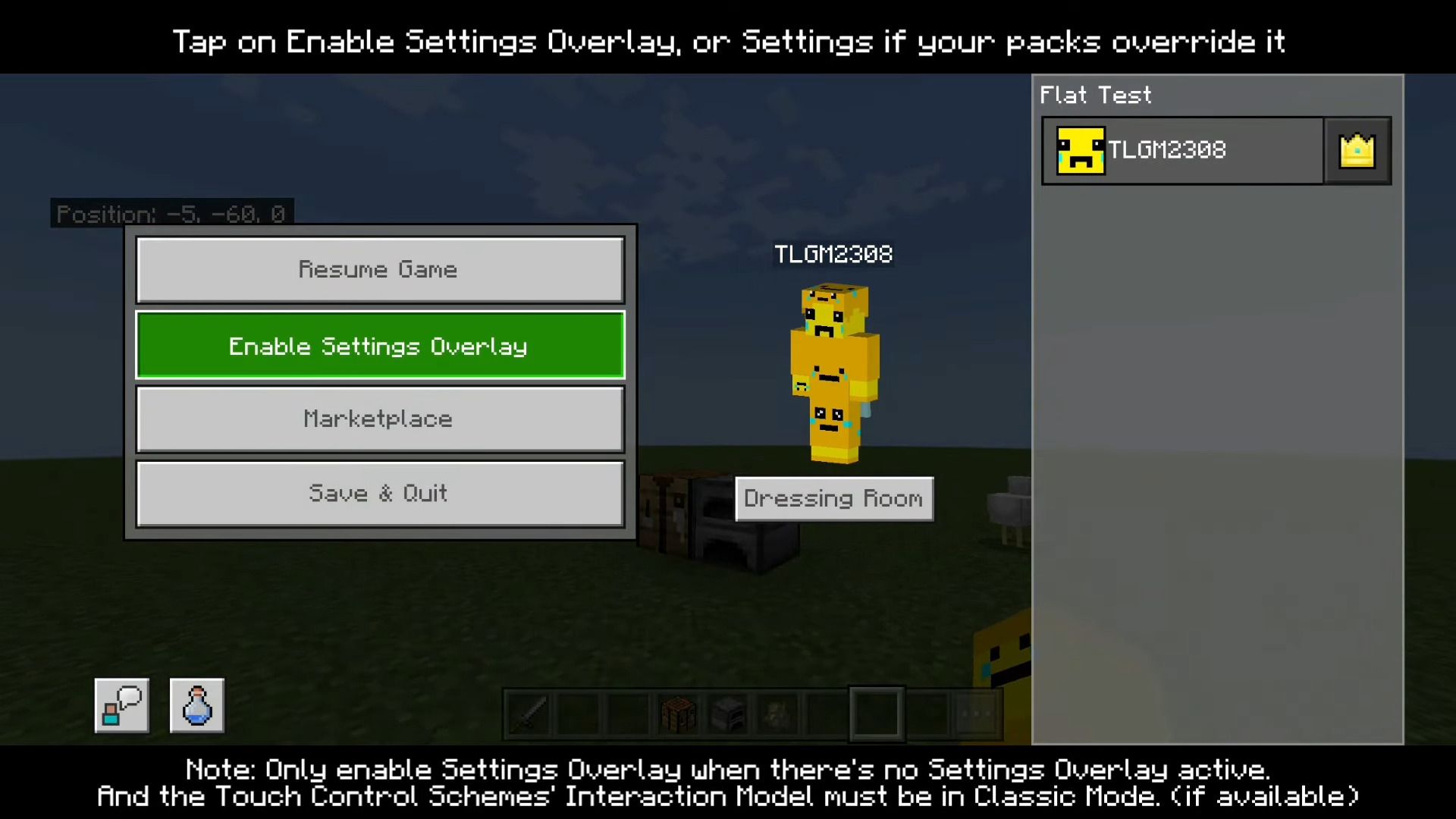
- Usage is very easy! Make sure you are in a world, and tap the Pause button to open Pause Screen.
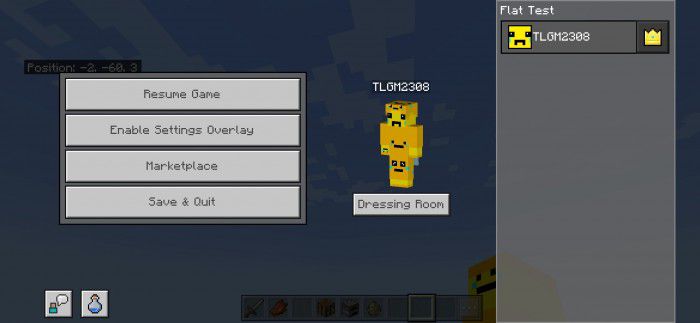
- Then tap on Enable Settings Overlay button. (it could be Settings or Options, depending on your top most packs)
- (Wait a bit, it can take a little bit of time the first time you open it.)
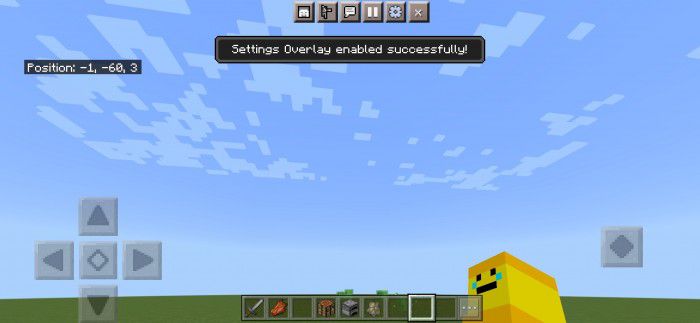
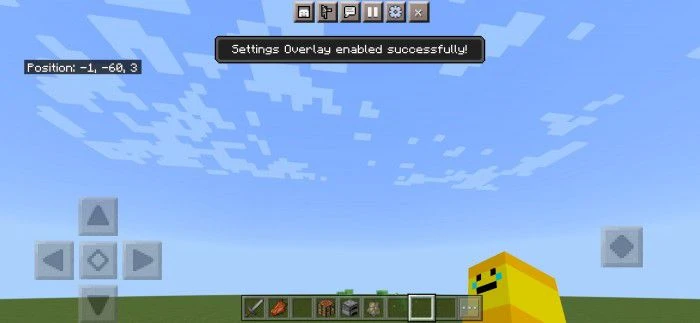
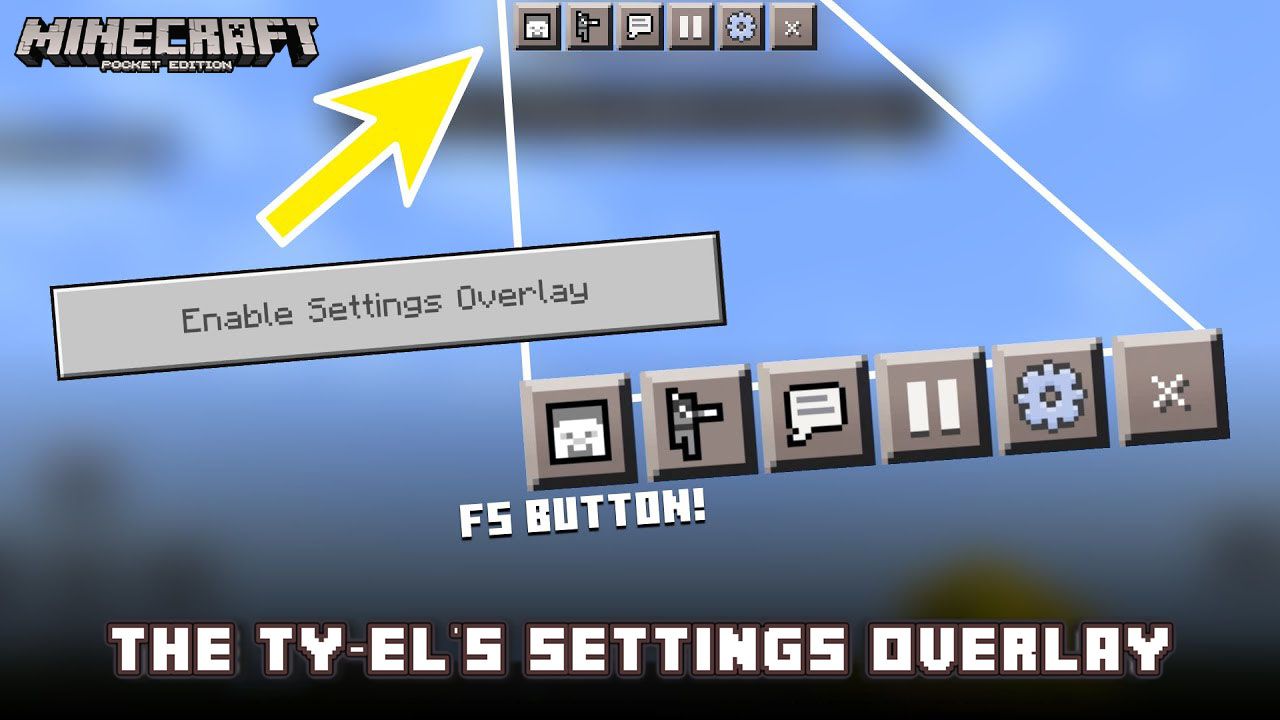
- The toast “Settings Overlay enabled successfully!” will pop up and 3 new buttons will show up on the top of the screen.
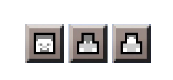
- The first button at the left most is Camera Perspective toggle! You can freely change your person perspective when playing!
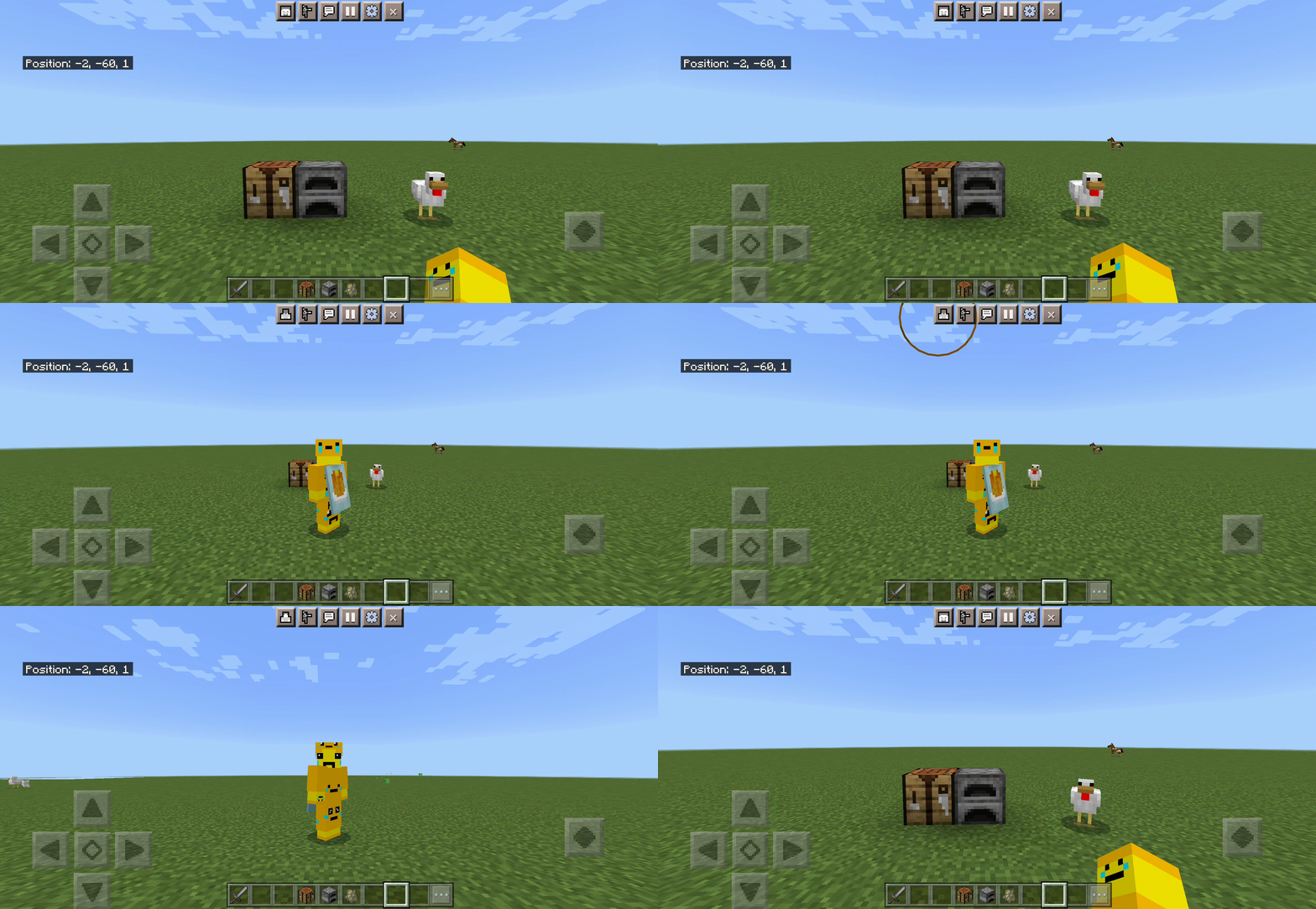
Animated GIF of Camera Perspective toggle

- The second button near the right most having gear icon is Settings button. You can modify world settings, game settings there. This is called instant Settings!

- The last button having the “x” icon is Quit Settings button, which remove Settings Overlay, back to normal gameplay and bring you back automatically to Pause Screen. This button is mainly for troubleshooting UI issues, like screen duplications when you open Settings Overlay many times.
Packs Compatibility:
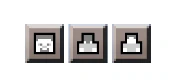
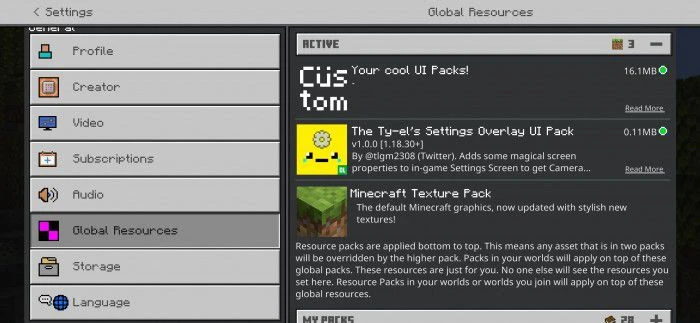
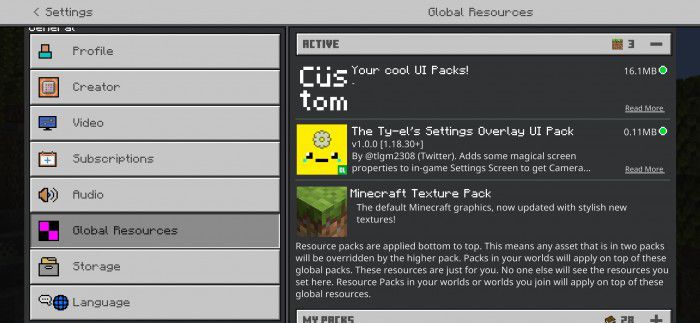
The Ty-el’s Settings Overlay UI Pack is compatible with most UI packs! But make sure you put this UI pack below those packs.
It can be like this:
Screenshots:
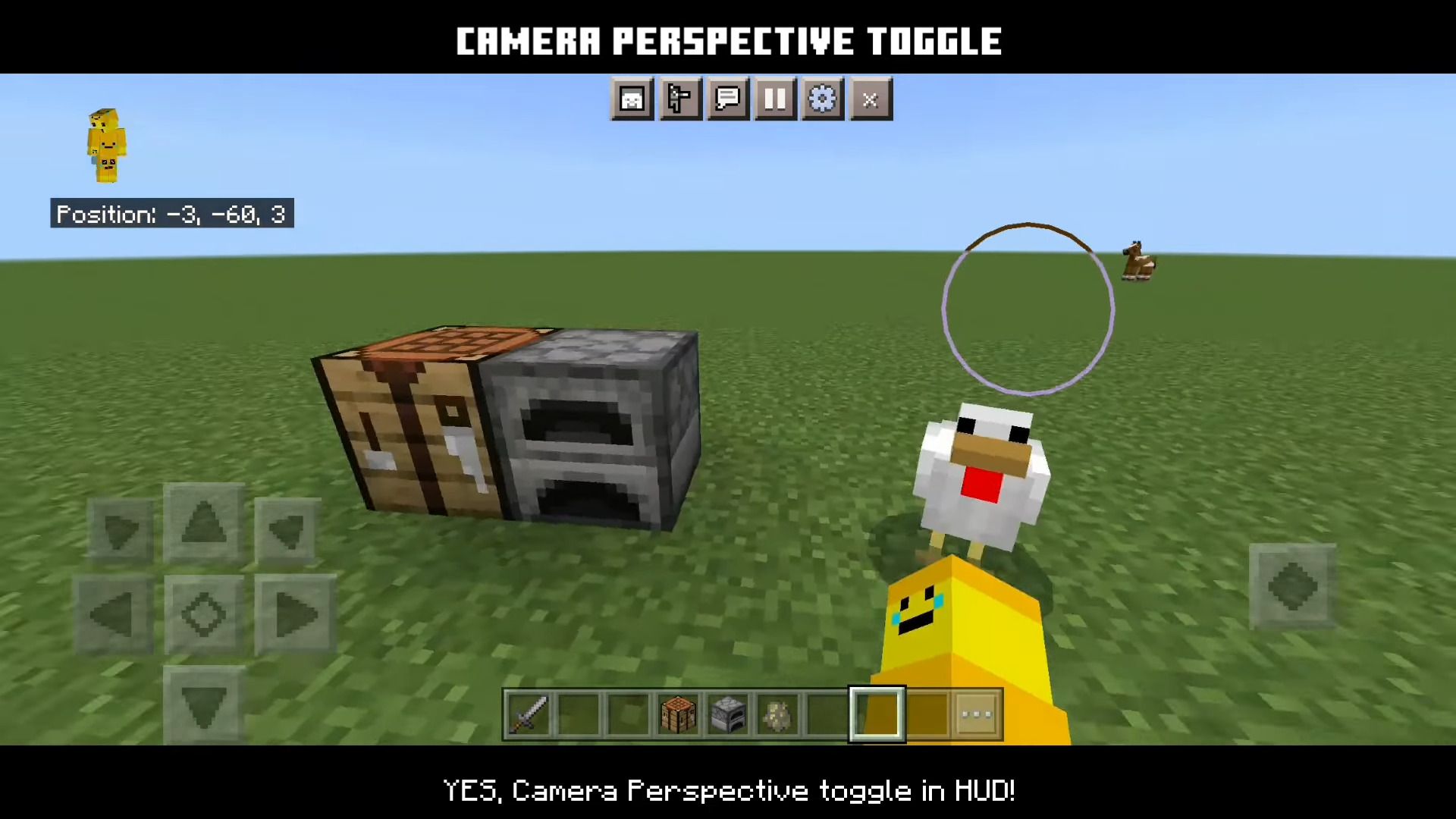
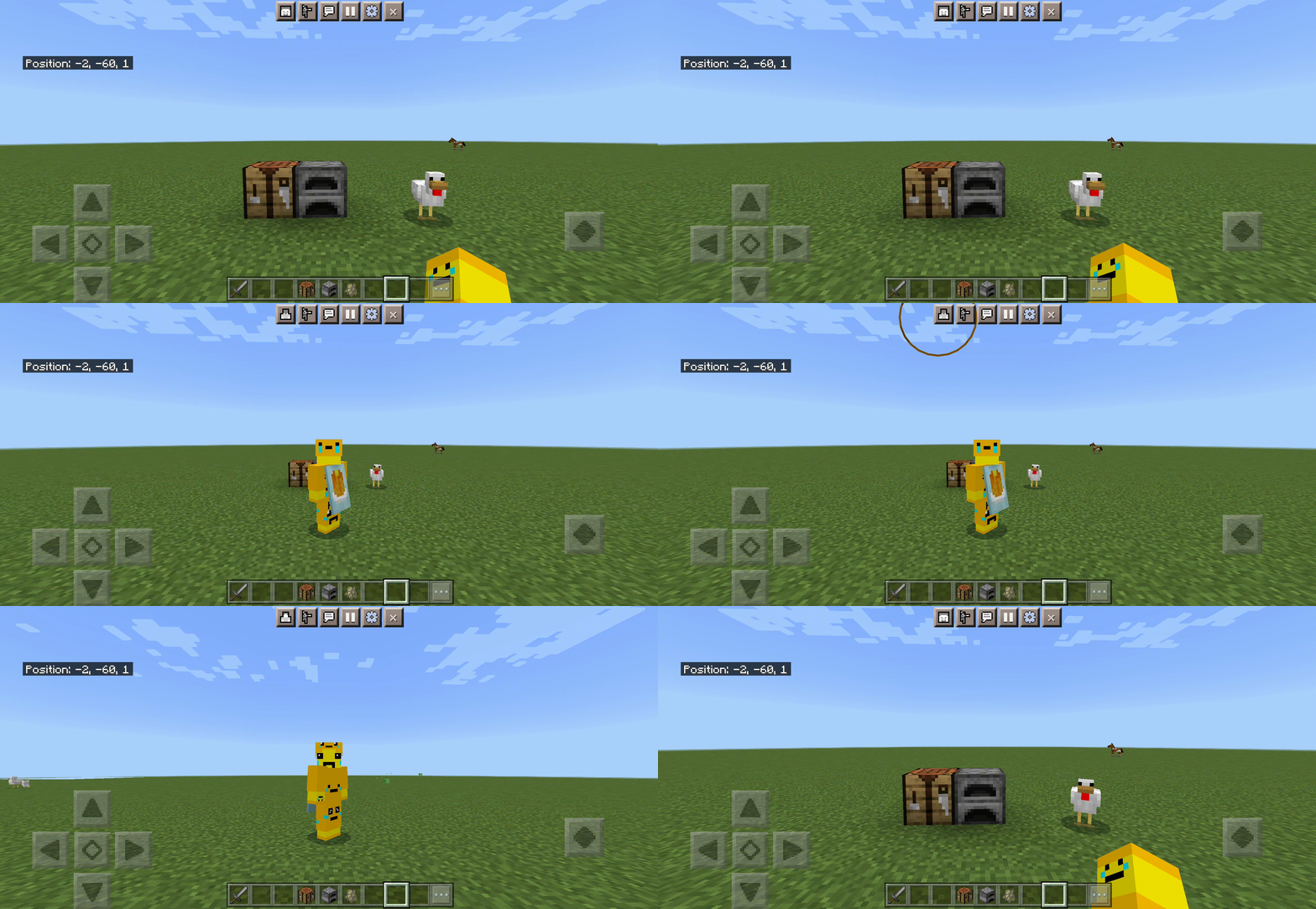
Camera perspective toggle
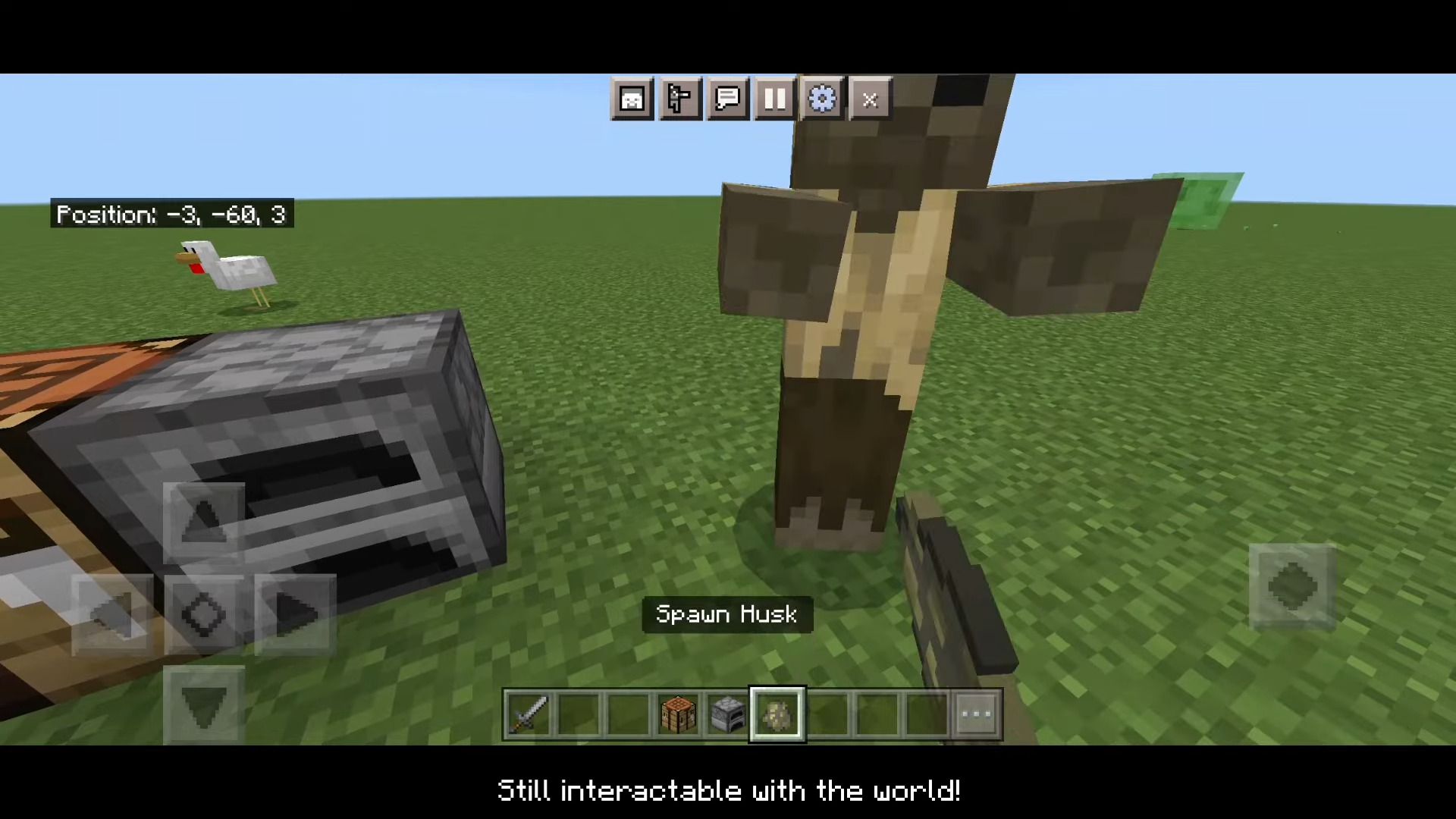
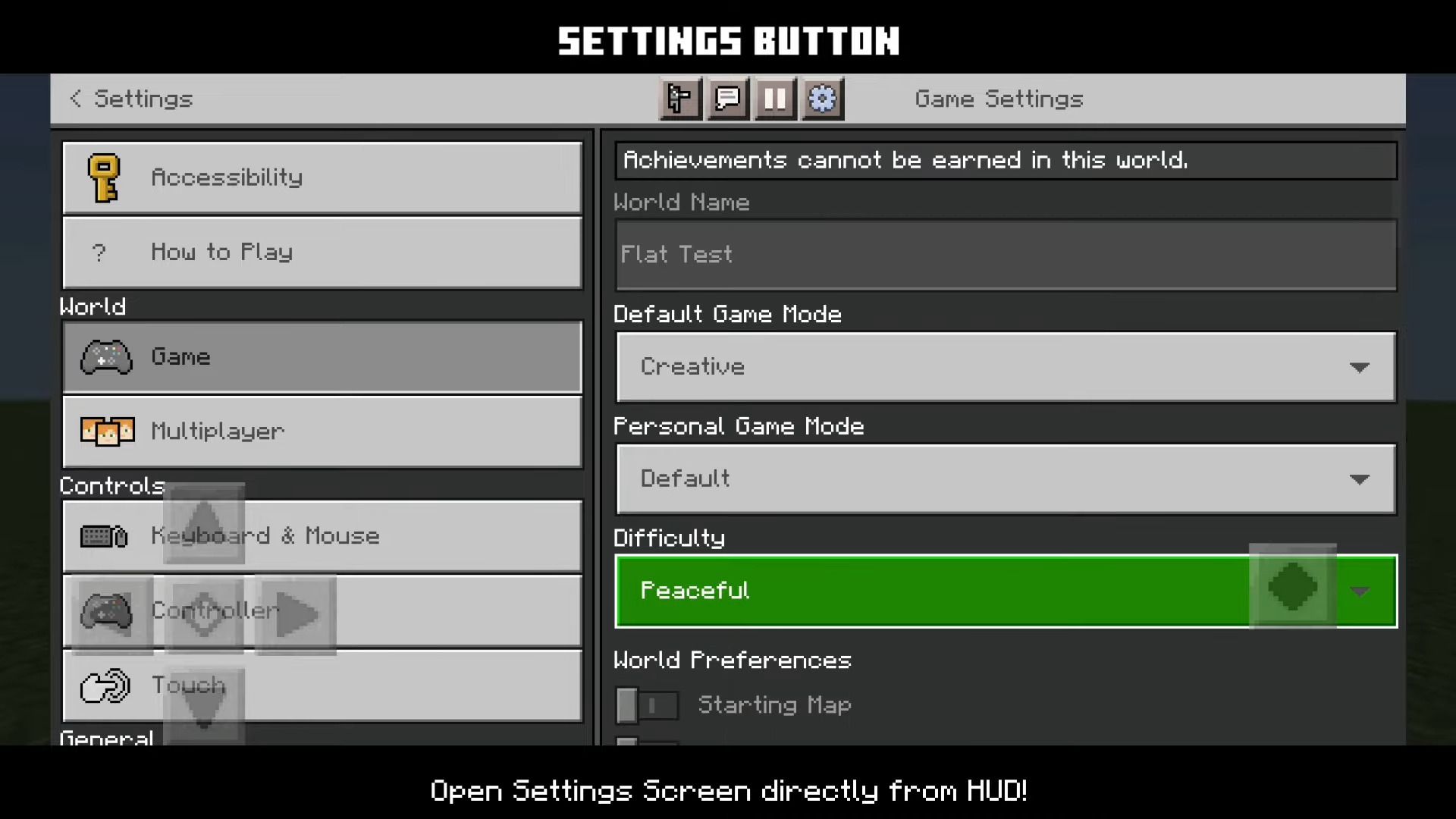
Open Settings screen directly from HUD!
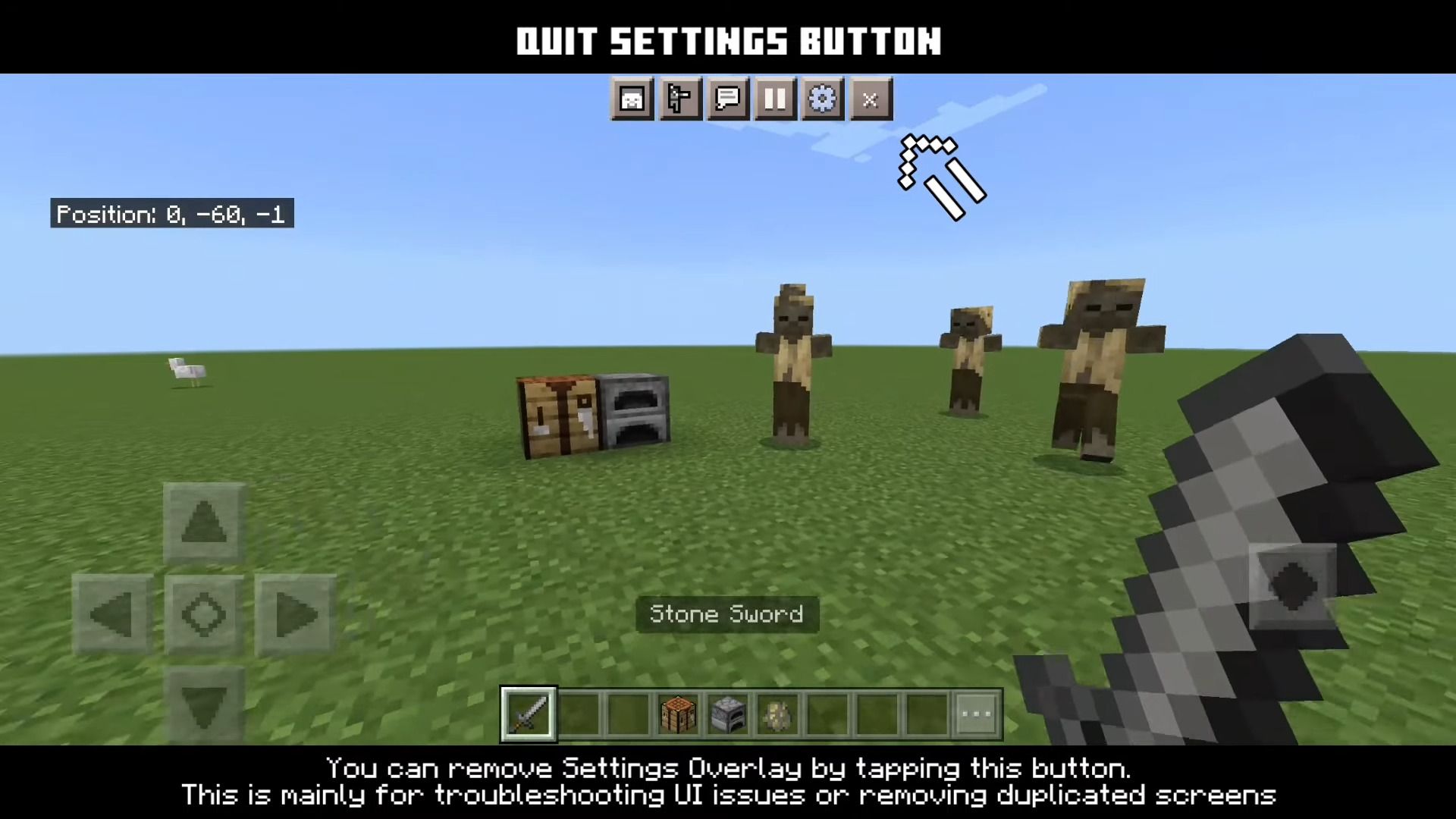
Remove the settings overlay by tapping the “Quit Button”.
Installation Note:
- This pack is for version 1.18.30 or newer, you will need to change your game Touch Control Schemes’ Interaction Model to Classic, if not, this pack will be unusable.
- This pack is made only for devices with Touch capabilities, it can be on your phone, tablet, or on PC but supports Touch, etc.
The Ty-el’s Settings Overlay UI Pack Download Links
For MCPE/Bedrock 1.19, 1.18.30+
mcpack: Download from server 1
For MCPE/Bedrock 1.20.40+ only
mcpack: Download from server 1 – Download from server 1
For MCPE/Bedrock 1.21
mcpack: Download from server 1 – Download from server 1
- Edition: Minecraft Bedrock
- File type: .mcpack
- Minecraft versions listed: 1.21, 1.20
- How to install: Download the .mcpack. → Open it — Minecraft imports it under Resource Packs. → Activate it in Global Resources, or for one world under Resource Packs → Available.
- Where to get it: In MCModsHub, or directly above on this page.
Install steps are the general flow for this file type — How to install Minecraft Bedrock texture packs walks through it step by step.
- Pack type: .mcpack — a single pack
- Manifest requires Minecraft 1.18.30 or newer
- Complete pack — everything it depends on is inside the file
- Download size: 41 KB
- Download link checked 17 Jun 2026 — working
- Mirrored on our own servers — the download does not depend on the original host
These come from our own check of the pack file, not from the source page.