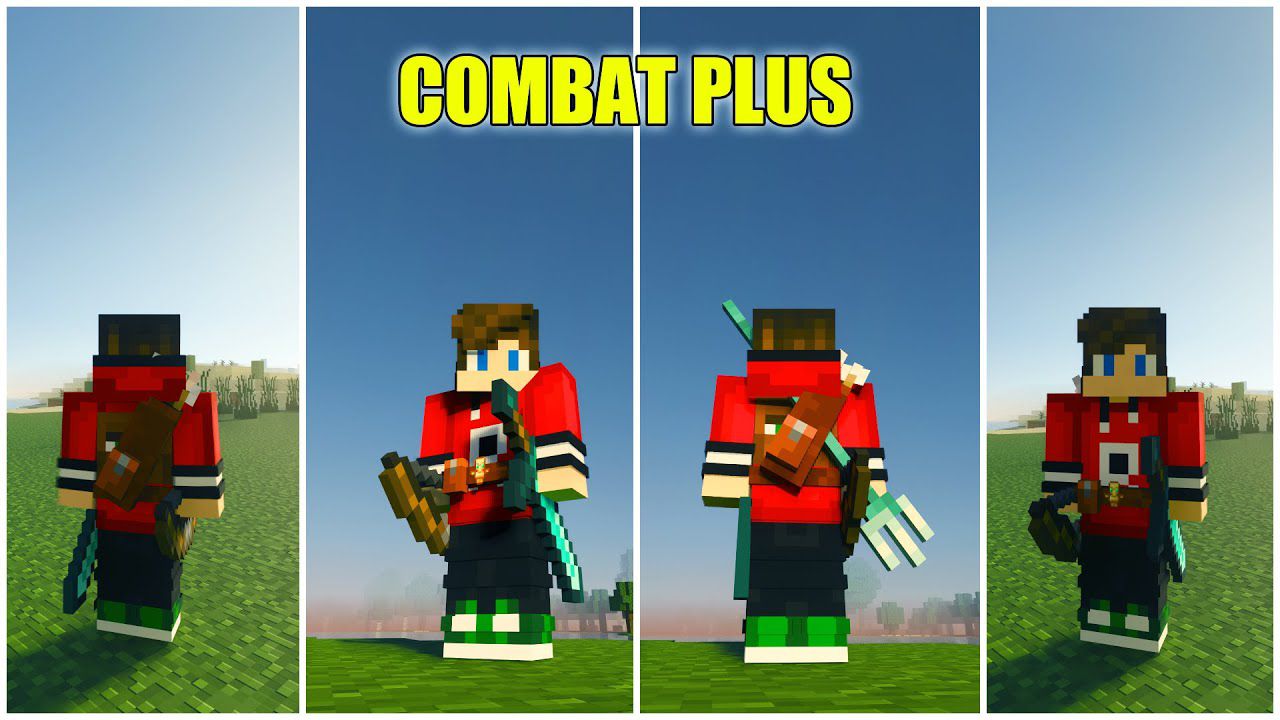
Combat Plus Texture Pack (26.x, 1.20) – Tool Belt for MCPE/Bedrock
Bedrock texture pack listed for Minecraft 1.17–1.20. File opened and checked on 3 Oct 2026; installs from the MC Bedrock Mods app on Android.
⬇ Download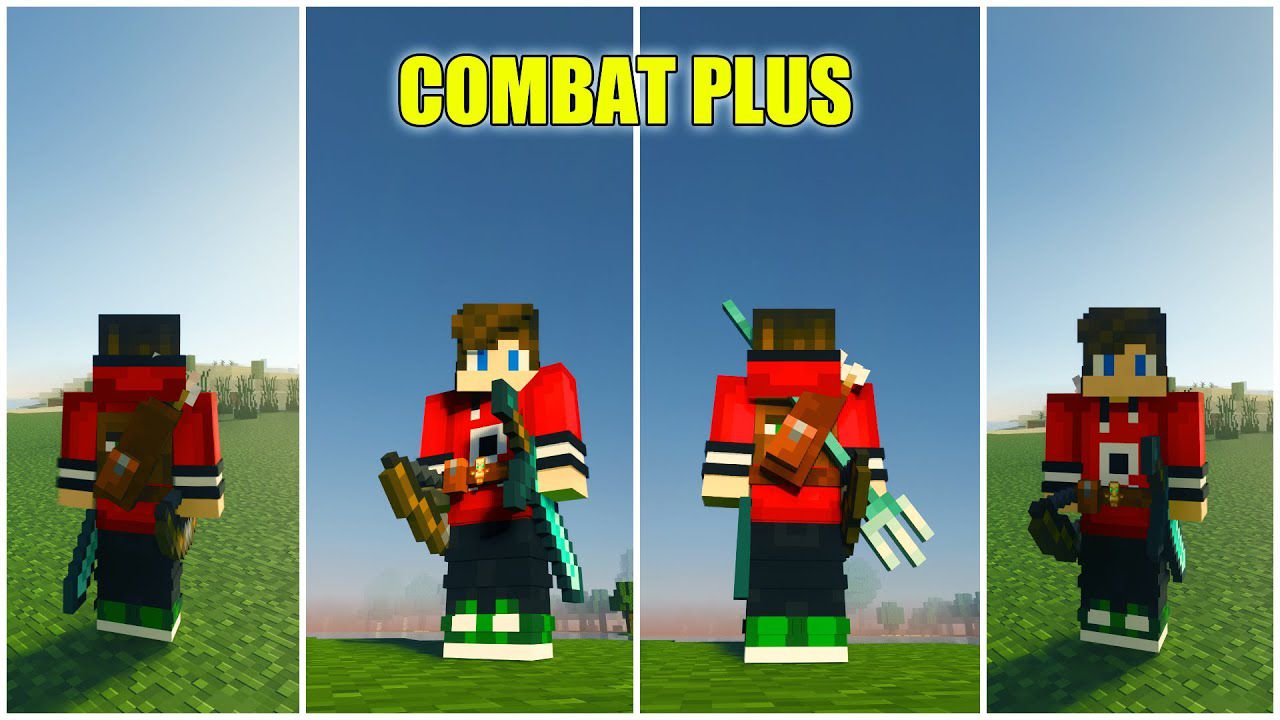
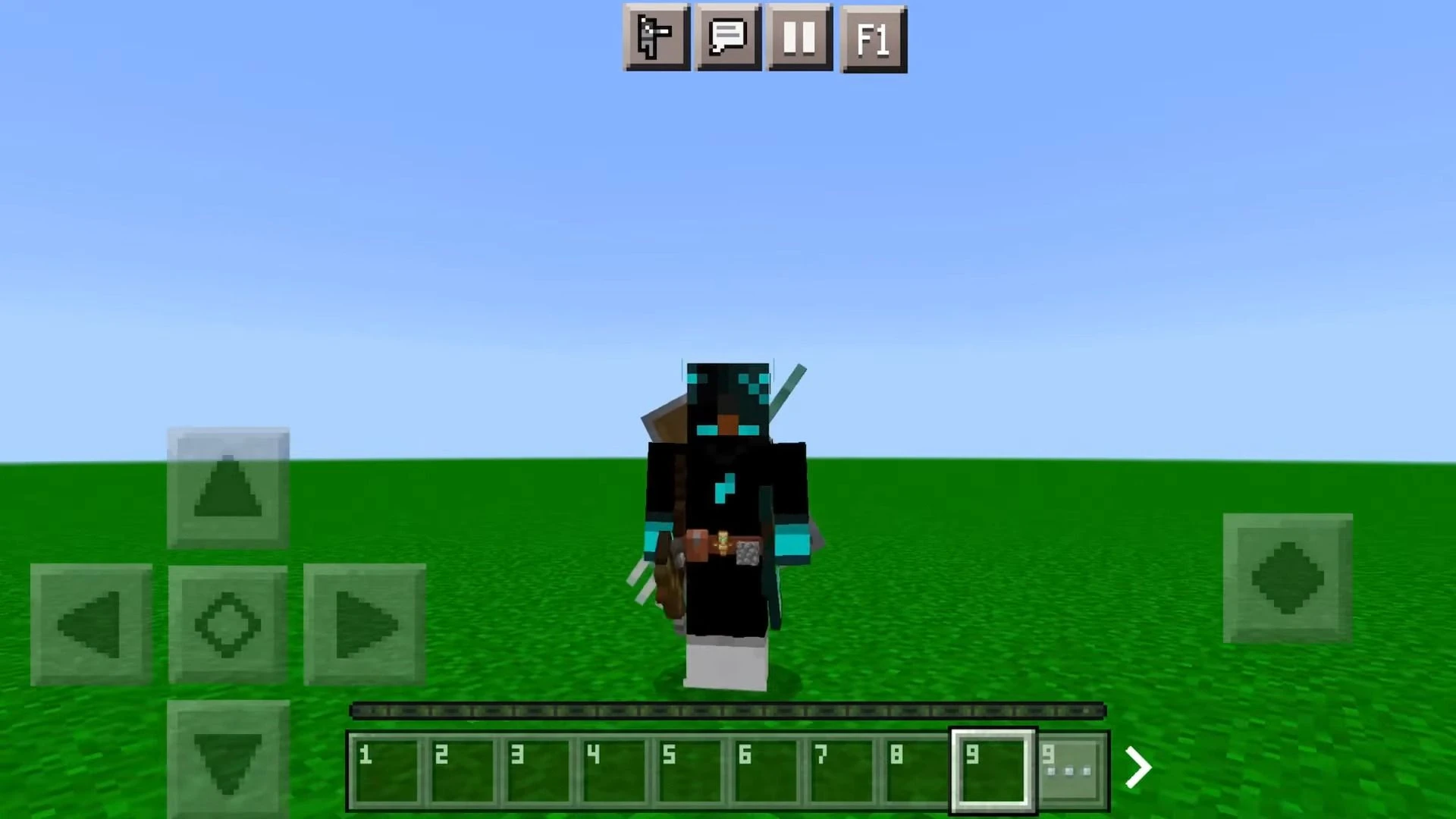
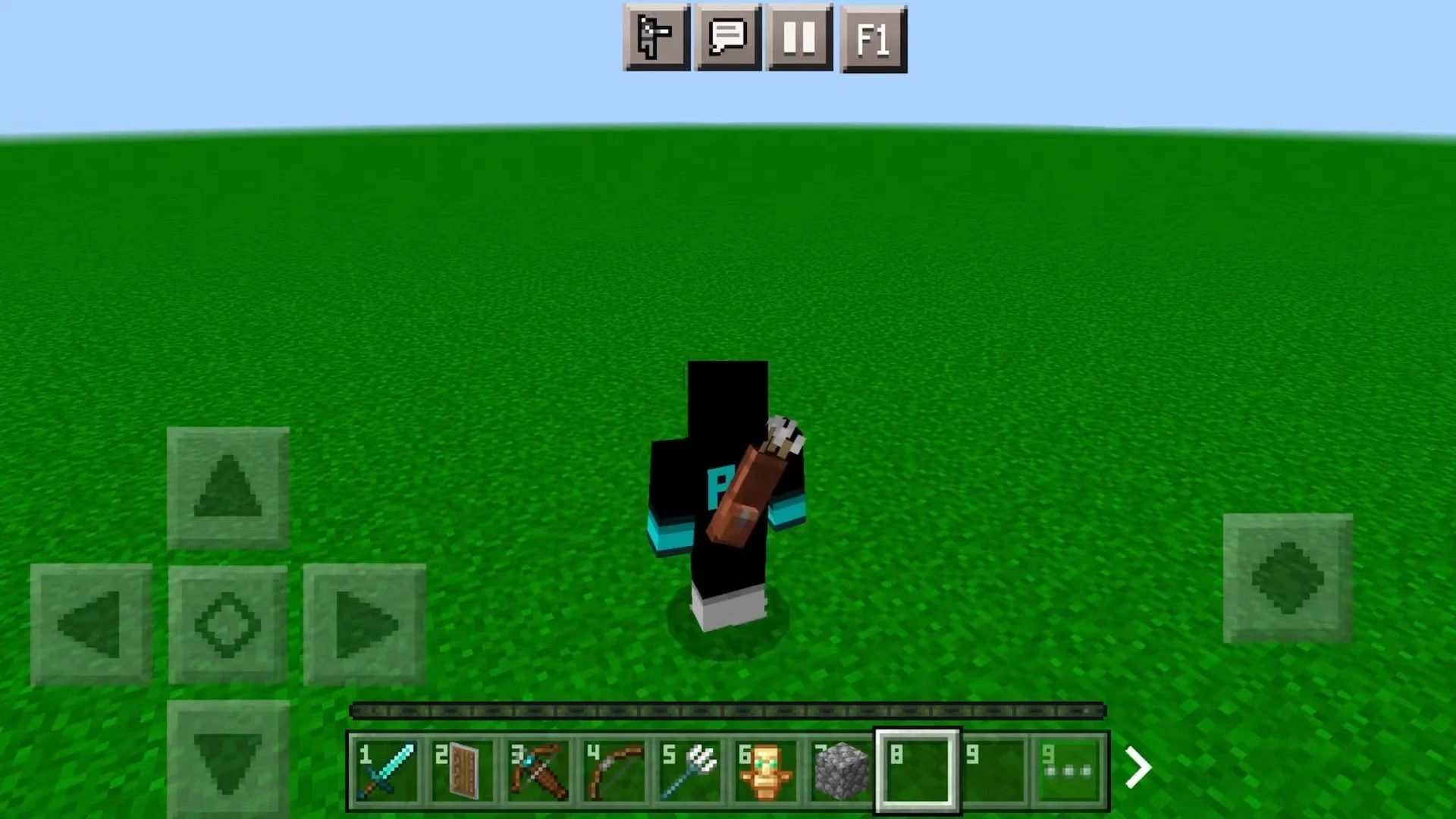
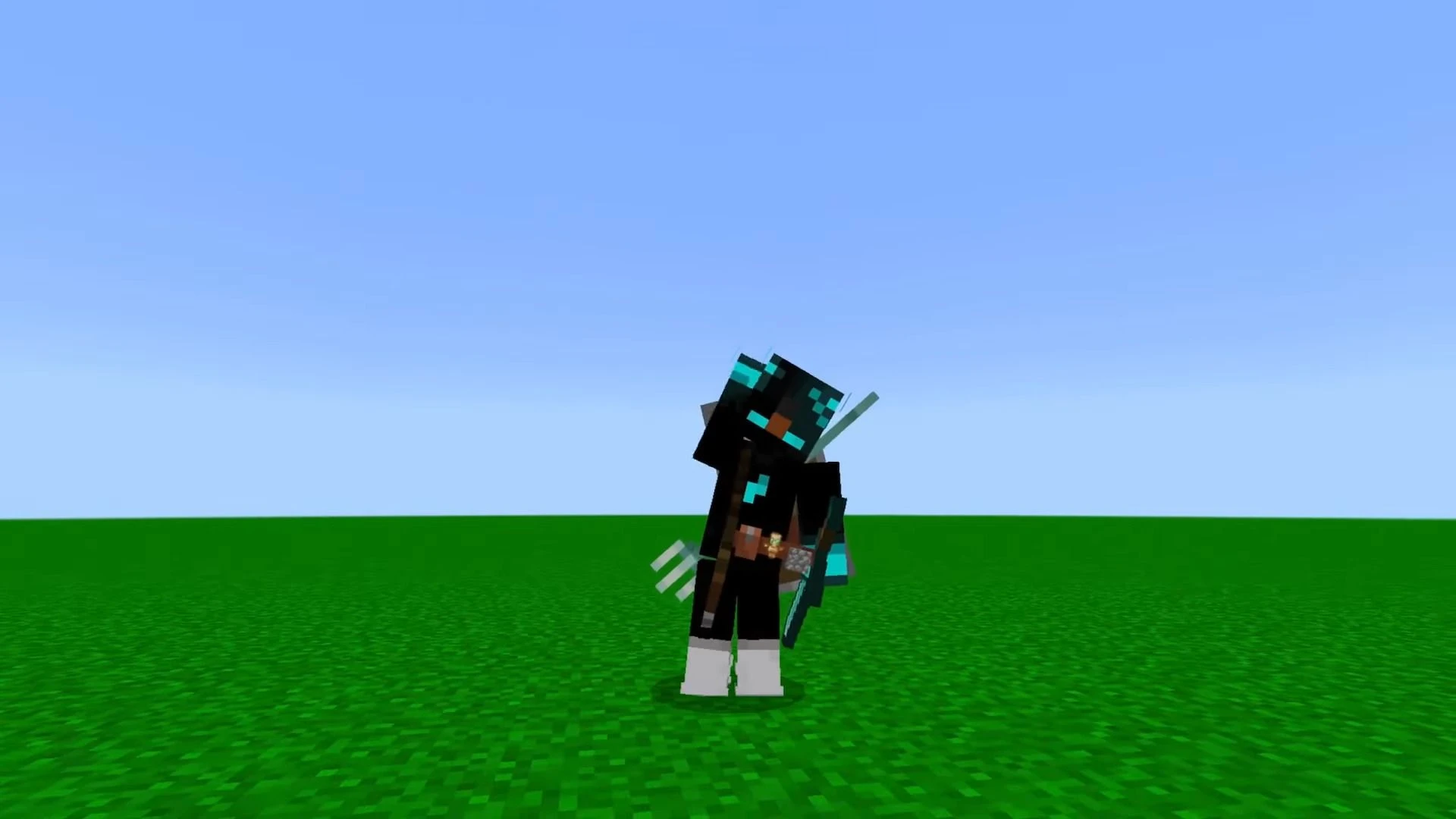
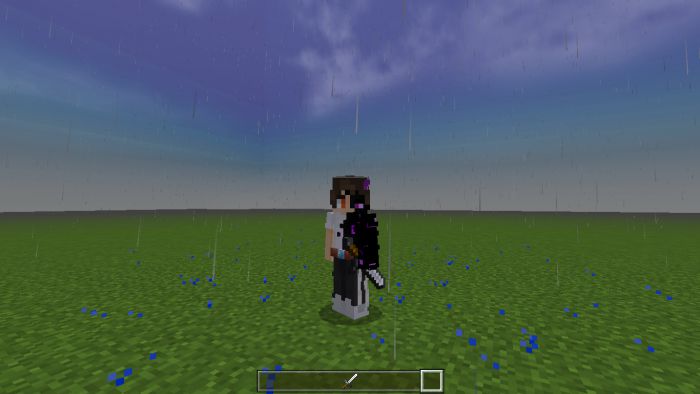
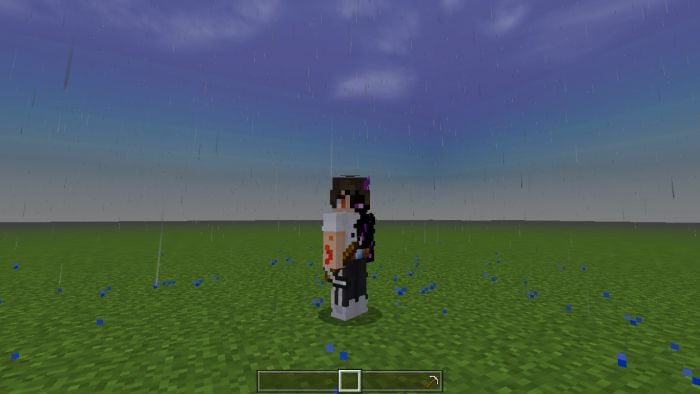
For the Java version of Minecraft, there is a mod called Tool Belt Mod for displaying the tool belt so that the player can see his weapons, quivers, etc. Combat Plus Texture Pack will give the player a belt, sword on the side of the player, bow, quiver, shield behind the player, etc.
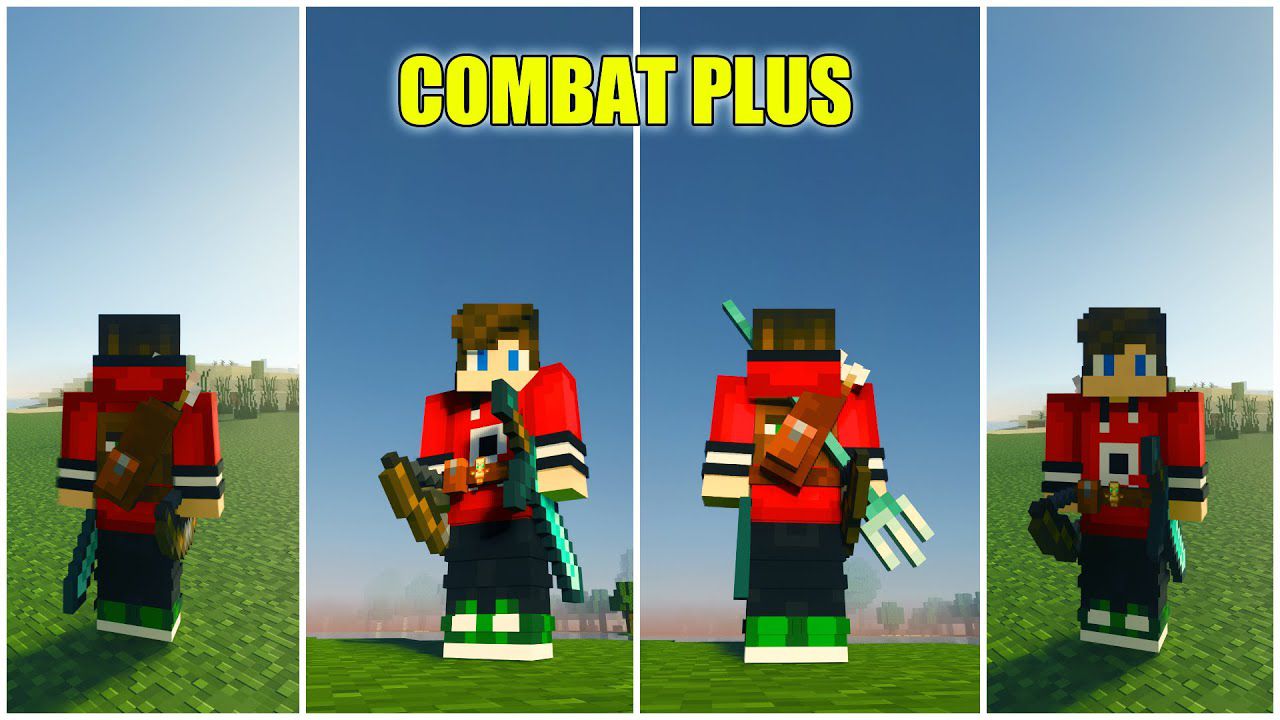
Features:
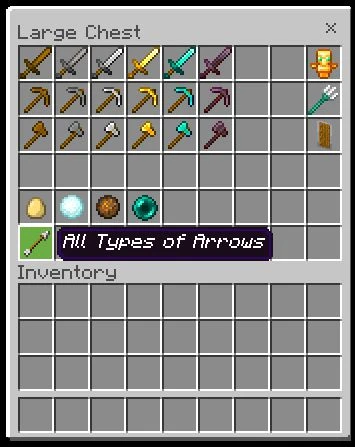
Put the following items so that this resource pack can work:
- Sword (will display the sword on the right side of the player)
- Trident (player’s back)
- Shield (player’s back)
- Arrow = Quiver (player’s back)
- Pickaxe & Axe (will display the bow/crossbow on the left side of the player)
- Totem of Undying (will appear on the front belt)
- Throwable items (will appear on the front belt)
- Blocks: Displayed at the front on the waistband (Cobblestone, Stone, Obsidian, Bedrock, Command block)
Example:
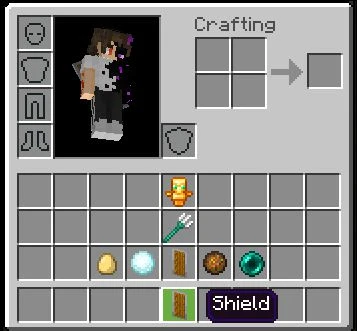
- Put some items below in the Hotbar, then these items will become cool accessories.
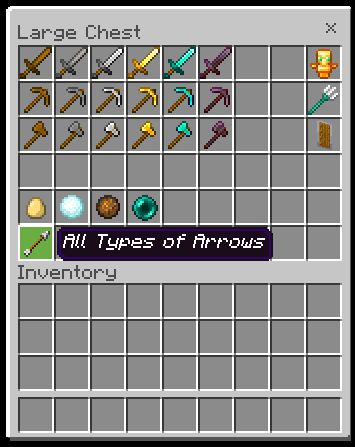
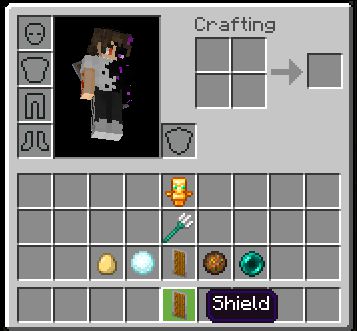
Screenshots:
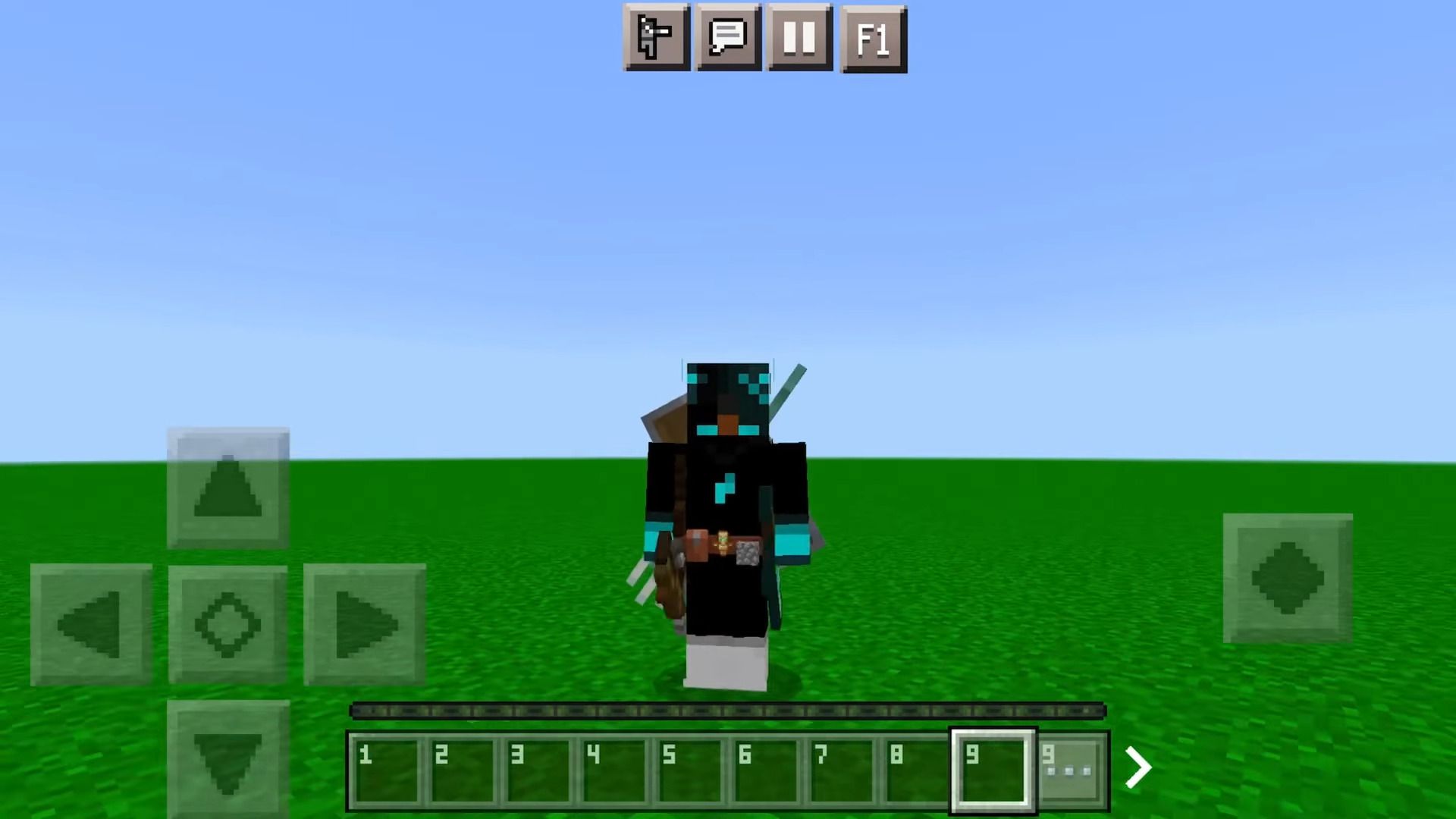
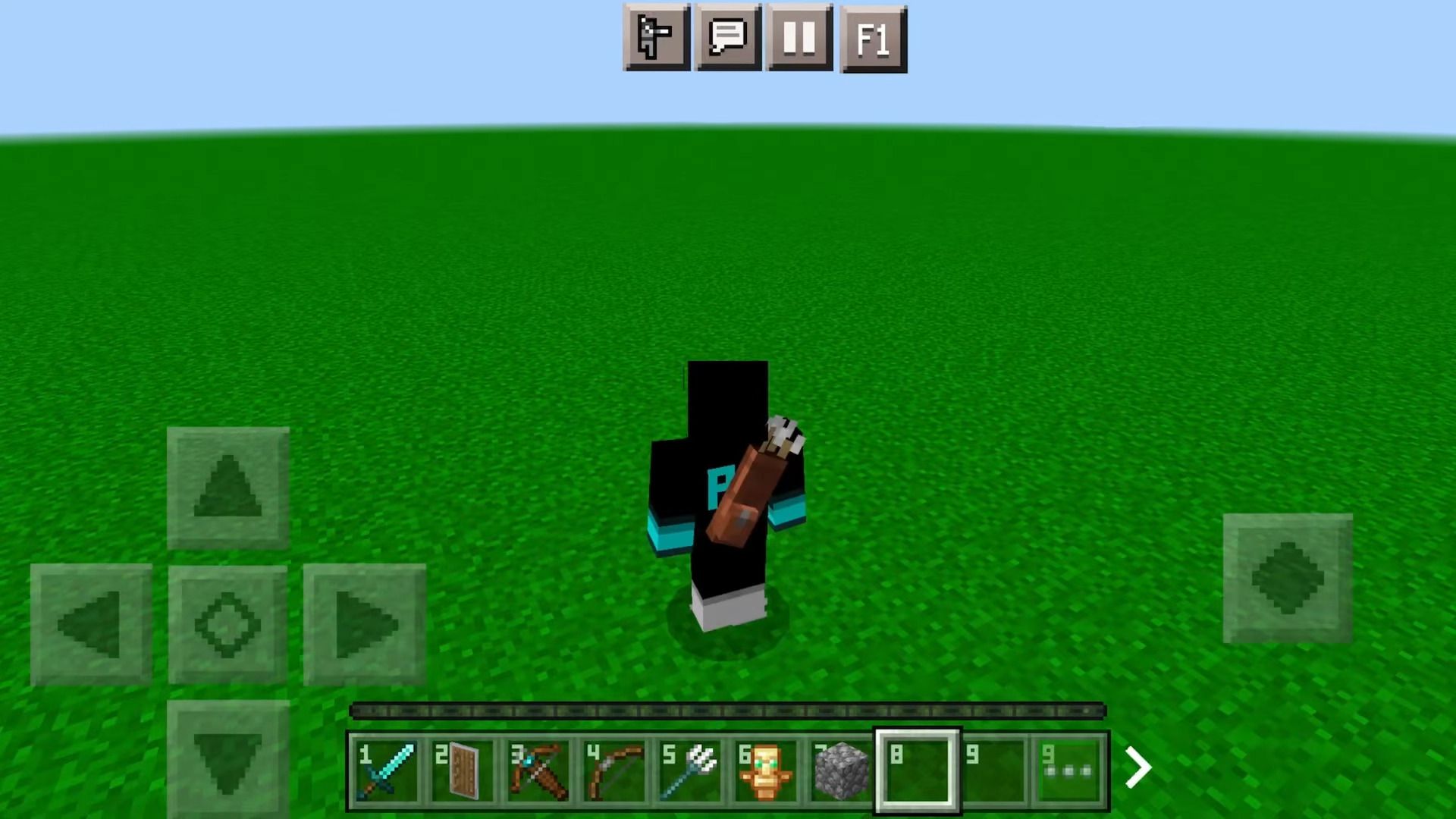
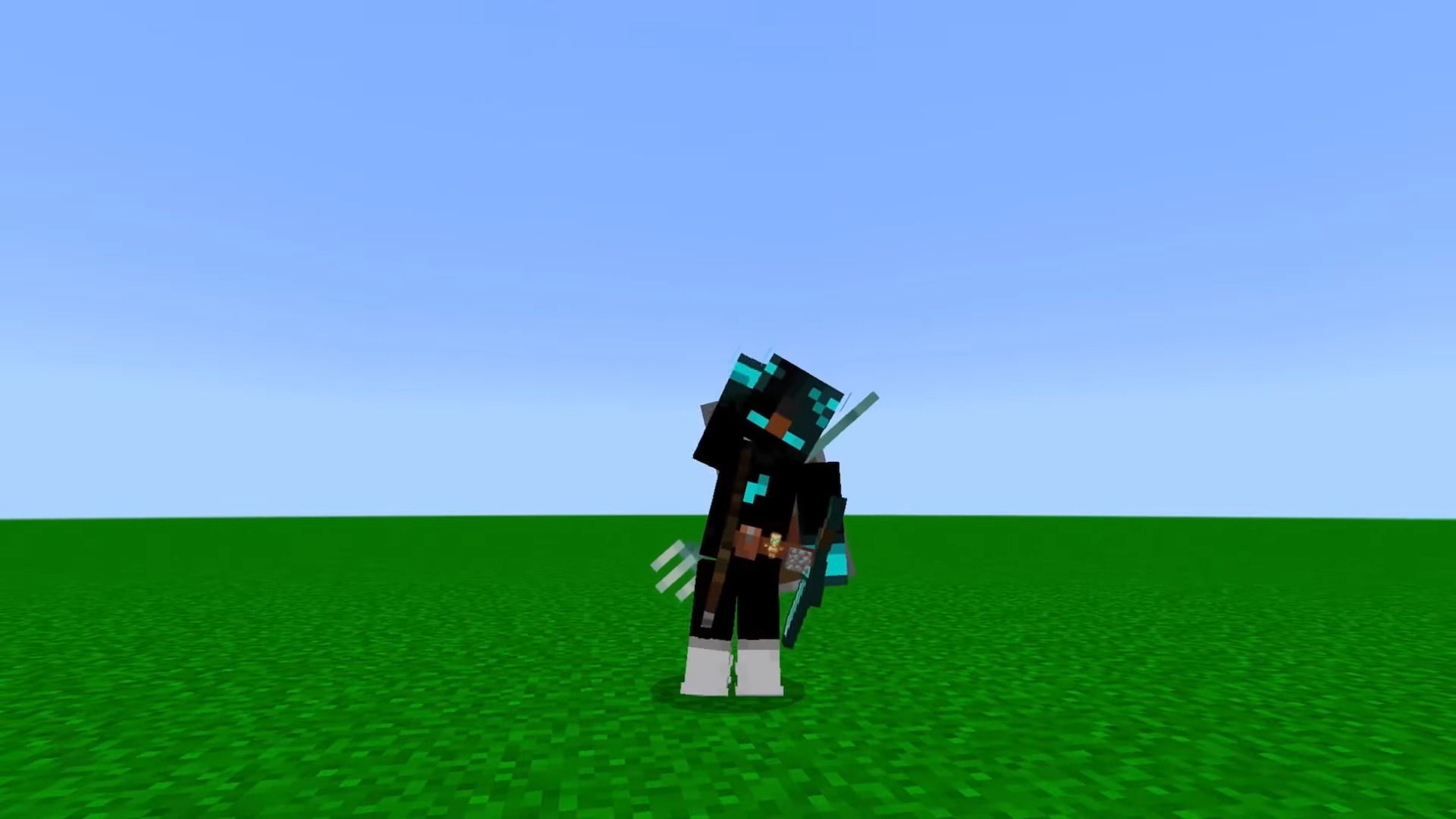
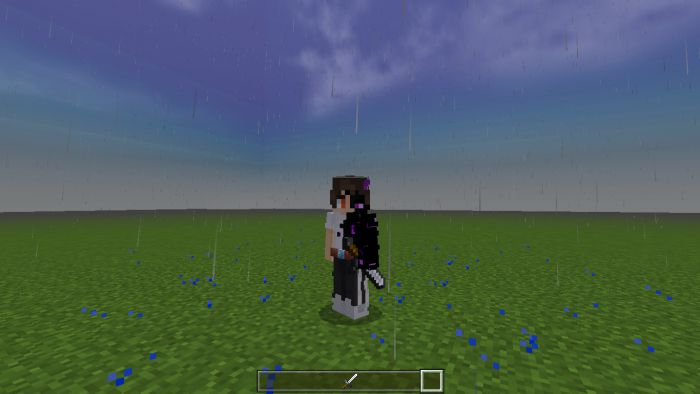
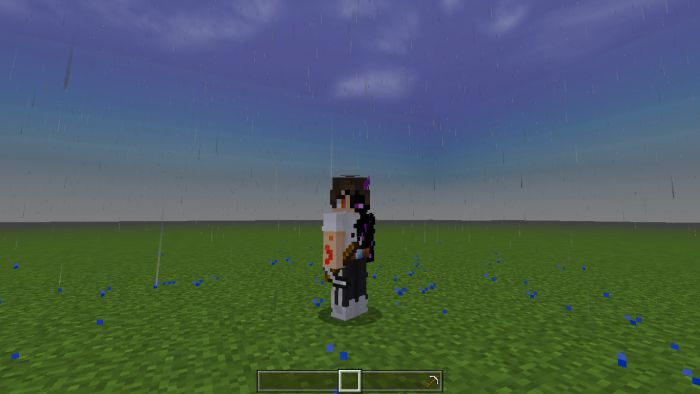
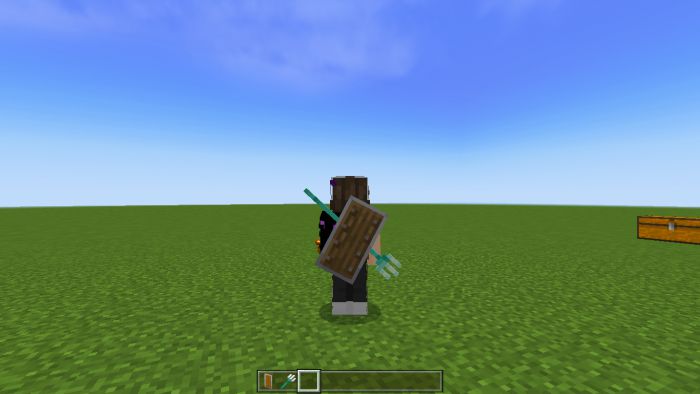
The shield on the player’s back is very cool, right?
Installation Note:
- This is not an addon this is just a texture replacement, which means you can set it to global resources and play it on the server as well and don’t need to turn on experimental.
Combat Plus Texture Pack Download Links
For Java Edition
For Minecraft PE/Bedrock 1.20
mcpack: Download from Server 1 – Download from Server 2
For Minecraft PE/Bedrock 1.19
mcpack: Download from Server 1 – Download from Server 2
- Edition: Minecraft Bedrock
- File type: .mcpack
- Minecraft version listed: 1.20
- How to install: Download the .mcpack. → Open it — Minecraft imports it under Resource Packs. → Activate it in Global Resources, or for one world under Resource Packs → Available.
- Where to get it: In MCModsHub, or directly above on this page.
Install steps are the general flow for this file type — How to install Minecraft Bedrock texture packs walks through it step by step.
- Pack type: .mcpack — a single pack
- Manifest requires Minecraft 1.17.0 or newer
- Complete pack — everything it depends on is inside the file
- Download size: 1.1 MB
- Download link checked 17 Jun 2026 — working
- Mirrored on our own servers — the download does not depend on the original host
These come from our own check of the pack file, not from the source page.