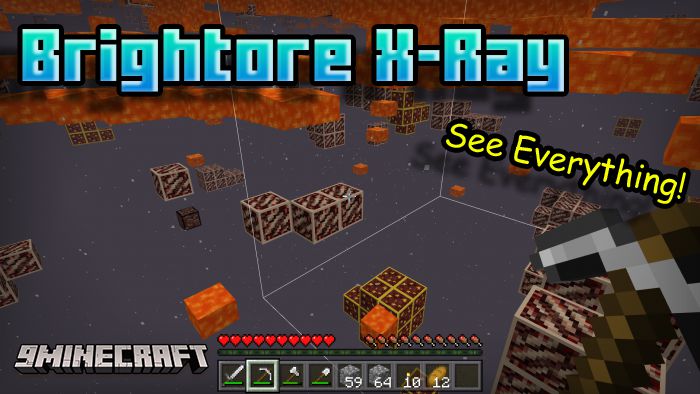
Brightore X-Ray (26.x, 1.21) – MCPE/Bedrock Full Bright XRay
Bedrock texture pack listed for Minecraft 1.2–1.21. File opened and checked on 19 Sep 2026; installs from the MC Bedrock Mods app on Android.
⬇ Download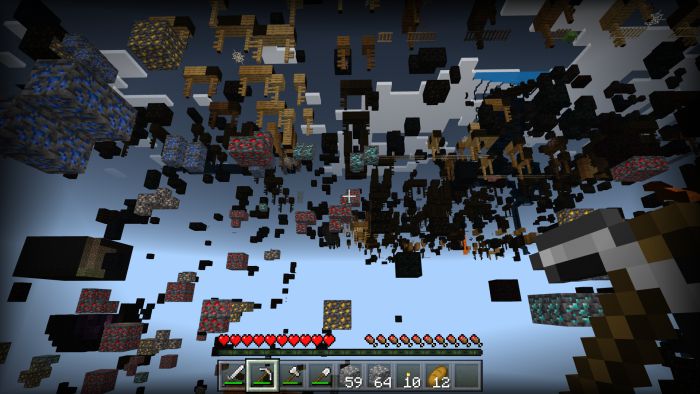
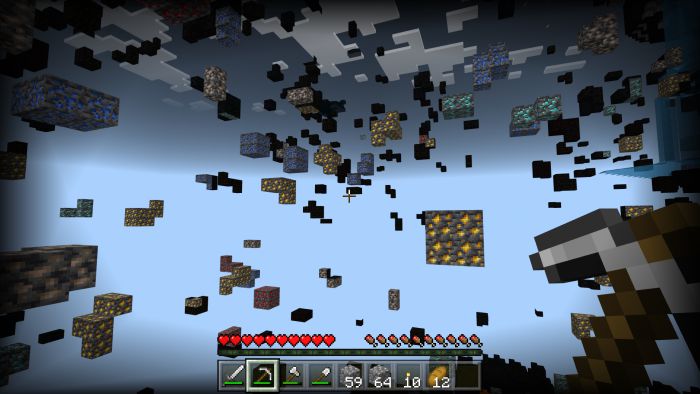
Brightore X-Ray is specially designed to work without night vision. All Ore textures now emit a brightness level of 15 that makes them easy to see, giving you an edge over other X-Ray texture packs.
Features:
How does Brightore work?
Brightore manipulates how objects are rendered in Minecraft. Remember how blocks like ice, lava, and lanterns can be seen regardless of light level? Well, that’s because they are light emitters. In a nutshell, Brightore modifies the textures of each ore block to emit a light level. Using client-side JS, this can be done.
Installation note:
Even though these ores emit light, they can break if you have any of the following:
- An operating system that isn’t Windows 10
- Any hack clients installed, (it overwrites the client code)
- Smooth lighting enabled (it must be disabled)
- Every time there’s a Minecraft update (code must be updated to the new version)
- There cannot be any other texture packs enabled
- It’s based on your chunk-rendering distance (max is 12, in the image it’s 4)
Screenshots:
- Some blocks may appear to be dark, that’s because they are out of your loading distance and don’t emit light. (The game assumes they are behind enough blocks and there’s no point in making it bright anymore)
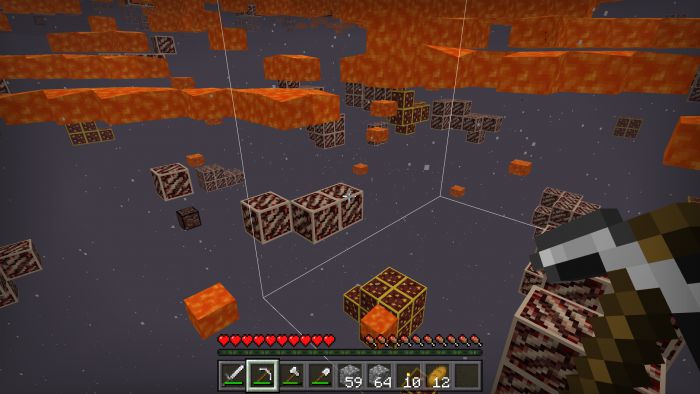
- It’s guaranteed to work in the nether because the ambient light level is high.
Brightore X-Ray Download Links
For Minecraft PE/Bedrock 1.20
mcpack: Download from server 1 – Download from server 2
For Minecraft PE/Bedrock 1.19
mcpack: Download from server 1 – Download from server 2
- Edition: Minecraft Bedrock
- File type: .mcpack
- Minecraft version listed: 1.21
- How to install: Download the .mcpack. → Open it — Minecraft imports it under Resource Packs. → Activate it in Global Resources, or for one world under Resource Packs → Available.
- Where to get it: In MCModsHub, or directly above on this page.
Install steps are the general flow for this file type — How to install Minecraft Bedrock texture packs walks through it step by step.
- Pack type: .mcaddon — behaviour and resource pack in one file
- Manifest requires Minecraft 1.2.6 or newer
- Complete pack — everything it depends on is inside the file
- Download size: 45 KB
- Download link checked 17 Jun 2026 — working
- Mirrored on our own servers — the download does not depend on the original host
These come from our own check of the pack file, not from the source page.