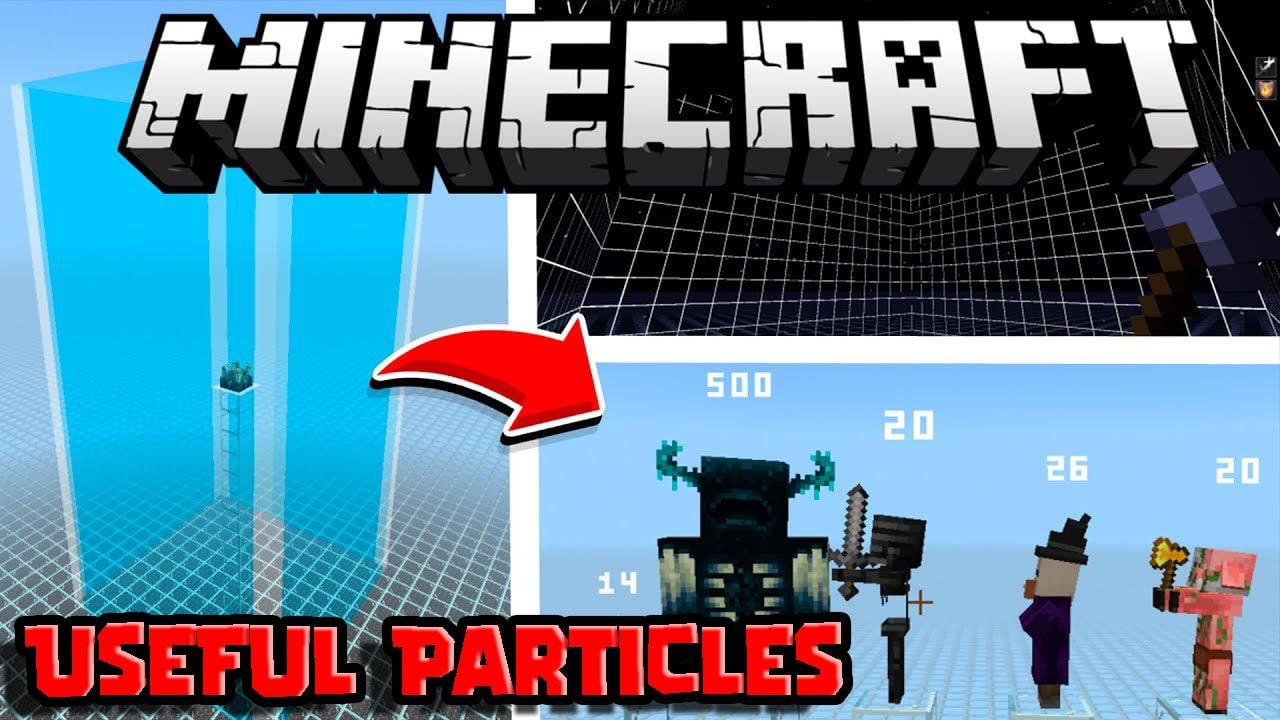
Useful Particles Pack (1.26+) – MCPE/Bedrock Edition
Bedrock texture pack listed for Minecraft 1.16–26.x. File opened and checked on 2 Oct 2026; installs from the MC Bedrock Mods app on Android.
⬇ Download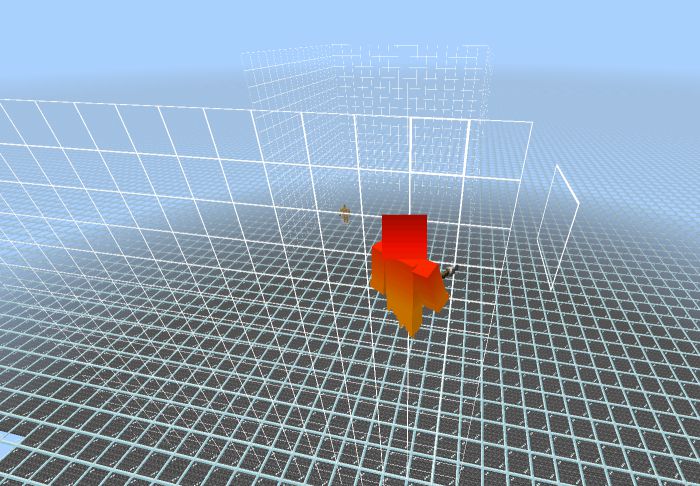
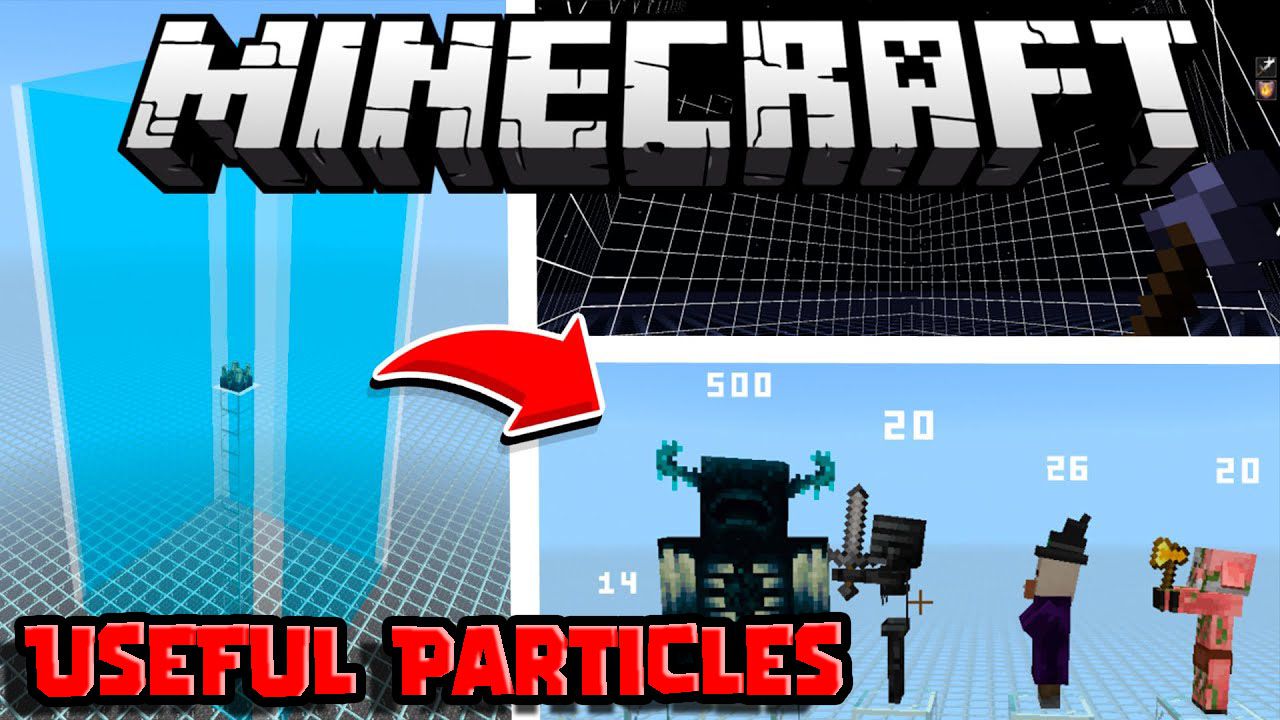
Useful Particles Pack can help out players in different ways. Some can help with mob farms, finding world chunks, seeing the attack ranges of the warden, seeing health on a mob, finding invisible wandering traders, identifying spawn spots of a structure like fortresses and ocean monuments, or brightening the screen to help you see in very dark caves. All of the textures except spawn egg icons are compatible with other texture packs.
Supported Versions:
Minecraft Bedrock 1.26.30 and later. Resource pack only – no Experimental Features required.
Features:
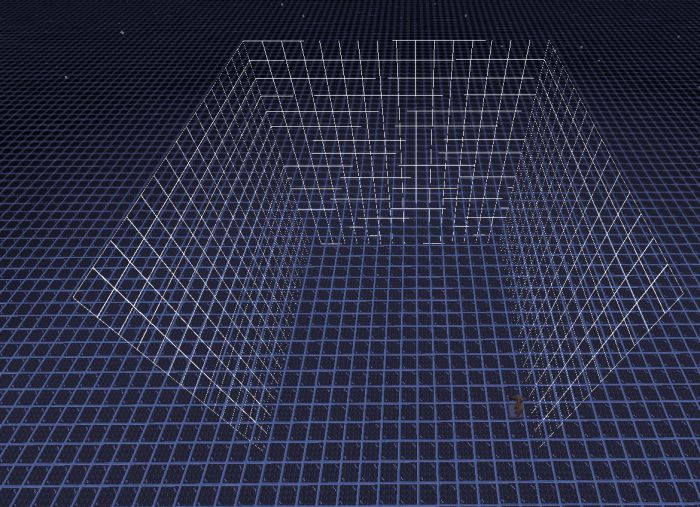
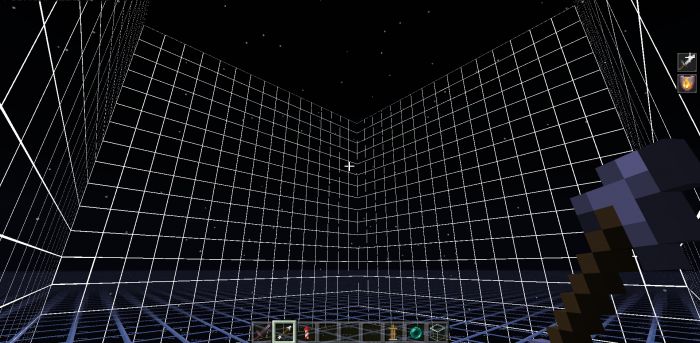
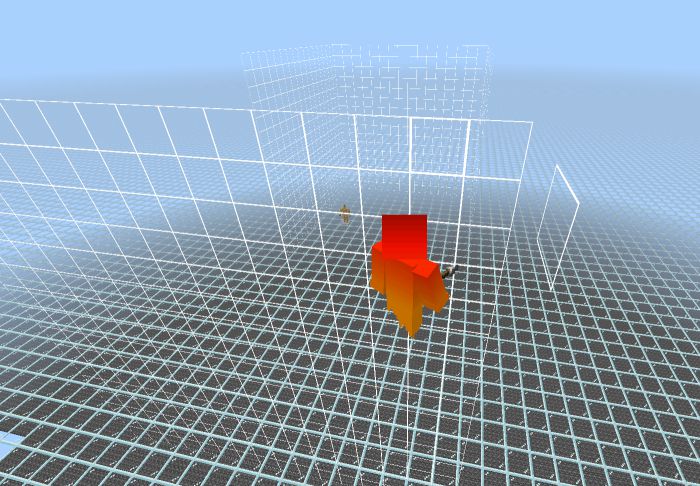
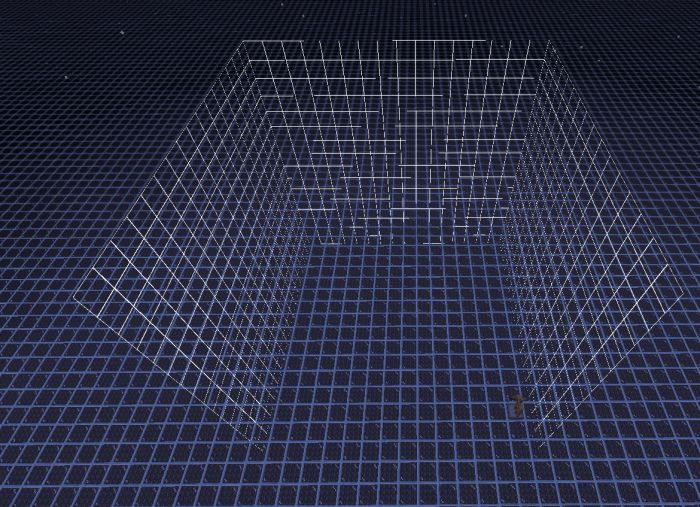
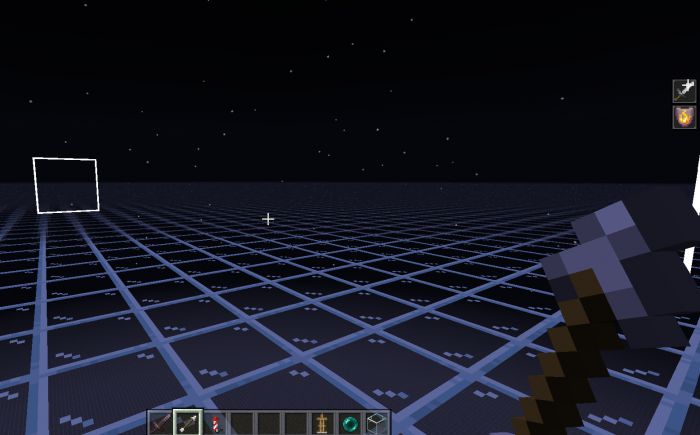
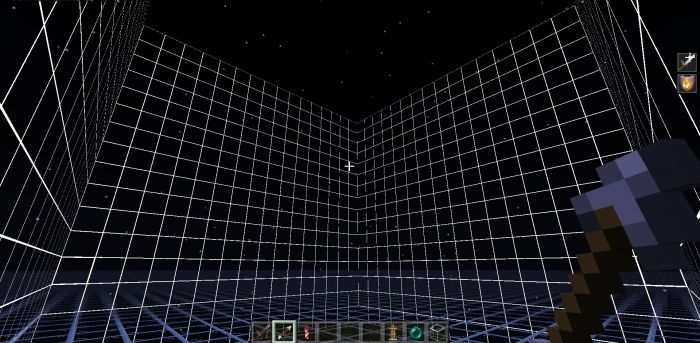
Chunk Borders
- Shows the 16*16 area of the chunk you are in.
- Works in first-person mode and on an armor stand.
- No bottom or top grids, but the box shifts upward and downward based on your y-axis every 16 blocks.
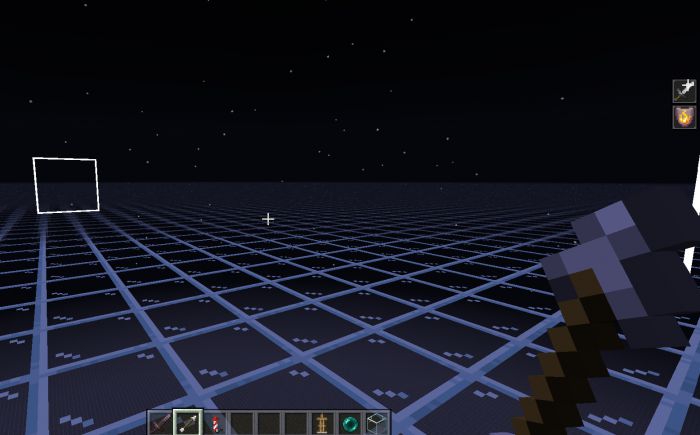
- Turn it on by putting an arrow or firework in your main hand or offhand, works on armor stands too
- If using a firework rocket, only the offhand works
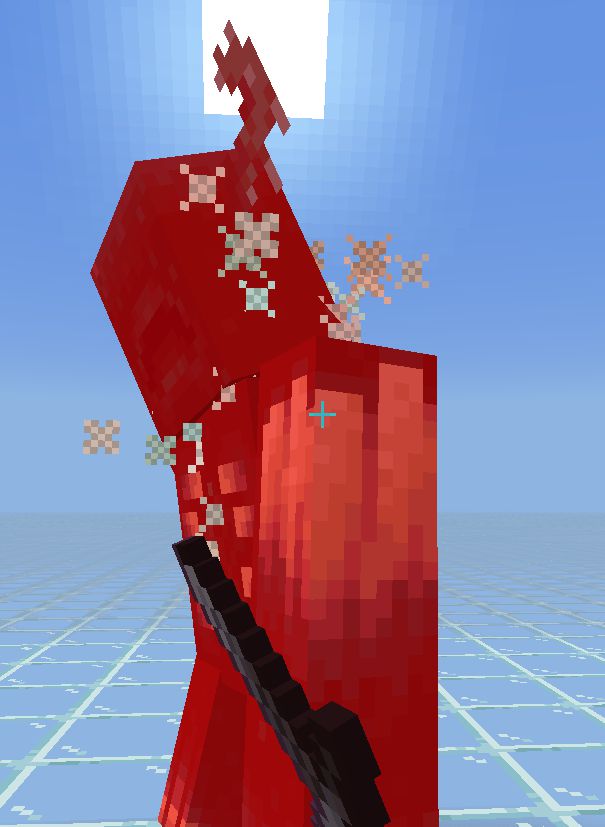
Critical hit sounds from Java Edition
- This adds critical attack sounds from Java Edition to the critical hit particle emitter. It works on all mobs.
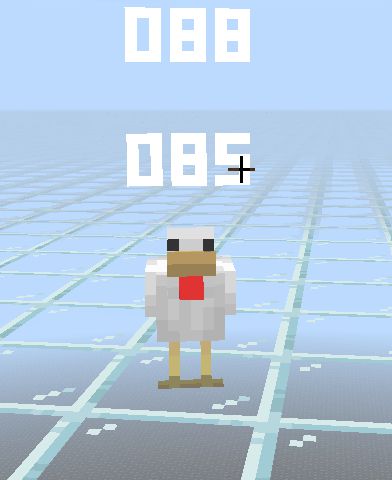
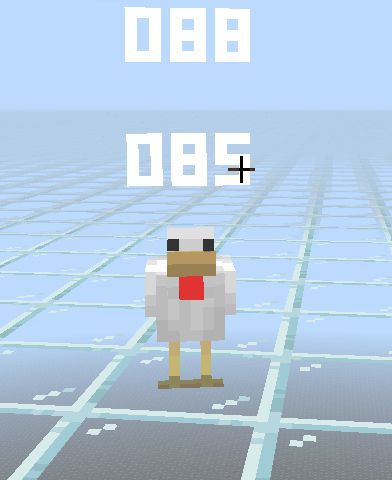
Developer tools for particles
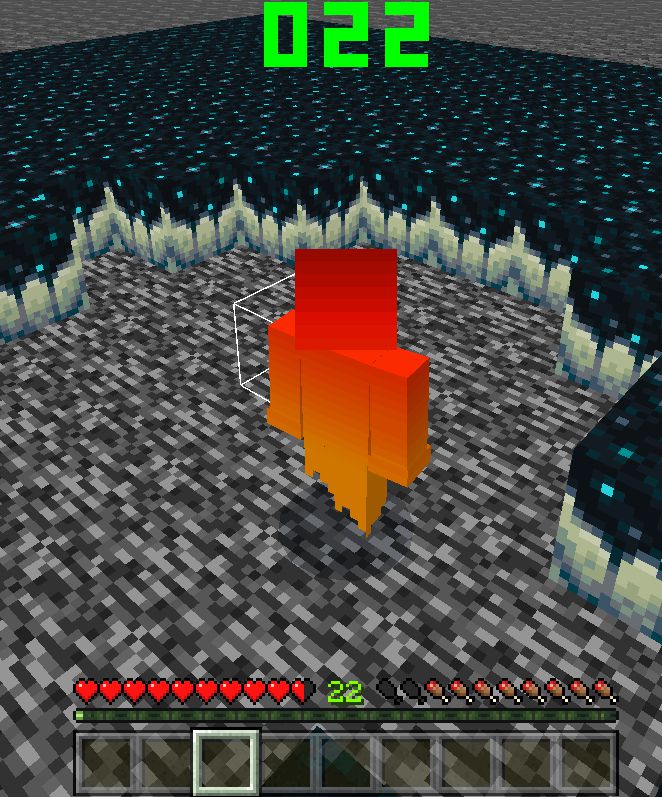
- Place a chicken to see the number of emitters (top) and particles (bottom) currently in the world.
- Every time the number passes 1000, the color slowly turns red.
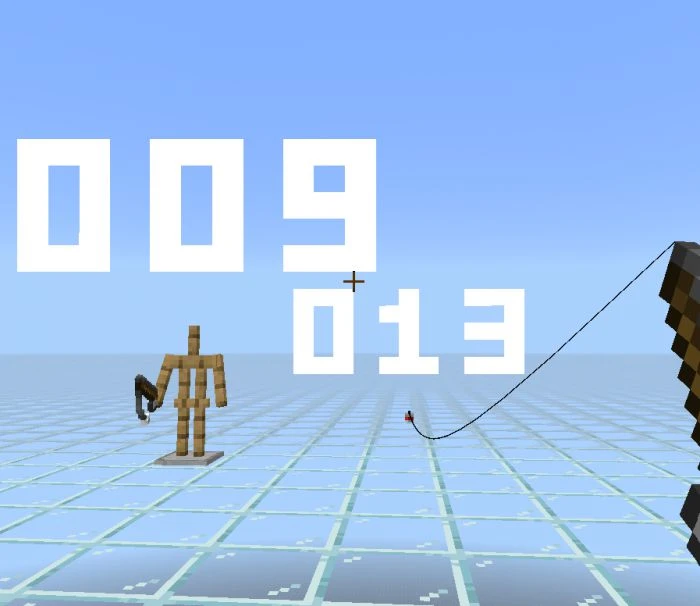
Distance from blocks
- Shows the distance from you to an area in blocks.
- Equip an armor stand with a fishing rod or throw the fishing hook.
- The fishing rod shows a max of 32 and armor stands show farther than 70.
- Remove the armor stand to clear the numbers or remove the fishing bobber to turn it off.
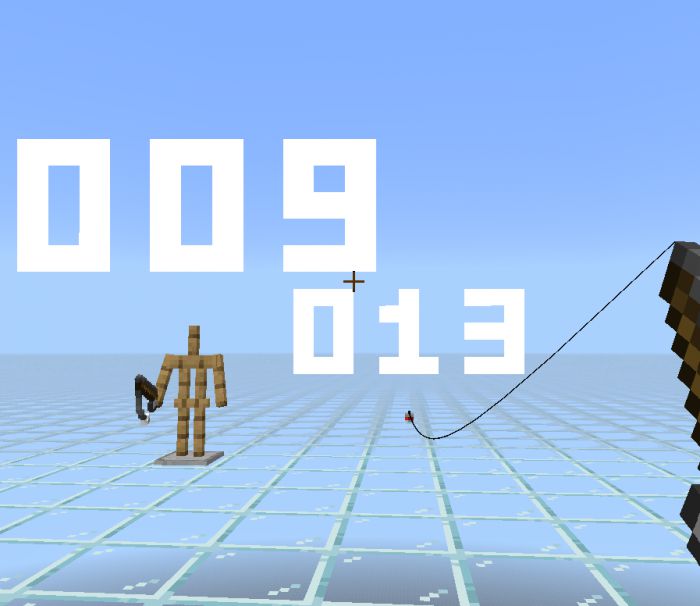
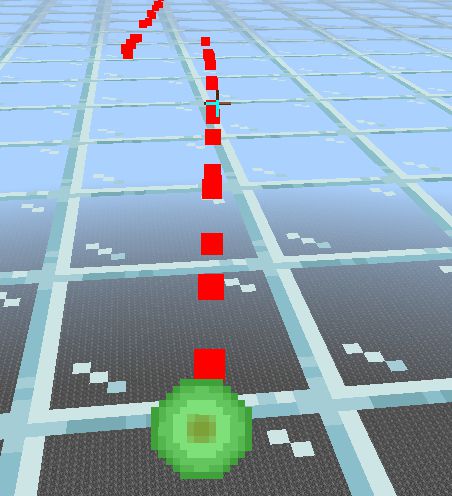
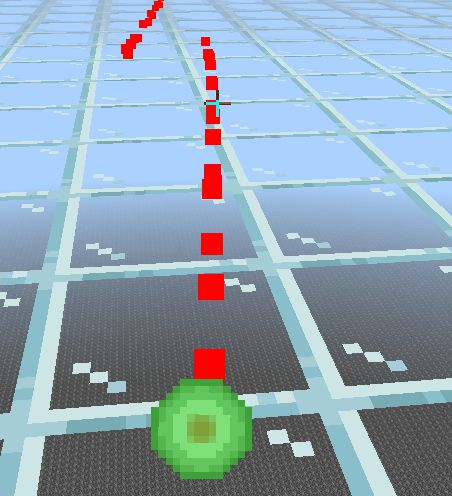
Experience Orb Path Tracking
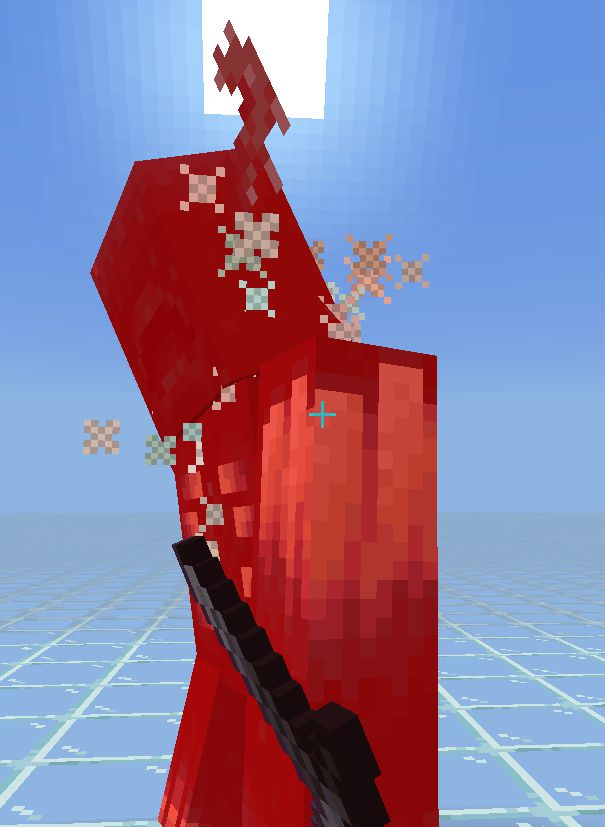
- Experience orbs show a red trail wherever it moves, and disappear when the orb is collected.
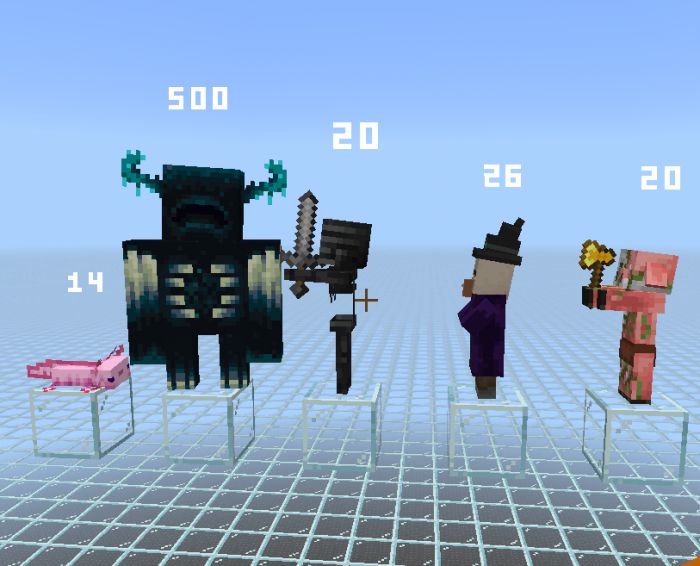
Health Bars
- Shows the health of a mob, the max is 999 and the numbers face the player’s camera.
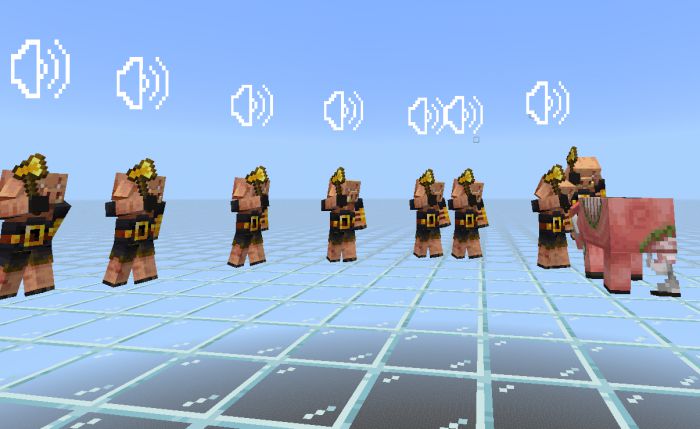
Hostile Mob Warnings
- Shows a sound icon, plays the inception horn sound, and plays a mob-related sound when attacking a mob.
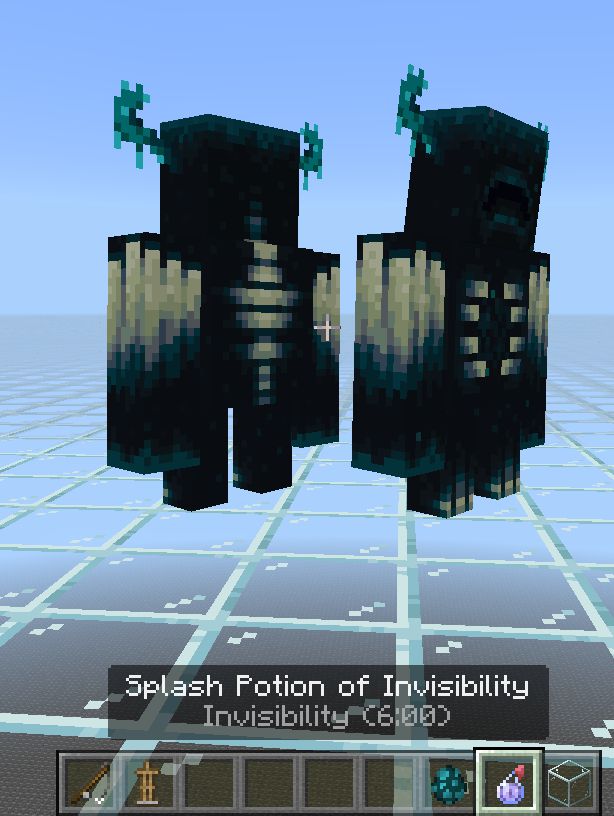
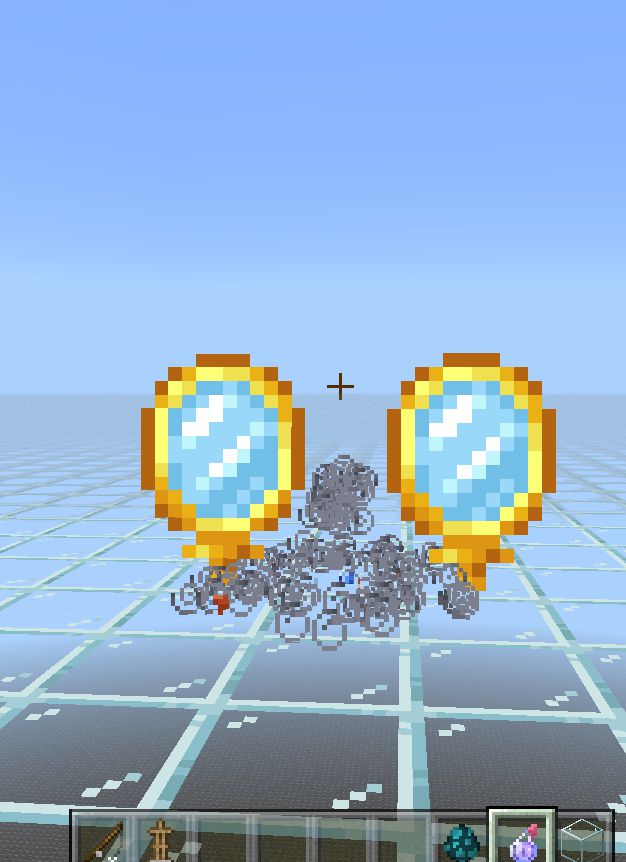
Invisible Mob Indicator
- Shows an invisibility icon if the mob is invisible or more than 70 blocks away from the player.
- Mobs normally do not render past 70 blocks from the camera.
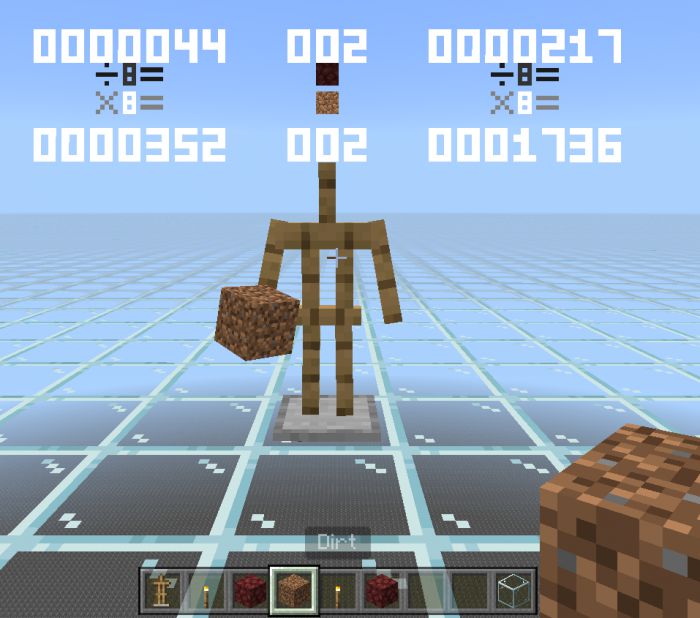
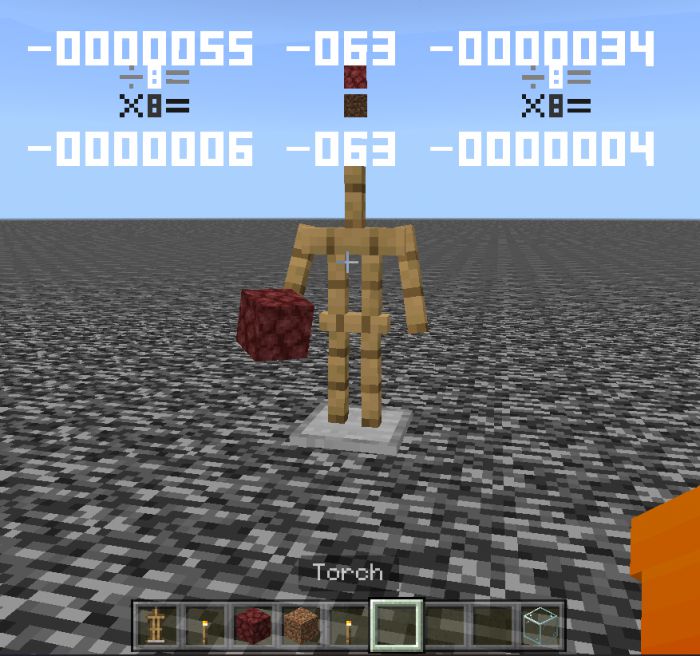
Nether Coordinates Converter
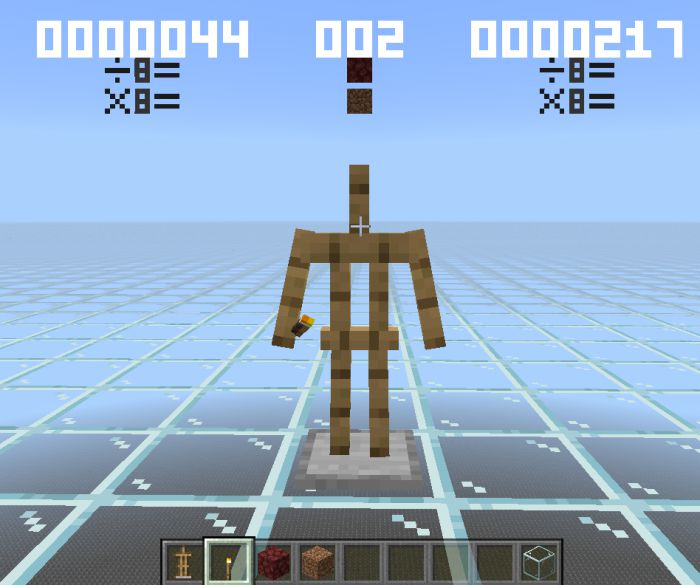
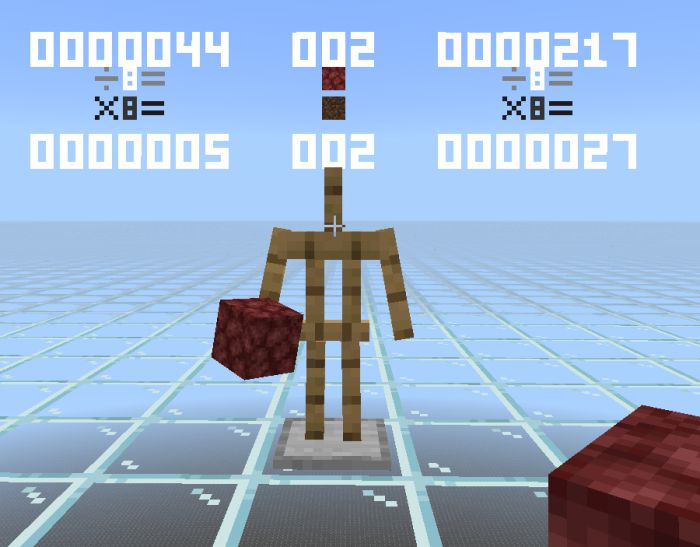
- Shows current coordinates and converted coordinates
- Equip an armor stand with a torch to activate, then equip it with dirt or netherrack
- Y coordinates do not change
- Negative symbols are used when needed
- Using netherrack divide x and z by 8
- Using dirt multiply x and z by 8
- Netherrack or dirt icons are brighter depending on what is active
Projectile Guides (Players and mobs)
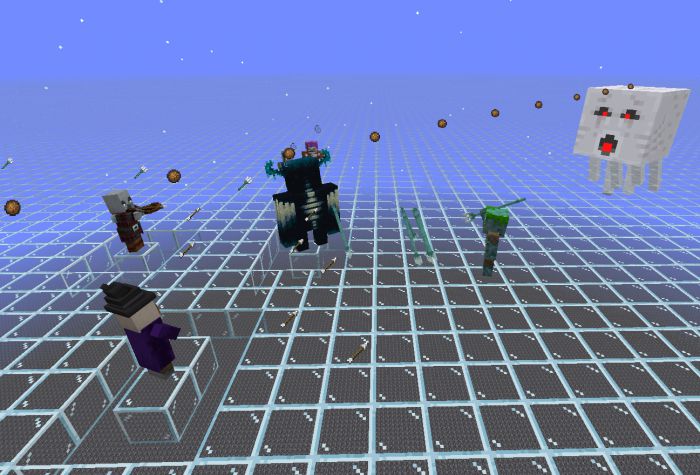
Shows the direction of a mob’s ranged attack and player projectile firing:
- Pillager/Piglin/Stray/Skeleton – arrow
- Drowned – trident
- Ghast/Blaze – fireball
- Witch – splash potion
- Snow golem – snowball
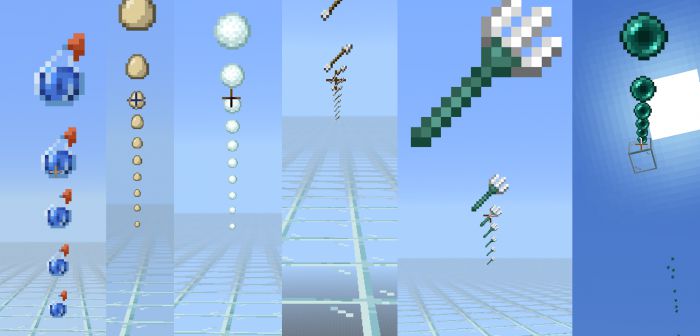
Players show predicted movement particles based on the item they are holding:
- ender pearls
- snowballs
- splash/lingering potions
- trident
- arrow – hold bow or crossbow
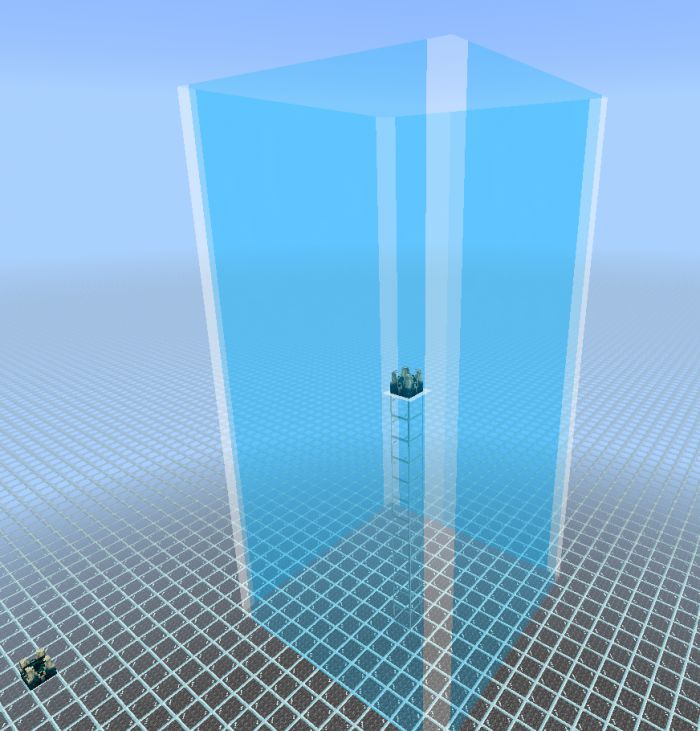
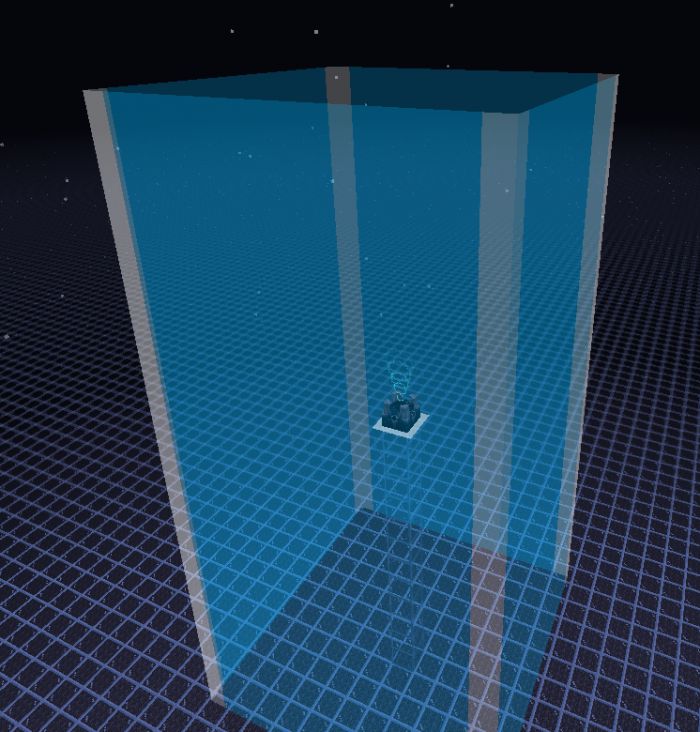
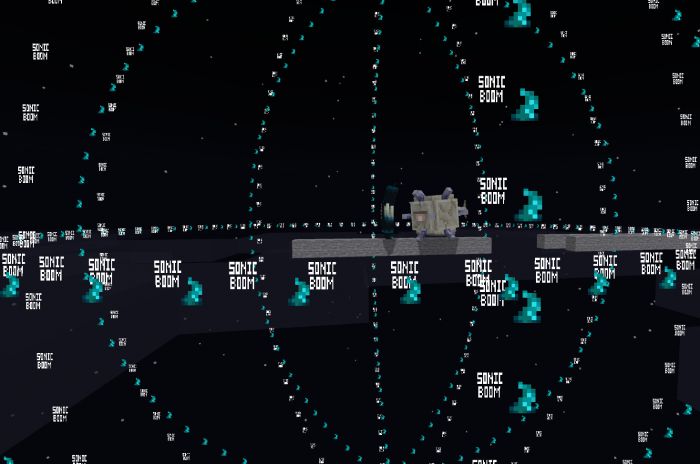
Sculk Shrieker Warden Spawn Range
- Activates when shrieker particles show
- Creates an outline out of half-transparent particles to show where wardens can spawn.
- Can show where shriekers are if you find them in ancient cities behind blocks
- Particles stay until you move 24 blocks away
Spawn Spheres
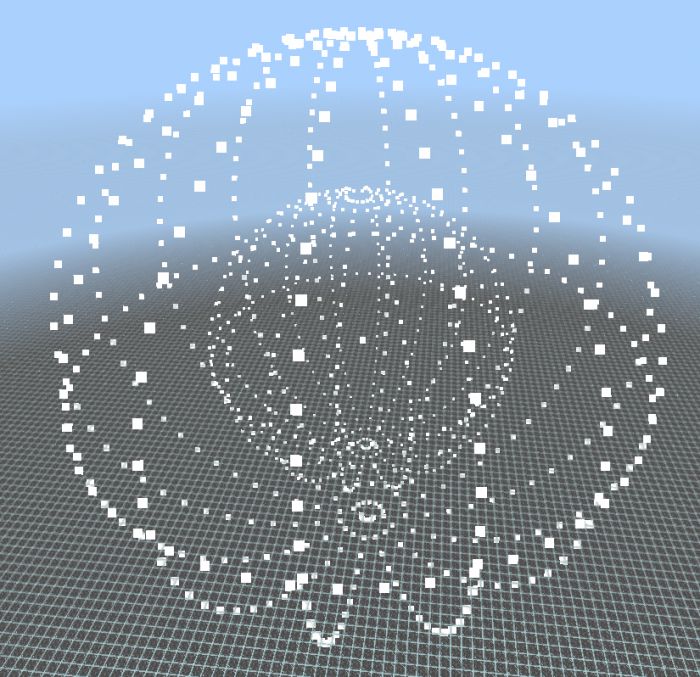
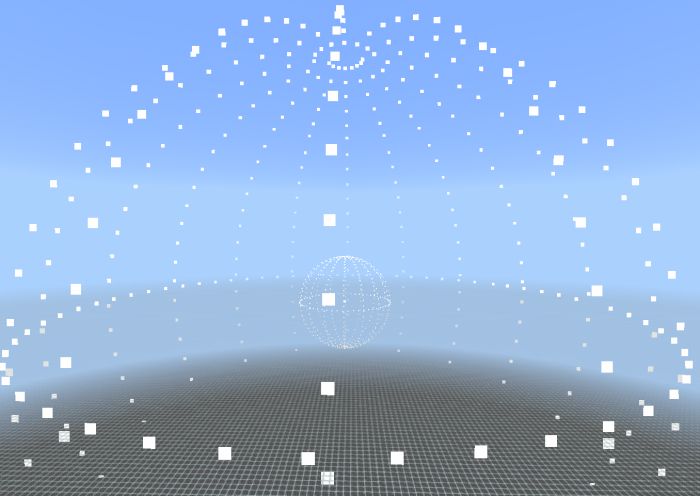
Shows the mob spawn ranges from a specific spot.
- Create it by giving an armor stand a Redstone torch
- It takes about 8 seconds to make the circle
- Can be seen from any distance, and not limited to 70 blocks away from the armor stand
- It Is not removed when you remove the armor stand
- Has pack settings to choose ranges 24-44 or 24-128
- Realms are always sim distance 4, check world settings if you play on a server
- 24-44 is for simulation distance 4
- 24-128 is for simulation distance 6+
The following applies to the center box:
- small and white = your distance from it > 2 blocks [and] circle
- small and red = your distance from it < 2 blocks [and] circle
- large and white = your distance from it > 2 blocks [and] circle
- remove the sphere = your distance from it < 2 blocks [and] circle
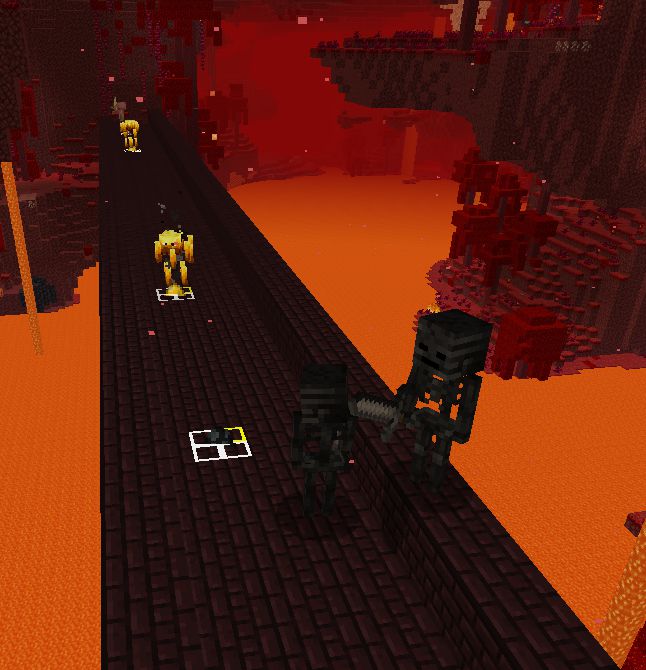
Spawn trackers for mobs
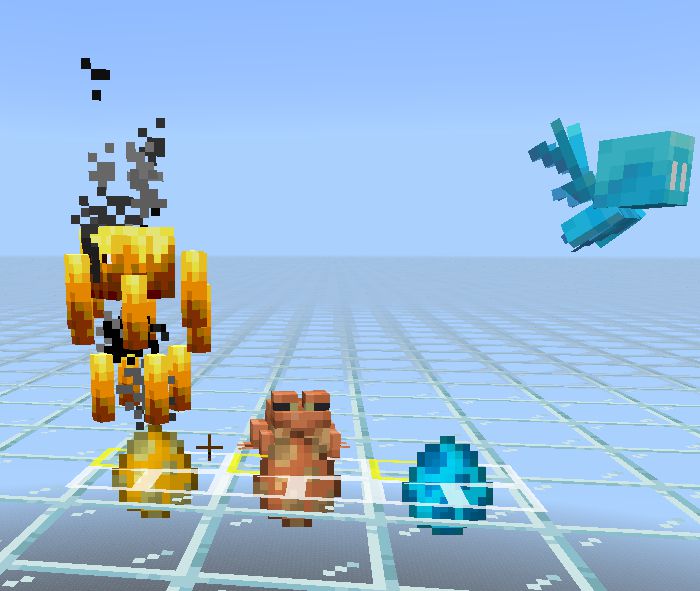
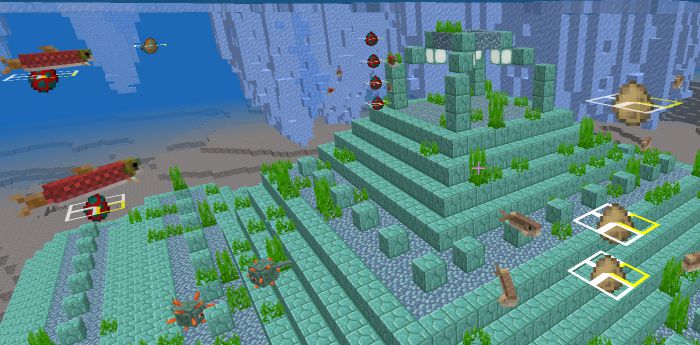
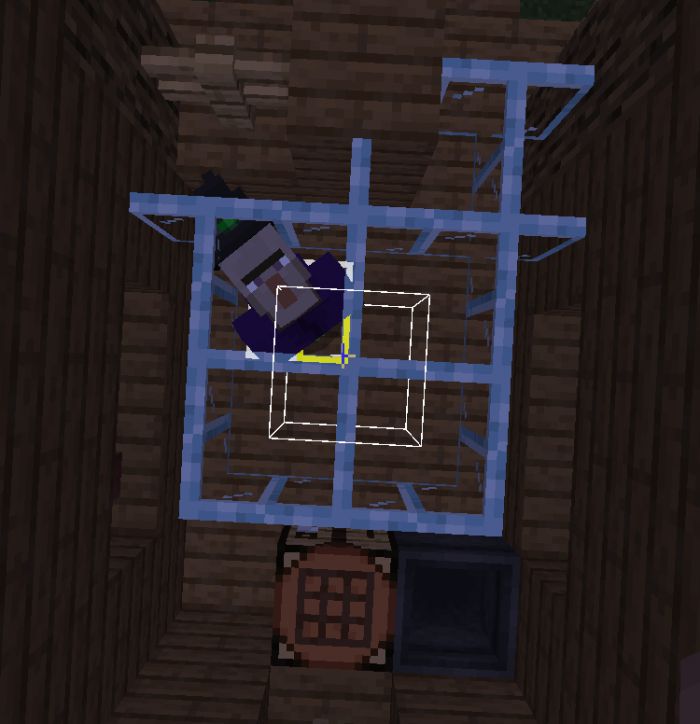
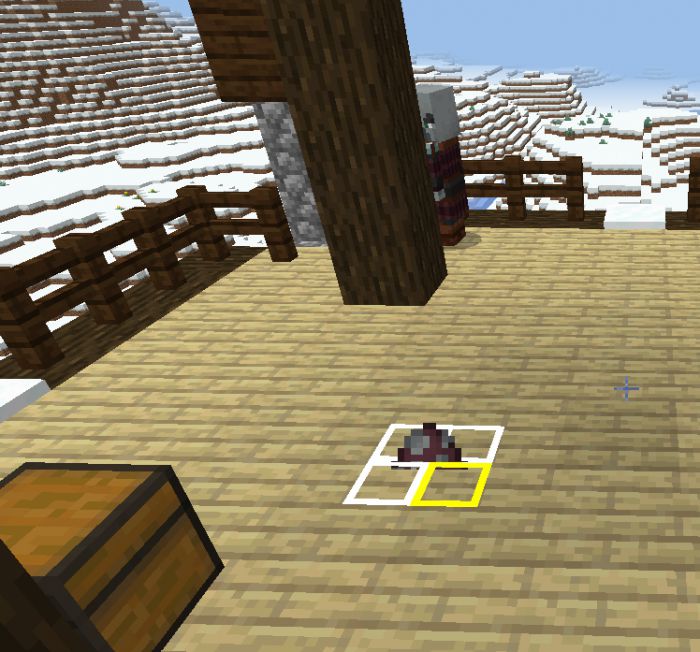
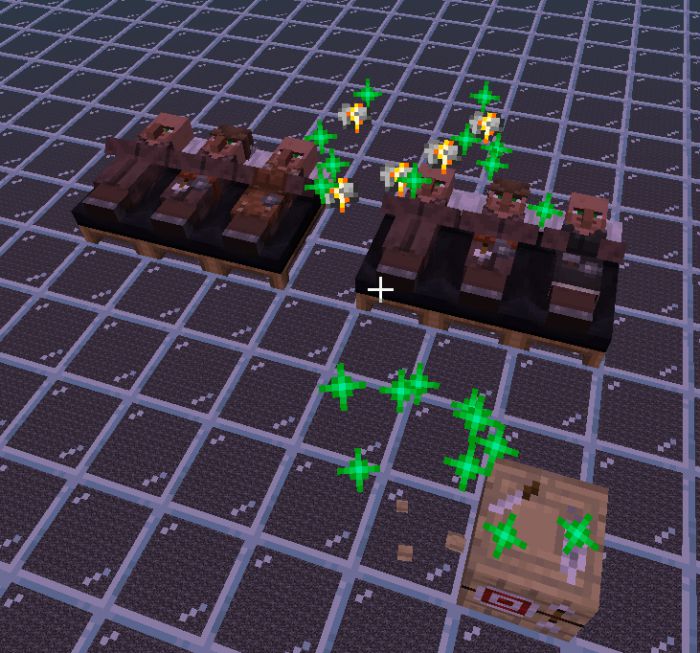
- Creates a spawn egg icon (can be toggled in pack settings) and a box with a yellow corner when a mob spawns.
- The corner shows northwest of a mob’s spawn location.
- Transparency on the white box is for checking how many mobs spawned in the same spot.
- Since there are no spawn eggs for mobs you build, the Wither boss uses soul soil block, iron golem uses iron block, and snow golem uses snow block.
- Particles are removed when you place a block where it is or change dimensions, and are never cleared automatically.
- Can be used to spot any possible mob spawns in an unlit area or identify spawn spots in a structure.
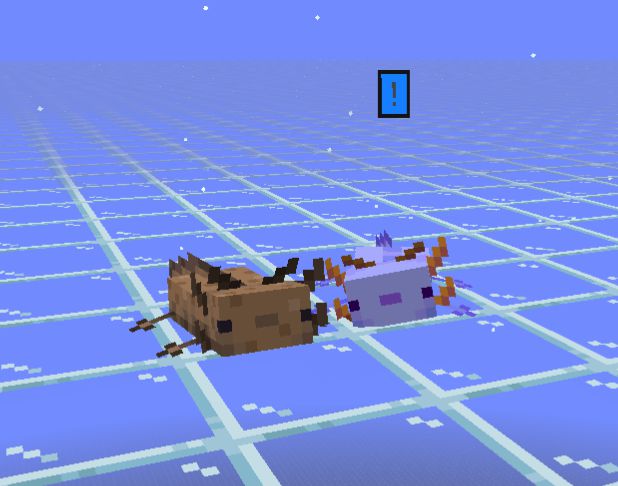
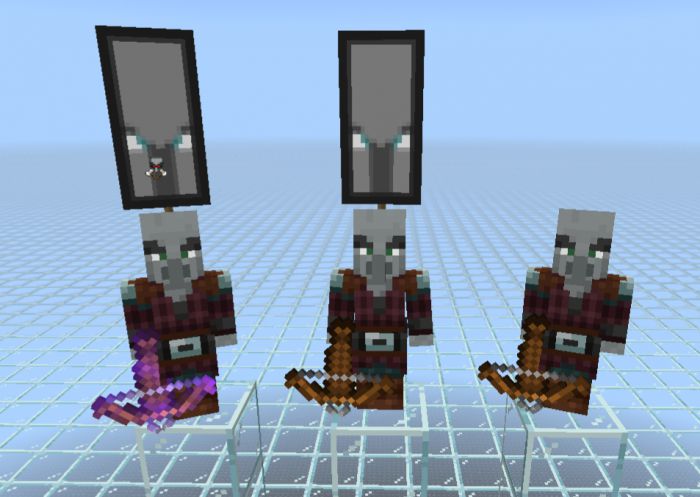
Status Icons
Shows icons for mobs if the following applies:
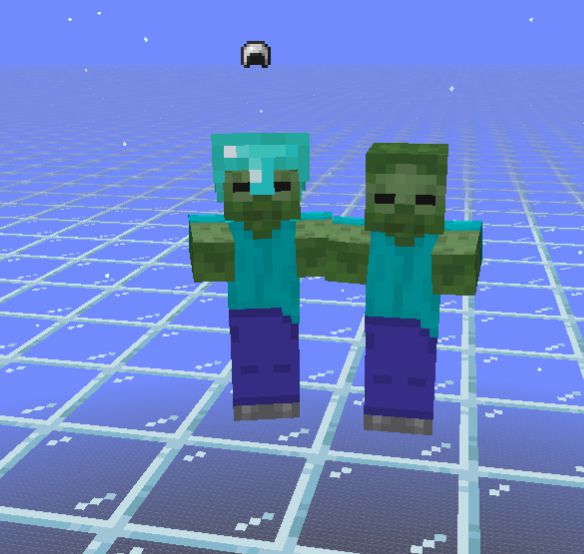
- [Iron helmet] Undead mob that isn’t fireproof has a helmet equipped
- [Fire resistance effect] Fire immune
- [Snowball] Shaking (piglin transforming to zombie, zombie villager curing, mob freezing in powder snow, etc)
- [Red warning] Has target (commonly known as attacking, but not for villagers)
- [Yellow warning] Is using a ranged attack
- [Blue warning] Is blue axolotl
- [Bad omen symbol] Is an illager captain (checks for fake captains)
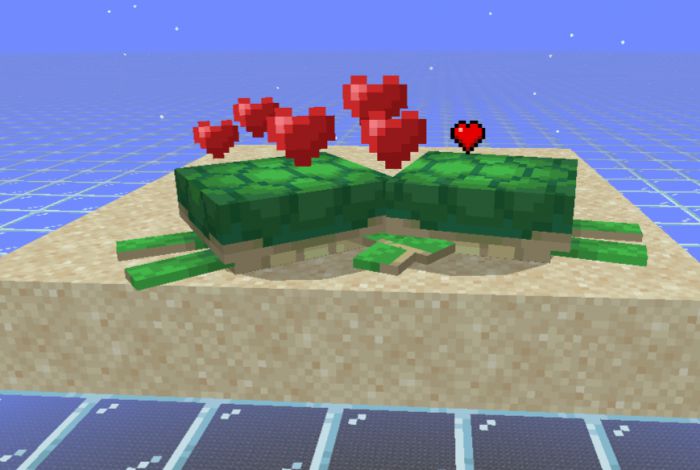
- [Heart] Is in love (breeding)
- [Turtle egg] Is pregnant (turtle)
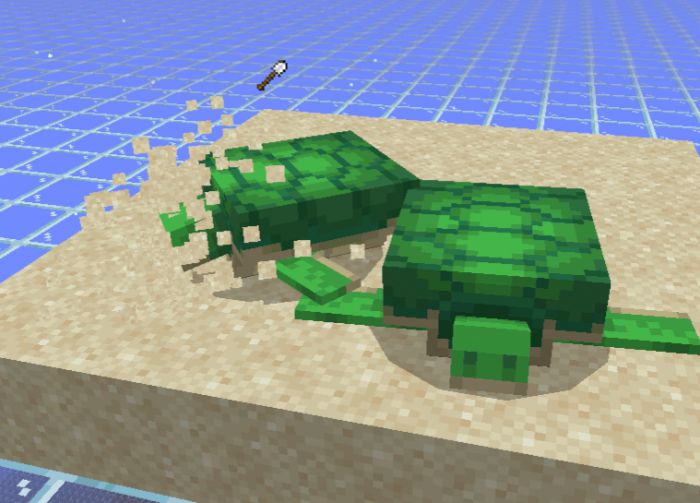
- [Iron shovel] Is laying an egg (turtle)
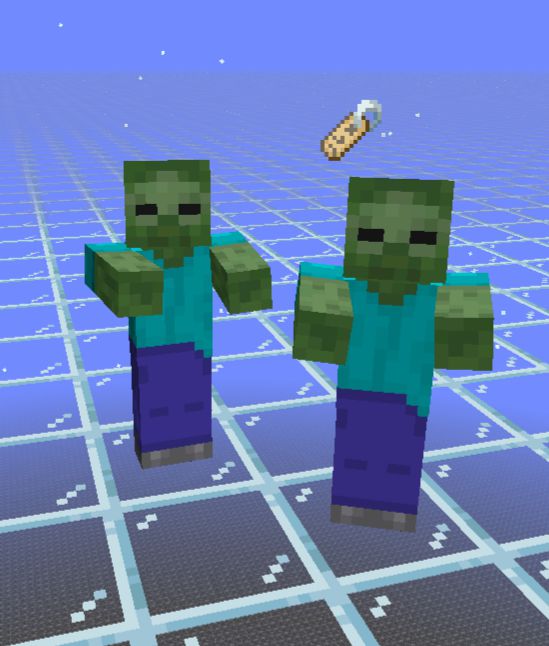
- [Name tag] Has a custom name (disabled for players)
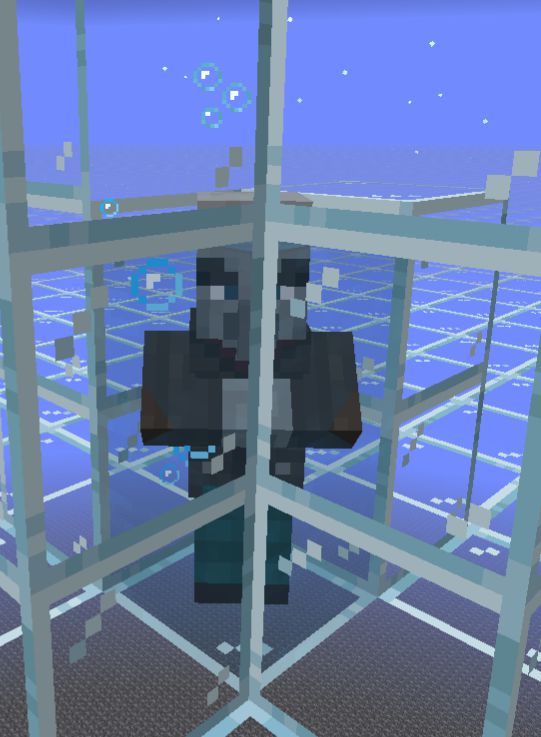
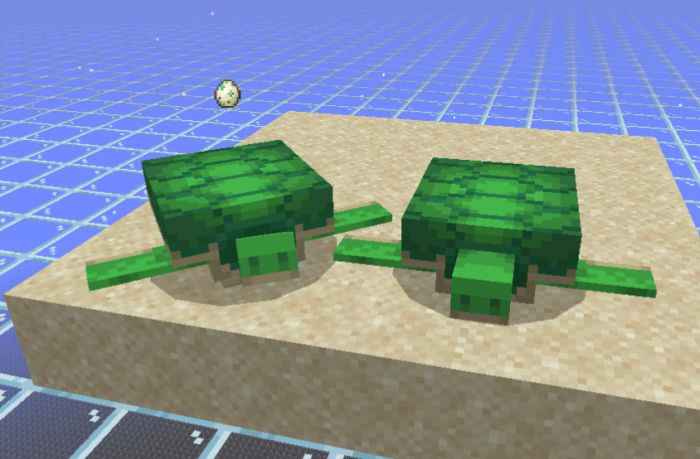
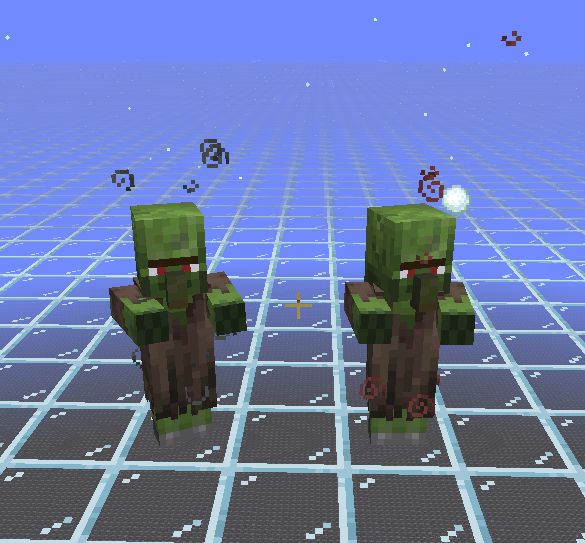
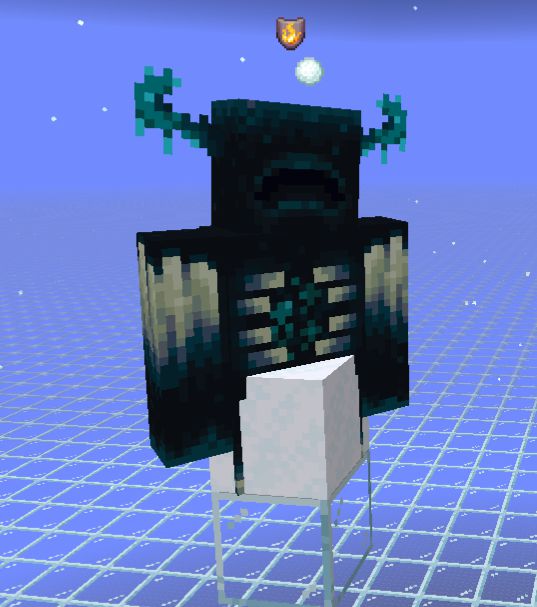
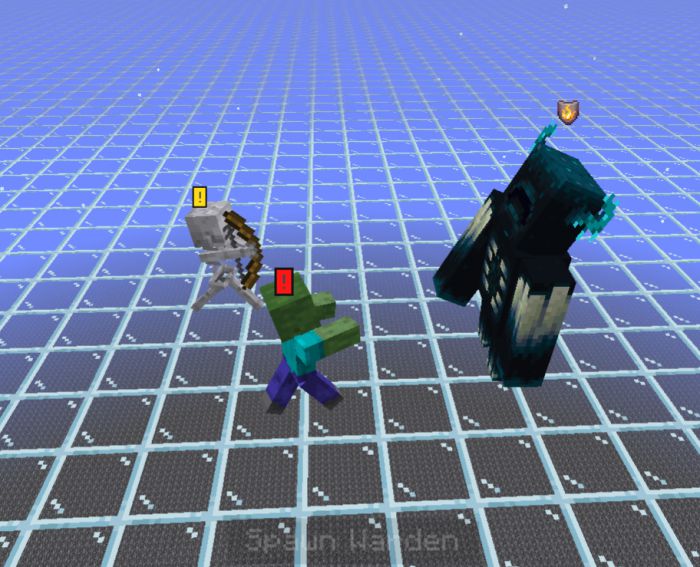
Villager Particle tweaks
- Adds sounds, increased the size, adjusted how long they stay and ignores lighting. Sound can be toggled off in pack settings.
Warden Distances
Vibration detection (sculk sensor icons):
- Outlines 16*16 circle
- show how far it can detect vibrations
- is always visible
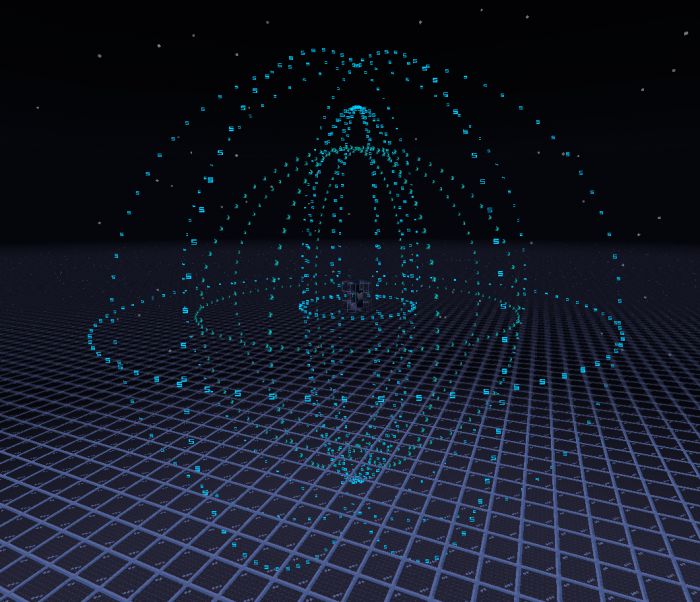
Sniff range (“S” letters):
- Outlines 24*24 and 5*20 circles
- Show how far it can sniff enemies
- becomes large when the warden is actively sniffing around and is always light blue
- Only visible if it does not have an attack target
- There are two ranges important for wardens. See at the bottom of the list
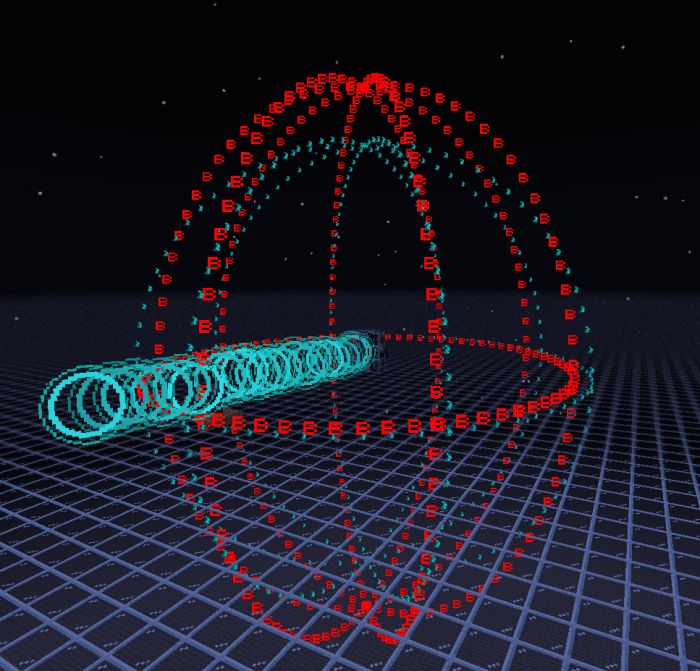
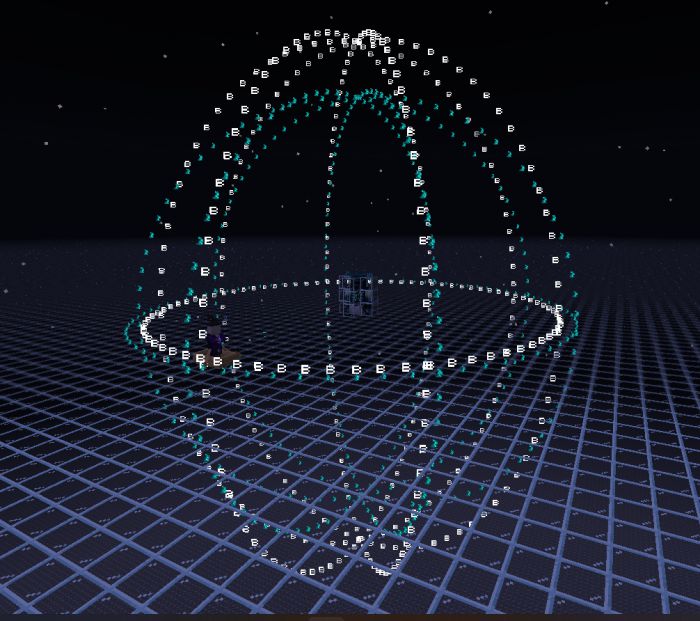
Sonic boom range (“B” letters):
- Outlines a 15*20 circle
- Turns red and large when actively using sonic boom, it is white when not active
- Only visible if it has an attack target
Sniff range facts:
- Farther than 24 blocks: no sniff
- Within 24 blocks but not in the 5 horizontal 20 vertical: moves to target but no anger level increase
- Within 24 blocks and is in the 5*20 range: moves to target and increases anger level
- The darkness effect range is the same as the big sniff range
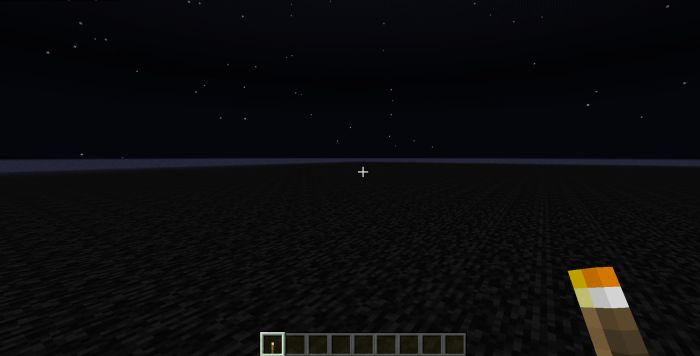
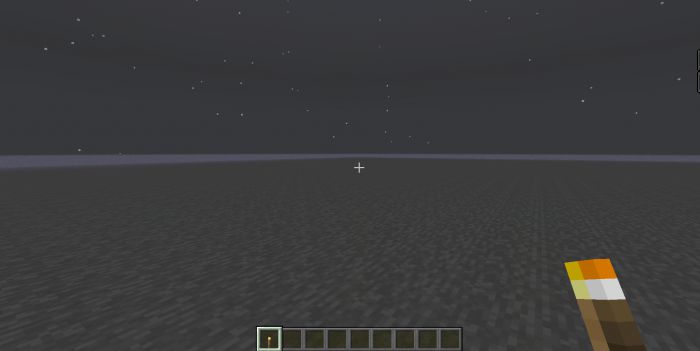
White Screen Shade
- Useful for seeing in the dark without torches, or seeing corners of blocks like black concrete easier
- Sneak and hold a torch at the same time to turn it on
- Remove any regular torches from Hotbar slots to turn off
- Has the option to keep it always on in pack settings
- The activation is a 5-second loop, removing torches from Hotbar will not remove the shade immediately
Player Experience Levels
- Shows the experience levels of all players.
- Note: There isn’t a way to link particles and animations to the player without using player.entity.json. There is a bug where it disables character creator skins and capes but not classic skins.
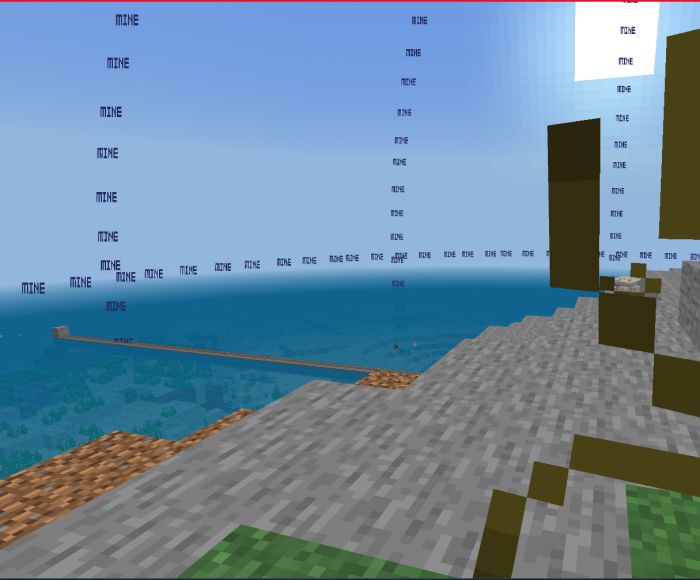
Elder Guardian Distance
- Shows how far you need to be to avoid getting mining fatigue from elder guardians
- Warden “S” and “B” are now “Sniff” and “Sonic Boom” respectively
Useful Particles Pack Download Links
For Minecraft PE/Bedrock 1.19
All packs: Download from server 1 – Download from server 2
Chunk Border + Armor Stand: Download from server 1 – Download from server 2
Health Bar: Download from server 1 – Download from server 2
Mob Spawn Tracker: Download from server 1 – Download from server 2
Mob Status: Download from server 1 – Download from server 2
Blocks Distance: Download from server 1 – Download from server 2
Hostile Mobs Warning: Download from server 1 – Download from server 2
For Minecraft PE/Bedrock 1.20
All packs: Download from server 1 – Download from server 2
Chunk Border: Download from server 1 – Download from server 2
Health Bar: Download from server 1 – Download from server 2
- Edition: Minecraft Bedrock
- File type: .mcpack
- Minecraft version listed: 1.26
- How to install: Download the .mcpack. → Open it — Minecraft imports it under Resource Packs. → Activate it in Global Resources, or for one world under Resource Packs → Available.
- Where to get it: In MCModsHub, or directly above on this page.
Install steps are the general flow for this file type — How to install Minecraft Bedrock texture packs walks through it step by step.
- Pack type: .mcaddon — behaviour and resource pack in one file
- Manifest requires Minecraft 1.16.0 or newer
- Complete pack — everything it depends on is inside the file
- Download link checked 17 Jun 2026 — working
- Mirrored on our own servers — the download does not depend on the original host
These come from our own check of the pack file, not from the source page.