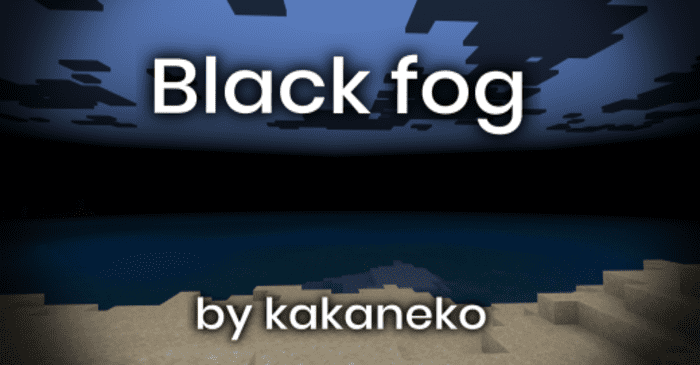
Black Fog Resource Pack (1.20) – MCPE/Bedrock
Bedrock texture pack listed for Minecraft 1.16–1.20. Installs from the MC Bedrock Mods app on Android.
⬇ Download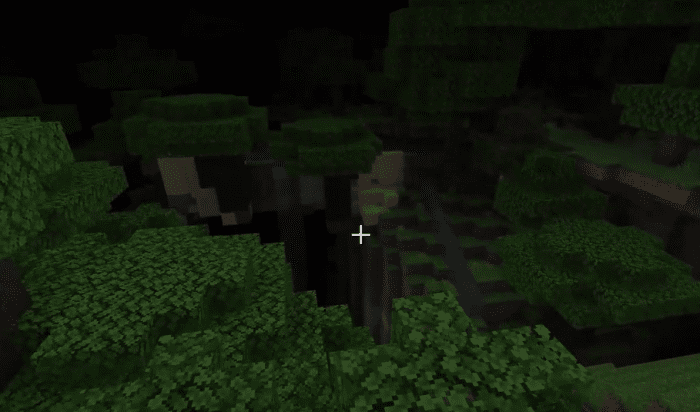
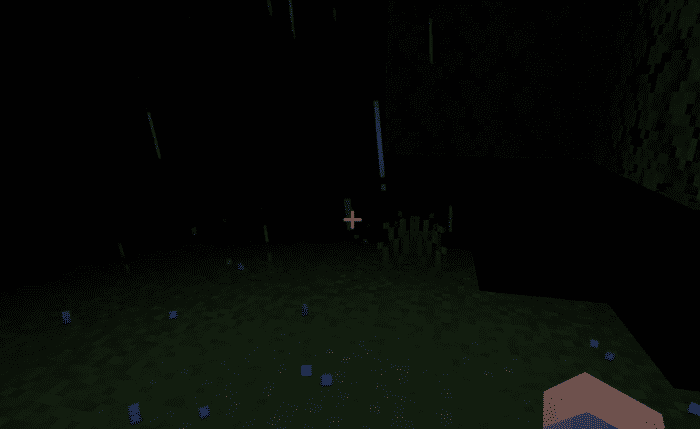
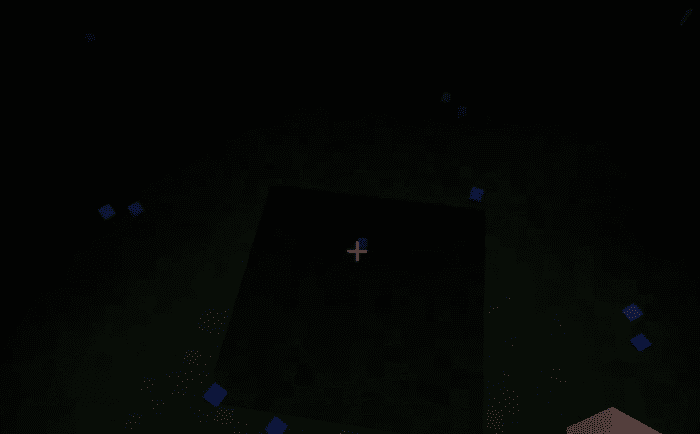
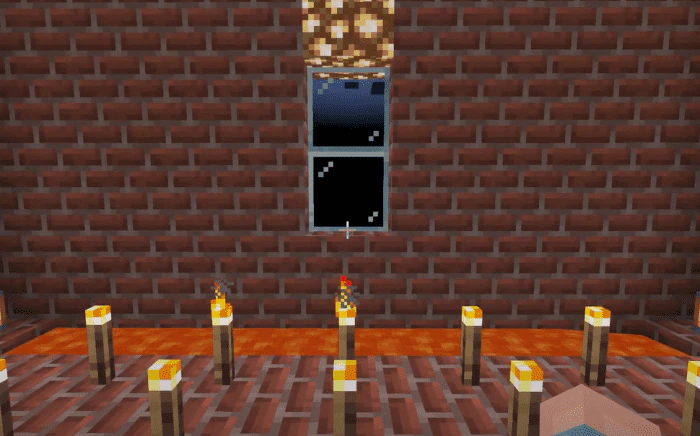
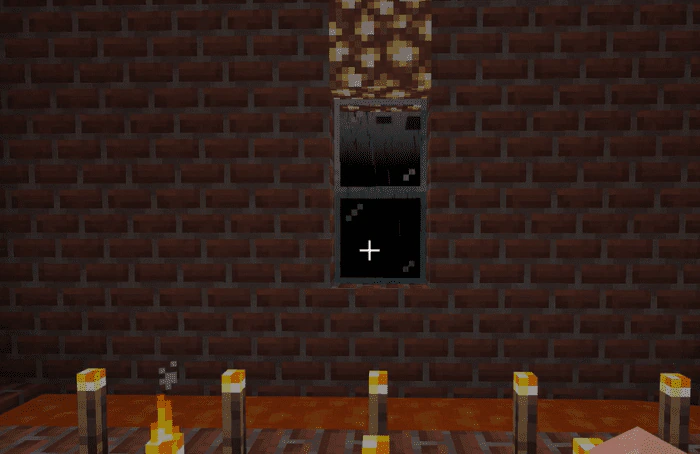
In the realm of Minecraft, darkness often evokes fear. Imagine a world where shadows deepen, and ordinary landscapes morph into something unsettling. This is precisely what the “Black Fog Resource Pack” accomplishes. By introducing a dense black fog, Black Fog Resource Pack transforms the familiar into the eerie. As depicted in the image, the field of view narrows, obscuring distant horizons. Survival becomes a challenge, and even the grand houses crafted in creative mode vanish into obscurity. Step into this shadowed dimension, where every corner holds mystery, and the veil of darkness shrouds the ordinary, revealing a different world altogether.
Features:
This alone is dangerous, but there are more dangerous functions…
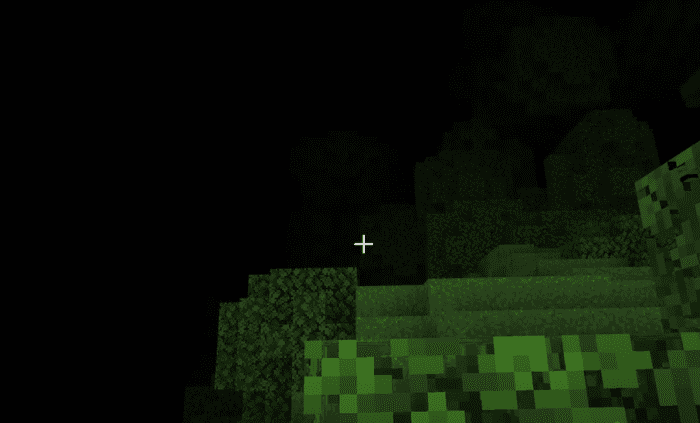
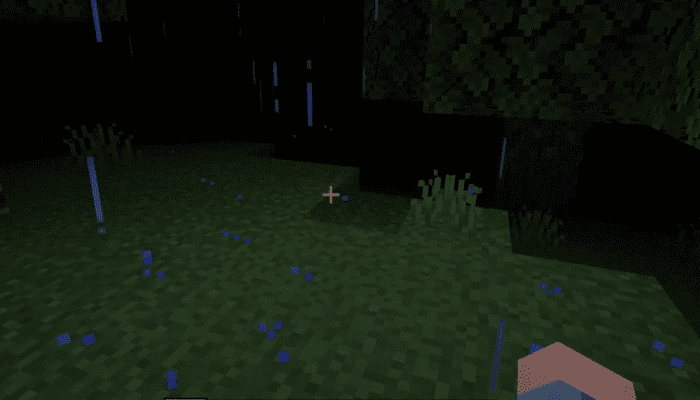
When the weather becomes rainy, the fog gradually thickens and eventually, everything disappears completely!
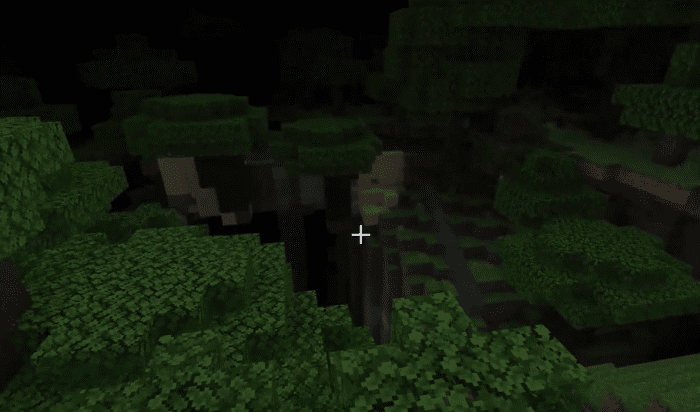
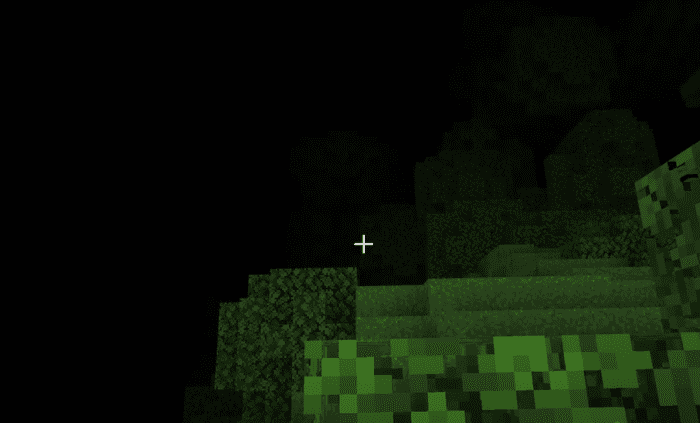
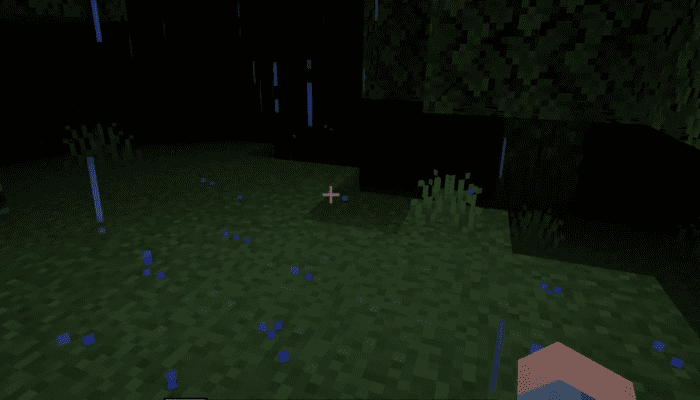
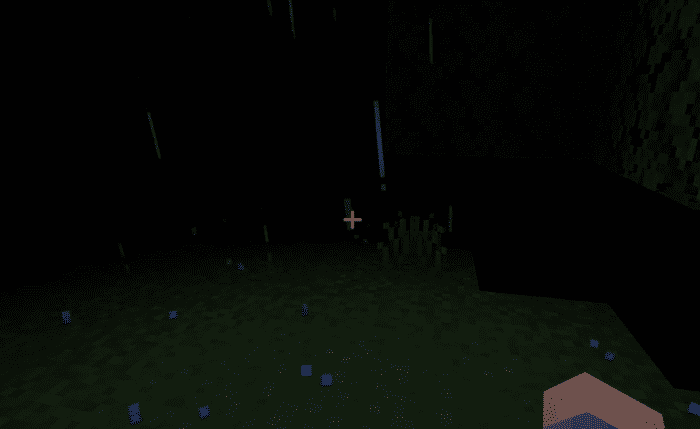
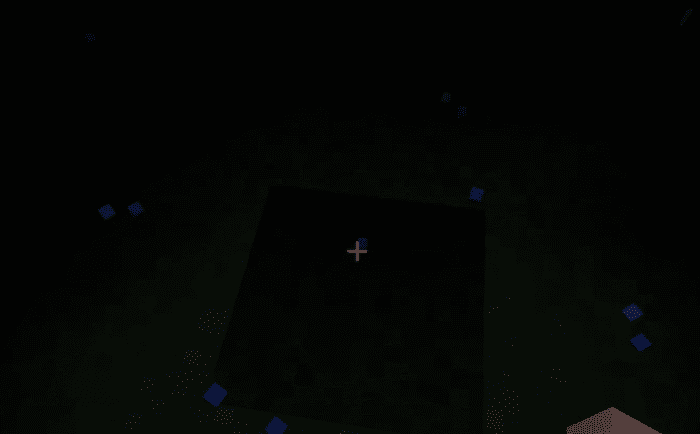
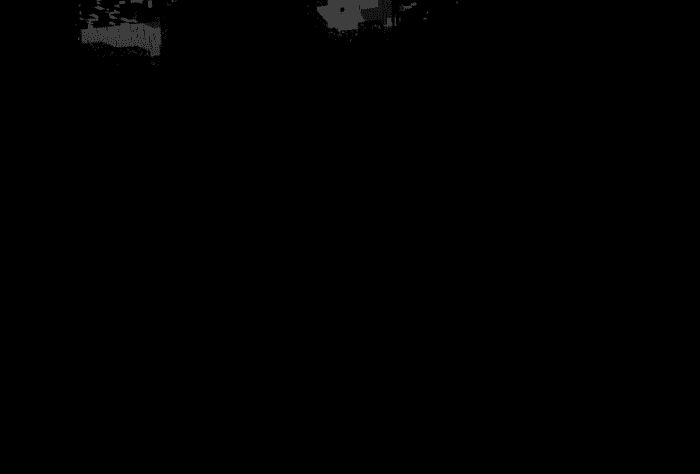
The visibility gets worse so that even the pointer in the middle disappears!
You can’t act decently!
No, it’s okay because there is a torch and a night-vision potion
… let’s try
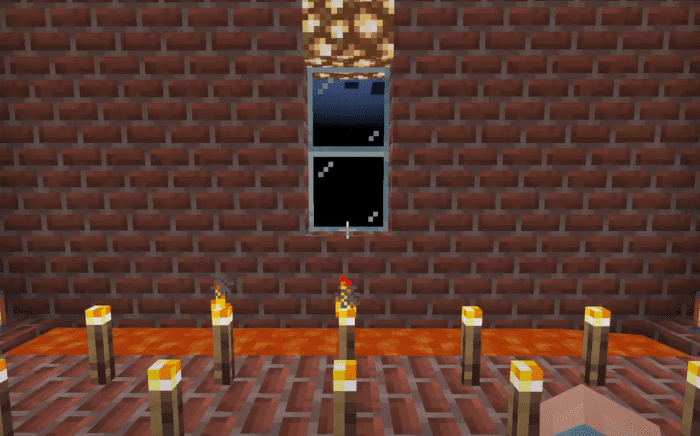
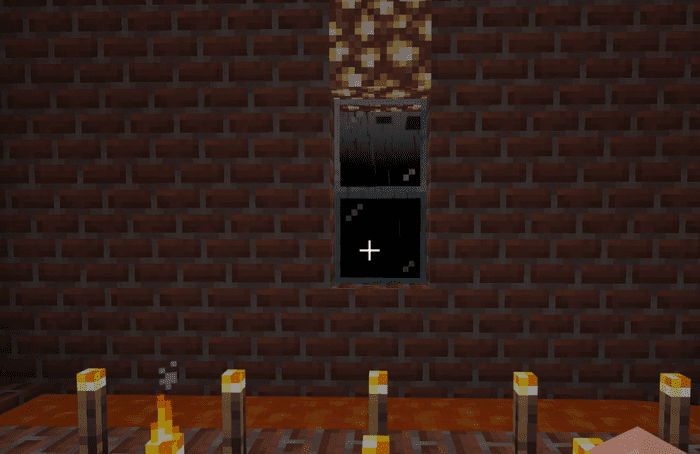
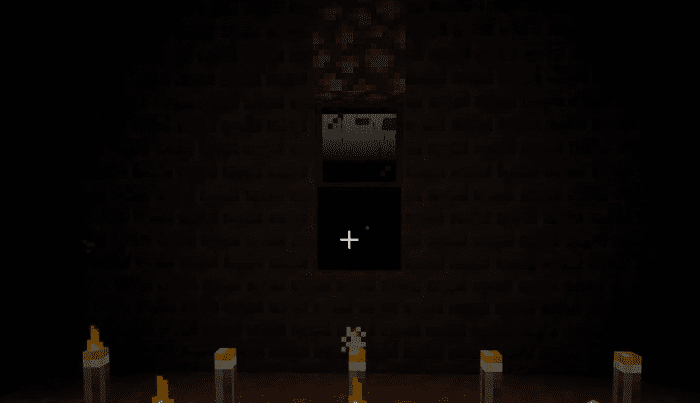
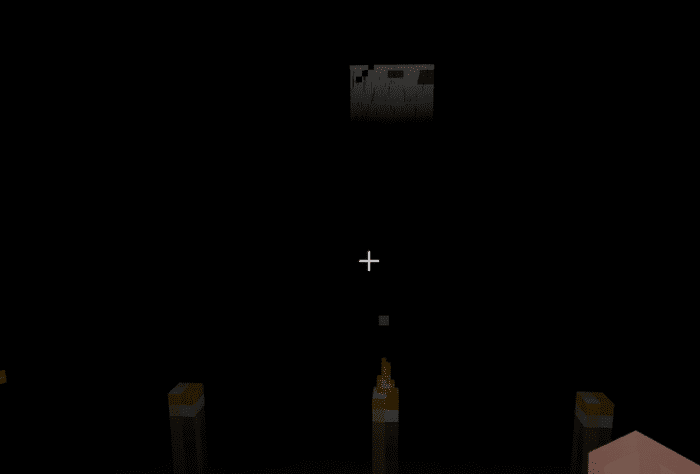
That’s impossible.
A light source is meaningless in front of this darkness.
So what if you drink a night-vision potion?
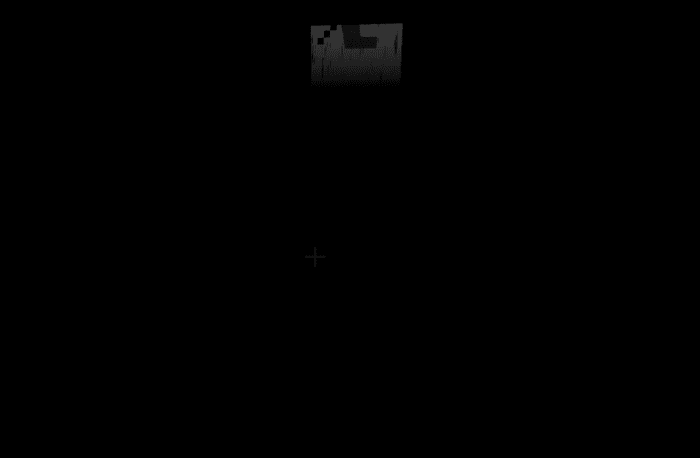
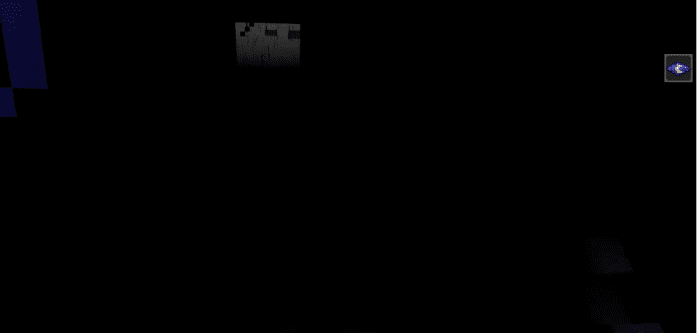
This is also impossible.
Night-vision potions also have no effect.
In other words, there is no way to solve this darkness. Let’s wait for the weather to clear up.
How to change the fog distance
Unfortunately, it is not possible to change the fog distance. However, changing the rendering distance from the Minecraft settings will automatically change the fog distance.
Installation Note:
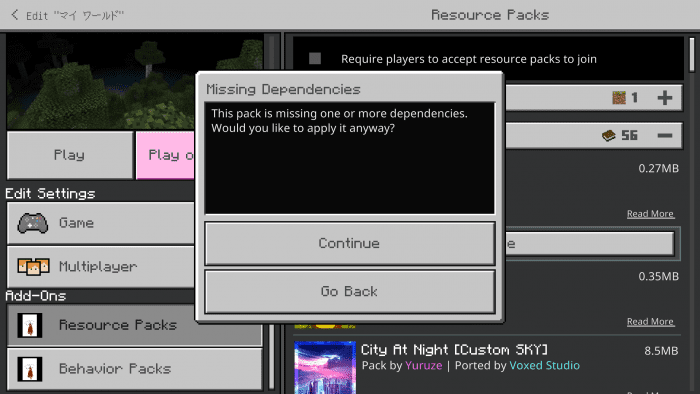
- If you try to play with this resource pack, you will see this display.
- It is said that there are no dependencies, but this is by design. Press Continue.
Black Fog Resource Pack Download Links
For Minecraft PE/Bedrock 1.20
mcpack: Download from server 1 – Download from server 2
- Edition: Minecraft Bedrock
- File type: .mcpack
- Minecraft version listed: 1.20
- How to install: Download the .mcpack. → Open it — Minecraft imports it under Resource Packs. → Activate it in Global Resources, or for one world under Resource Packs → Available.
- Where to get it: In MCModsHub, or directly above on this page.
Install steps are the general flow for this file type — How to install Minecraft Bedrock texture packs walks through it step by step.
- Pack type: .mcpack — a single pack
- Manifest requires Minecraft 1.16.0 or newer
- Ships one half — this pack asks for another pack that is not included
- Download link checked 17 Jun 2026 — working
- Mirrored on our own servers — the download does not depend on the original host
These come from our own check of the pack file, not from the source page.