Achievement Friendly Furniture Pack (1.20) – MCPE/Bedrock
Bedrock texture pack listed for Minecraft 1.20. File opened and checked on 24 Oct 2026; installs from the MC Bedrock Mods app on Android.
⬇ Download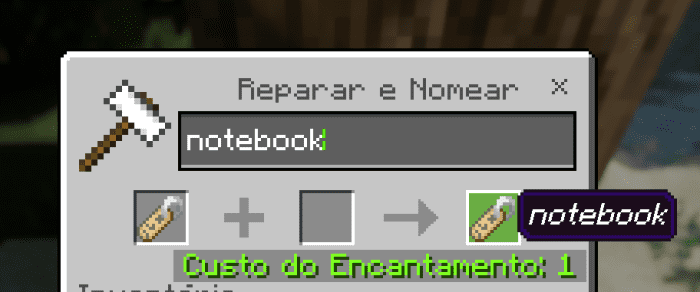
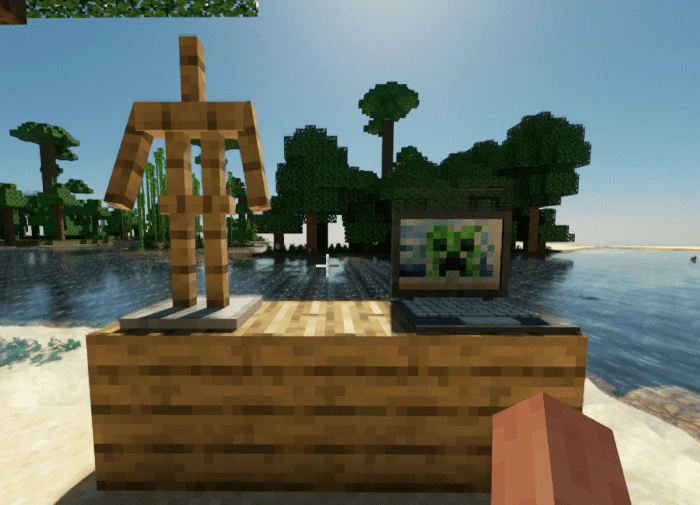
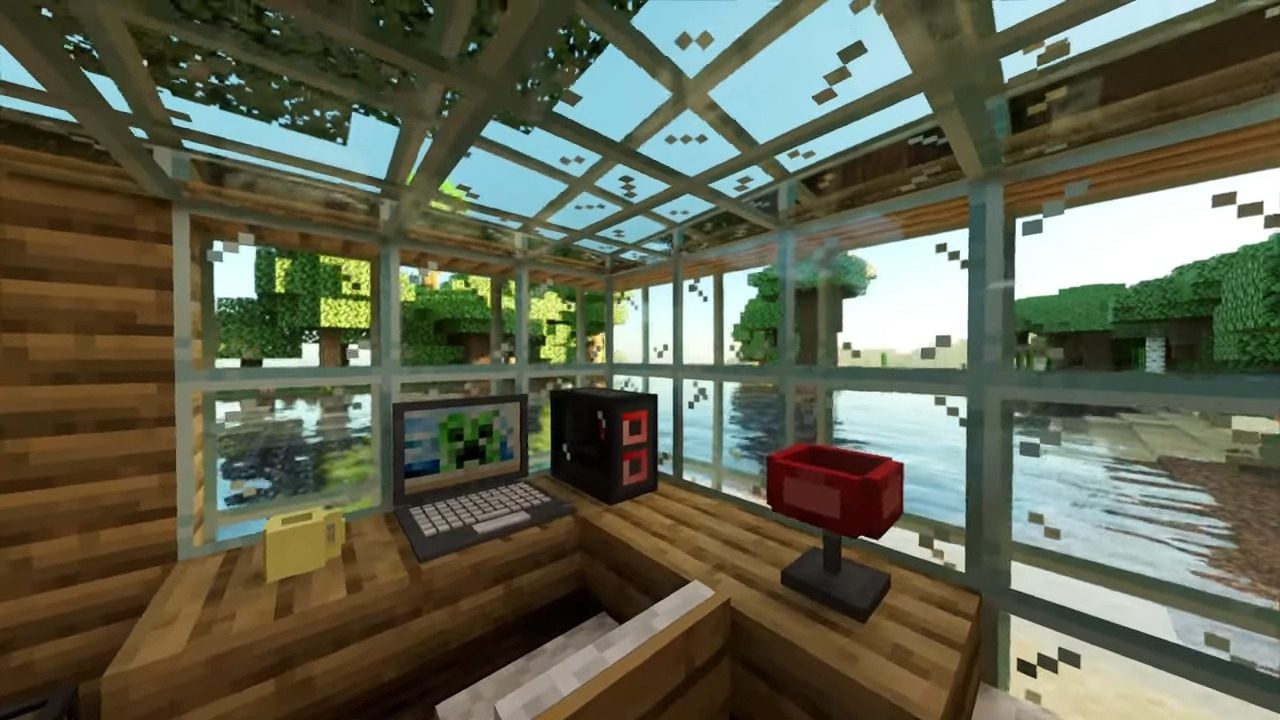
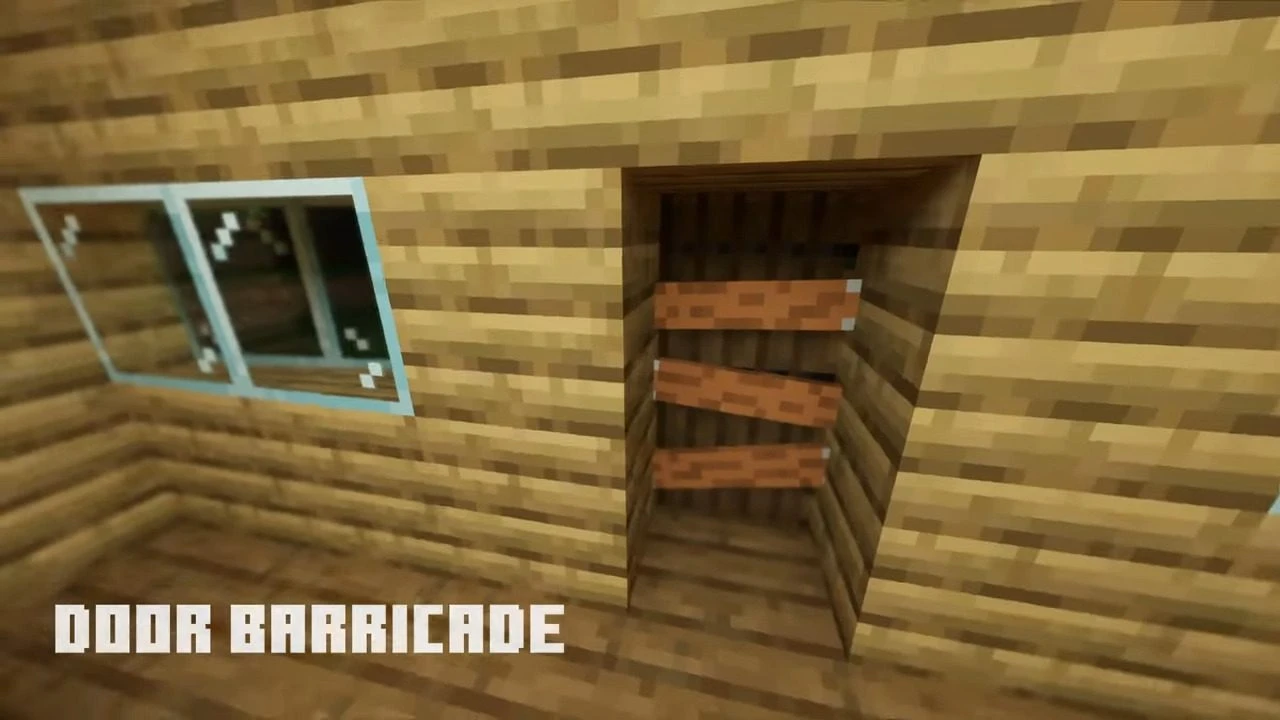
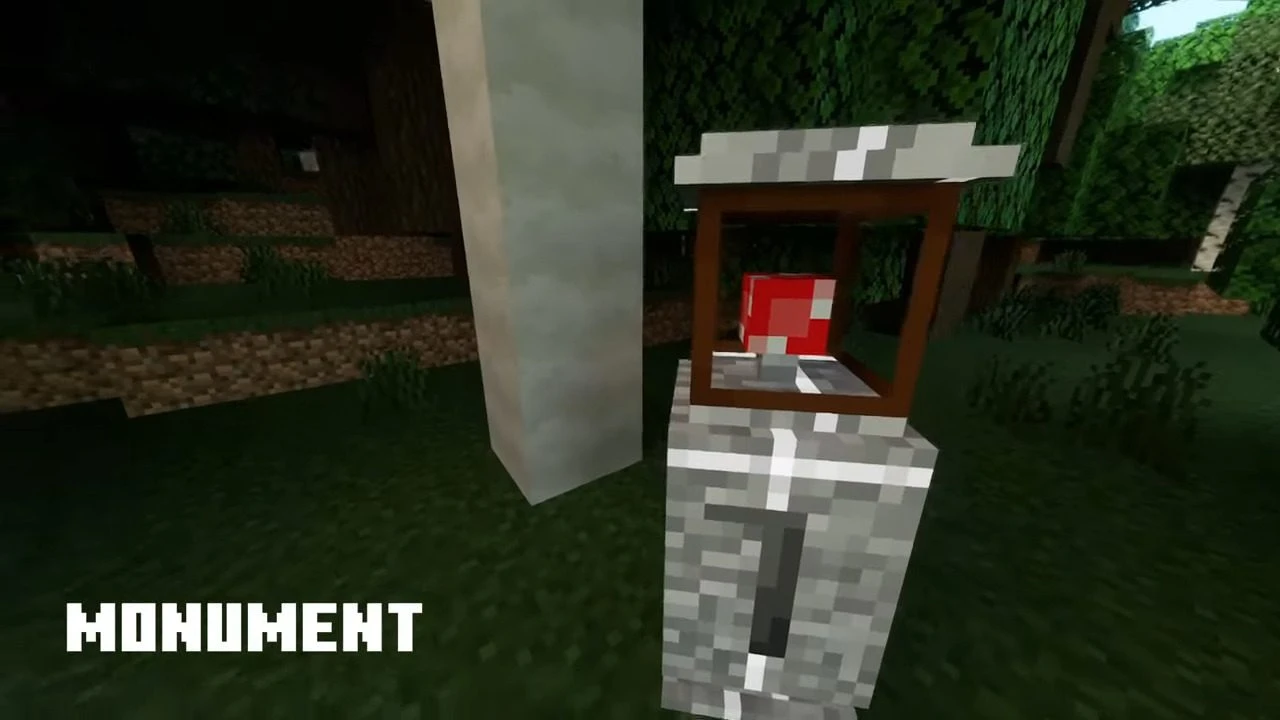
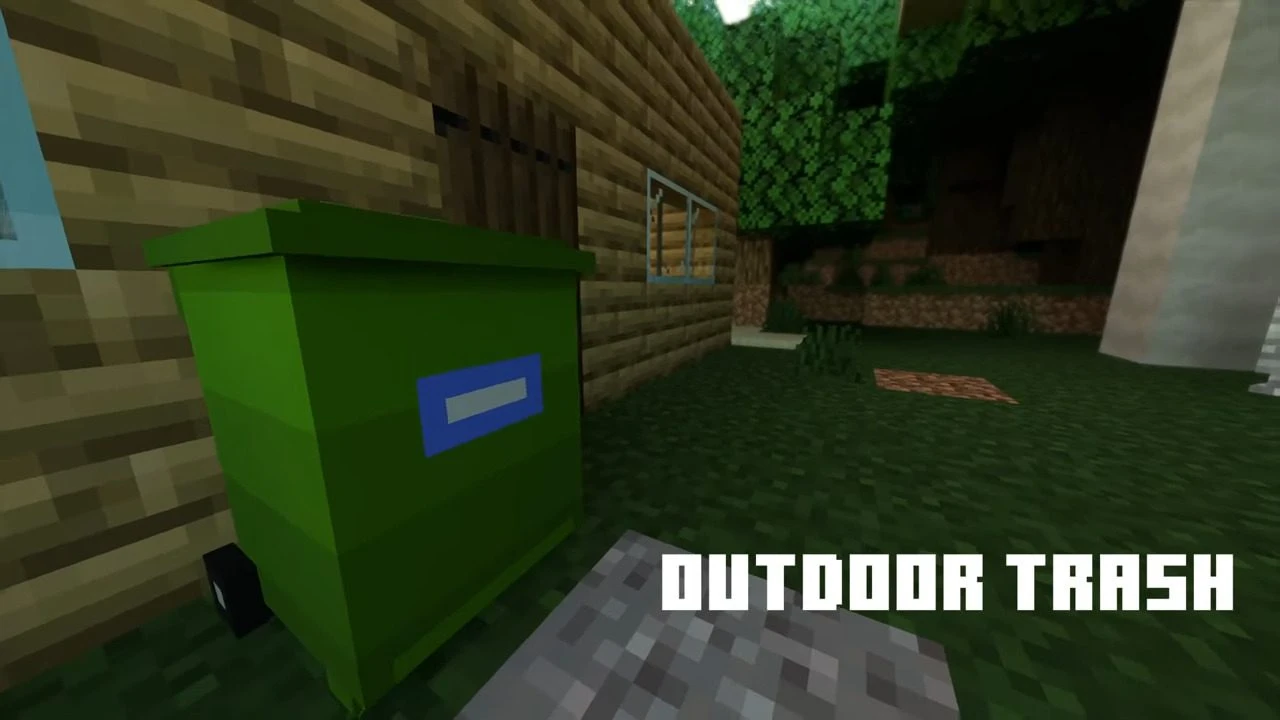
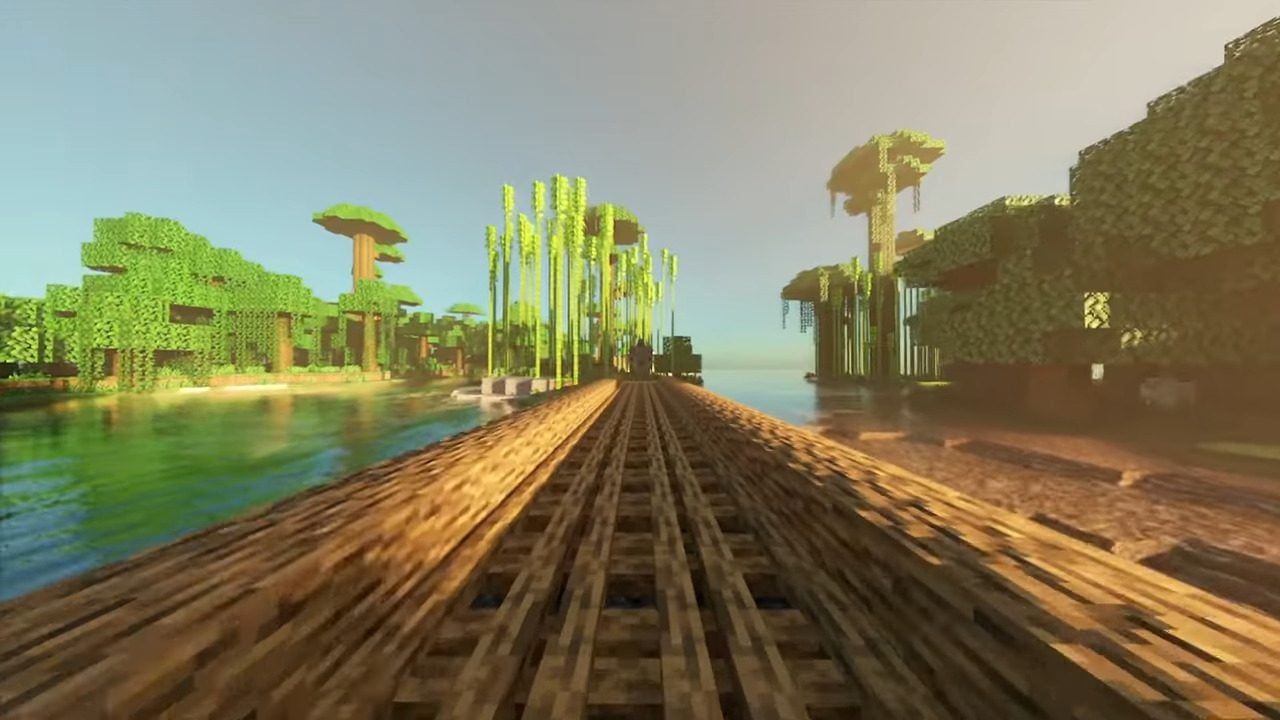
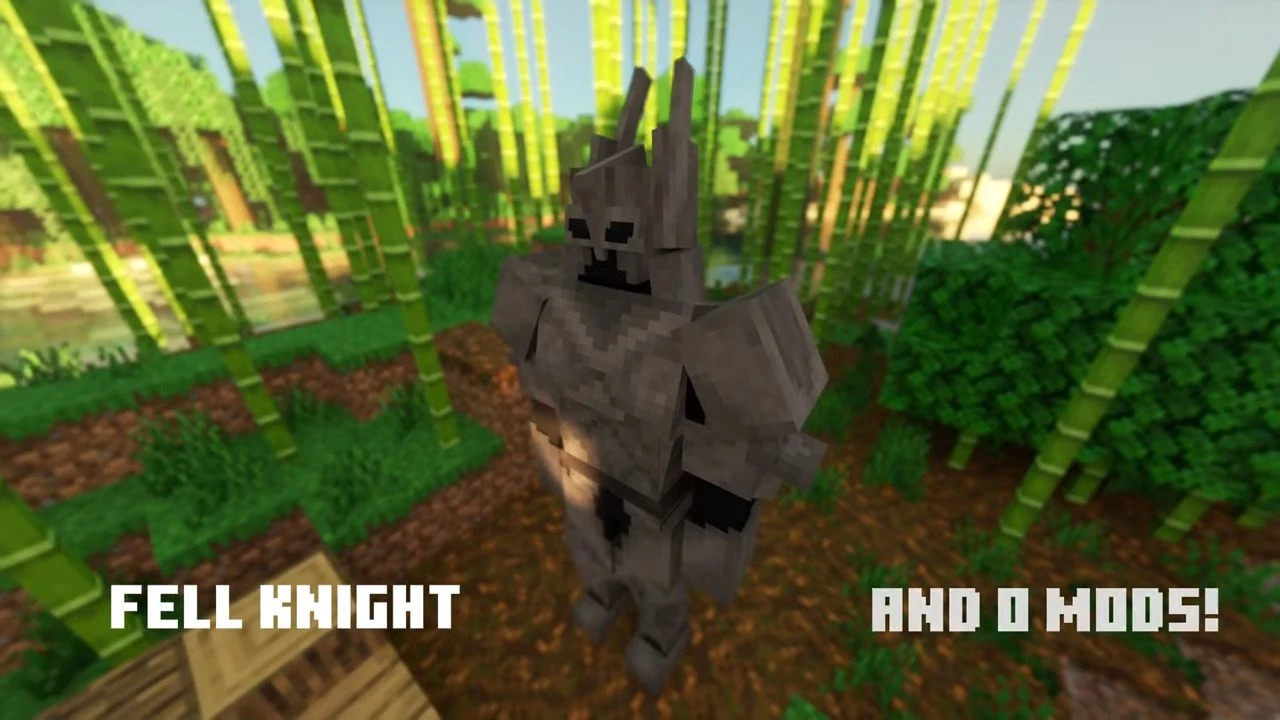
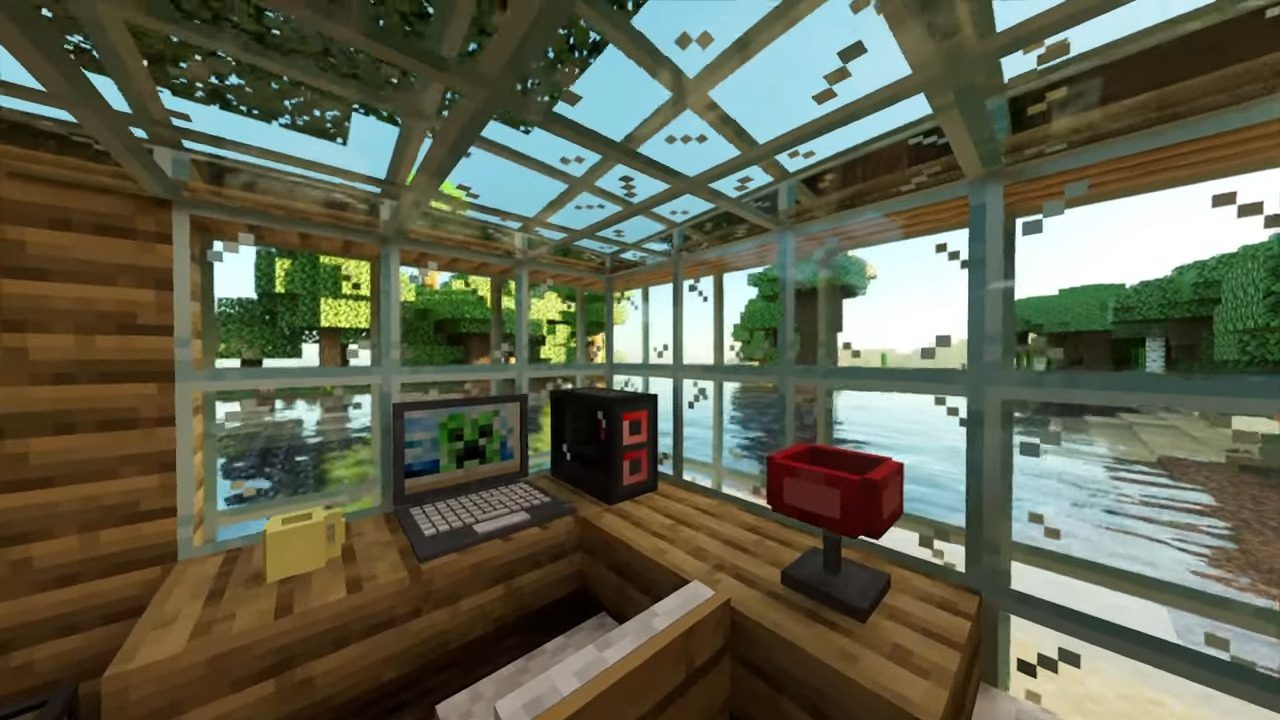
Are you tired of losing your achievements or downloading addons just to use furniture in your game? Now, you can use furniture without any modifications to your game or losing your achievements with the Achievement Friendly Furniture Pack. Achievement Friendly Furniture Pack is based on the NDM system from “RWR MrFrog” and is designed to make your gaming experience more enjoyable and hassle-free.
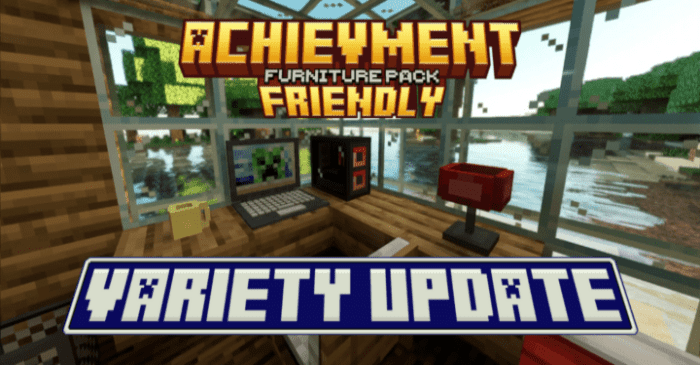
Features:
How it works?
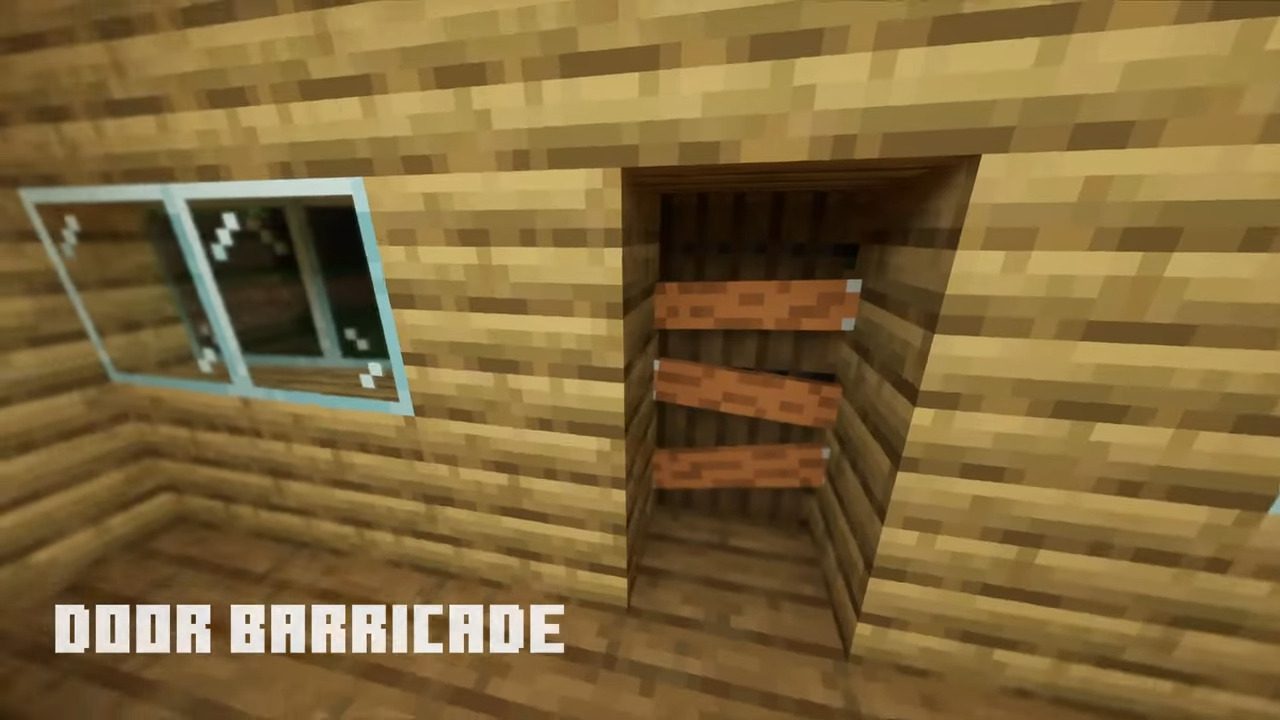
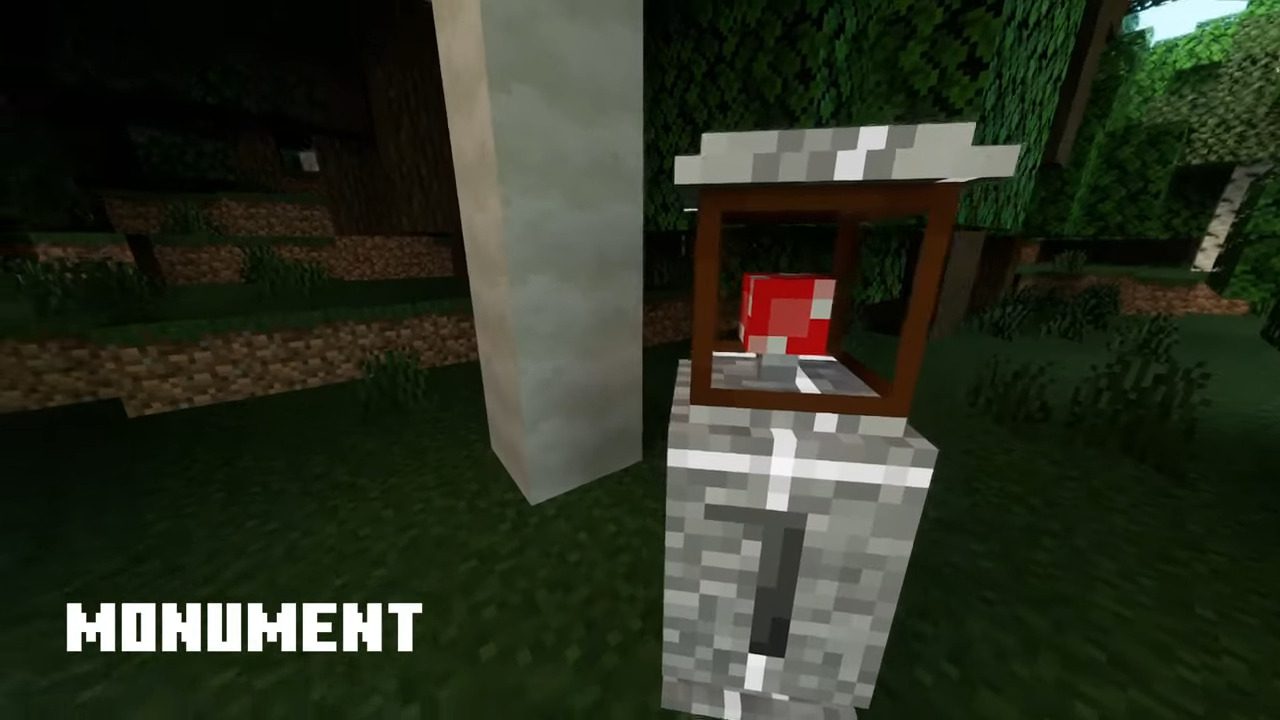
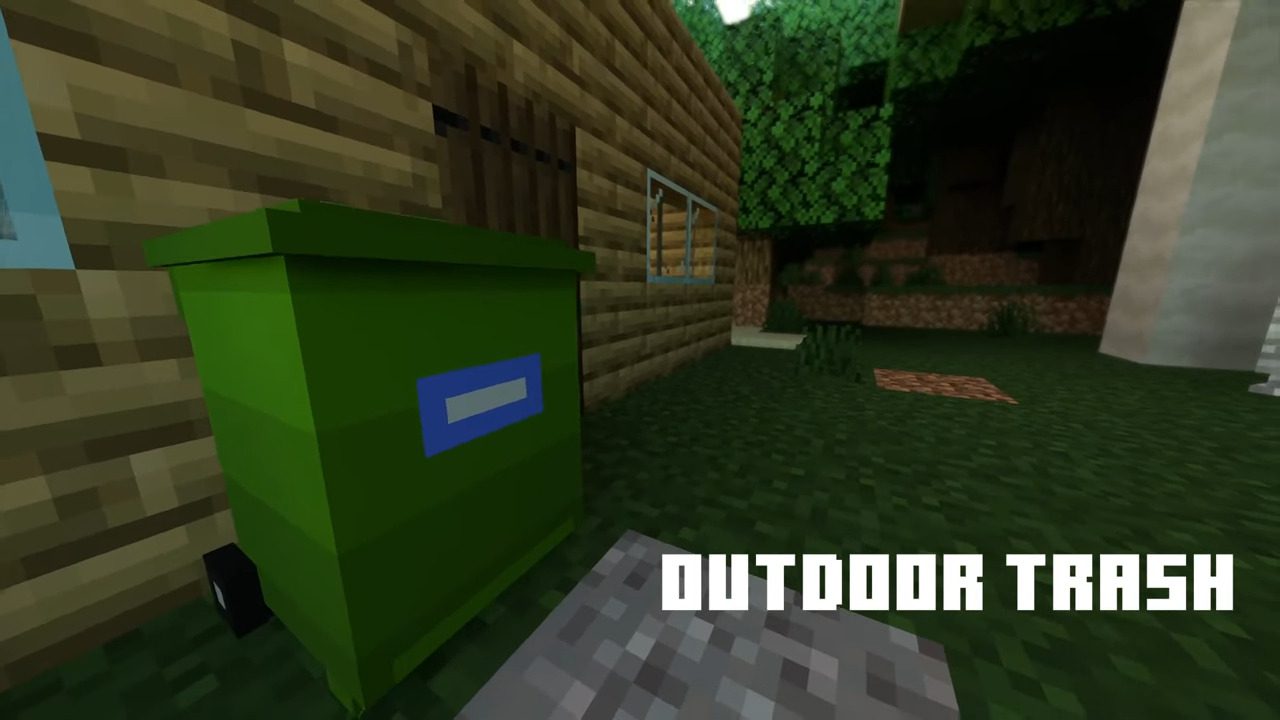
- Using Molang features, it’s possible to change the geometry and texture of entities just by changing their name. Knowing this, by changing the name of armor stands, you can make furniture (Just decorative, but very detailed)!
How to use it?
- The first step is to give a name to a Tag, according to the furniture you want to create.
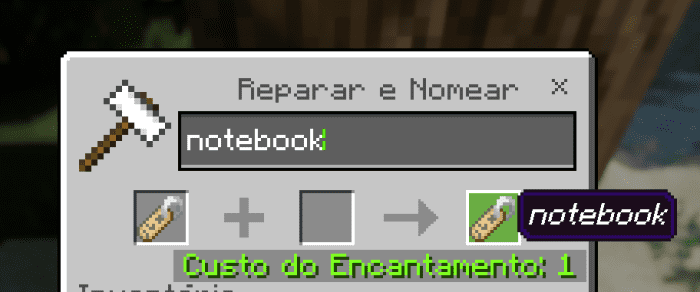
- After that, all you have to do is name the armor stand with the tag, and that’s it!
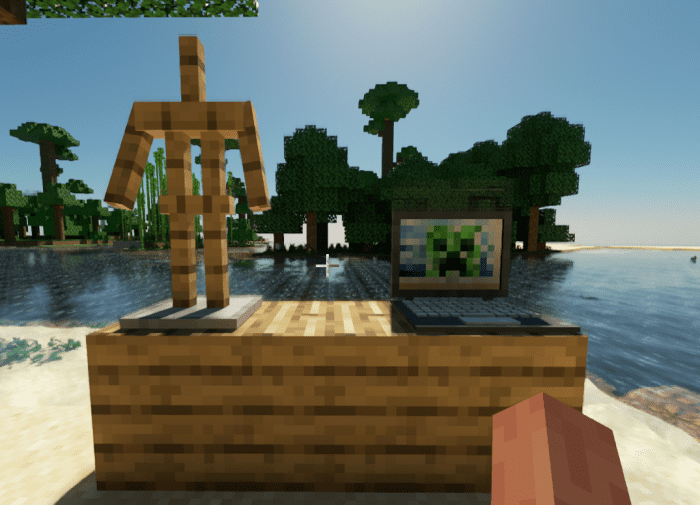
Screenshots:
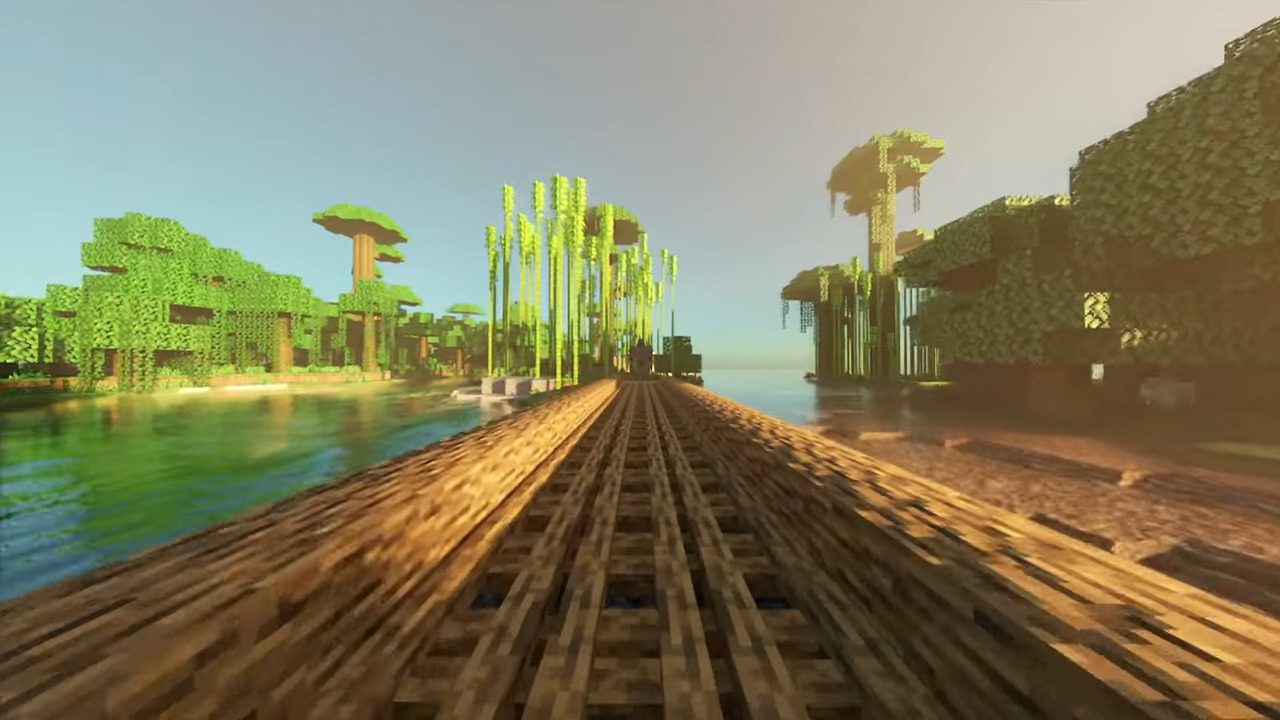
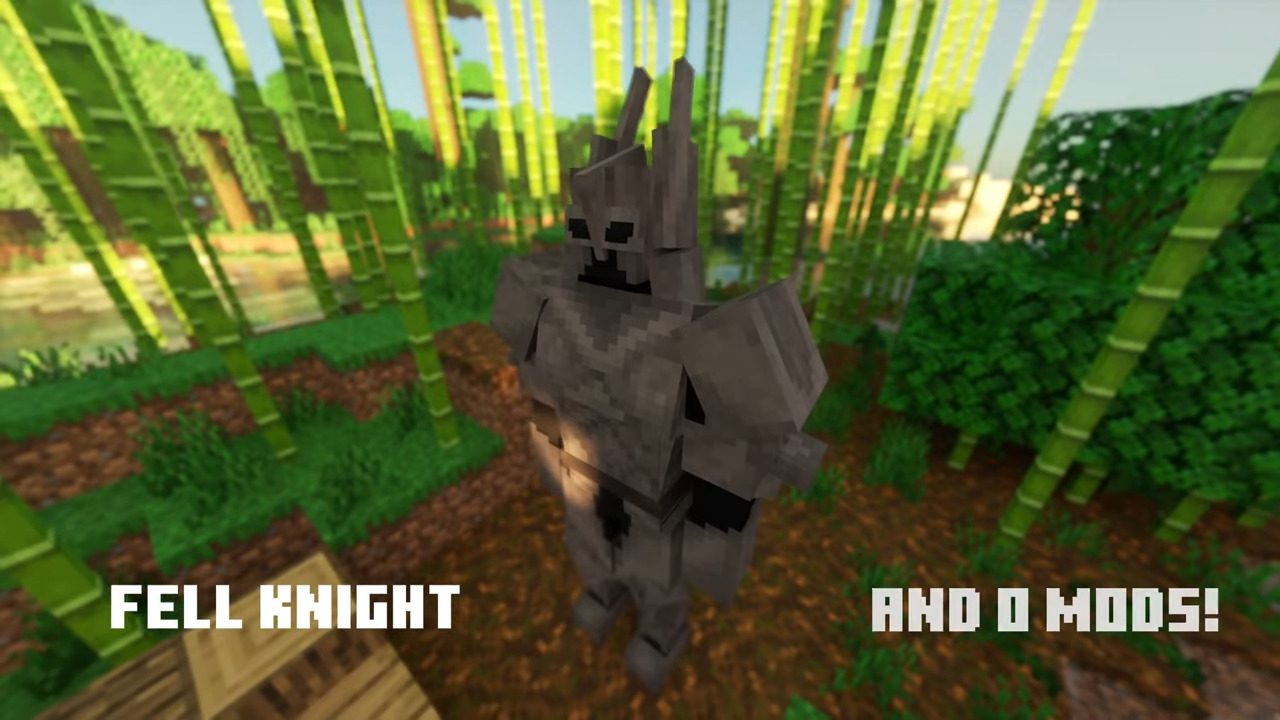
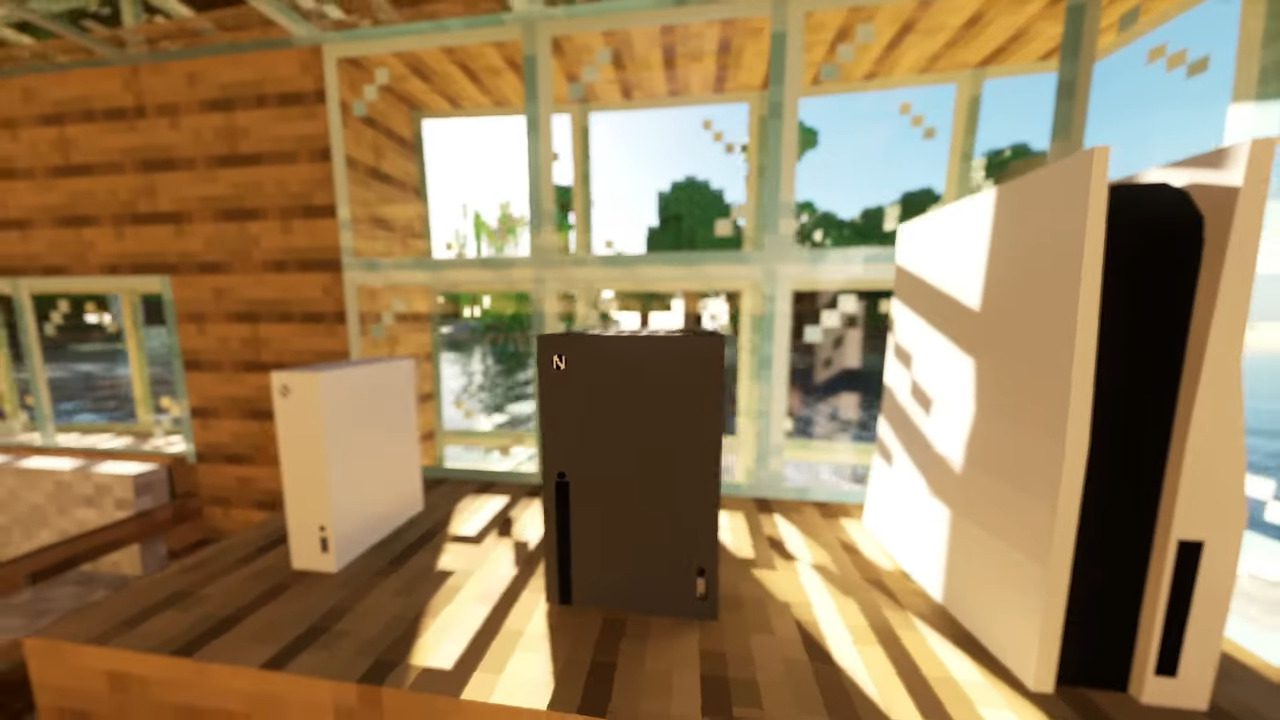
Achievement Friendly Furniture Pack Download Links
For Minecraft PE/Bedrock 1.20
mcpack: Download from server 1 – Download from server 2
- Edition: Minecraft Bedrock
- File type: .mcpack
- Minecraft version listed: 1.20
- How to install: Download the .mcpack. → Open it — Minecraft imports it under Resource Packs. → Activate it in Global Resources, or for one world under Resource Packs → Available.
- Where to get it: In MCModsHub, or directly above on this page.
Install steps are the general flow for this file type — How to install Minecraft Bedrock texture packs walks through it step by step.
- Pack type: .mcpack — a single pack
- Manifest requires Minecraft 1.20.0 or newer
- Complete pack — everything it depends on is inside the file
- Download size: 131 KB
- Download link checked 17 Jun 2026 — working
- Mirrored on our own servers — the download does not depend on the original host
These come from our own check of the pack file, not from the source page.