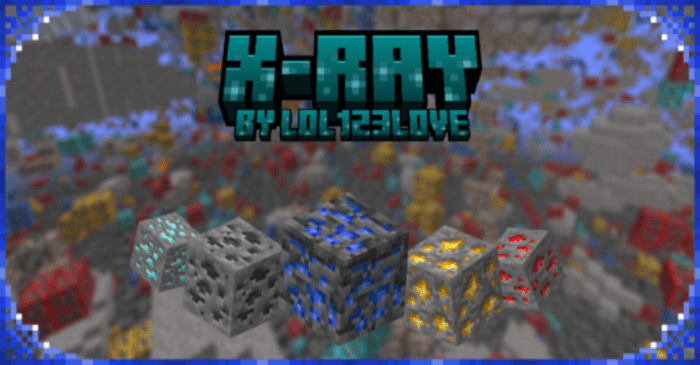
lol123love's X-Ray Texture Pack (1.26+) – MCPE/Bedrock
Bedrock texture pack listed for Minecraft 1.16–26.x. File opened and checked on 4 Sep 2026; installs from the MC Bedrock Mods app on Android.
lol123love's X-Ray Texture Pack aimed at simplifying the resource-gathering experience. This pack allows players to see through blocks to easily locate…
⬇ Download




lol123love’s X-Ray Texture Pack aimed at simplifying the resource-gathering experience. This pack allows players to see through blocks to easily locate ores and other valuable materials hidden beneath the surface, such as diamonds, without the need for extensive manual mining. It’s marketed as a tool for “ore hunters” who want to bypass the guesswork of traditional mining, offering a strategic advantage in spotting resources quickly.
Supported Versions:
Minecraft Bedrock 1.26.30 and later. Resource pack only – no Experimental Features required.
Features:
Subpacks:
- X-ray and Find Ores:
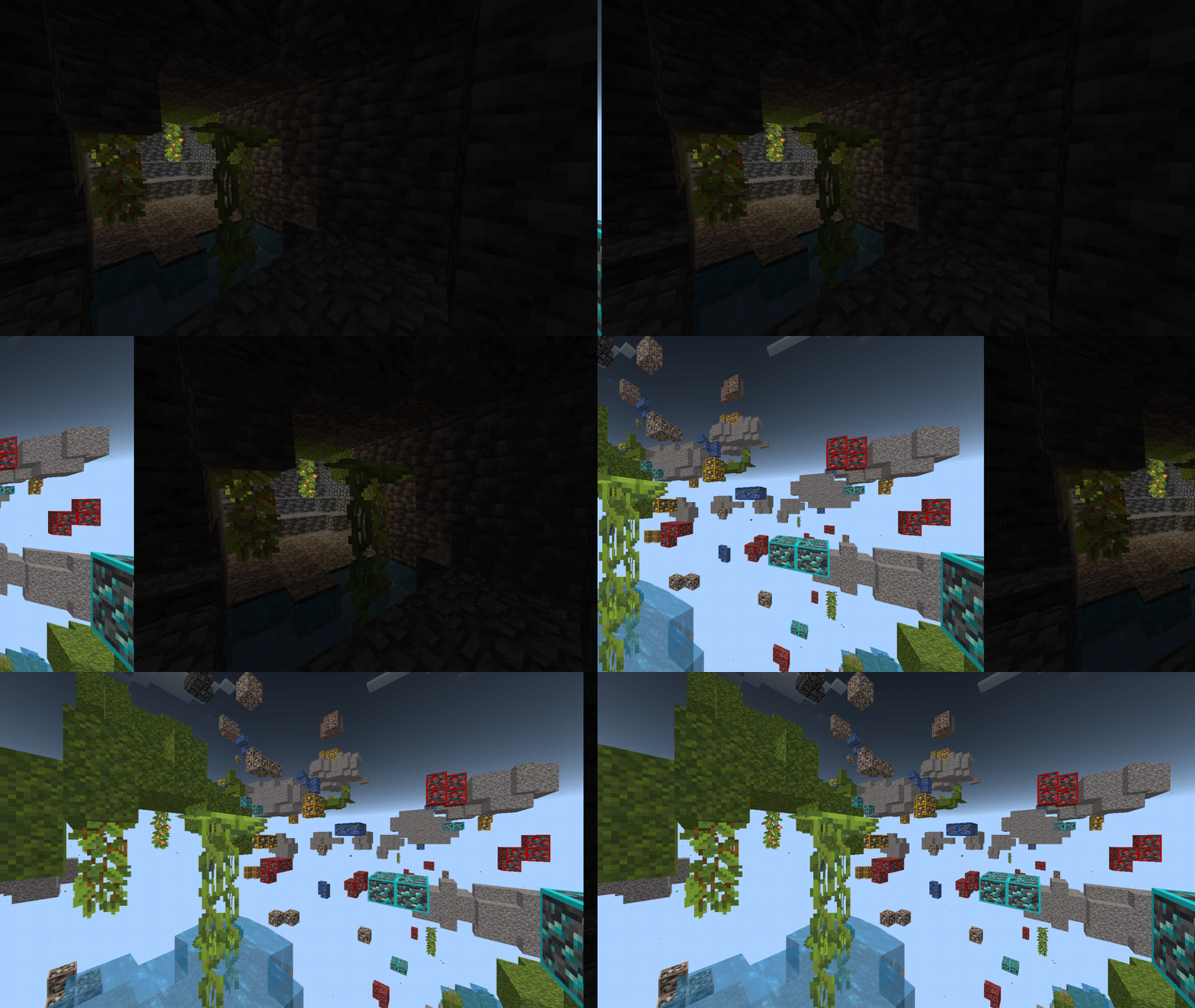
- Overworld X-ray:
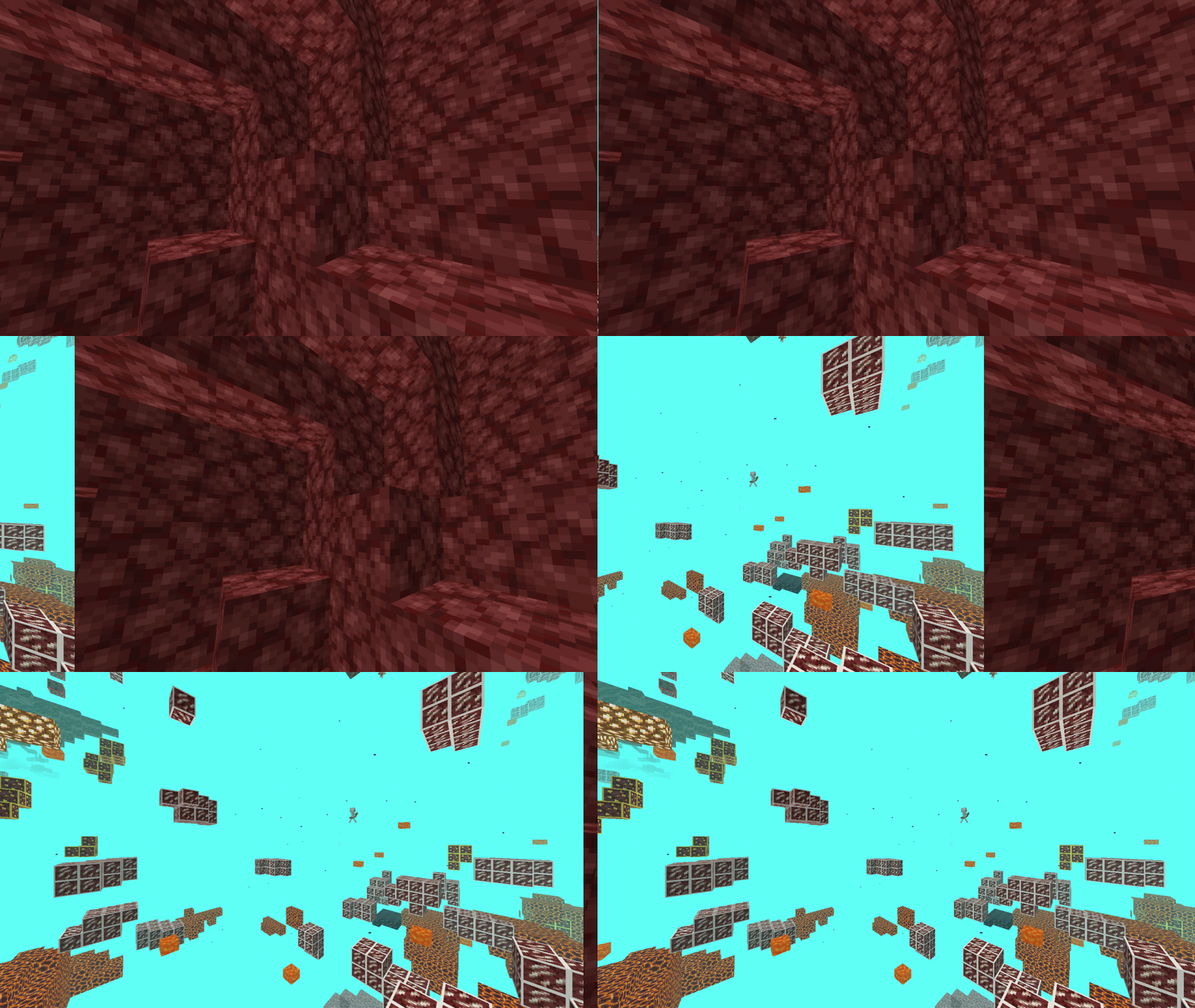
- Nether X-ray:
- End X-ray:
Installation Note:
To unlock the full potential of X-Ray, a simple yet crucial setup is required.
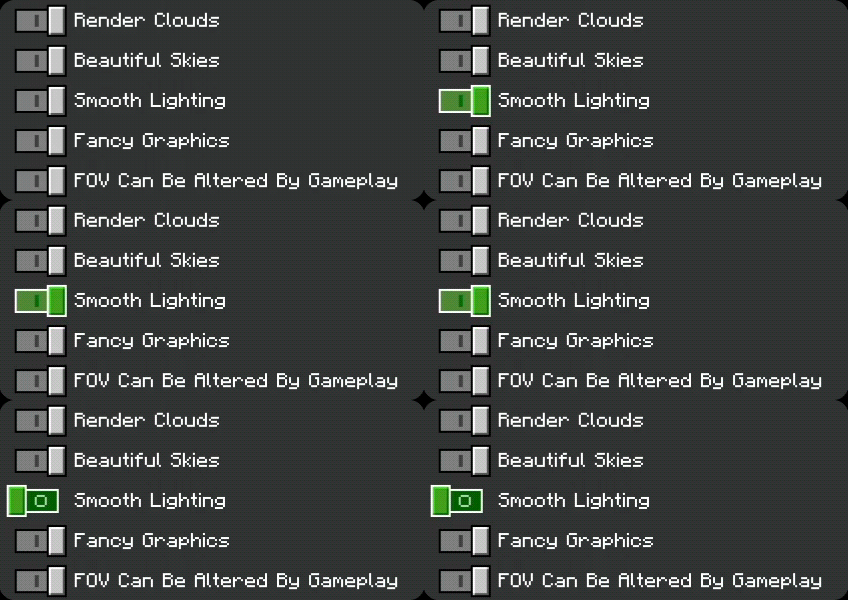
- Players are advised to disable smooth lighting:
- Crank up their brightness setting to 100%:
This ensures optimal visibility, allowing users to harness the pack’s unique capabilities effectively.
By making certain blocks transparent or highly visible, X-Ray transcends traditional mining techniques by eliminating the tedious guesswork associated with ore detection. This texture pack brilliantly illuminates valuable resources, transforming your subterranean expeditions into efficient and strategic ventures. Whether you’re a seasoned miner seeking heightened productivity or a newcomer navigating the intricacies of Minecraft, X-Ray becomes your indispensable companion, simplifying the once-complex process of resource identification.
Screenshots:
- X-Ray In The Overworld:
- X-Ray In The Nether:
lol123love’s X-Ray Texture Pack Download Links
For Minecraft PE/Bedrock 1.20, 1.19
mcpack: Download from server 1 – Download from server 2
- Edition: Minecraft Bedrock
- File type: .mcpack
- Minecraft version listed: 1.26
- How to install: Download the .mcpack. → Open it — Minecraft imports it under Resource Packs. → Activate it in Global Resources, or for one world under Resource Packs → Available.
- Where to get it: In MCModsHub, or directly above on this page.
Install steps are the general flow for this file type — How to install Minecraft Bedrock texture packs walks through it step by step.
- Pack type: .mcaddon — behaviour and resource pack in one file
- Manifest requires Minecraft 1.16.0 or newer
- Complete pack — everything it depends on is inside the file
- Download link checked 17 Jun 2026 — working
- Mirrored on our own servers — the download does not depend on the original host
These come from our own check of the pack file, not from the source page.