Particle & Flipbook Disabler (26.x, 1.20) – FPS Boost Texture Pack
Bedrock texture pack listed for Minecraft 1.14–1.20. File opened and checked on 20 Sep 2026; installs from the MC Bedrock Mods app on Android.
Particle & Flipbook Disabler aims to increase FPS and get rid of any and all particles when applied. Additionally, there is a secondary option for max FPS…
⬇ Download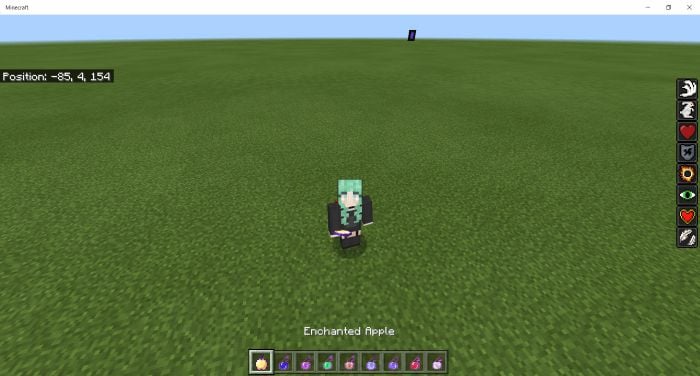
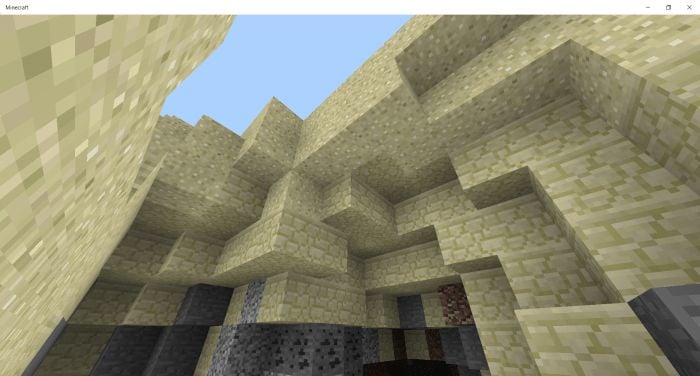
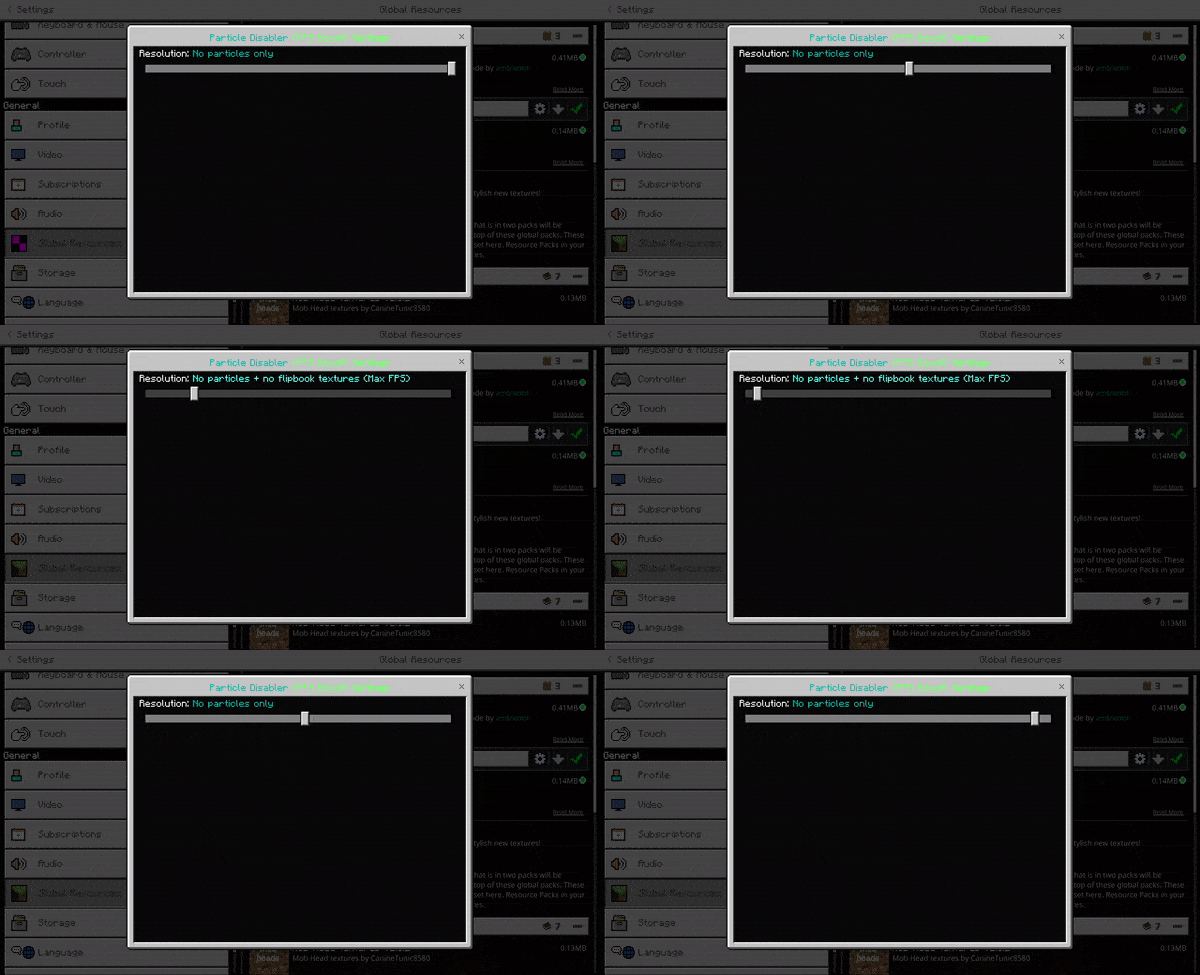
Particle & Flipbook Disabler aims to increase FPS and get rid of any and all particles when applied. Additionally, there is a secondary option for max FPS to disable particles and flipbook textures. The main difference between this pack and other particle disablers is that this one actually disables the emitter properties of each particle as opposed to making the particle textures transparent. In other packs that use the transparent texture technique, the particles appear disabled but are still emitted (which does not reduce lag whatsoever). As previously stated, this pack disables their appearance and reduces lag.
Features:
- Potion effects do not emit particles around the player.
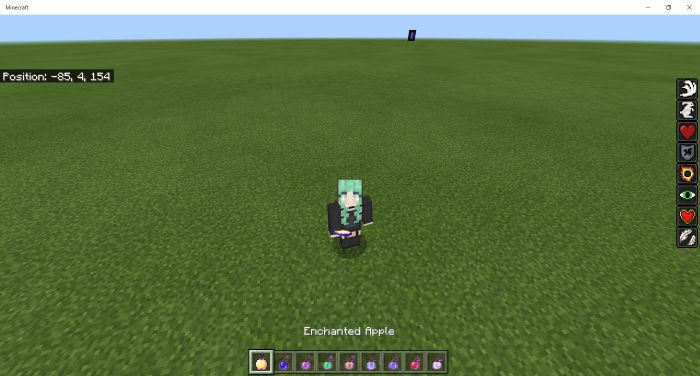
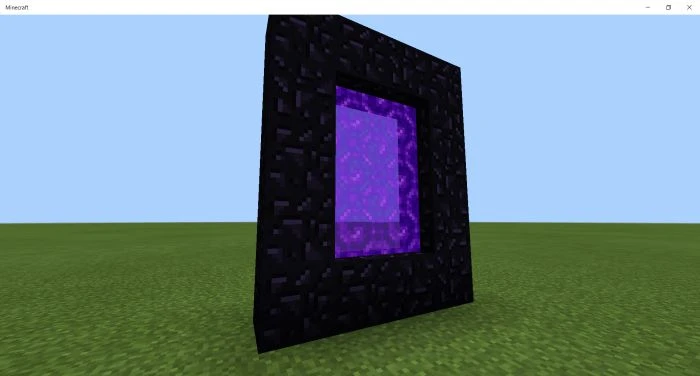
- Nether portals do not emit purple particles.
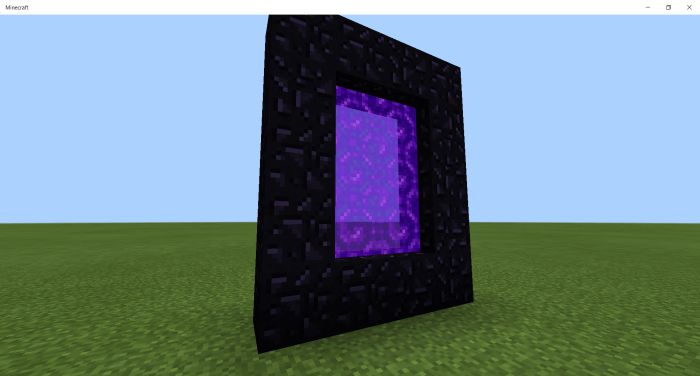
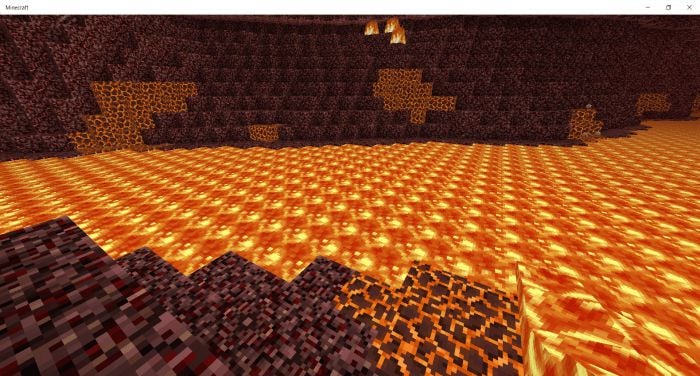
- There is no lava smoke or popping particles.
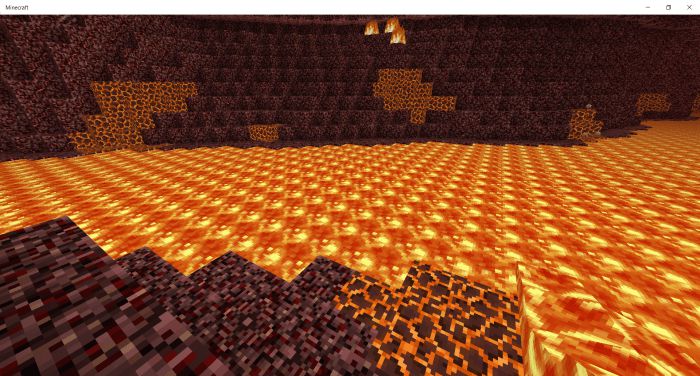
- Sand does not have its usual sand particles when suspended in the air.
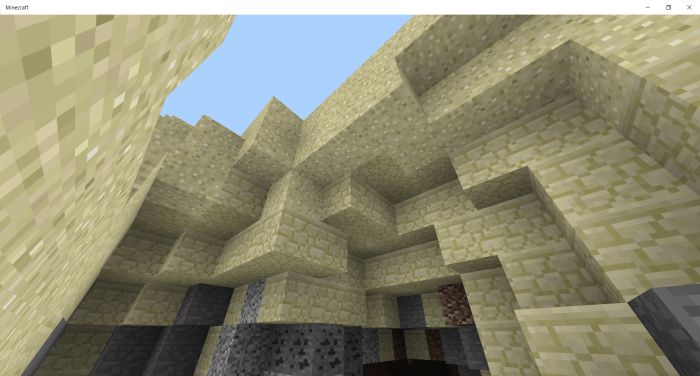
- Along with all other particles you can think of, they are disabled to prioritize the best performance.
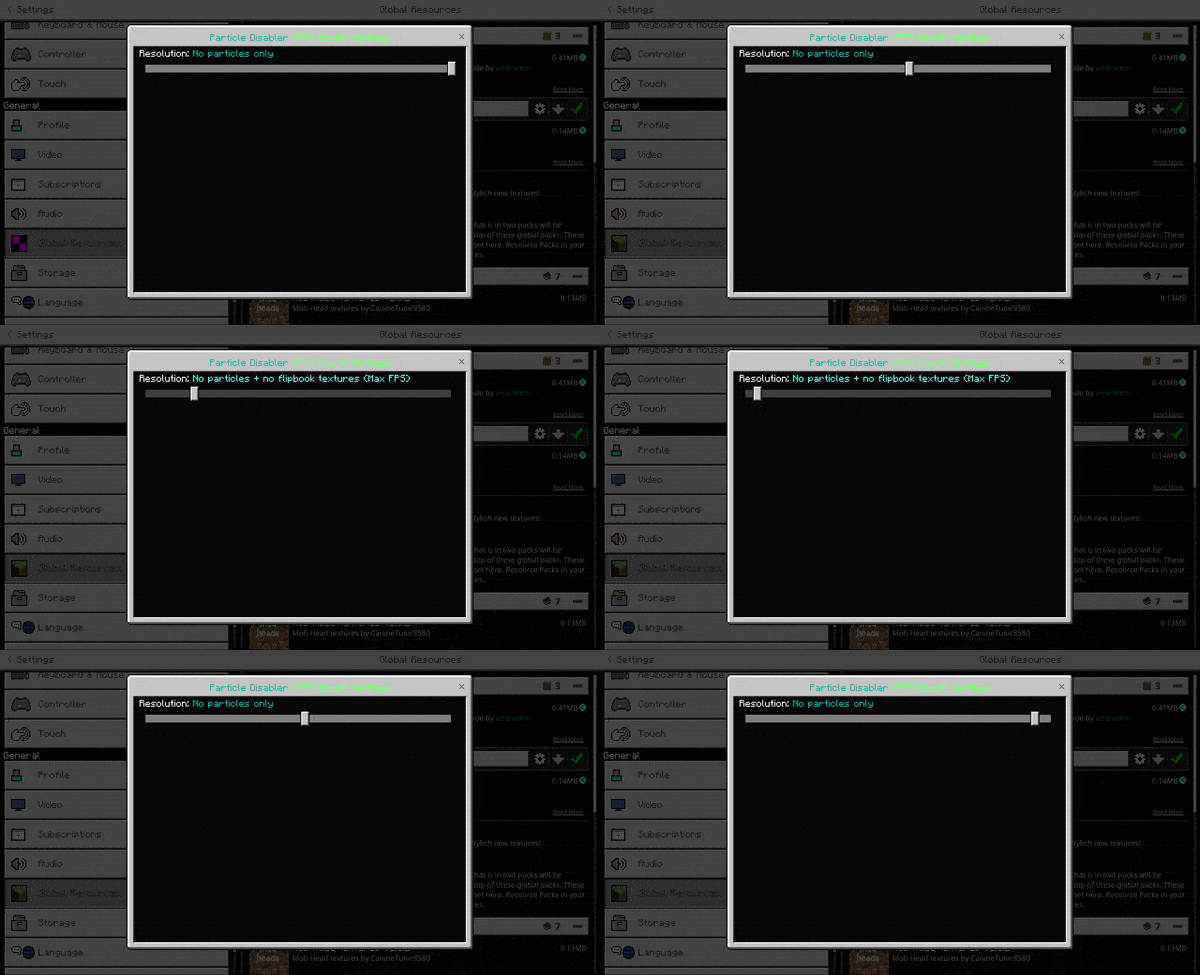
- There are now 2 subpack options, one to disable just particles, and another to disable particles and animated (flipbook) textures, such as animated fire, water, lava, and more. These textures animating have a minor performance hit in vanilla, so if you need the best performance on a lower-end device, this is recommended.
Particle & Flipbook Disabler Download Links
For Minecraft PE/Bedrock 1.20
mcpack: Download from Server 1 – Download from Server 2
For Minecraft PE/Bedrock 1.19
mcpack: Download from Server 1
- Edition: Minecraft Bedrock
- File type: .mcpack
- Minecraft version listed: 1.20
- How to install: Download the .mcpack. → Open it — Minecraft imports it under Resource Packs. → Activate it in Global Resources, or for one world under Resource Packs → Available.
- Where to get it: In MCModsHub, or directly above on this page.
Install steps are the general flow for this file type — How to install Minecraft Bedrock texture packs walks through it step by step.
- Pack type: .mcpack — a single pack
- Manifest requires Minecraft 1.14.0 or newer
- Complete pack — everything it depends on is inside the file
- Download link checked 17 Jun 2026 — working
- Mirrored on our own servers — the download does not depend on the original host
These come from our own check of the pack file, not from the source page.