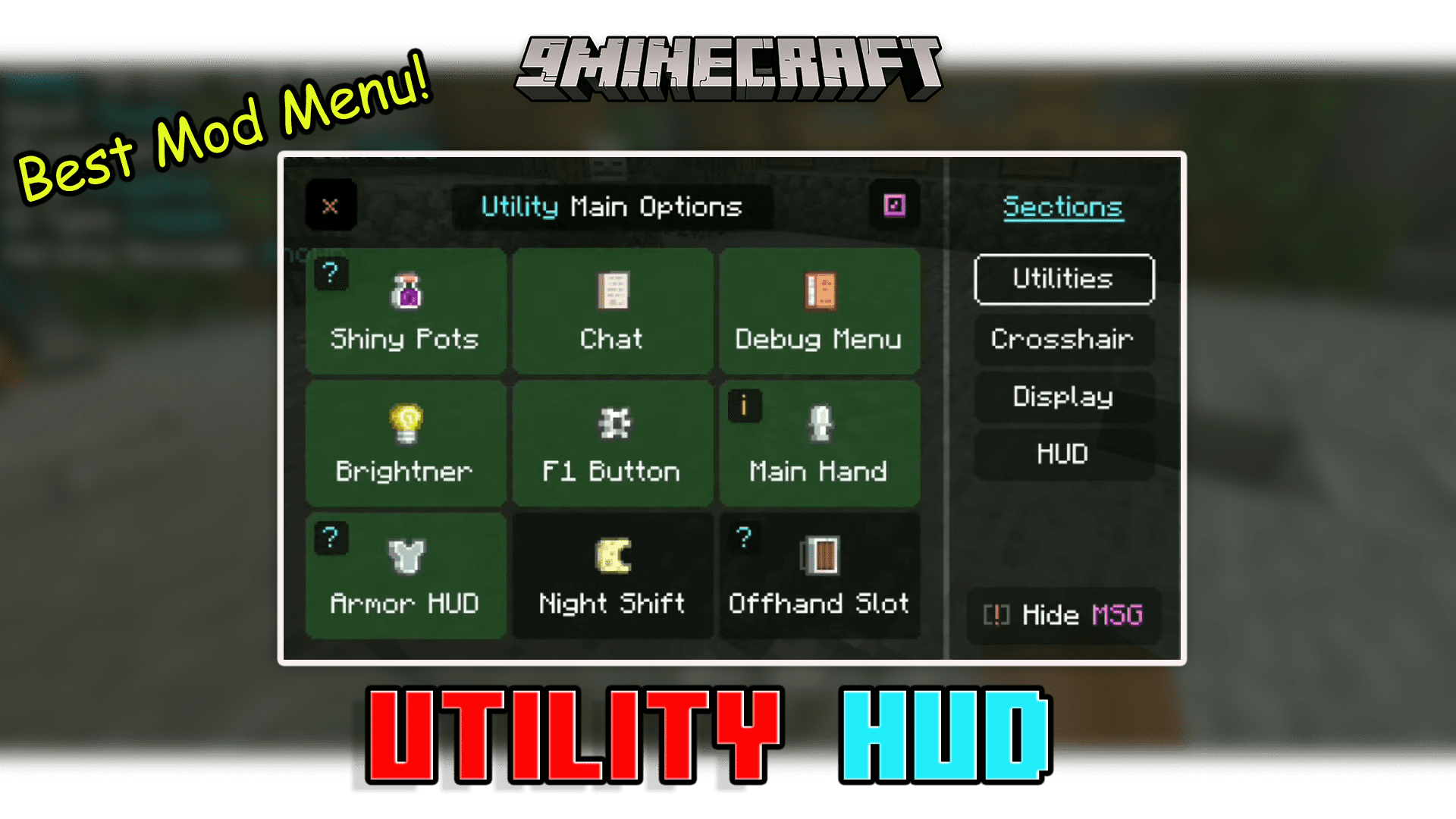
Utility UI Pack (26.x, 1.21) – Best HUD Pack for MCPE/Bedrock
Have you ever seen a player and then thought how much health does he have? what armor is he using? and more stuff like that? because till now you can only…
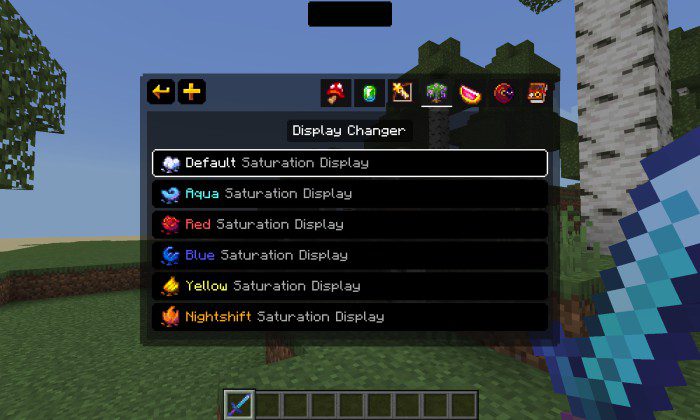
⬇ DownloadOpen in MCModsHubGet it on Google Play →Have you ever seen a player and then thought how much health does he have? what armor is he using? and more stuff like that? because till now you can only see a player’s skin, Gamertag, or equipped armor (even from a distance). Utility UI Pack is an optimized texture pack based on UI that allows you to unlock the true possibilities of the hud, control everything in it, turn it on and off if you want and so many useful modules that you will see here. The pack size is very optimized and the pack overhaul does not affect the gaming experience of the game, instead turning off options in the utility panel will lead to a clean UI experience.
Features:
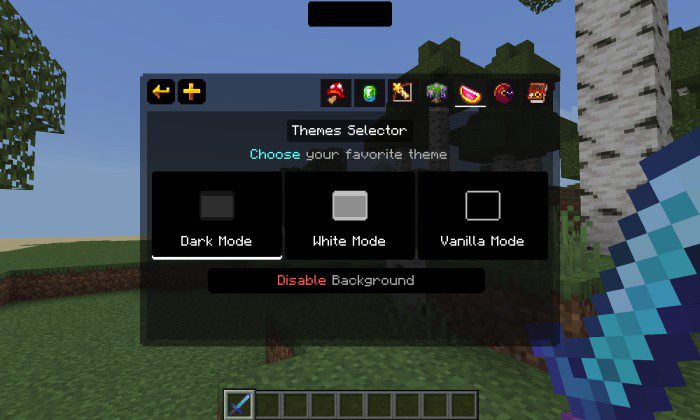
- To open the menu, you need to double-click the top left toggle on the pause screen.
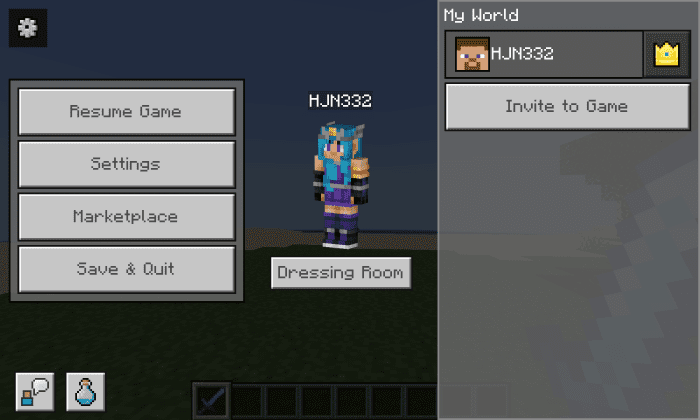
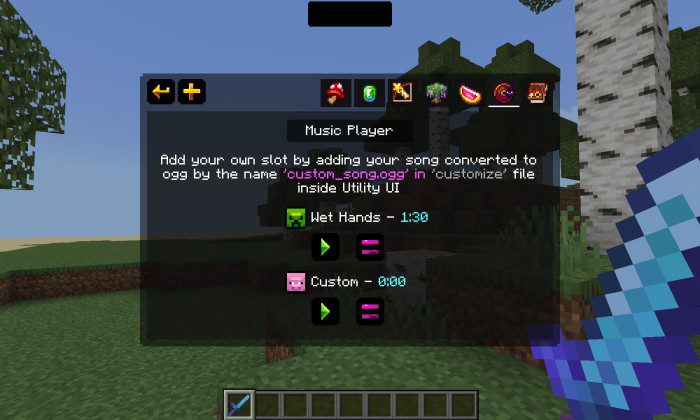
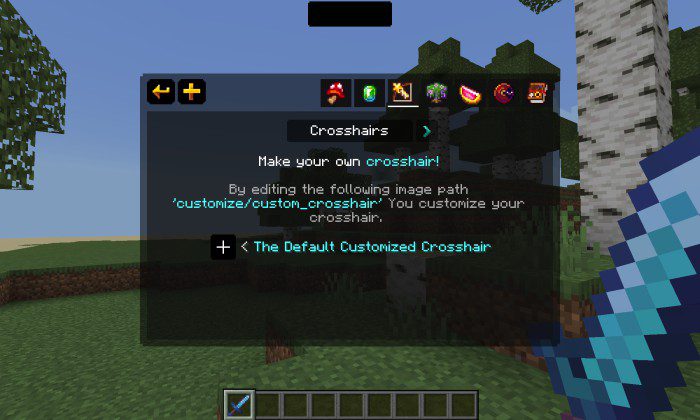
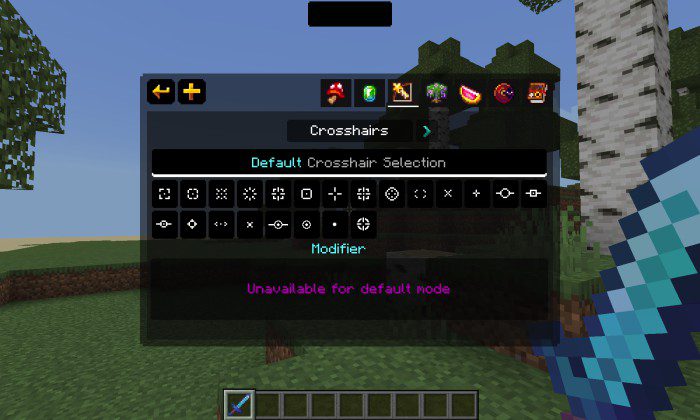
- Now with a new Features menu design and java Hotbar aspects, also with new tabs!
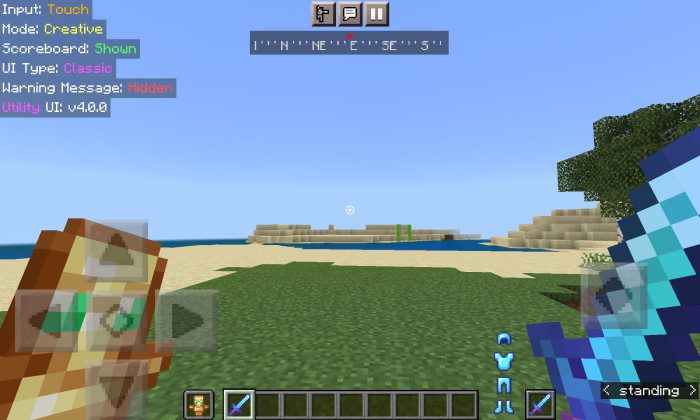
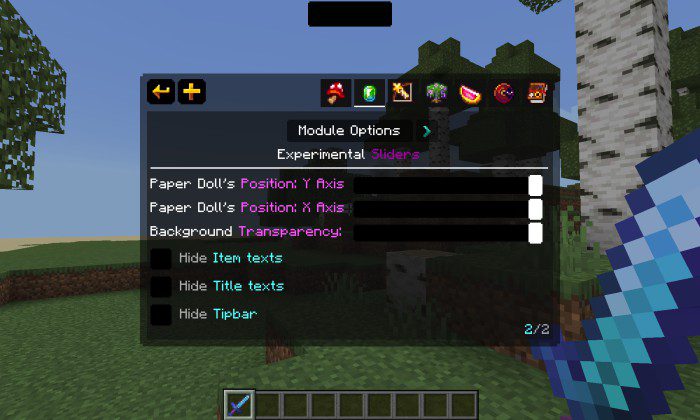
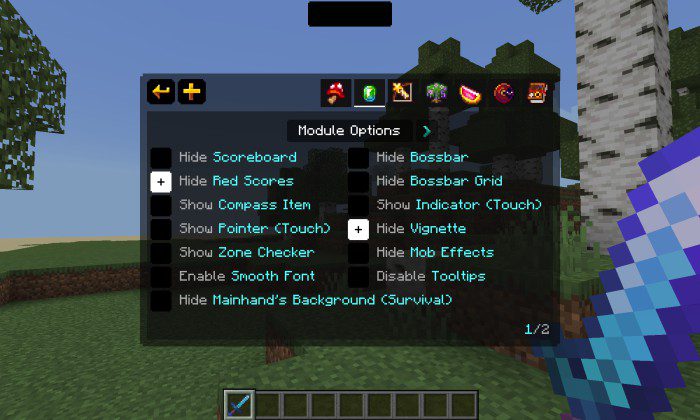
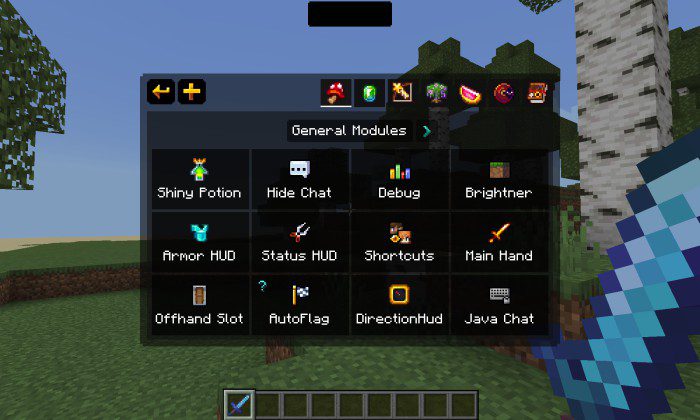
- Compatible with VDX Java UI:
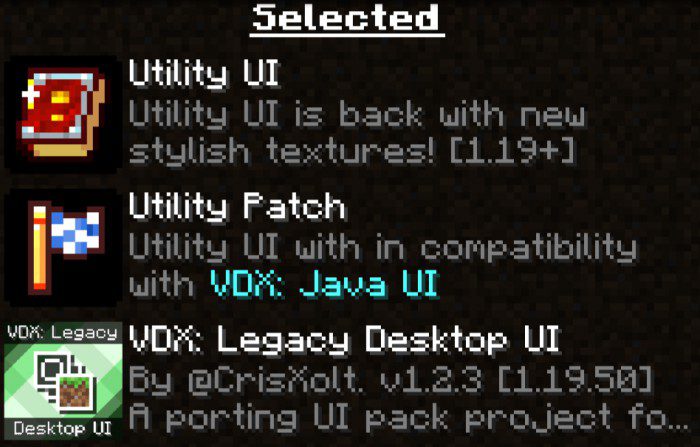
Utility UI Pack Download Links
You may also like
For Minecraft PE/Bedrock 1.21, 1.20
Utility UI: Download from Server 1 – Download from Server 2
For Minecraft PE/Bedrock 1.19
Utility UI: Download from Server 1 – Download from Server 2
- Pack type: .mcpack — a single pack
- Manifest requires Minecraft 1.18.0 or newer
- Complete pack — everything it depends on is inside the file
- Download link checked 17 Jun 2026 — working
- Mirrored on our own servers — the download does not depend on the original host
These come from our own check of the pack file, not from the source page.