Texture packsBedrock
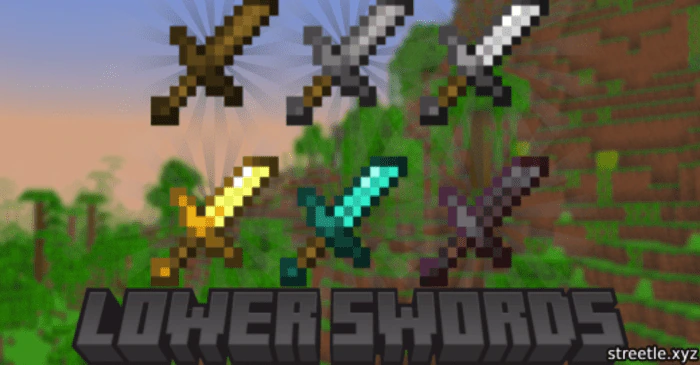
Lower Swords Texture Pack (1.20, 1.19) – MCPE/Bedrock
Bedrock texture pack listed for Minecraft 1.19–1.20. File opened and checked on 27 Sep 2026; installs from the MC Bedrock Mods app on Android.
⬇ Download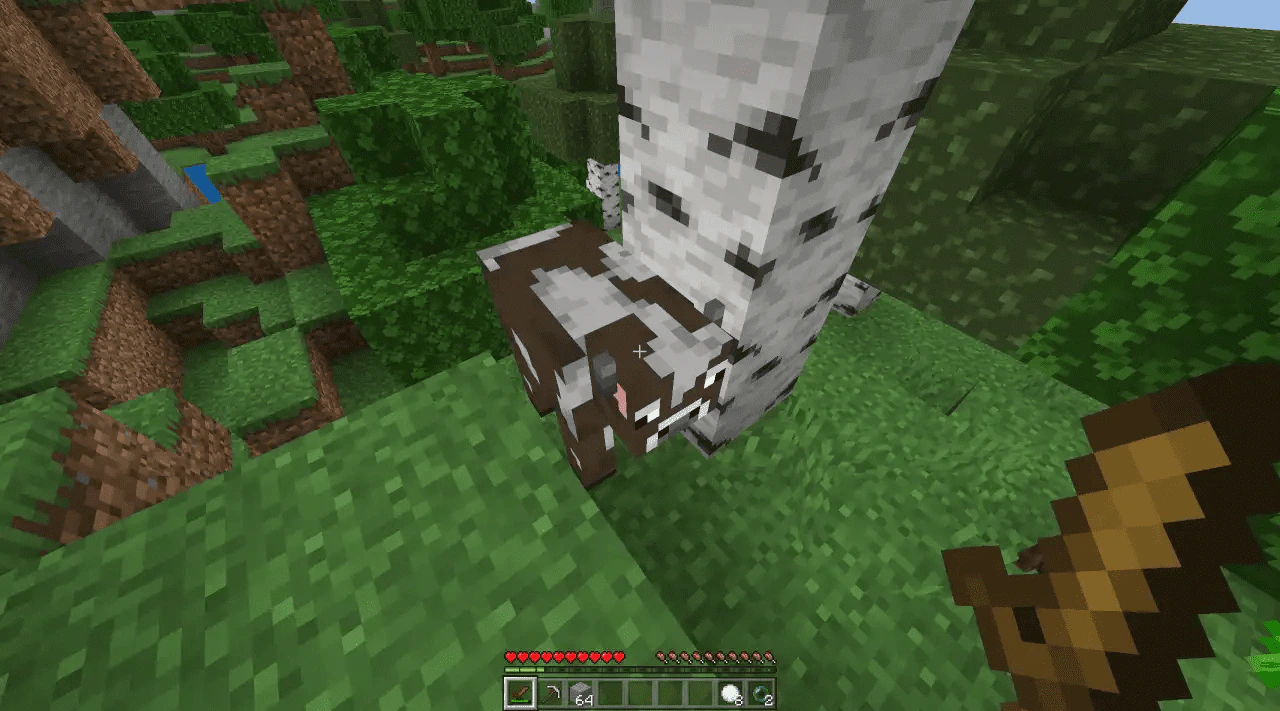
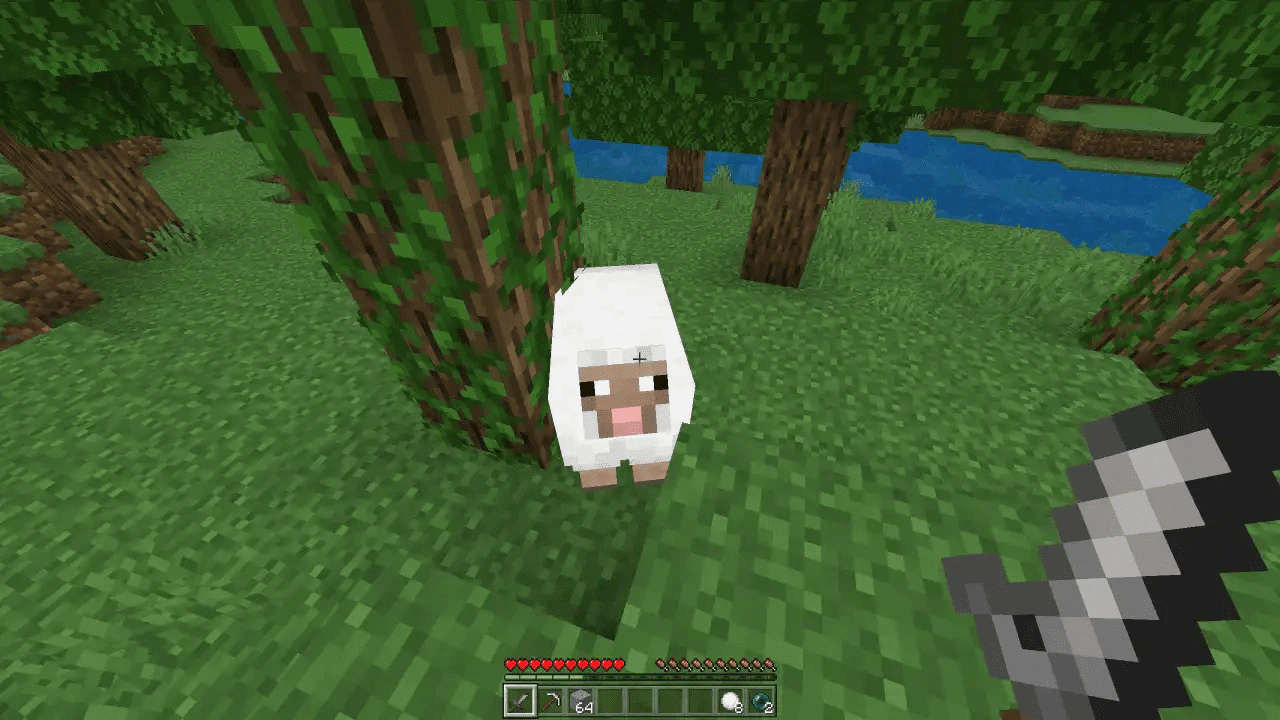
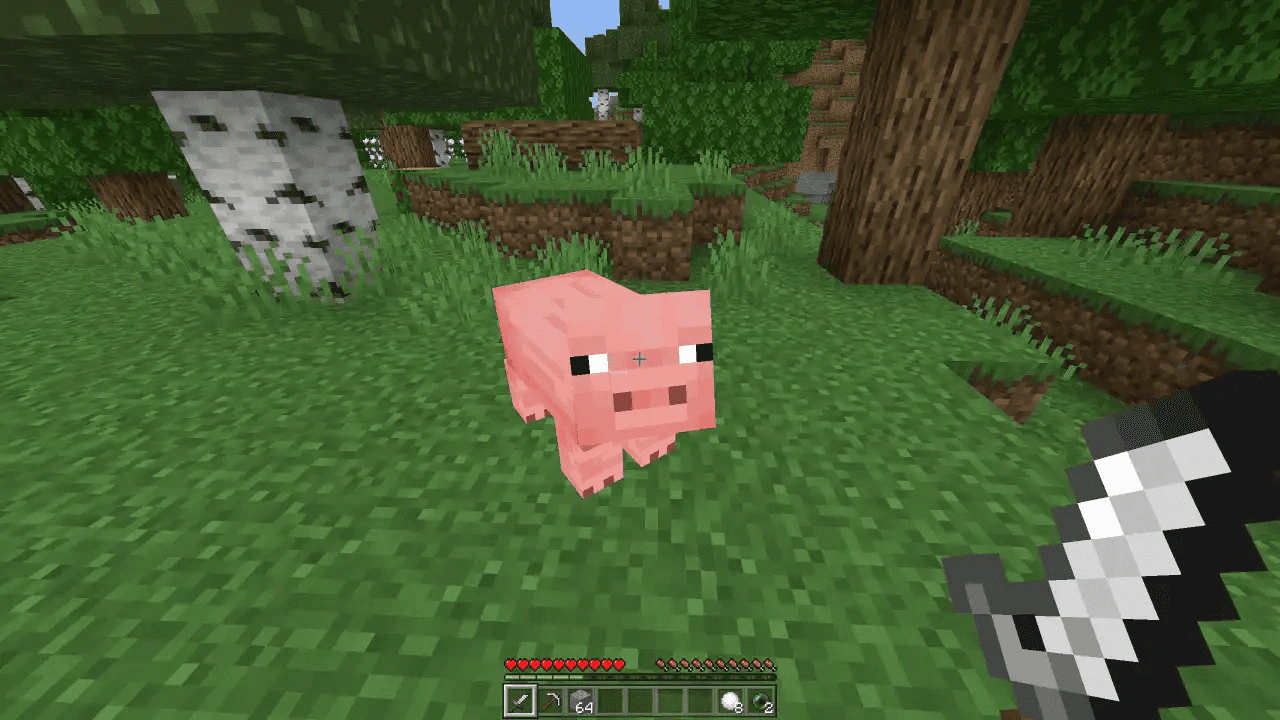
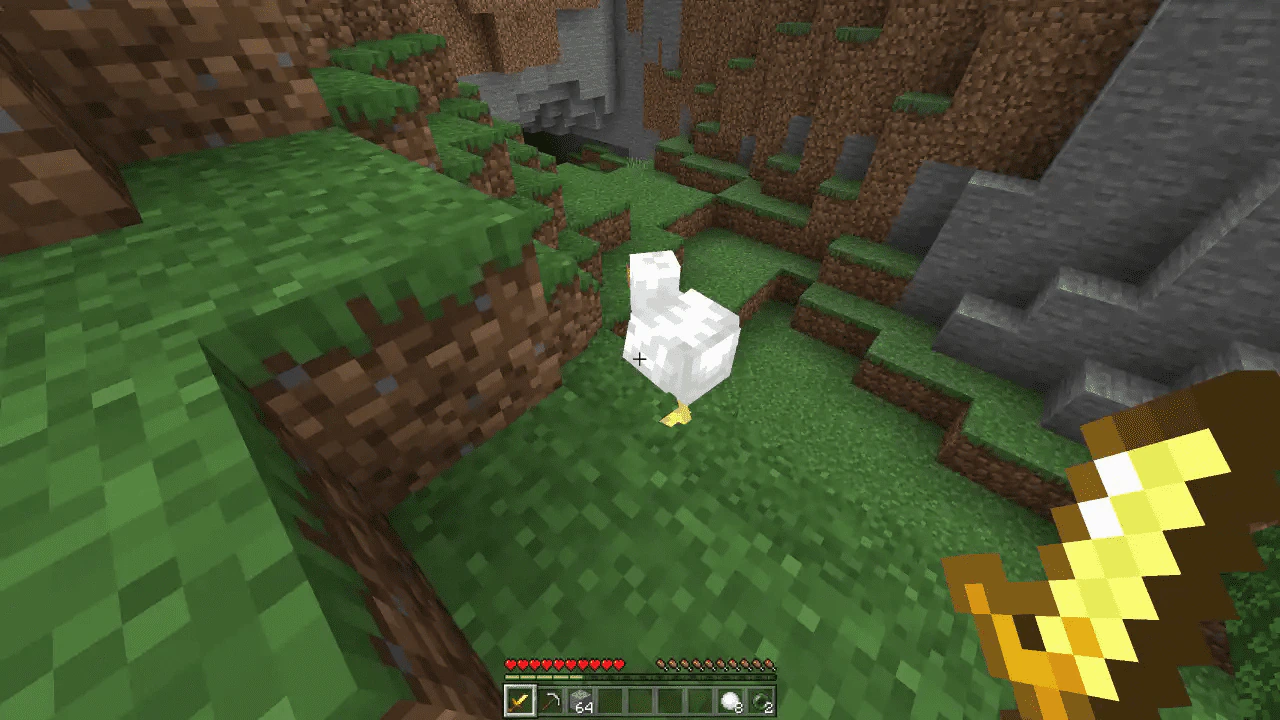
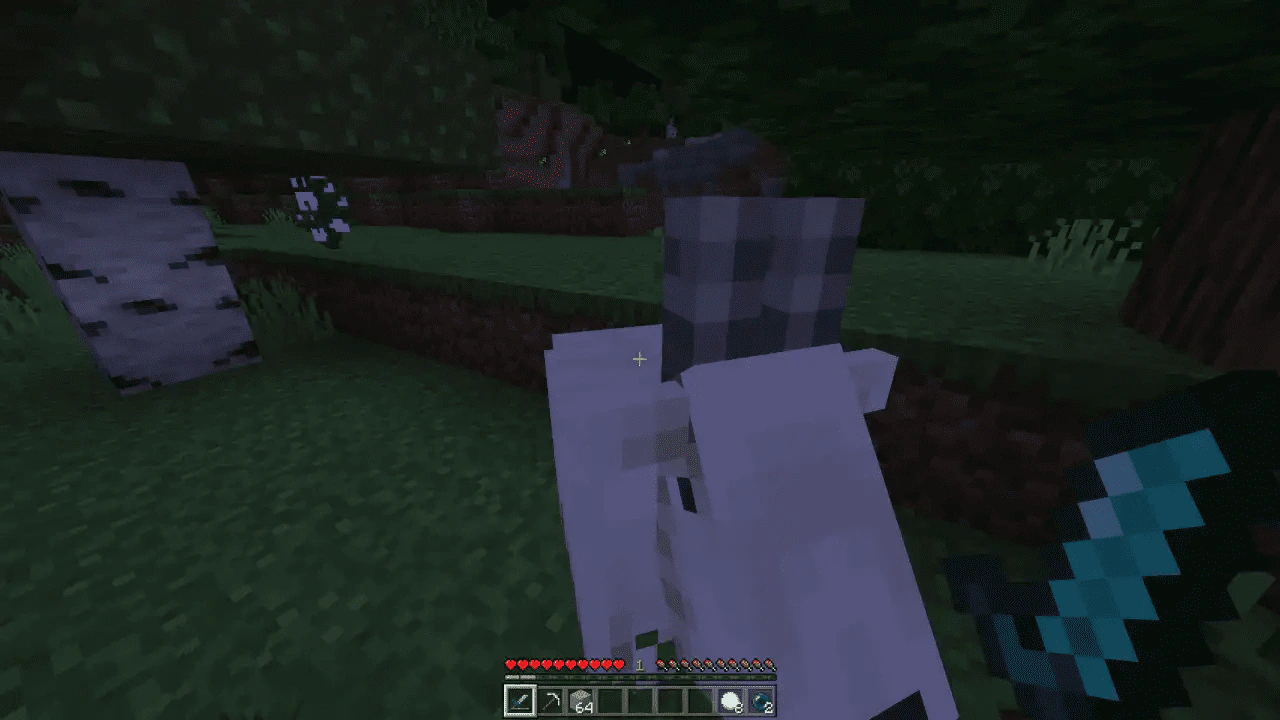
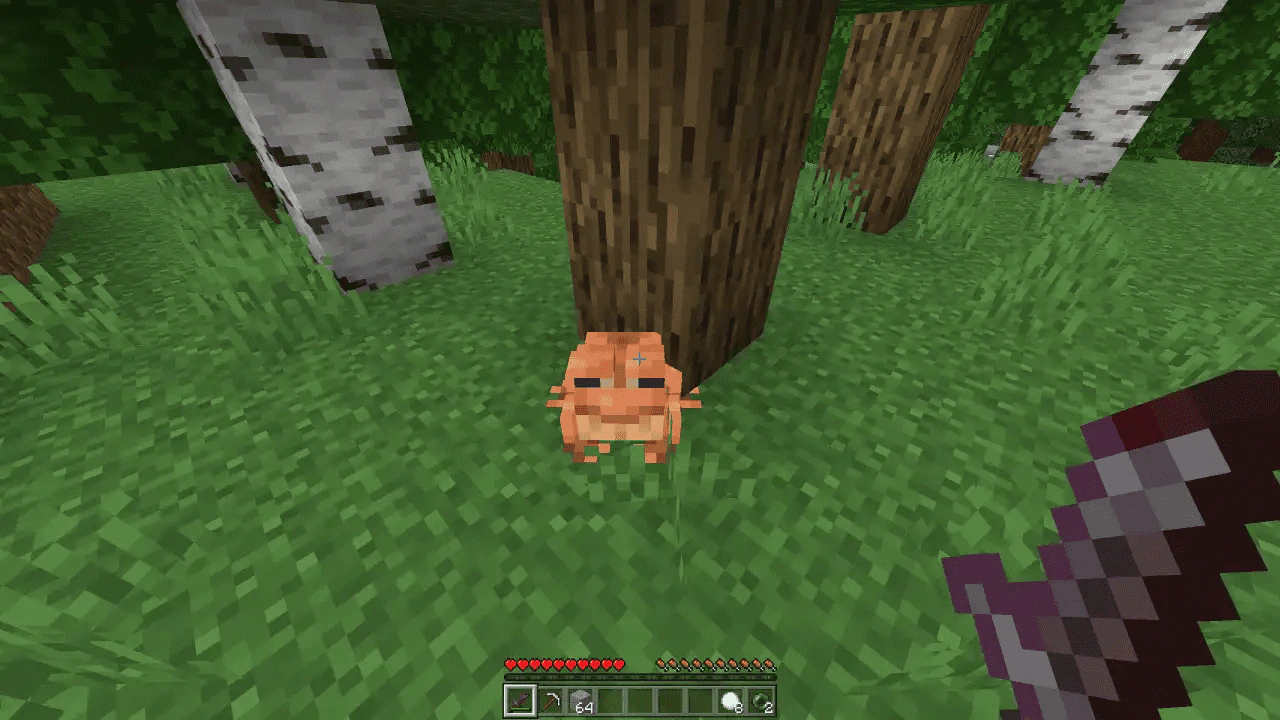
Are you playing Minecraft and finding that your swords are too big? The Lower Swords texture pack is here to help! Lower Swords Texture Pack is a free pack that reduces the size of your swords, freeing up your screen and allowing you to see enemies sneaking up on you.
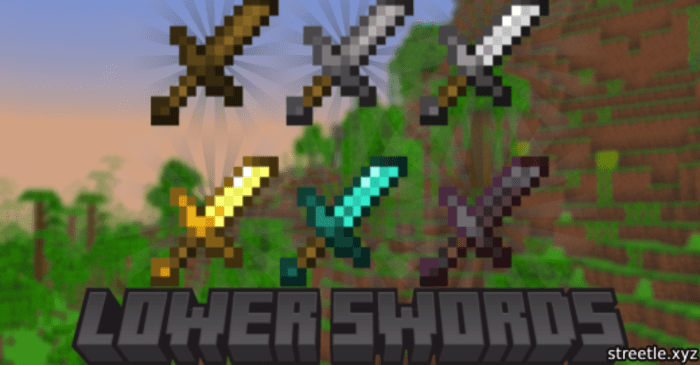
Features:
Some of the benefits include:
- Better visibility: Shorter swords allow for more visibility on the screen, which can help players see enemies sneaking up on them.
- Psychological advantage: Some players believe that shorter swords give them a psychological advantage over their opponents, as they can click faster and get more hits in.
- Personal preference: Ultimately, the choice to use a shorter sword is a matter of personal preference. Some players simply prefer the look of shorter swords or find them easier to use.
Screenshots:
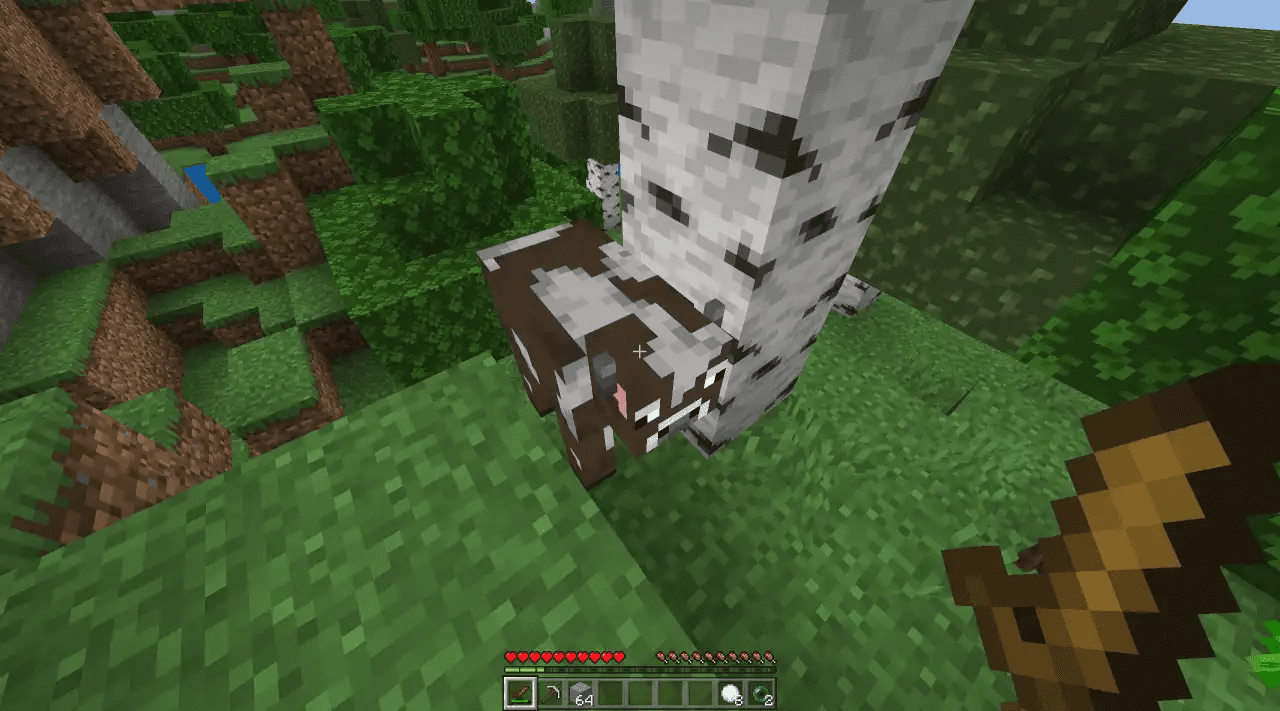
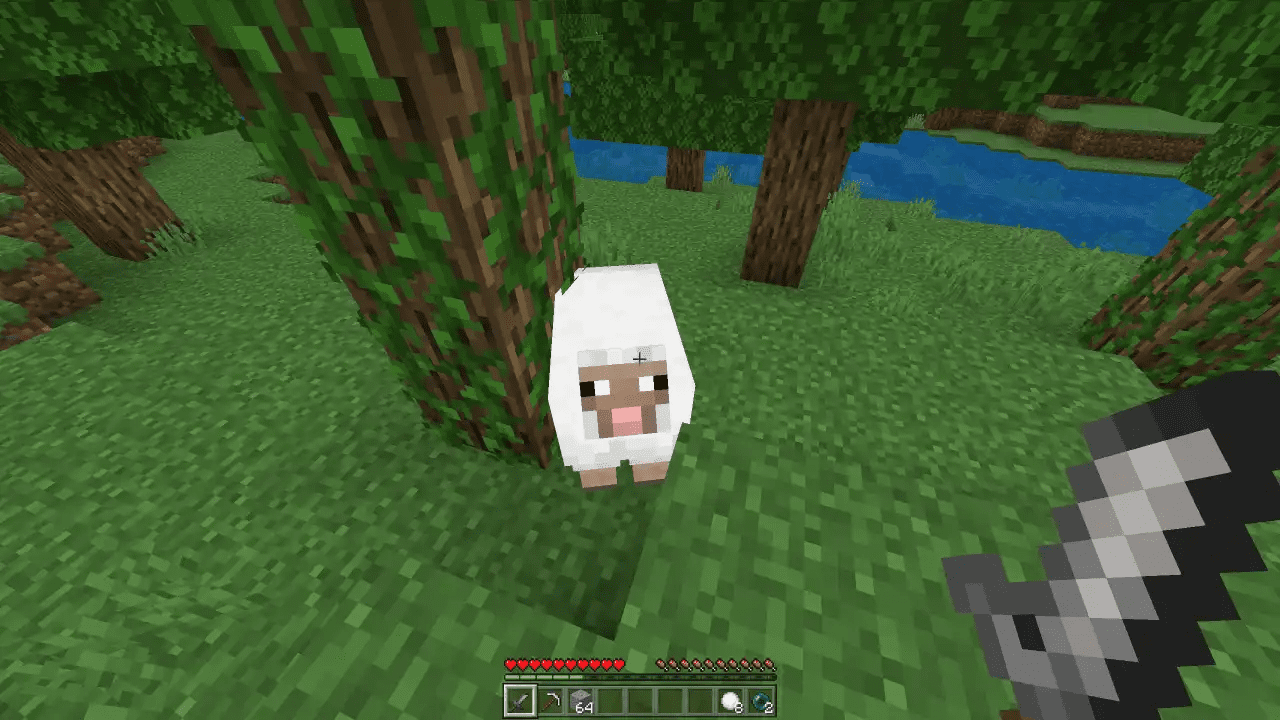
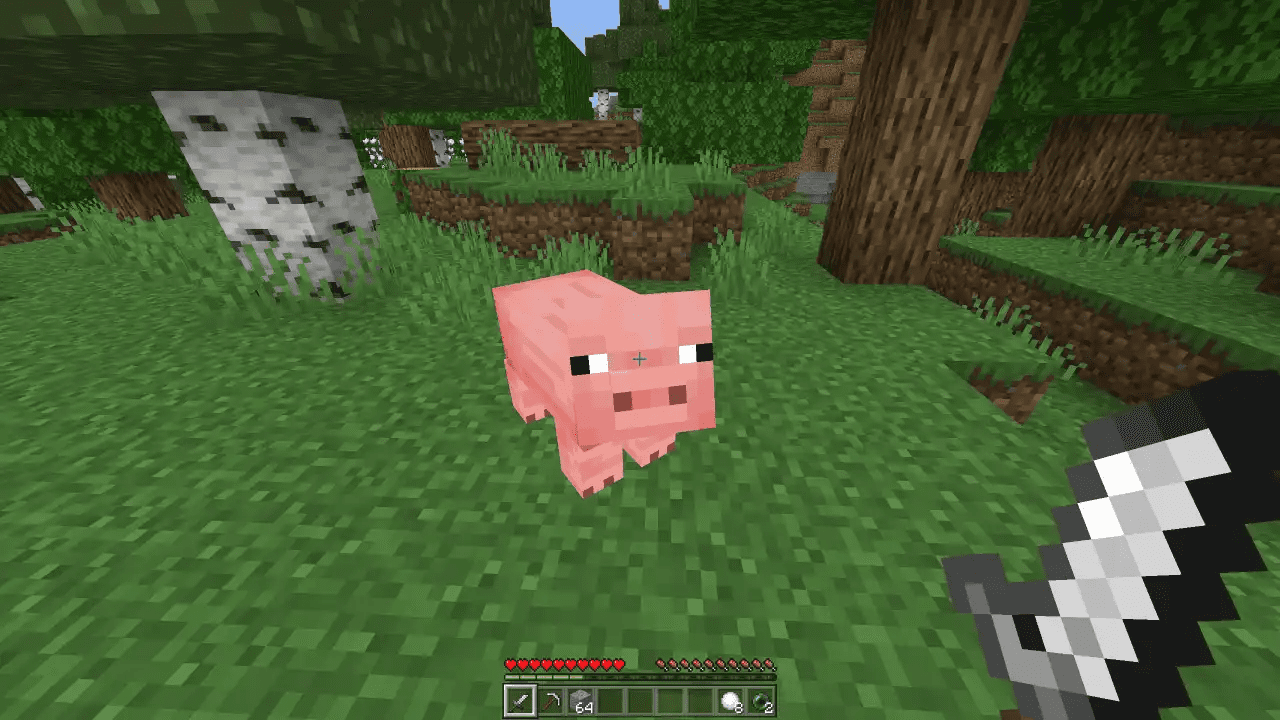
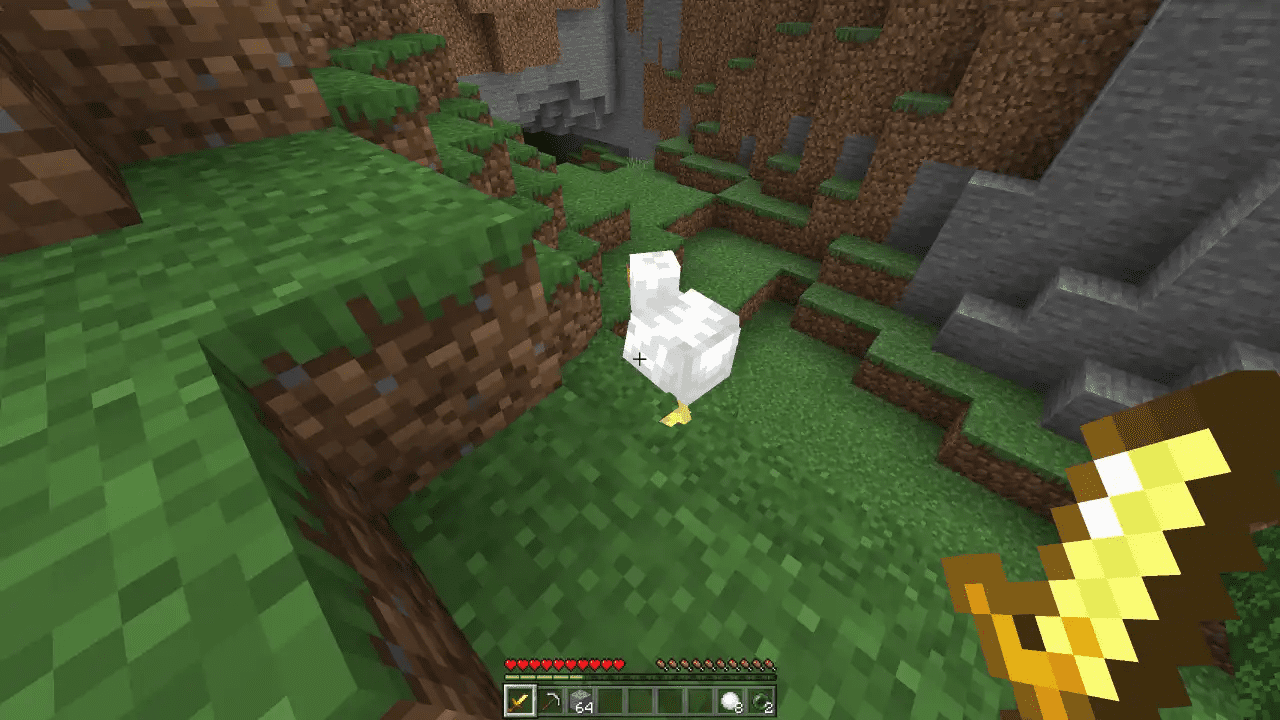
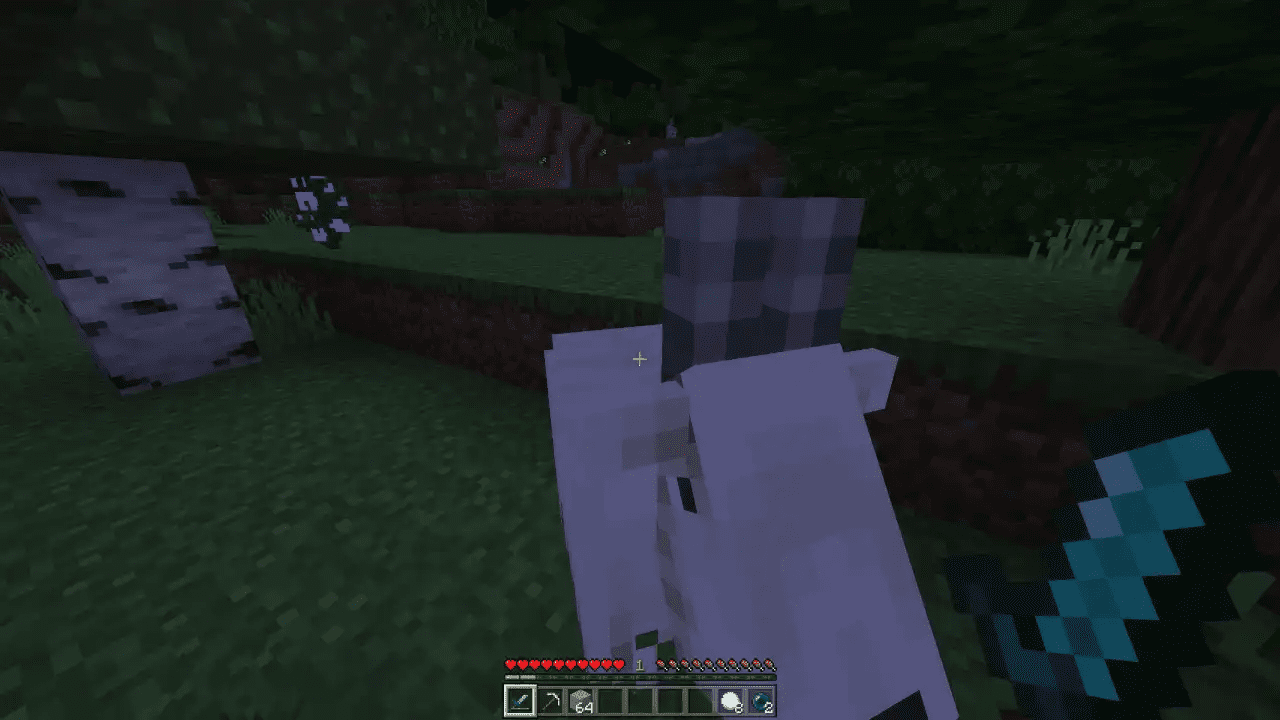
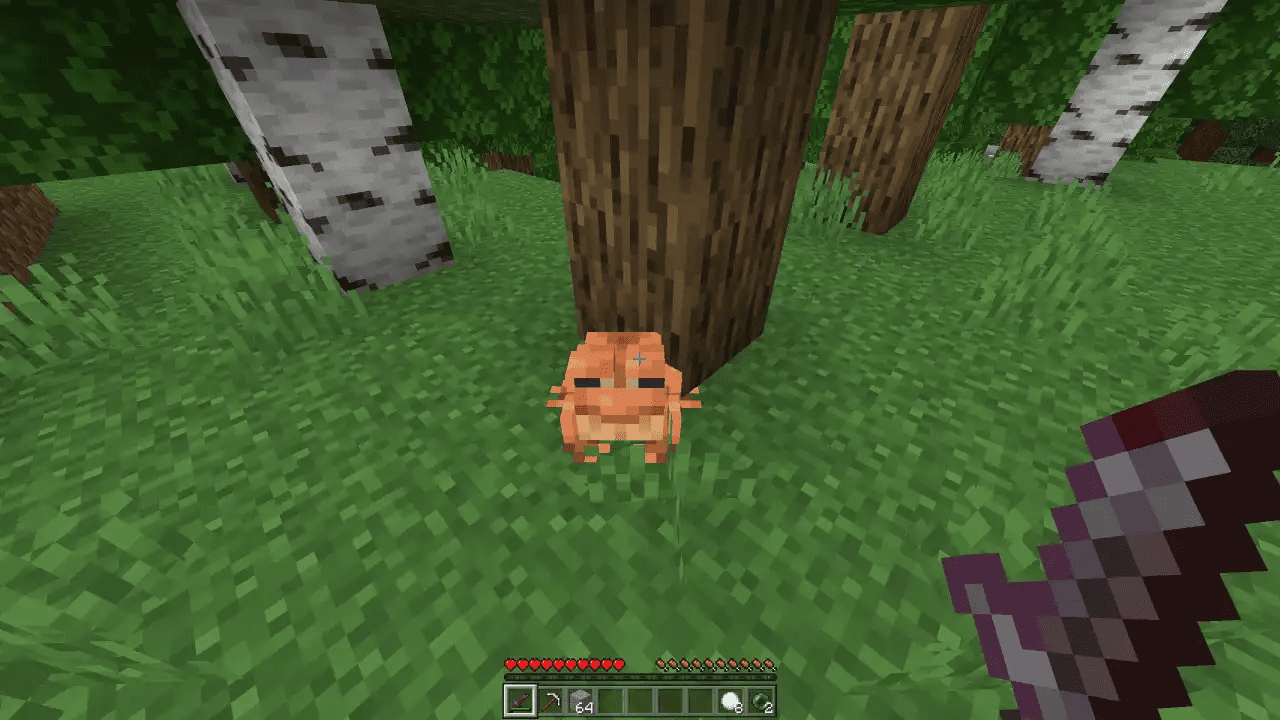
Lower Swords Texture Pack Download Links
For Minecraft PE/Bedrock 1.20, 1.19
mcpack: Download from server 1 – Download from server 2
Quick facts
- Edition: Minecraft Bedrock
- File type: .mcpack
- Minecraft versions listed: 1.20, 1.19
- How to install: Download the .mcpack. → Open it — Minecraft imports it under Resource Packs. → Activate it in Global Resources, or for one world under Resource Packs → Available.
- Where to get it: In MCModsHub, or directly above on this page.
Install steps are the general flow for this file type — How to install Minecraft Bedrock texture packs walks through it step by step.
File checked by MCModsHub
- Pack type: .mcpack — a single pack
- Complete pack — everything it depends on is inside the file
- Download size: 5 KB
- Download link checked 17 Jun 2026 — working
- Mirrored on our own servers — the download does not depend on the original host
These come from our own check of the pack file, not from the source page.