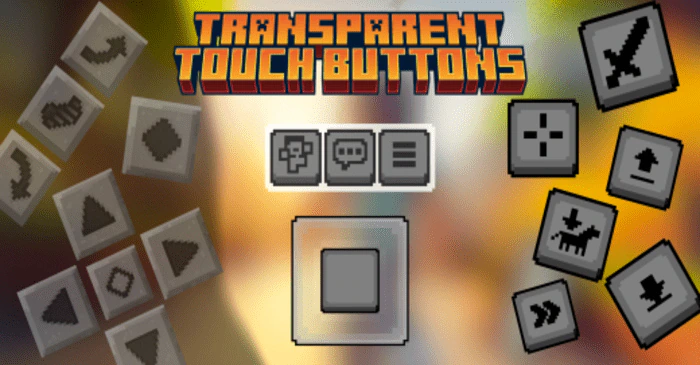
Transparent Touch Buttons Pack (1.20) – Hide Every Button
Bedrock texture pack listed for Minecraft 1.20. File opened and checked on 20 Sep 2026; installs from the MC Bedrock Mods app on Android.
⬇ Download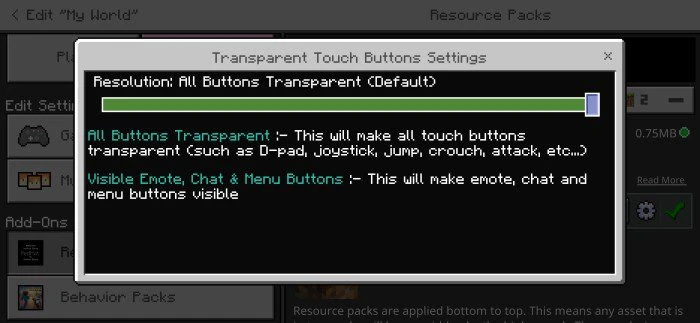
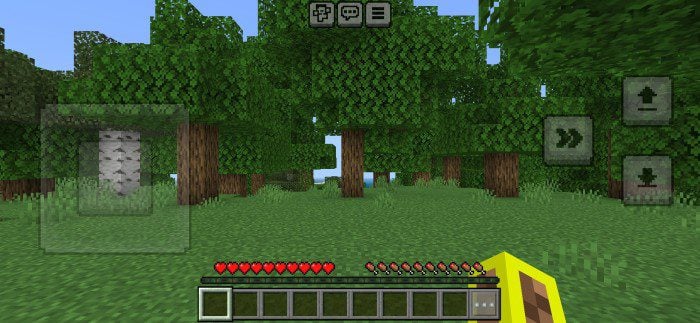
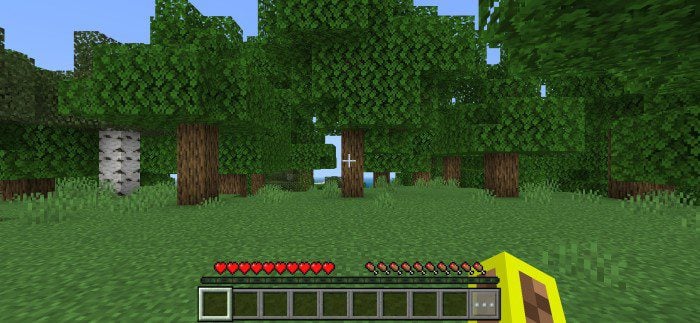
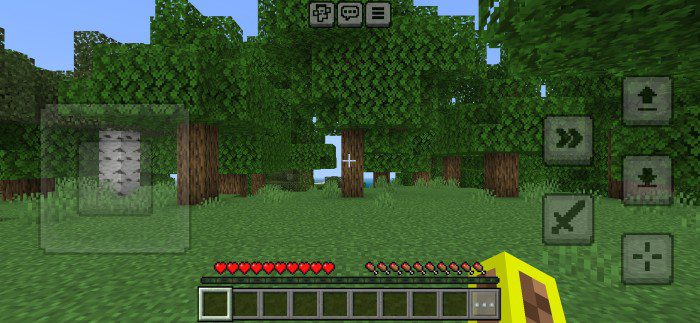
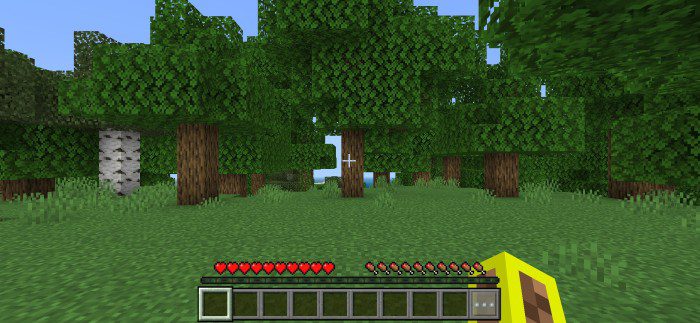
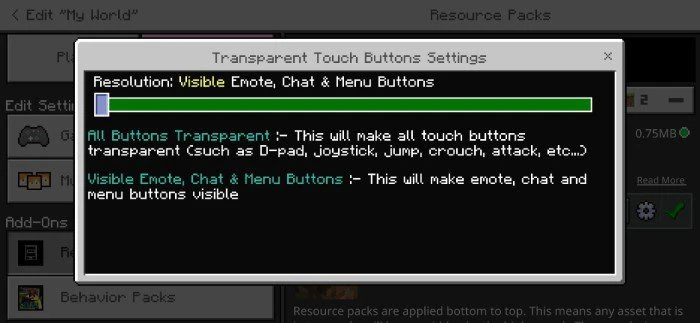
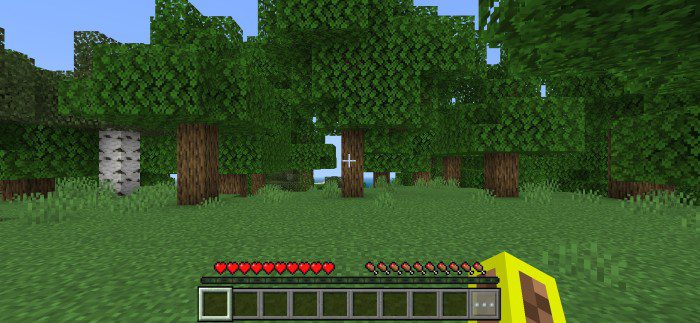
Transparent Touch Buttons Pack hides all touch buttons in Minecraft PE, including D-pad, joystick, chat, emote, menu, jump, crouch, attack, interact, and more. If you find that touch buttons reduce your visibility in Minecraft PE, then this pack is for you. You can use this pack on servers and SMPs, and it works with other packs. It is survival world-friendly and has setting options for customization.
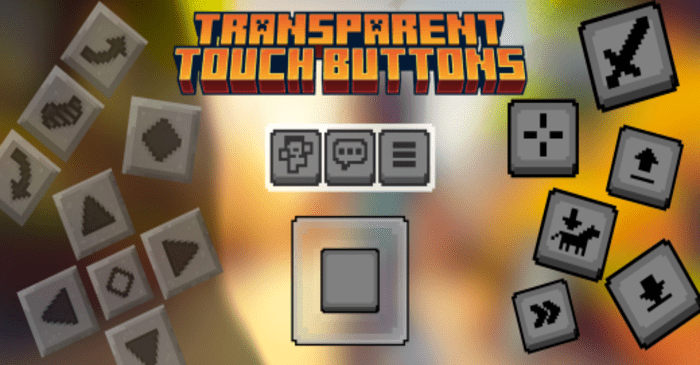
Features:
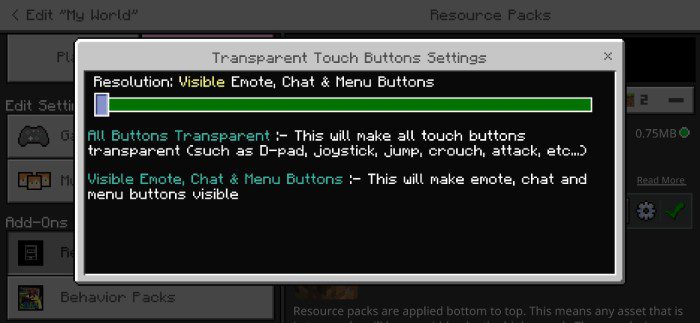
You might want to use this pack even in version 1.20+ because although we can customize touch controls in 1.20, we cannot make buttons 100% transparent, and it only works for a few buttons. This pack makes all buttons transparent, including chat, emote, and menu buttons. Note that this pack only makes buttons transparent, which means all buttons will work perfectly, and you can use them normally.
Screenshots:
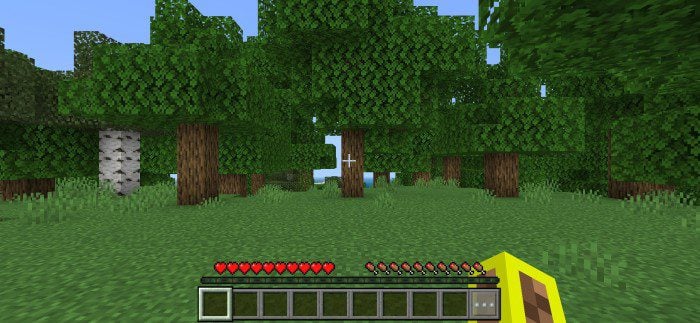
Default Settings [Every Touch Button Transparent]:
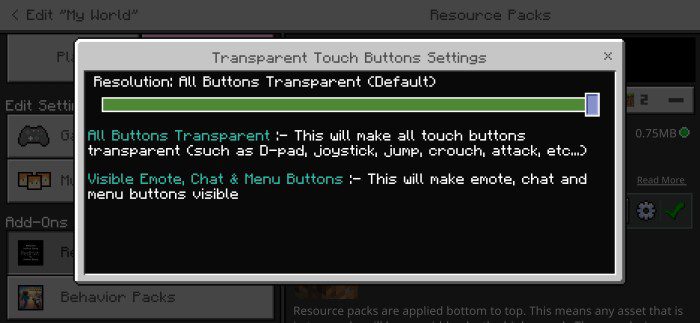
- Touch control 1:
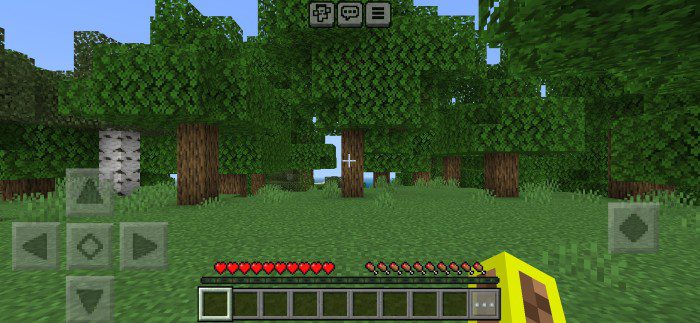
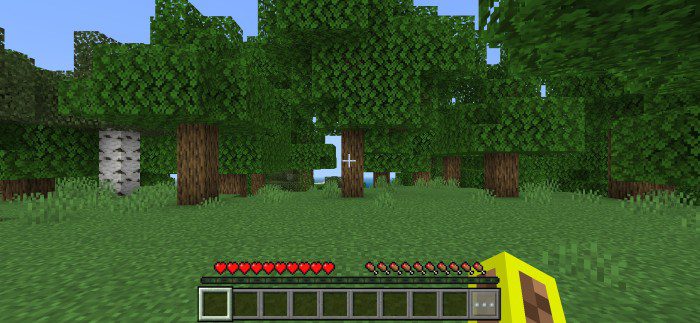
- Touch control 2
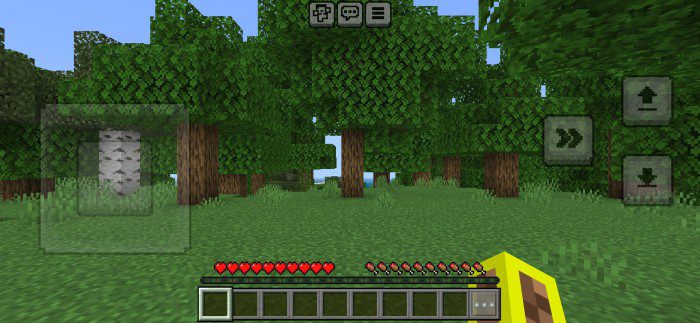
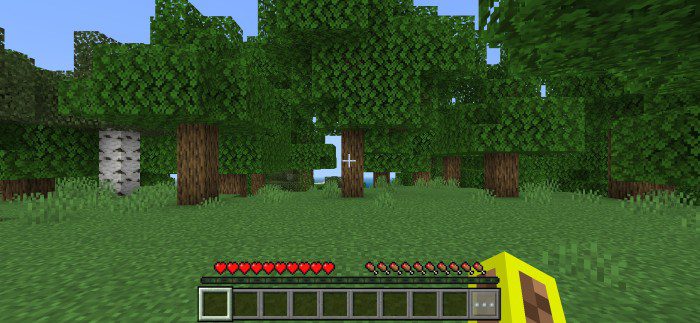
- Touch control 3
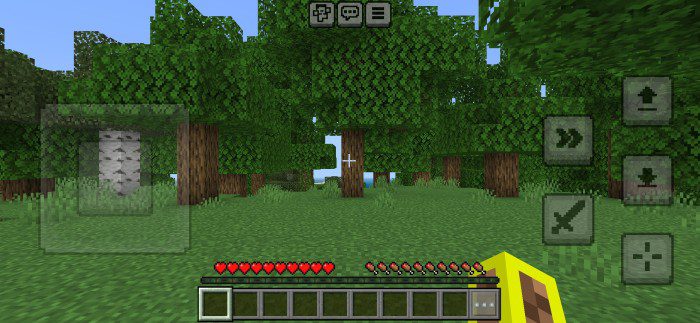
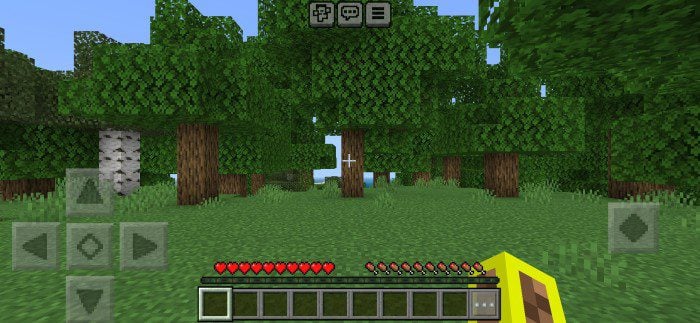
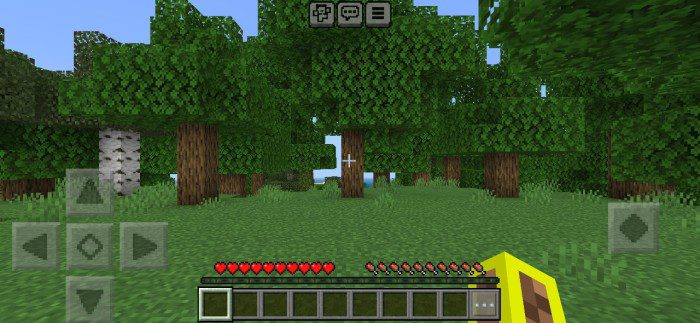
Second Setting [Emote, Chat & Menu Buttons Visible]:
- Touch control 1
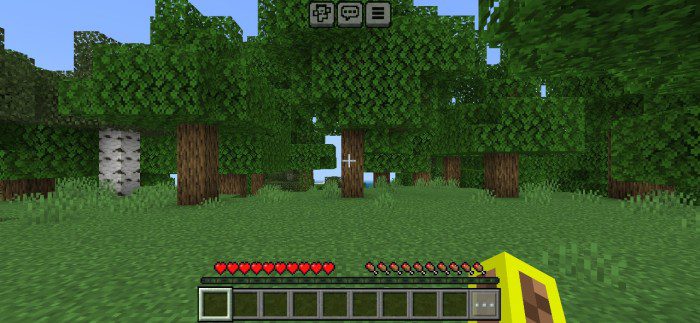
- Touch control 2
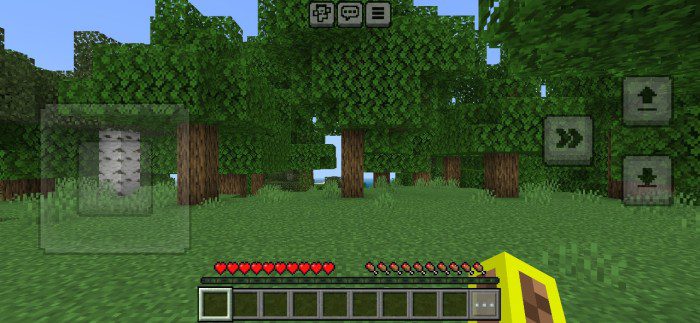
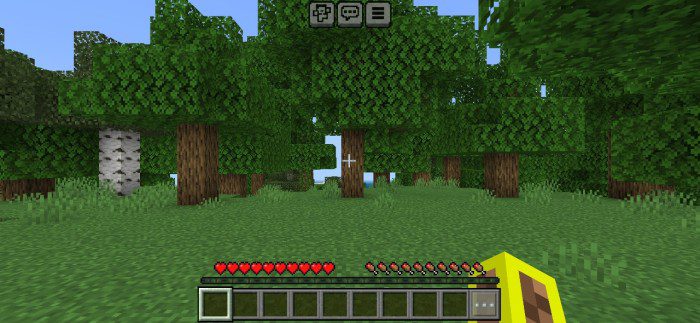
- Touch control 3
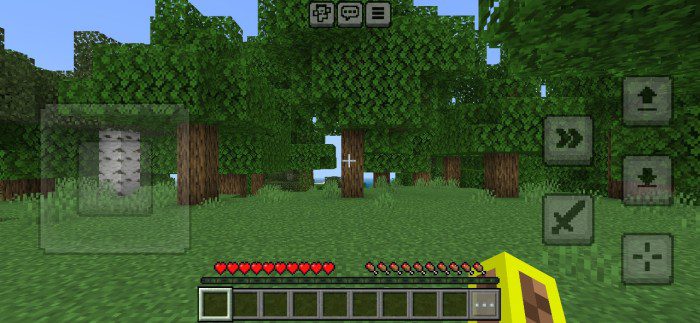
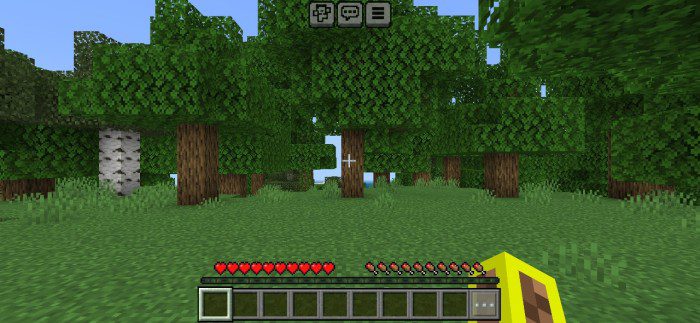
Transparent Touch Buttons Pack Download Links
For Minecraft PE/Bedrock 1.20
mcpack: Download from server 1 – Download from server 2
- Edition: Minecraft Bedrock
- File type: .mcpack
- Minecraft version listed: 1.20
- How to install: Download the .mcpack. → Open it — Minecraft imports it under Resource Packs. → Activate it in Global Resources, or for one world under Resource Packs → Available.
- Where to get it: In MCModsHub, or directly above on this page.
Install steps are the general flow for this file type — How to install Minecraft Bedrock texture packs walks through it step by step.
- Pack type: .mcaddon — behaviour and resource pack in one file
- Manifest requires Minecraft 1.20.40 or newer
- Complete pack — everything it depends on is inside the file
- Download size: 786 KB
- Download link checked 17 Jun 2026 — working
- Mirrored on our own servers — the download does not depend on the original host
These come from our own check of the pack file, not from the source page.