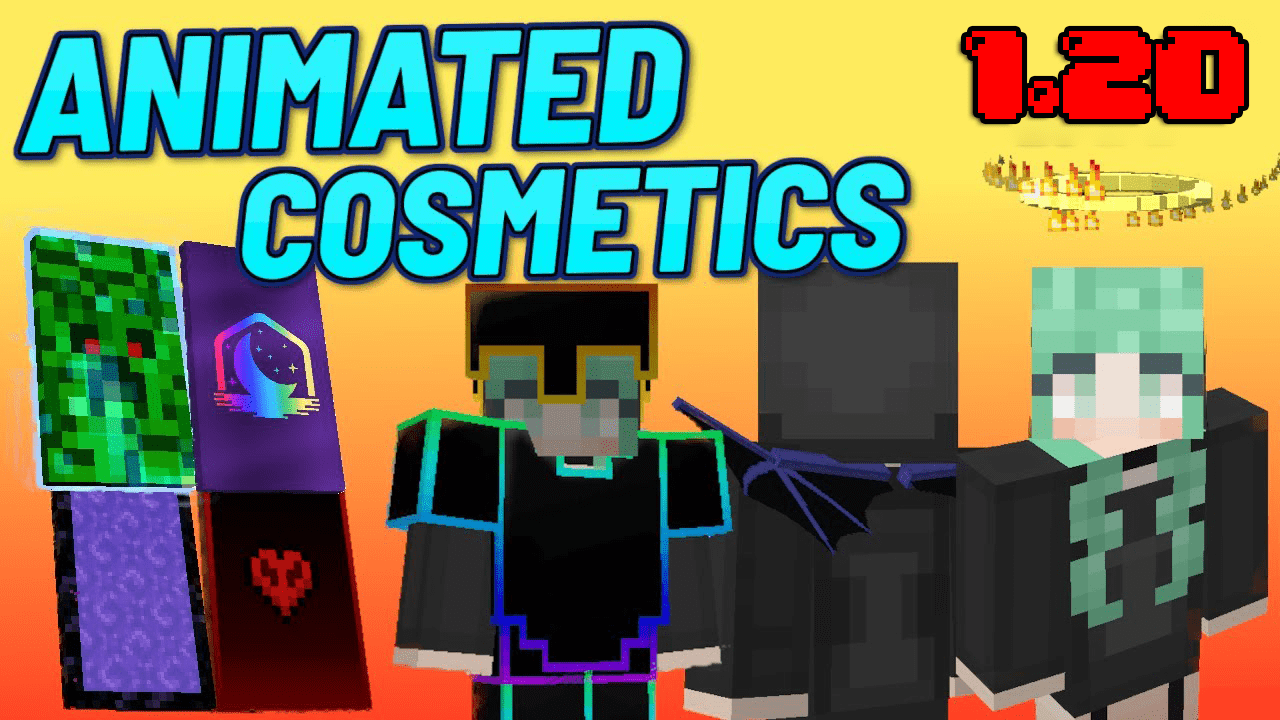
Animated Cosmetics Pack (26.x, 1.21) – MCPE/Bedrock
Bedrock texture pack listed for Minecraft 1.16–1.21. File opened and checked on 23 Sep 2026; installs from the MC Bedrock Mods app on Android.
⬇ Download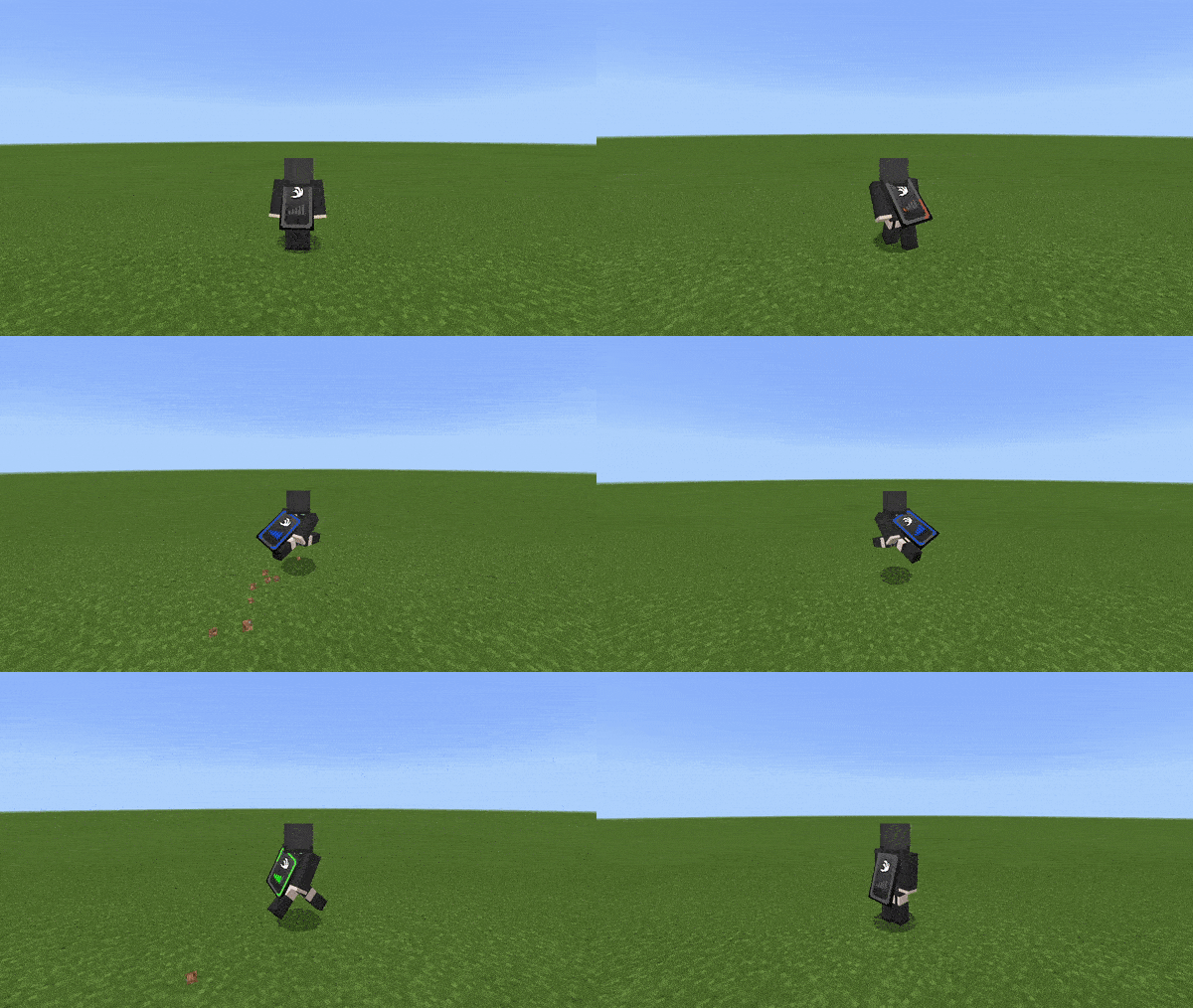
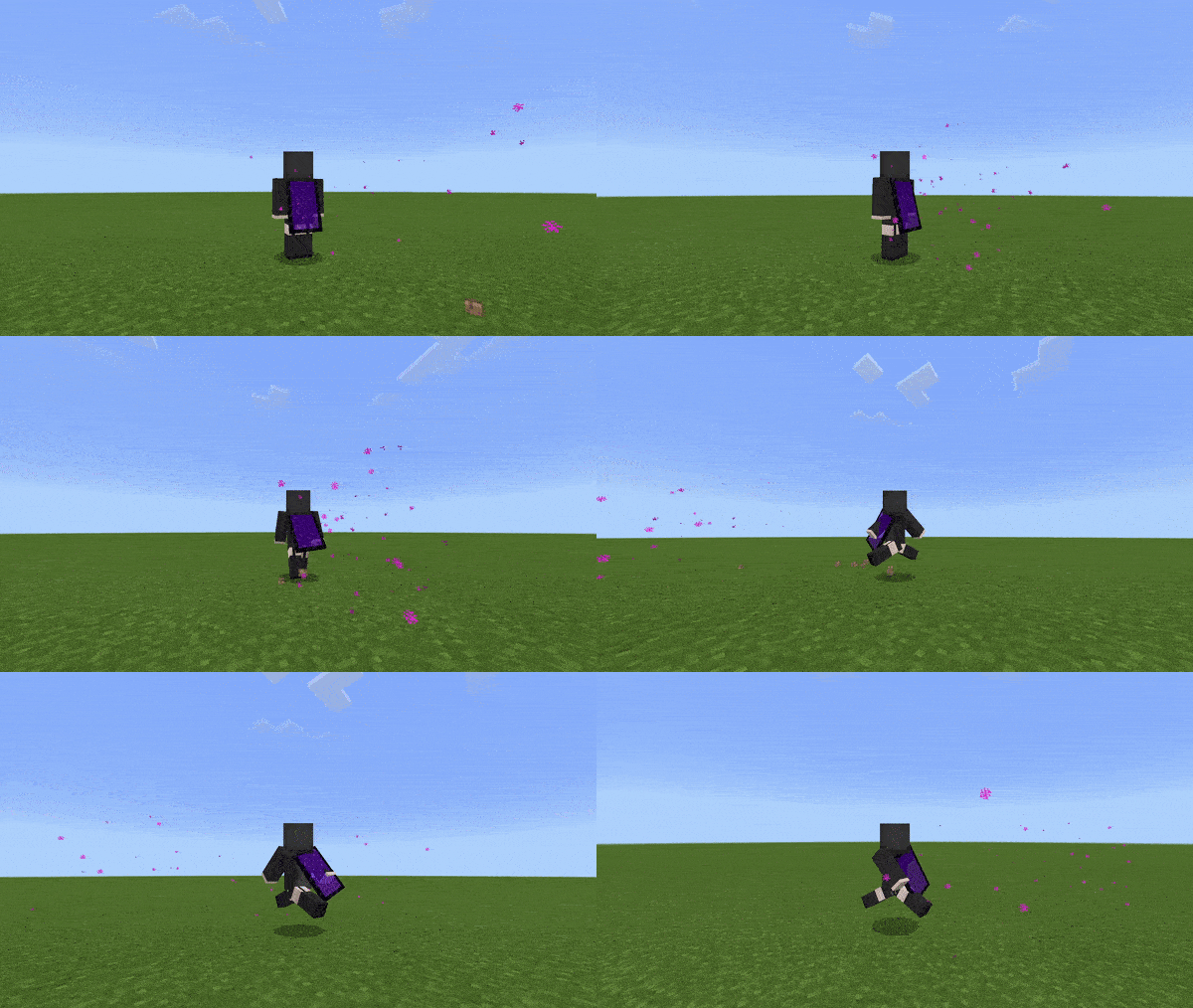
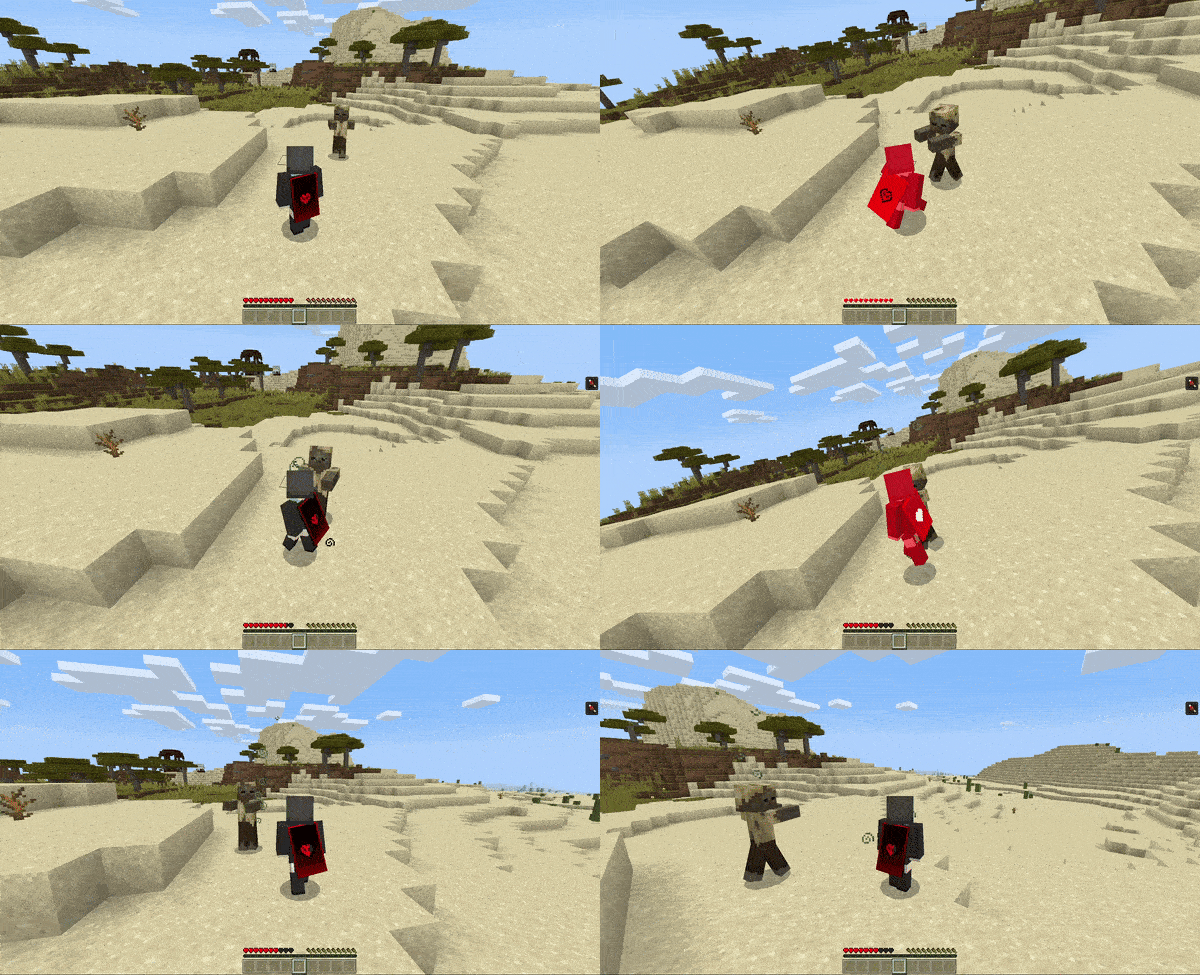
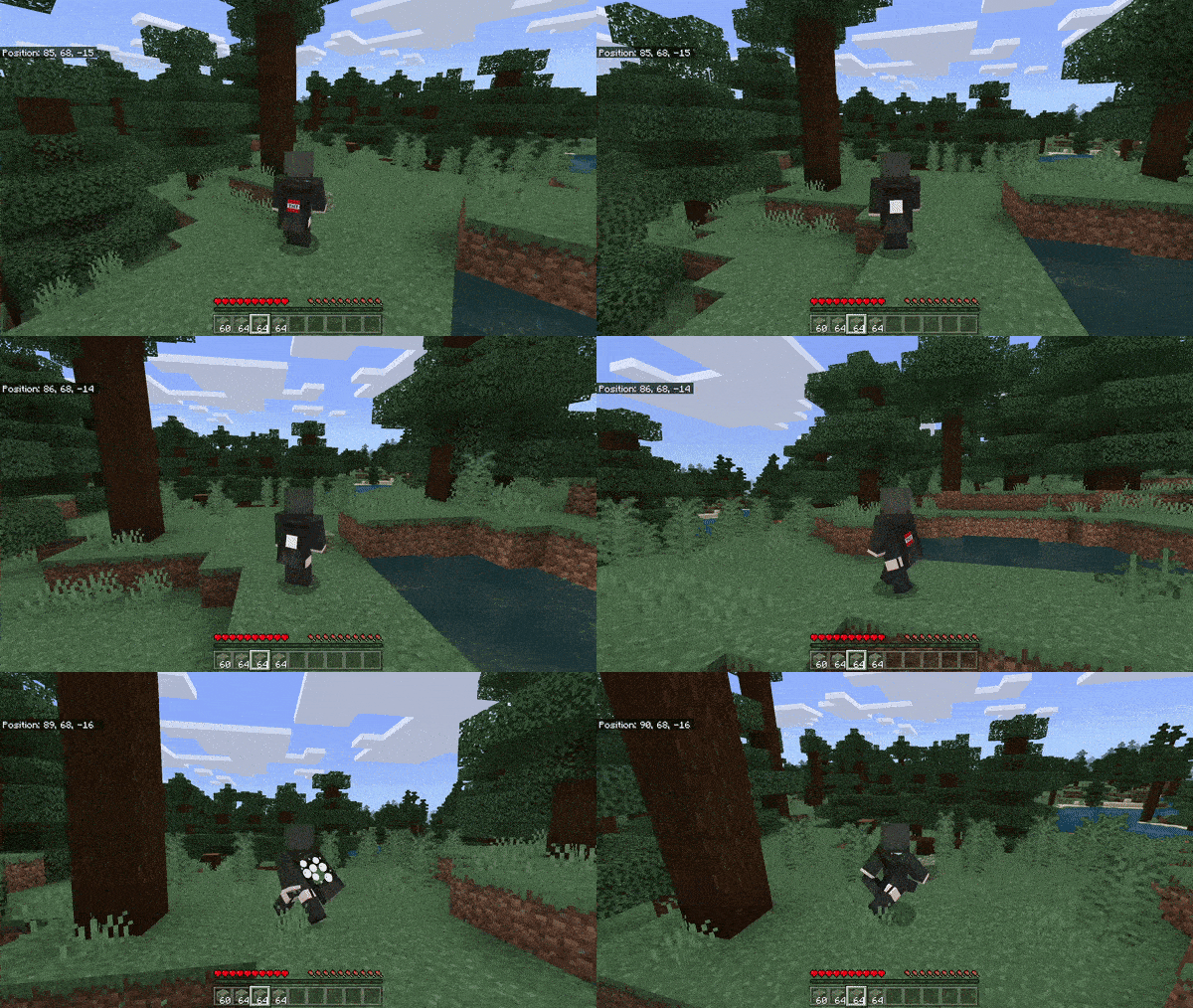
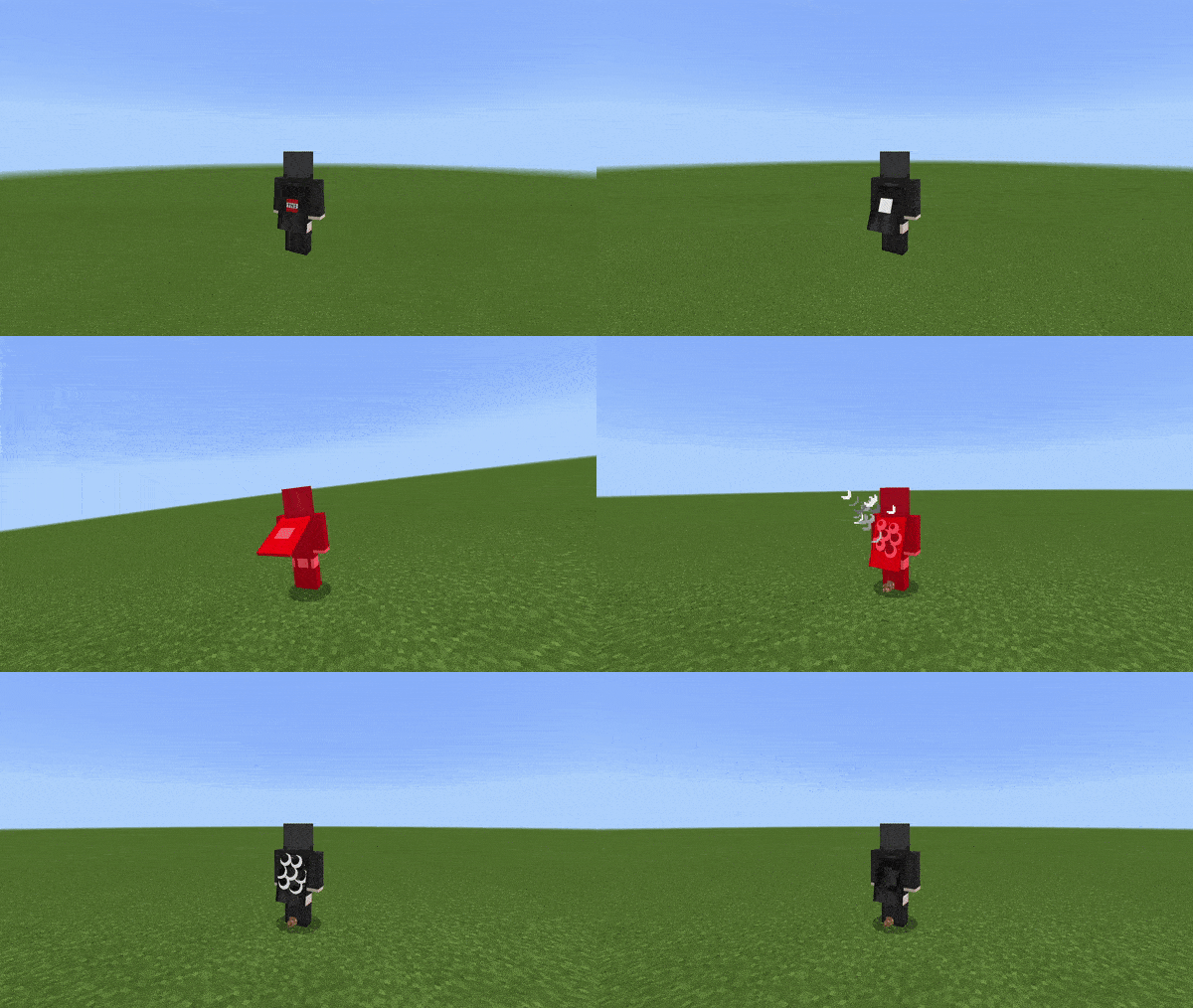
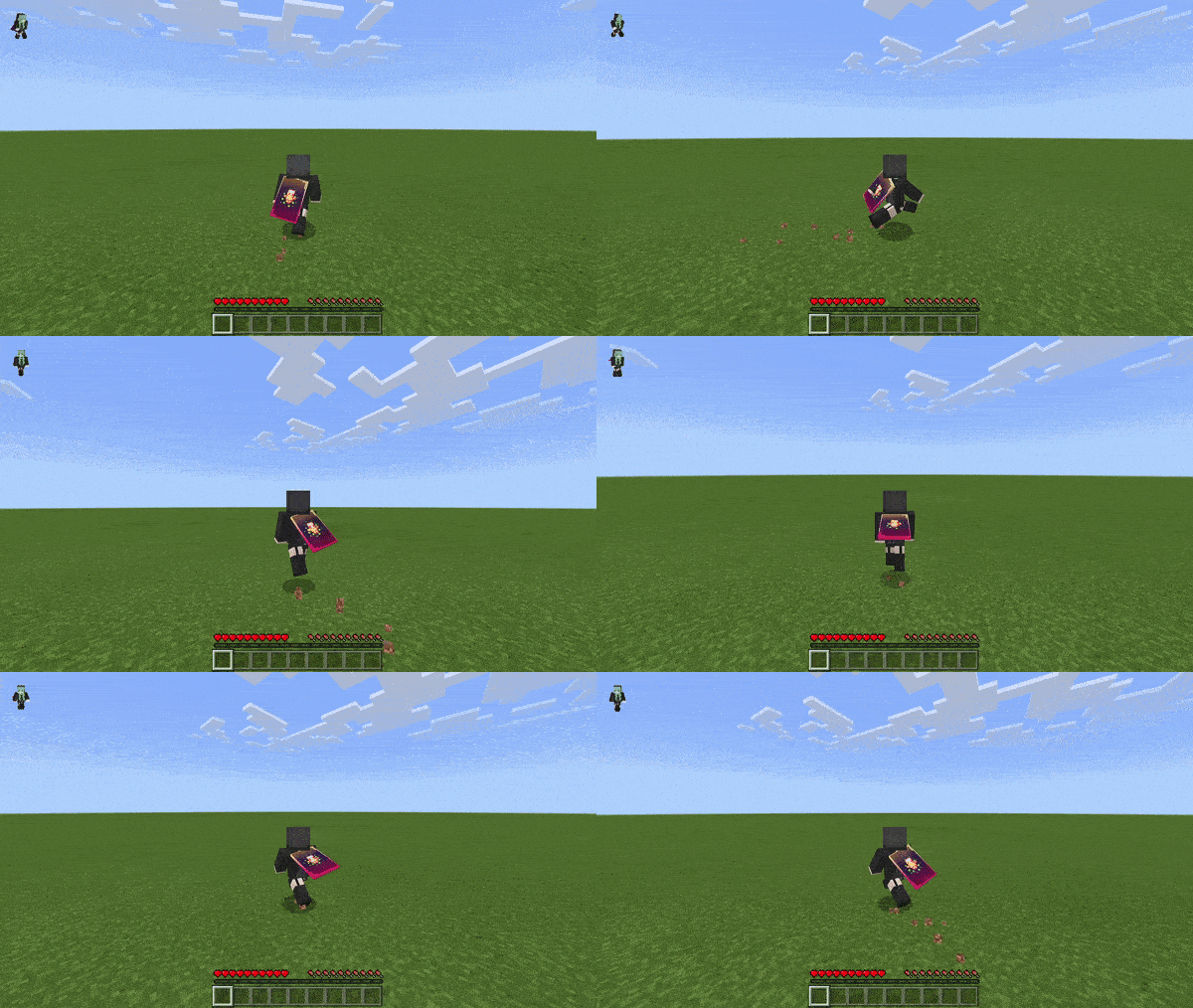
Do you ever wish that you could customize your Minecraft player beyond just changing its skin? If so, then this pack is perfect for you! Animated Cosmetics Pack includes 12 different subpacks, each with unique cosmetics such as animated capes, wings, armor, and a halo. The best part is that all of these cosmetics are only visible to you!
Supported Versions:
Minecraft Bedrock 1.26.30 and later. Resource pack only – no Experimental Features required.
Features:
The first cosmetic, the speed cape, changes texture based on how fast you are moving. Additionally, Java Edition cape animations have been added for extra detail, as opposed to the bland and boring bedrock cape animation.
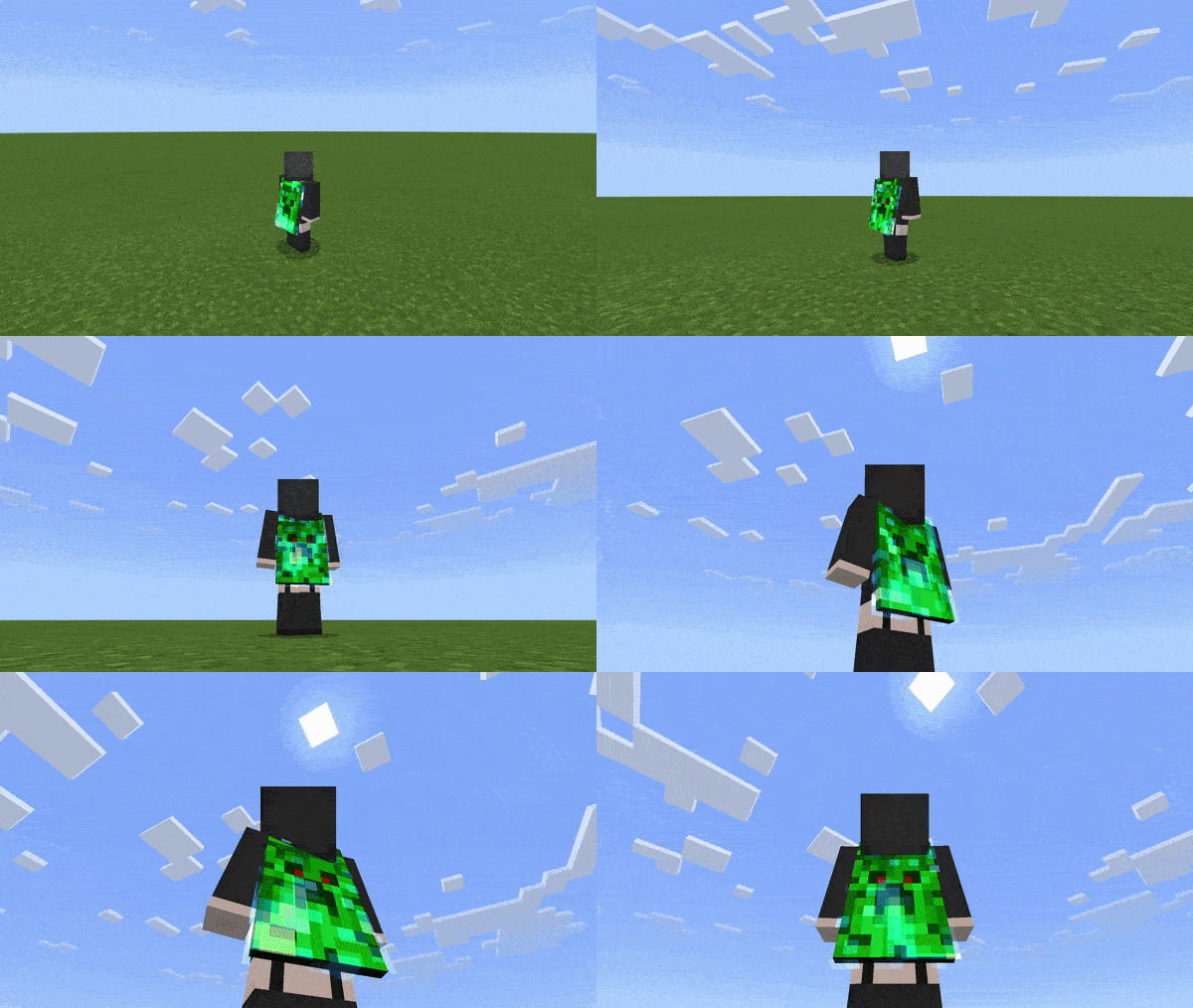
The charged creeper cape has an animated overlay on top of the flickering glow effect.
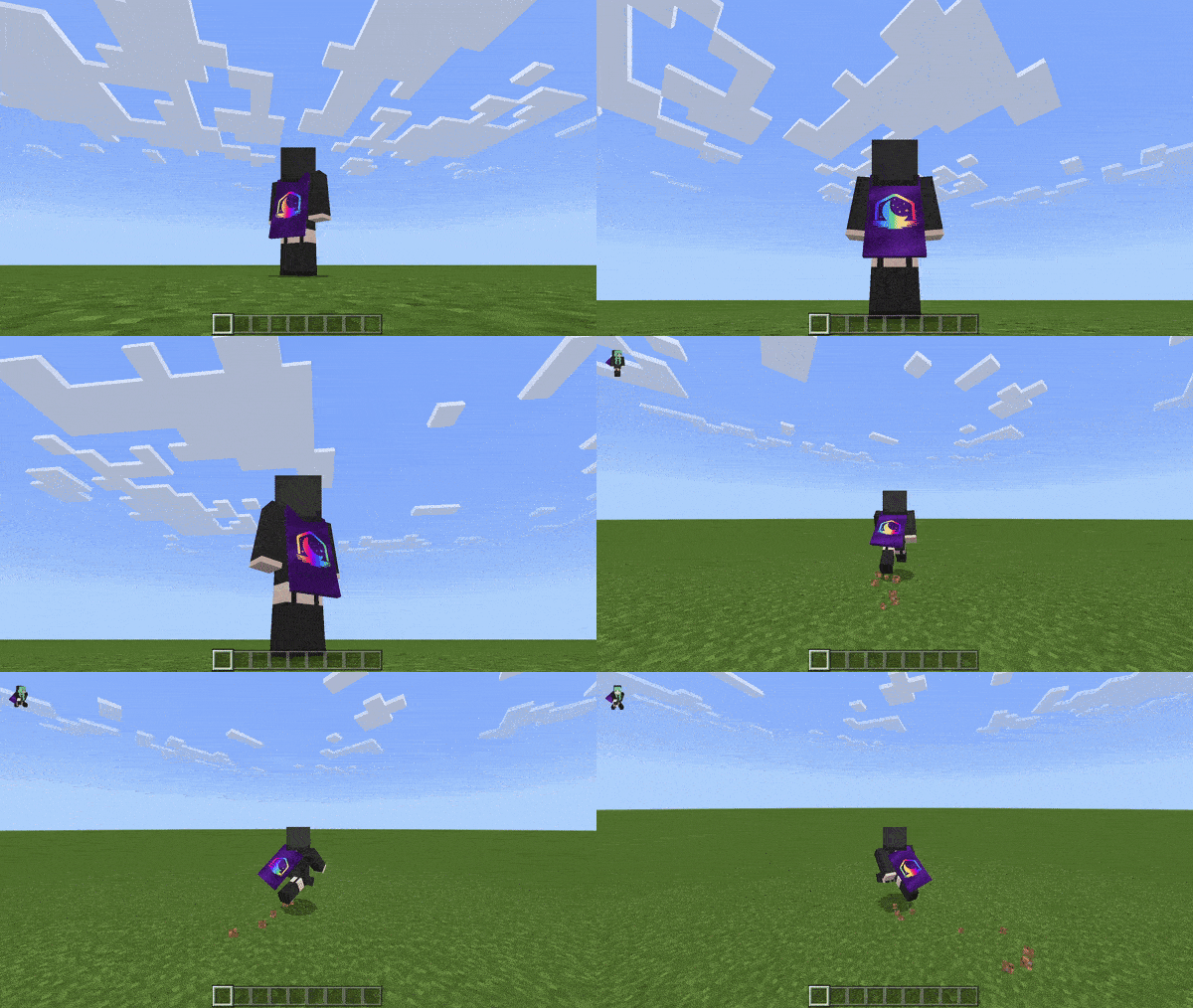
The Lunar client chroma cape is meant to be sleek and high definition, coupled with the enchantment glint overlay.
The Nether portal cape is translucent and emits portal particles behind the player.
The Hardcore heart cape has a heart in the center that changes texture based on your health. Similarly, the heart also rapidly flashes white when you take damage.
The TNT cape has an explosion animation sequence. It also emits explosion particles when the player takes damage.
The Badlion Client totem cape glows when the player takes damage, and has a similar enchantment overlay, although less pronounced.
There are also 2 separate animated armor subpacks to choose from. The first of which makes the chestplate for the diamond, iron, and gold sets wavy. When on fire, the armors have a red overlay similar to the legacy versions of the Java edition. The second of which is a chroma version of the diamond armor. Both armor subpacks purposely show for all players, however.
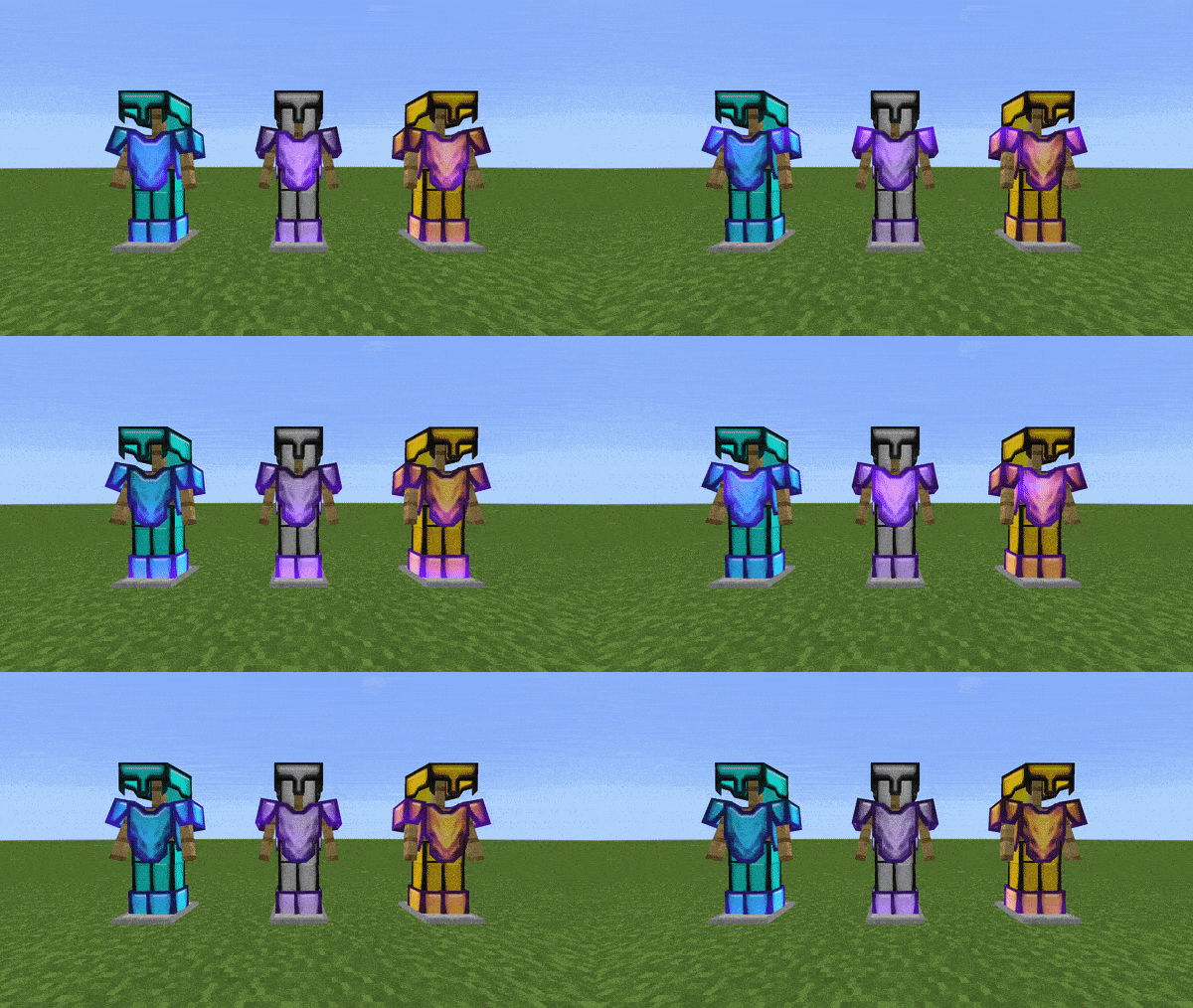
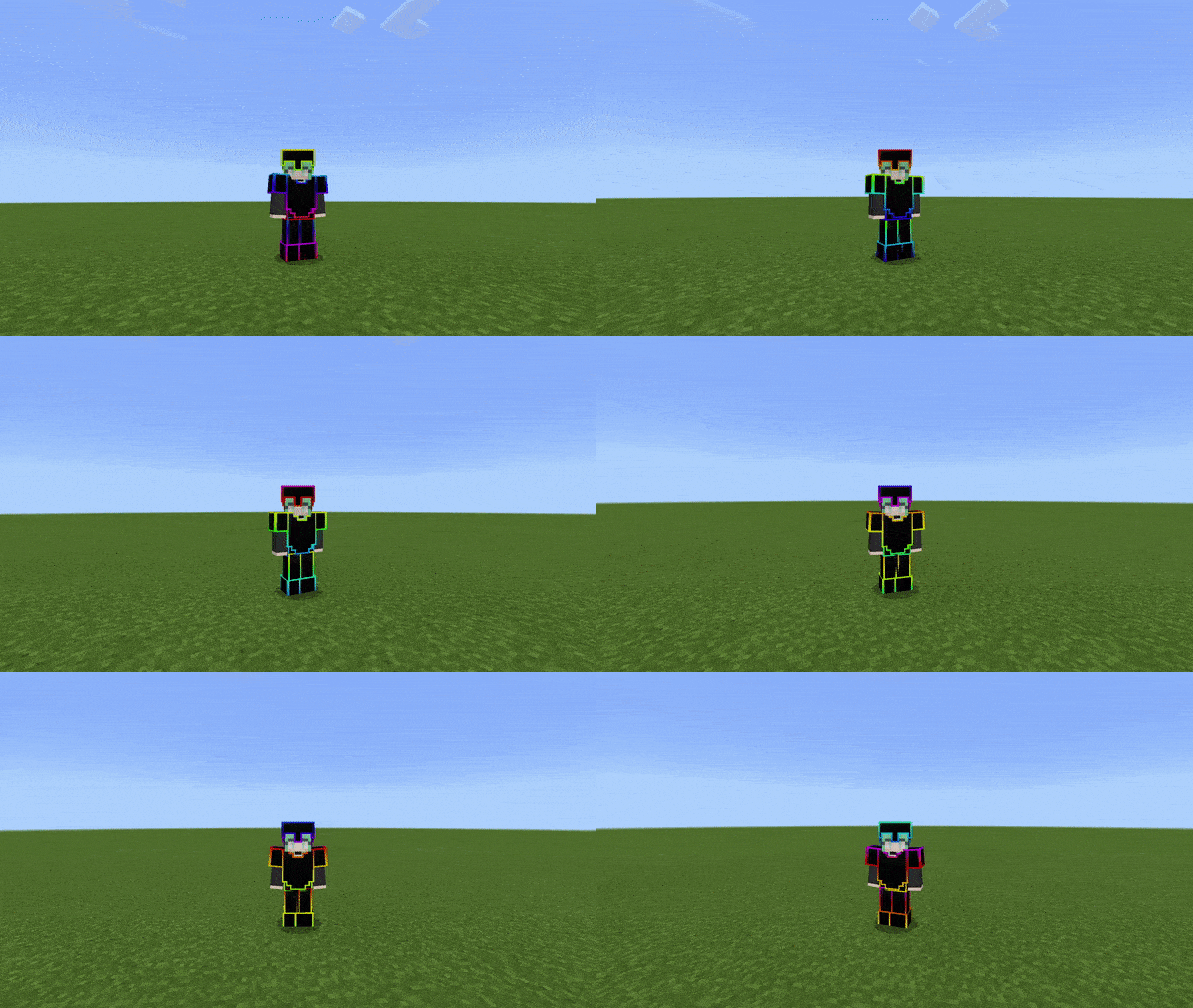
The Halo cosmetic has fire particles emitting in a disc shape around the player’s head and glows in the dark.
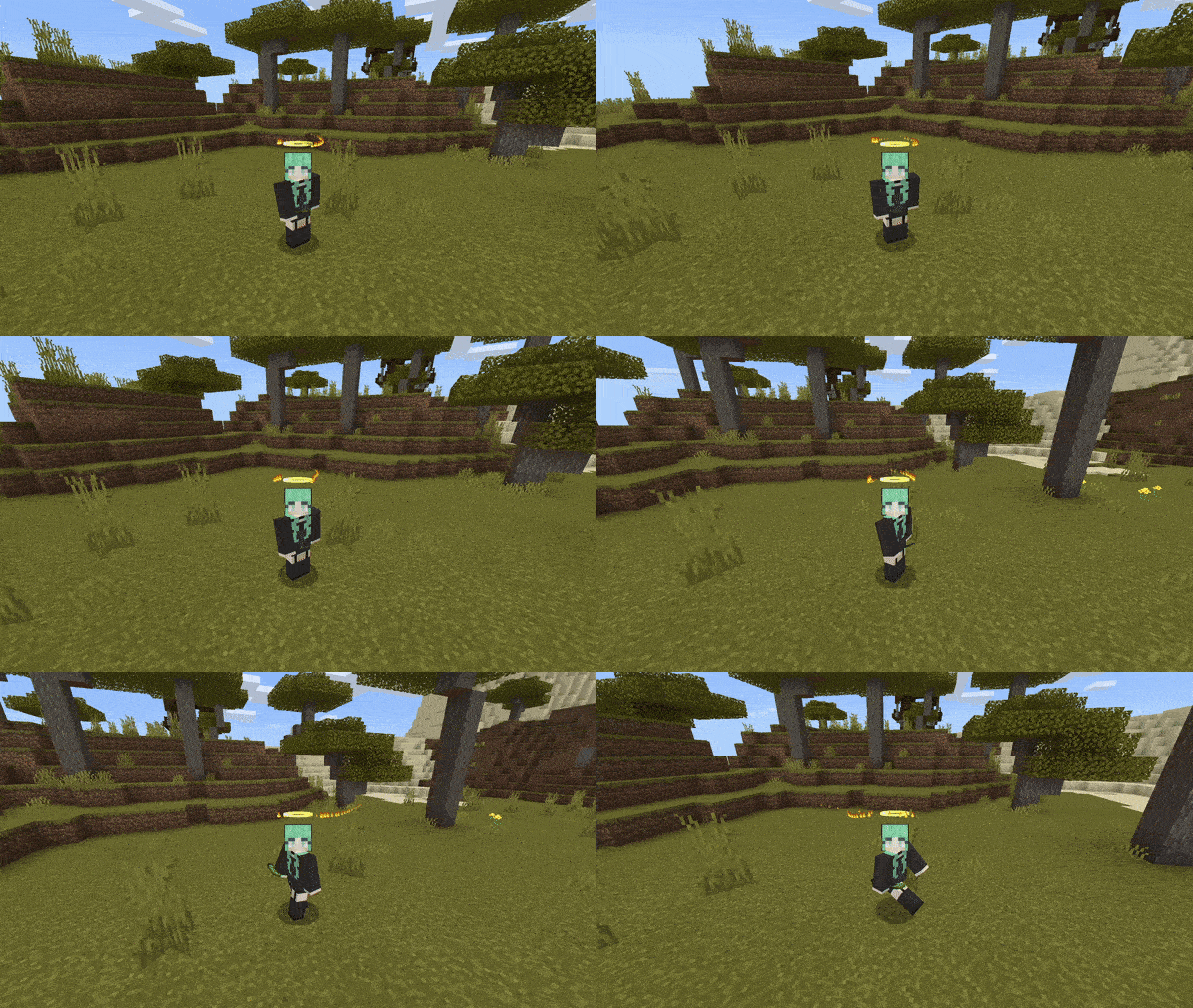
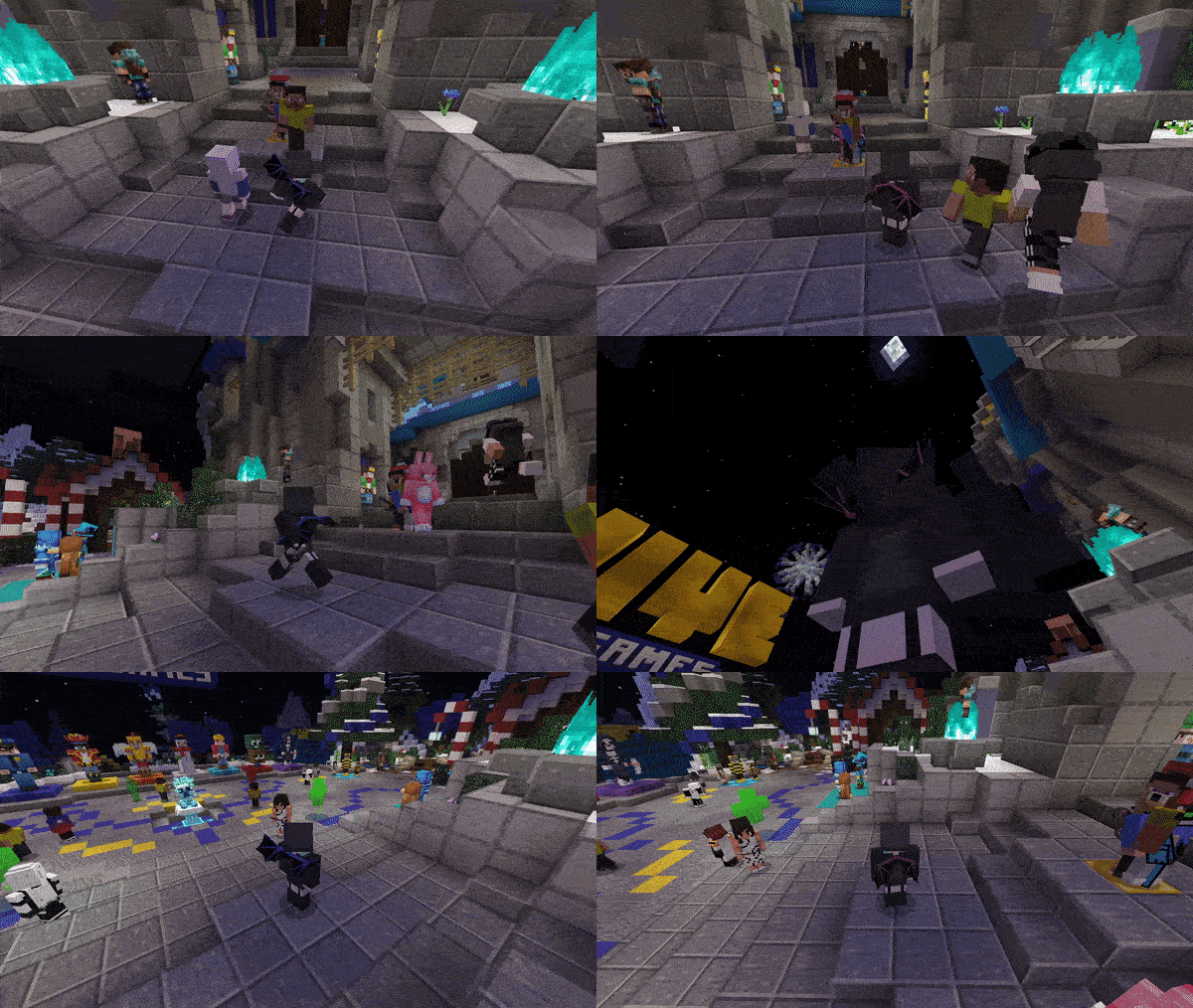
Finally, there is a dragon wing subpack. It has a red-blue overlay. There are 2 subpack options to have the wings show on you always or just when wearing any type of armor.
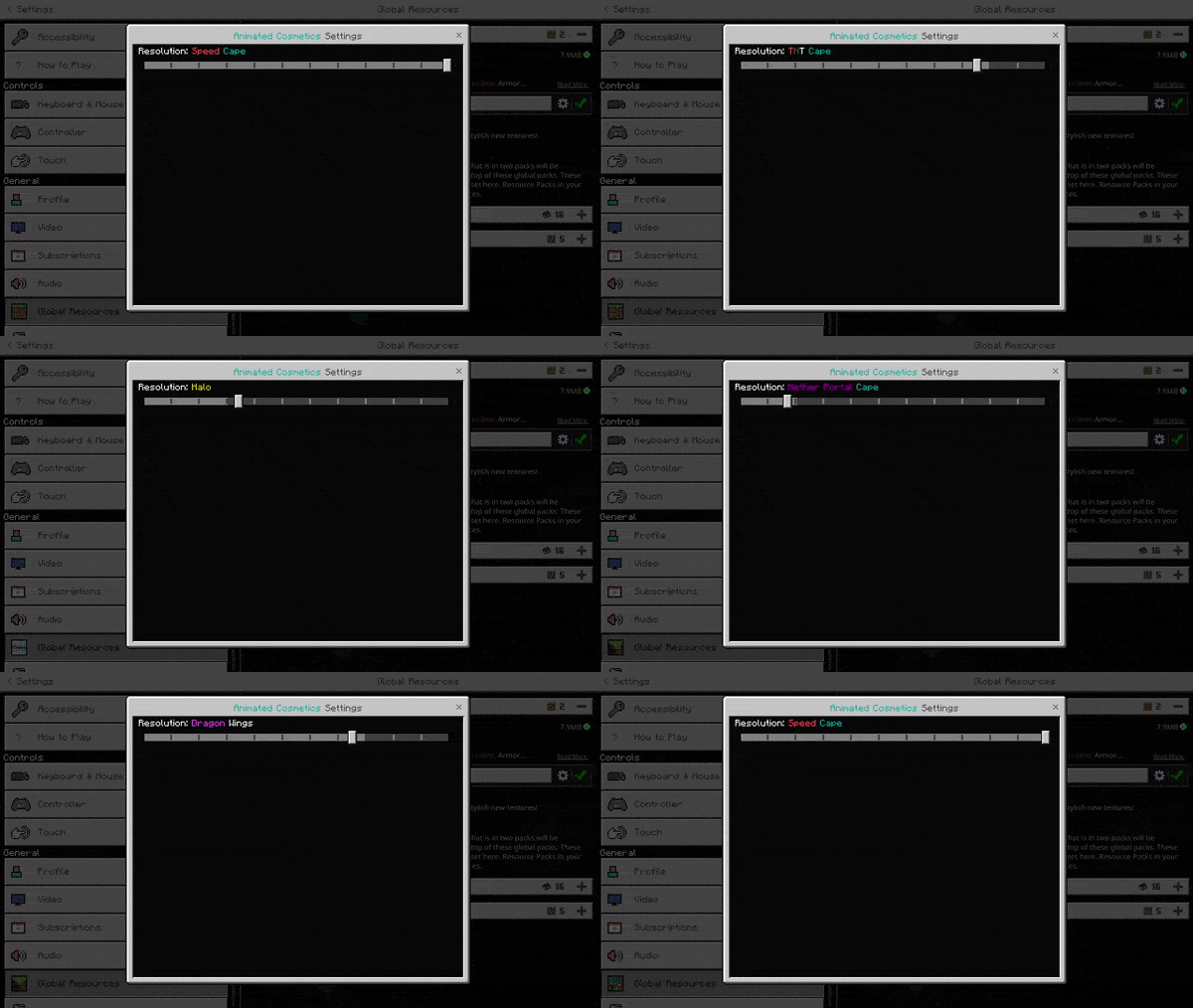
In order to change subpacks, you must go to global resources, click on the pack, click the gear icon in the bottom right, and move the slider to your desired pack. You may have to restart your game after switching subpacks for the changes to apply due to a bug on Mojang’s end.
Unlike many other packs, these cosmetics only show on you and not on other players. Additionally, they have full server compatibility.
Animated Cosmetics Pack Download Links
For Minecraft PE/Bedrock 1.20, 1.19
mcpack: Download from server 1 – Download from server 2
- Edition: Minecraft Bedrock
- File type: .mcpack
- Minecraft version listed: 1.21
- How to install: Download the .mcpack. → Open it — Minecraft imports it under Resource Packs. → Activate it in Global Resources, or for one world under Resource Packs → Available.
- Where to get it: In MCModsHub, or directly above on this page.
Install steps are the general flow for this file type — How to install Minecraft Bedrock texture packs walks through it step by step.
- Pack type: .mcpack — a single pack
- Manifest requires Minecraft 1.16.0 or newer
- Complete pack — everything it depends on is inside the file
- Download size: 7.0 MB
- Download link checked 17 Jun 2026 — working
- Mirrored on our own servers — the download does not depend on the original host
These come from our own check of the pack file, not from the source page.