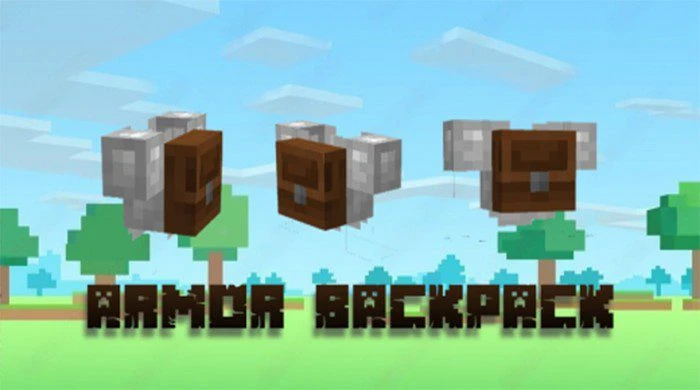
Armor Backpack Texture Pack (1.20, 1.19) – MCPE/Bedrock
Bedrock texture pack listed for Minecraft 1.19–1.20. File opened and checked on 22 Sep 2026; installs from the MC Bedrock Mods app on Android.
⬇ Download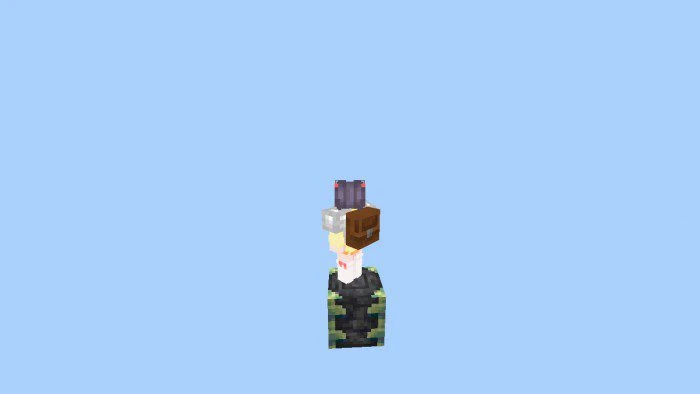
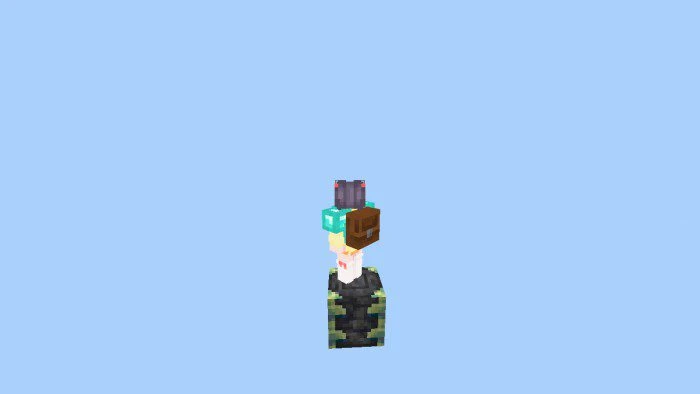
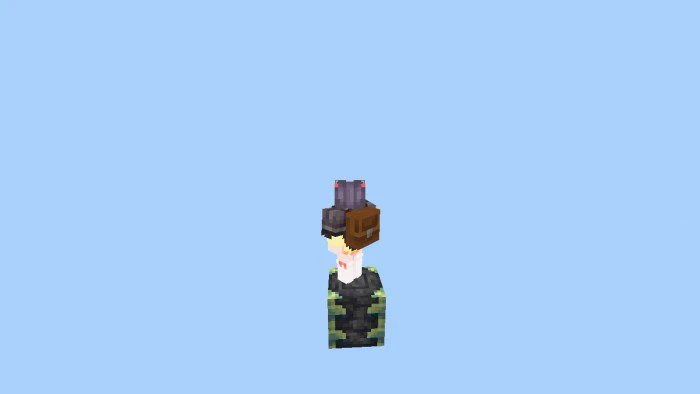
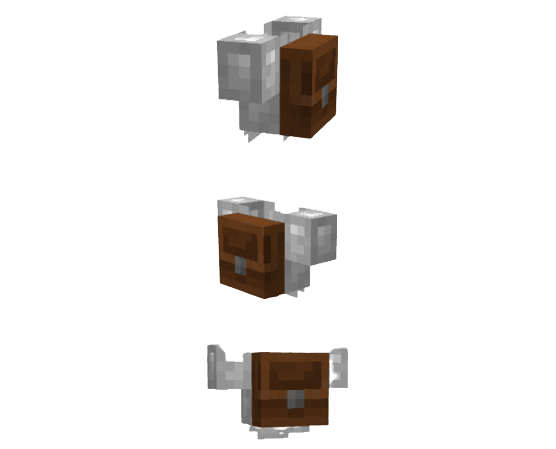
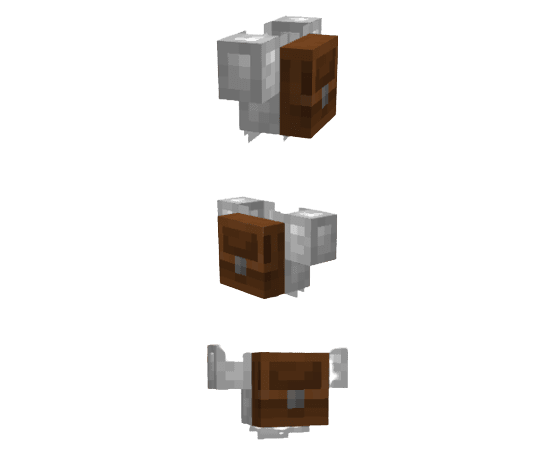
Do you ever question how players are able to store such large quantities of blocks and items in their inventory in Minecraft? If so, Armor Backpack Texture Pack may be of interest to you. It adds a backpack to your character’s armor, providing extra space to store items and freeing up room in your inventory. The best part is that this texture pack uses the default Minecraft textures, so you don’t have to worry about any strange or unfamiliar graphics. So why not give it a try and see if it makes your gameplay experience more convenient and enjoyable?
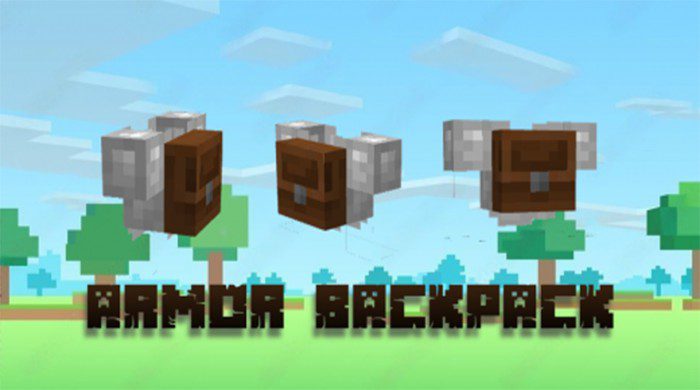
Screenshots:
- Iron Chestplate
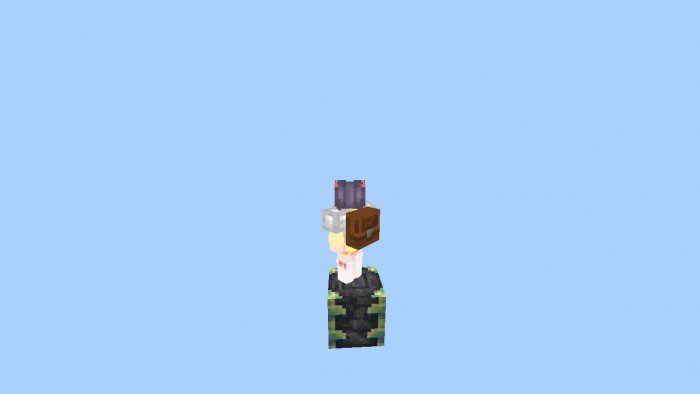
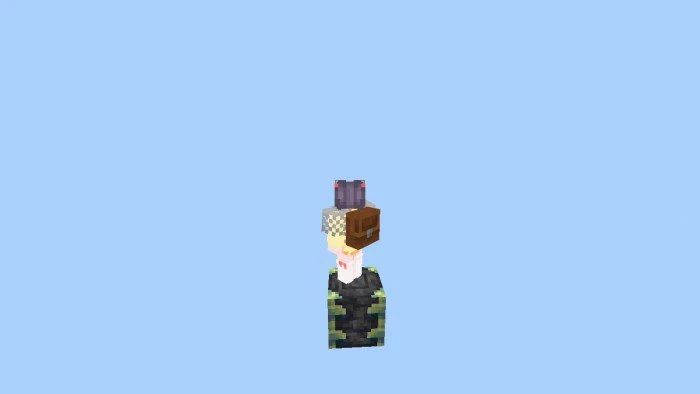
- Chain Chestplate
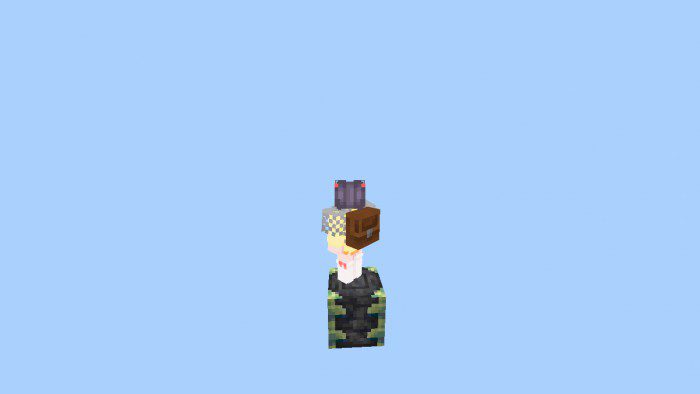
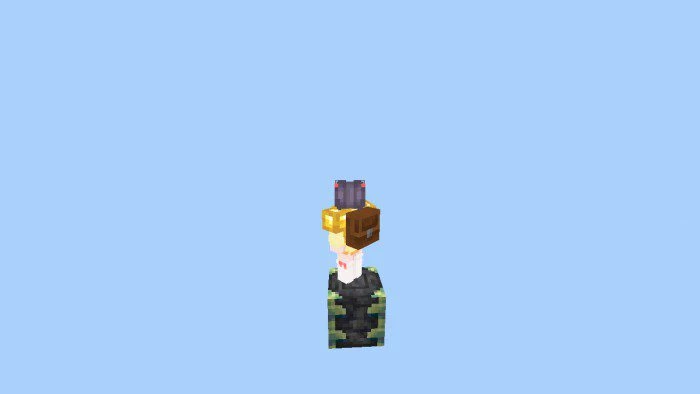
- Gold Chestplate
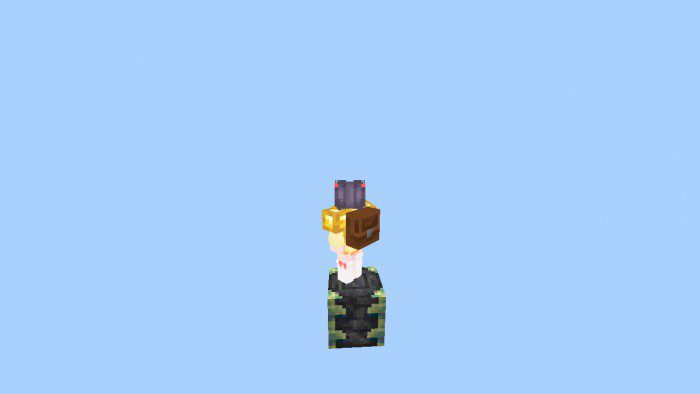
- Diamond Chestplate
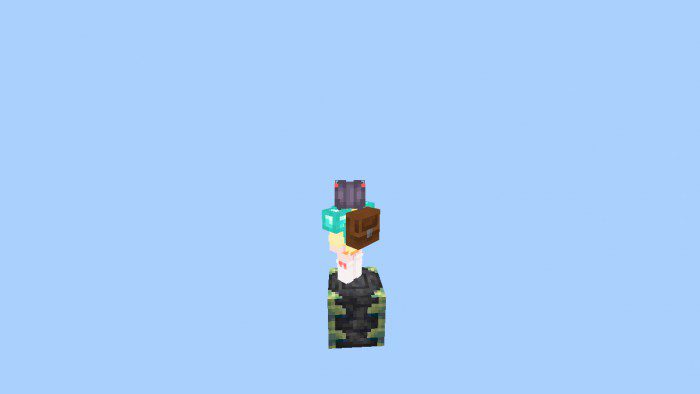
- Netherite Chestplate
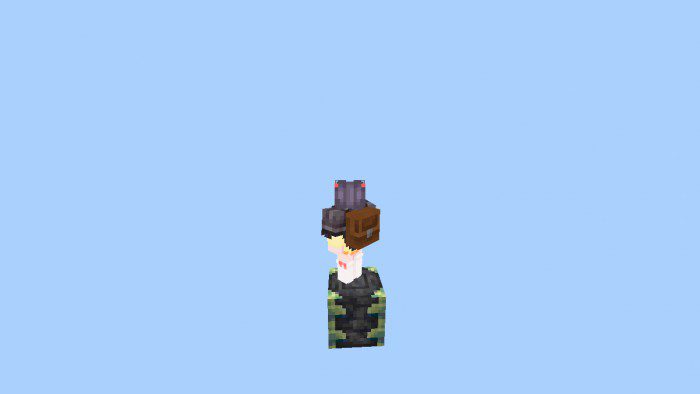
- 3D Models:
Armor Backpack Texture Pack Download Links
For Minecraft PE/Bedrock 1.20
mcpack: Download from server 1 – Download from server 2
For Minecraft PE/Bedrock 1.19
mcpack: Download from server 1 – Download from server 2
- Edition: Minecraft Bedrock
- File type: .mcpack
- Minecraft versions listed: 1.20, 1.19
- How to install: Download the .mcpack. → Open it — Minecraft imports it under Resource Packs. → Activate it in Global Resources, or for one world under Resource Packs → Available.
- Where to get it: In MCModsHub, or directly above on this page.
Install steps are the general flow for this file type — How to install Minecraft Bedrock texture packs walks through it step by step.
- Pack type: .mcpack — a single pack
- Manifest requires Minecraft 1.20.0 or newer
- Complete pack — everything it depends on is inside the file
- Download size: 20 KB
- Download link checked 17 Jun 2026 — working
- Mirrored on our own servers — the download does not depend on the original host
These come from our own check of the pack file, not from the source page.