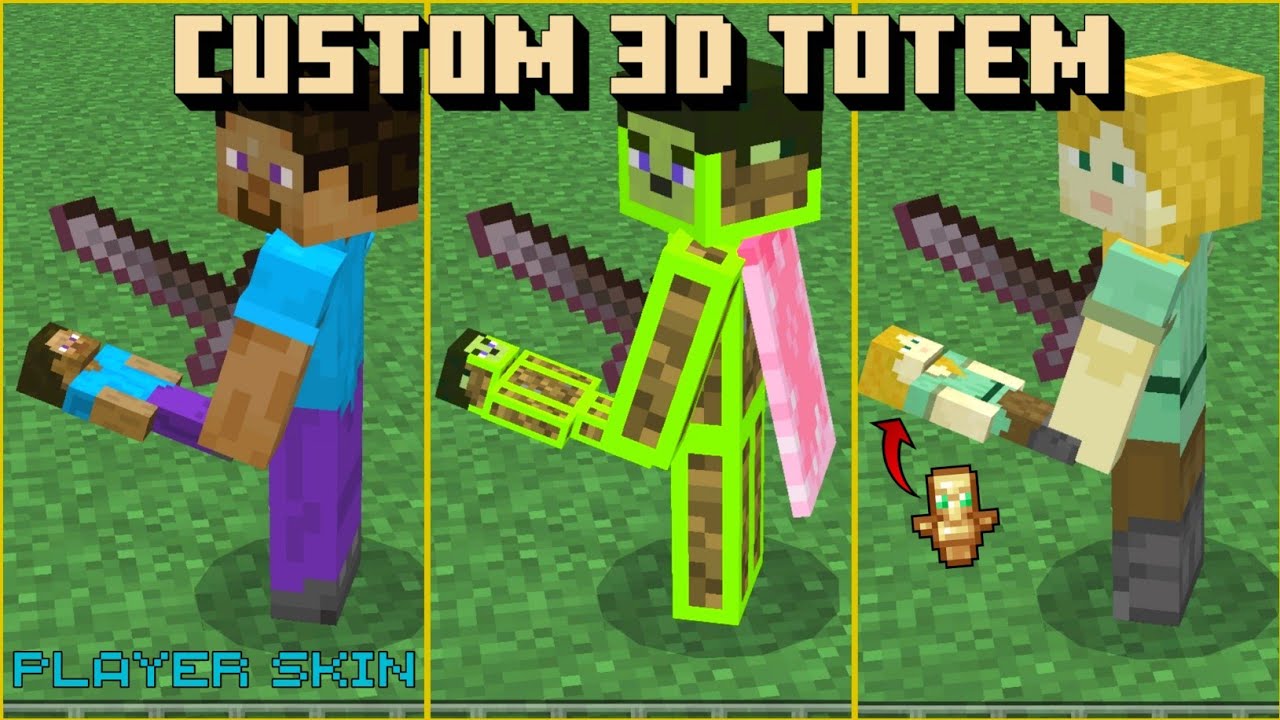
Custom 3D Totem Resource Pack (1.26+) – With Custom Player Skin for MCPE/Bedrock
Bedrock texture pack listed for Minecraft 1.16–26.x. File opened and checked on 19 Aug 2026; installs from the MC Bedrock Mods app on Android.
⬇ Download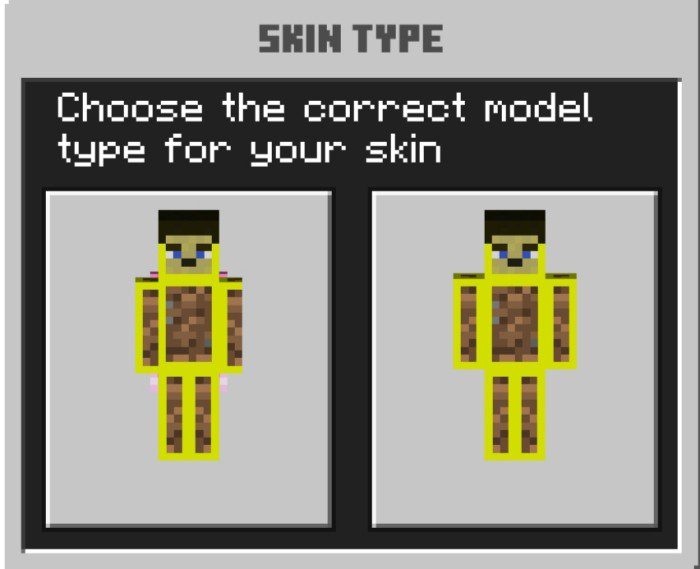
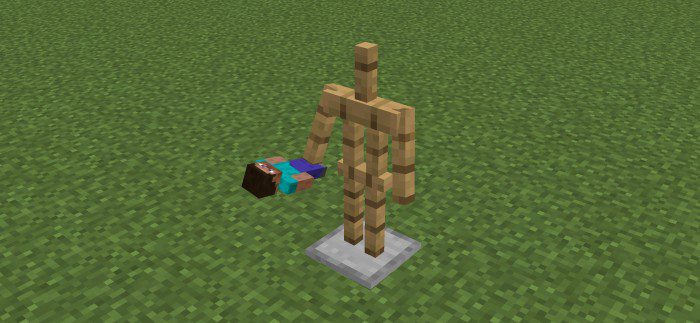
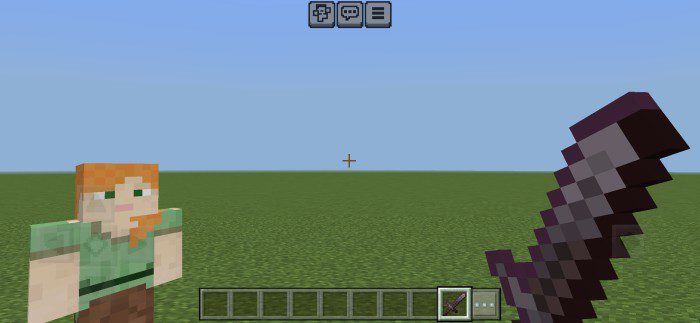
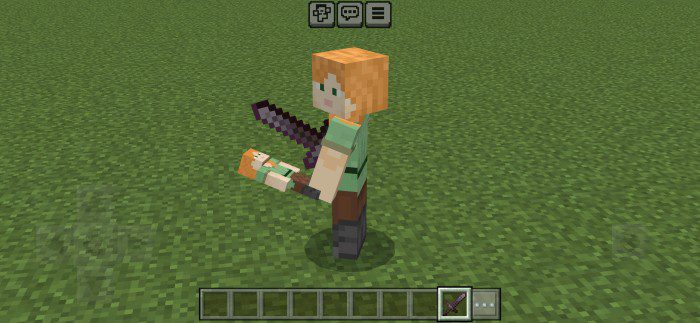
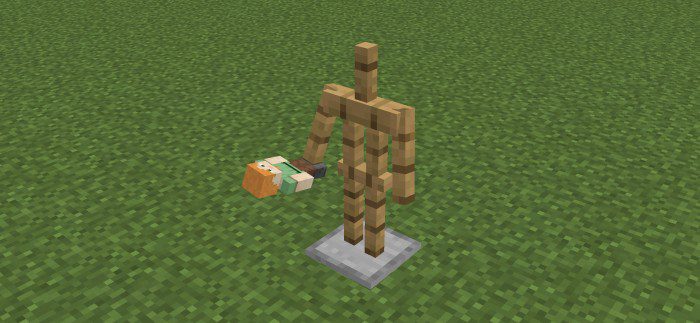
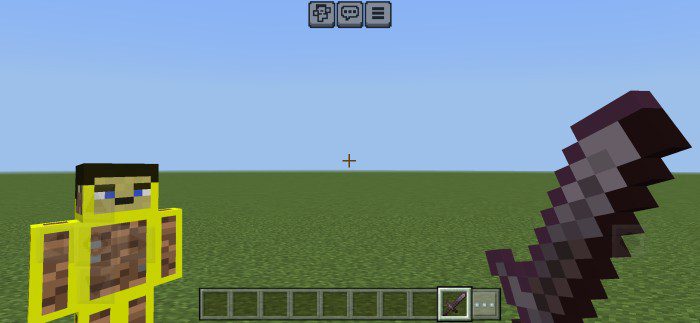
Custom 3D Totem Resource Pack allows you to create a custom 3D Totem of Undying using your Minecraft skin. Simply place your skin inside the pack and adjust the settings according to your skin type. This addon works for both types of skin models. The process is easy and all the steps are provided below.
Supported Versions:
Minecraft Bedrock 1.26.30 and later. Resource pack only – no Experimental Features required.
Screenshots:
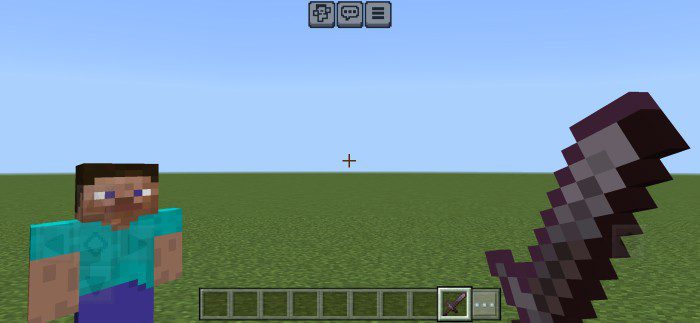
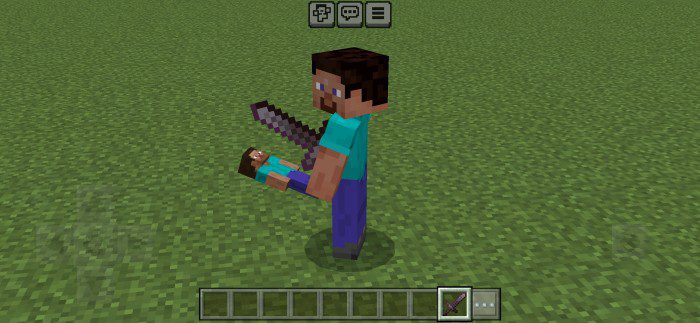
With Default Steve Skin:
With Default Alex Skin:
With A Custom Skin:
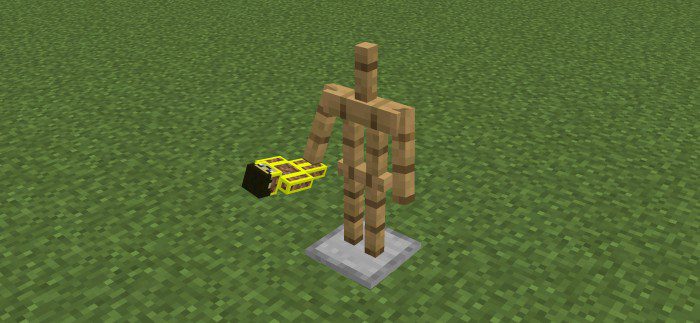
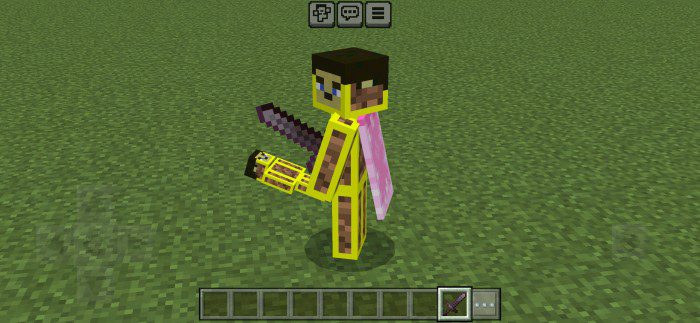
How to add your custom skin:
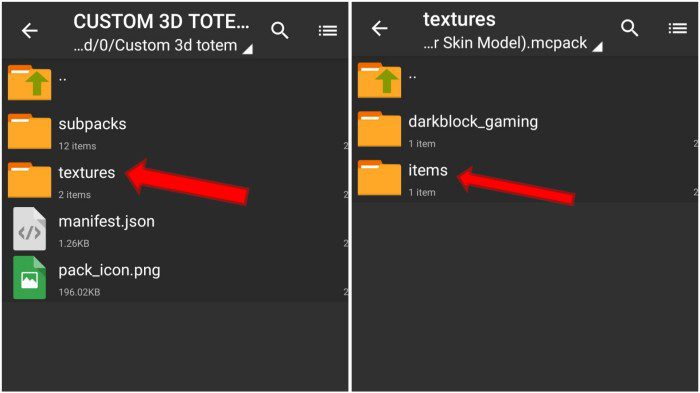
- Just make a copy of your skinRename it “dbg.png”And put that skin inside the resource pack[textures/darkblock_gaming]
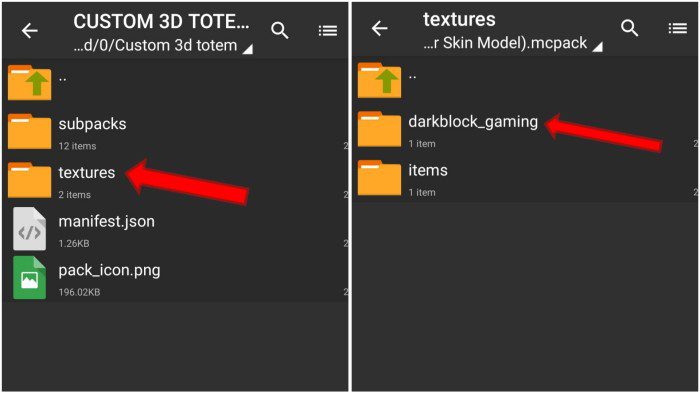
- (Optional) You can also choose an icon for a totem. Take a 16×16 image for an iconRename it “totem.png”Put it inside the resource pack[textures/items]
- This is optional (you can delete totem.png to get the vanilla totem icon)
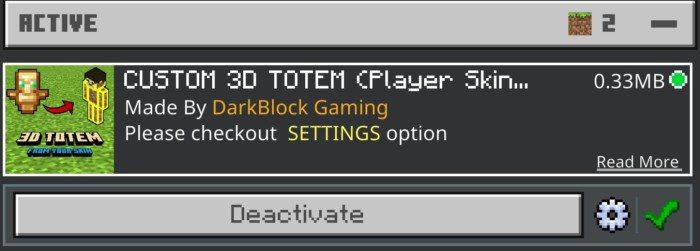
- Now activate the resource pack, click on it, and then click on this gear/settings icon:
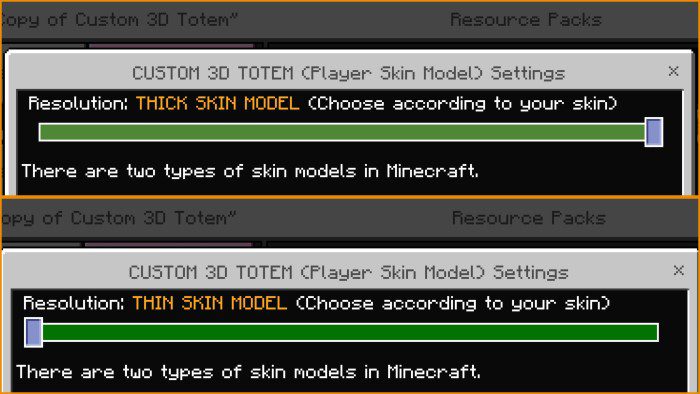
- Now select your skin model type, Minecraft has two types of skin types [Thick & Thin]:
Custom 3D Totem Resource Pack Download Links
For Minecraft PE/Bedrock 1.20
mcpack: Download from server 1 – Download from server 2
- Edition: Minecraft Bedrock
- File type: .mcpack
- Minecraft version listed: 1.26
- How to install: Download the .mcpack. → Open it — Minecraft imports it under Resource Packs. → Activate it in Global Resources, or for one world under Resource Packs → Available.
- Where to get it: In MCModsHub, or directly above on this page.
Install steps are the general flow for this file type — How to install Minecraft Bedrock texture packs walks through it step by step.
- Pack type: .mcpack — a single pack
- Manifest requires Minecraft 1.16.0 or newer
- Complete pack — everything it depends on is inside the file
- Download link checked 17 Jun 2026 — working
- Mirrored on our own servers — the download does not depend on the original host
These come from our own check of the pack file, not from the source page.