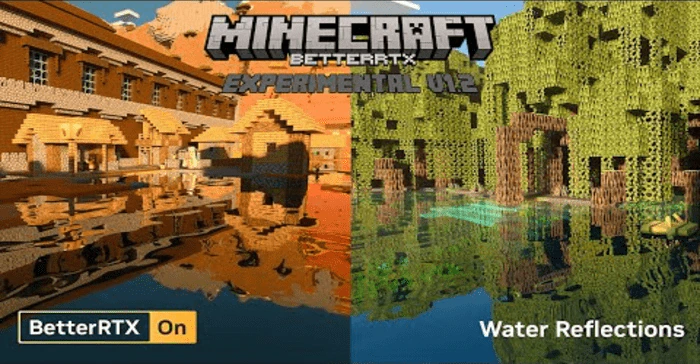
BetterRTX Experimental Preset (1.20, 1.19) – MCPE/Bedrock
Bedrock texture pack listed for Minecraft 1.19–1.20. Download on the author's site.
⬇ Download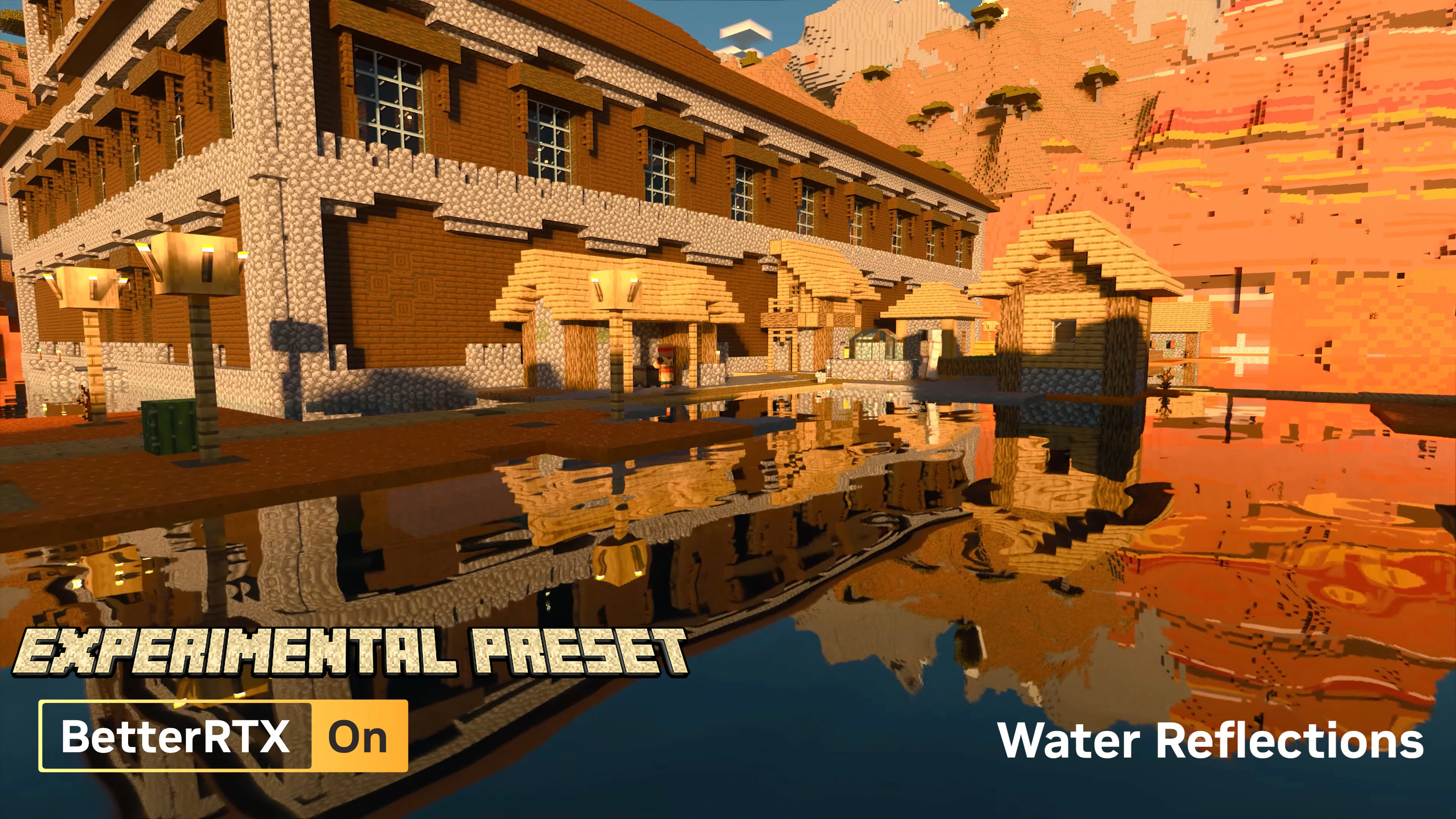
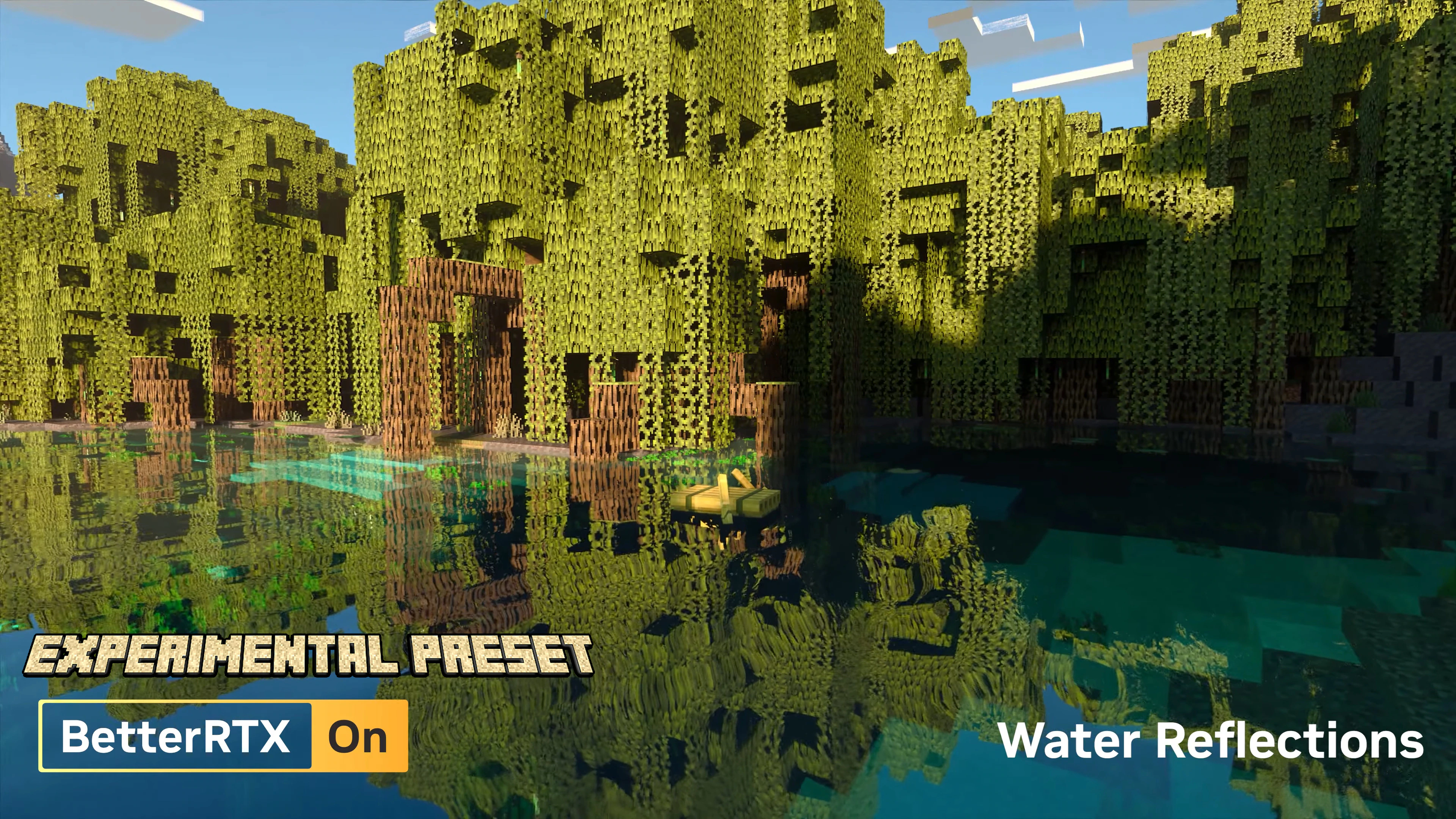
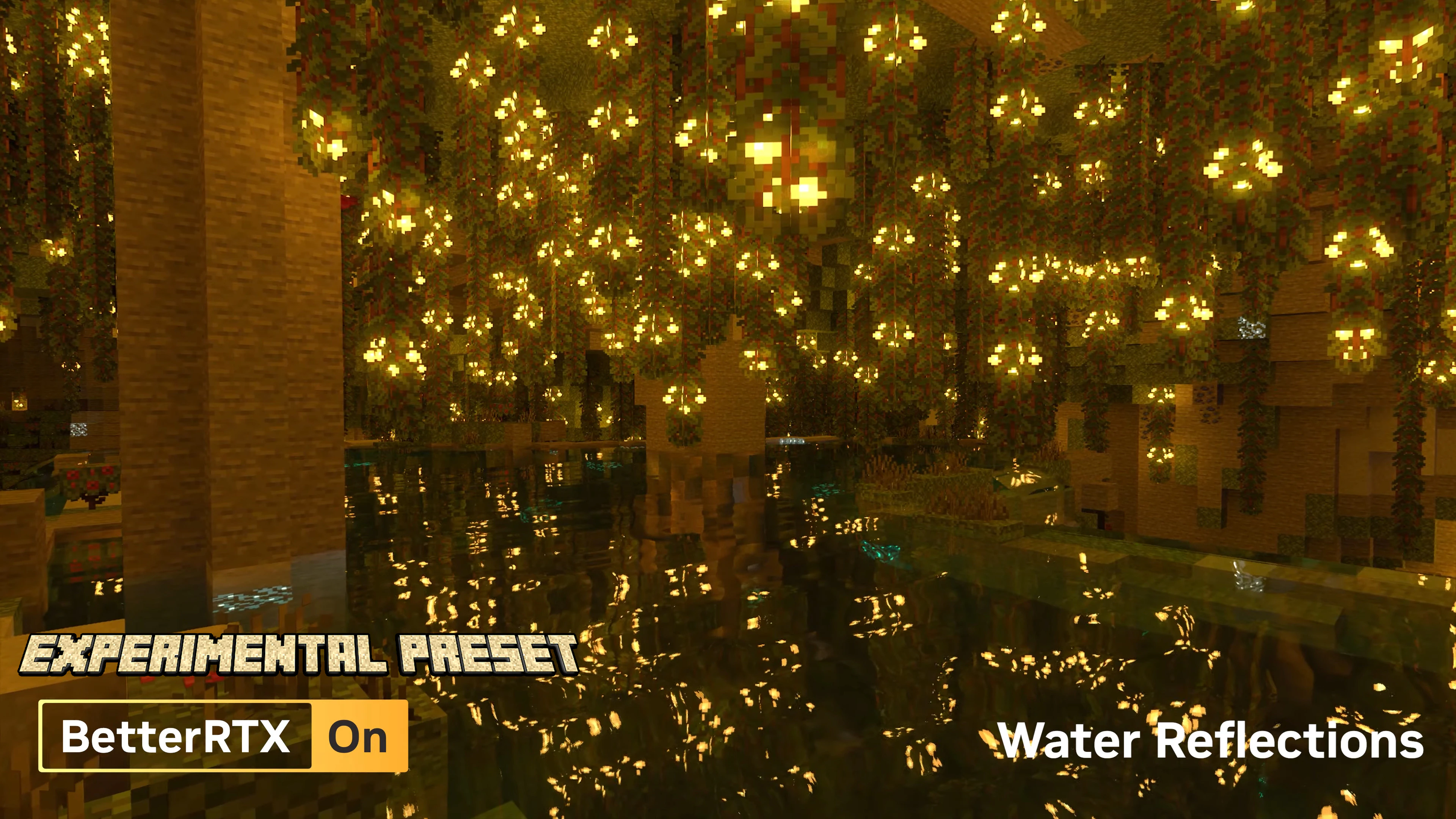
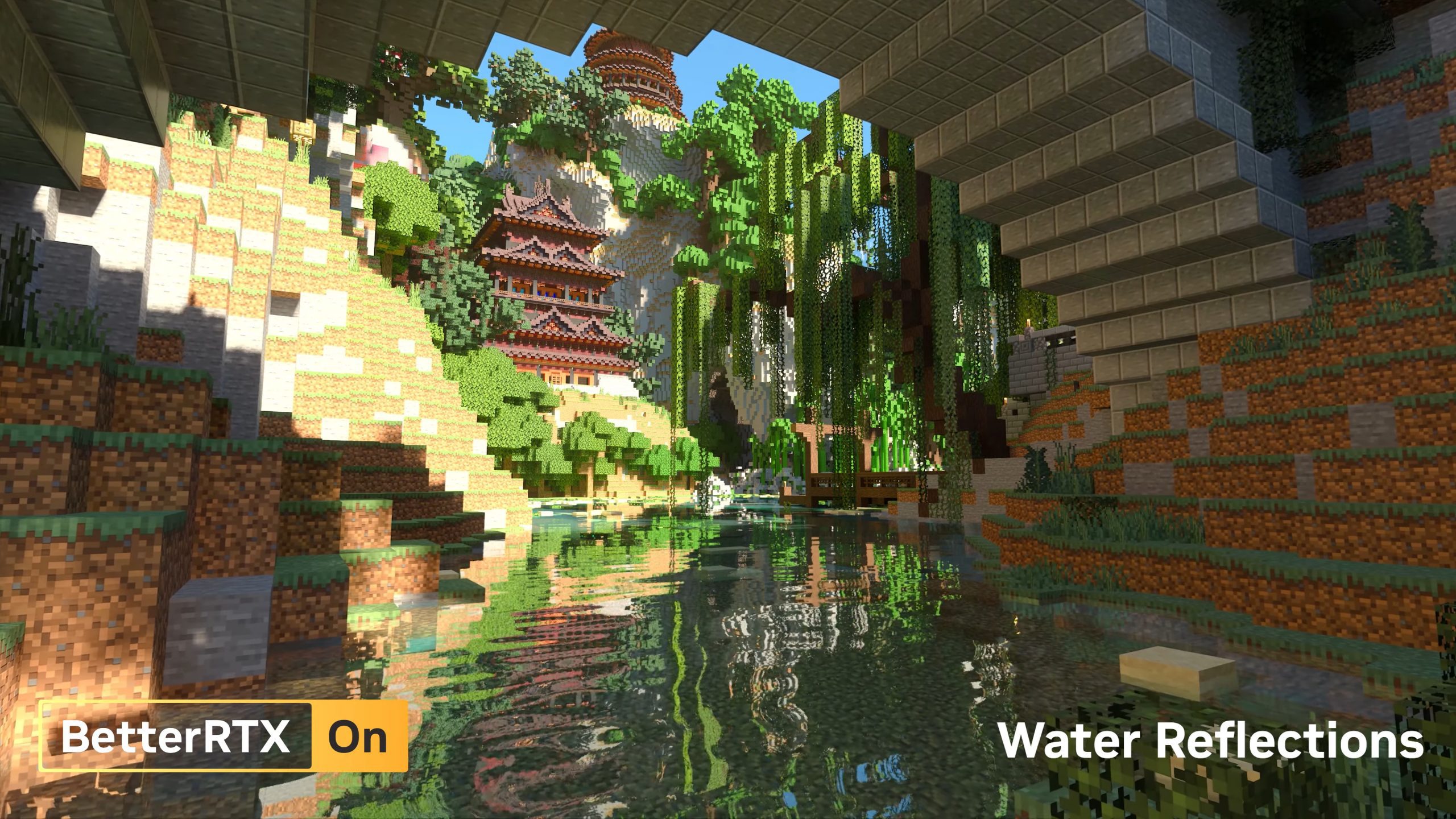
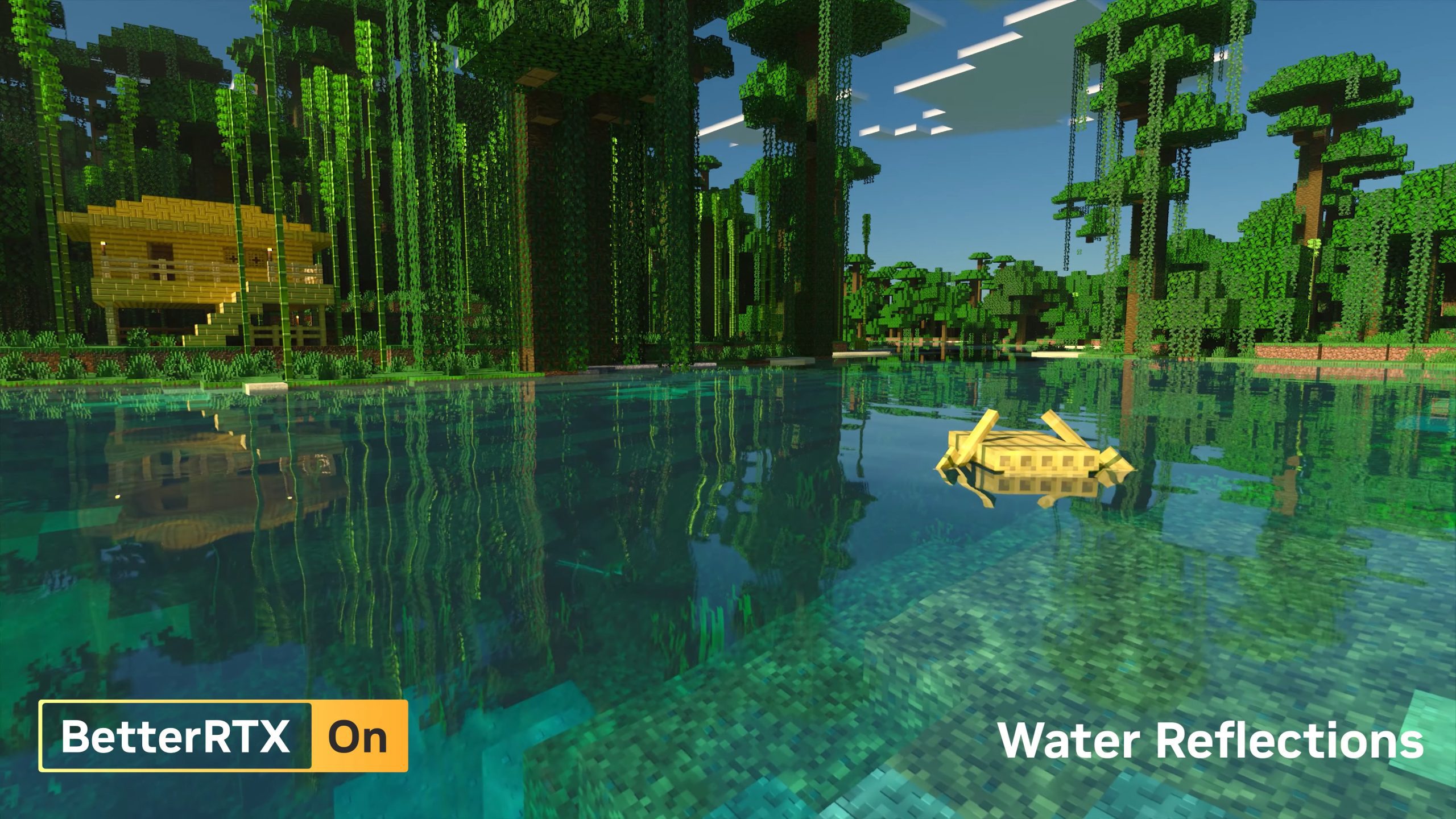
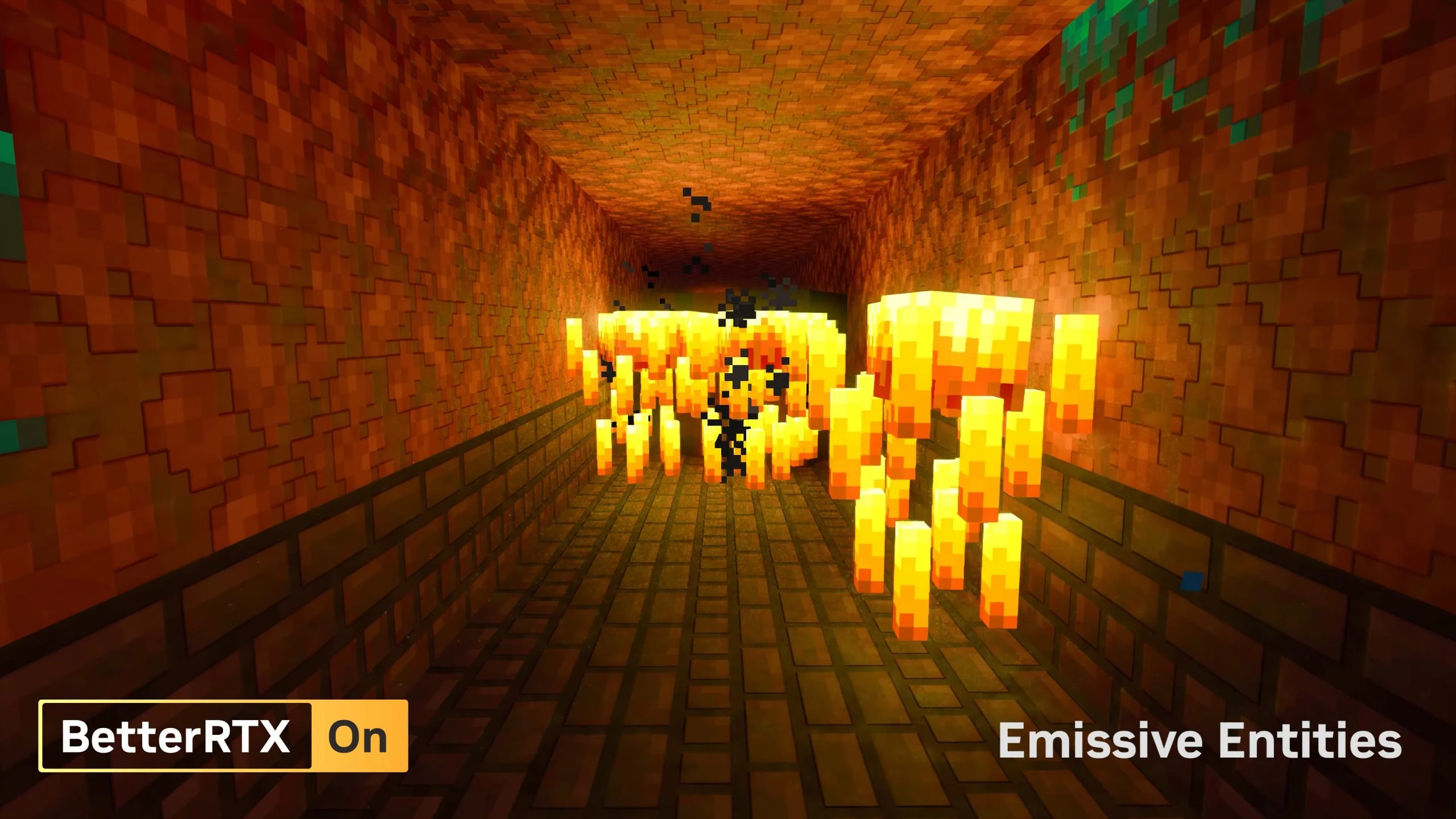
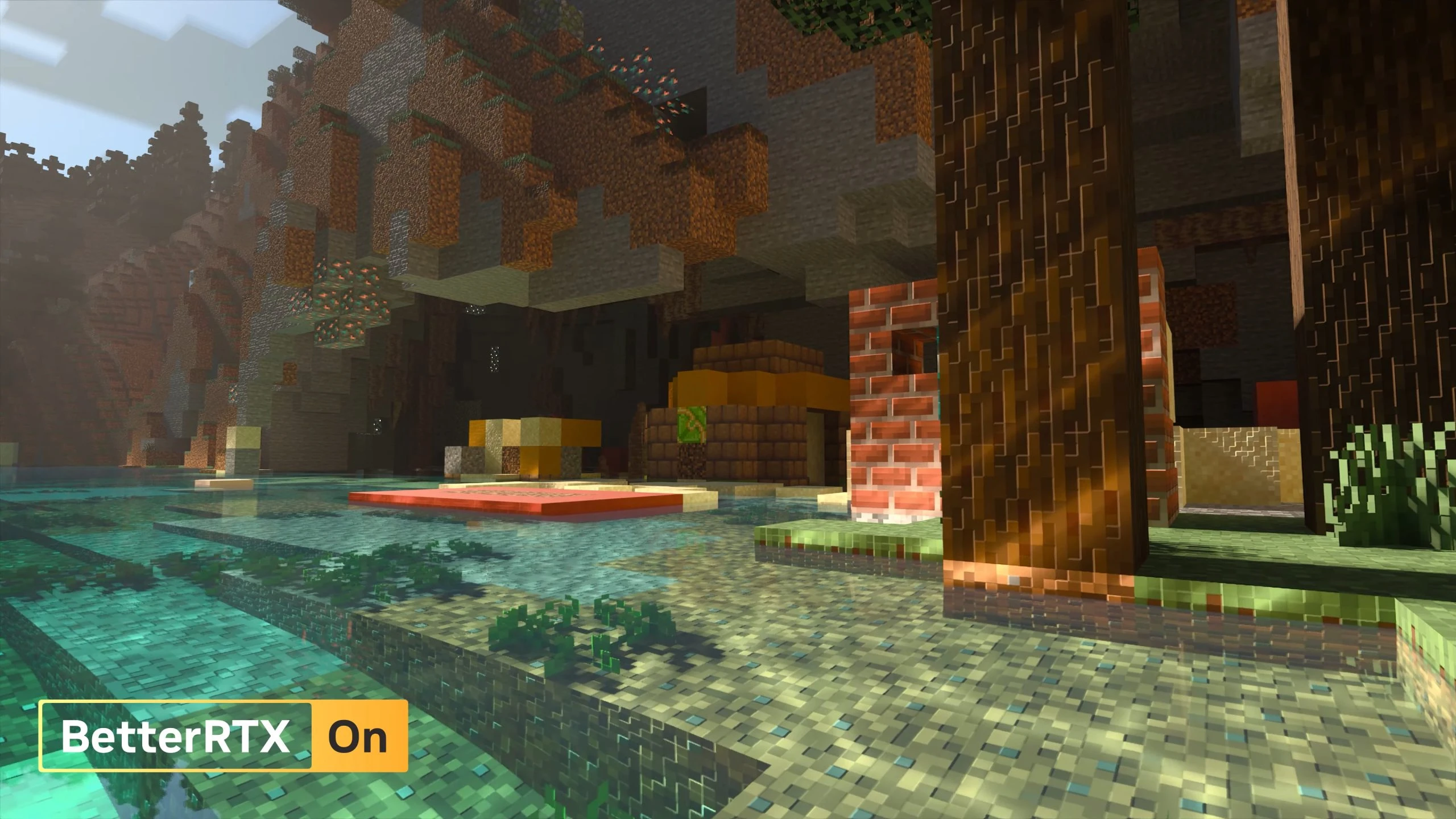
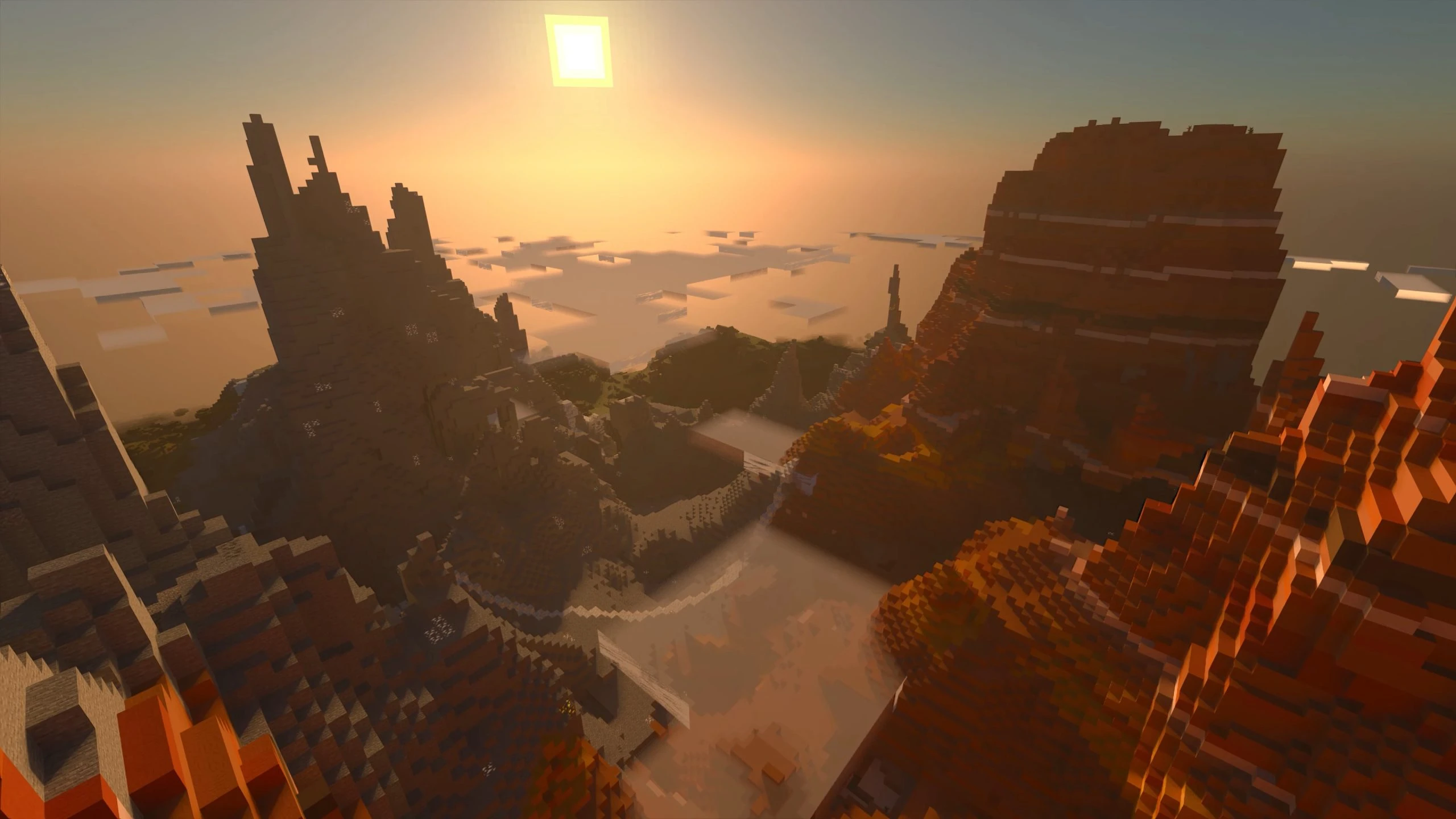
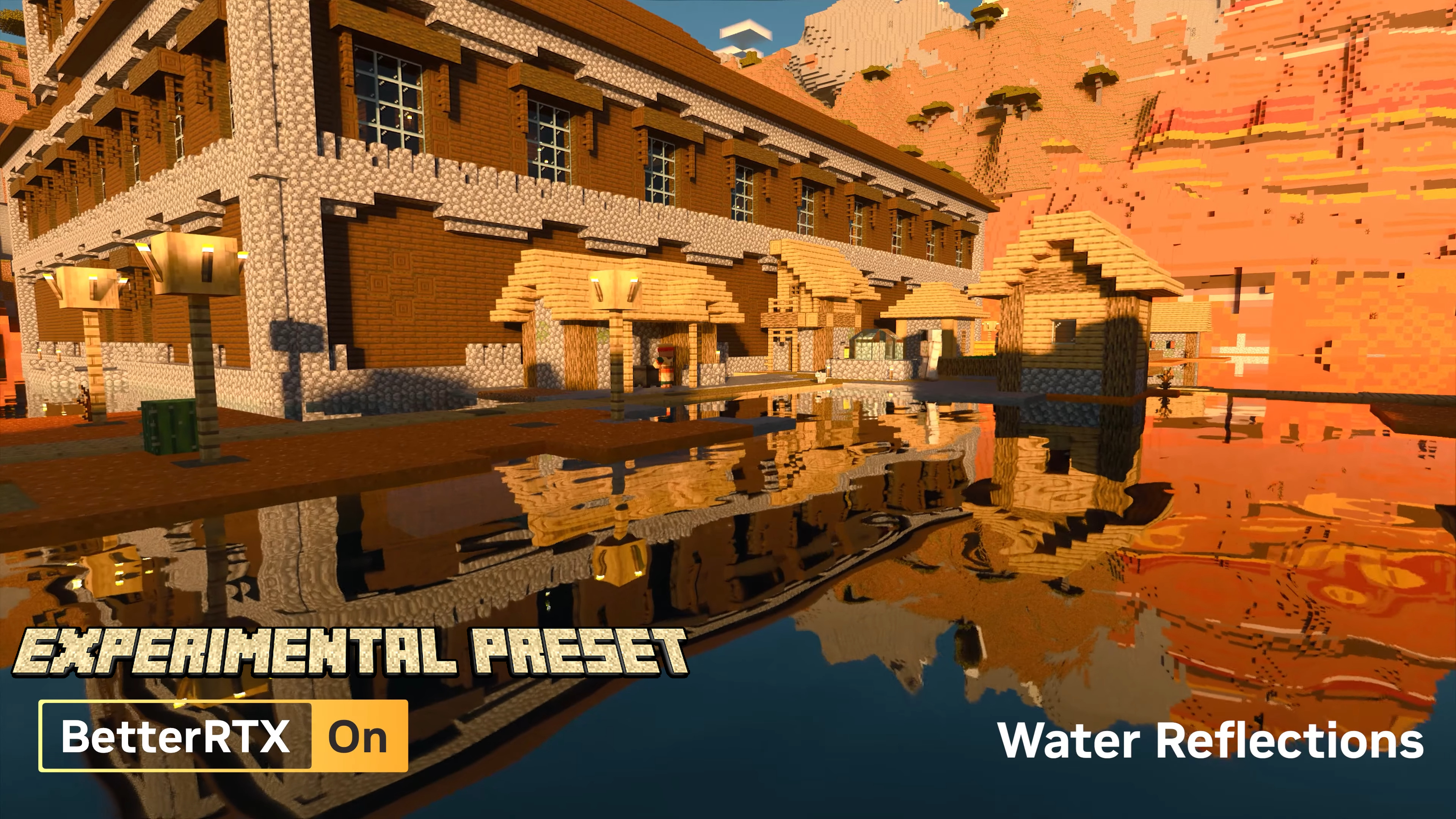
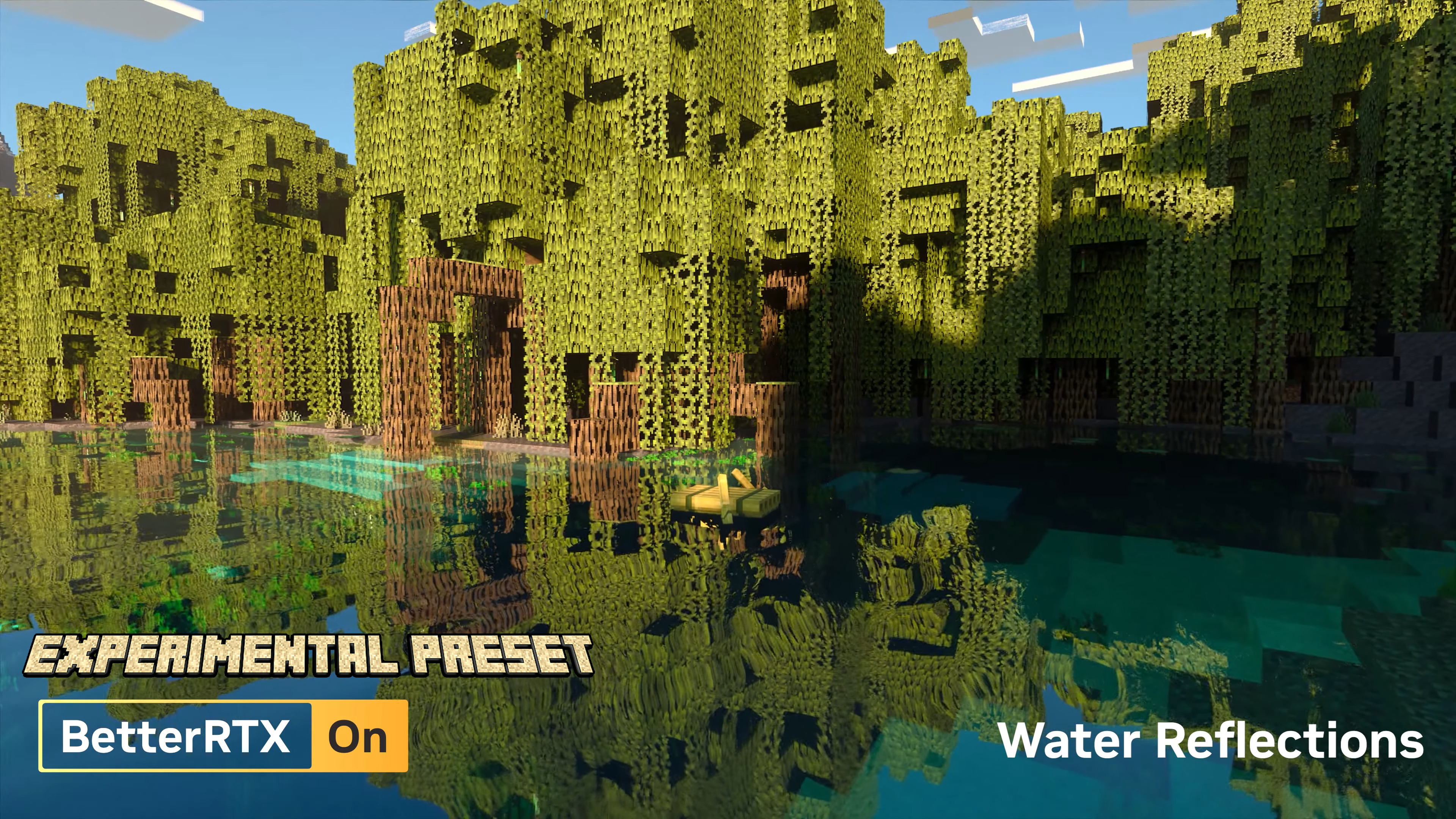
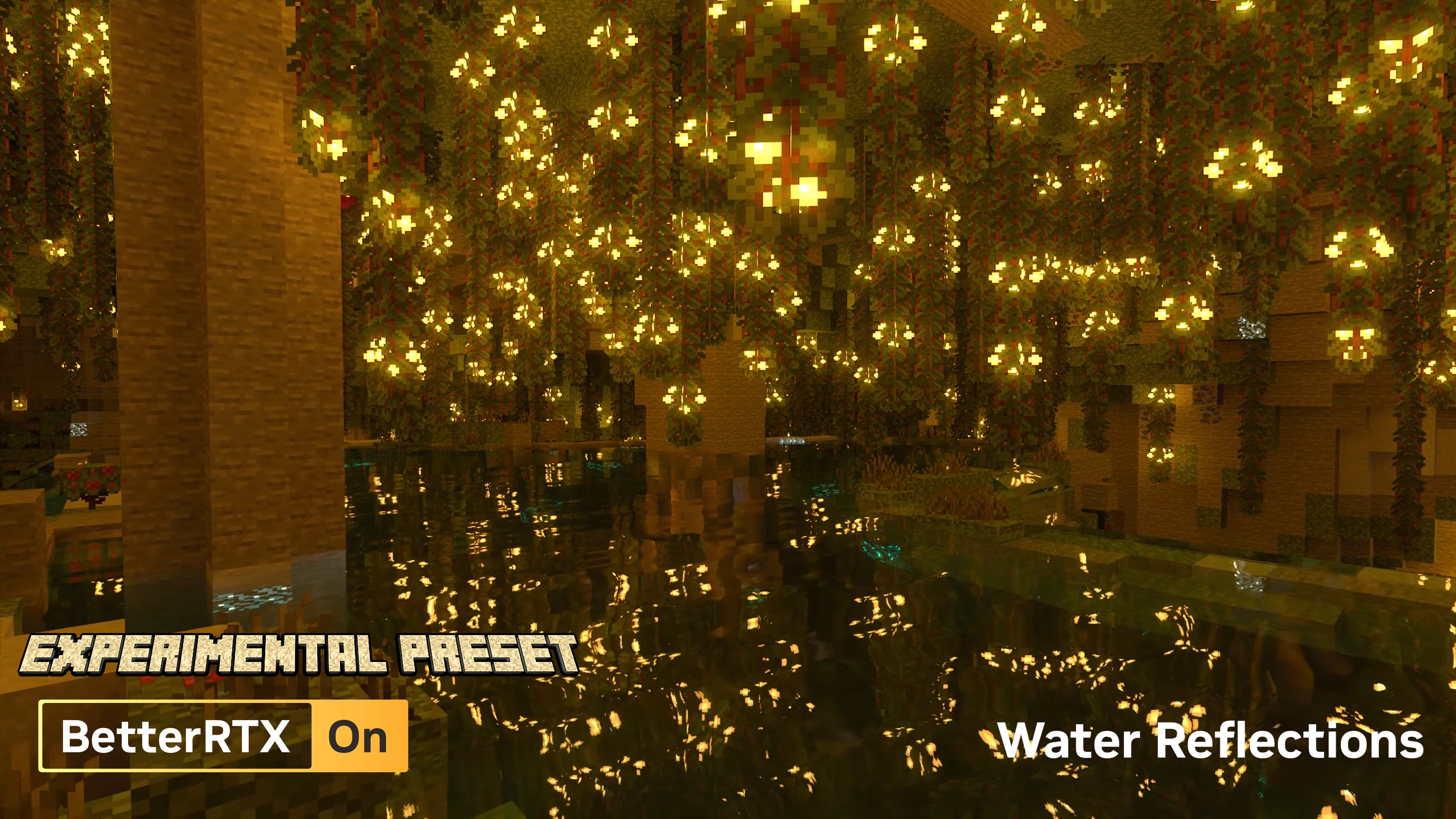
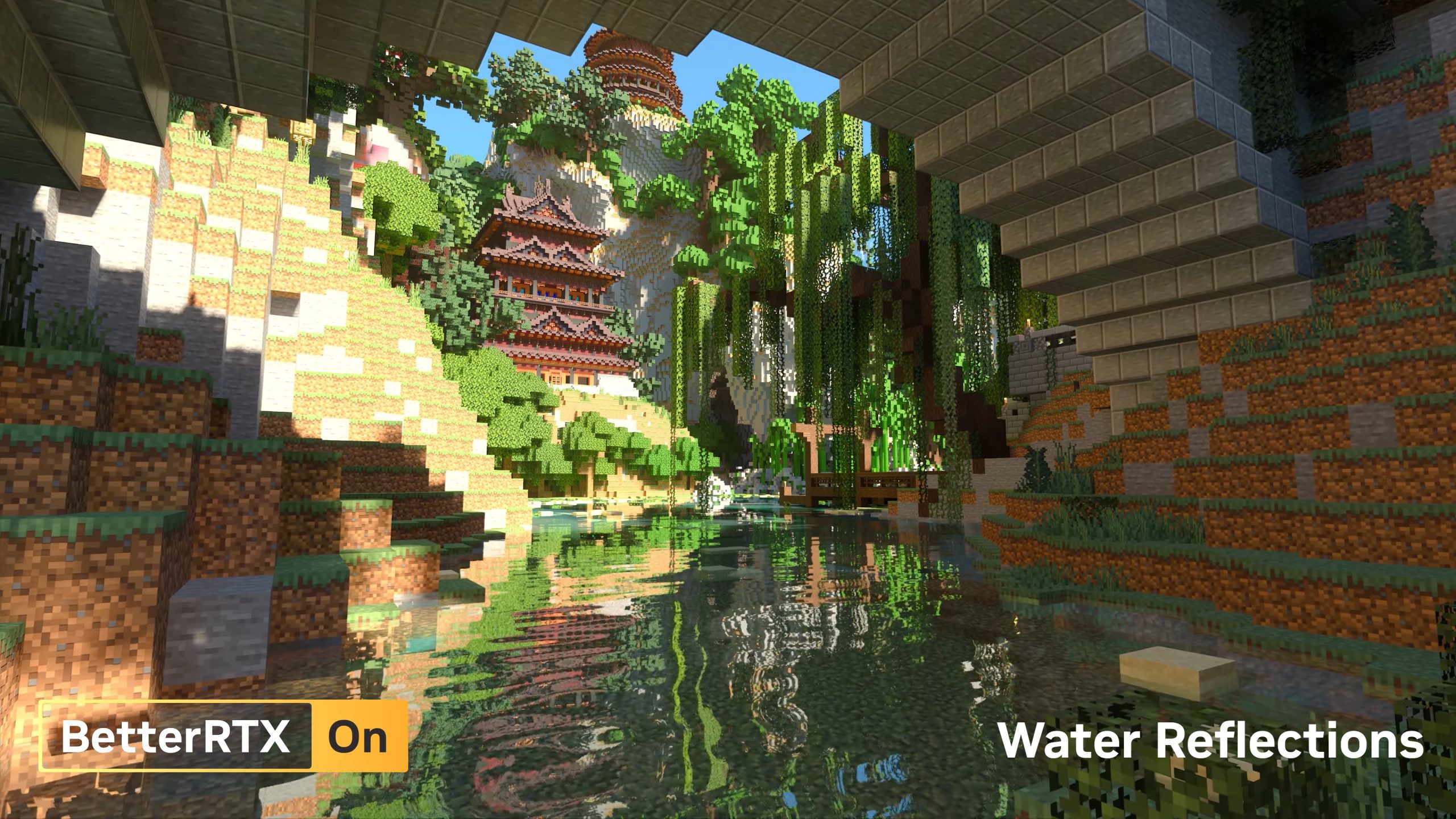
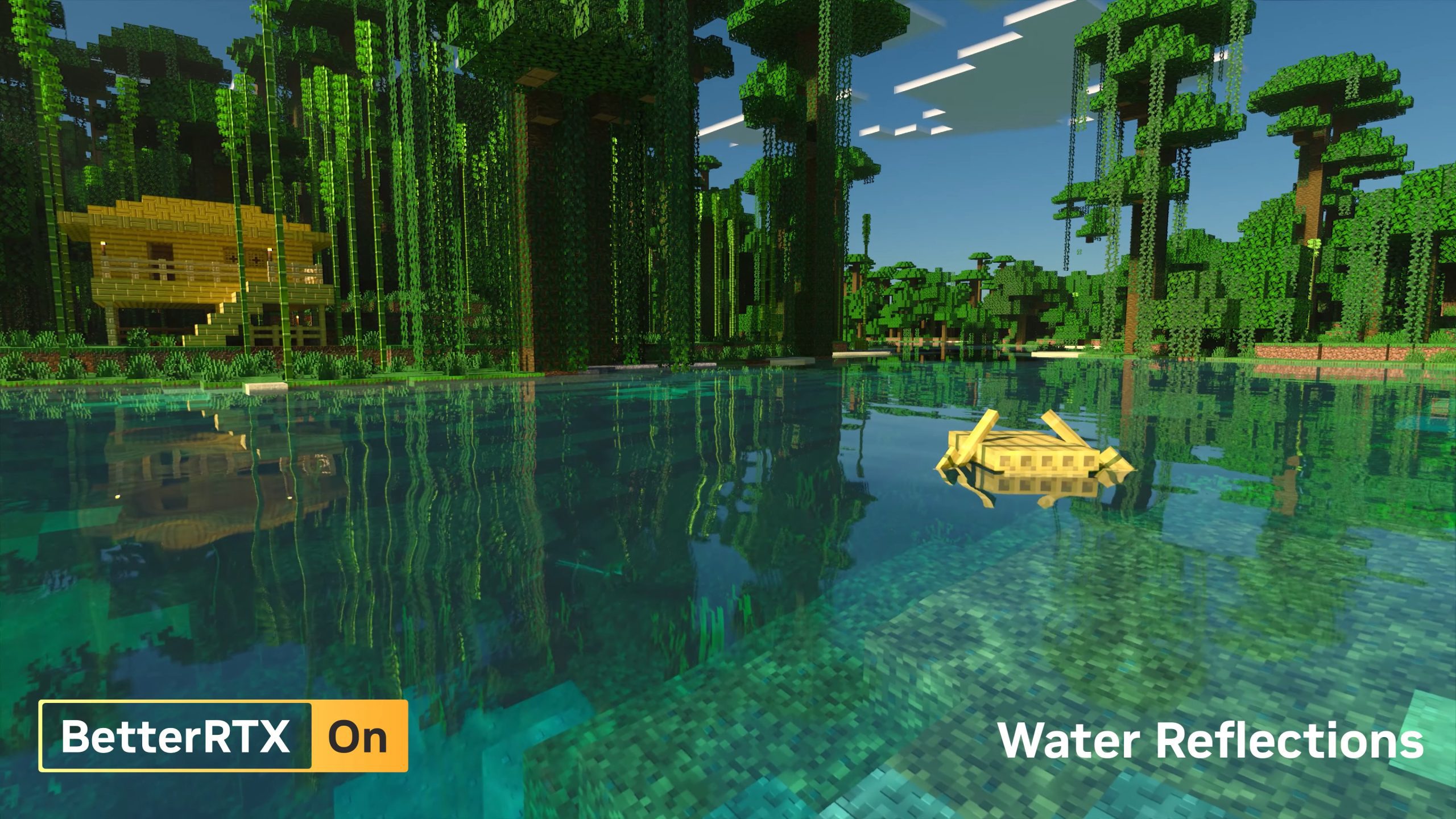
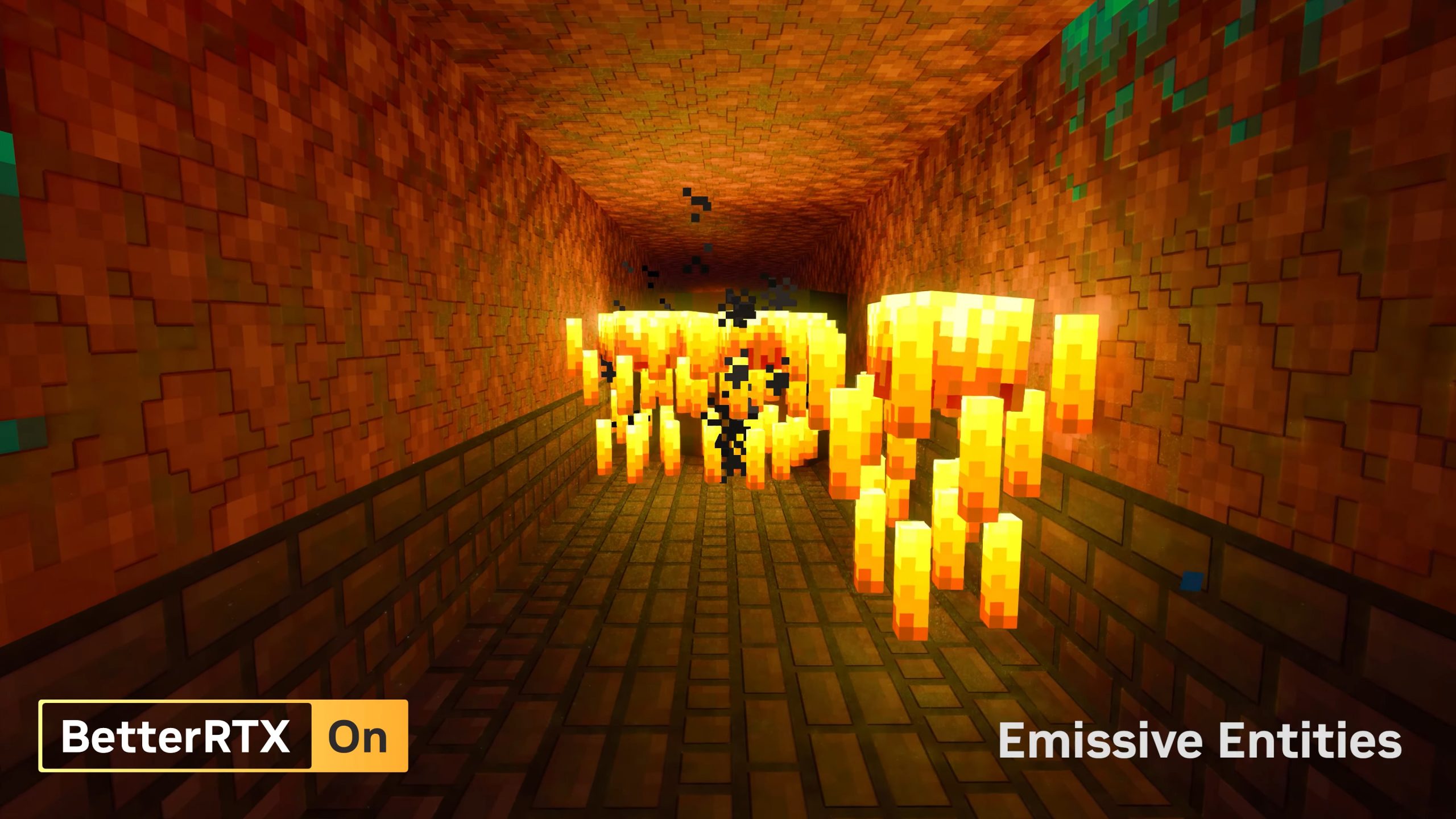
BetterRTX is a shader created for Minecraft’s Bedrock Edition (Win 10/11) that enhances the rendering features already present within Minecraft’s official Ray Tracing implementation. It is the first Ray Tracing shader created for Minecraft’s Bedrock Edition. The project was created by a voluntary team brought together with the shared goal of giving Minecraft RTX the care it deserves, which Mojang does not provide. BetterRTX Experimental Preset is one of the two presets available in BetterRTX, the other being Prizma Preset. The Experimental Preset is designed to provide a more realistic and immersive experience with ray tracing enabled. It includes features such as emissive entities, reflected water caustics, and improved depth of field autofocus.
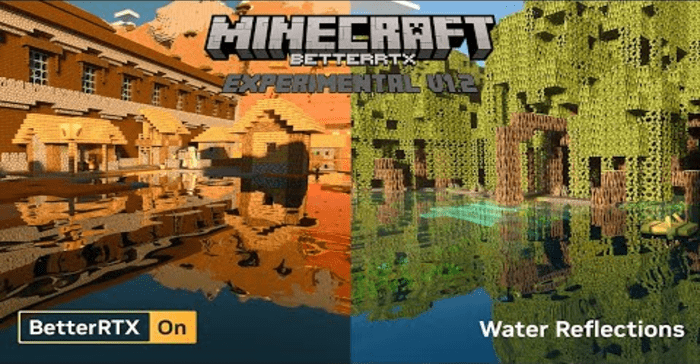
Screenshots:
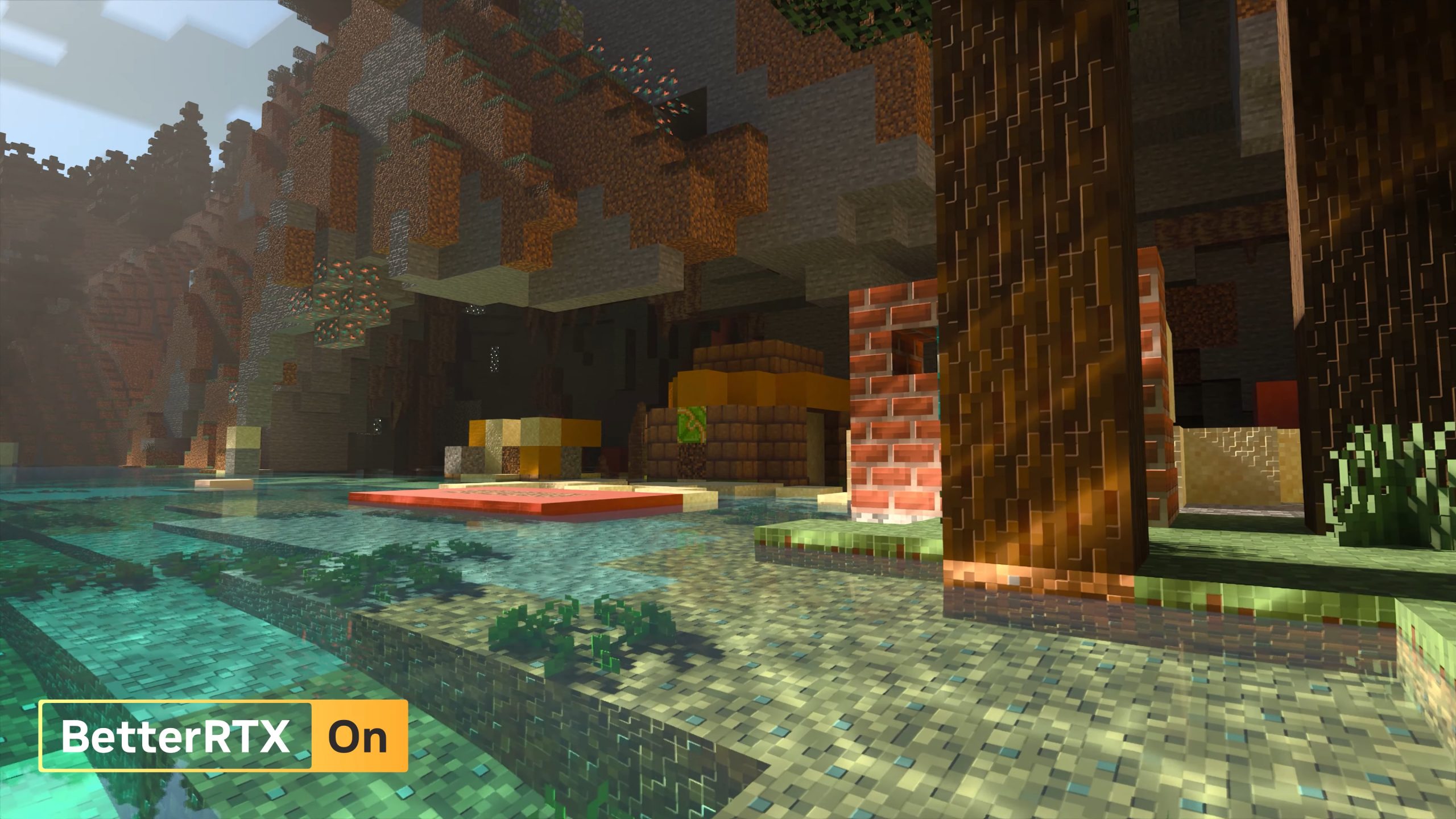
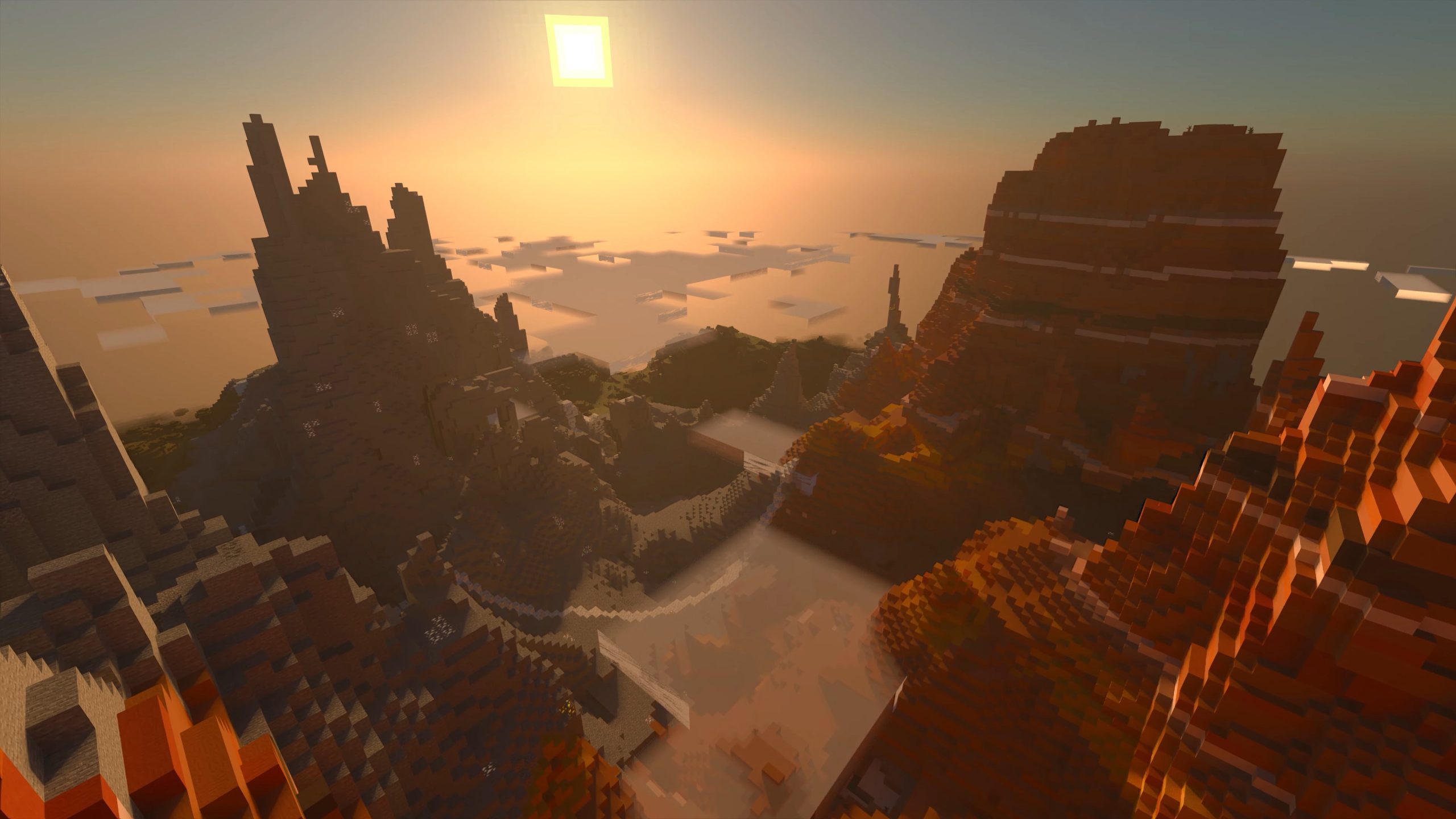
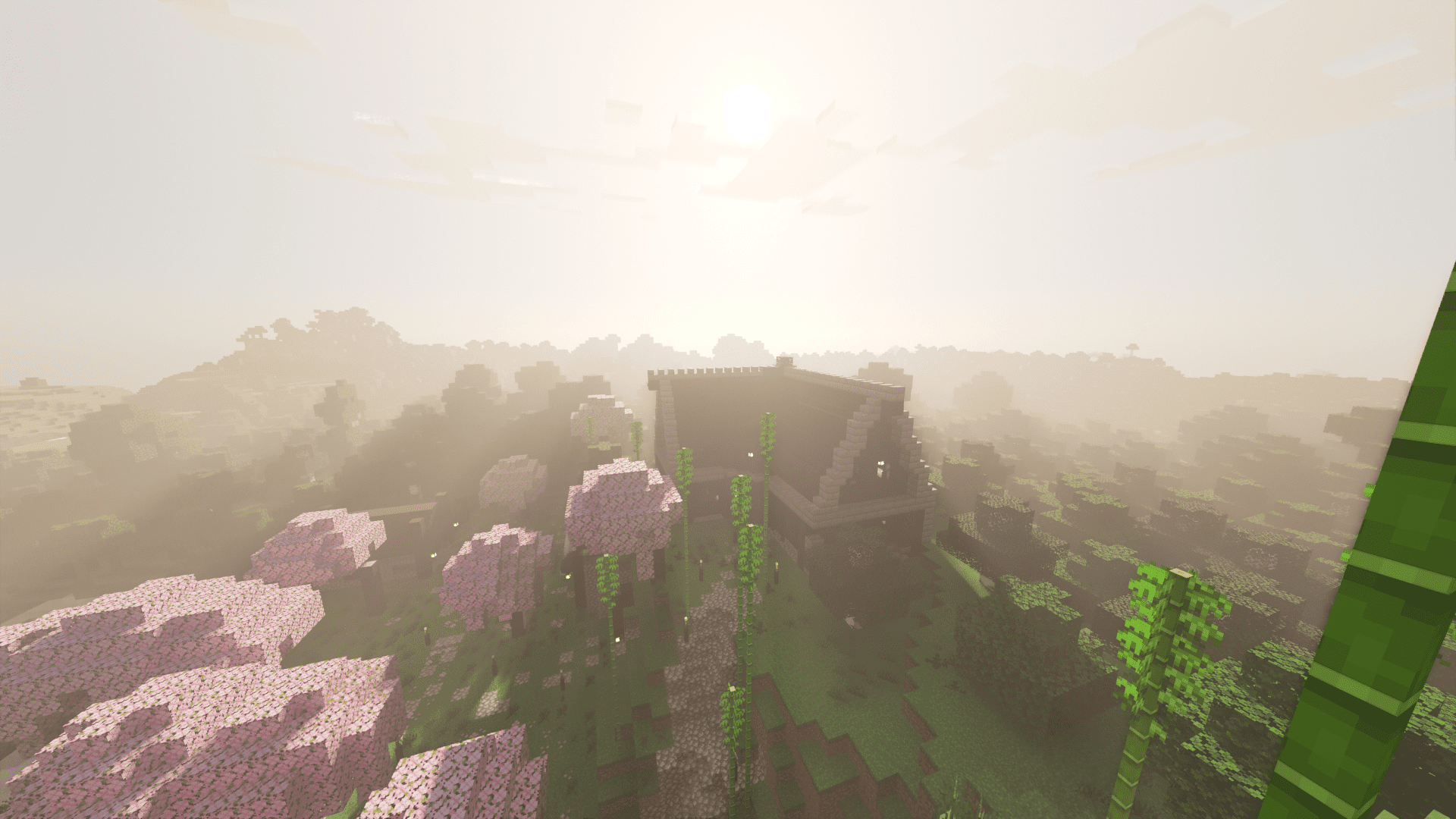
Installation Note:
- Make sure you installed BetterRTX.
BetterRTX Experimental Preset Download Links
For Minecraft PE/Bedrock 1.20, 1.19
Normal version:
RTXPostFX.Tonemapping.material: Download from server 1 – Download from server 2
RTXStub.material: Download from server 1 – Download from server 2
Motion blur version:
RTXStub.material: Download from server 1 – Download from server 2
Depth of field version:
RTXStub.material: Download from server 1 – Download from server 2
- Edition: Minecraft Bedrock
- File type: .mcpack
- Minecraft versions listed: 1.20, 1.19
- How to install: Download the .mcpack. → Open it — Minecraft imports it under Resource Packs. → Activate it in Global Resources, or for one world under Resource Packs → Available.
- Where to get it: Opens on the file's original source — not every file is mirrored on our own servers.
Install steps are the general flow for this file type — How to install Minecraft Bedrock texture packs walks through it step by step.
BetterRTX Experimental Preset (1.20, 1.19) – MCPE/Bedrock is a free Minecraft Bedrock texture pack. Compatible with Minecraft 1.20, 1.19. Download it and open it directly in the game.