BetterRTX Prizma Preset (1.20, 1.19) – MCPE/Bedrock
Bedrock texture pack listed for Minecraft 1.19–1.20. Download on the author's site.
⬇ Download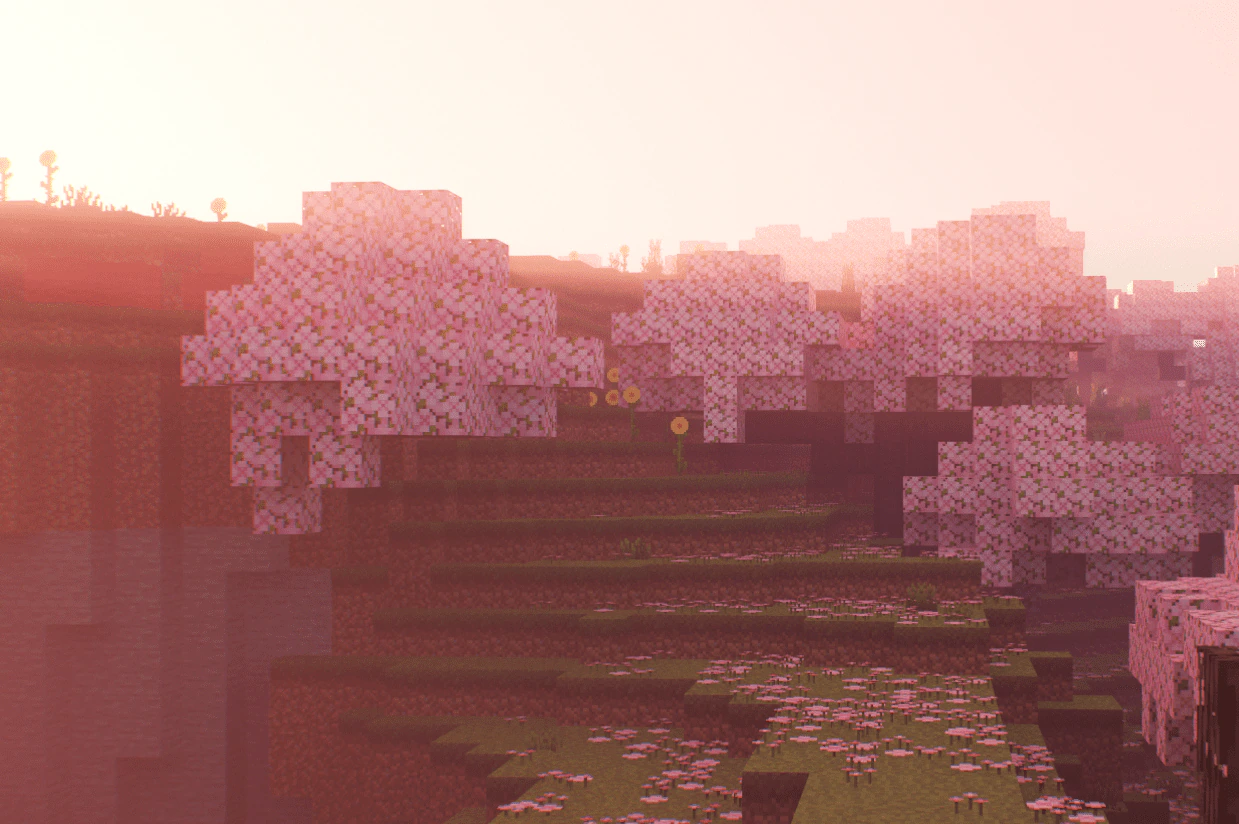
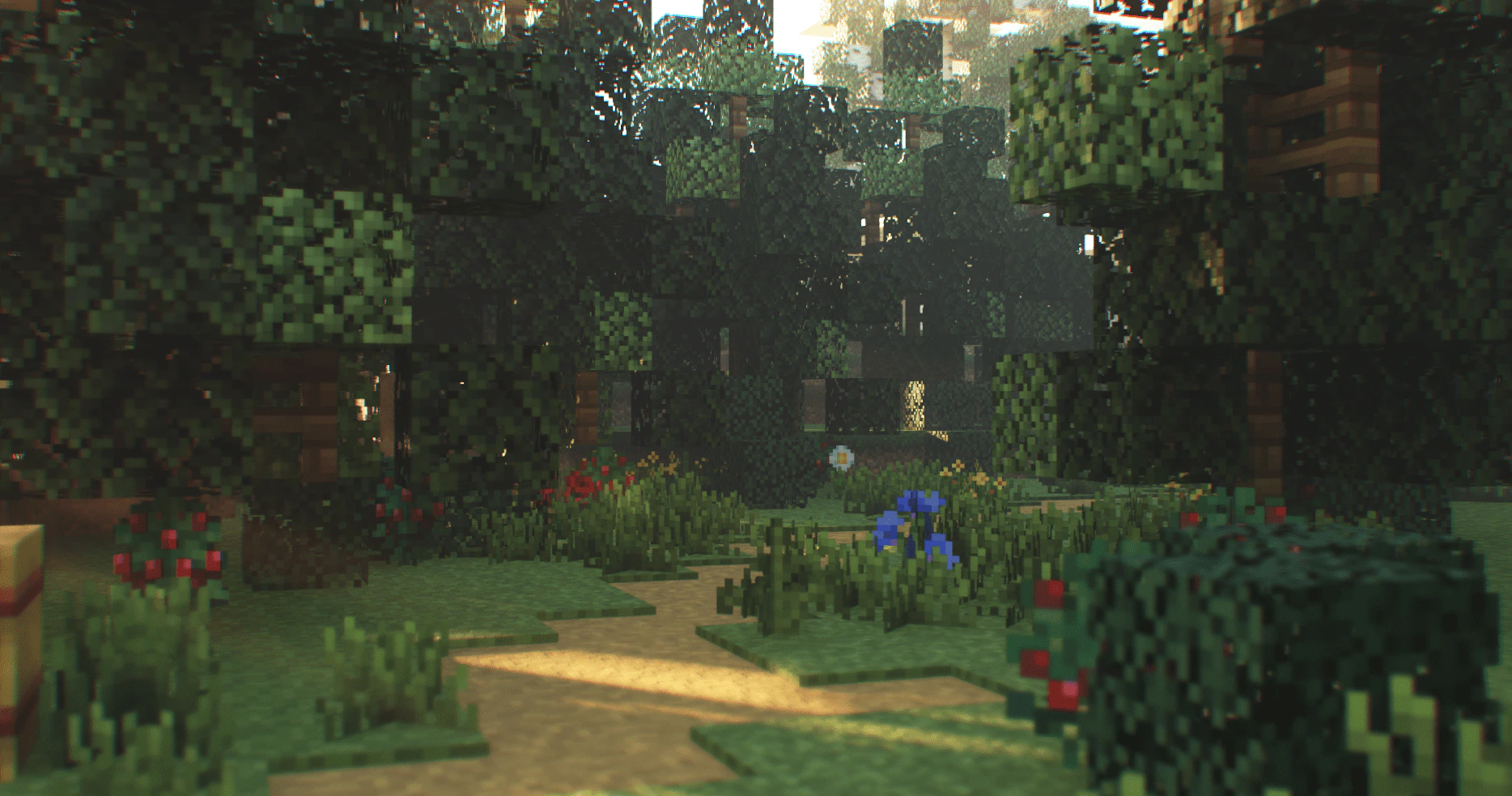
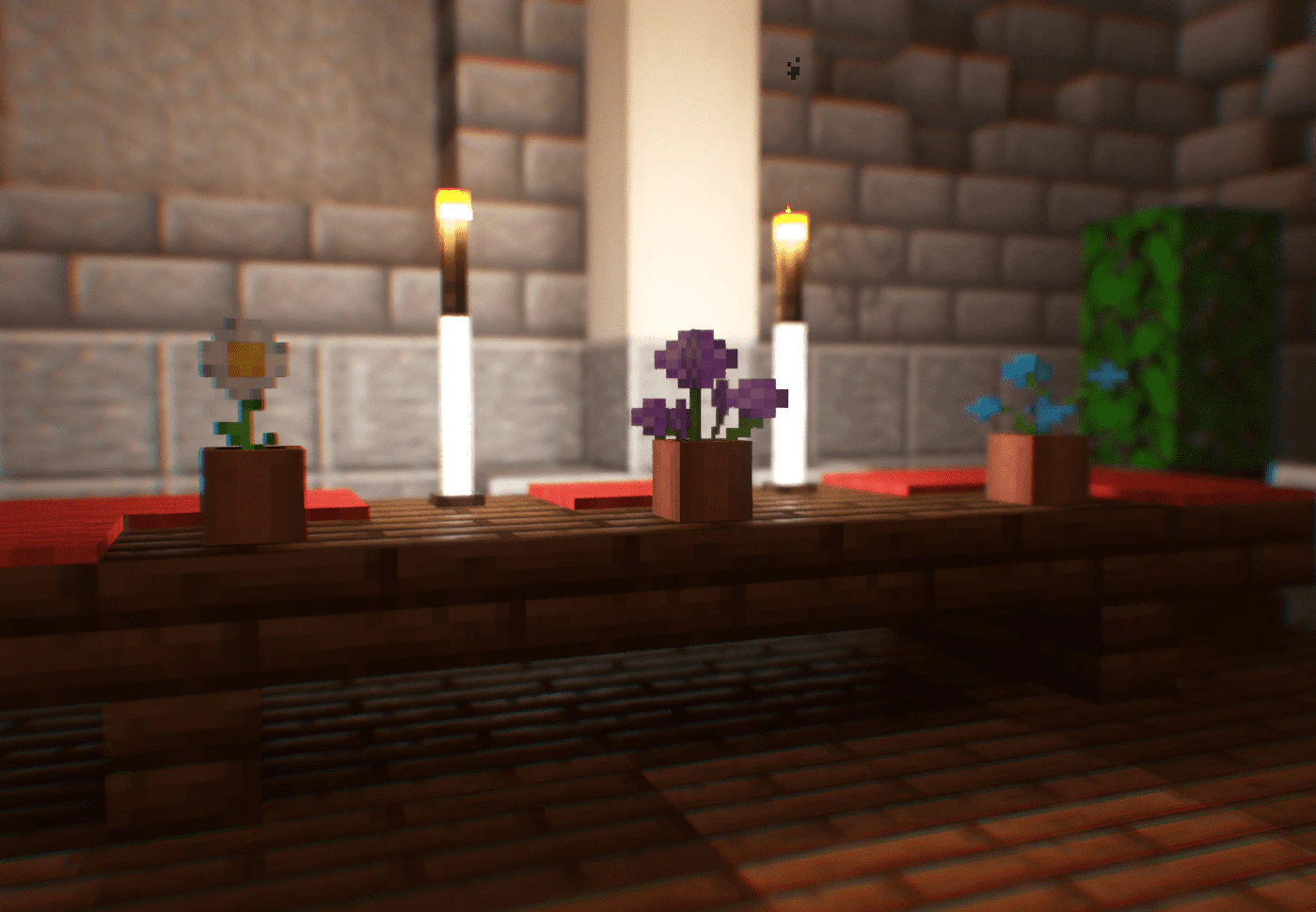
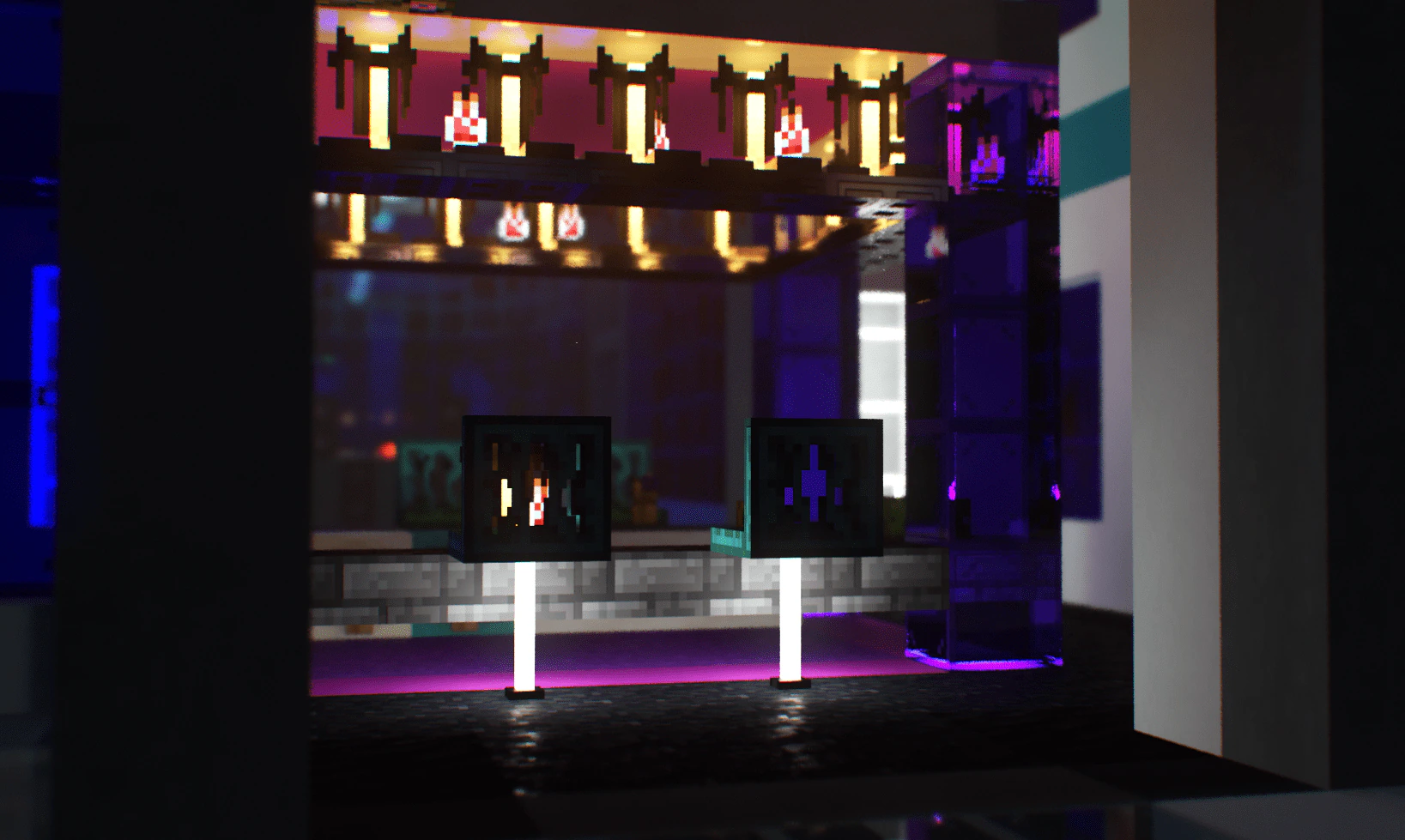
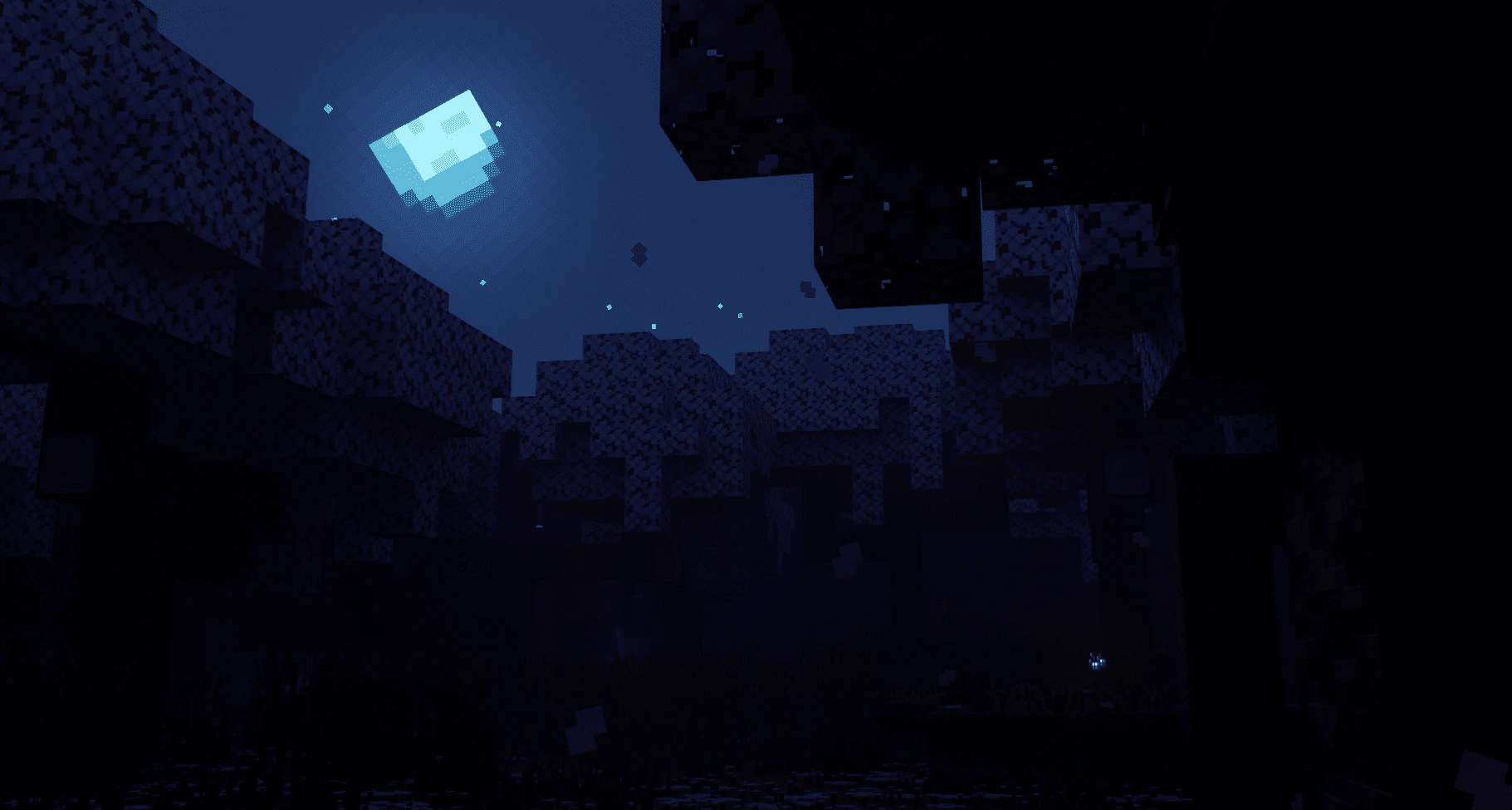
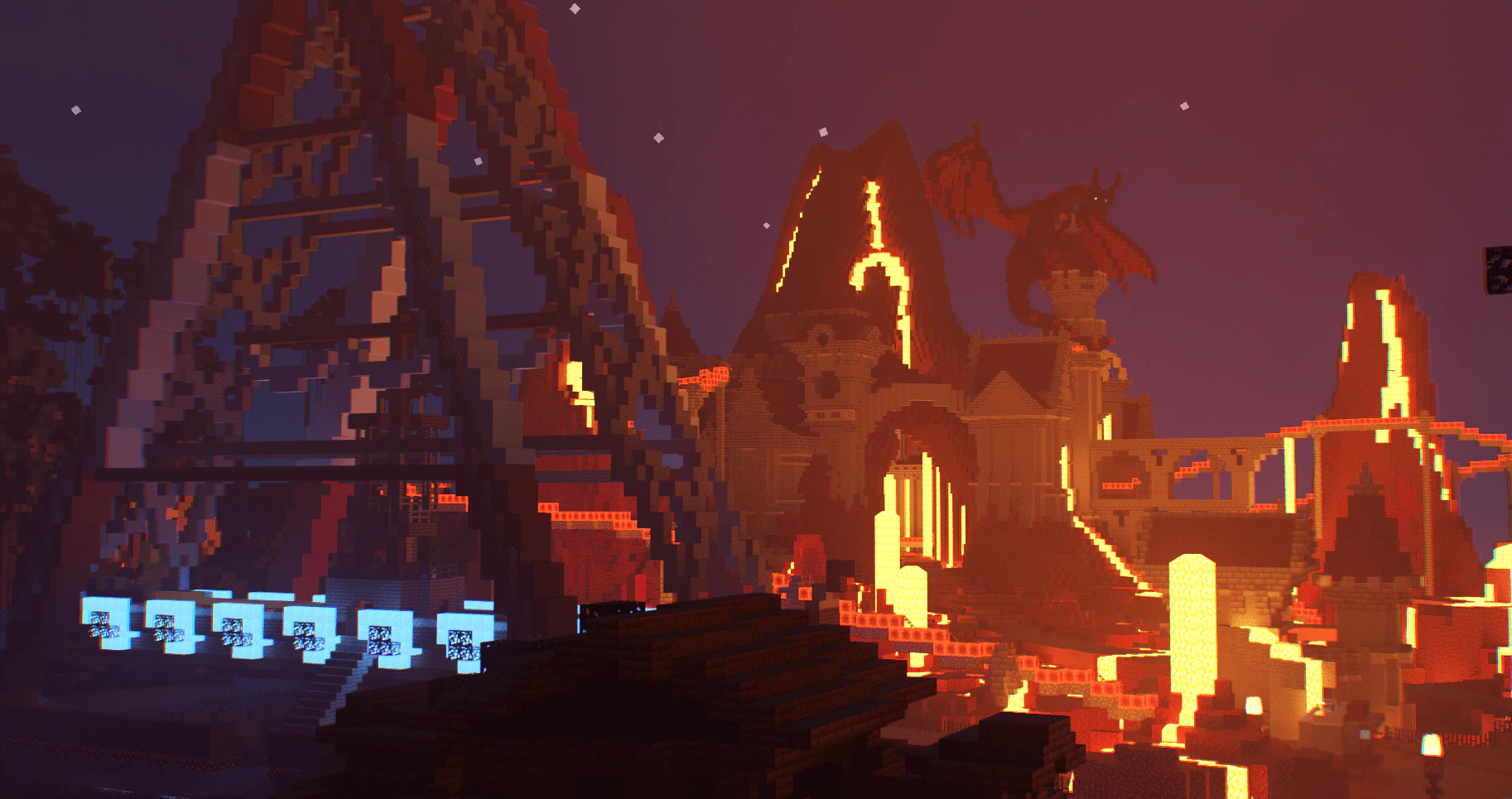
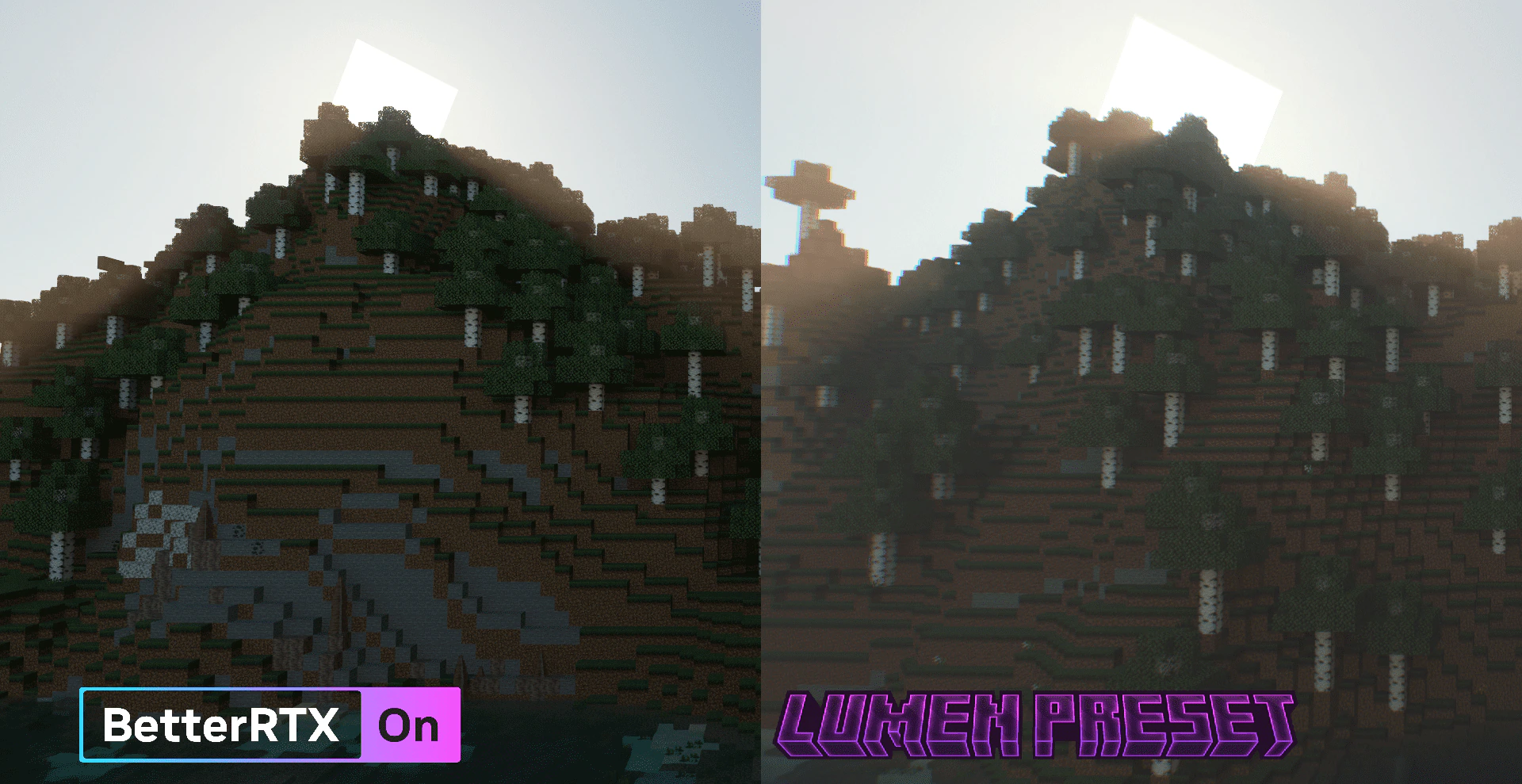
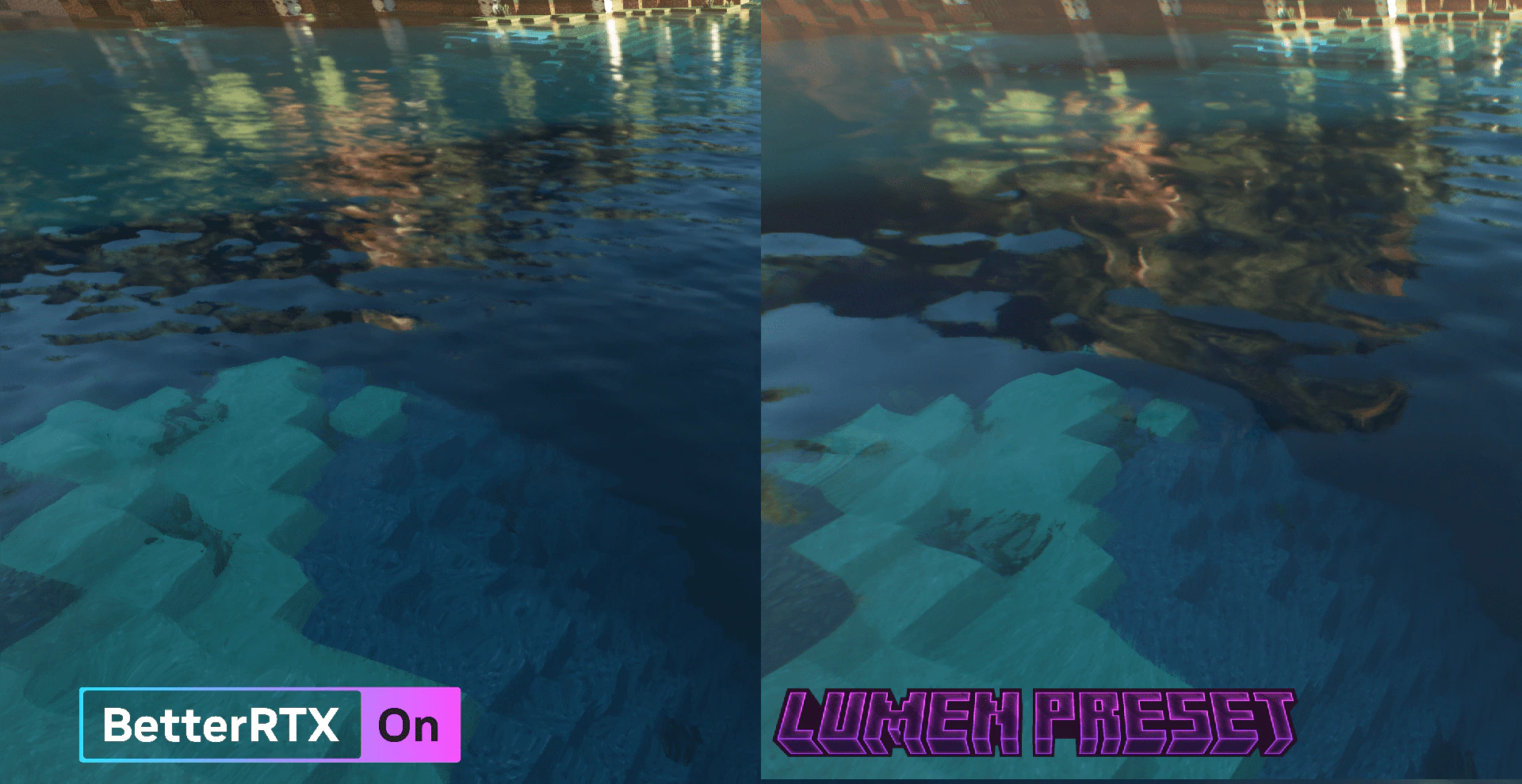
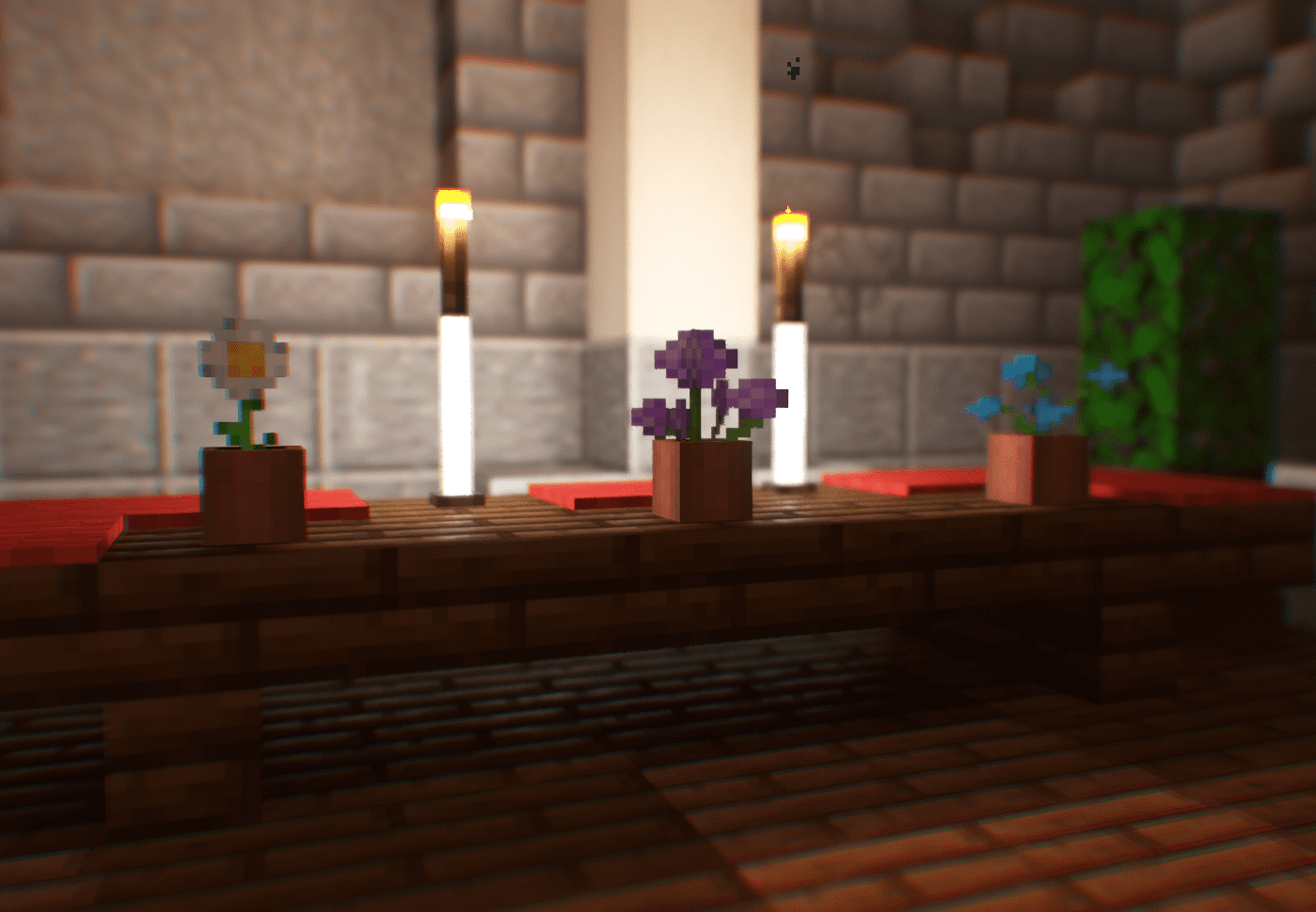
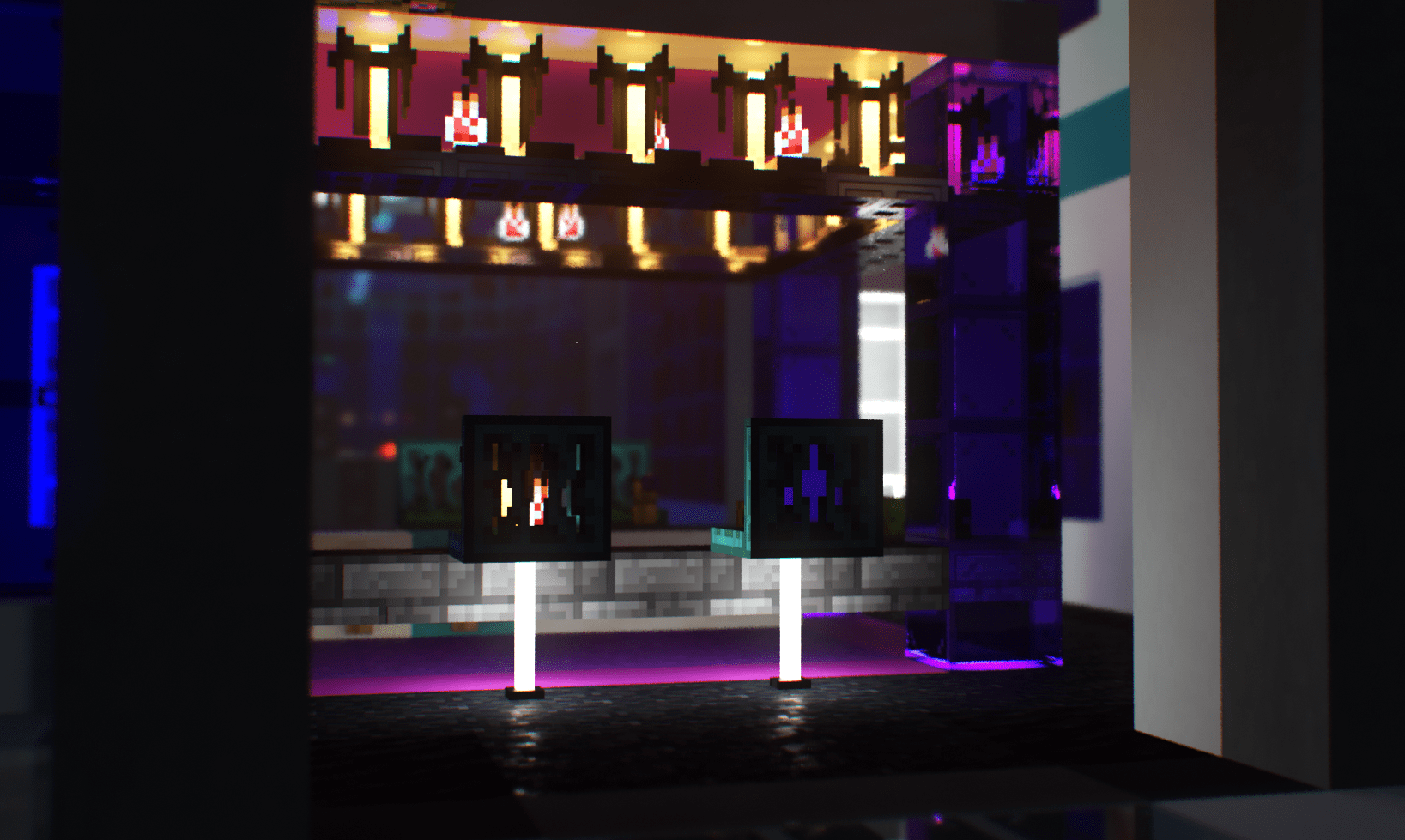
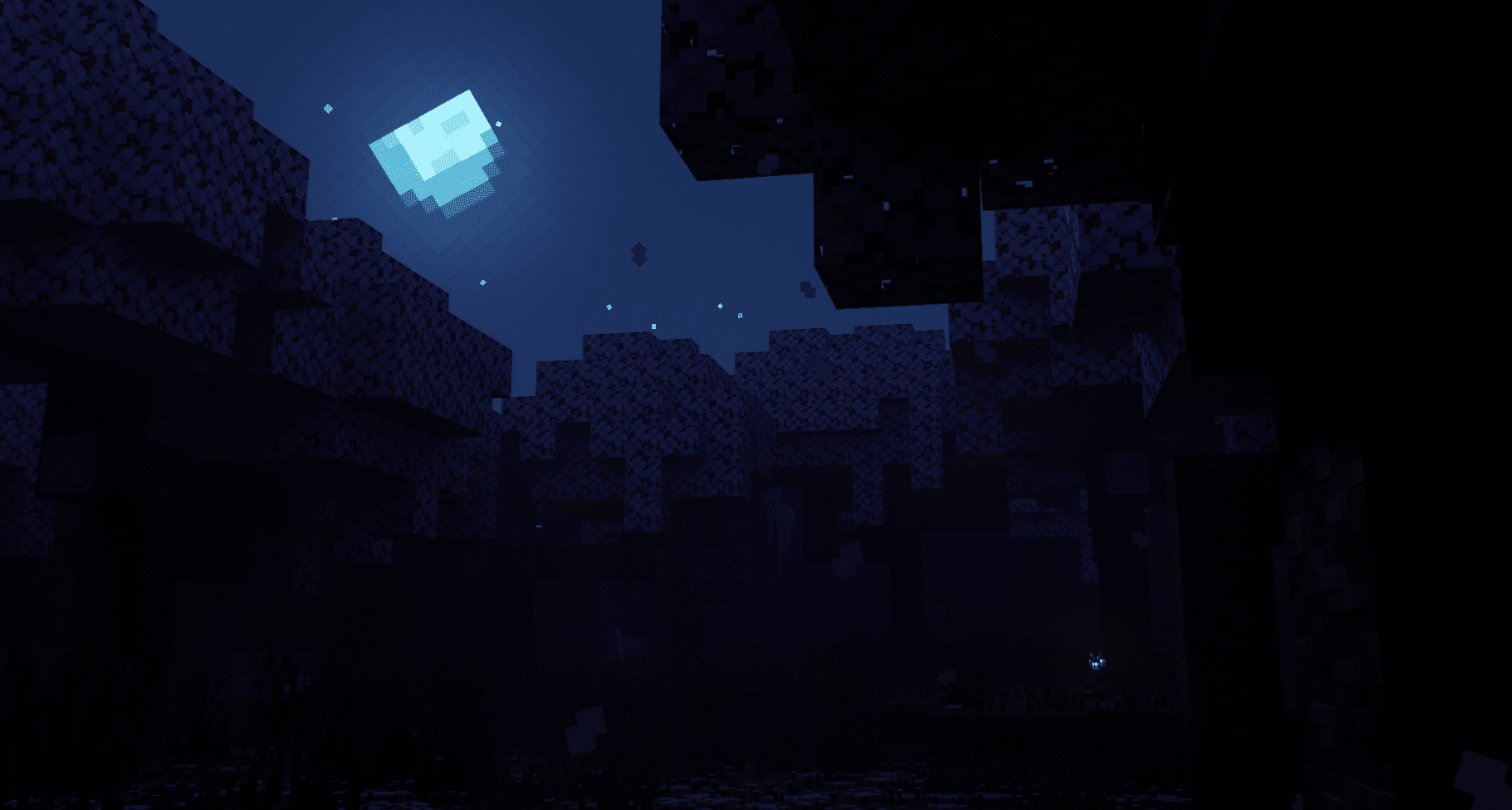
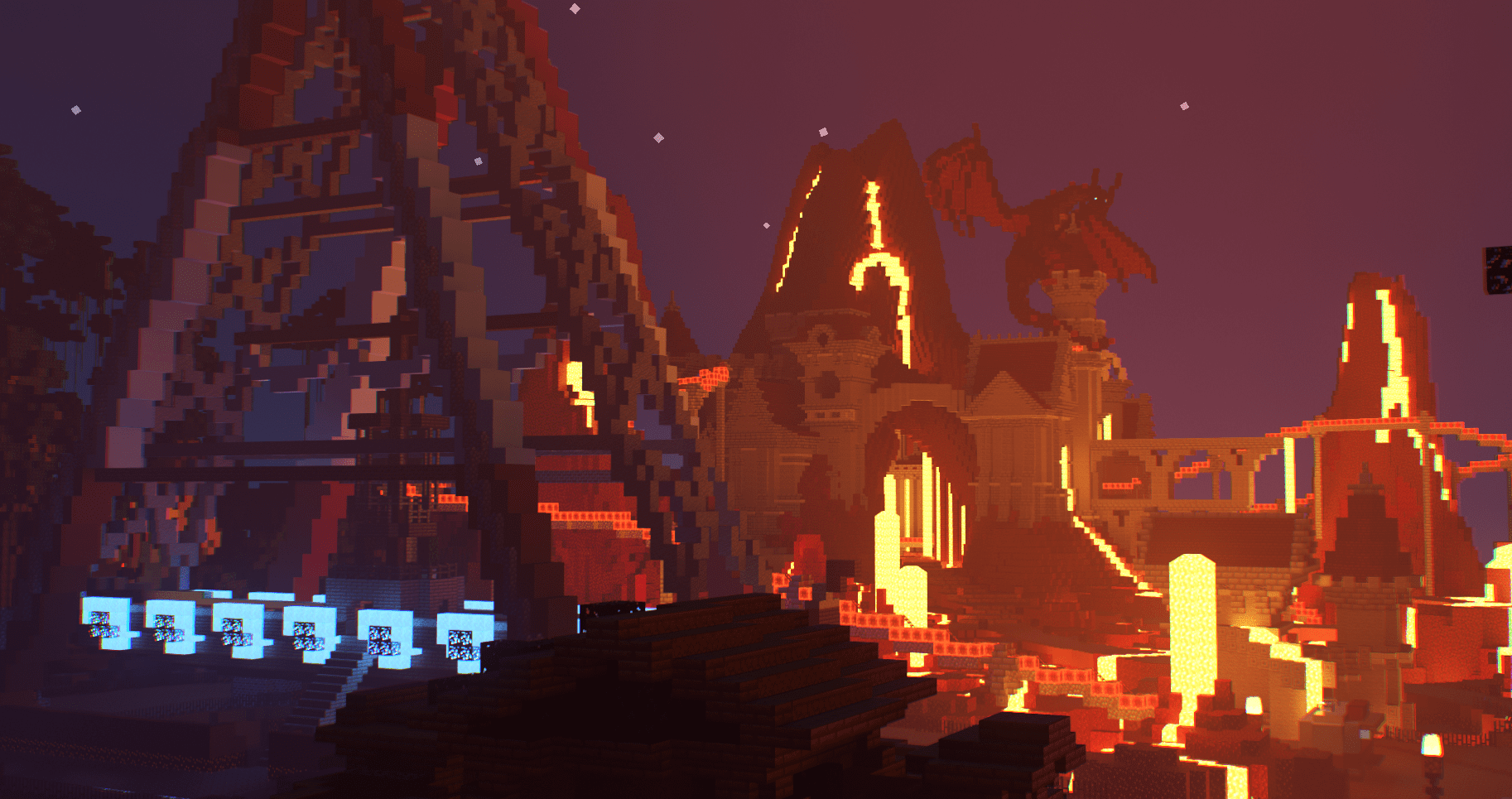
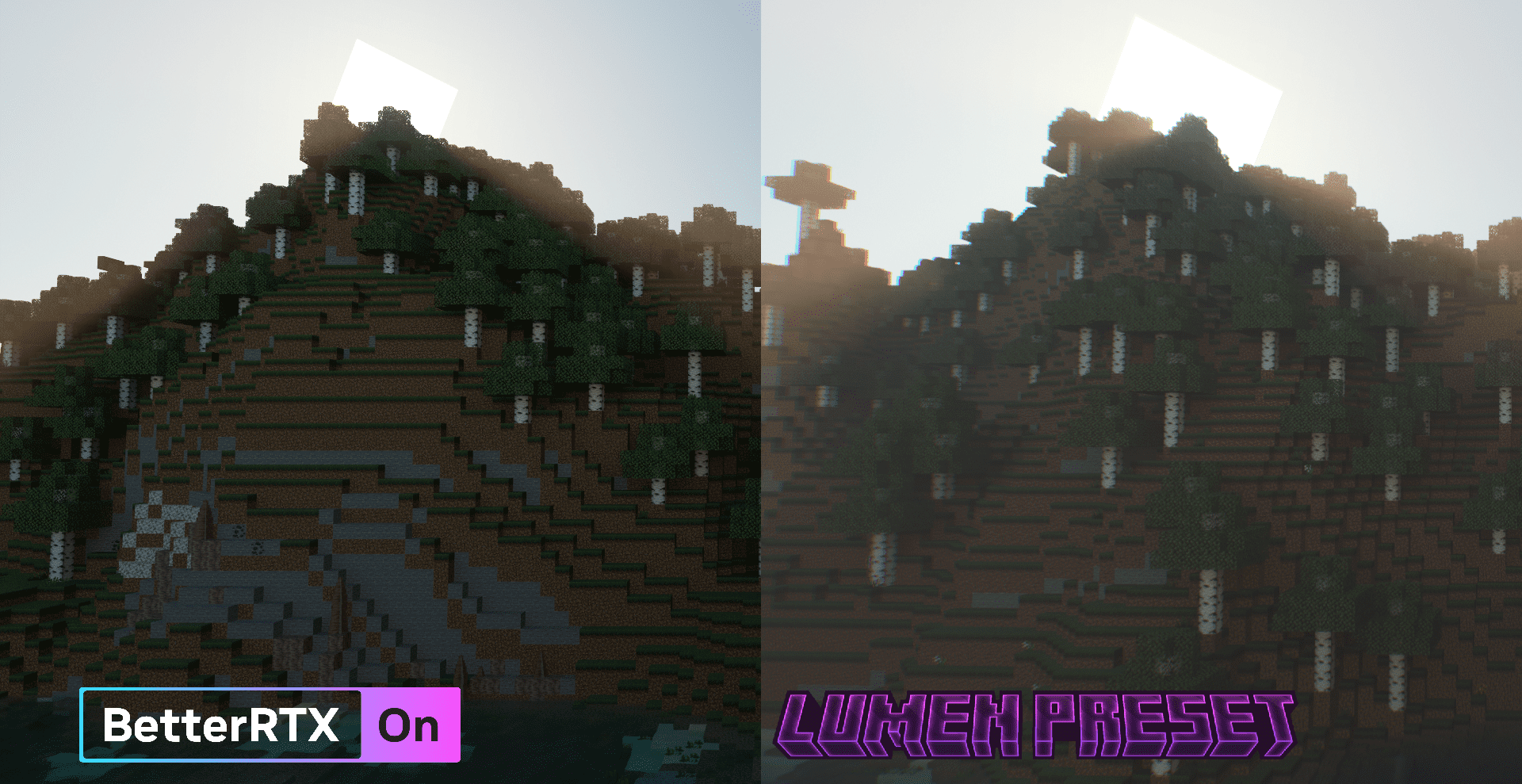
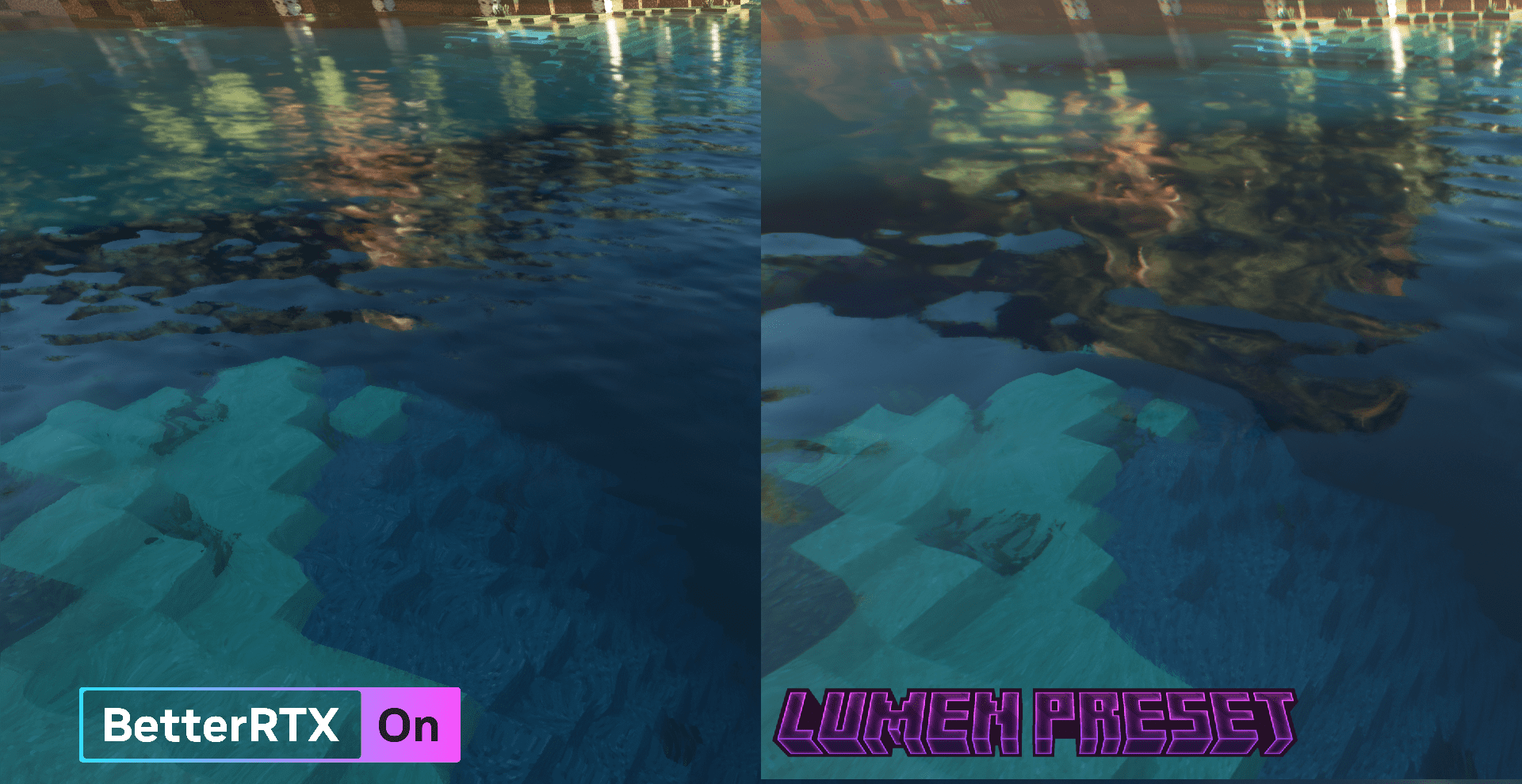
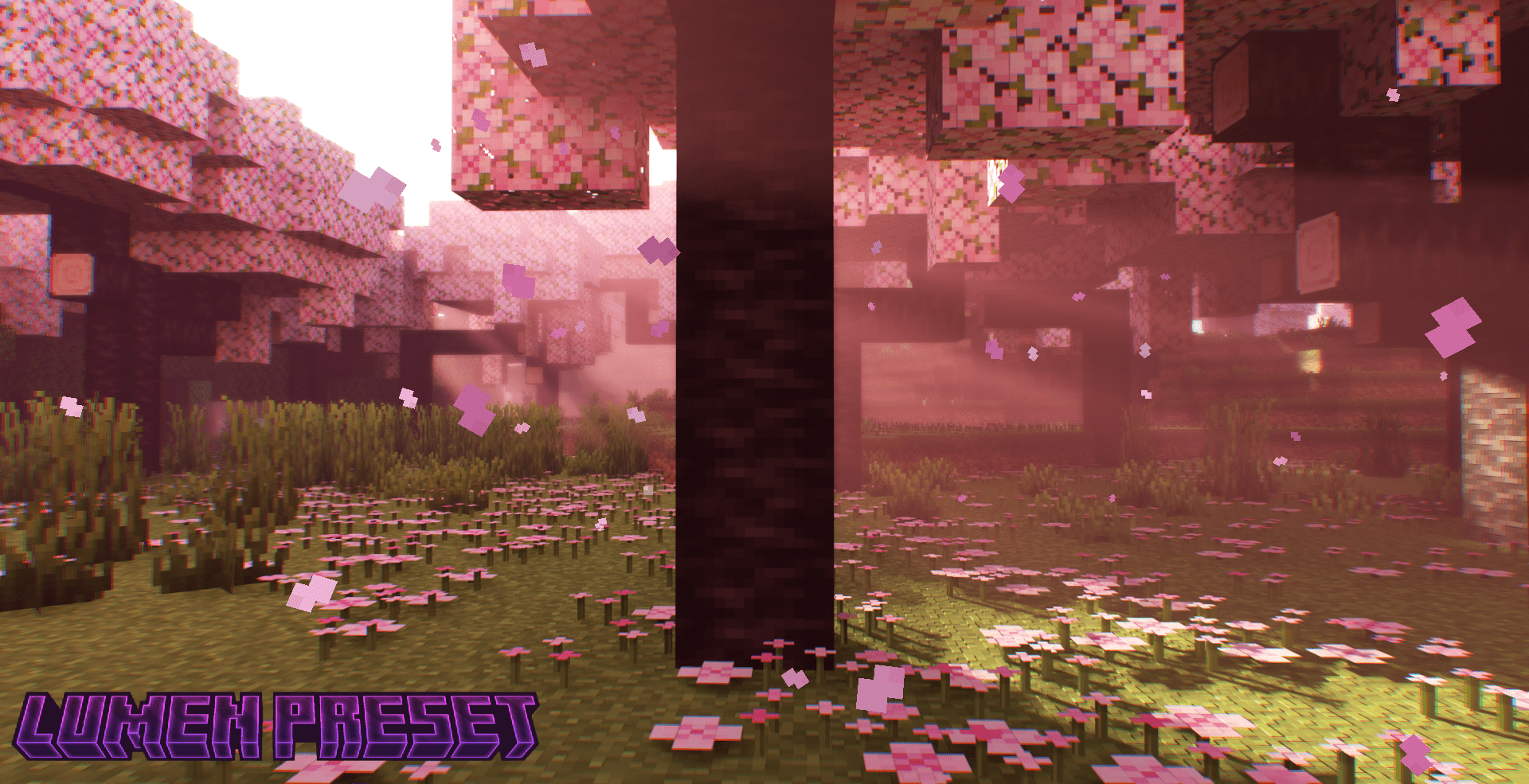
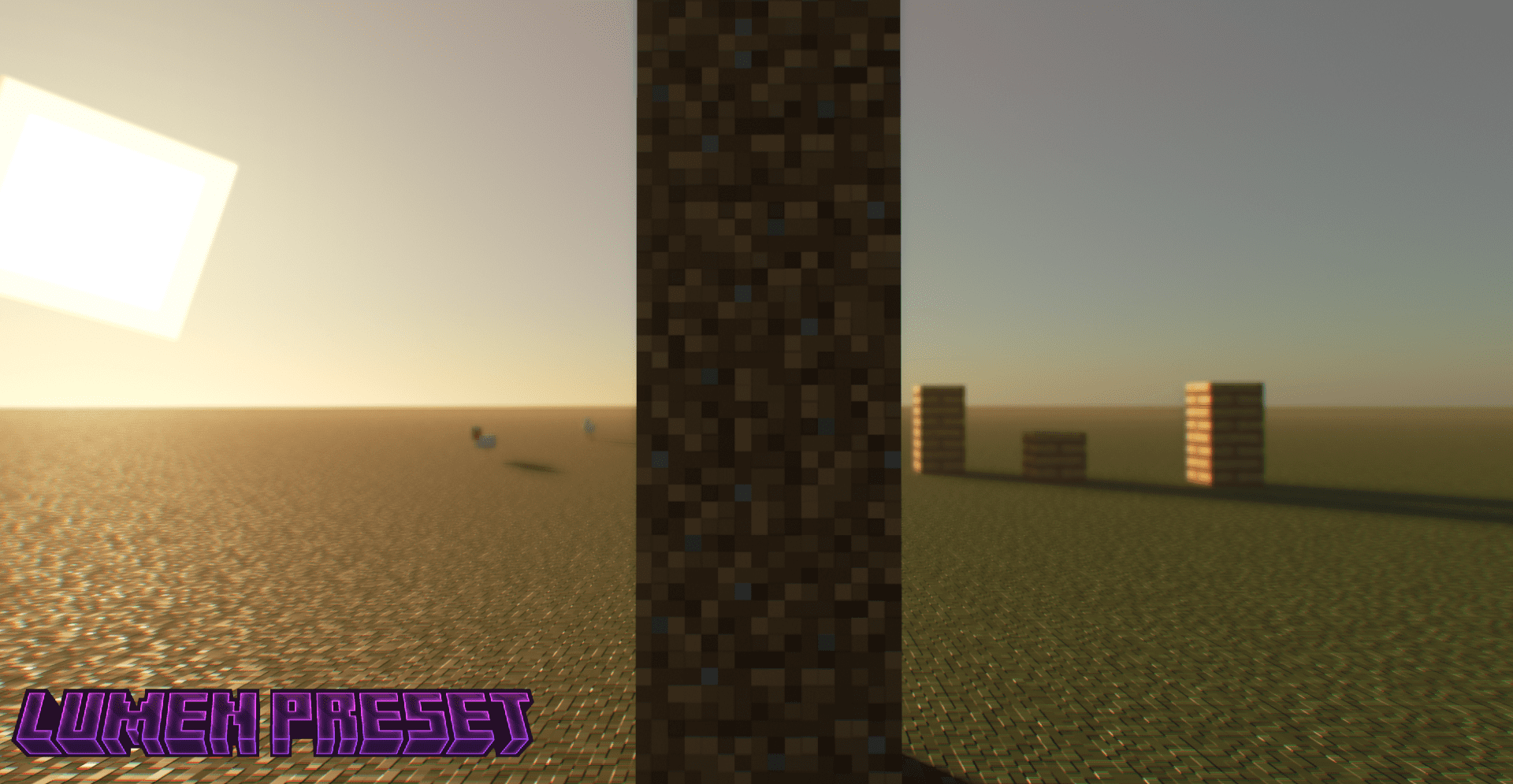
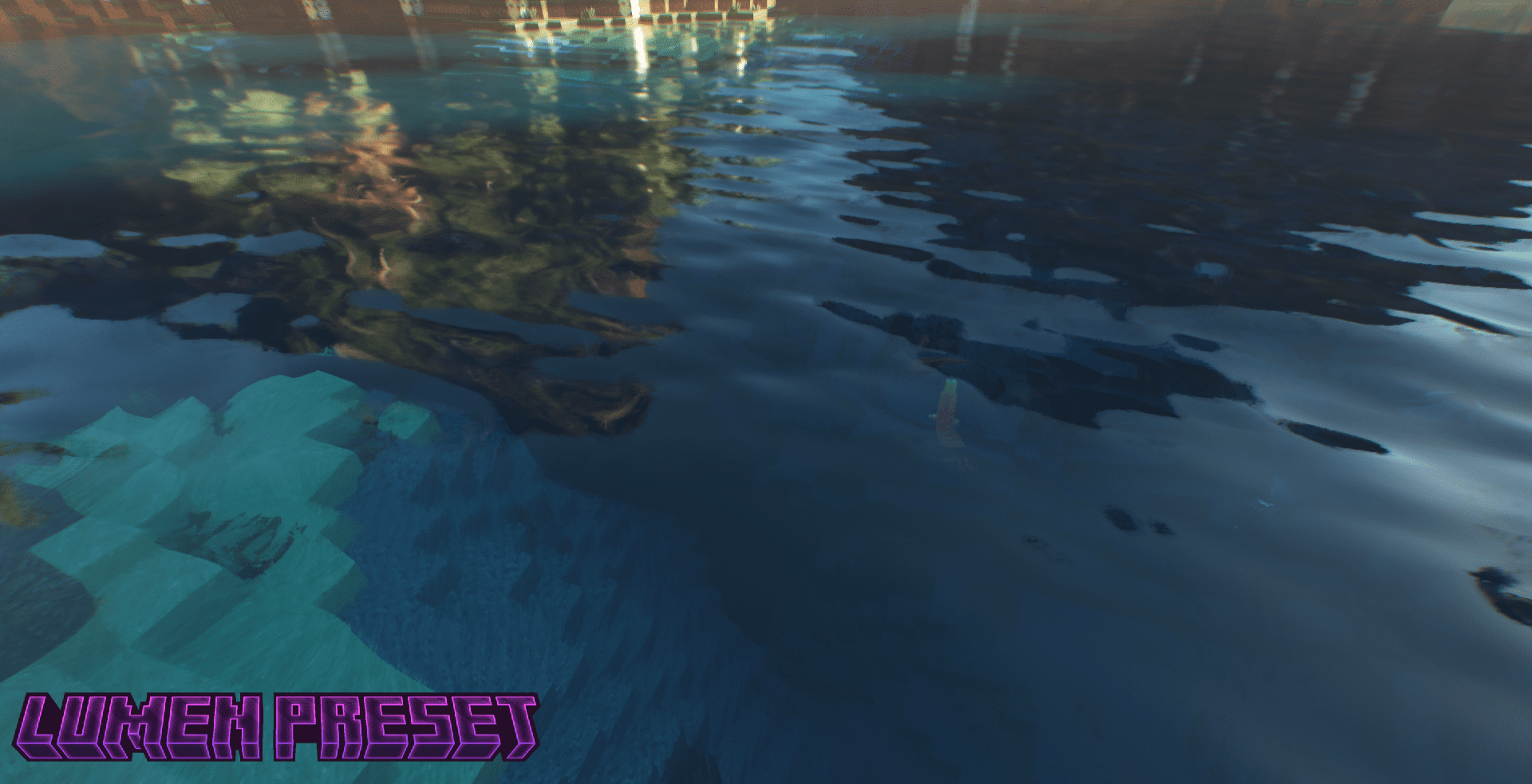
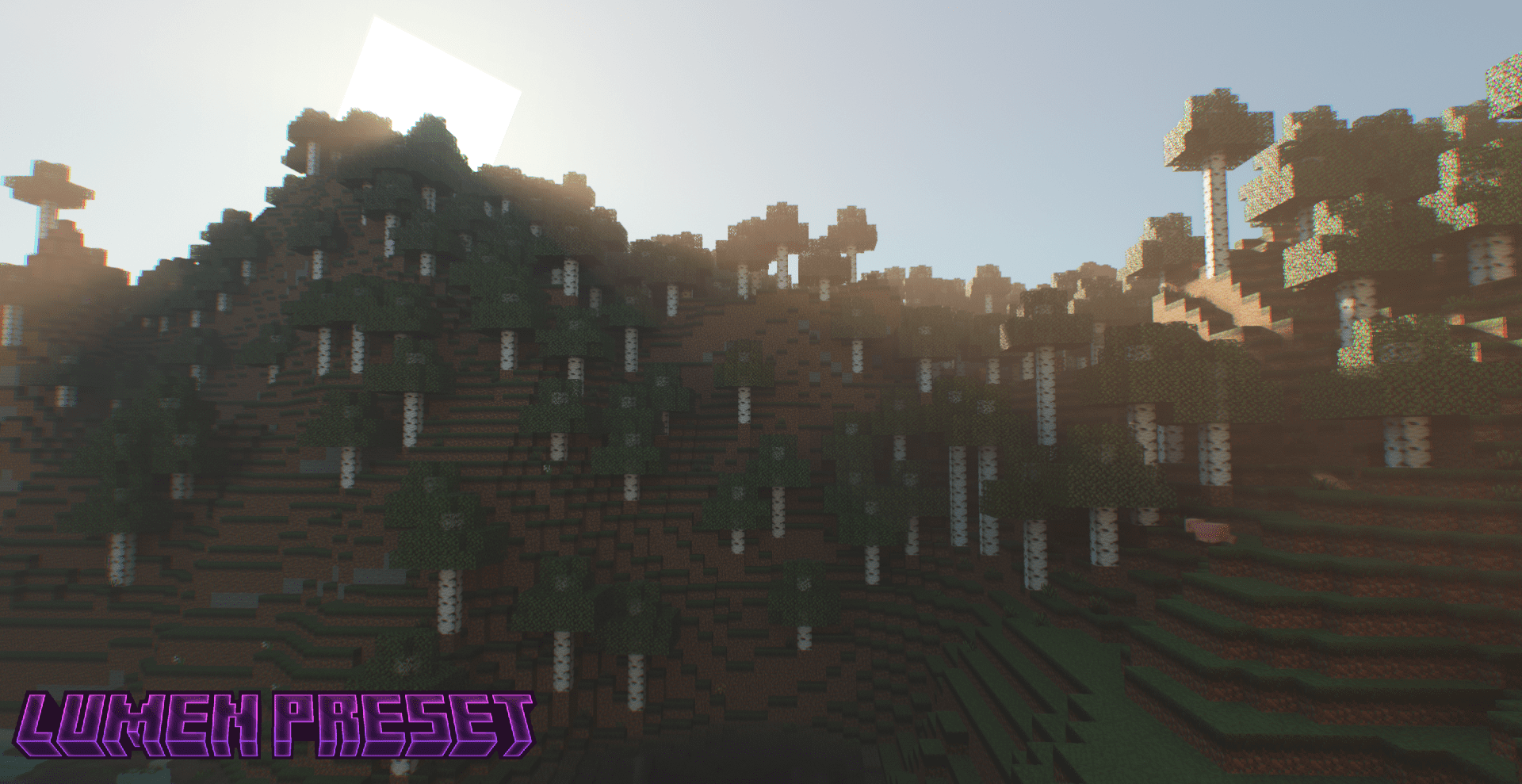
If you find the default BetterRTX too realistic and are looking for a different style, this preset is perfect for you! BetterRTX Prizma Preset adds or changes several features compared to the default BetterRTX, including cloud shadows, water waves with a completely different look, softer shadows, depth of field (stronger than in DOF preset), faster depth of field autofocus, chromatic aberration, global illumination that affects fog much more, smaller rain puddles, slightly darker nights, improved glint effect, changed sun texture size, energy conserving irradiance cache, and improved player hand rendering.
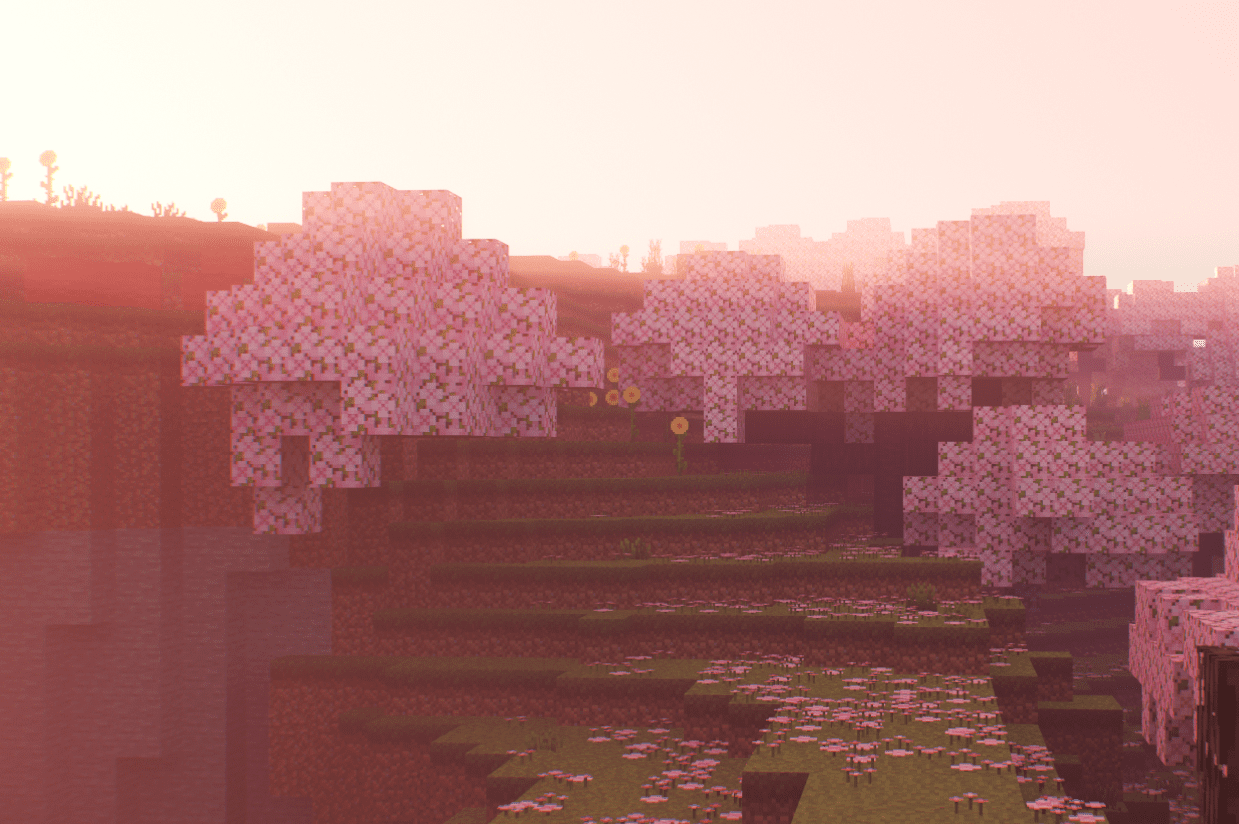
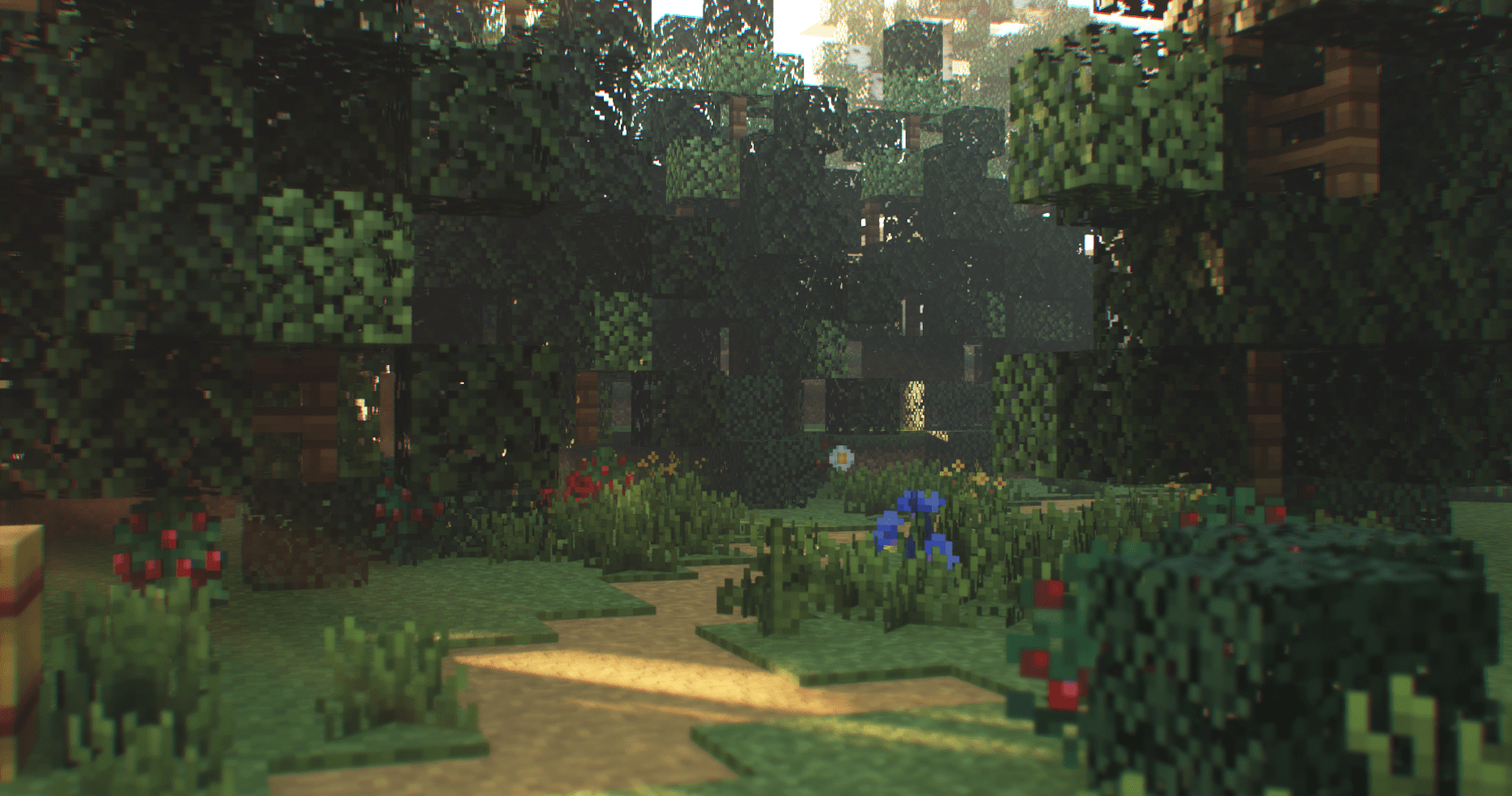
Screenshots:
Installation Note:
- Make sure you installed BetterRTX.
BetterRTX Prizma LumenRTX Preset Download Links
For Minecraft PE/Bedrock 1.20, 1.19
Normal version:
RTXPostFX.Tonemapping.material: Download from server 1 – Download from server 2
RTXStub.material: Download from server 1 – Download from server 2
Motion blur version:
RTXPostFX.Tonemapping.material: Download from server 1 – Download from server 2
RTXStub.material: Download from server 1 – Download from server 2
Screenshot version:
RTXPostFX.Tonemapping.material: Download from server 1 – Download from server 2
RTXStub.material: Download from server 1 – Download from server 2
No motion blur and DOF version:
RTXPostFX.Tonemapping.material: Download from server 1 – Download from server 2
RTXStub.material: Download from server 1 – Download from server 2
- Edition: Minecraft Bedrock
- File type: .mcpack
- Minecraft versions listed: 1.20, 1.19
- How to install: Download the .mcpack. → Open it — Minecraft imports it under Resource Packs. → Activate it in Global Resources, or for one world under Resource Packs → Available.
- Where to get it: Opens on the file's original source — not every file is mirrored on our own servers.
Install steps are the general flow for this file type — How to install Minecraft Bedrock texture packs walks through it step by step.
BetterRTX Prizma Preset (1.20, 1.19) – MCPE/Bedrock is a free Minecraft Bedrock texture pack. Compatible with Minecraft 1.20, 1.19. Download it and open it directly in the game.