Cube UI Client (1.21, 1.20) – Best UI MCPE/Bedrock
Bedrock texture pack listed for Minecraft 1.16–1.21. File opened and checked on 19 Sep 2026; installs from the MC Bedrock Mods app on Android.
⬇ Download
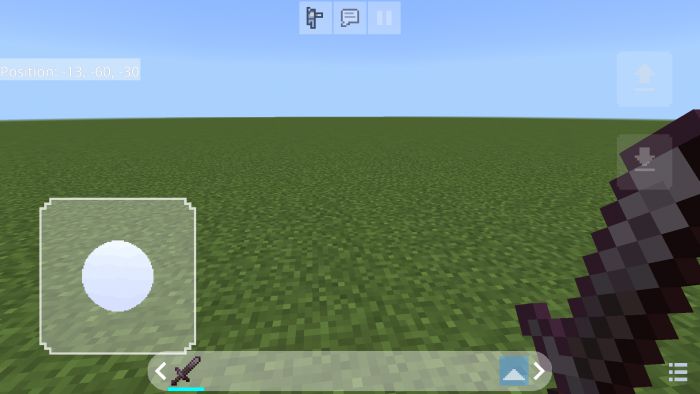
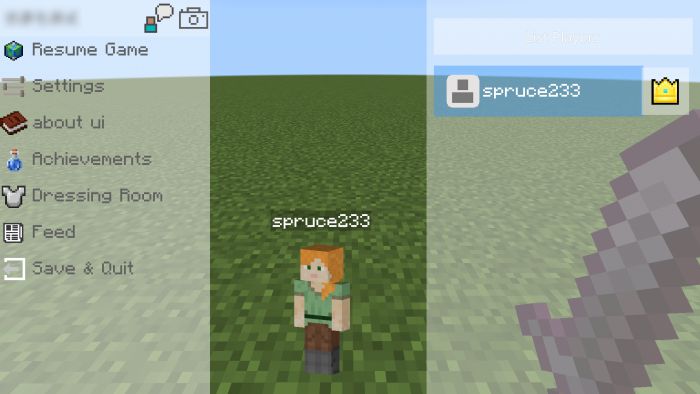
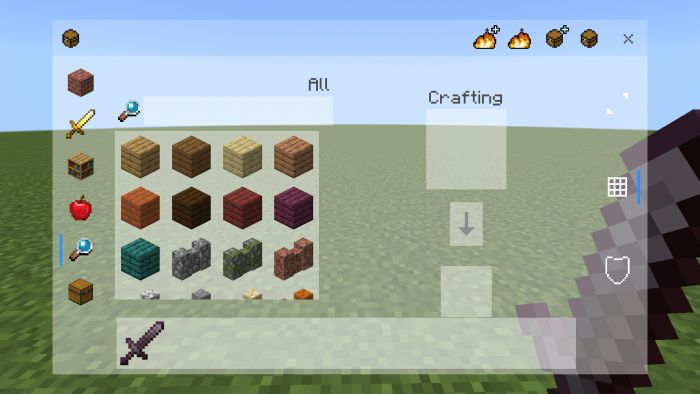
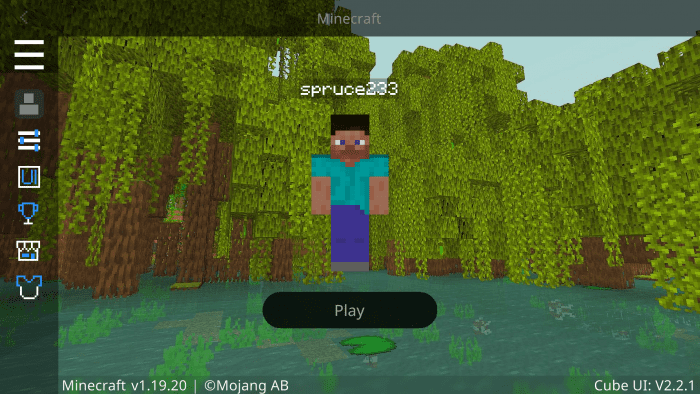
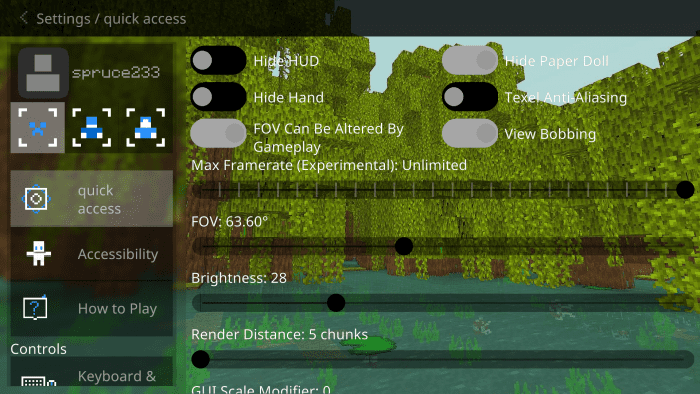
Cube UI Client is a concise and practical UI Texture Pack, it has a cleaner UI look than the vanilla UI and provides some new features on top of the original. You can use it on any device! (Make sure your Minecraft version is above version 1.18)
Features:
- Smooth animation
- Small memory footprint
- Convenience features
- Full coverage of the interface
- Add Max Framerate
- Add V-Sync
- Better UI
- And More!
How to setting Cube UI:
- Modify the ui/_global_variables.json file
- Remember to make changes according to the prompts in the file
Screenshots:
- Start screen
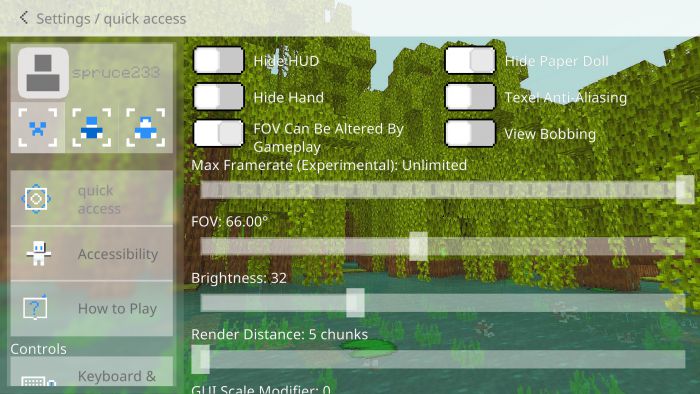
- Setting screen
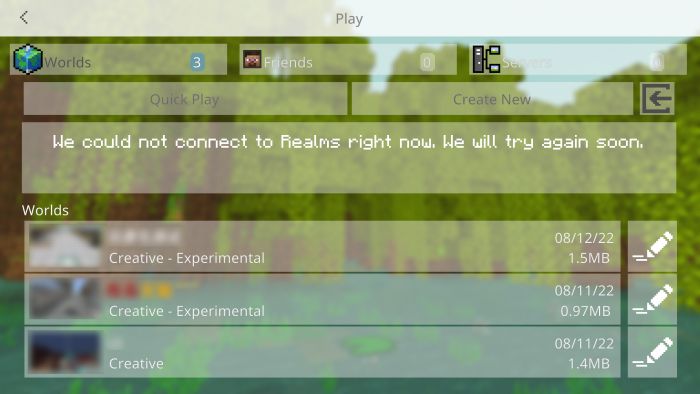
- Play screen
- HUD screen
- Pause screen
- Inventory screen
Dawn theme
- Think the background is too bright? Want to use Cube UI at night?
- Maybe the Dawn theme is for you!
- Note, however, that themes are sorted higher than Cube UI!
Installation Note:
- Open the download path and find the file
- Select the Cube UI.mcpack file and open it with Minecraft
- Wait for the prompt to succeed
Activation resource:
- Minecraft -> setting -> global resources -> Cube UI -> activation
Cube UI Client Download Links
You may also like
For Minecraft PE/Bedrock 1.20
CUBE UI: Download from Server 1 – Download from Server 2
CUBE UI – Dawn Theme: Download from Server 1 – Download from Server 2
For Minecraft PE/Bedrock 1.19
CUBE UI: Download from Server 1 – Download from Server 2
CUBE UI – Dawn Theme: Download from Server 1 – Download from Server 2
- Edition: Minecraft Bedrock
- File type: .mcpack
- Minecraft versions listed: 1.21, 1.20, 1.18
- How to install: Download the .mcpack. → Open it — Minecraft imports it under Resource Packs. → Activate it in Global Resources, or for one world under Resource Packs → Available.
- Where to get it: In MCModsHub, or directly above on this page.
Install steps are the general flow for this file type — How to install Minecraft Bedrock texture packs walks through it step by step.
- Pack type: .mcpack — a single pack
- Manifest requires Minecraft 1.16.0 or newer
- Complete pack — everything it depends on is inside the file
- Download link checked 17 Jun 2026 — working
- Mirrored on our own servers — the download does not depend on the original host
These come from our own check of the pack file, not from the source page.