
Better Skyboxes: AIO Texture Pack (1.20, 1.19) – MCPE/Bedrock
Bedrock texture pack listed for Minecraft 1.2–1.20. File opened and checked on 20 Sep 2026; installs from the MC Bedrock Mods app on Android.
⬇ Download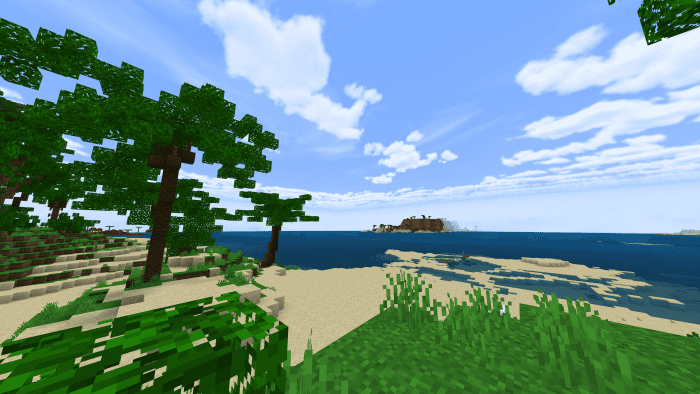
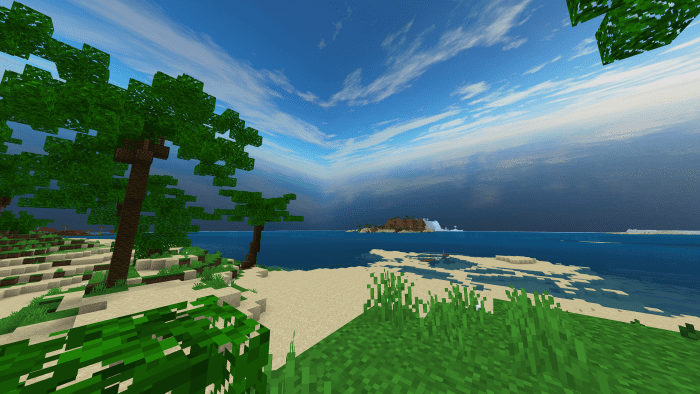
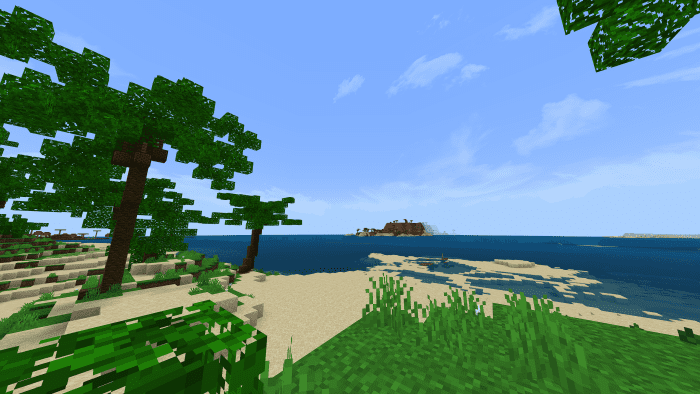
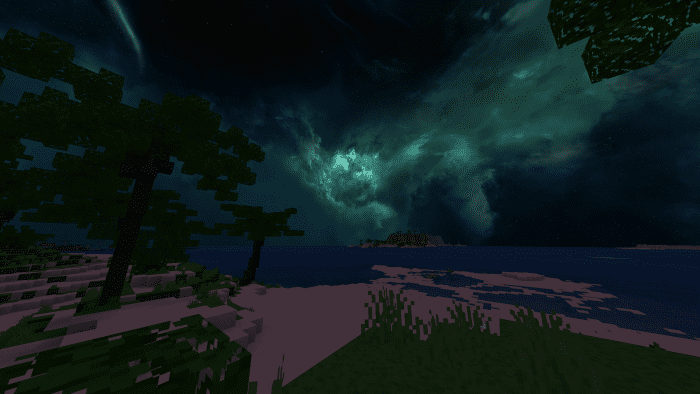
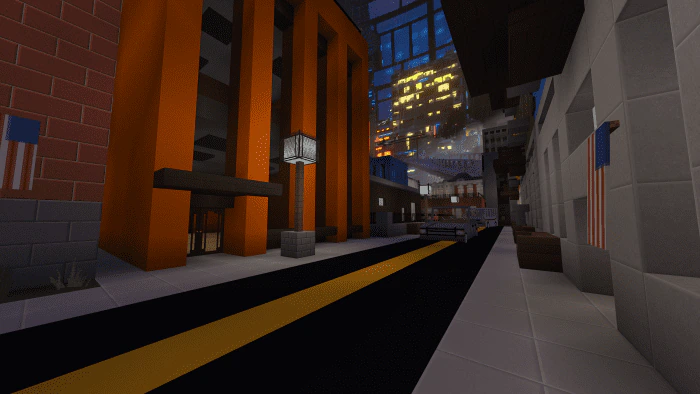
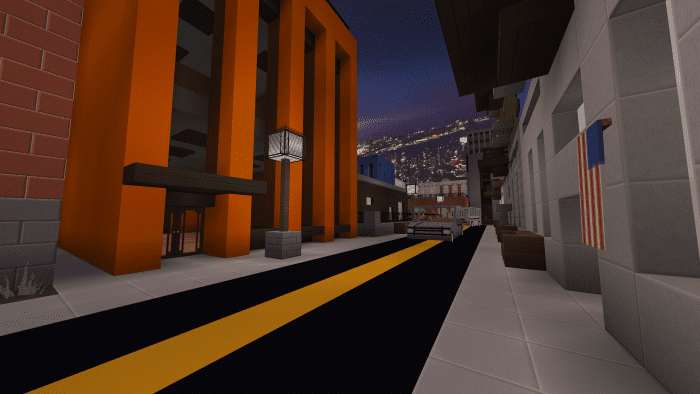
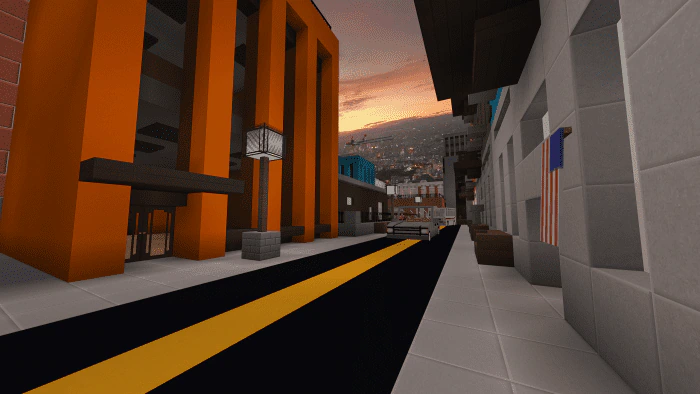
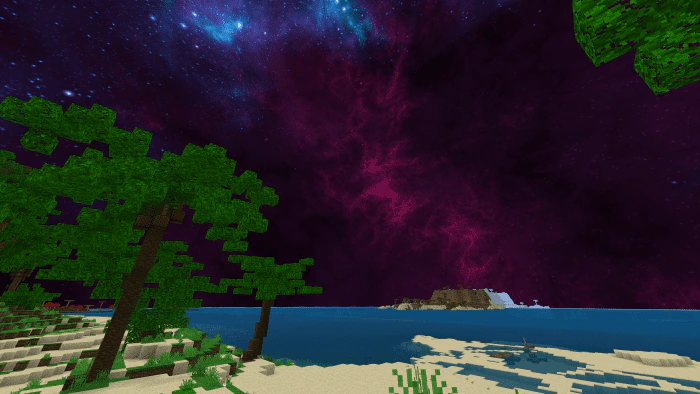
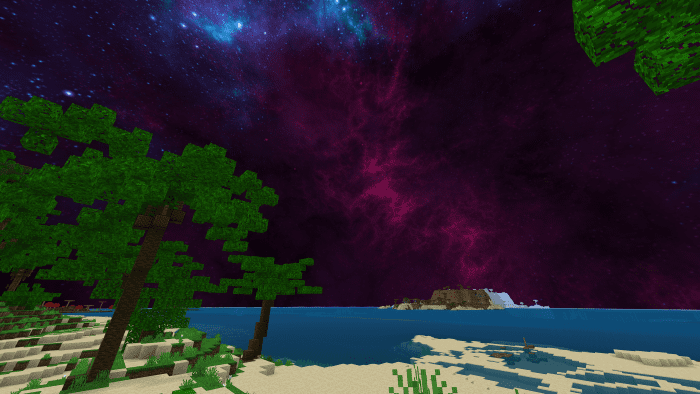
Enjoy 20 new skyboxes in the game with Better Skyboxes: AIO Texture Pack, and look forward to more skyboxes in future updates. You can switch between different skyboxes by choosing from the subpacks! The three categories of skyboxes are: Realistic, City & Styled
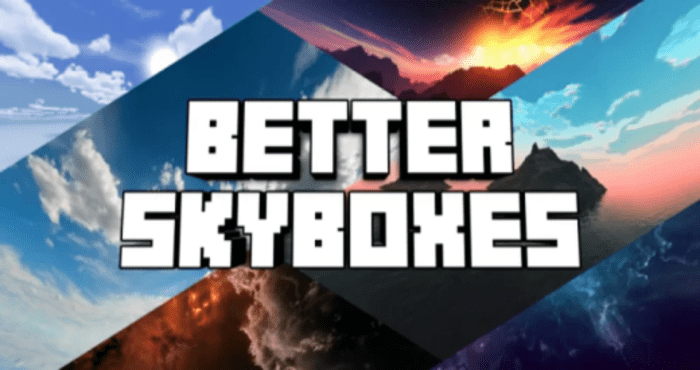
Screenshots:
Realistic Skyboxes
- Realistic Sky 1
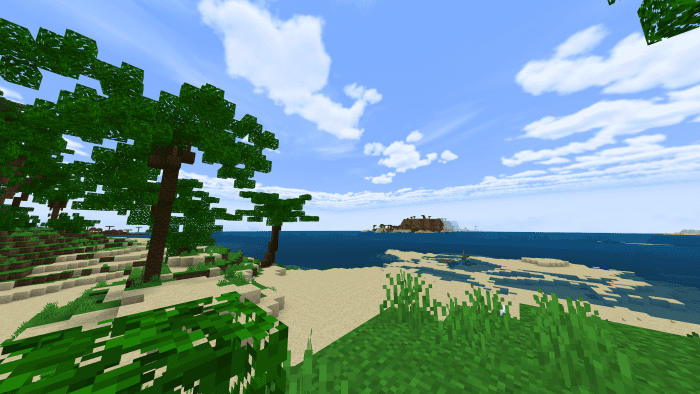
- Realistic Sky 2
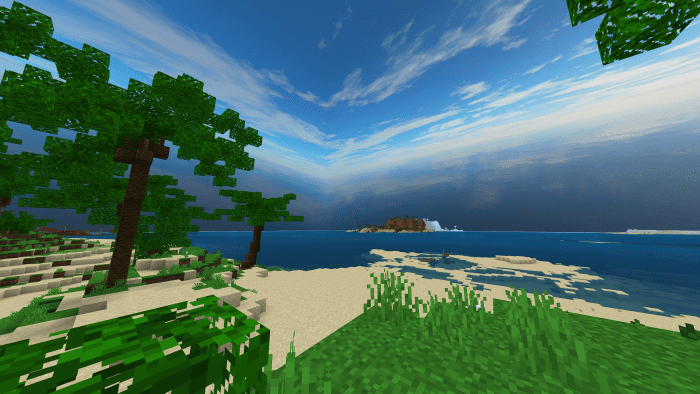
- Realistic Sky 4
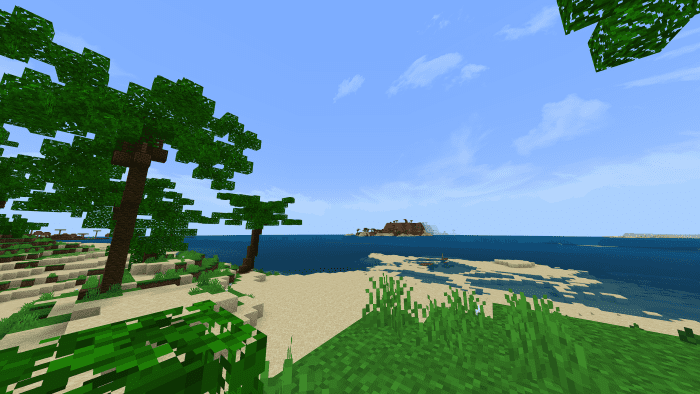
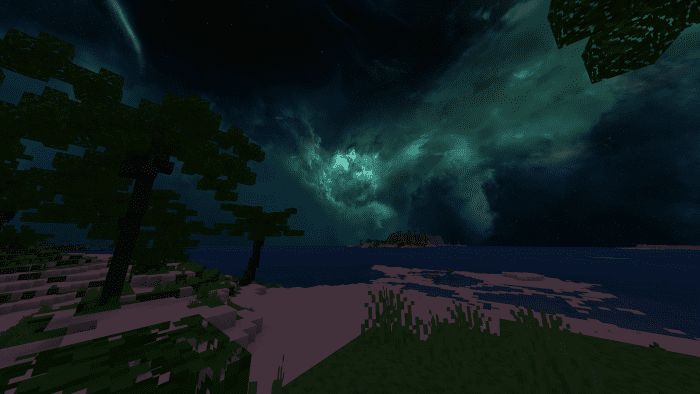
- Cloudy Aroura
City Skyboxes
- Cyberpunk
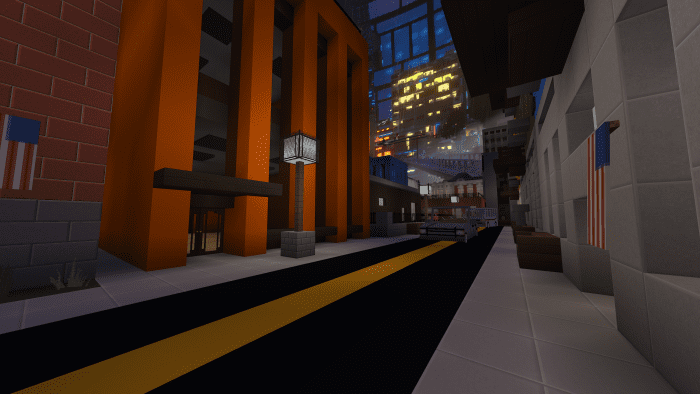
- New York
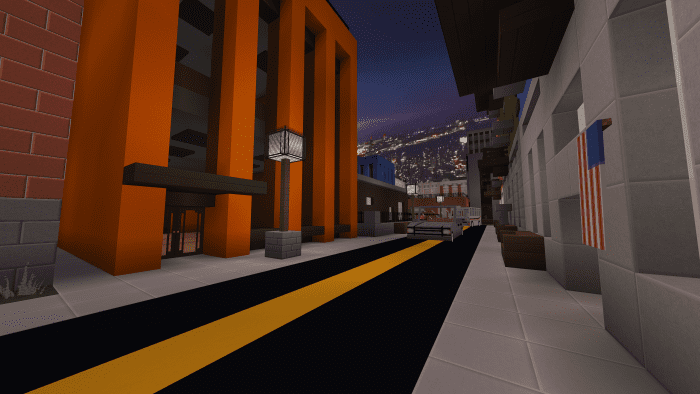
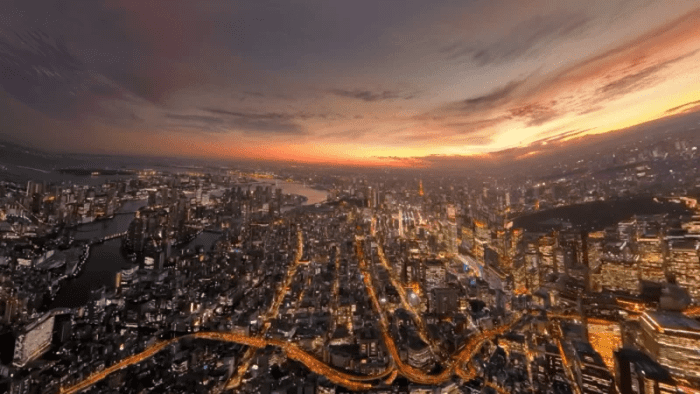
- Tokyo
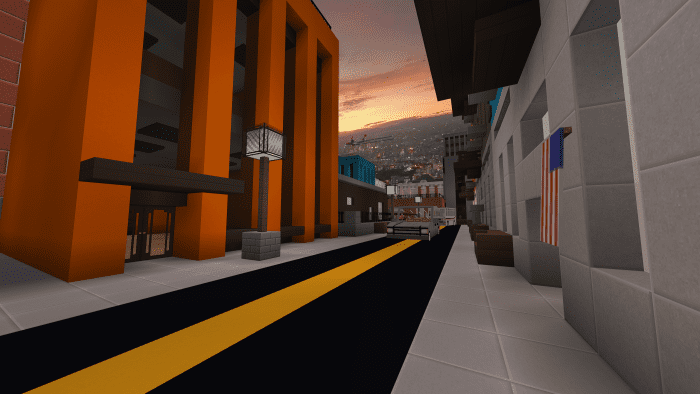
Stylized Skyboxes
- Galactic
Cyberpunk
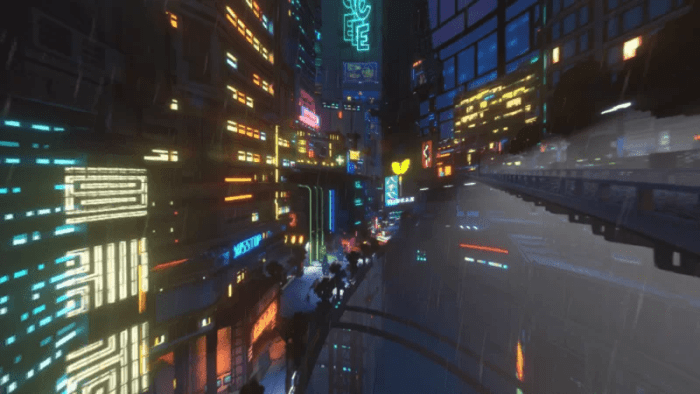
New York

Tokyo
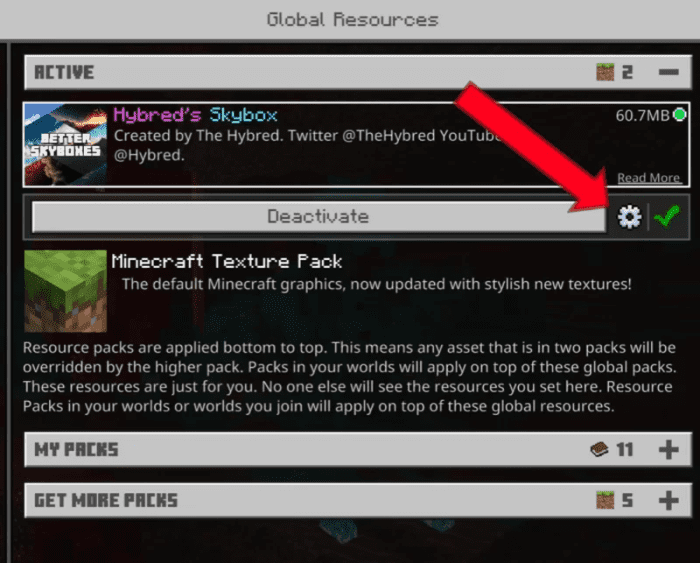
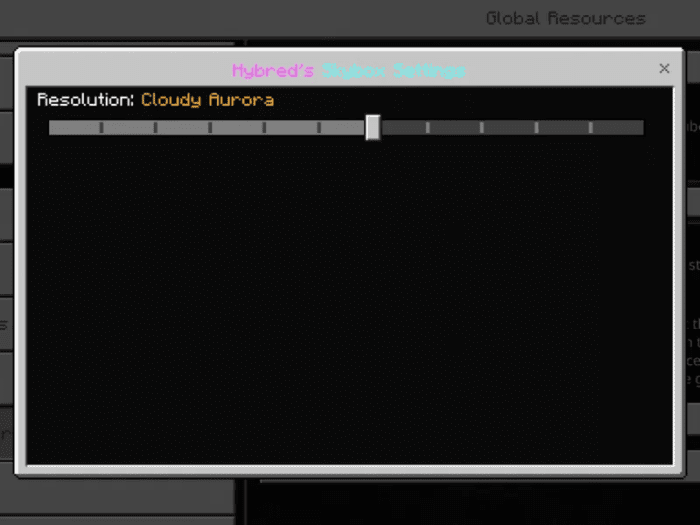
How To Change Skybox:
Installation Note:
- Playstation: Install the pack on your world/realm from your PC or phone then join on your console.
Better Skyboxes: AIO Texture Pack Download Links
For Minecraft PE/Bedrock 1.20
Realistic Sky: Download from server 1 – Download from server 2
City Sky: Download from server 1 – Download from server 2
For Minecraft PE/Bedrock 1.19
mcpack: Download from server 1 – Download from server 2
- Edition: Minecraft Bedrock
- File type: .mcpack
- Minecraft versions listed: 1.20, 1.19
- How to install: Download the .mcpack. → Open it — Minecraft imports it under Resource Packs. → Activate it in Global Resources, or for one world under Resource Packs → Available.
- Where to get it: In MCModsHub, or directly above on this page.
Install steps are the general flow for this file type — How to install Minecraft Bedrock texture packs walks through it step by step.
- Pack type: .mcpack — a single pack
- Manifest requires Minecraft 1.2.6 or newer
- Complete pack — everything it depends on is inside the file
- Download size: 16.7 MB
- Download link checked 17 Jun 2026 — working
- Mirrored on our own servers — the download does not depend on the original host
These come from our own check of the pack file, not from the source page.