Cherry UI Pack (1.20, 1.19) – MCPE/Bedrock
Bedrock texture pack listed for Minecraft 1.16–1.20. File opened and checked on 7 Oct 2026; installs from the MC Bedrock Mods app on Android.
⬇ Download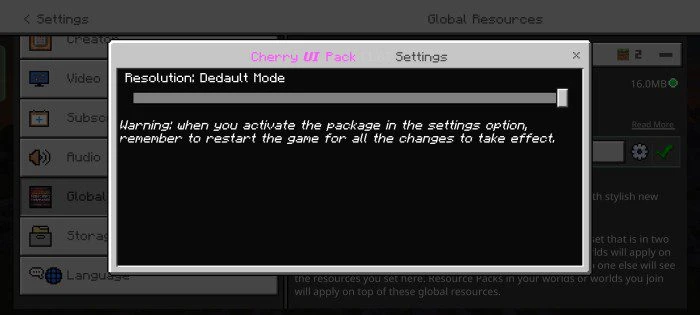
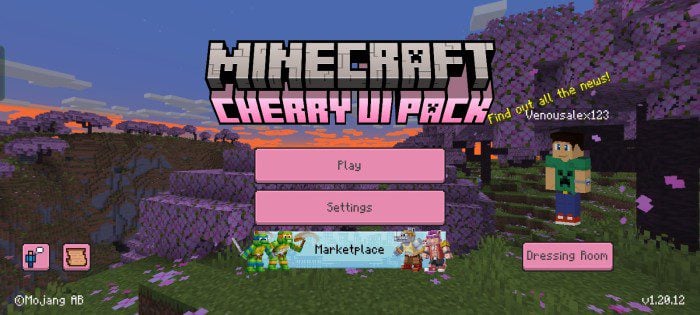
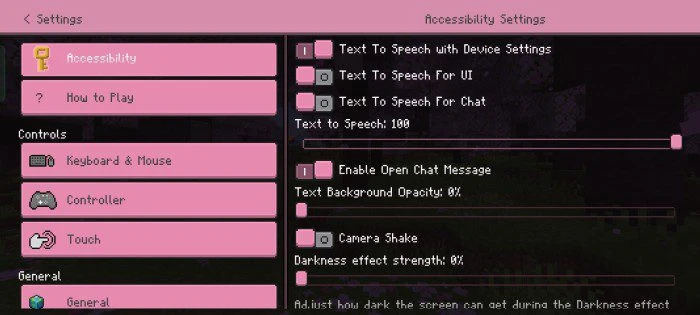
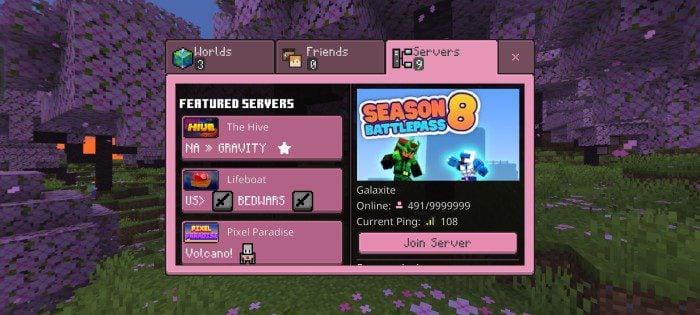
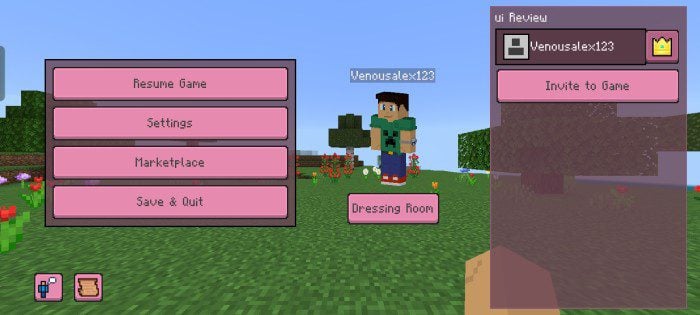
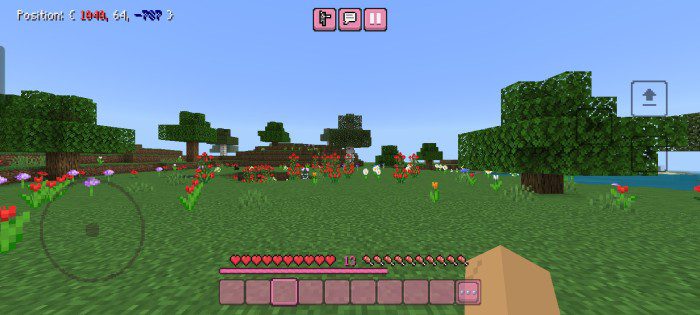
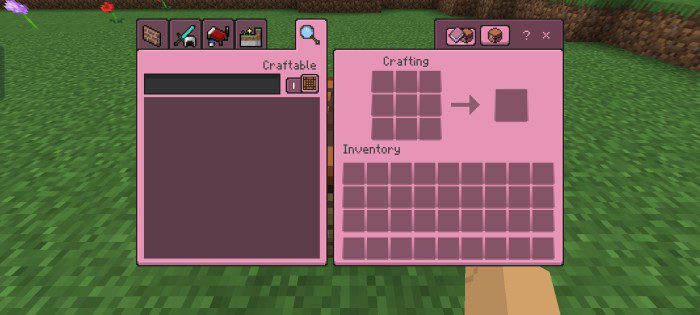
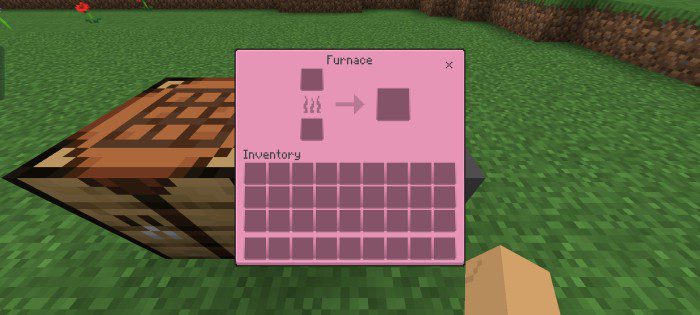
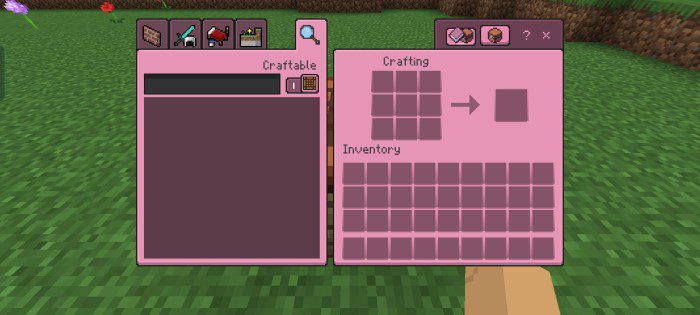
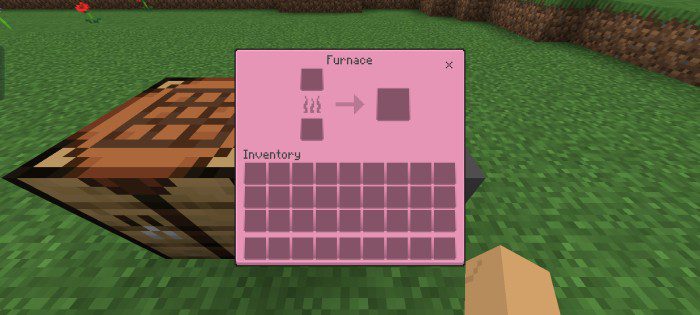
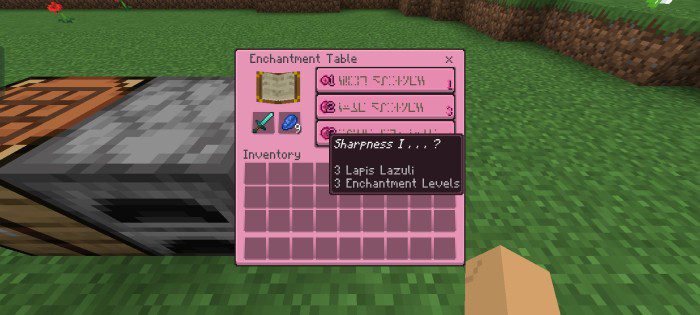
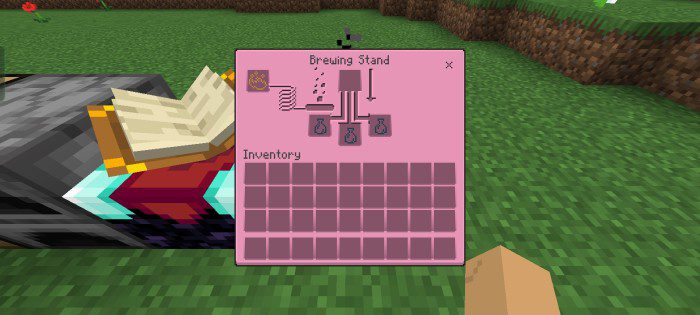
Do you want to change the dull gray color of your Minecraft with a more lively one? Are you looking for a colorful and updated interface that works with the latest version? Then you will enjoy this pack that upgrades the appearance of the Minecraft menus. Cherry UI Pack changes the boring gray color of your interface to a bright pink color that looks like cherry blossom petals. The pack will make your gameplay more comfortable and refreshing, whether you play in survival mode, creative mode, multiplayer mode or any other mode. You will see a new background color in the game menus and some extra details that will make your experience wonderful.
Screenshots:
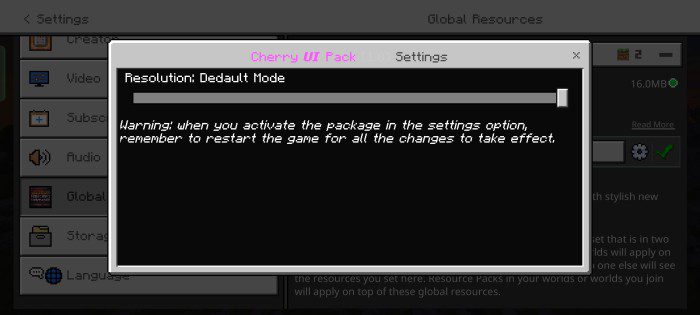
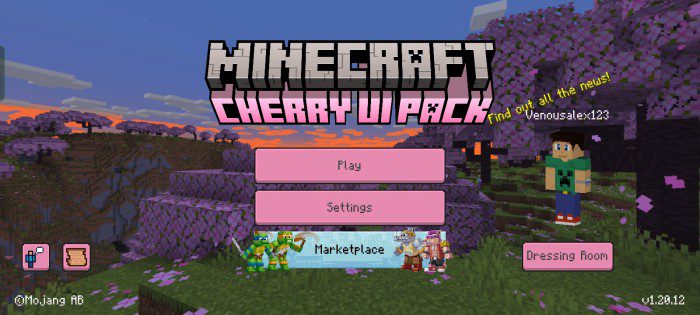
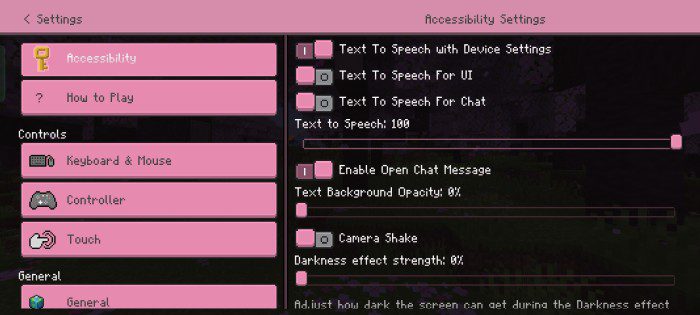
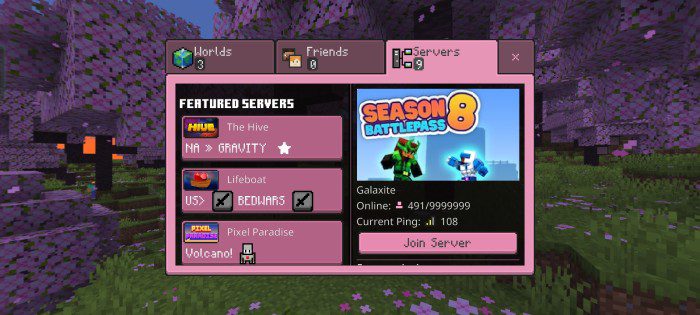
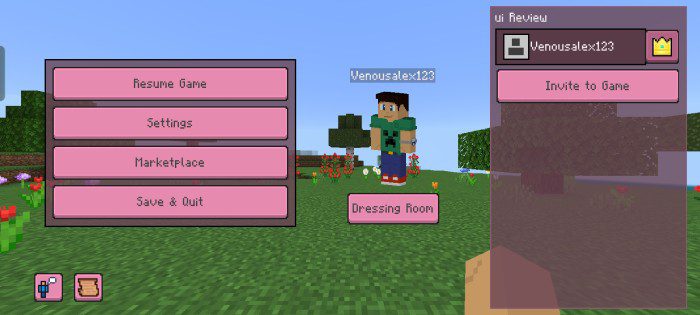
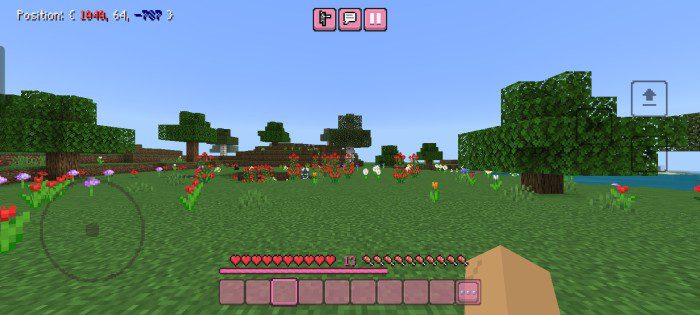
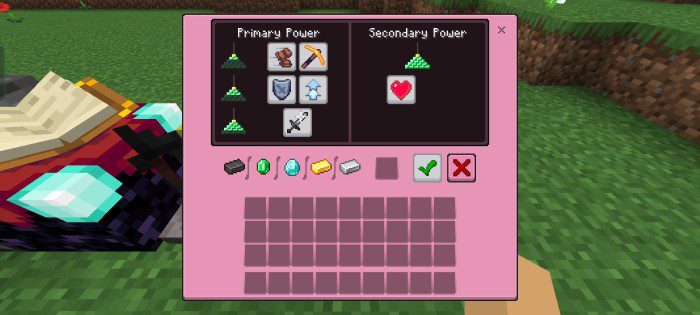
- Its main goal is to improve performance and add some plugins that will optimize your survival world.
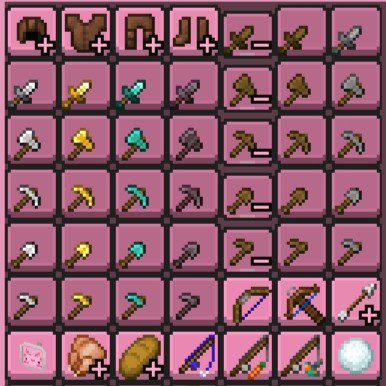
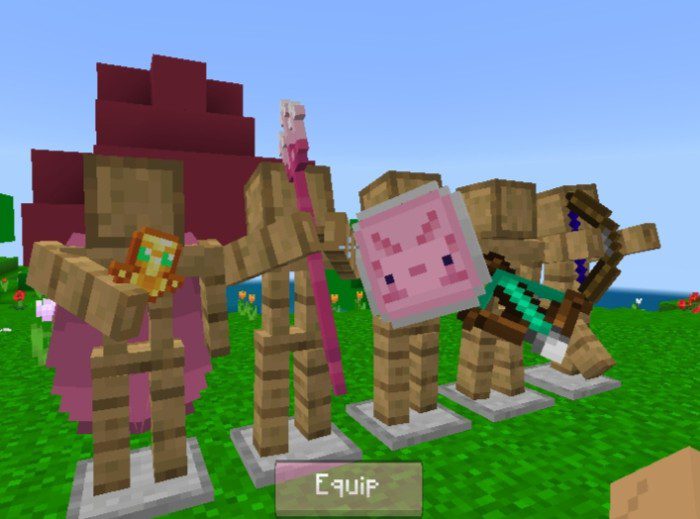
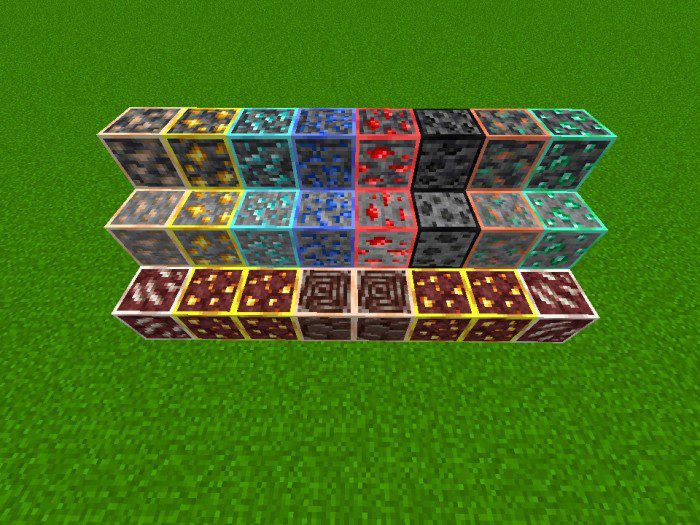
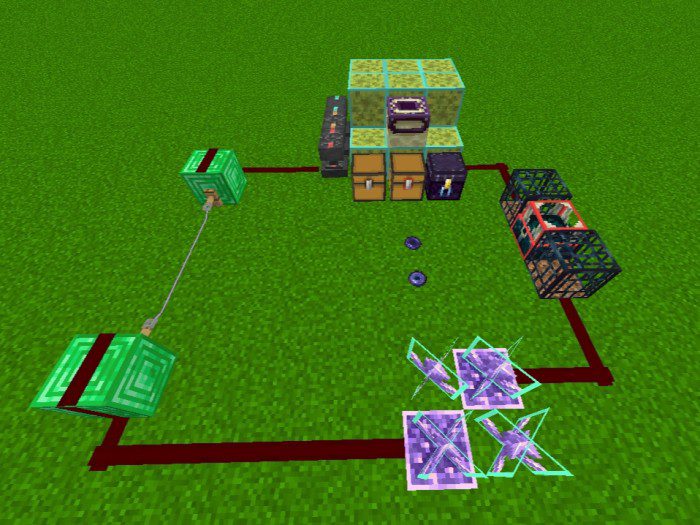
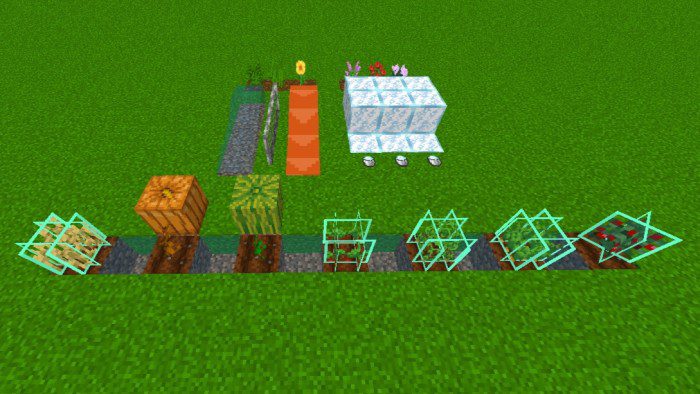
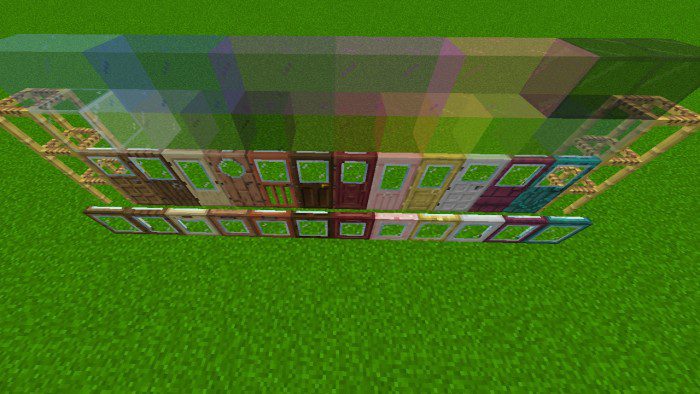
- The second mode includes the previous features, but also adds some textures that will assist you in your survival world, not only to spot crops or ores, but also to boost the game speed and make it clearer for the player, with some tweaks like mini tools or charge bars for bows and crossbows, removal of unwanted particles, fog to reduce chunk load, and many more things.
Installation Note:
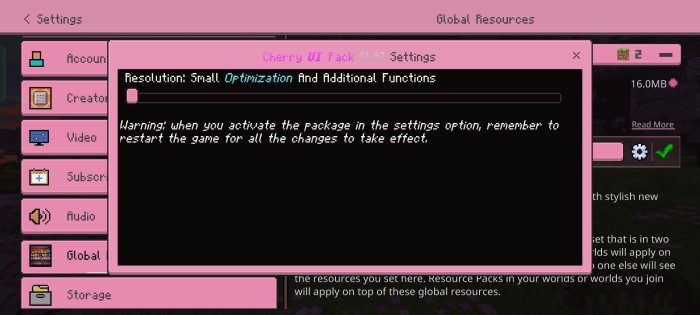
- If you activate the pack and some textures do not receive the change, please restart the game.
Cherry UI Pack Download Links
For Minecraft PE/Bedrock 1.20, 1.19
mcpack: Download from server 1 – Download from server 2
- Edition: Minecraft Bedrock
- File type: .mcpack
- Minecraft versions listed: 1.20, 1.19
- How to install: Download the .mcpack. → Open it — Minecraft imports it under Resource Packs. → Activate it in Global Resources, or for one world under Resource Packs → Available.
- Where to get it: In MCModsHub, or directly above on this page.
Install steps are the general flow for this file type — How to install Minecraft Bedrock texture packs walks through it step by step.
- Pack type: .mcpack — a single pack
- Manifest requires Minecraft 1.16.0 or newer
- Complete pack — everything it depends on is inside the file
- Download size: 15.7 MB
- Download link checked 17 Jun 2026 — working
- Mirrored on our own servers — the download does not depend on the original host
These come from our own check of the pack file, not from the source page.