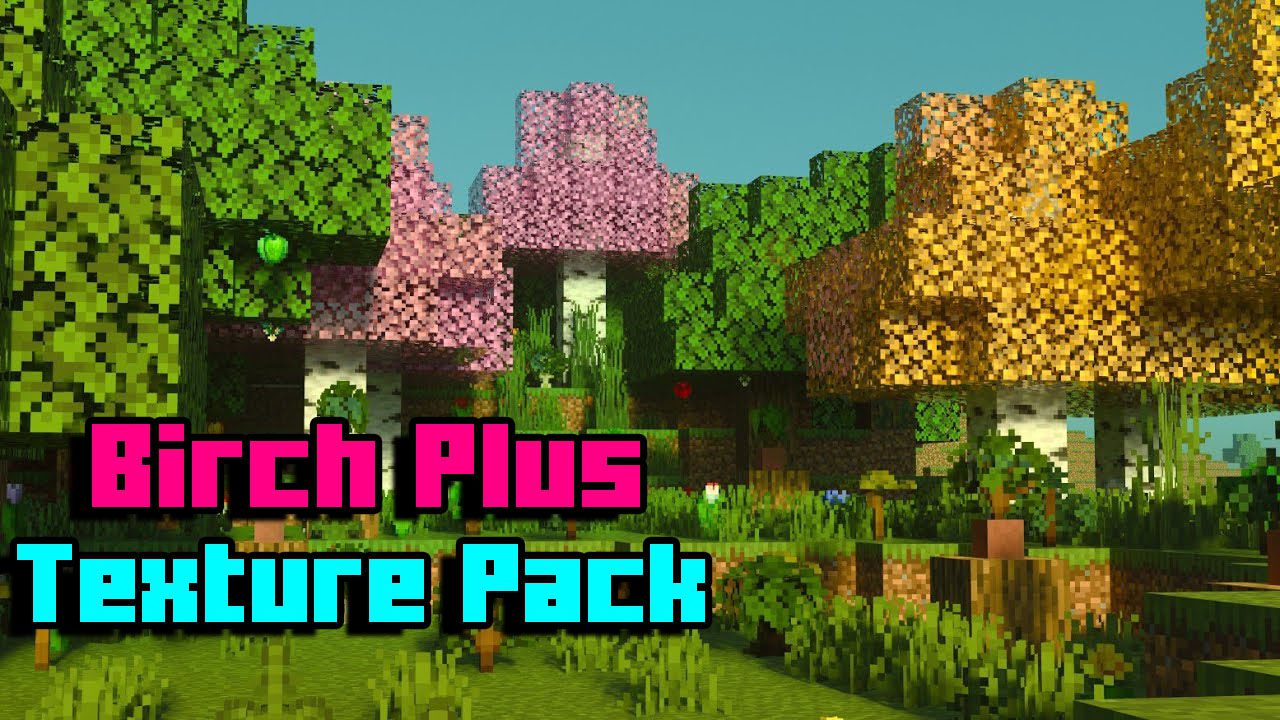
Birch Plus+ Texture Pack (1.20, 1.19) – MCPE/Bedrock
Bedrock texture pack listed for Minecraft 1.2–1.20. File opened and checked on 3 Oct 2026; installs from the MC Bedrock Mods app on Android.
⬇ Download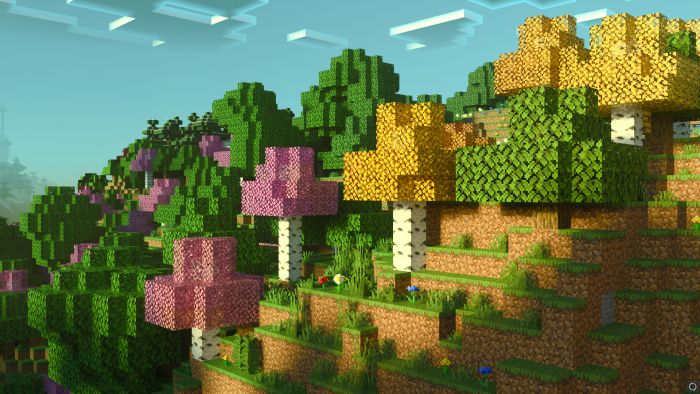
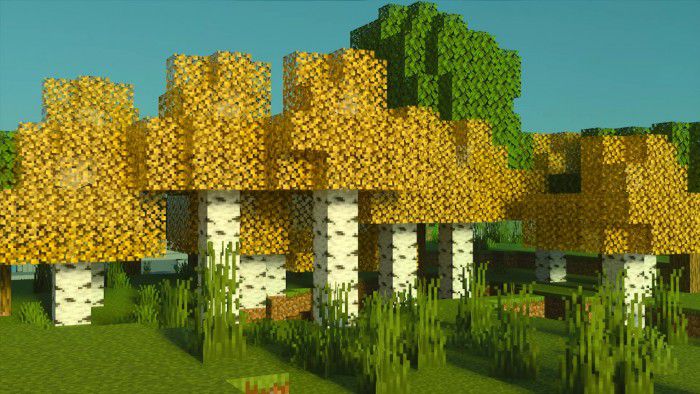
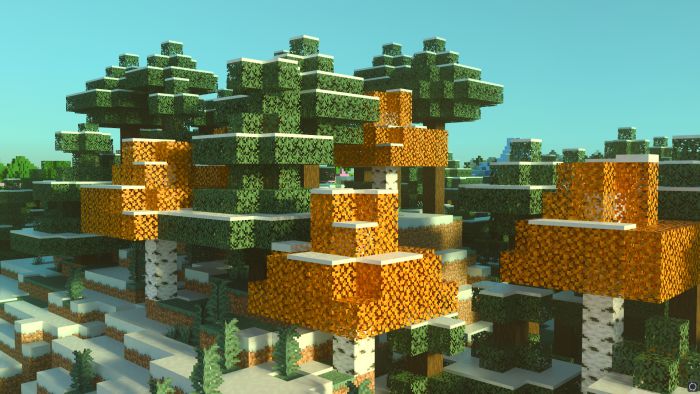
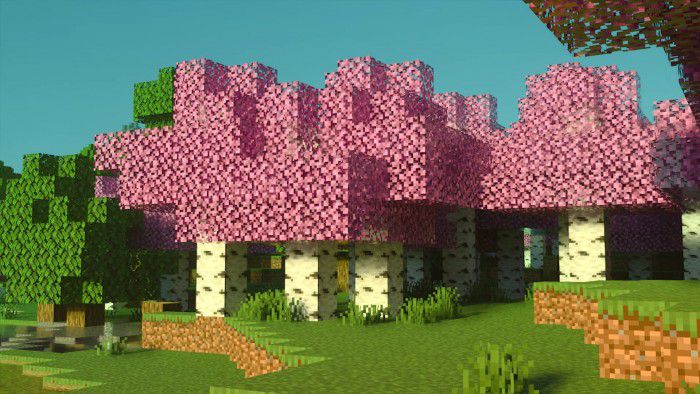
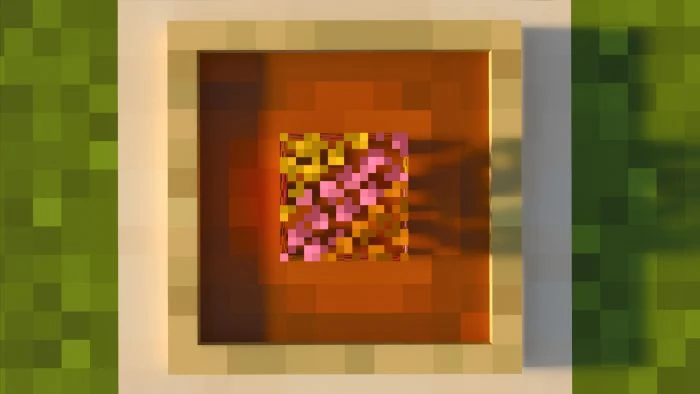
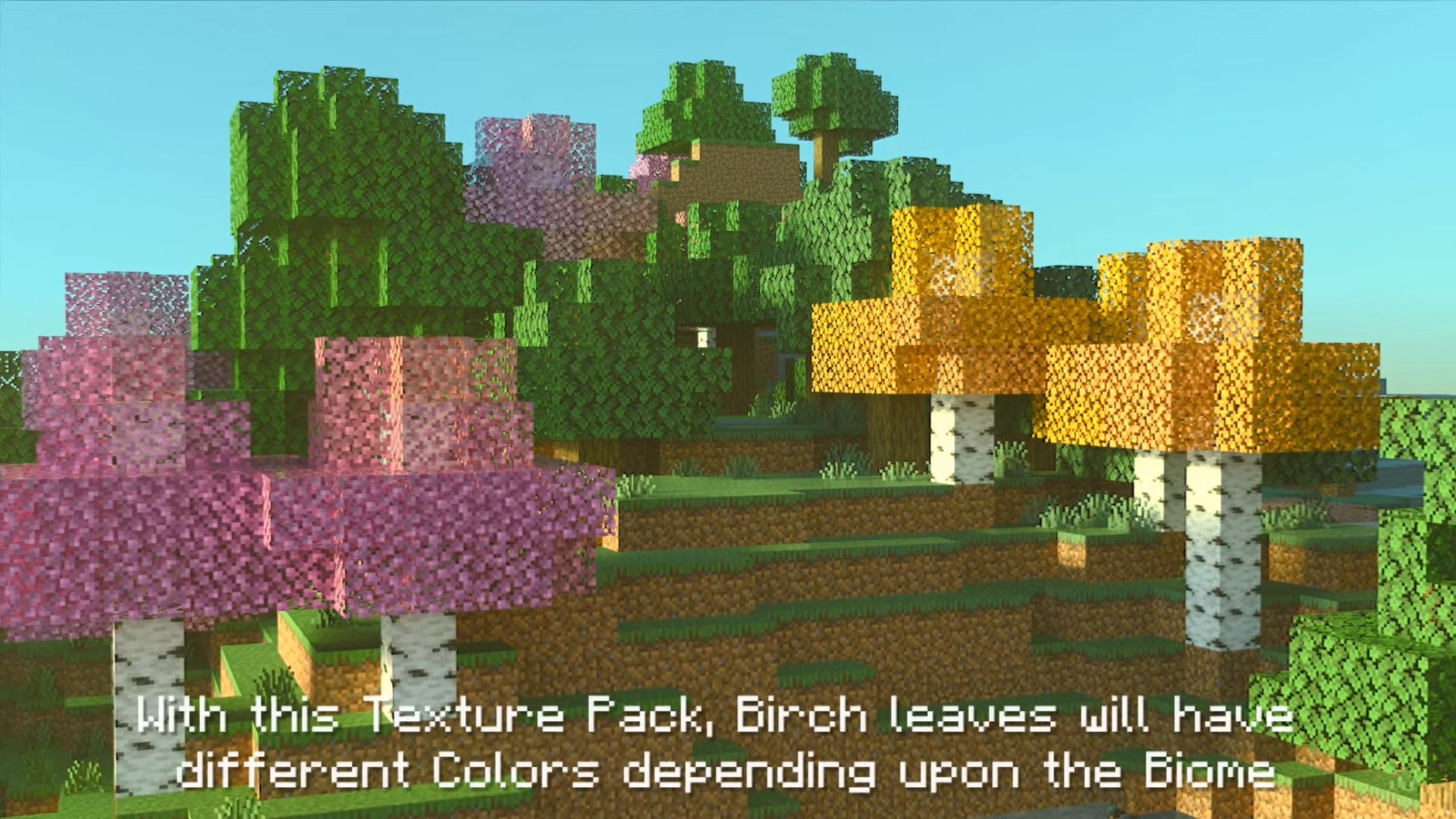
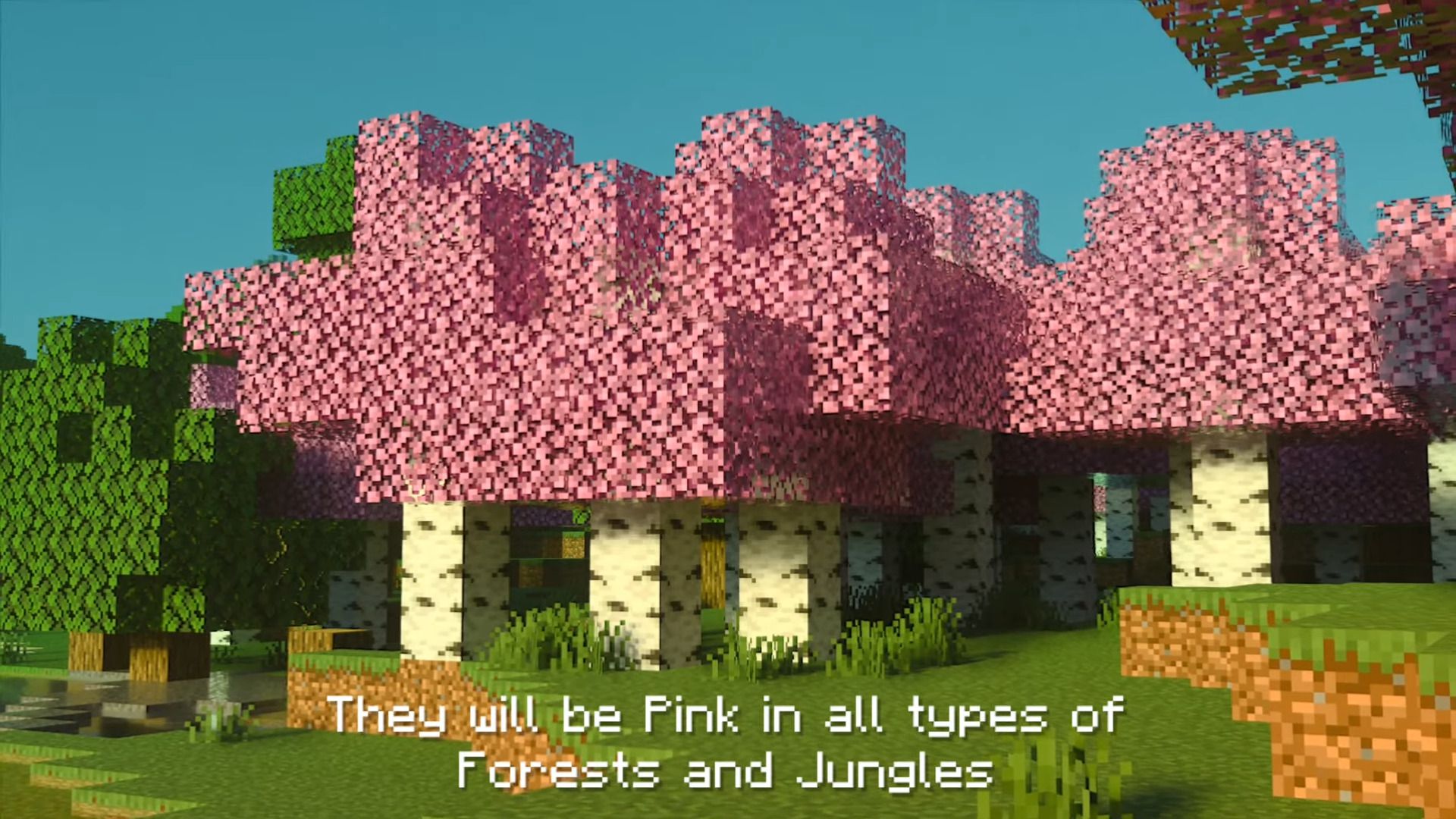
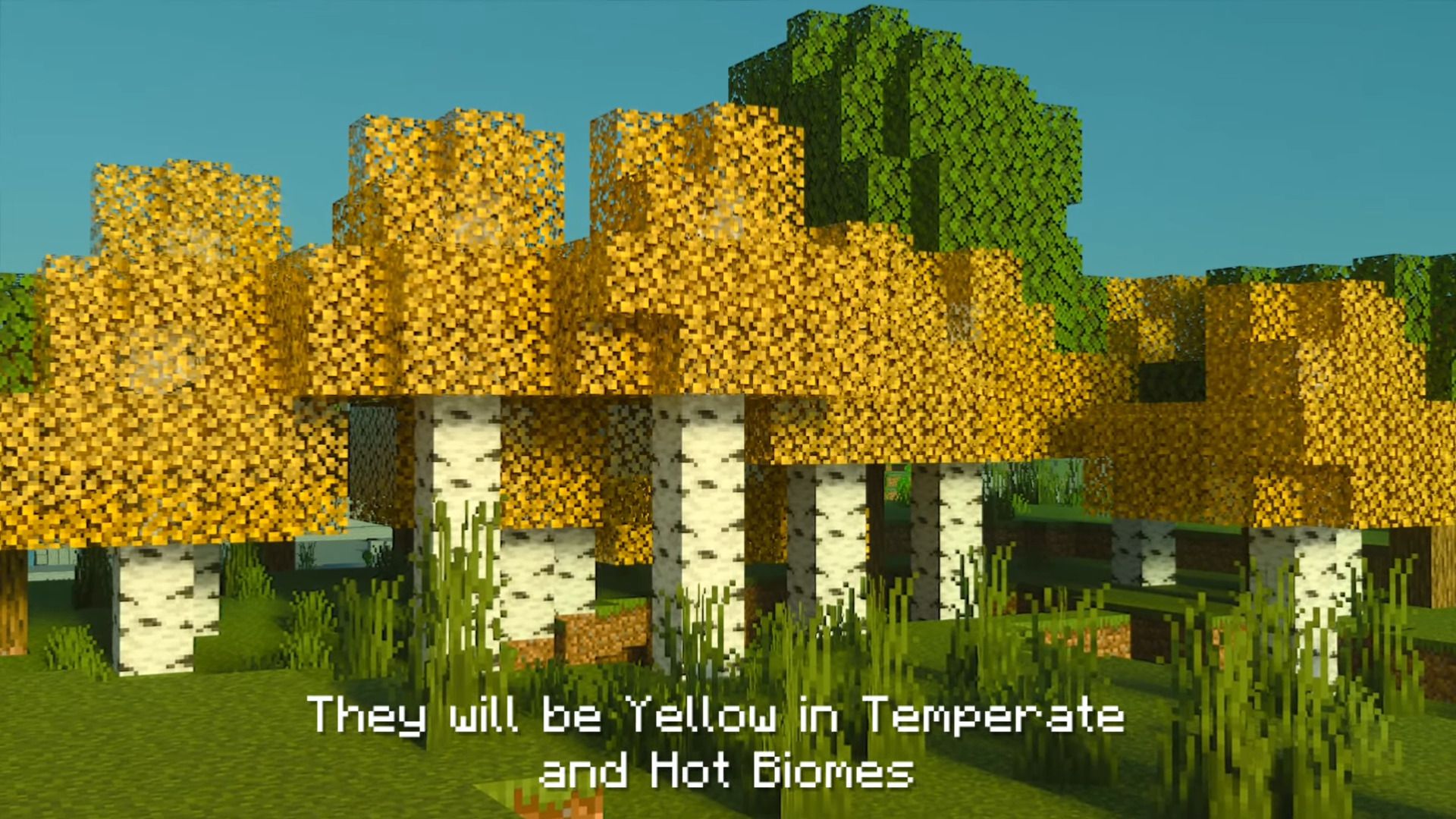
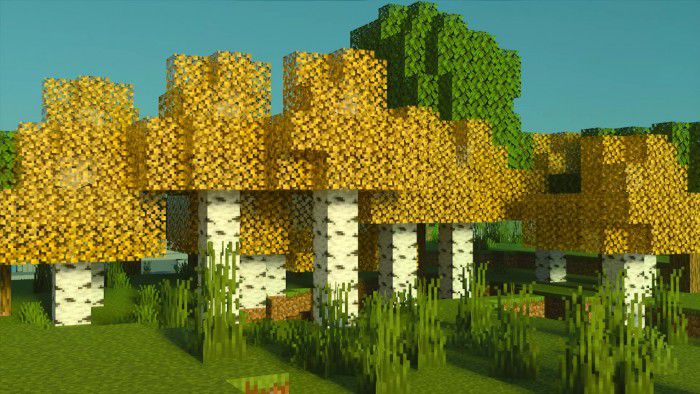
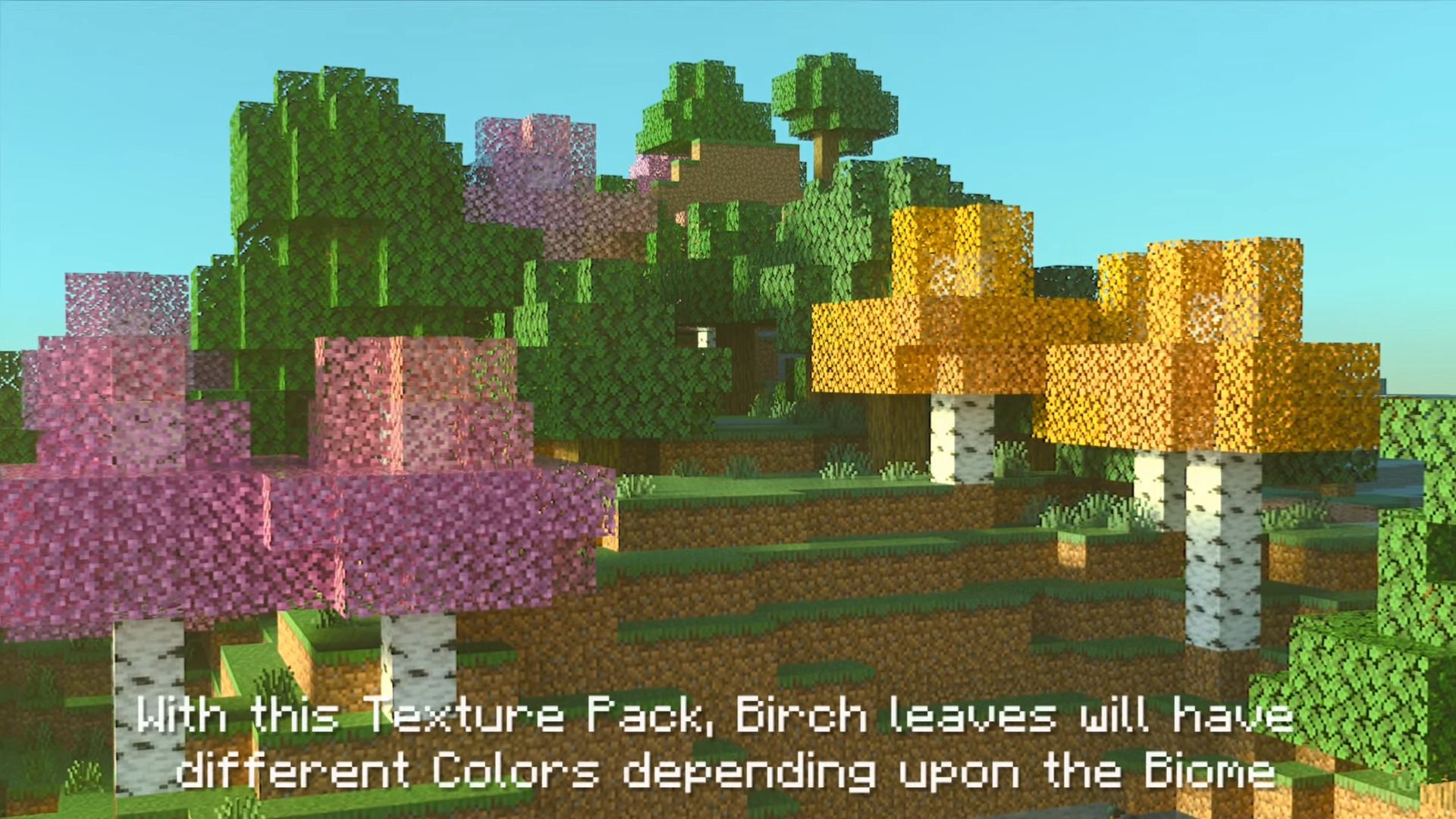
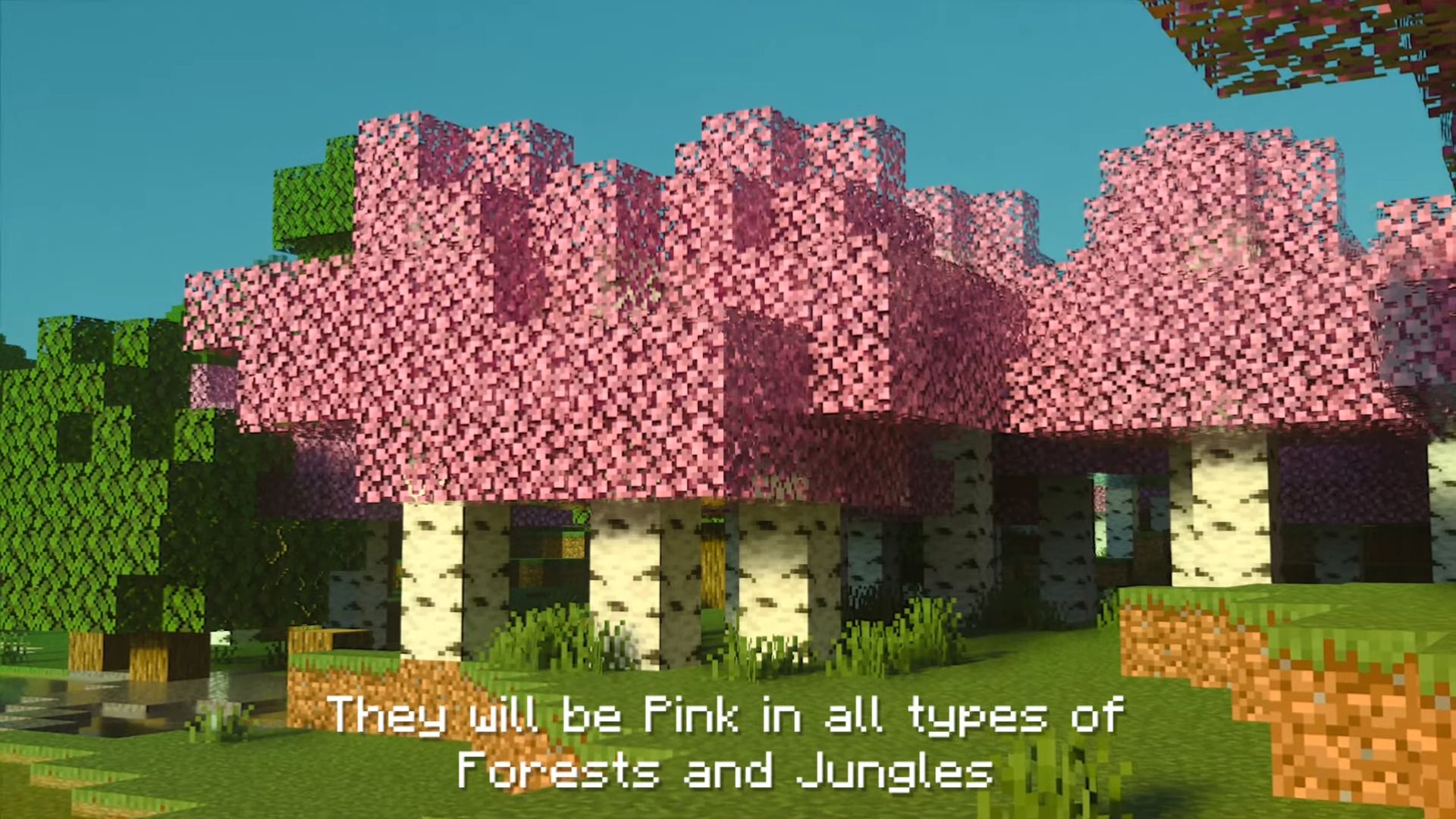
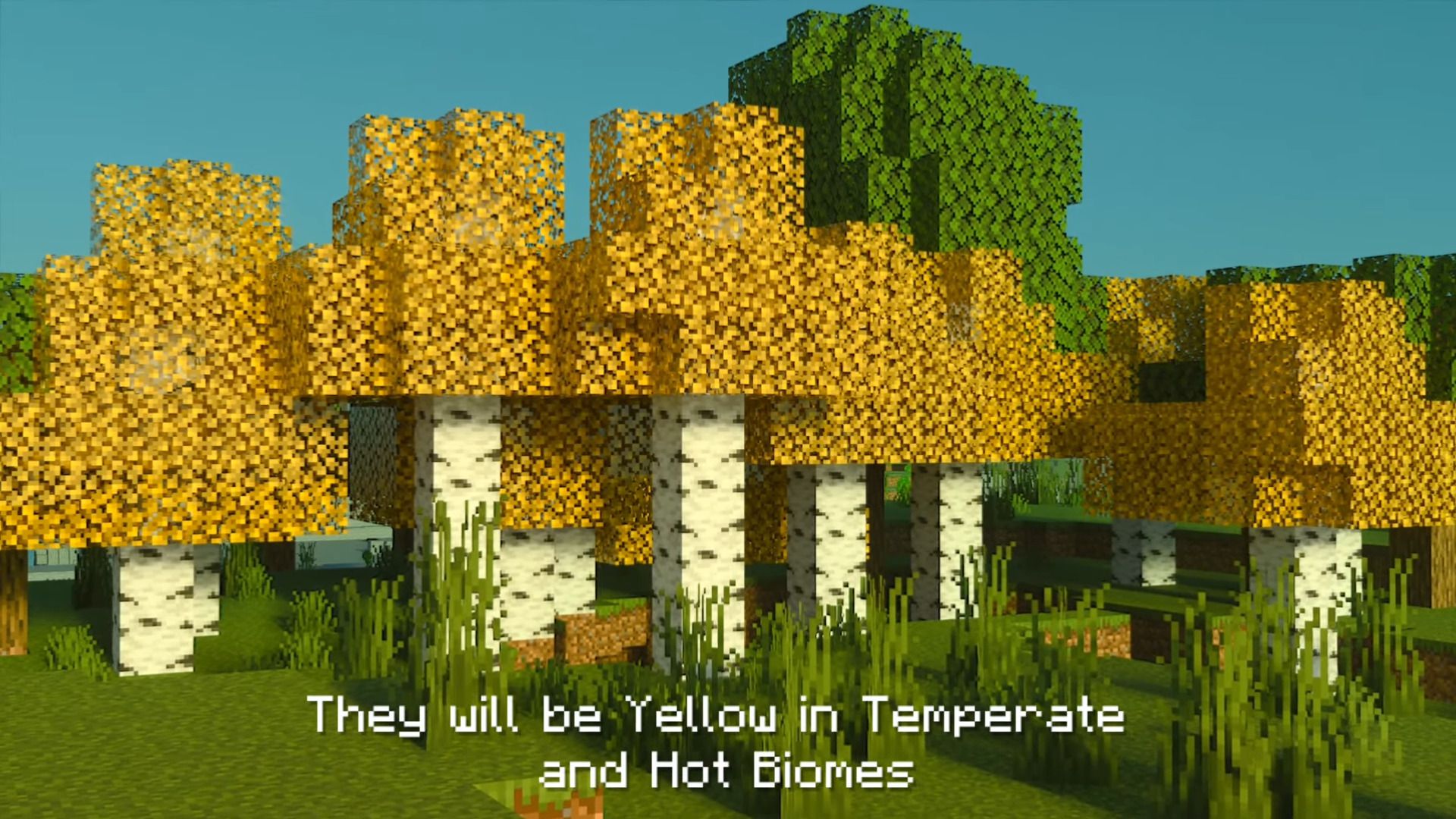
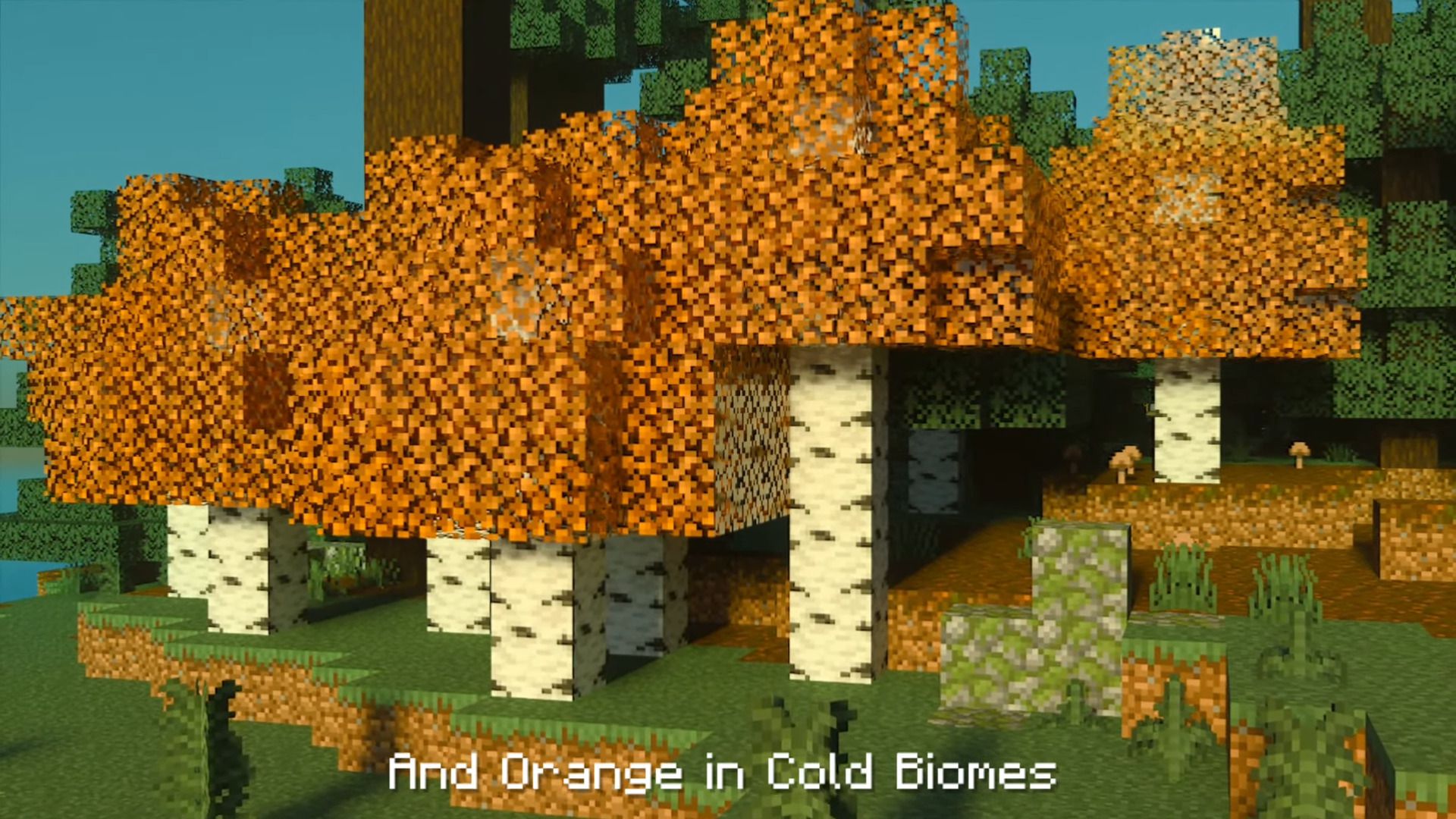
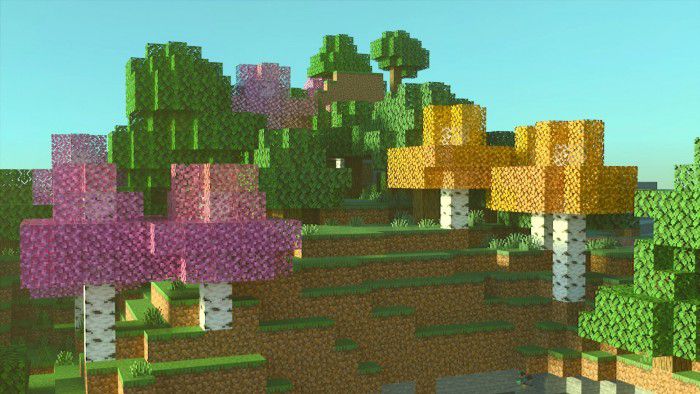
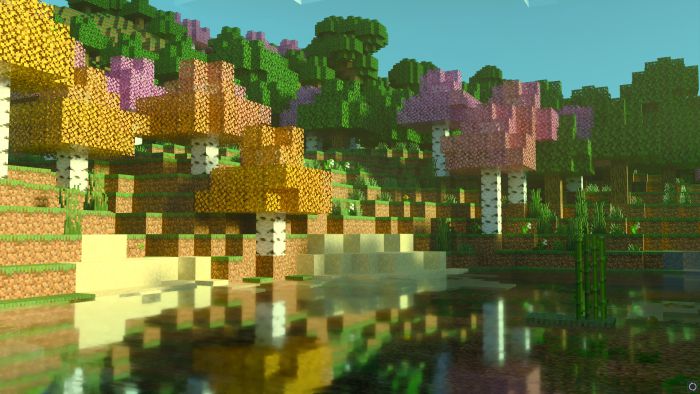
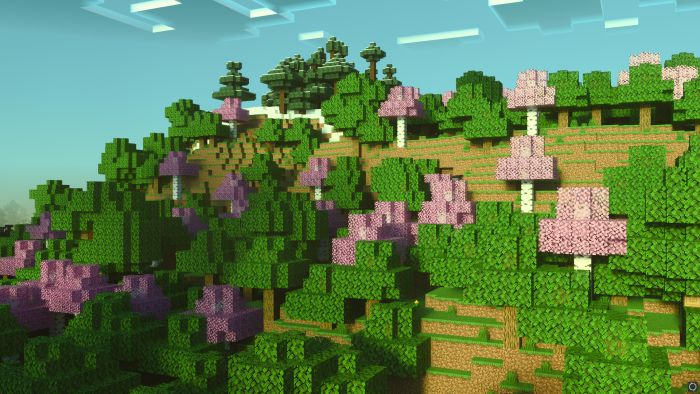
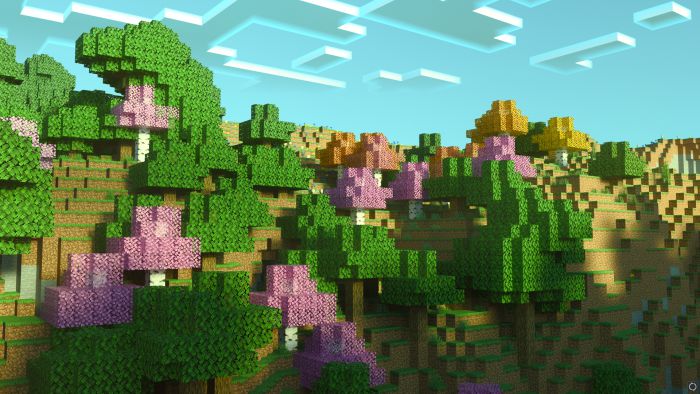
Birch Plus+ Texture Pack will make Birch leaves turn Pink in certain biomes while in some other biomes, they will be Yellow and in some, they will be Orange. With this texture pack, Birch leaves will have different colors depending on the biomes. They will be Pink in all types of Forests and Jungles, they will be Yellow in Temperate and Hot Biomes and Orange in Cold Biomes. This small change will surely make your world more colorful!
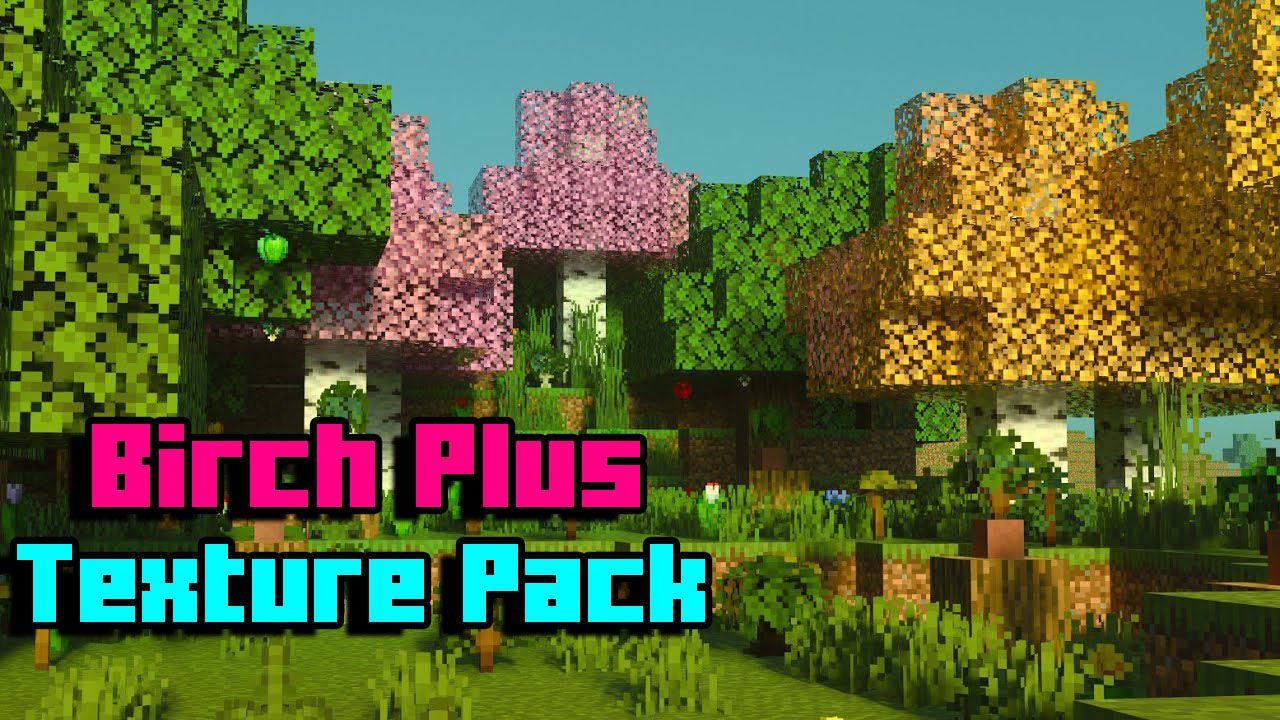
Features:
Yellow Birch:
Birch leaves will be Yellow or Golden in the following biomes:
- Plains+ Sunflower Plains
- Beach+ Gravel Beach+ Cold Beach+ Stone Beach
- Desert+ Savanna+ Mesa
- Mushroom Island+ Mushroom Island Shore
- River+ Ocean+ Deep Ocean
- Extreme Hills
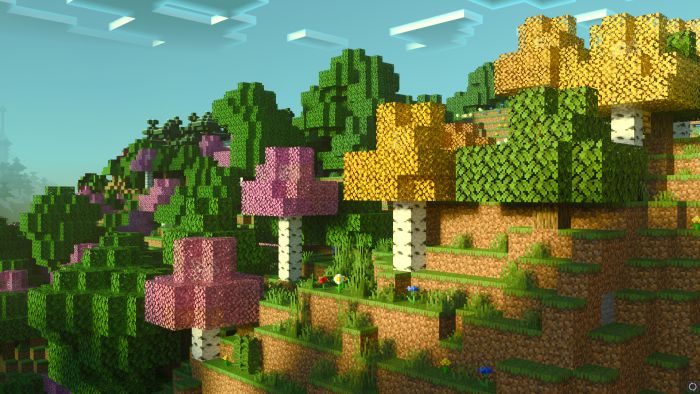
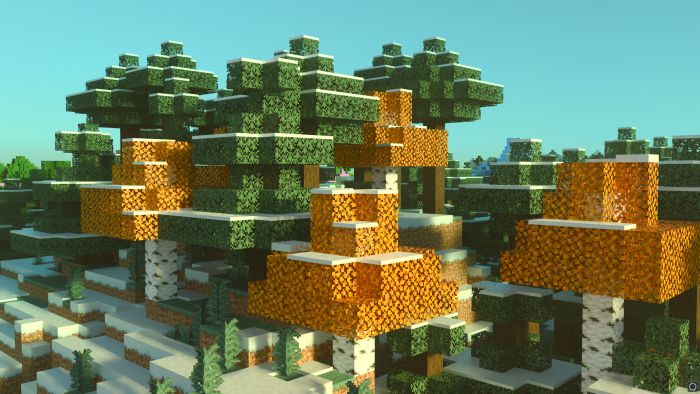
Orange Birch:
Birch leaves will be Orange or Autumn colored in the following biomes:
- Taiga+ Mega Taiga+ Spruce Taiga+ Cold Taiga
- Frozen River+ Frozen Ocean
- Ice Plains
- Ice Mountains
Pink Birch:
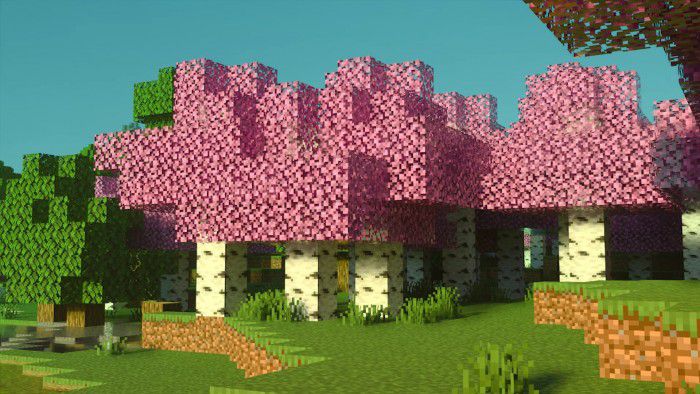
Birch leaves will be Pink or Sakura colored in the following biomes:
- Forest+ Flower Forest+ Roofed Forest
- Jungle+ Jungle Edge
- Birch Forest
- Swamp+ Mangroove Swamp
- Any other biome not mentioned on this page
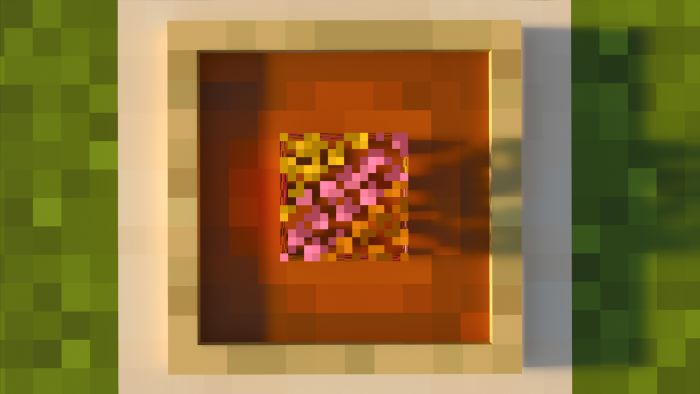
Block Item:
Screenshots:
Birch Plus+ Texture Pack Download Links
For Minecraft PE/Bedrock 1.20
mcpack: Download from server 1 – Download from server 2
For Minecraft PE/Bedrock 1.19
mcpack: Download from server 1 – Download from server 2
- Edition: Minecraft Bedrock
- File type: .mcpack
- Minecraft versions listed: 1.20, 1.19
- How to install: Download the .mcpack. → Open it — Minecraft imports it under Resource Packs. → Activate it in Global Resources, or for one world under Resource Packs → Available.
- Where to get it: In MCModsHub, or directly above on this page.
Install steps are the general flow for this file type — How to install Minecraft Bedrock texture packs walks through it step by step.
- Pack type: .mcpack — a single pack
- Manifest requires Minecraft 1.2.6 or newer
- Complete pack — everything it depends on is inside the file
- Download link checked 17 Jun 2026 — working
- Mirrored on our own servers — the download does not depend on the original host
These come from our own check of the pack file, not from the source page.